



Using ClickView
Discover
Learn smart ways to search, browse, and filter to find the perfect educational videos. Tips for subjects, year levels, and keywords.
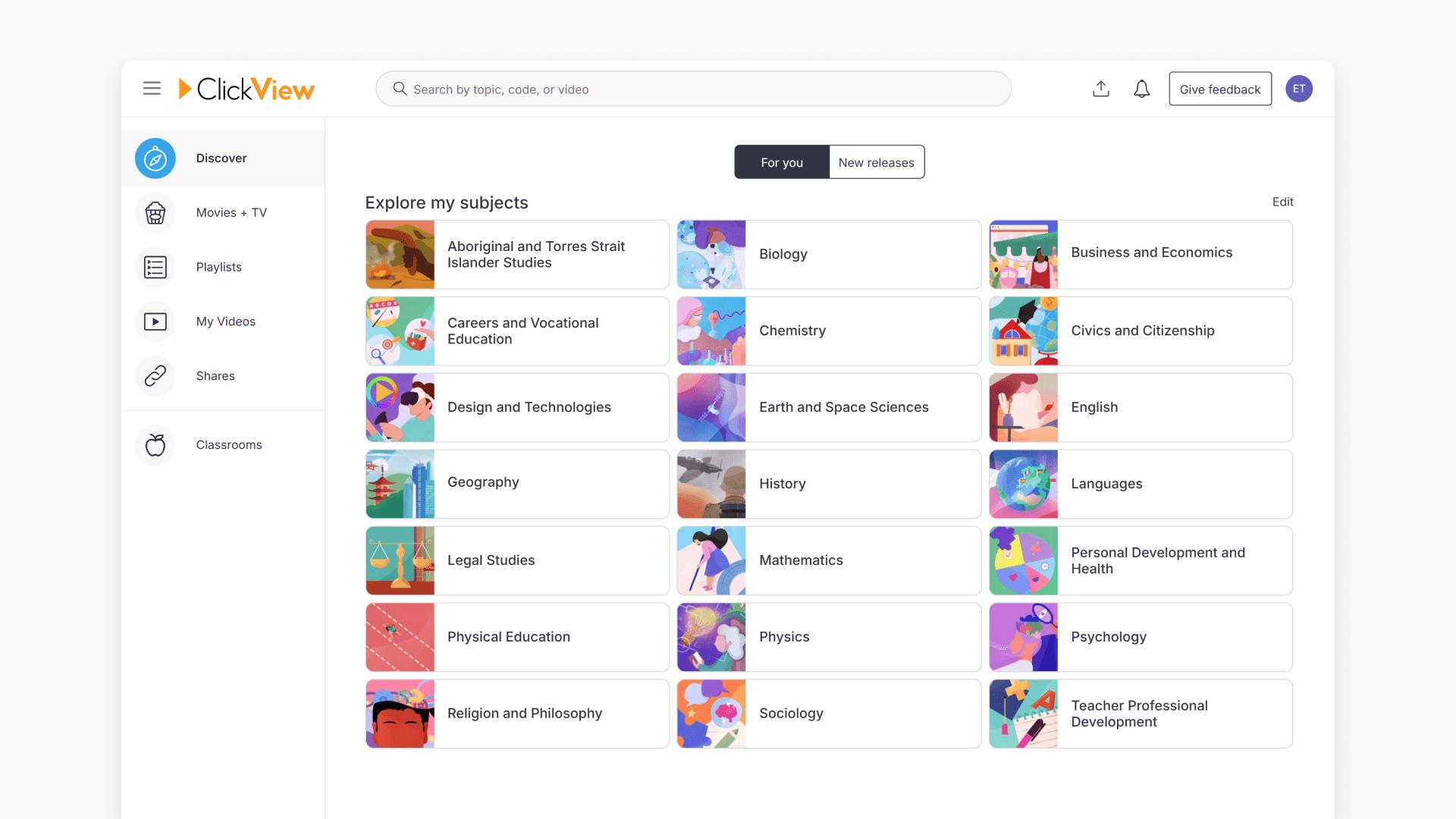
Introduction to ClickView Discover
Explore how the Discover home screen in ClickView gives educators personalised access to new releases, Playlists, Favourites, Watch History, and uploading options for your own videos.
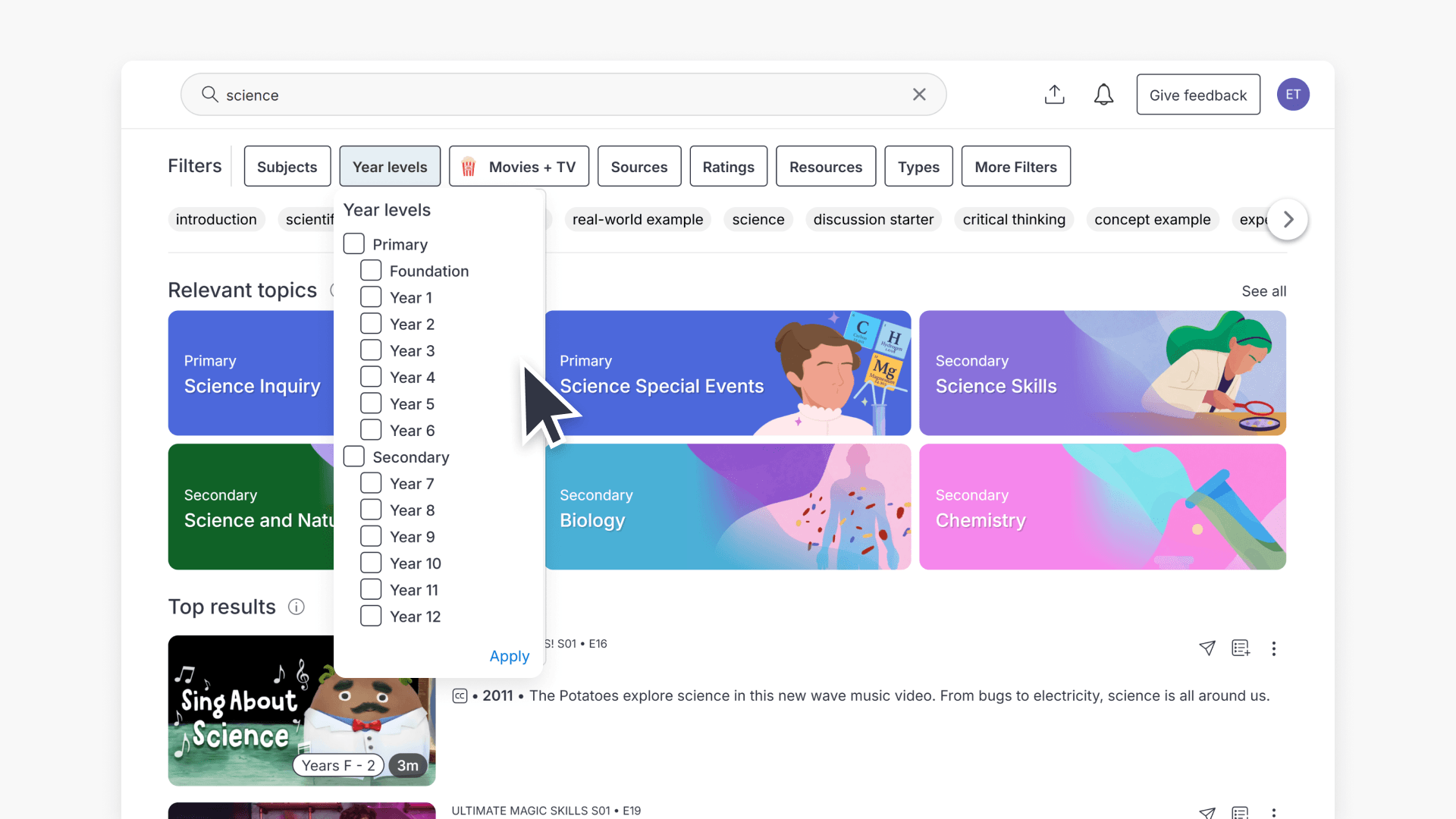
How to use ClickView search
Discover how to efficiently search for curriculum-aligned videos and resources in ClickView using curriculum codes and powerful filters. Find exactly what you need for classroom planning and instruction with step-by-step guidance.
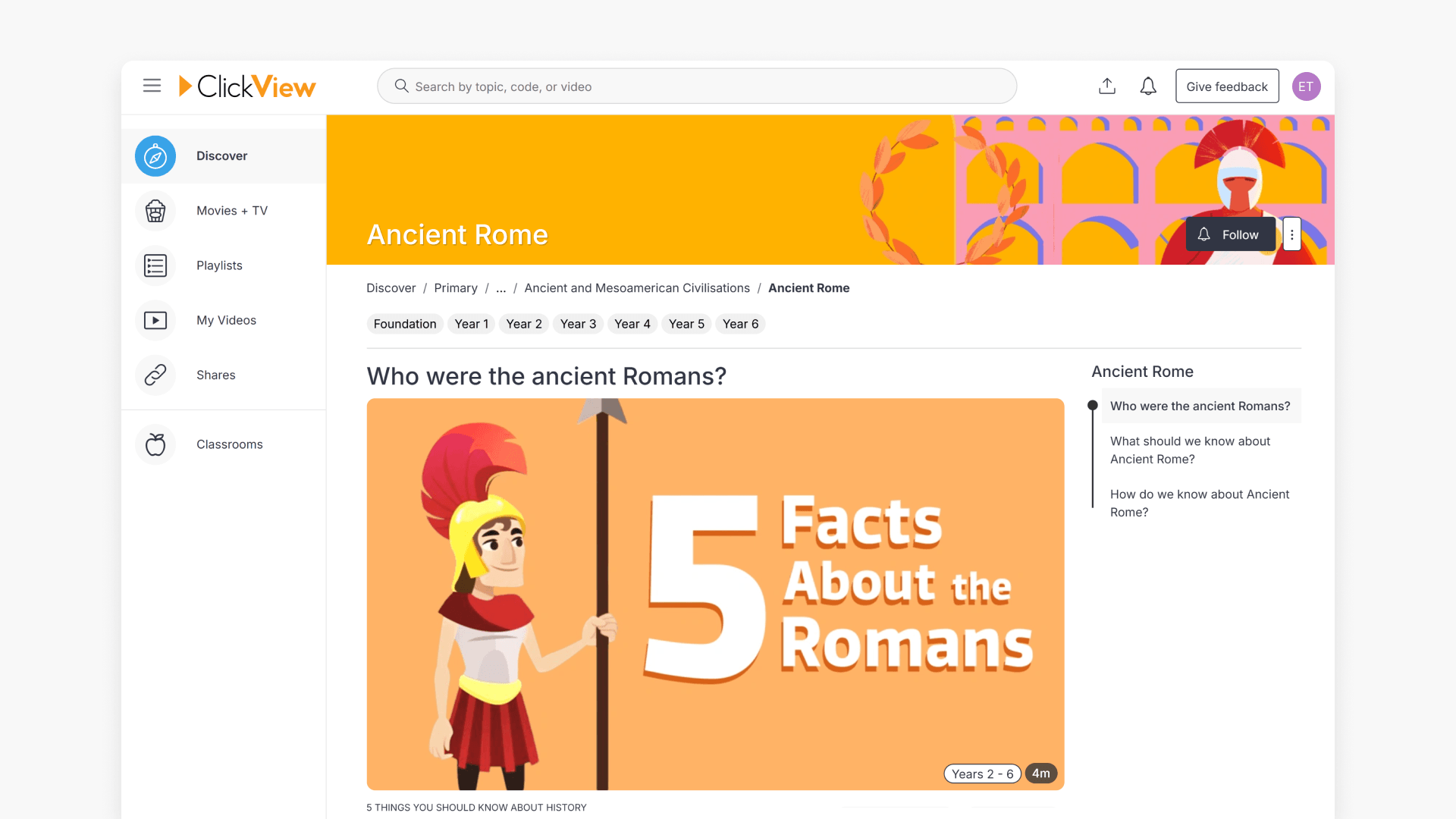
What are ClickView Topics?
ClickView Topics are collections of videos and resources selected by our content team and span multiple subject areas. They are featured in trending sections and special event calendars to support varied educational needs.
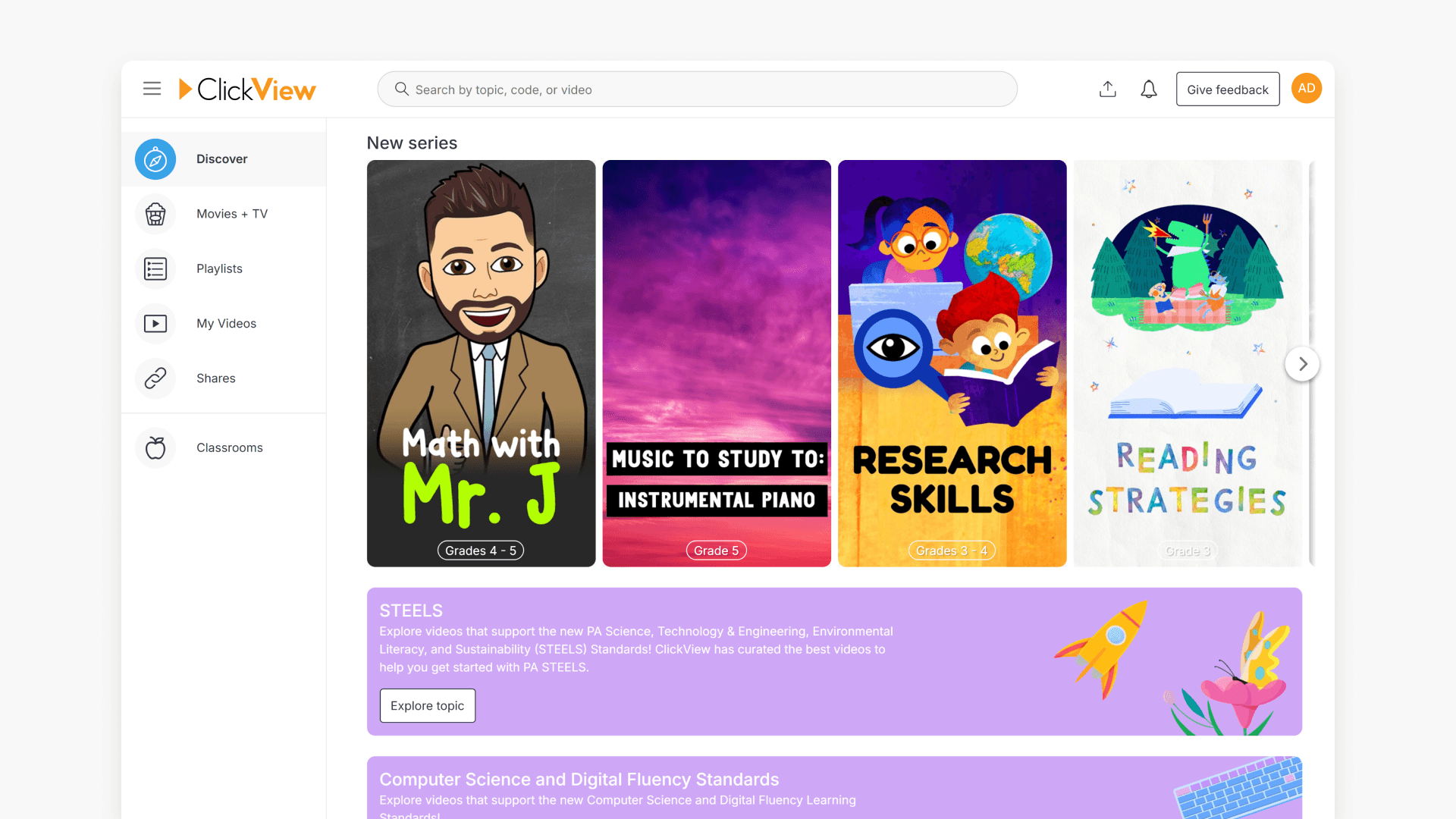
Introduction to video series
Learn how to find curated video series and view year level recommendations in the Popular Series section of ClickView’s Discover page.
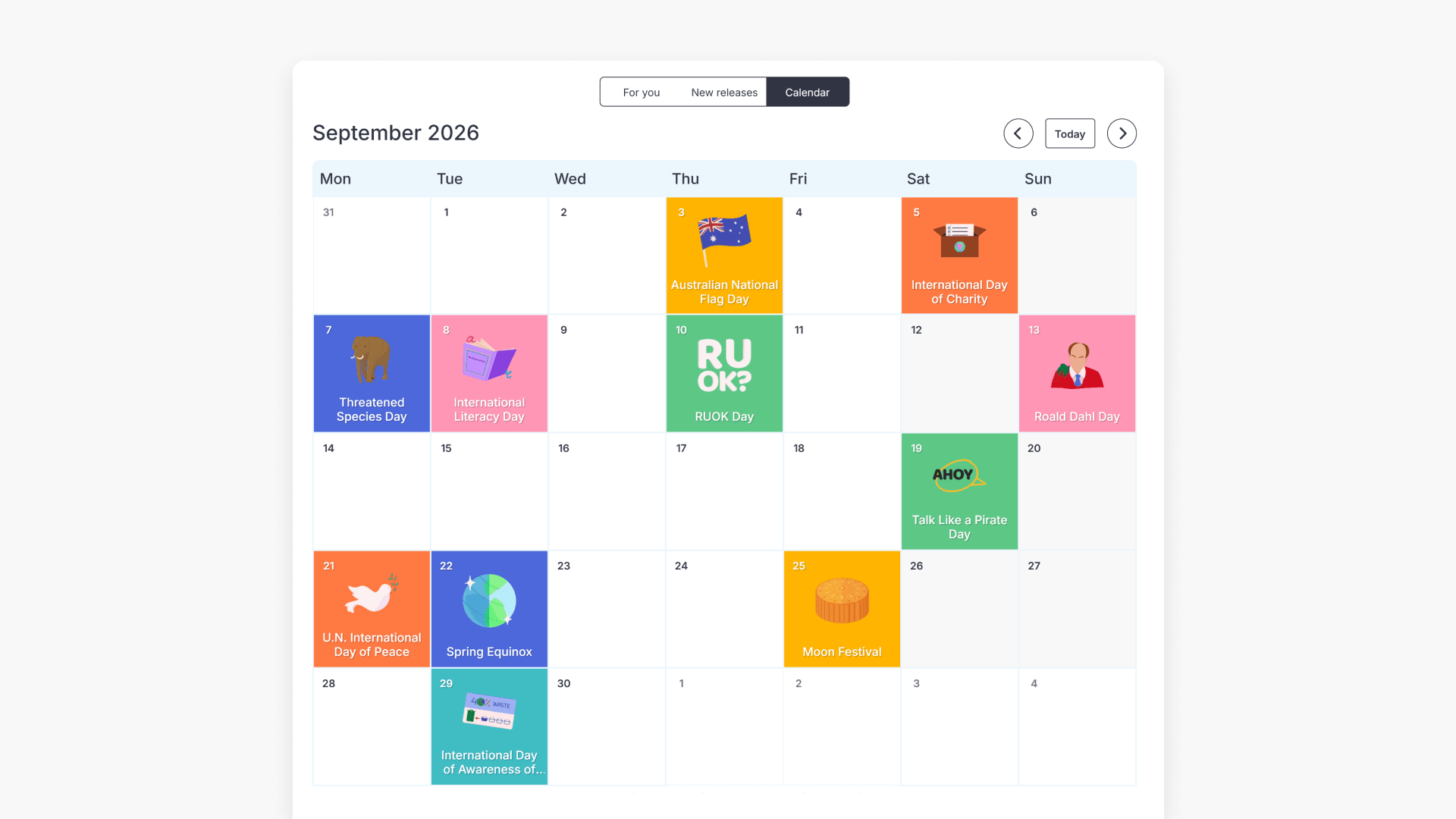
How to use the Special Events Calendar
Discover how to efficiently plan lessons around global and national events with the Special Events Calendar. Find curriculum-aligned videos and resources for important dates throughout the school year.
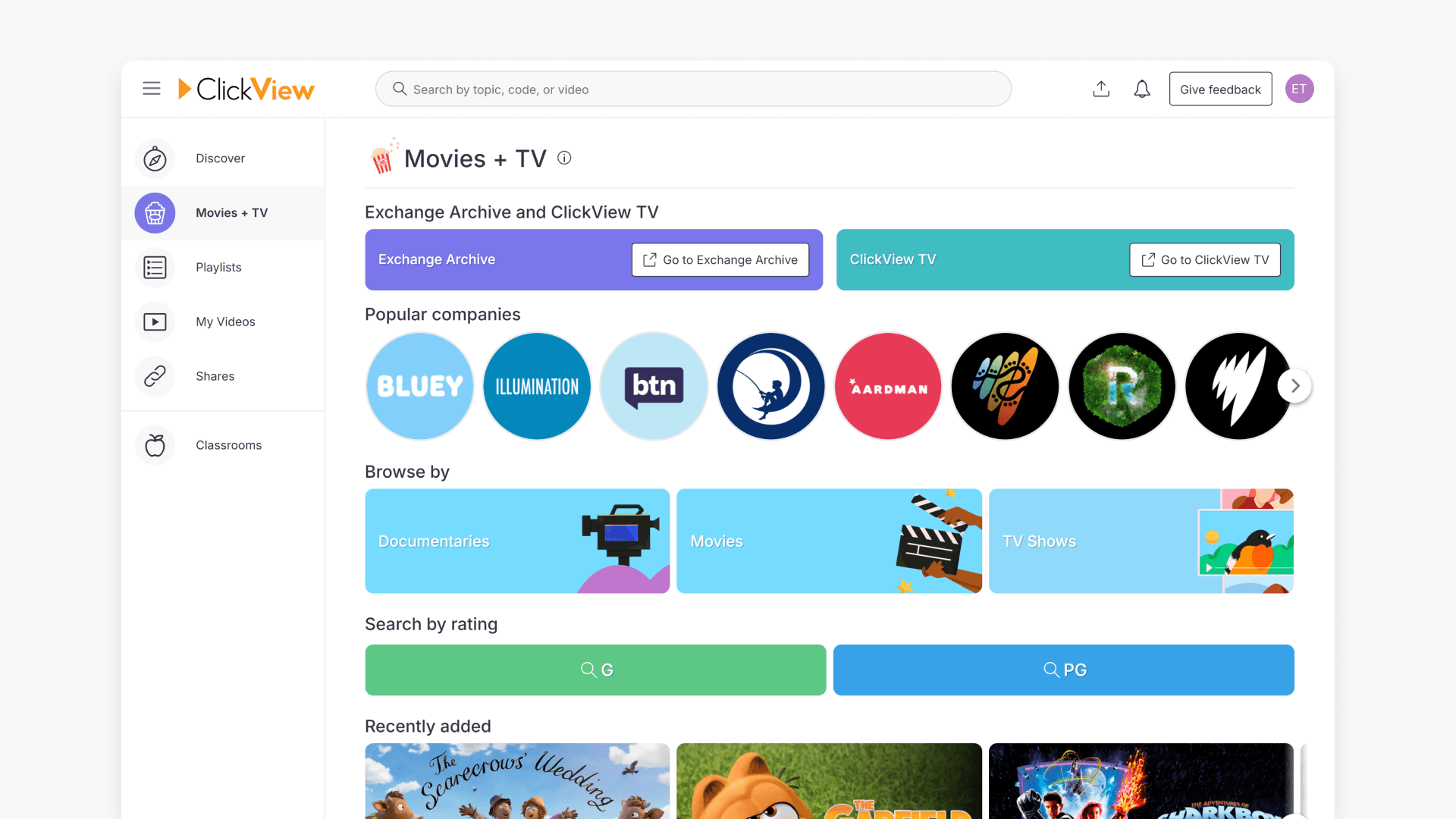
What is ClickView Movies + TV?
Discover how to access and filter Movies + TV on ClickView, featuring documentaries, theatre, and films curated for the classroom.
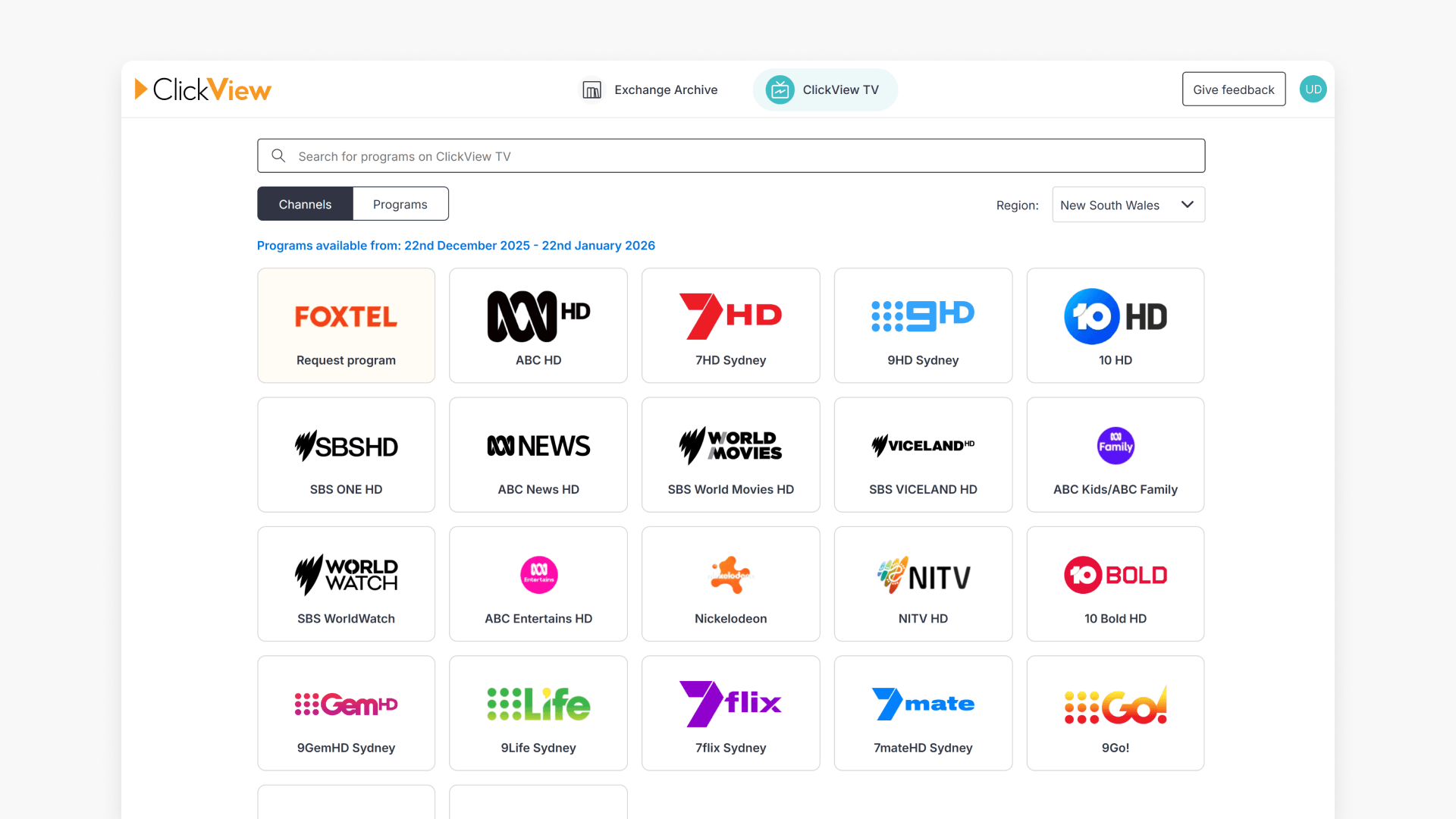
Introduction to ClickView TV
This article explains how educators can access ClickView TV, browse recorded free-to-air programs, change broadcasting region, and add TV content to My Videos for lesson planning.
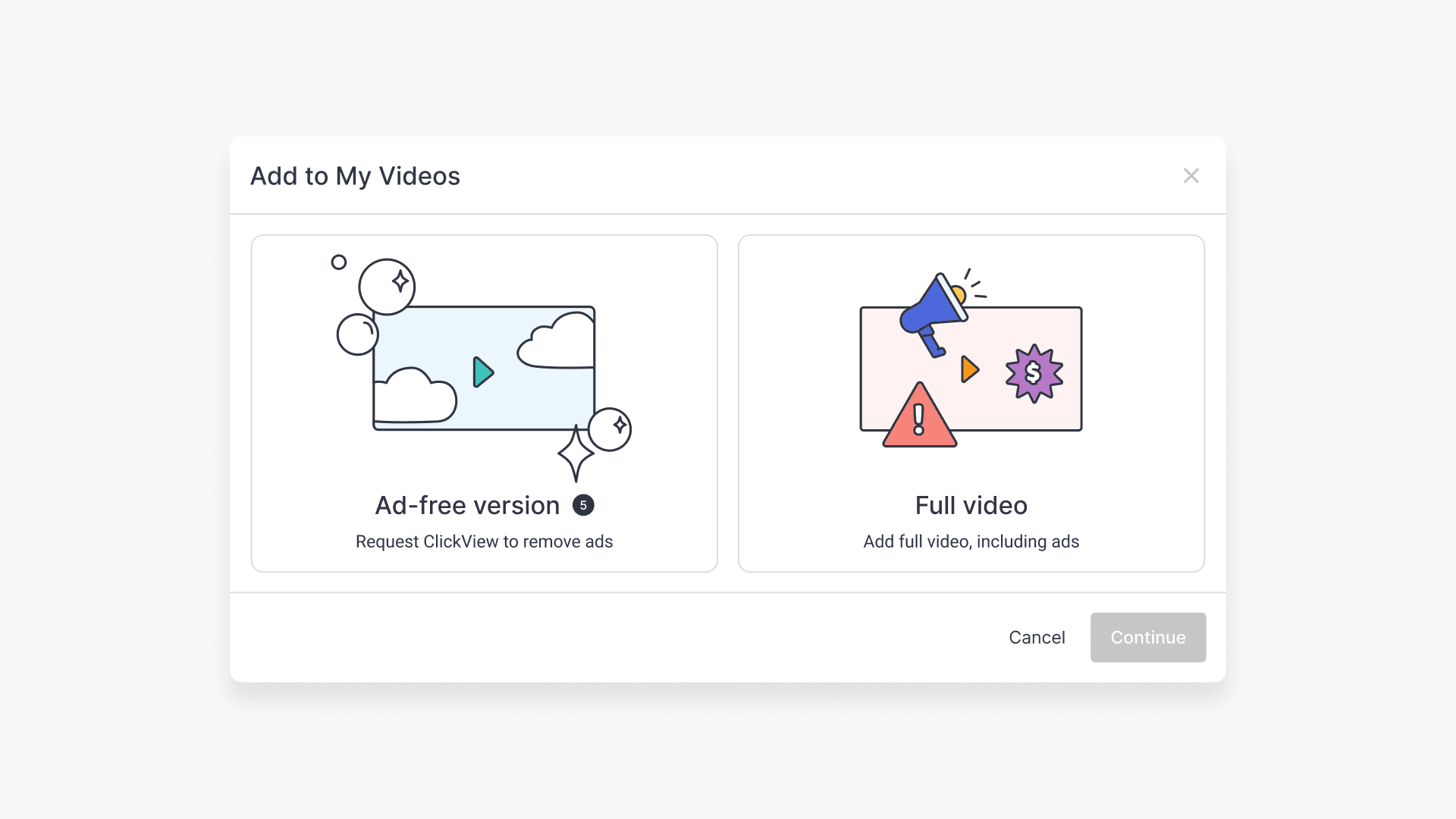
How to request and edit TV programs
Discover how educators can request TV programs, select ad-free copies, manage daily request limits, and edit videos using Cloud Editor within ClickView. Step-by-step instructions ensure smooth access and modification for teaching needs.
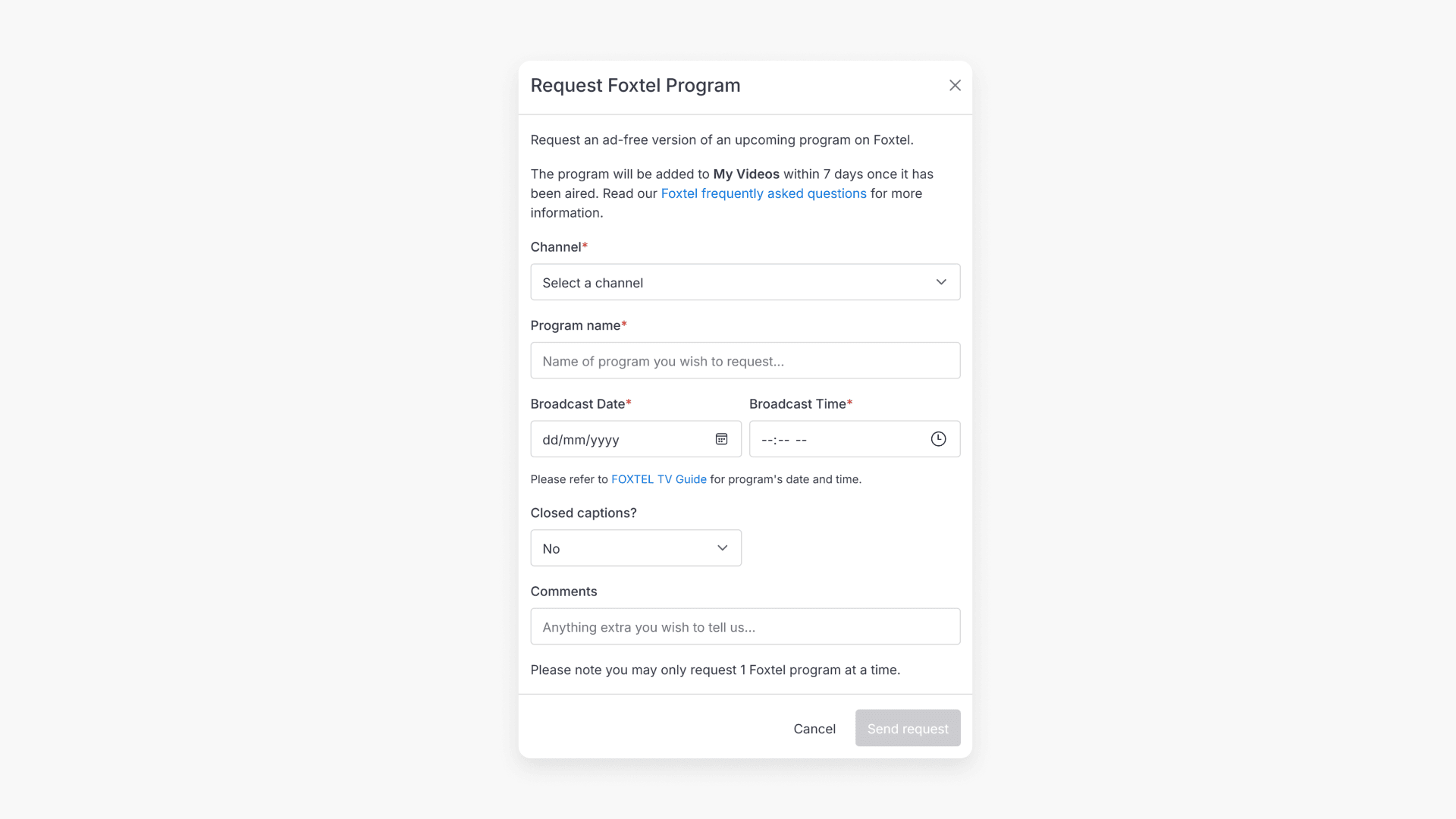
How to request Foxtel programs
Discover how to request ad-free Foxtel content using ClickView TV, including step-by-step guidance on submitting a program request and finding it in My Videos once processed.
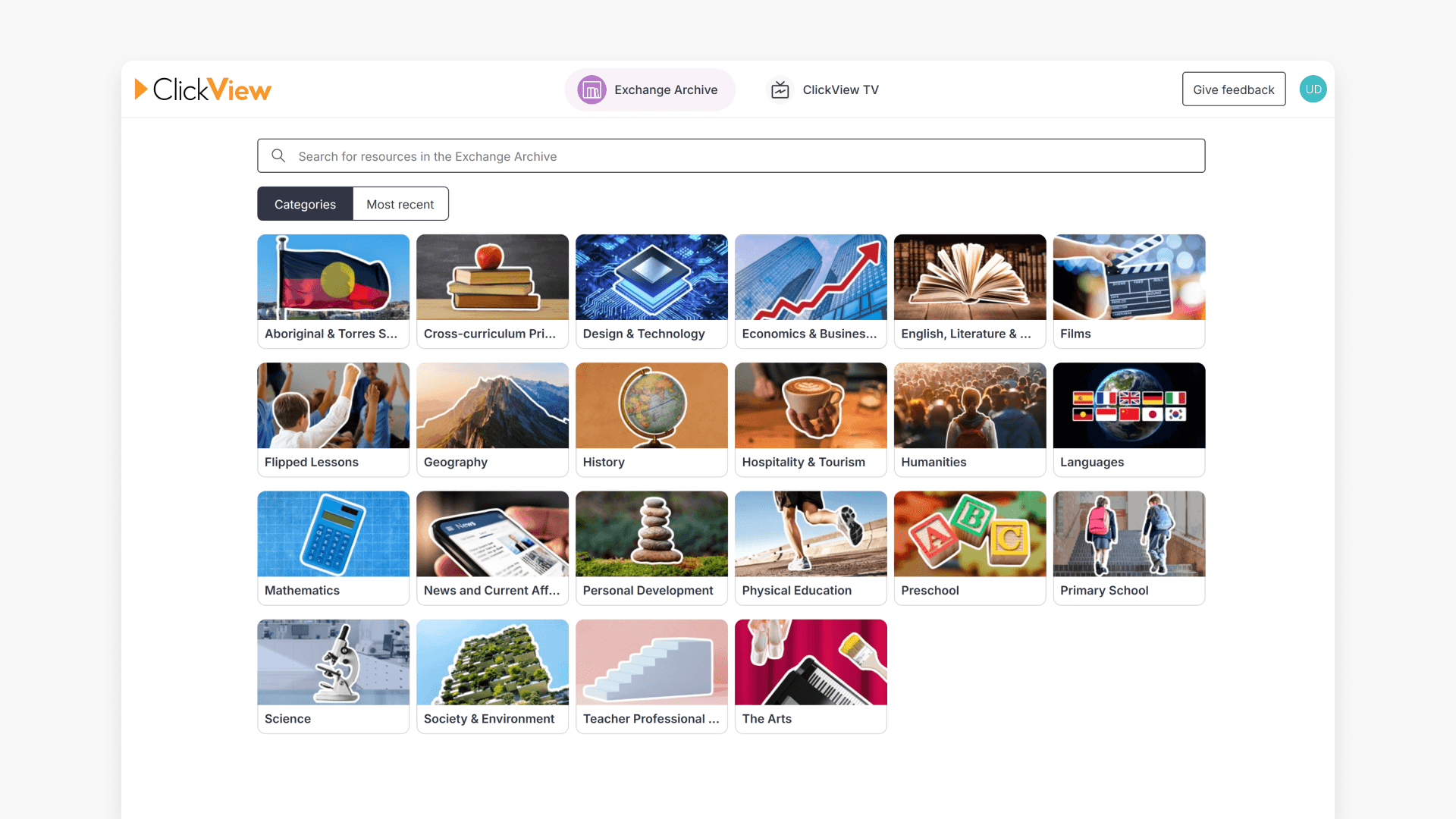
Introduction to the Exchange Archive
This article walks through how Australian educators can find and access Exchange Archive in ClickView. Browse content curated by teachers and ClickView for your classroom needs.
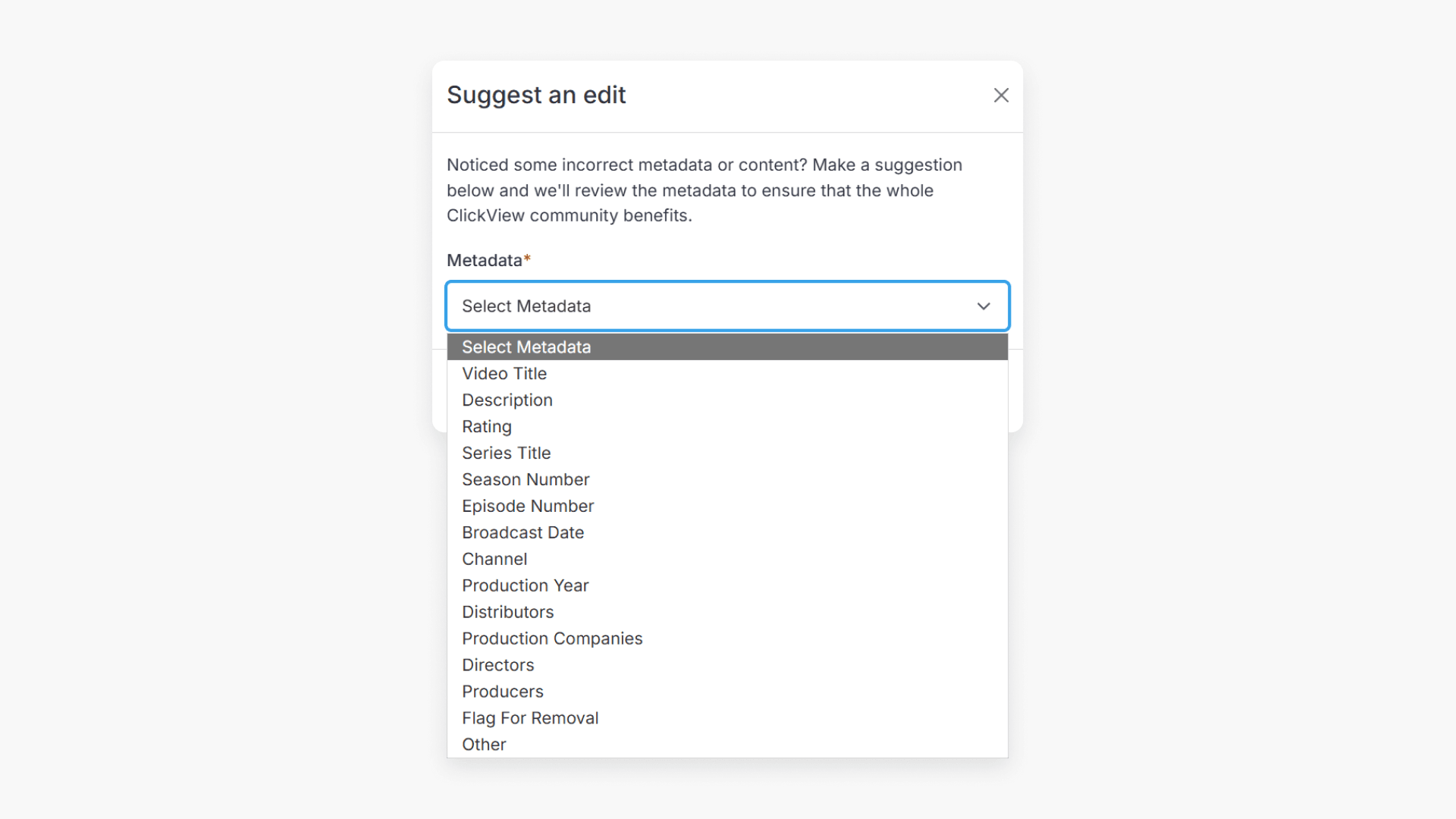
Exchange Archive: Request video metadata changes
This article explains how to suggest metadata edits for Exchange Archive videos in ClickView and flag unsuitable content for removal, including step-by-step instructions and review process details.
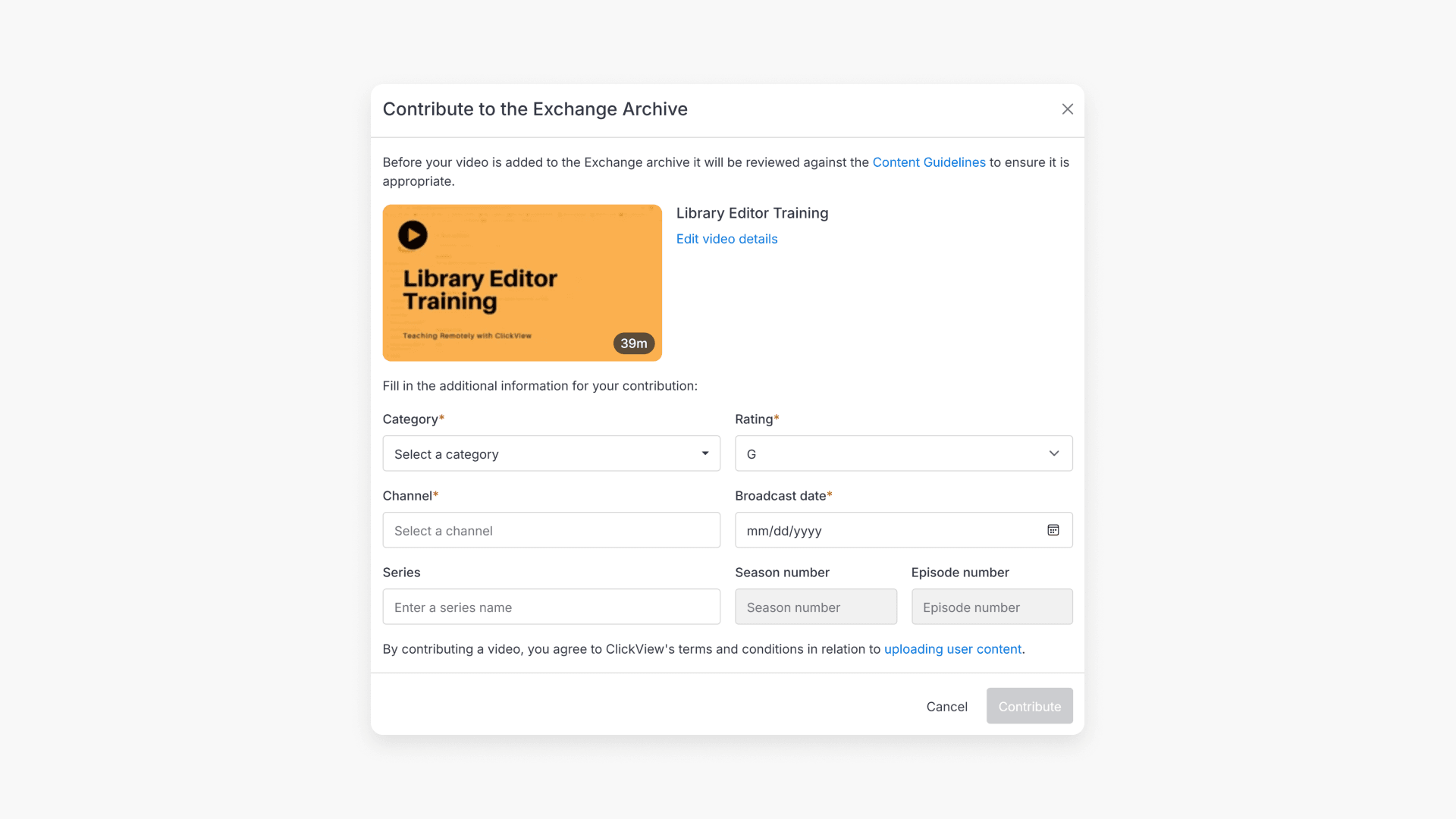
Contribute a video to the Exchange Archive
Discover how you can contribute a video to the Exchange Archive on ClickView. This article explains each step so educators can share their own content with fellow teachers.
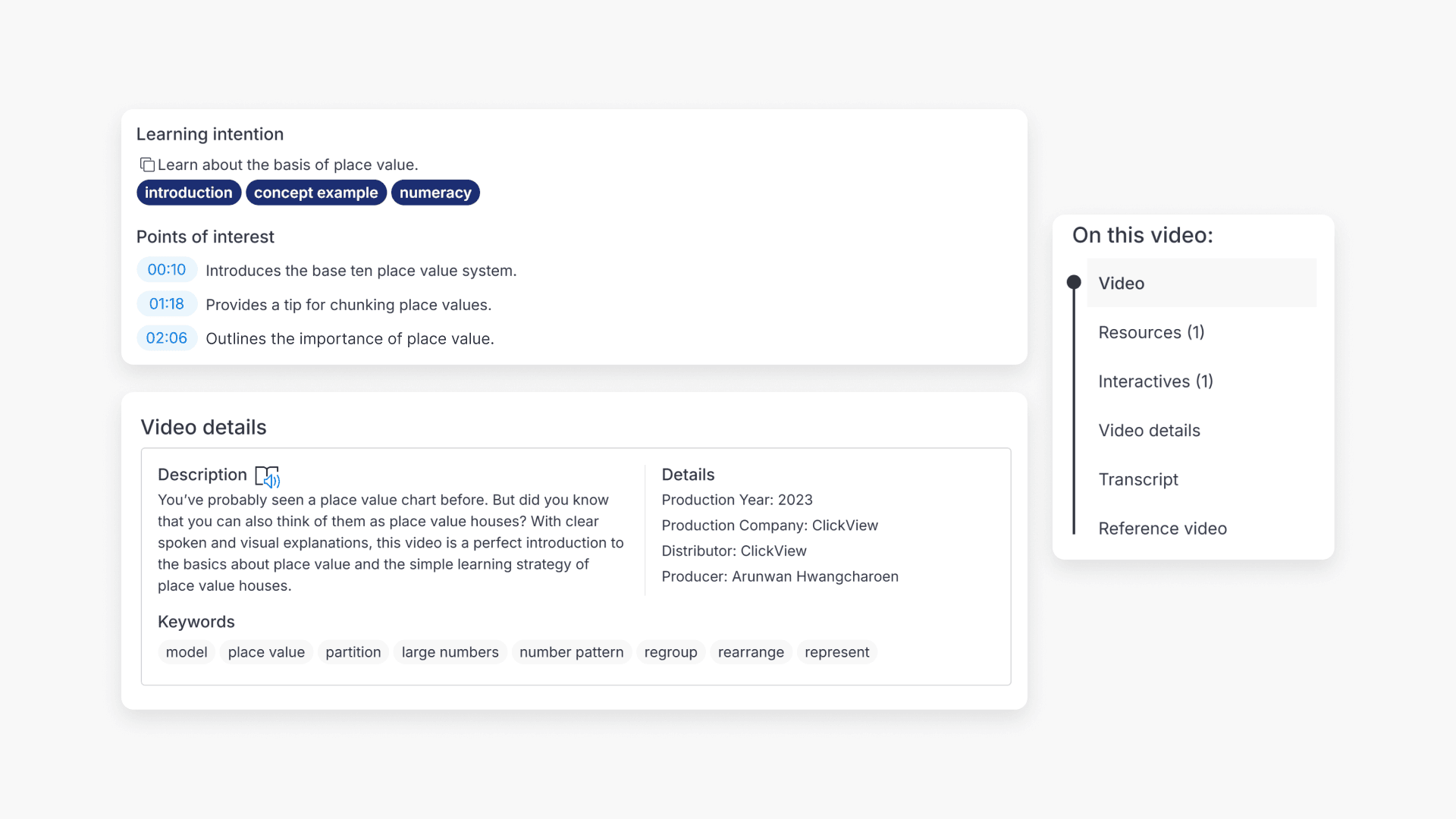
How to review a video using Points of Interest, tags, and Video at a Glance
Summary How do I know if a ClickView video is suitable for my class? On any video page in ClickView, scroll down below the video to find Points of interest, Keywords, and the On this video panel. These show you timestamps and descriptions of key moments, related search terms, and a summary of what resources […]
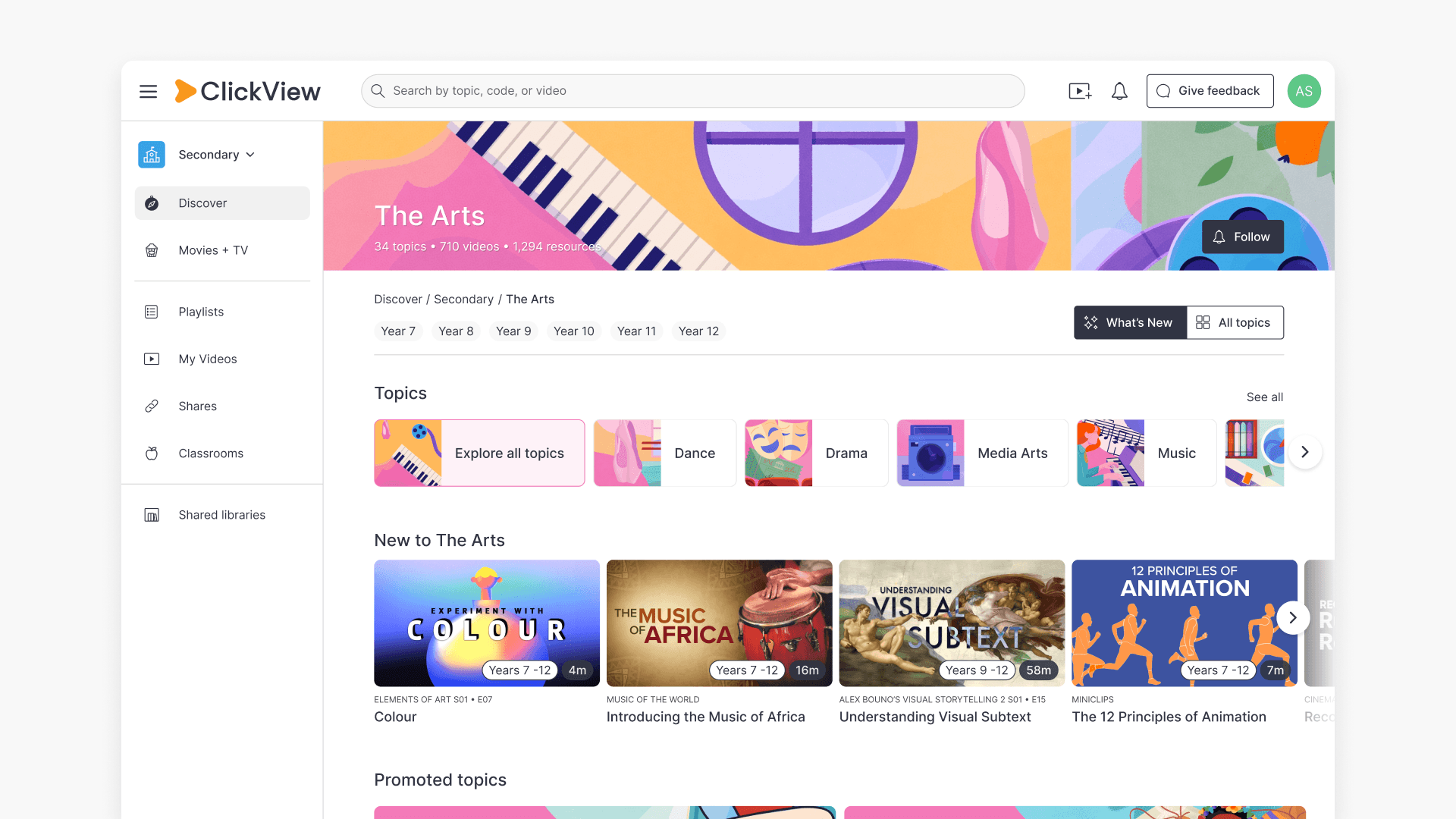
How to find videos using subject dashboards and topic directories
Summary How do I find videos by subject or topic in ClickView? In ClickView, click Discover on the left-hand side to browse videos organised by subject and topic. Select a subject to see its topics, then choose a topic to view all related videos. ClickView’s video library is organised into subjects and topics, so you […]
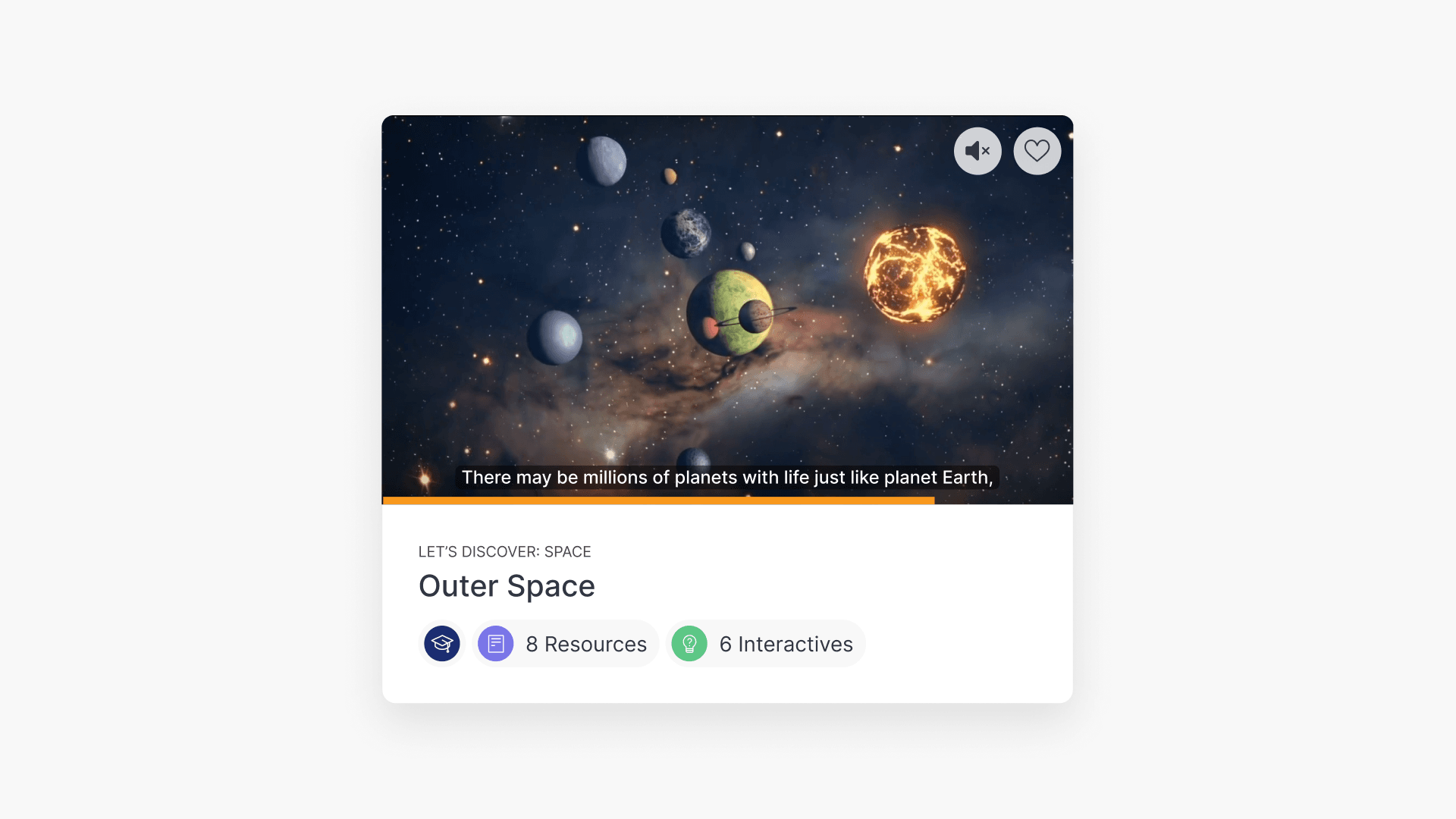
How to preview videos by hovering
Summary How do I preview a video in ClickView without opening it? It is possible to preview a video without having to click the video title. Hover your cursor over any video tile and a preview screen will appear. The preview screen includes a small video player, captions, a seekable progress bar, a mute/unmute button, […]
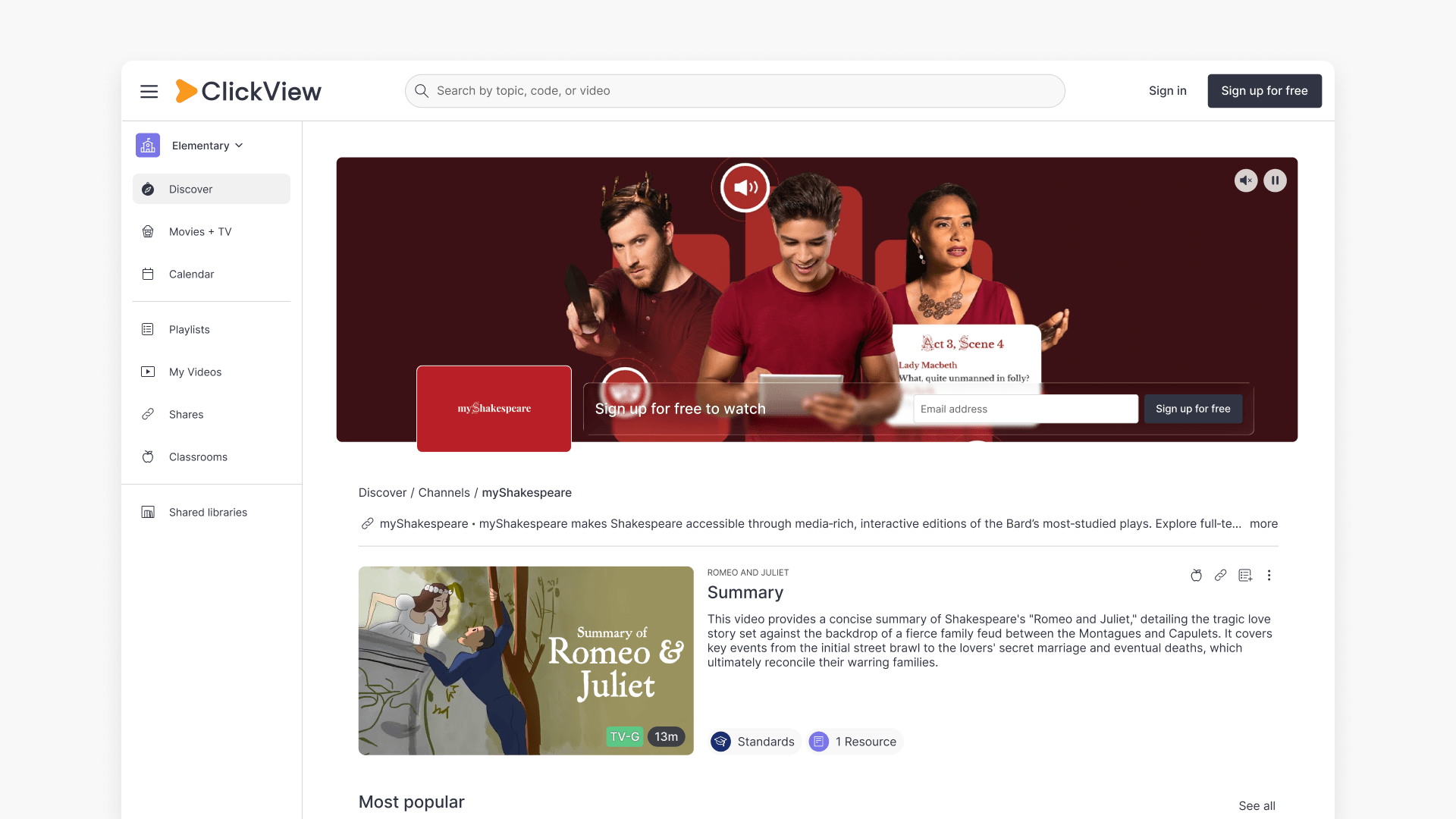
Understanding Featured Channels
Summary What are Featured Channels in ClickView? Featured Channels bring together every video from one producer in a single place, so you can explore all their videos and resources rather than finding them across topics, series, and search results. Each channel includes a banner introducing the producer, videos organised by recent, popular, and series, and […]