What is ClickView Movies + TV?

Summary
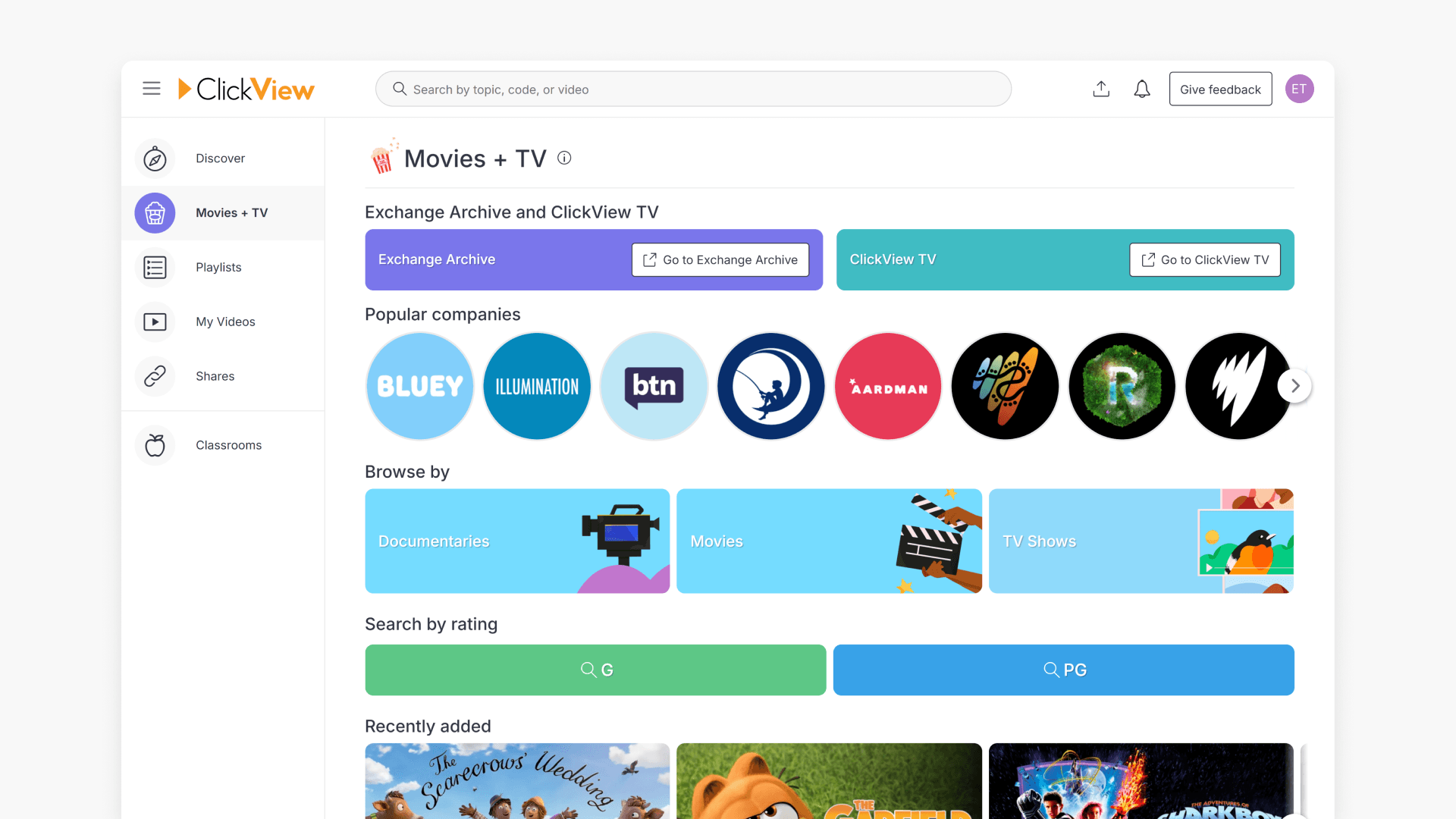
- Movies + TV features a curated collection of educational and age-appropriate films and TV shows.
- Includes documentaries, films, theatre, and relevant programs.
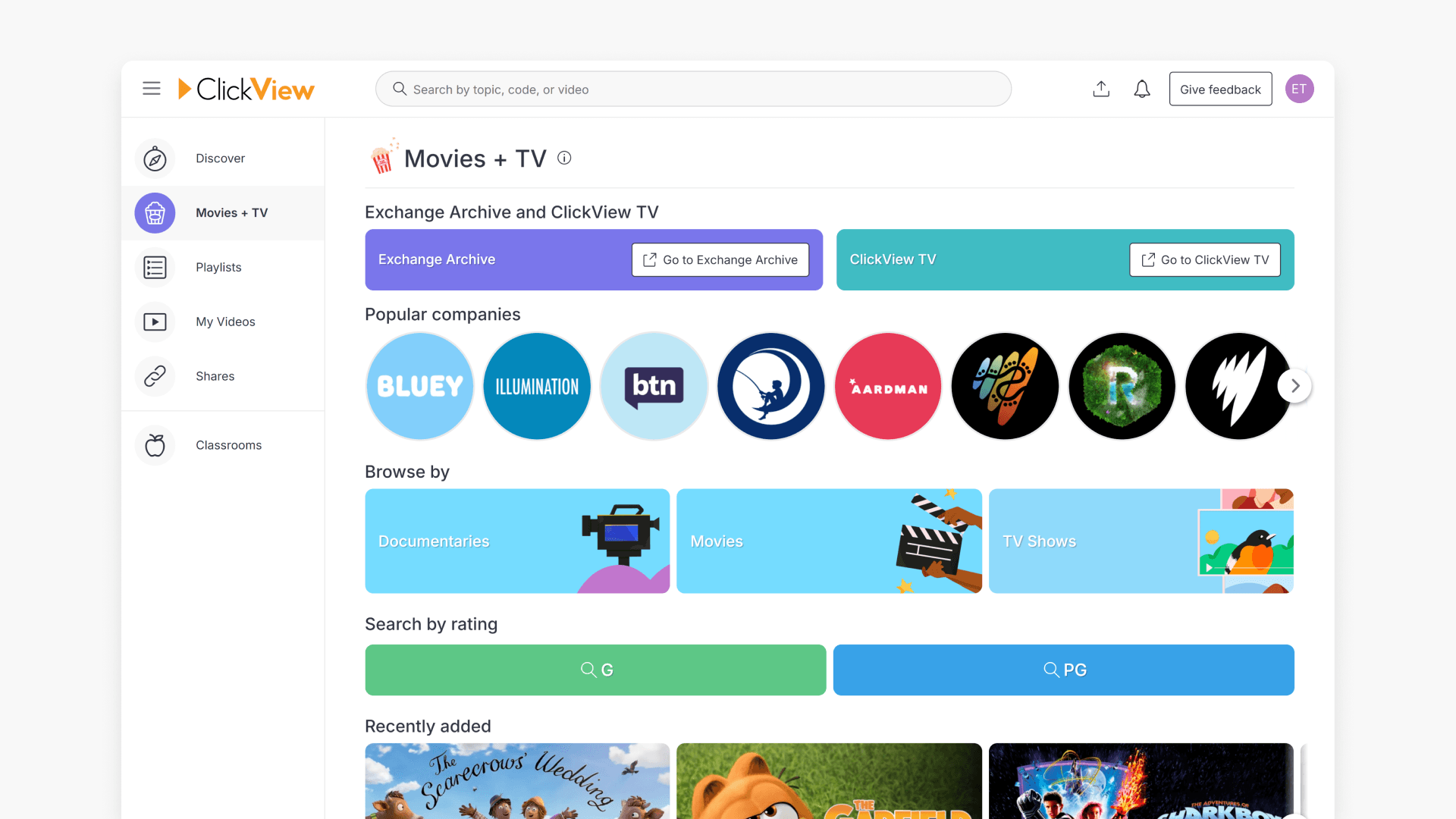
- Access Movies + TV by clicking the Movies + TV option in navigation.
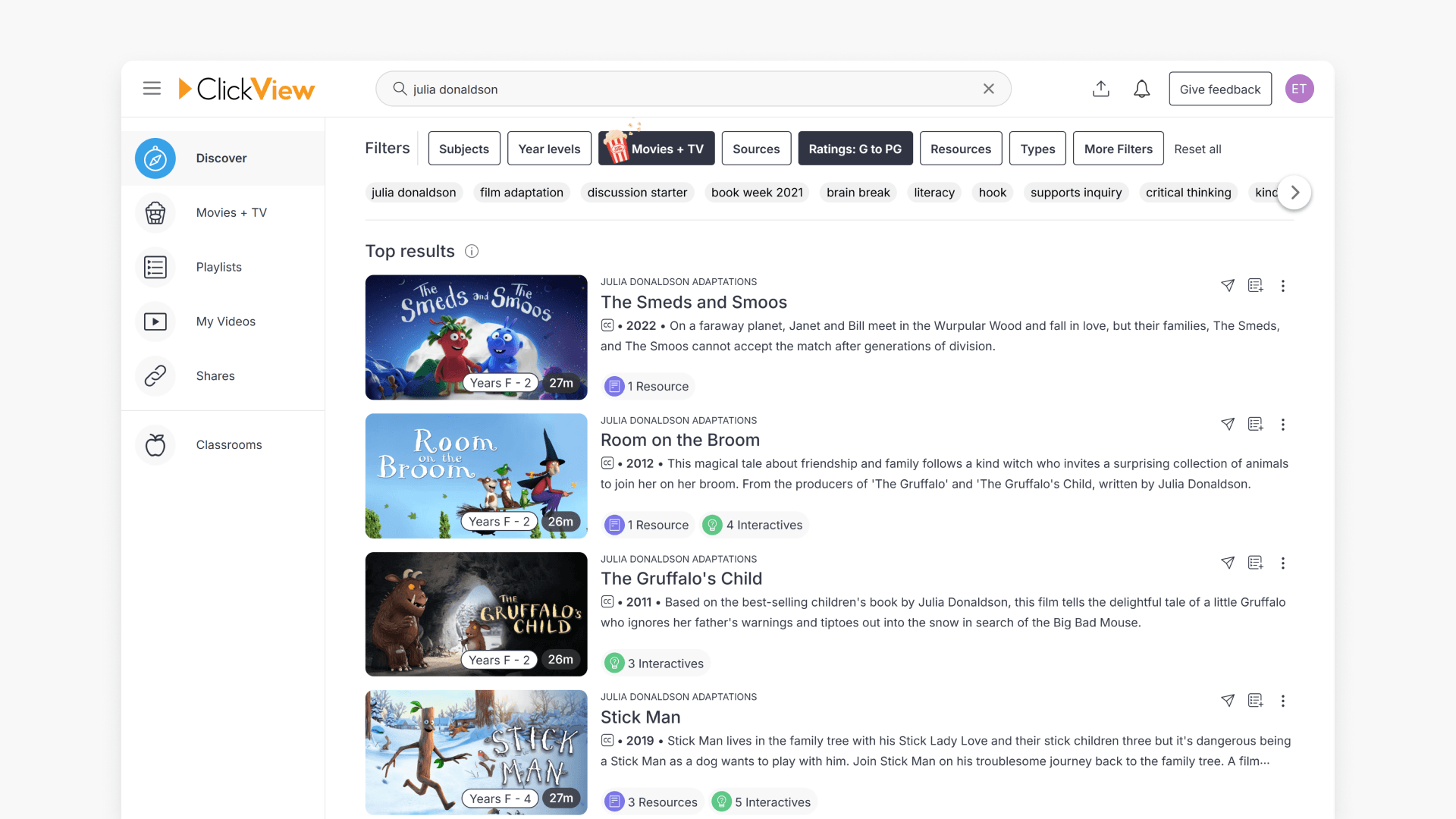
- Use the filter option to select videos by student ratings.
- Additional filters help you further refine search for specific needs.
What is Movies + TV?
Movies + TV on ClickView is designed to engage students with carefully curated educational and entertaining video content. This feature combines films, documentaries, and theatre productions to appeal to different learning styles and curricular needs in a safe environment, ensuring all videos shown to students are age-appropriate and relevant.
The Movies + TV dashboard organises content into distinct sections, making it easier for teachers to find and share videos suited for year-level classroom activities. The selection ranges from acclaimed documentaries like David Attenborough’s Blue Planet, Disney films, Shakespearean theatre, and other culturally relevant programs.
Accessing Movies + TV
- Click the Movies + TV option in the navigation section on the left-hand side of your ClickView screen.
- You will be directed to the Movies + TV dashboard as shown below.
Filtering by ratings and refining content
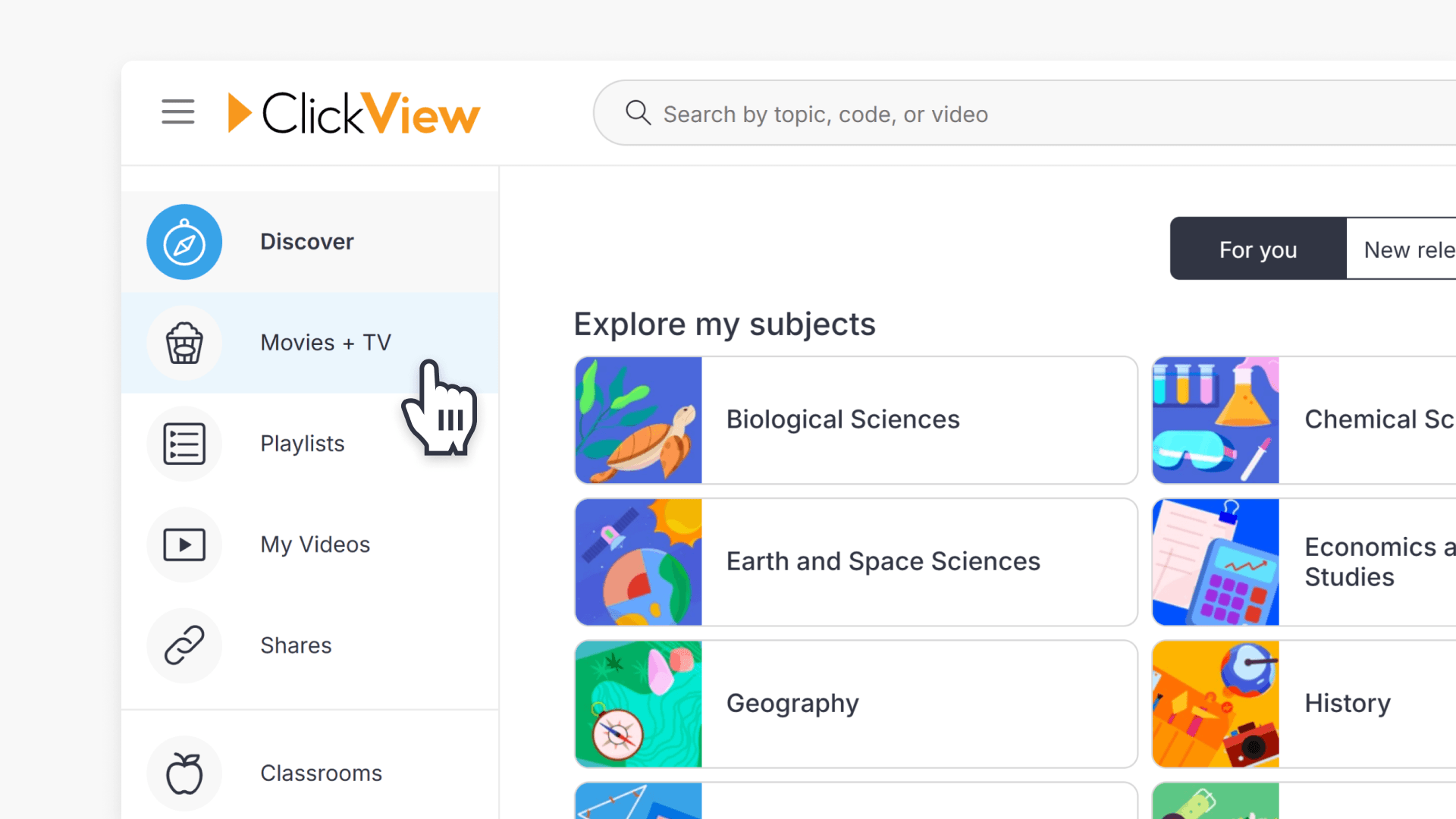
- Within the Movies + TV dashboard, use the filter option to easily select videos by ratings.
- To find age-appropriate content, select your desired ratings according to your students’ needs.
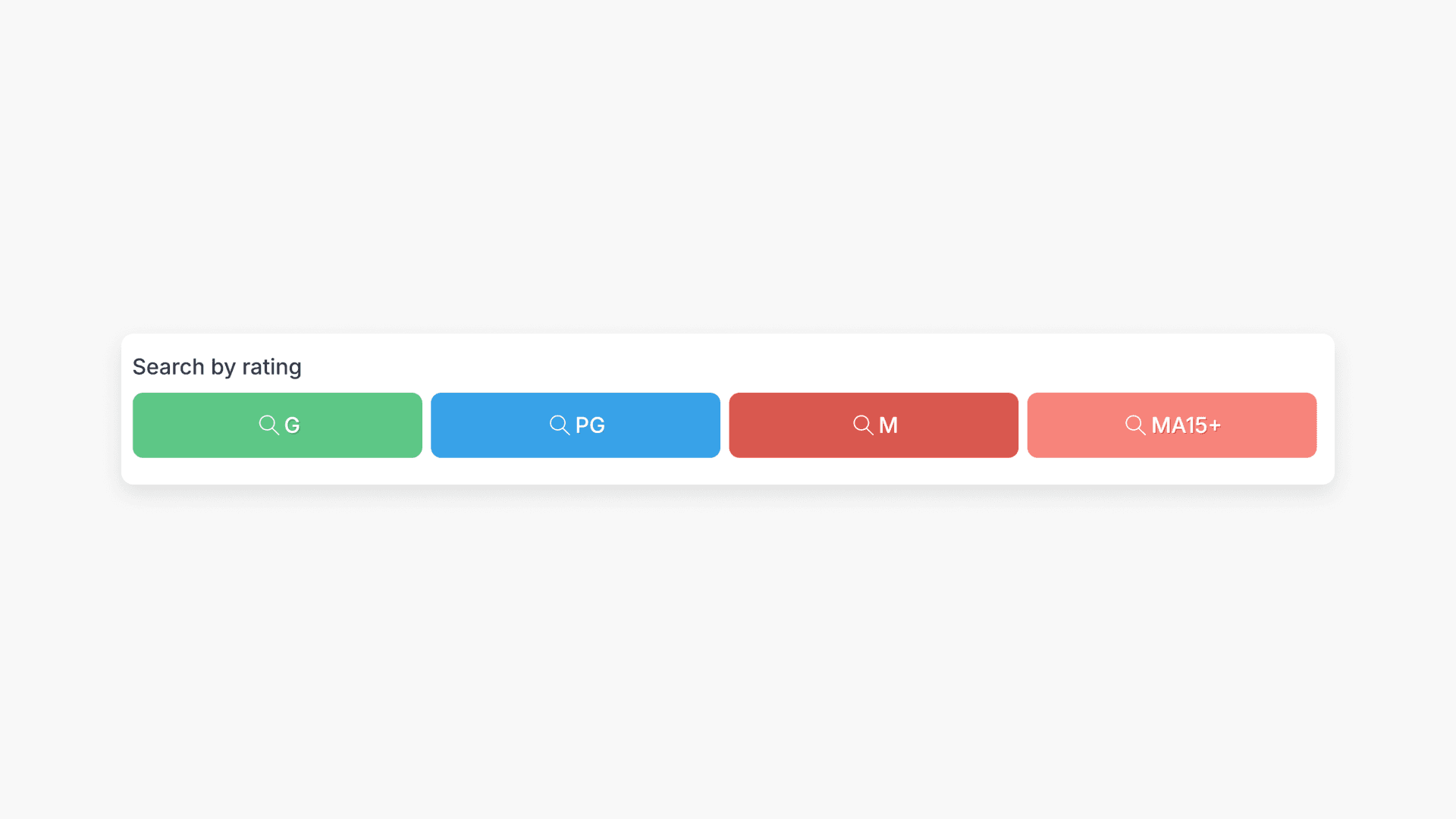
- Once selected, Movies + TV displays all suitable videos up to the chosen rating.
- For more targeted results, use additional filters to narrow your search further and match specific content preferences.
Frequently asked questions
Get in touch
If you’re having trouble finding the right topics or videos, just reach out! Our team - 


 Andrew, Nisch, Janice, Pfreya, or any of us at ClickView - will be happy to help you get sorted.
Give feedback
Was this guide helpful?
Up Next
Understanding Featured Channels
Summary What are Featured Channels in ClickView? Featured Channels bring together every video from one producer in a single place, so you can explore all their videos and resources rather than finding them across topics, series, and search results. Each channel includes a banner introducing the producer, videos organised by recent, popular, and series, and […]