



Using ClickView
Analytics
See who watched what, for how long, and where learners struggled. Learn dashboards, key metrics, and how to turn insights into action.
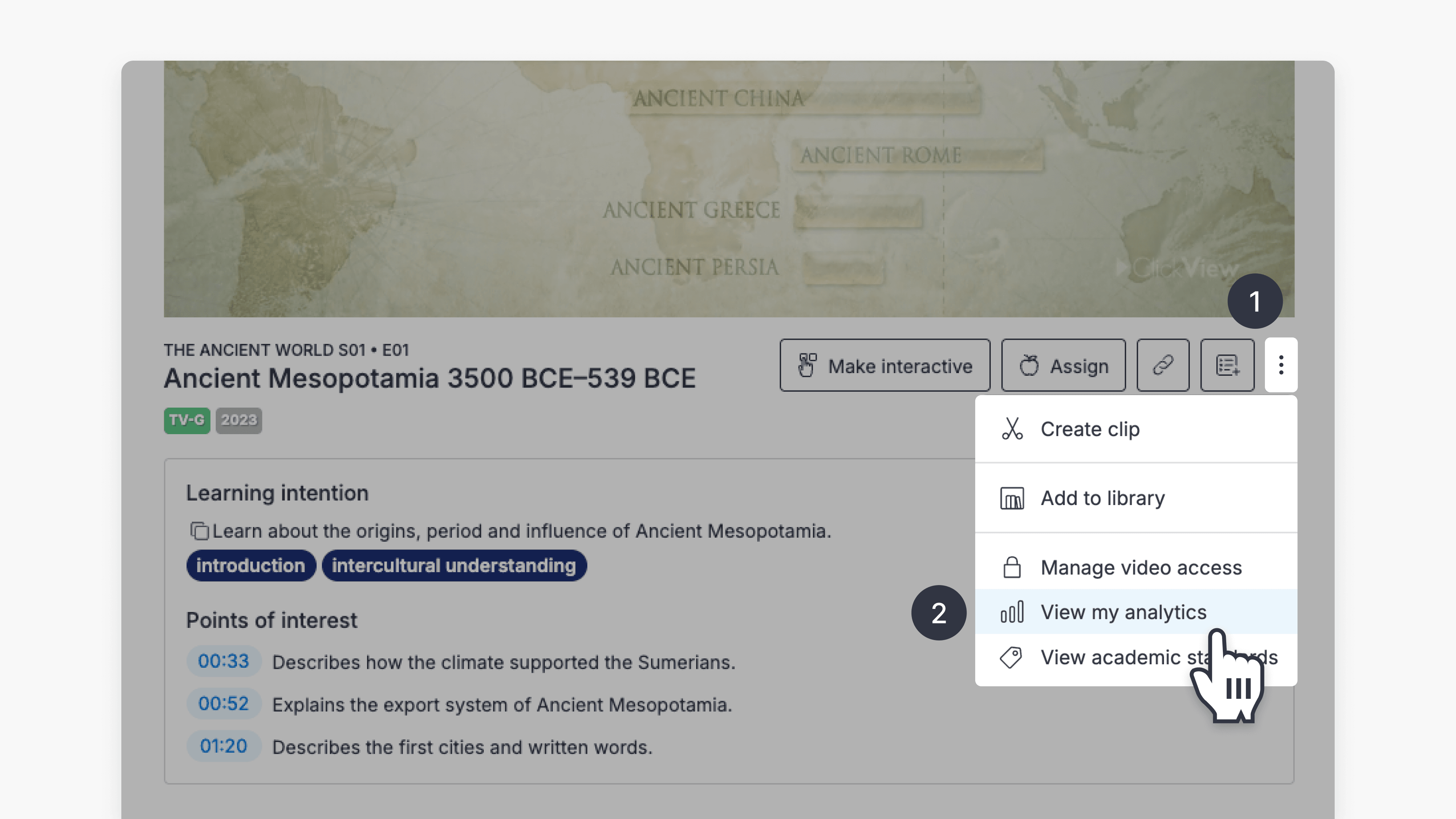
How to access student analytics
Summary How do I access student analytics in ClickView? Where you find student analytics depends on how the video was shared. For videos shared as a Share link, go to Shares in the left navigation. For videos assigned to an Open classroom, go to Classrooms ➡ Open classrooms. You can also access analytics for any […]
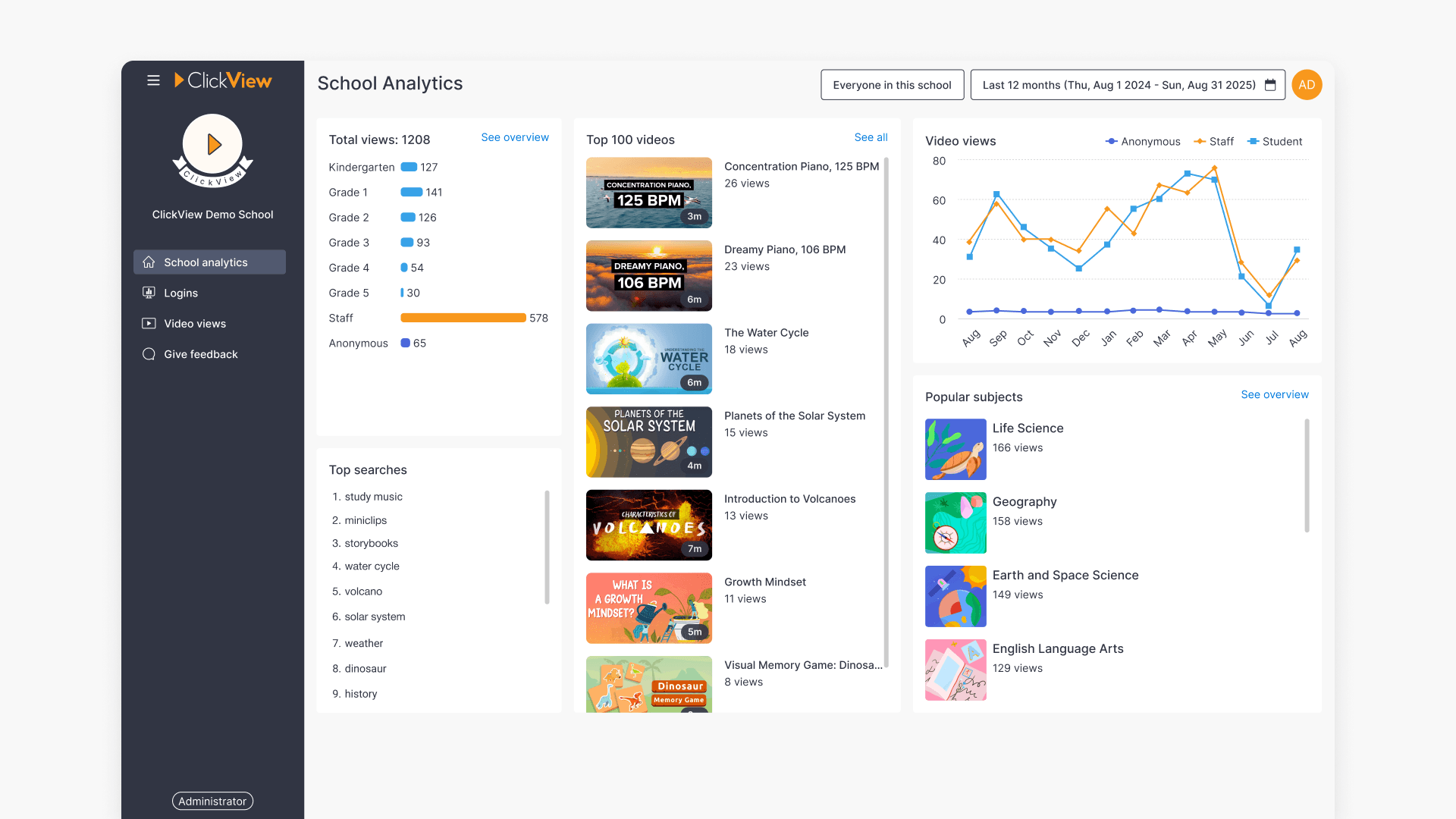
Understanding School analytics in ClickView
This article guides educators on accessing and navigating ClickView Analytics, including viewing dashboards, filtering by role or year level, examining video engagement, and generating detailed reports.
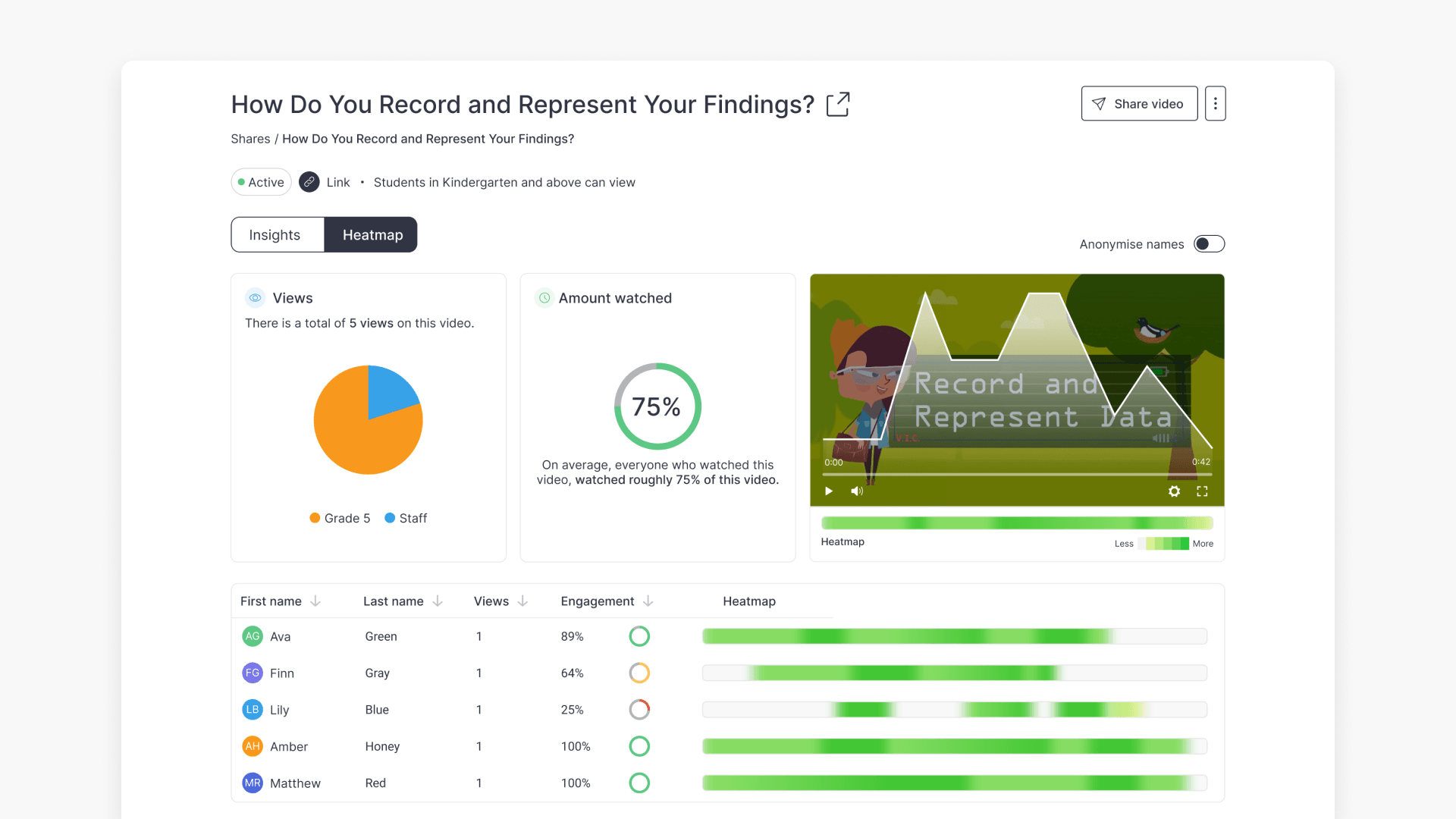
How to access shared video analytics
Discover how to access, view, and interpret analytics for shared and interactive videos in ClickView, including Insights, Heatmap, student engagement data, and detailed question analytics.
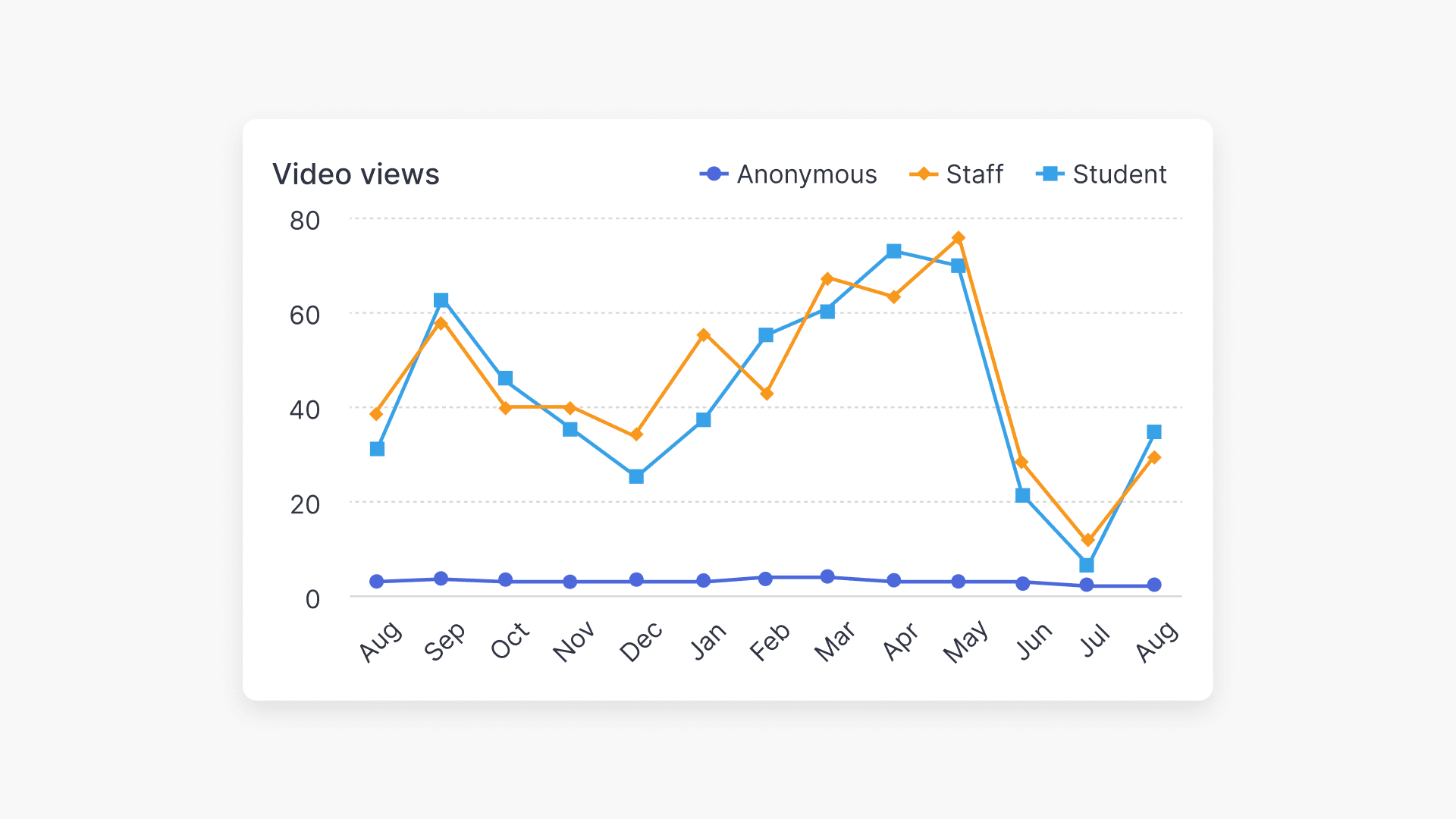
How video views are measured in analytics
Discover how recent updates to ClickView’s analytics view tracking deliver more reliable, accurate, and actionable insights for educators and administrators.
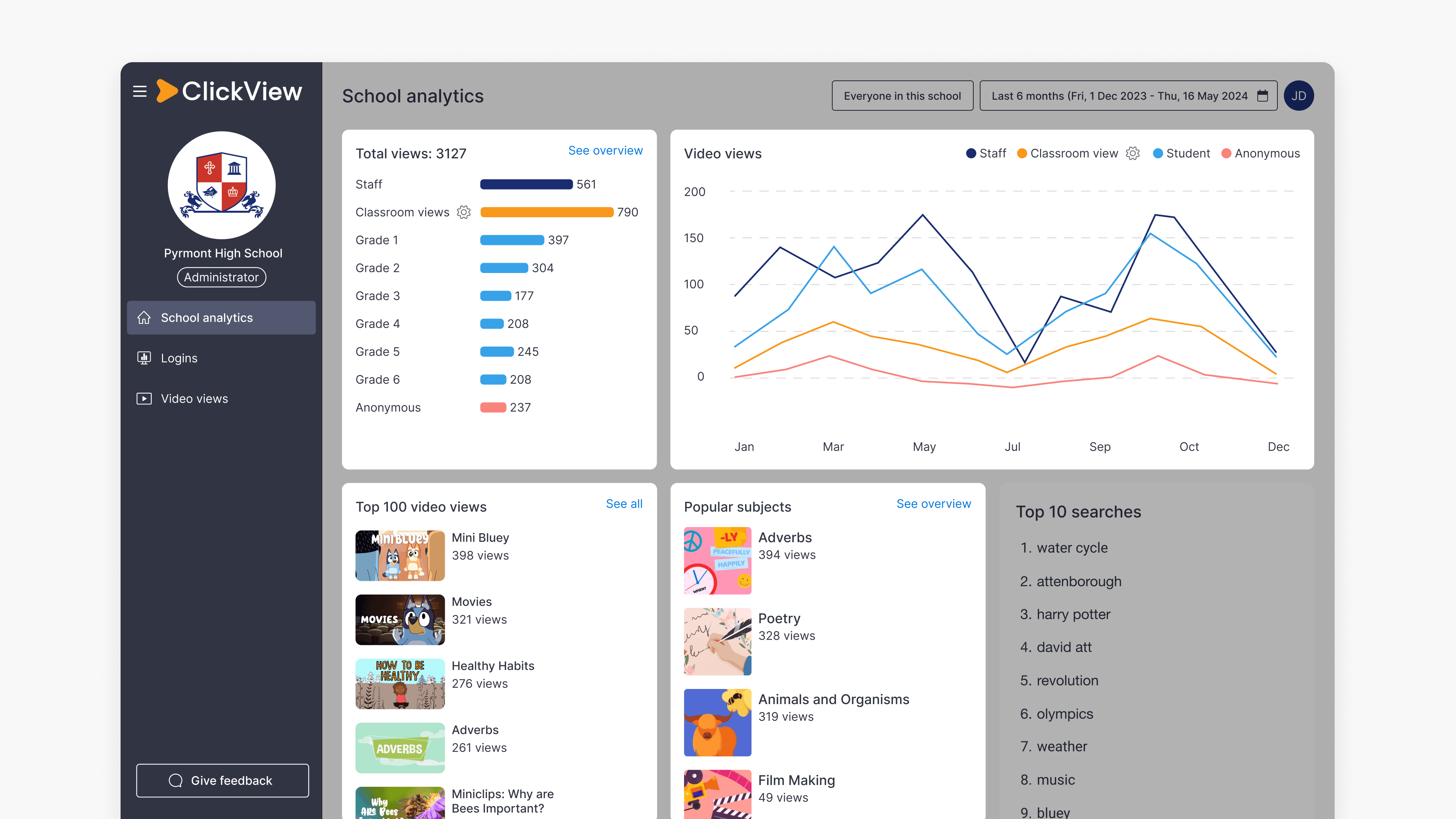
How to use Classroom views in School analytics
Summary In ClickView, how do I access and use Classroom views metrics? Sign in to ClickView with an Administrator account, then select your initials and choose Analytics. Student reach metrics appear across the School analytics and Video views dashboards, as well as individual Video dashboard reports. Understanding Classroom views ClickView usage in schools often includes […]