


Using ClickView
Create & manage
Trim, upload, and share videos. Add details, thumbnails, and teaching resources. Organise lessons in playlists and collections to plan efficiently and share securely.
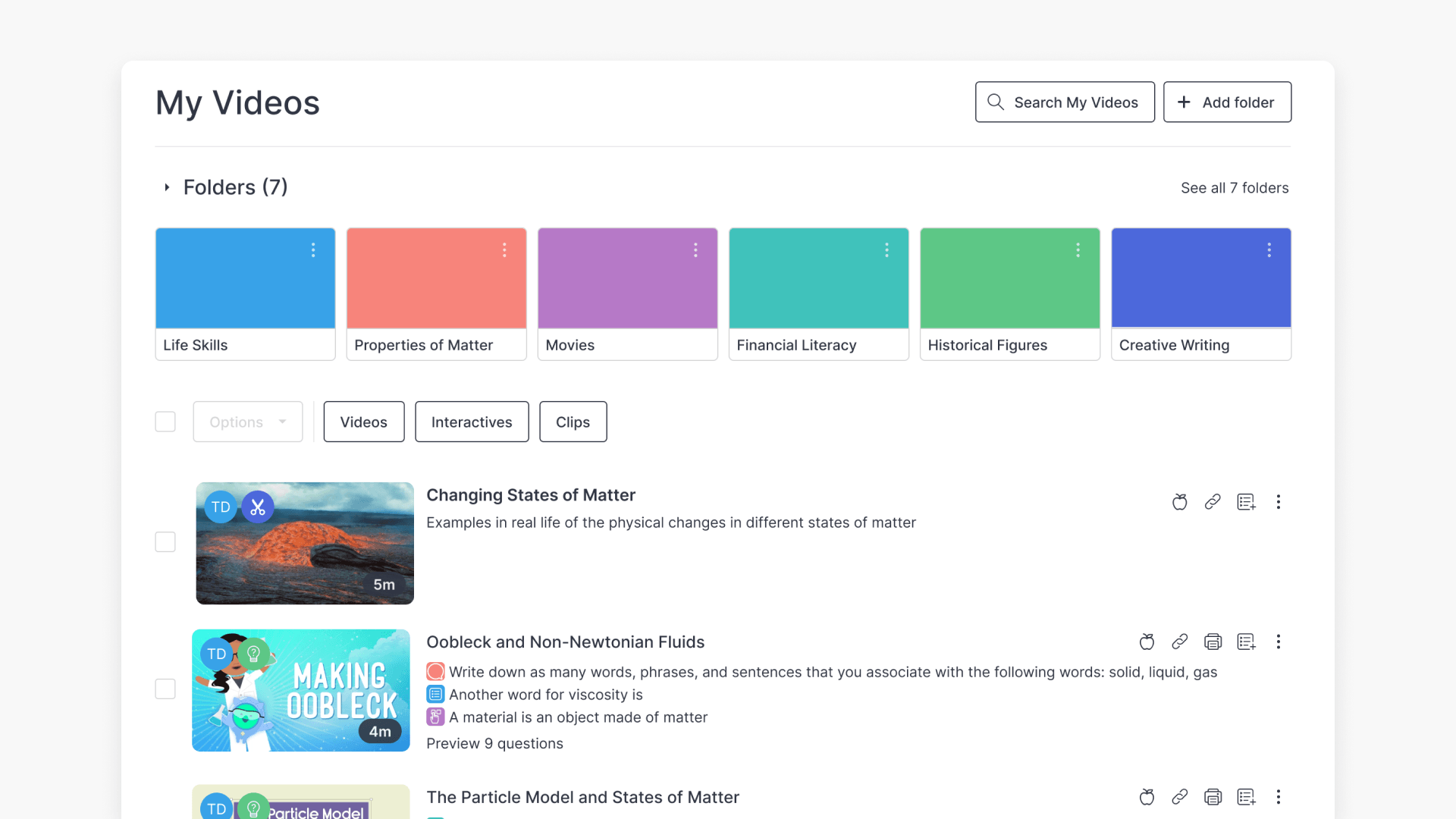
How to manage and share videos in My Videos
Discover how to access My Videos in ClickView, view your stored content, and share videos with students or colleagues using built-in sharing options.
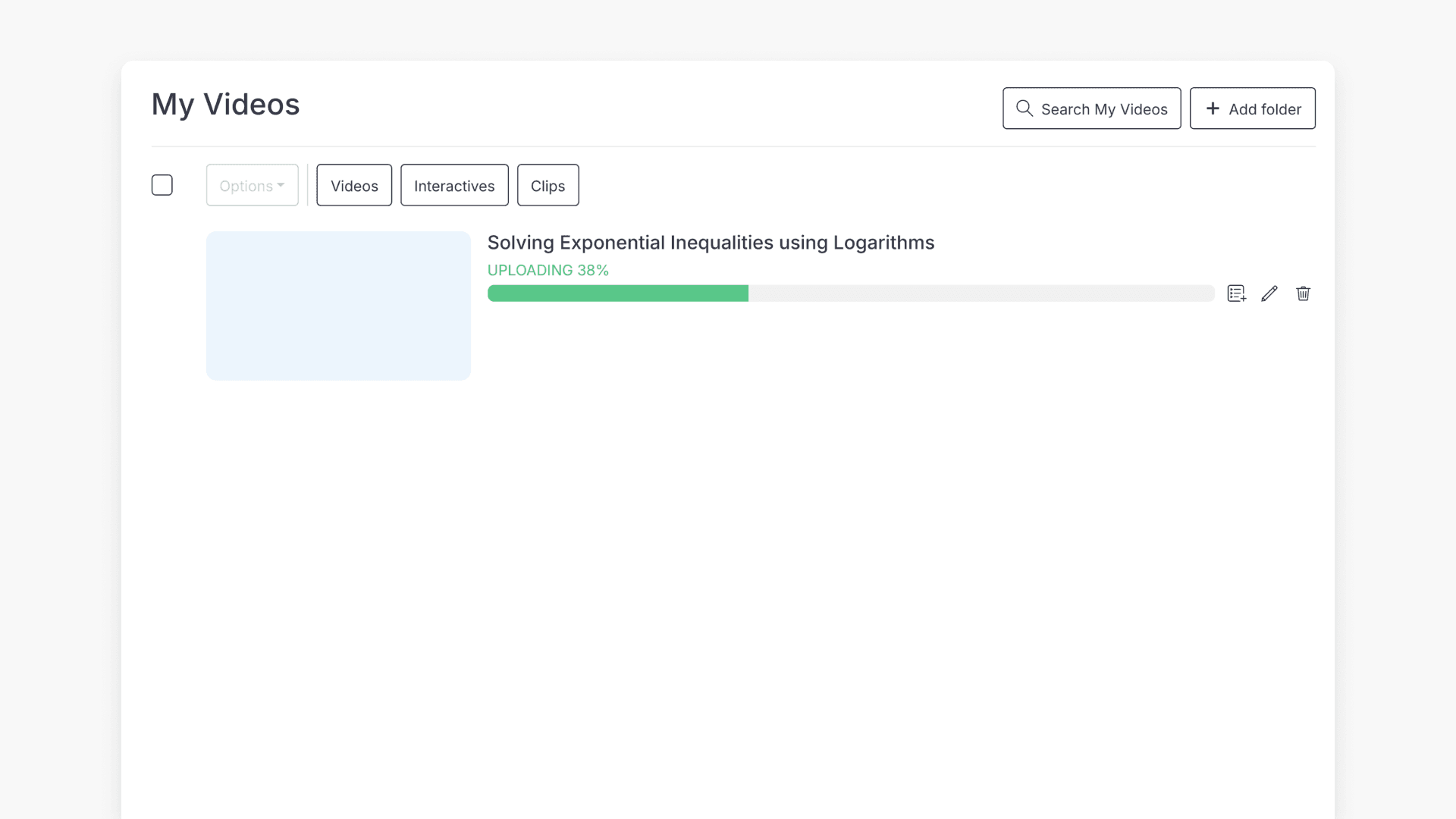
How to upload your own videos
Discover how to upload your own videos to ClickView. Learn both the button and drag-and-drop methods, plus video management tips.
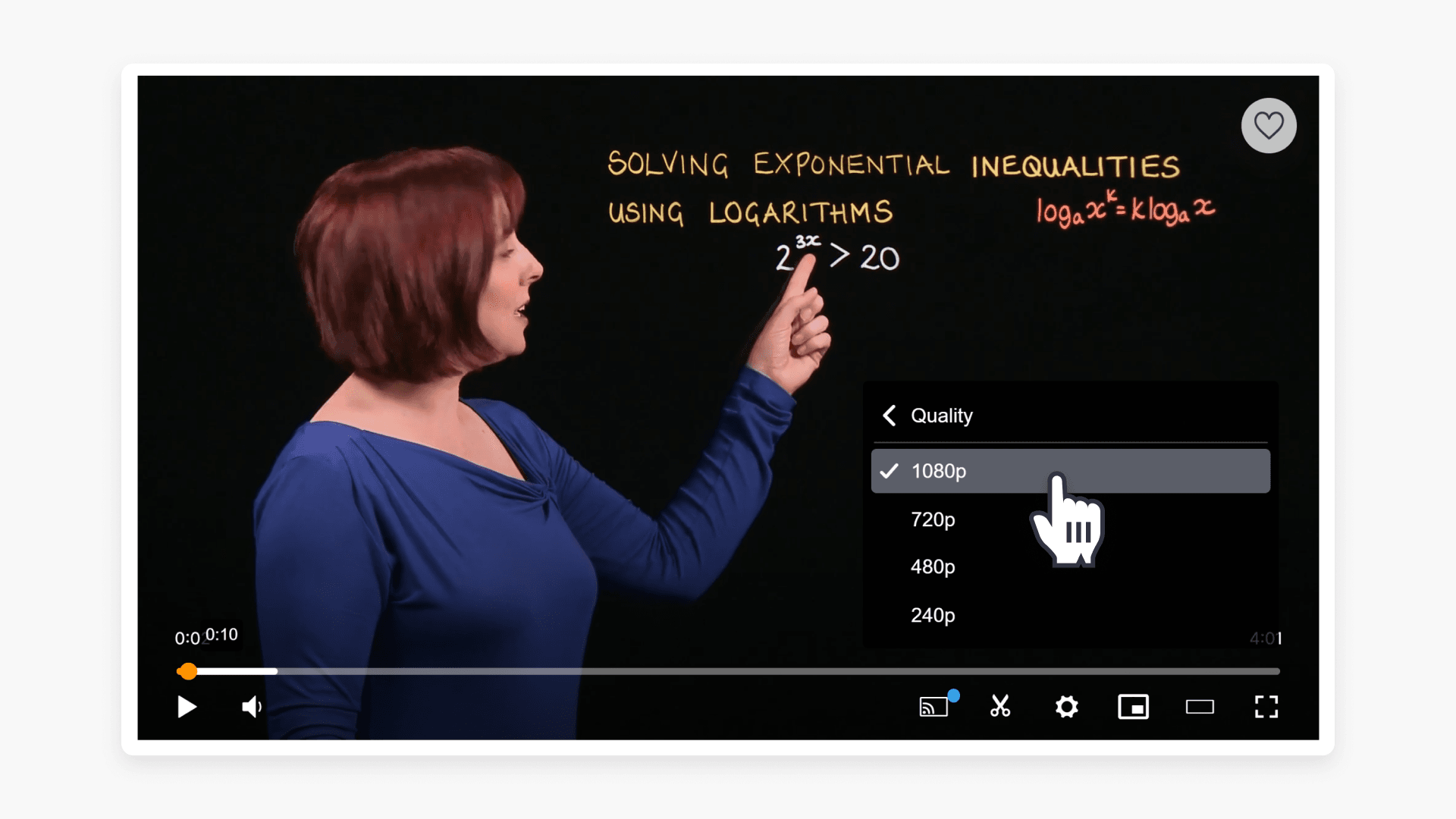
Ensuring high video quality for ClickView uploads
This article explains how video resolution and aspect ratio are processed when you upload files to ClickView. It covers available playback qualities, aspect ratio adjustments, and best practices for preparing videos.
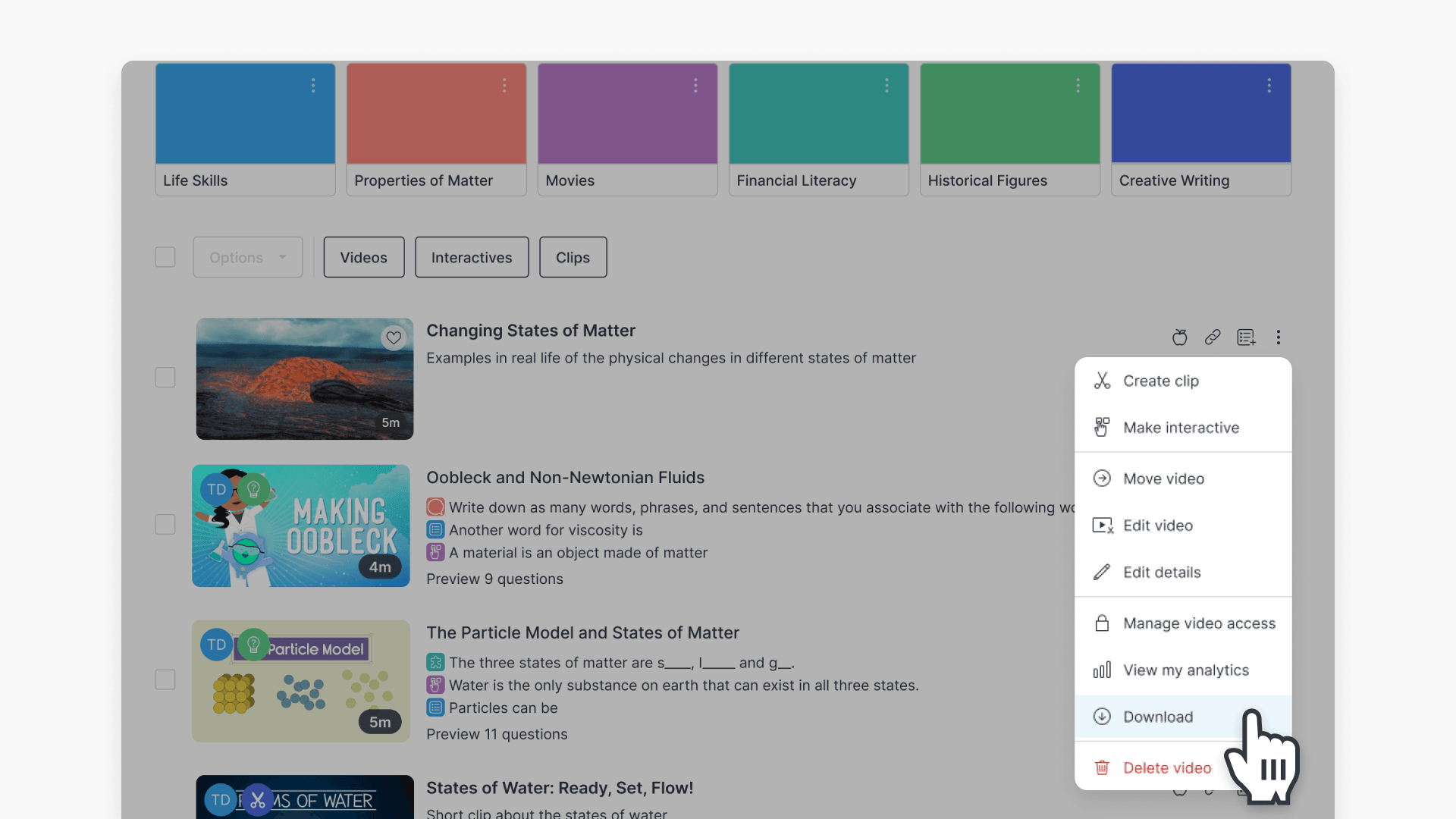
How to download a video from My Videos
This article guides educators on how to download a video from My Videos in ClickView. Follow clear, step-by-step instructions to save your video as an MP4 file on your device.
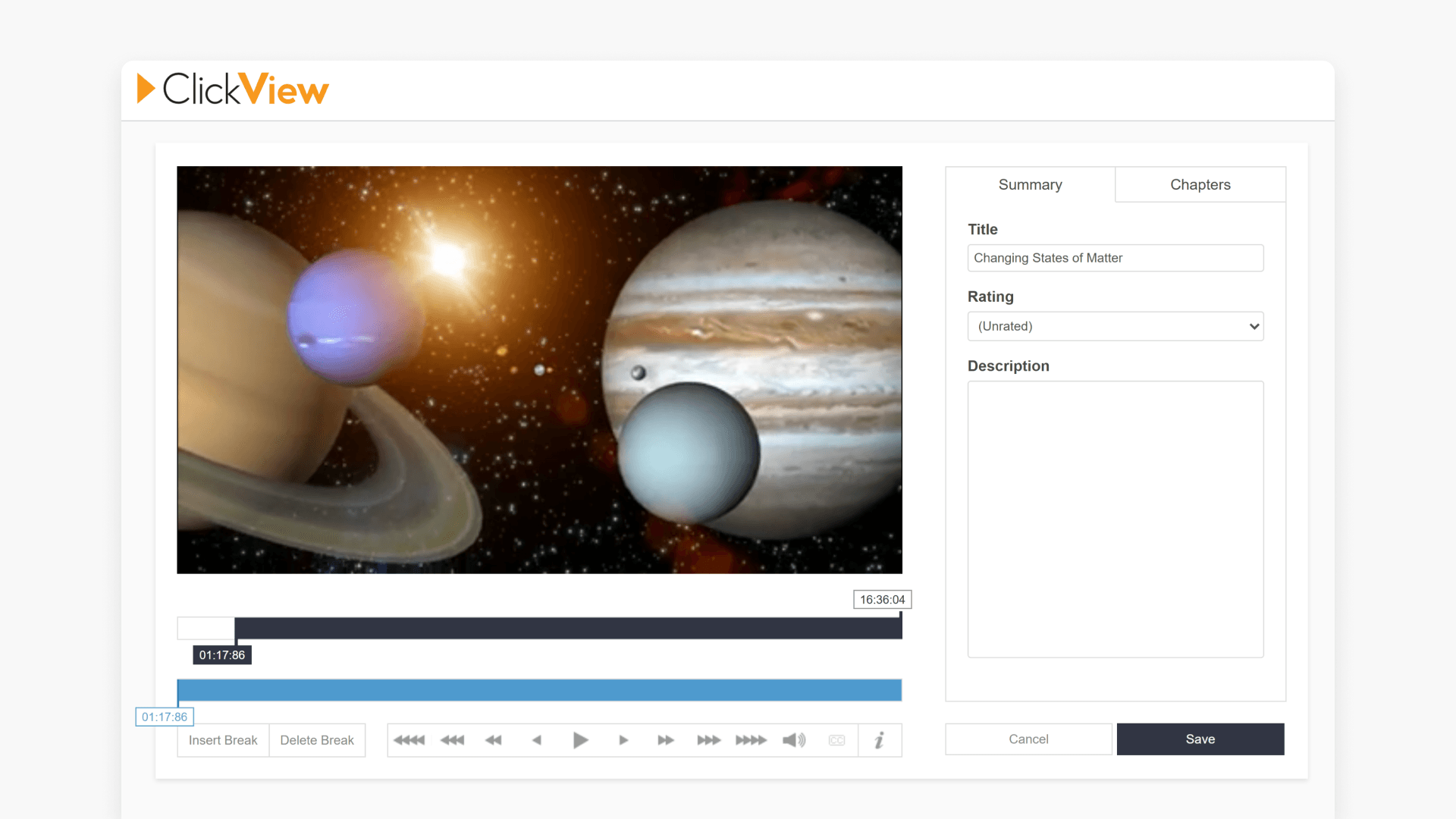
How to edit videos and create chapters
This article explains how educators can edit video metadata, create chapters, adjust video segments, and save changes from the My Videos page.
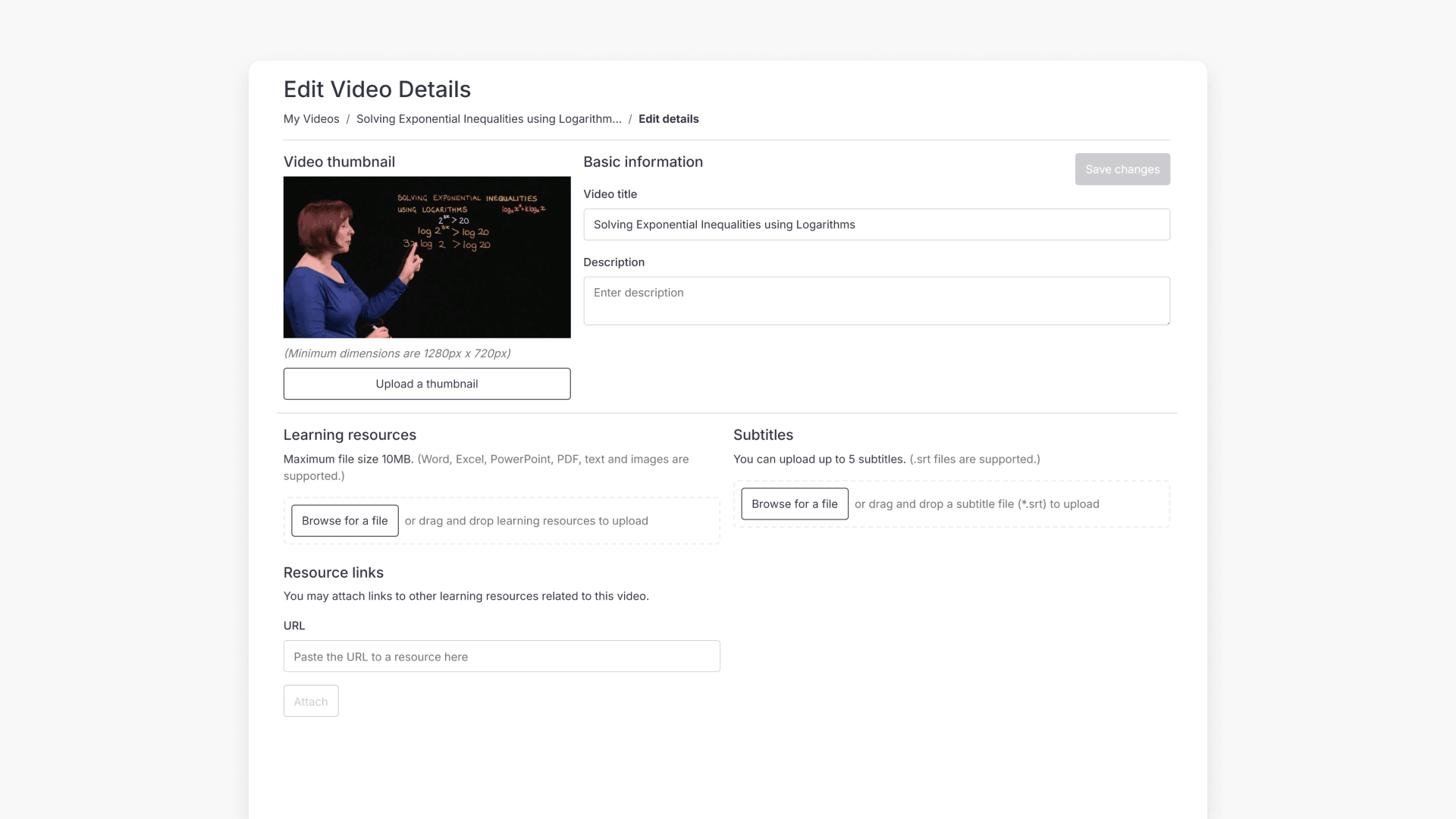
How to add resources, subtitles and links to your videos
This article explains how to add attachments such as documents and files to videos stored in your ClickView My Videos. Follow the step-by-step guide to upload attachments and keep them linked to your videos.
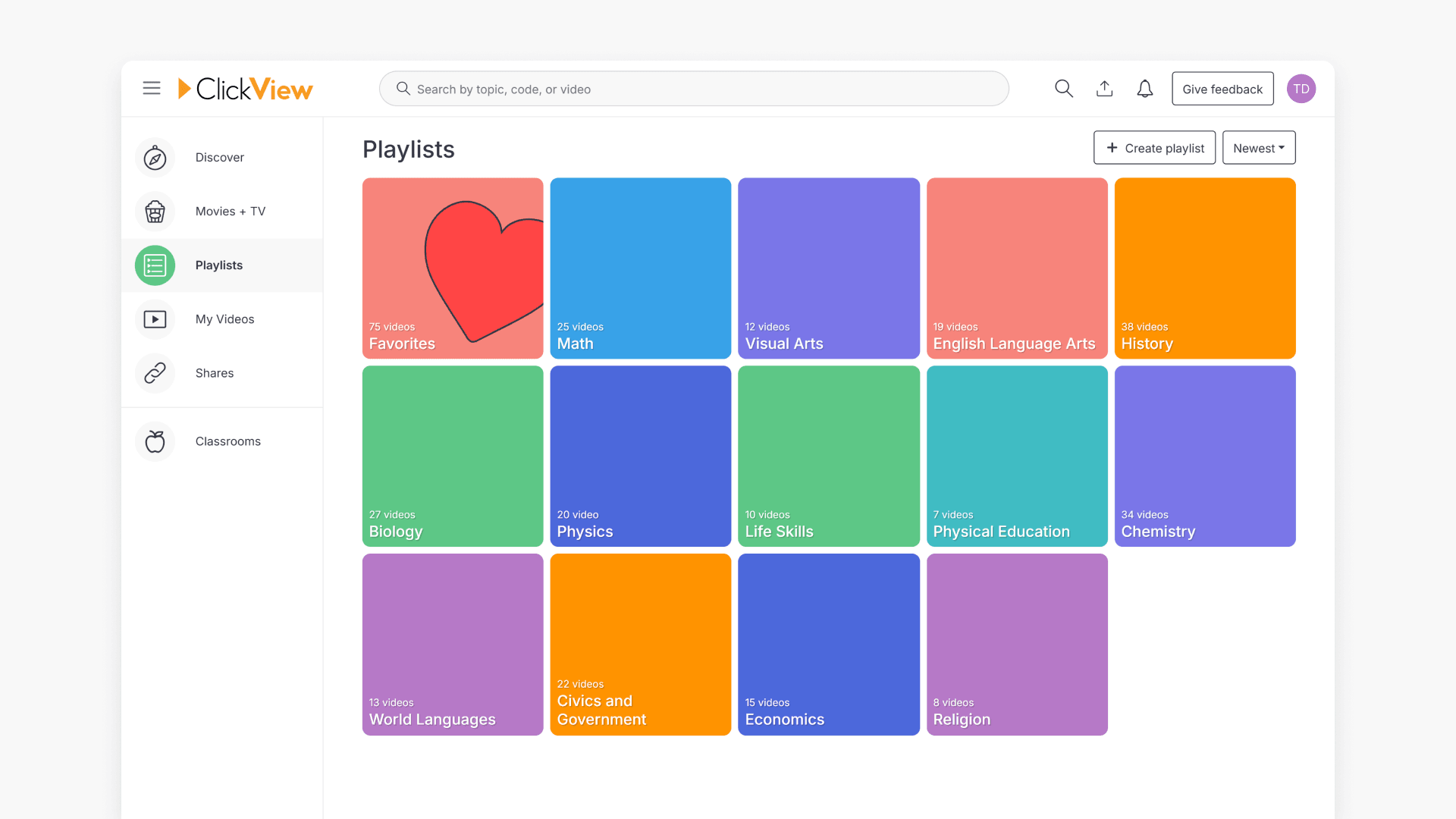
How to use playlists for video organisation
This article explains how to create, manage, and share playlists in ClickView. Discover how to organise videos, follow shared playlists, and streamline classroom content sharing with colleagues and students.
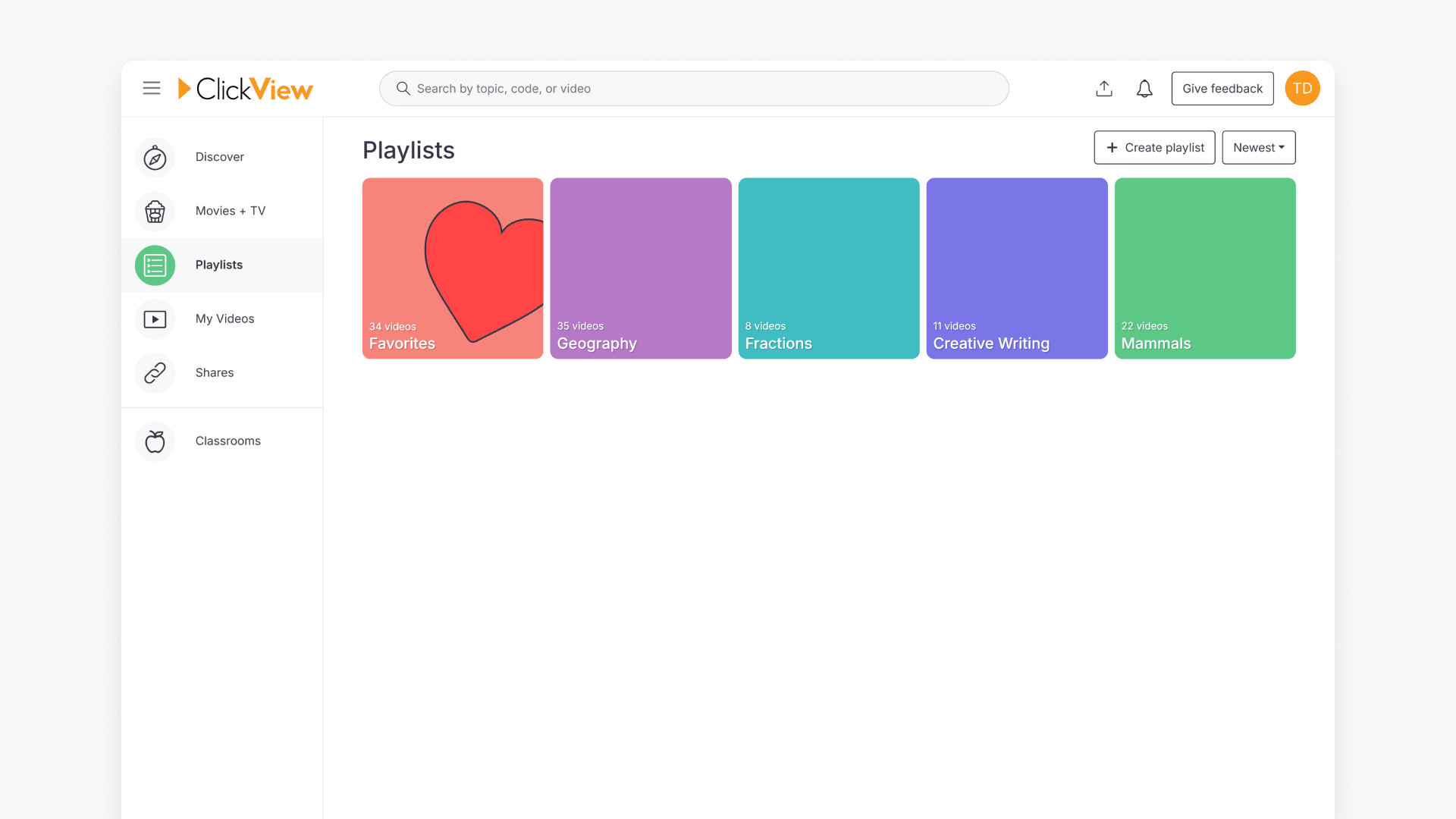
How to create a playlist
This article guides educators through the steps to create a playlist in ClickView, including naming and organising videos by year level or subject.
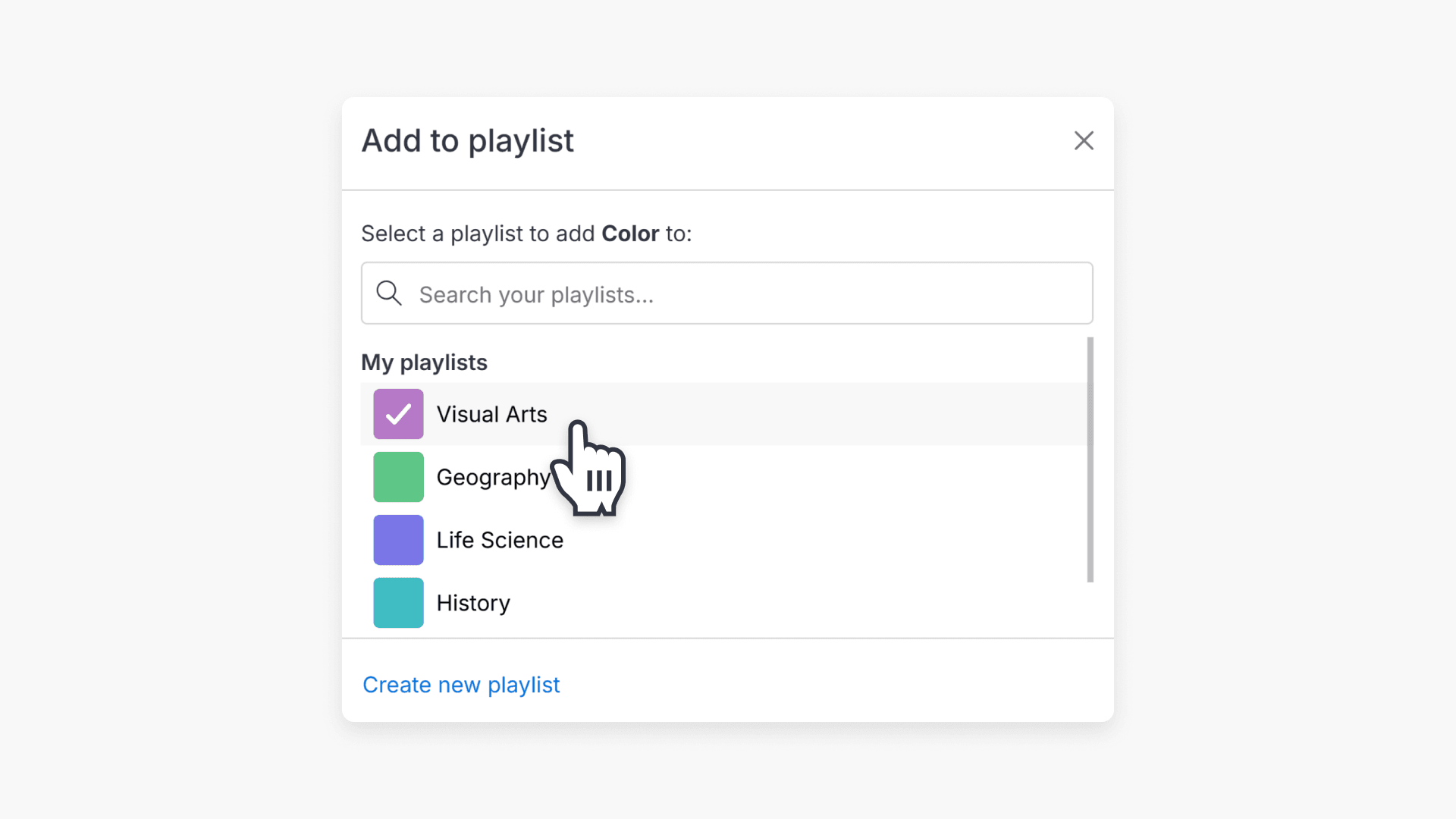
How to add a video to a playlist
Discover the steps for adding any video to your ClickView playlists, either from search results or while watching a video. Create new playlists as needed.
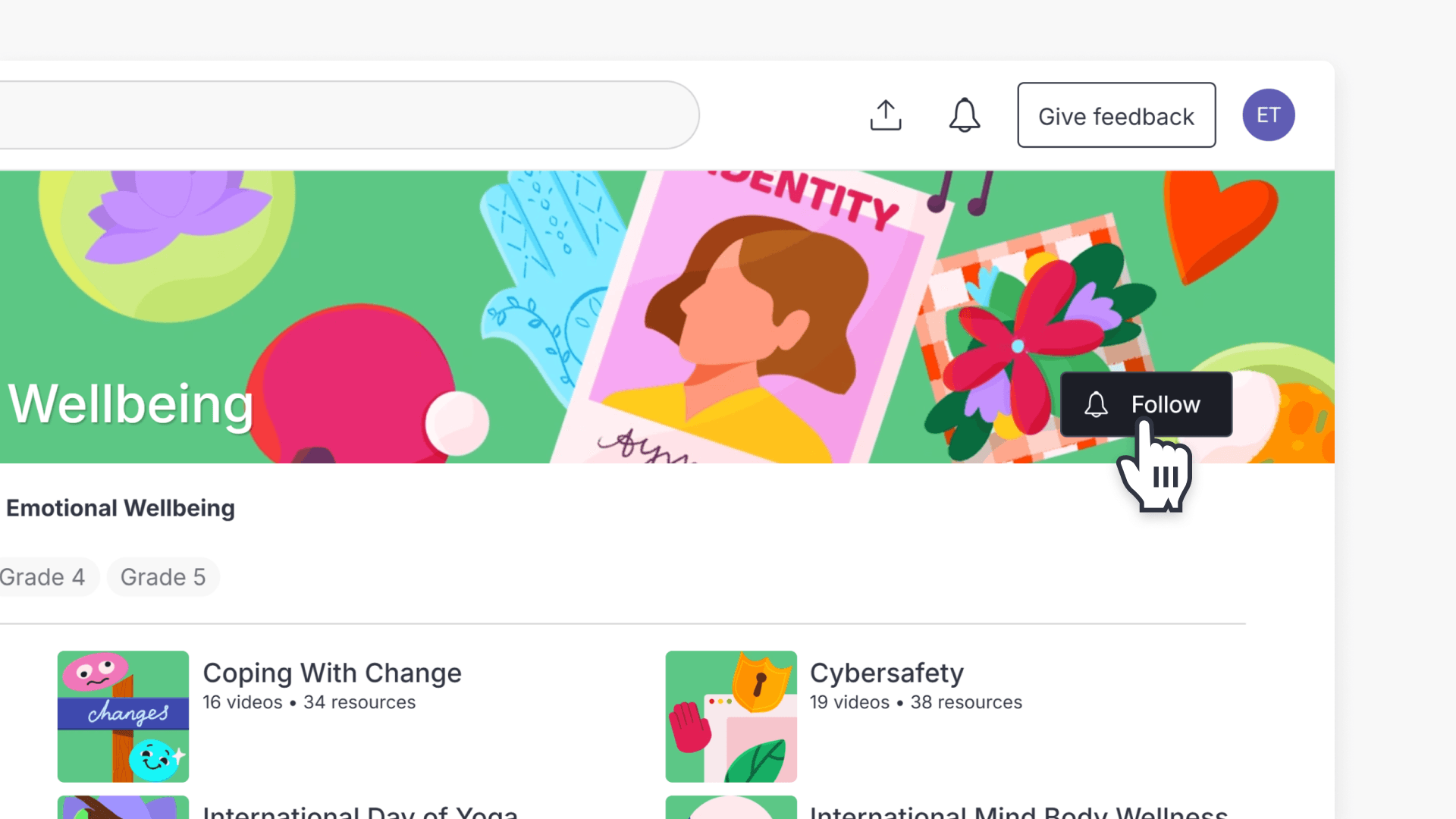
How to follow playlists and Topics
This article explains how to follow or unfollow playlists and Topics in ClickView, including where followed items appear and how updates work.
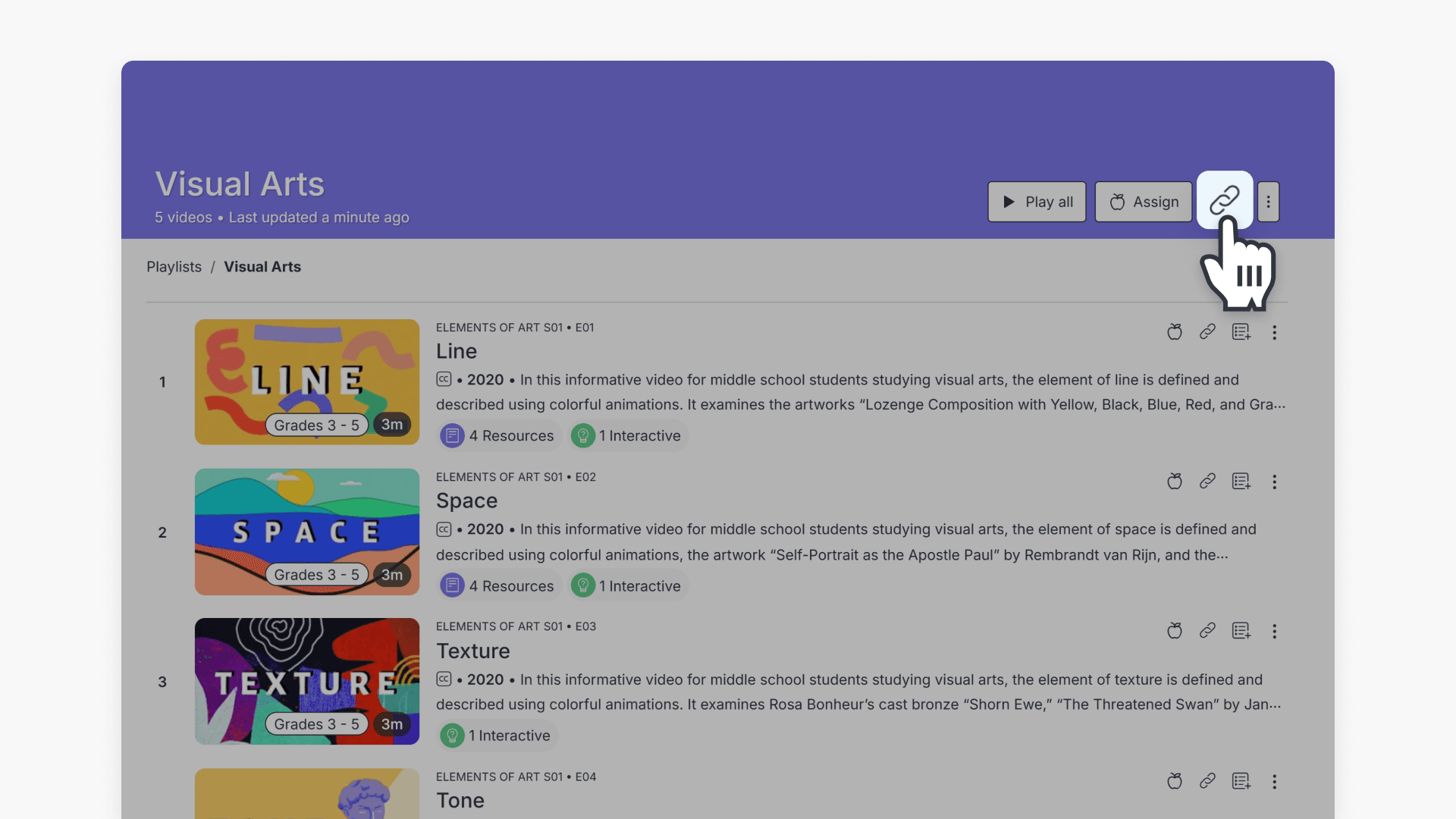
How to share a playlist
This guide explains how to share ClickView playlists with teachers, students, classes, or groups using share links or integrations. Includes step-by-step instructions and privacy setting options.
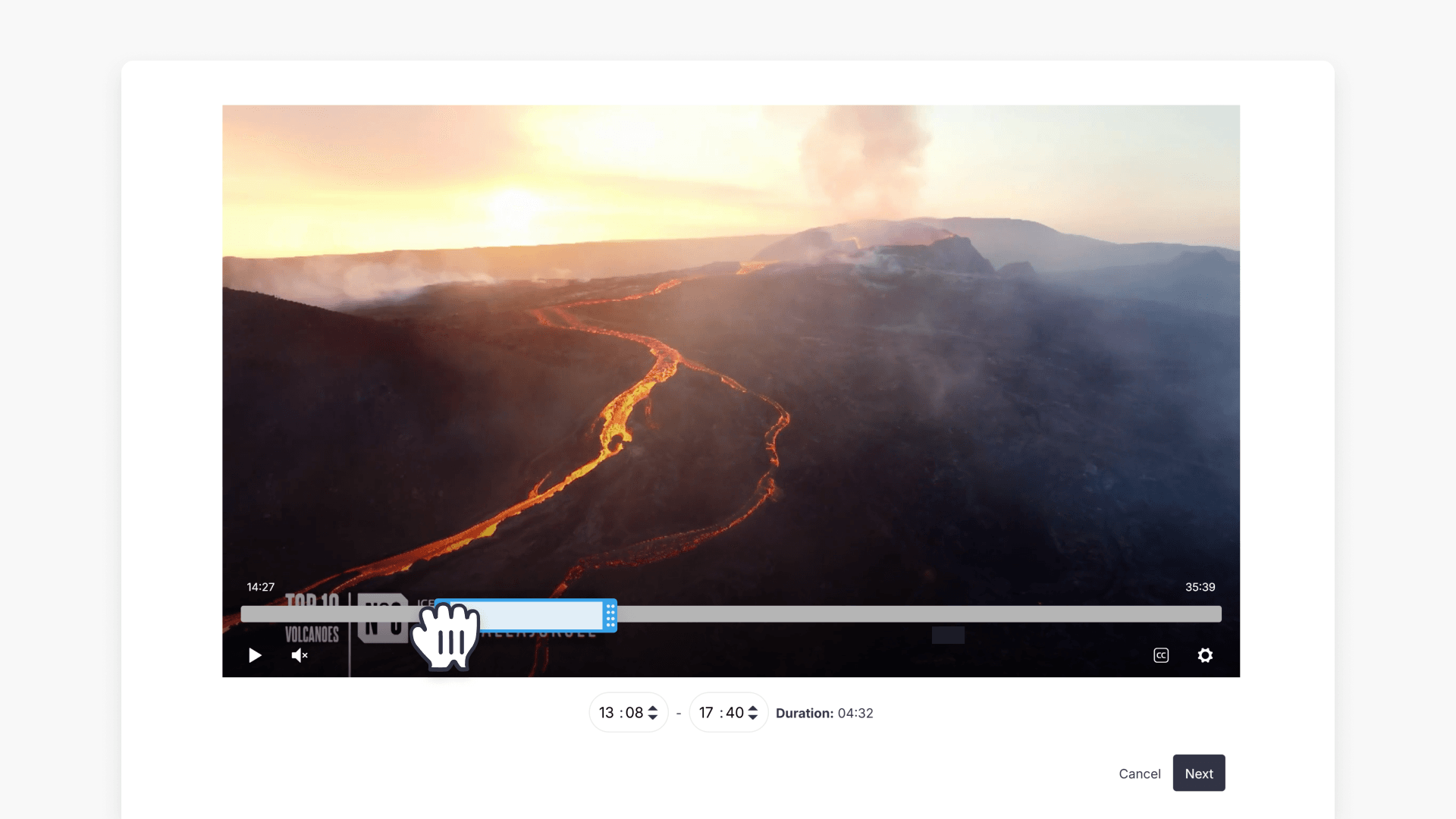
How to create and manage video clips
This article explains how to create, share, and manage video clips in ClickView, making it easy for educators to use specific parts of educational videos with students.
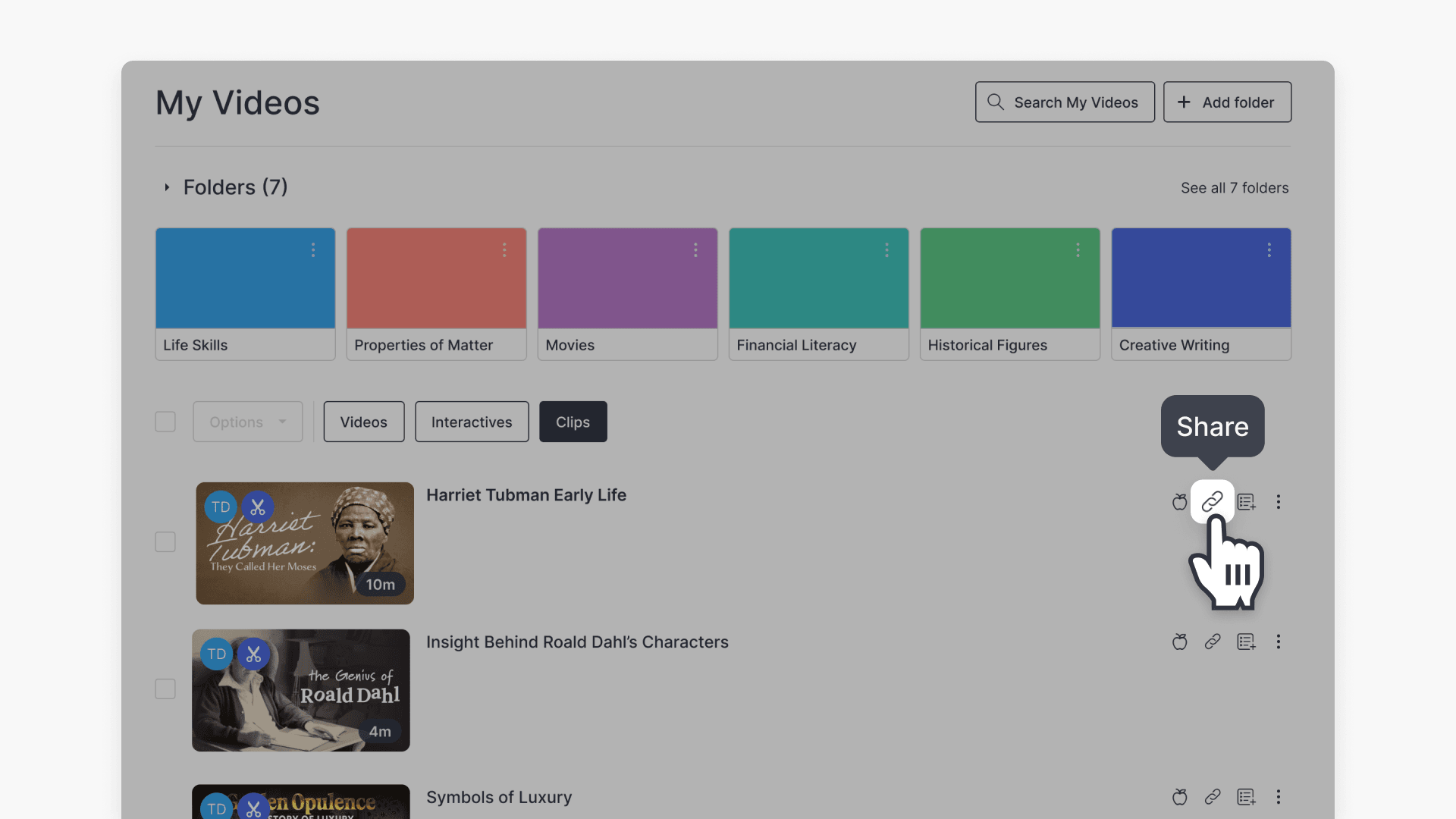
How to share video clips
This article explains how ClickView users can share video clips with educators and students using My Videos. Includes step-by-step instructions and screenshots.
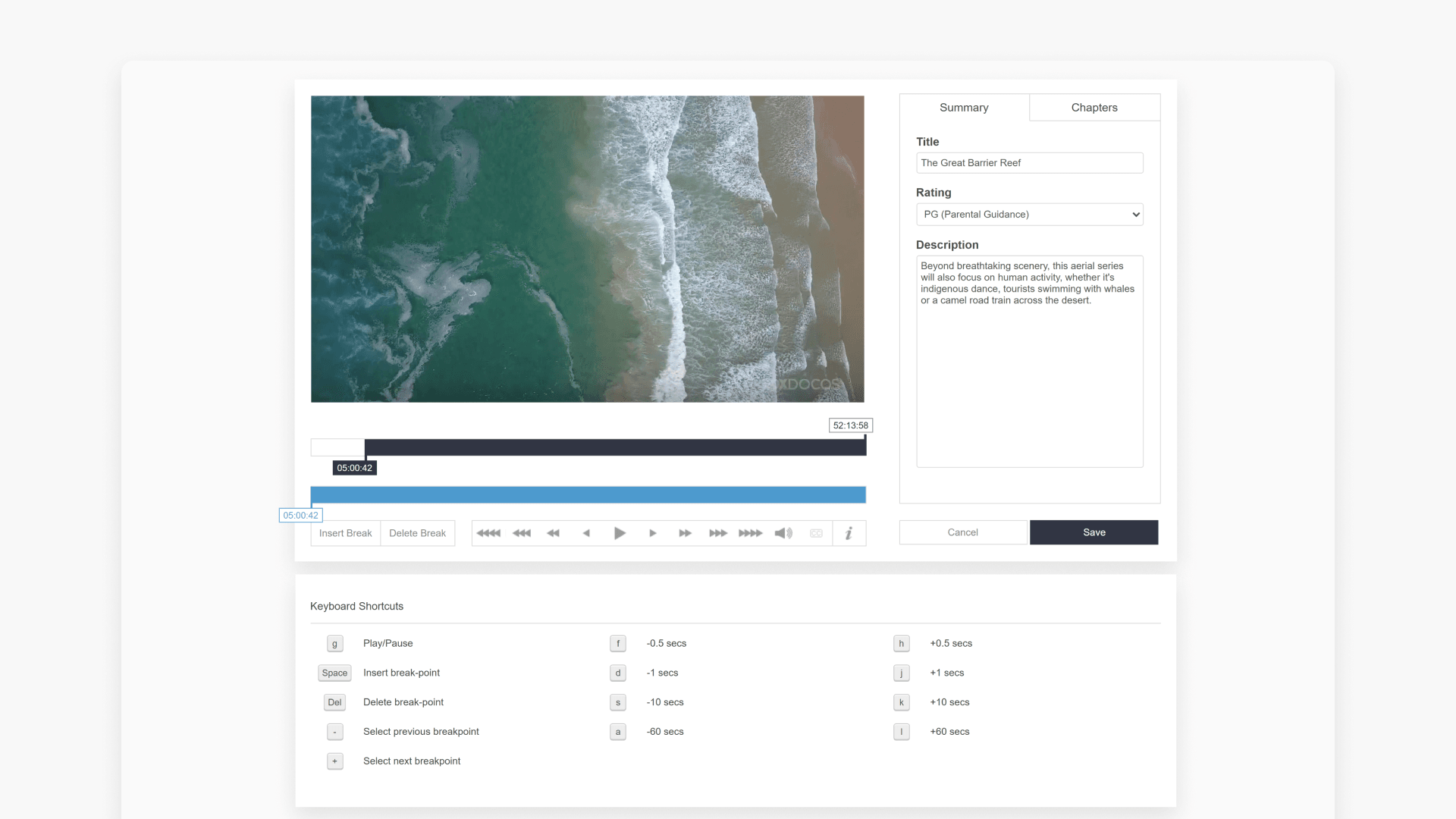
Edit videos with Cloud Editor
Master the Cloud Video Editor to create chapters, rename or delete them, remove commercials, and save your edited videos. Follow clear, step-by-step guidance to streamline your editing process for optimal classroom use.