



Using ClickView
Apps
Use ClickView on the go. Learn how to browse the apps, download videos, and classroom-ready tips for iOS and Android phones and tablets.
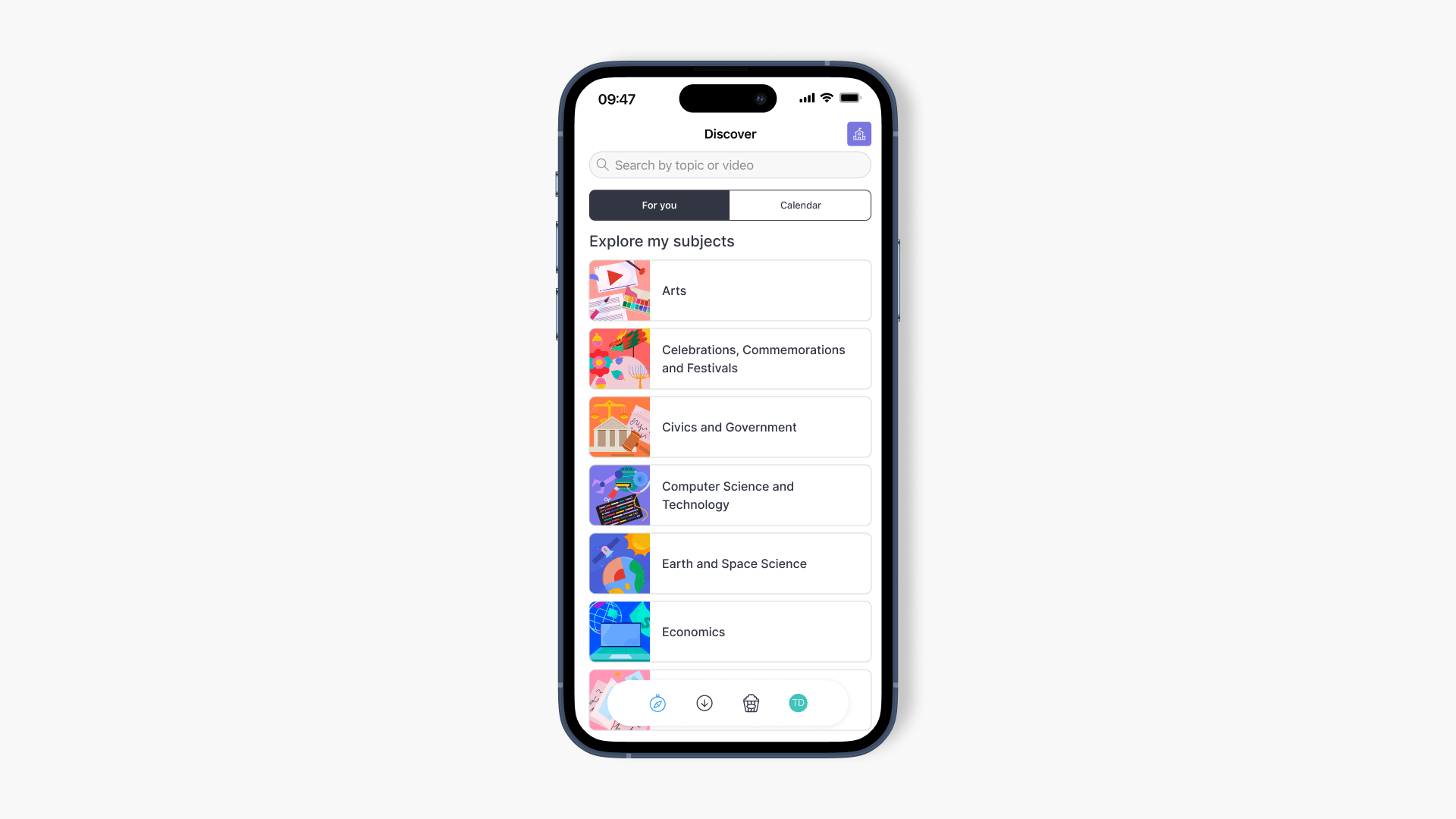
How to use the ClickView iOS app
This article explains how to sign in, explore content, filter searches, and use video controls within the ClickView iOS app on iPhone and iPad devices.
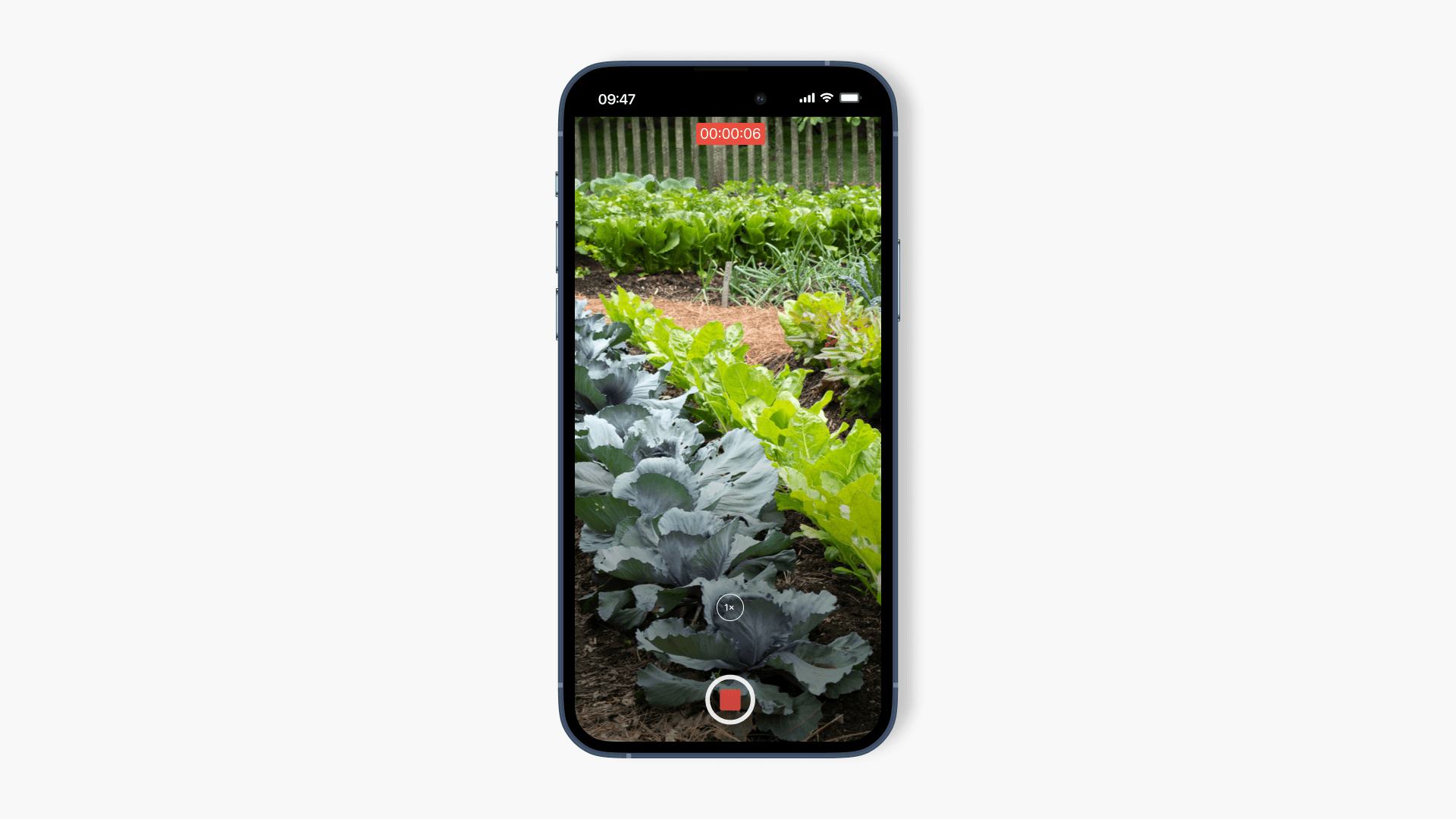
Record and upload a video in the iOS app
This article explains how to use the ClickView app to record a video on your device, upload it to My Videos, and complete video details for easy sharing.
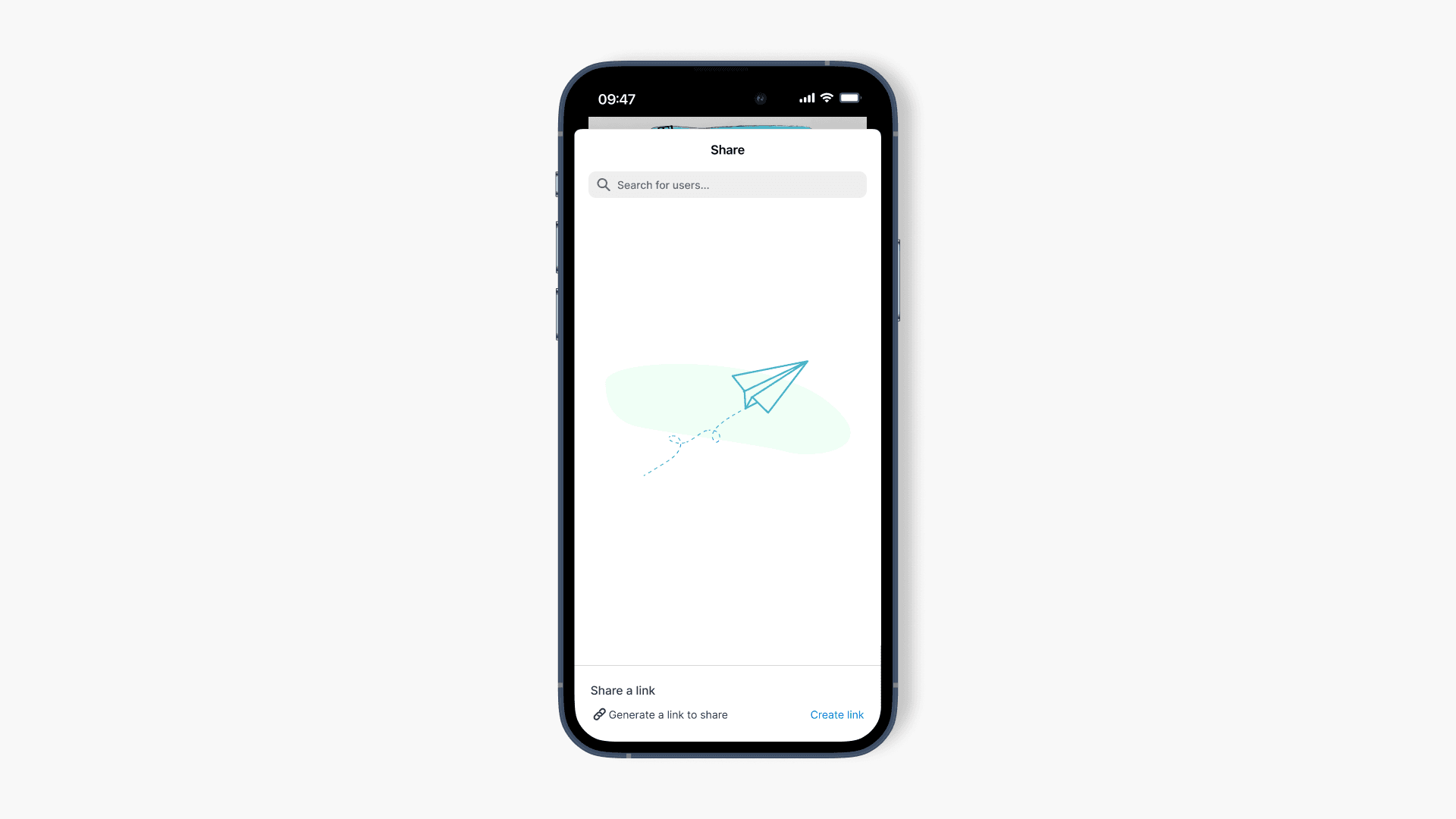
Share videos using the iOS app
This article explains the process for sharing ClickView videos directly with users or classrooms from the iOS app, including how to copy a share link.
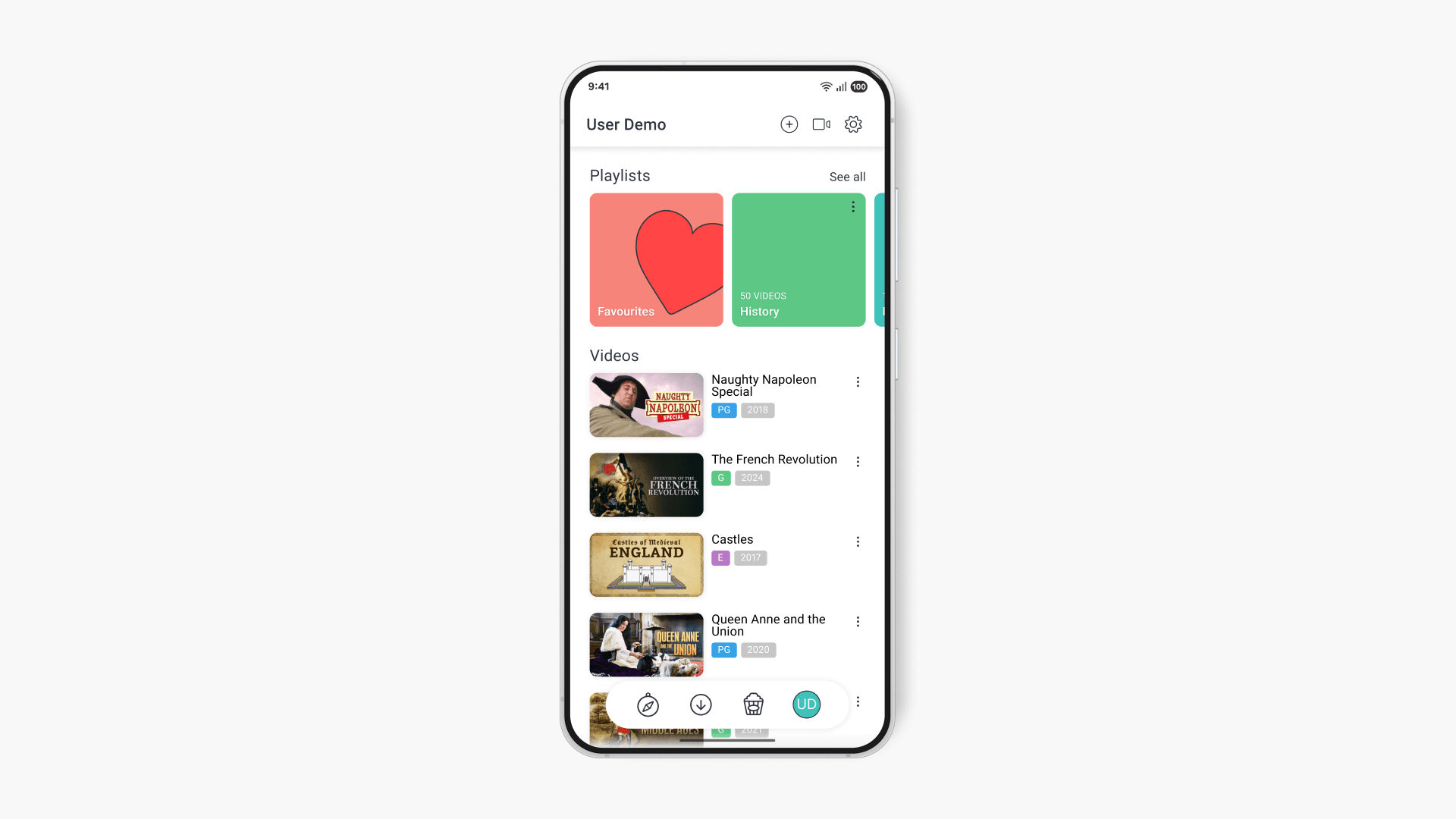
My Videos in the Android app
Find out how to upload, manage, and share your own content in My Videos on the ClickView Android app. This step-by-step guide helps teachers and staff efficiently manage private video collections and playlists.
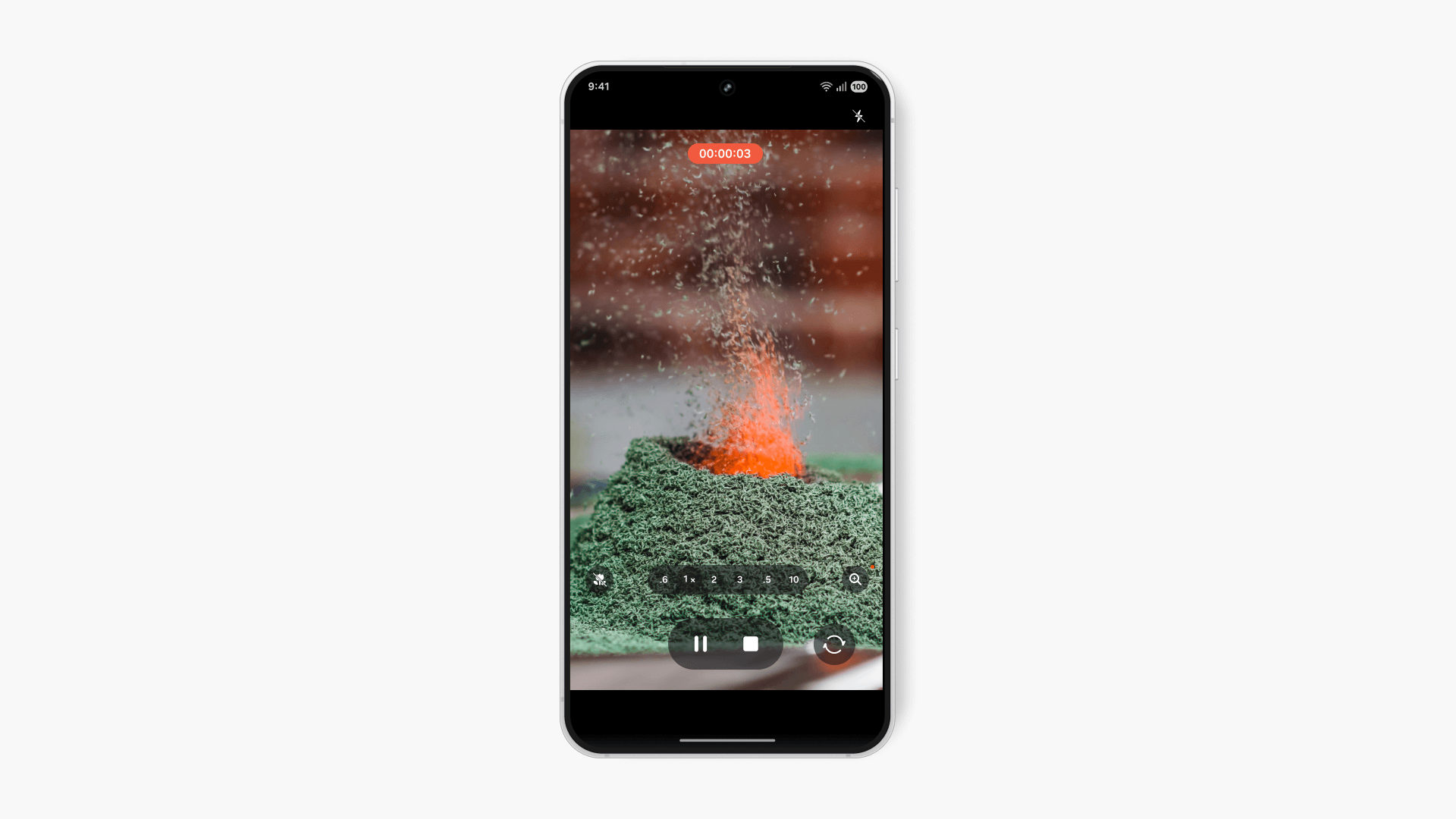
Record and upload a video in the Android app
This article explains how educators can use the ClickView Android app to record new videos or upload existing clips directly to My Videos. Step-by-step instructions help you capture, describe, and share content with your school community.
Share videos using the Android app
Find out how to share videos with your classroom or colleagues using the ClickView Android app, including both direct sharing and link generation options.
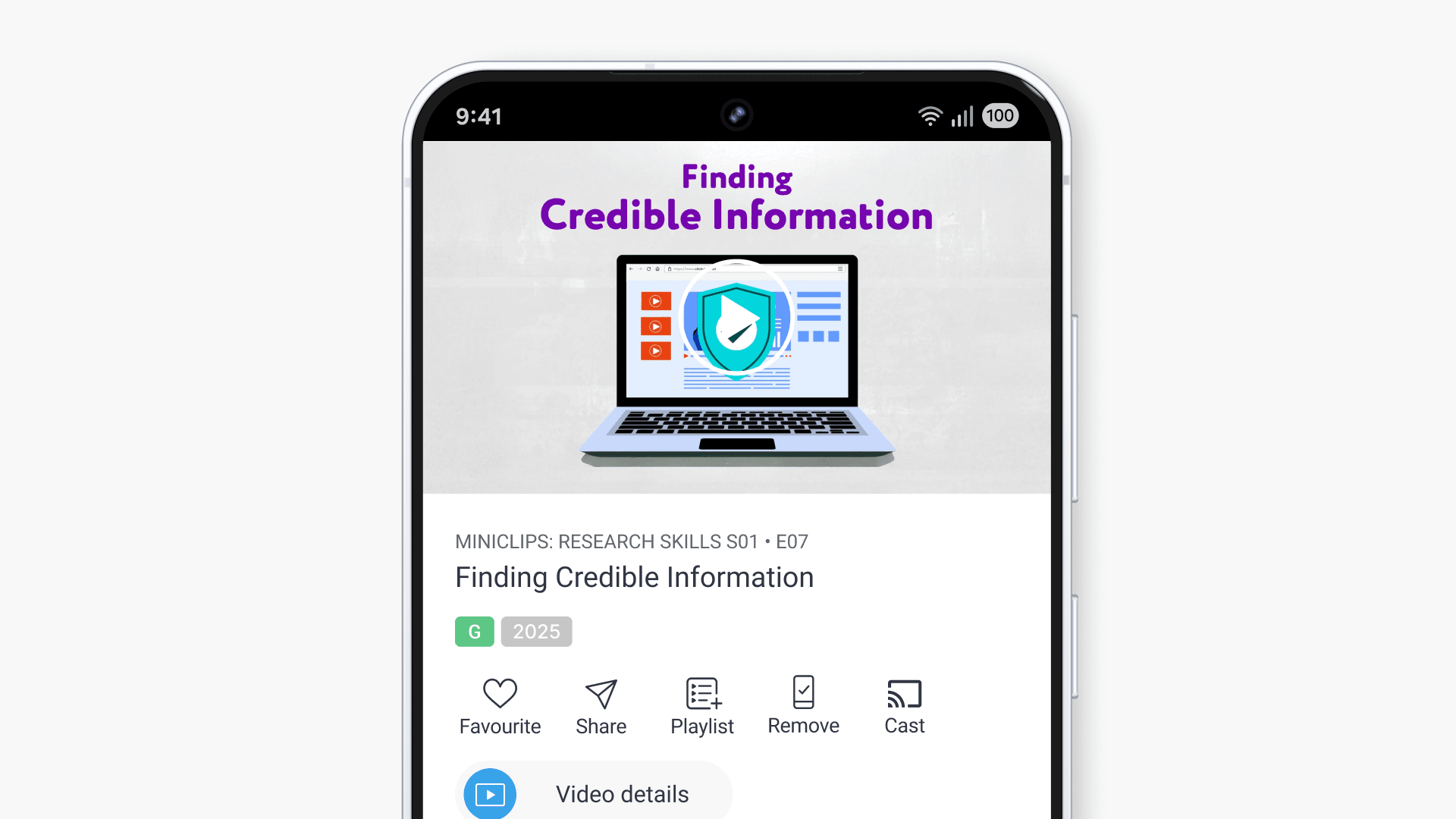
Download videos and watch offline
This article explains how to download and play ClickView videos using the local storage feature on iOS and Android devices, enabling reliable offline viewing for teachers and students.