My Videos in the Android app
In this article
Last updated by
2 min readClickView23rd February, 2026
Summary
- Select your profile from the bottom of the screen.
- Access your playlists and My Videos for personal content management.
- Use the camera button to upload new videos from your device.
- Add, favourite, or download videos using the three-dot icon next to each video.
- Share or delete videos using the available options in My Videos.
star icon
Quick tip
What happens to videos in My Videos before sharing?
Videos stored in My Videos on the ClickView Android app are private and can only be accessed by you until you choose to share them with others.
Accessing My Videos
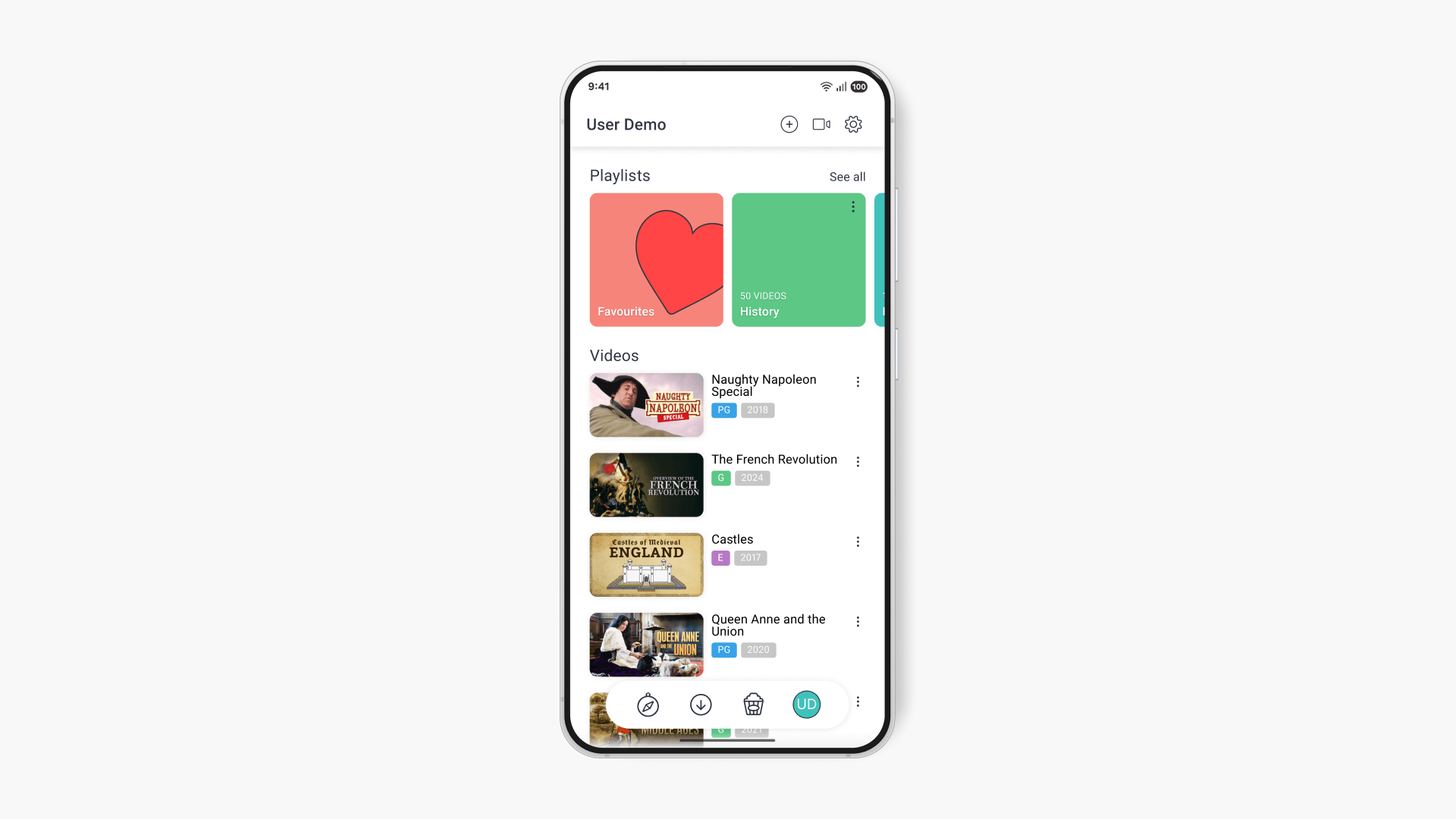
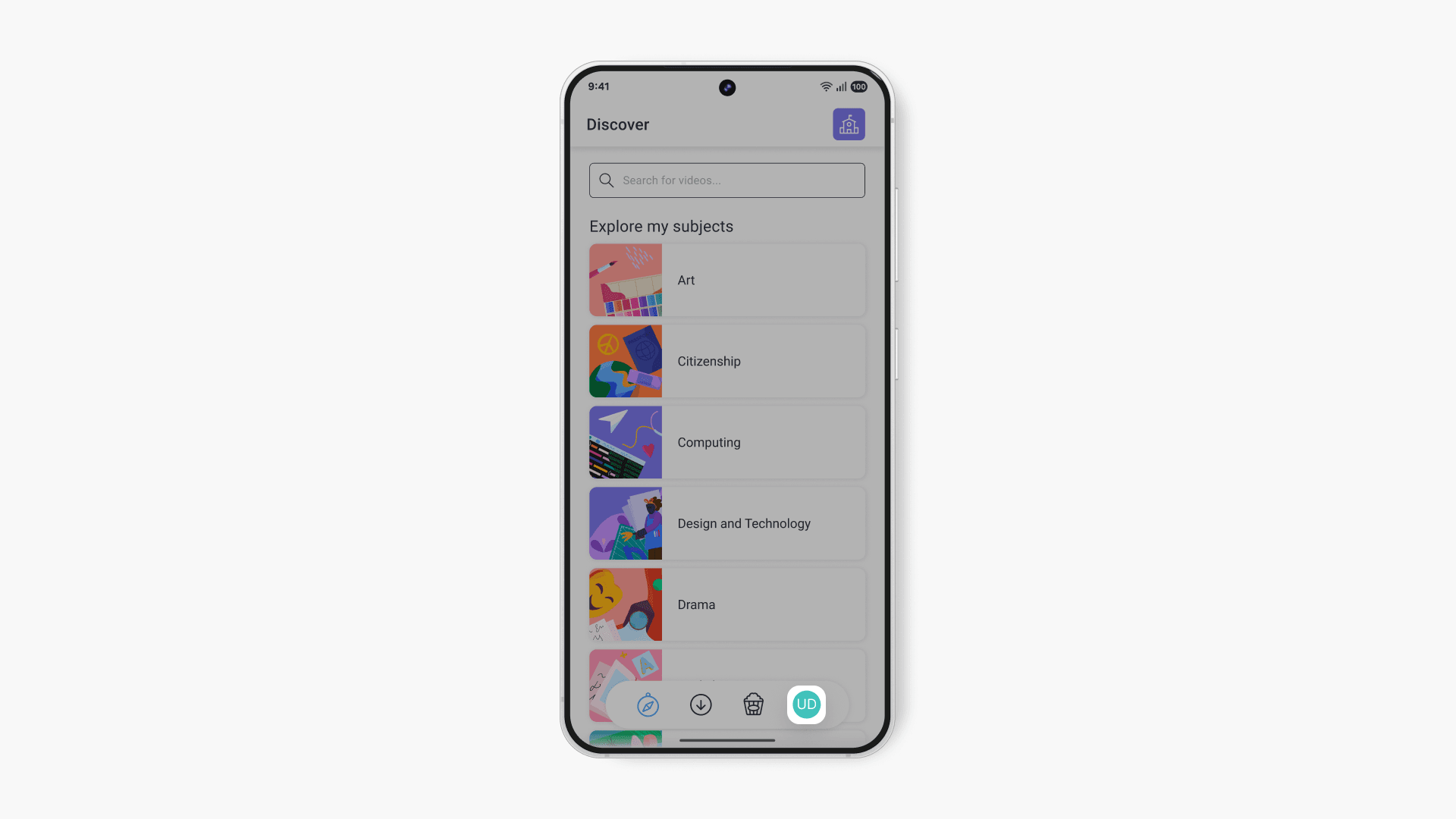
- Select your profile from the menu located at the bottom of the screen.
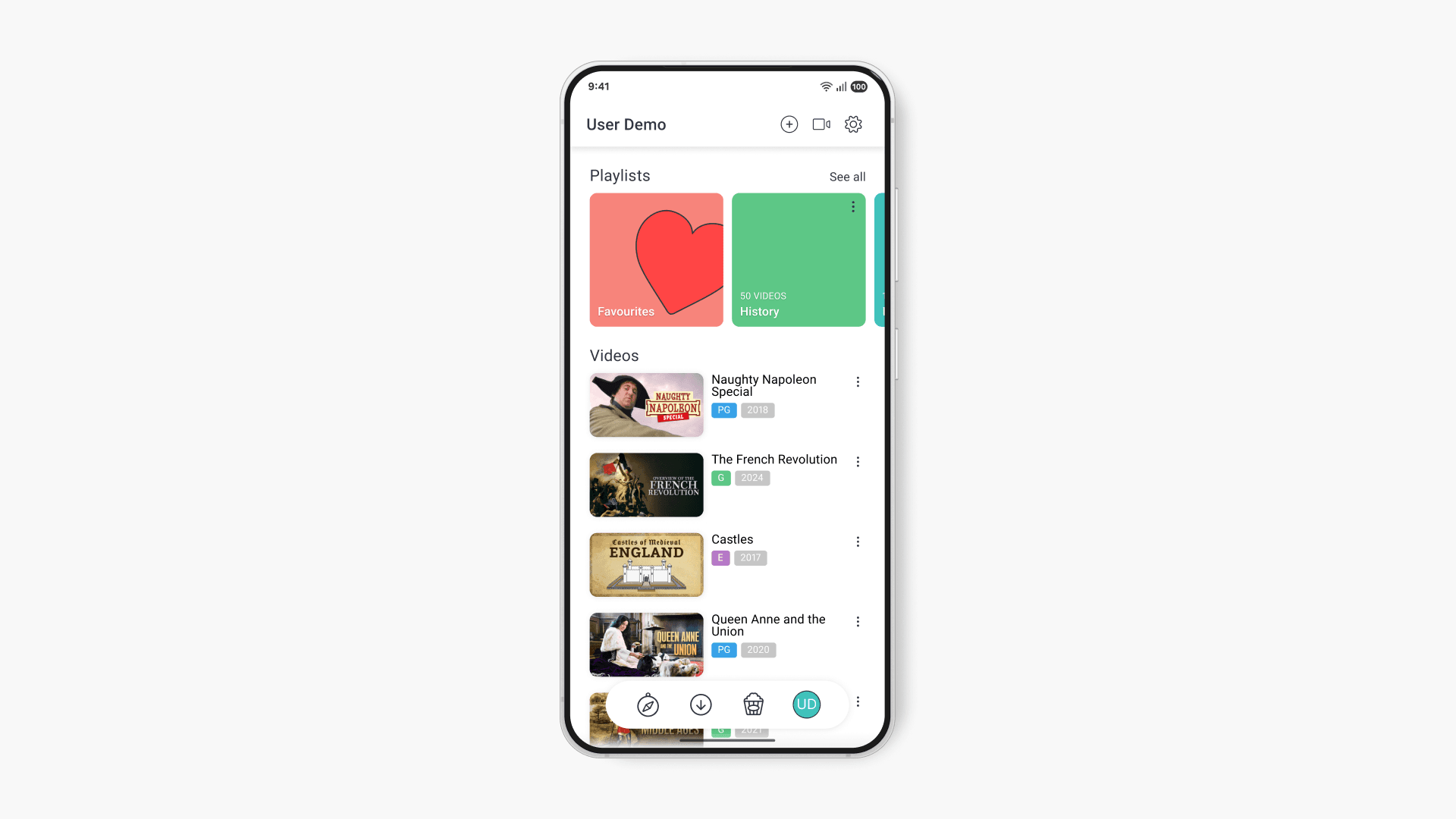
- View your playlists and My Videos, which includes your personal collection of clips, interactives, and uploaded videos on ClickView. Only you can access these videos until you share them.
Uploading videos
Use the camera button in the top right hand corner to upload videos. You can refer to ‘How do I record and upload a video’ if you need any help uploading a video.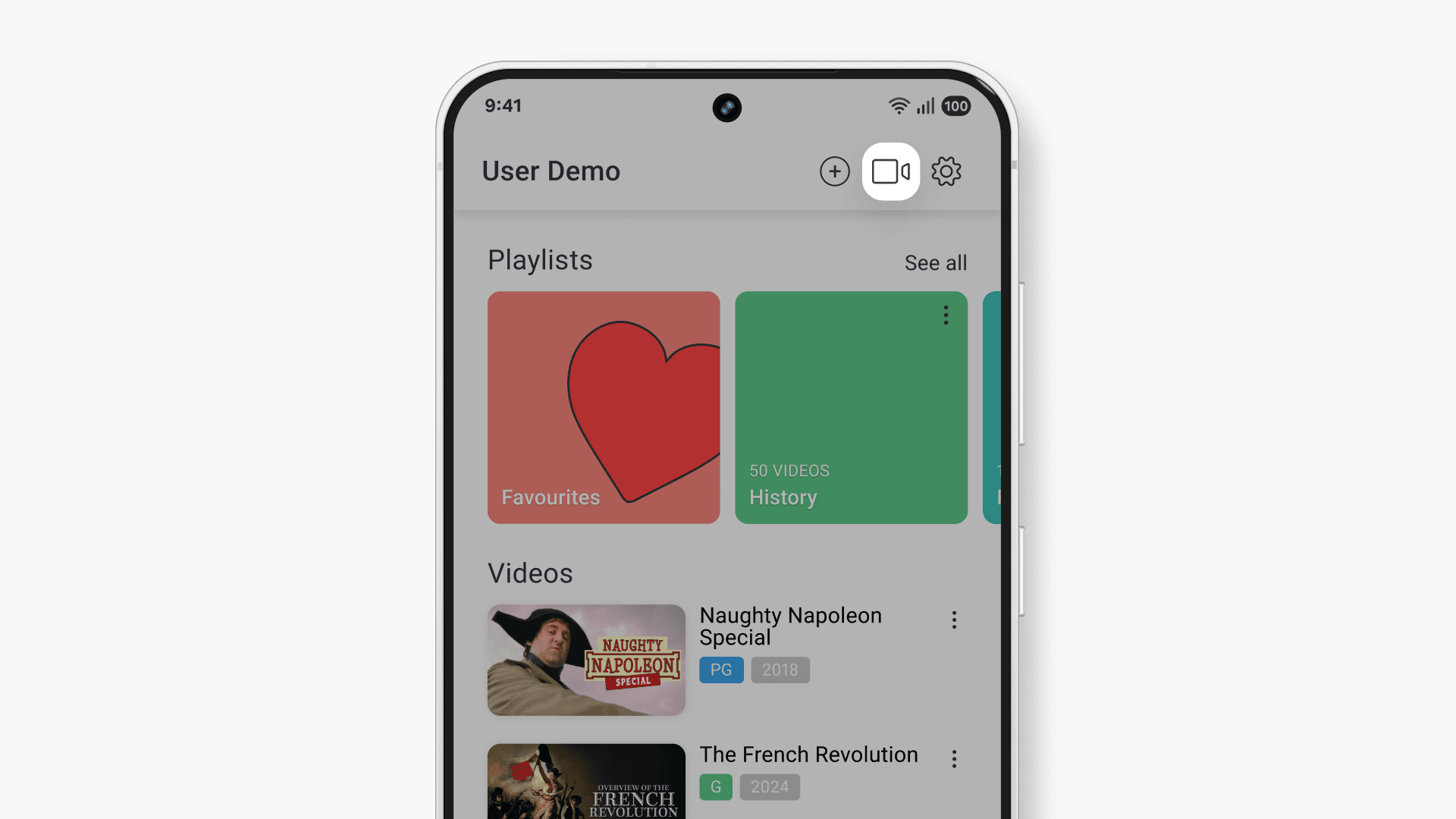
Managing your videos
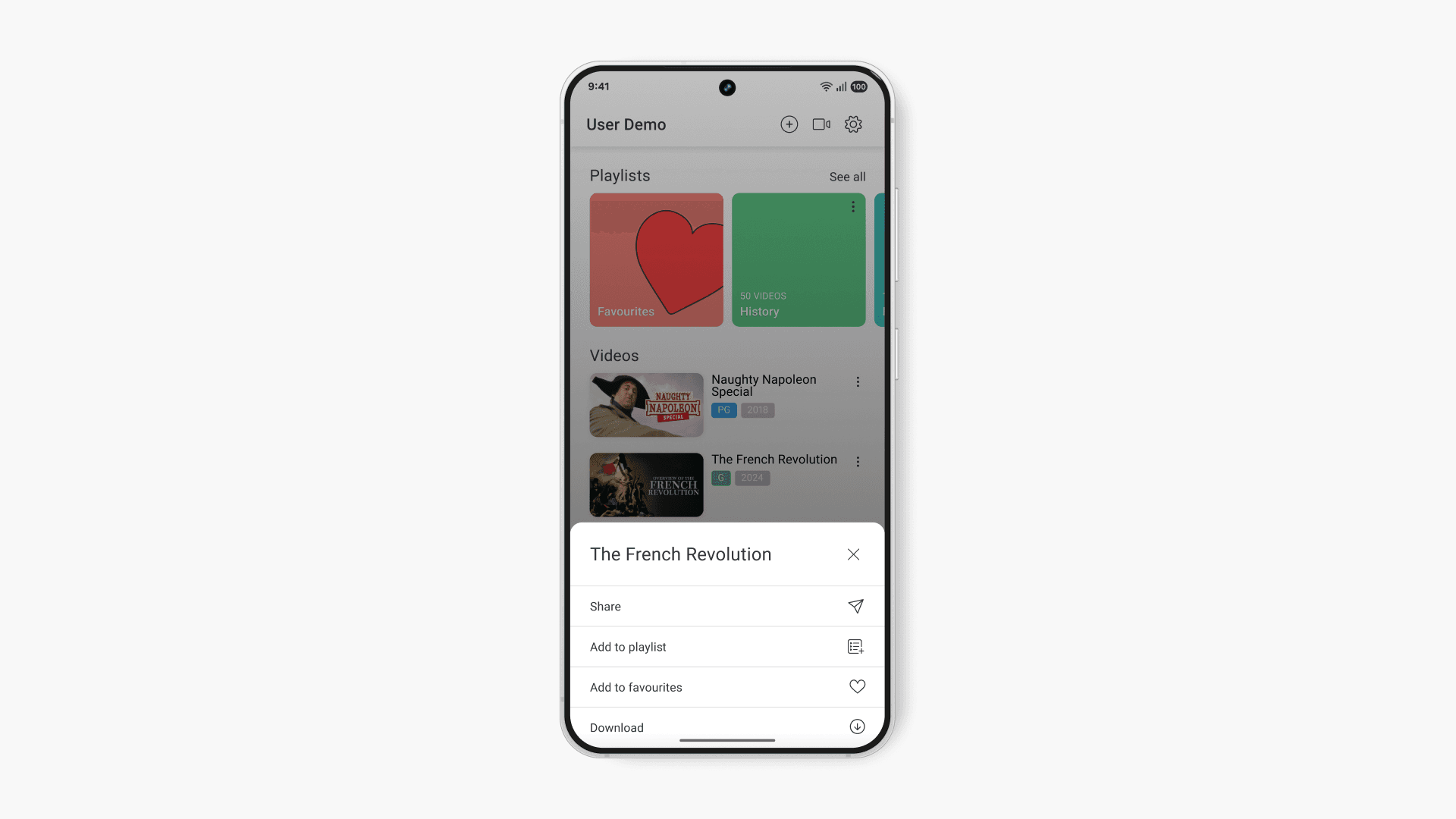
Click the three-dot icon next to the video to:
- Share the video
- Add to a playlist
- Add to your favourites
- Download the video to your device
- Delete the video
Frequently asked questions
Yes, you can share your videos from My Videos once you create share links or use the share option under the three-dot icon.
Supported file types for uploading are detailed in the ‘How do I record and upload a video’ article from ClickView Product Support.
Yes, you can download videos from My Videos to your device and view them without an internet connection.
Get in touch
If you’re having trouble finding the right topics or videos, just reach out! Our team - 

 Akhil, Daniel, Jalaj, or any of us at ClickView - will be happy to help you get sorted.
Give feedback
Was this guide helpful?
Up Next
How to use the ClickView iOS app
This article explains how to sign in, explore content, filter searches, and use video controls within the ClickView iOS app on iPhone and iPad devices.