Introduction to ClickView TV

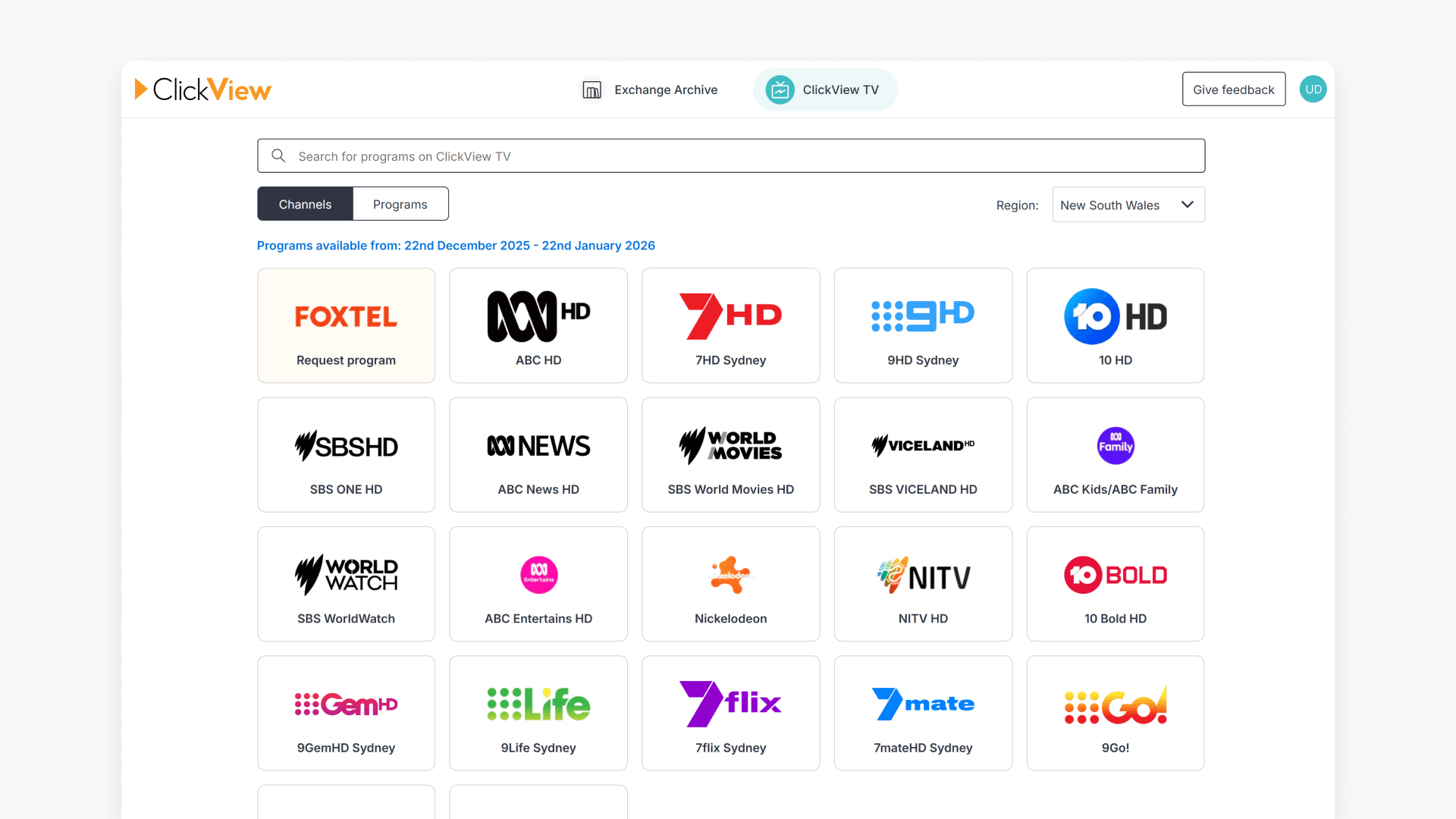
Summary
- Access ClickView TV via your avatar and ‘Exchange + TV’.
- Select ‘ClickView TV’ at the top of the Exchange & TV screen.
- Browse recent and topical free-to-air TV programs.
- Change the broadcasting region using the ‘Region’ drop down or at page bottom.
- Add TV programs to My Videos for further editing and lesson creation.
What is ClickView TV?
ClickView TV provides access to recorded free-to-air television programs. You can locate programs, request a copy, and add them to My Videos for editing and lesson creation.
Access ClickView TV
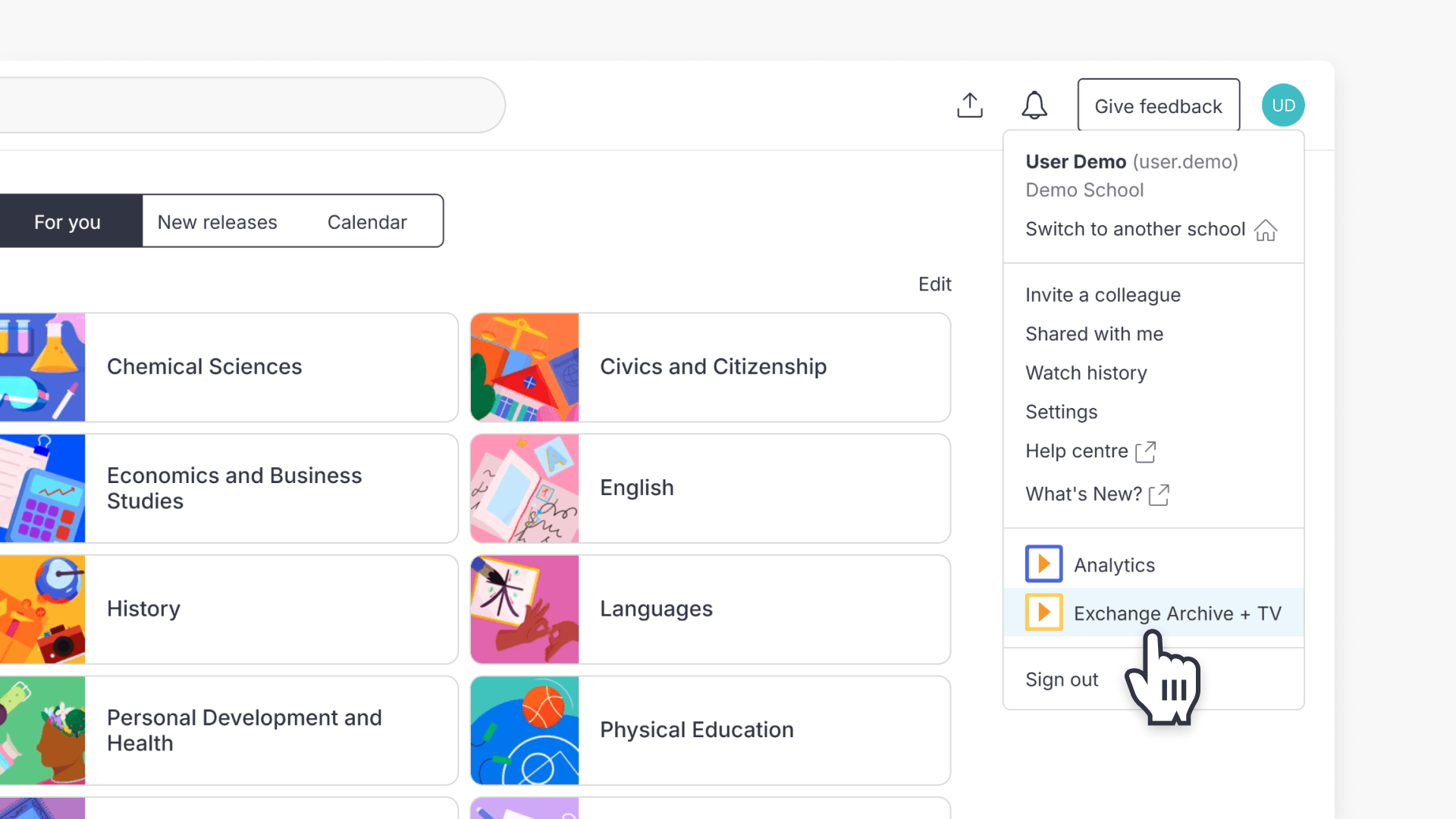
- Click your avatar in the top right corner of the screen.
- Select Exchange Archive + TV from the dropdown menu.
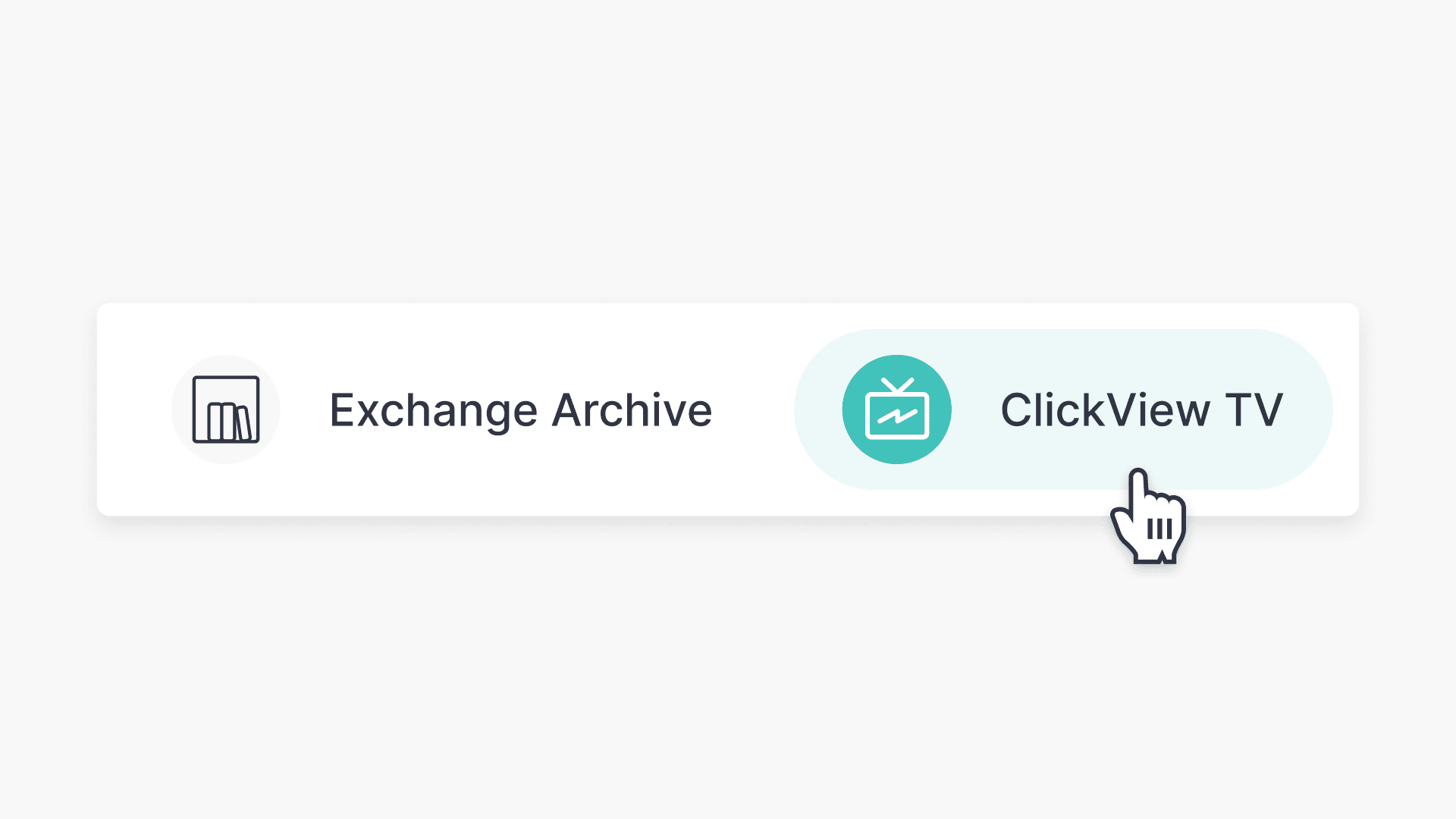
- At the top of the screen, select ClickView TV.
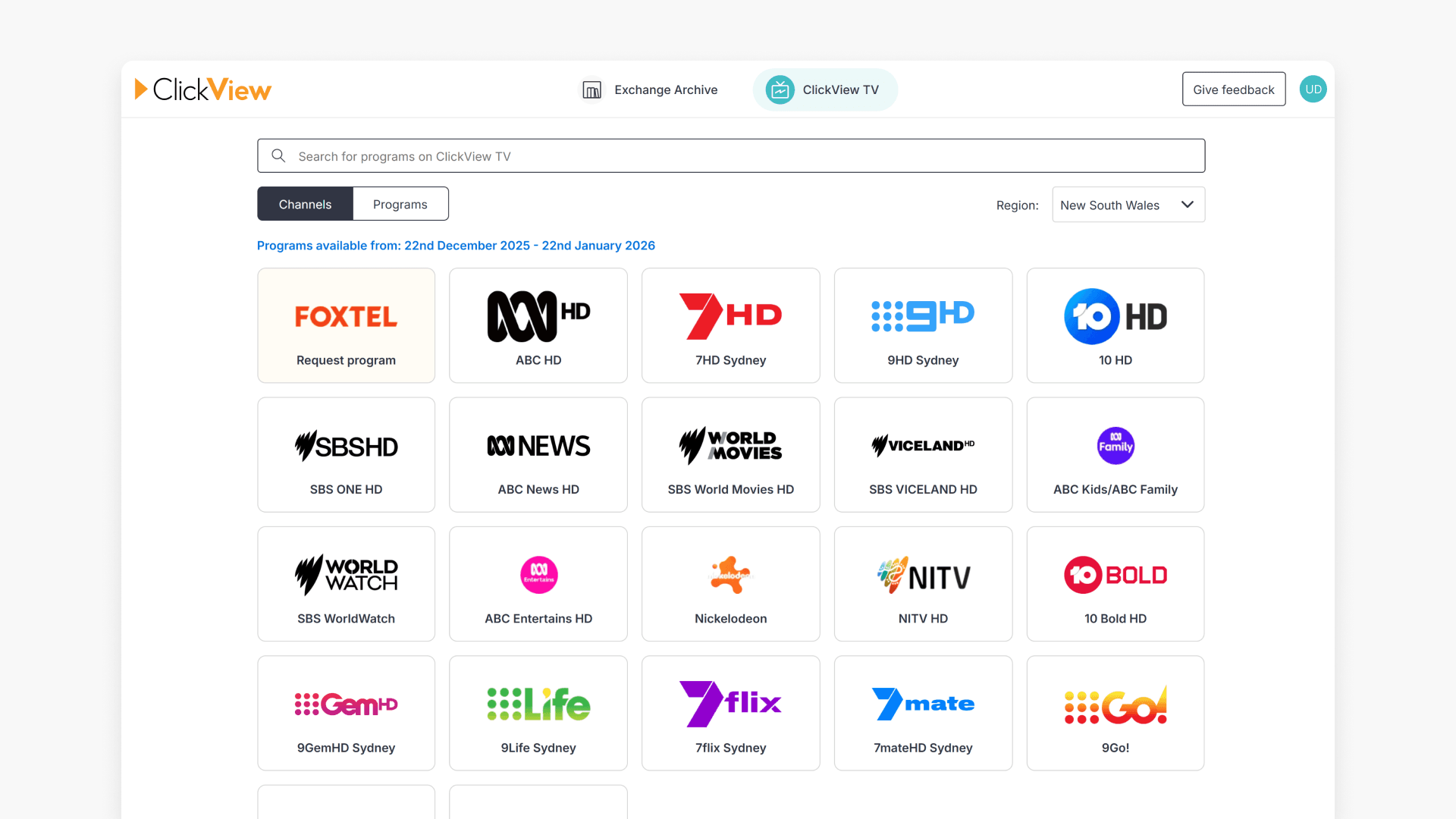
- You will now be on the ClickView TV home page.
Change your broadcasting region
The channels and programs available are determined by the selected broadcasting region.
To change your region:
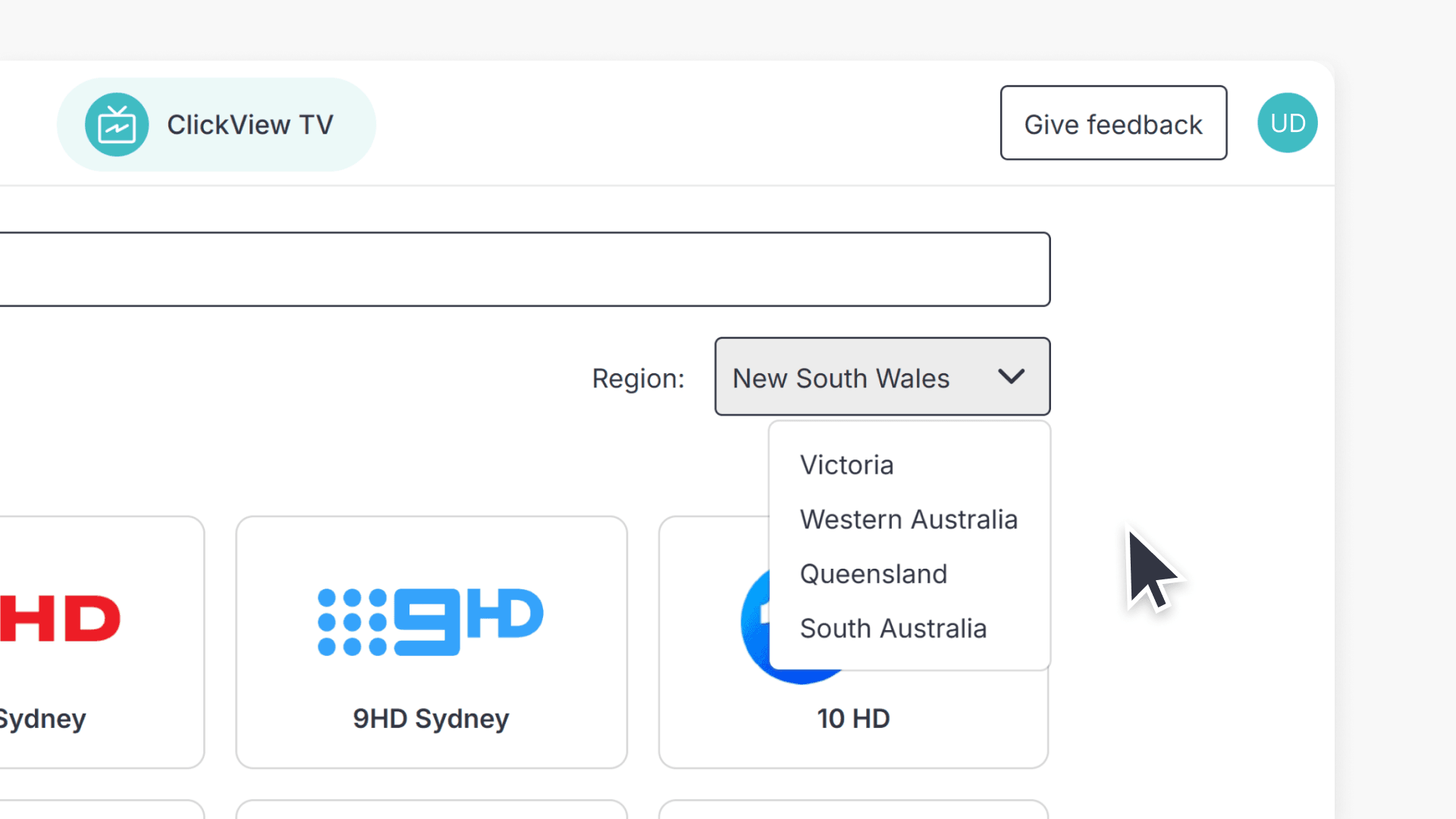
- Select the “Region” drop-down at the top of the ClickView TV screen.
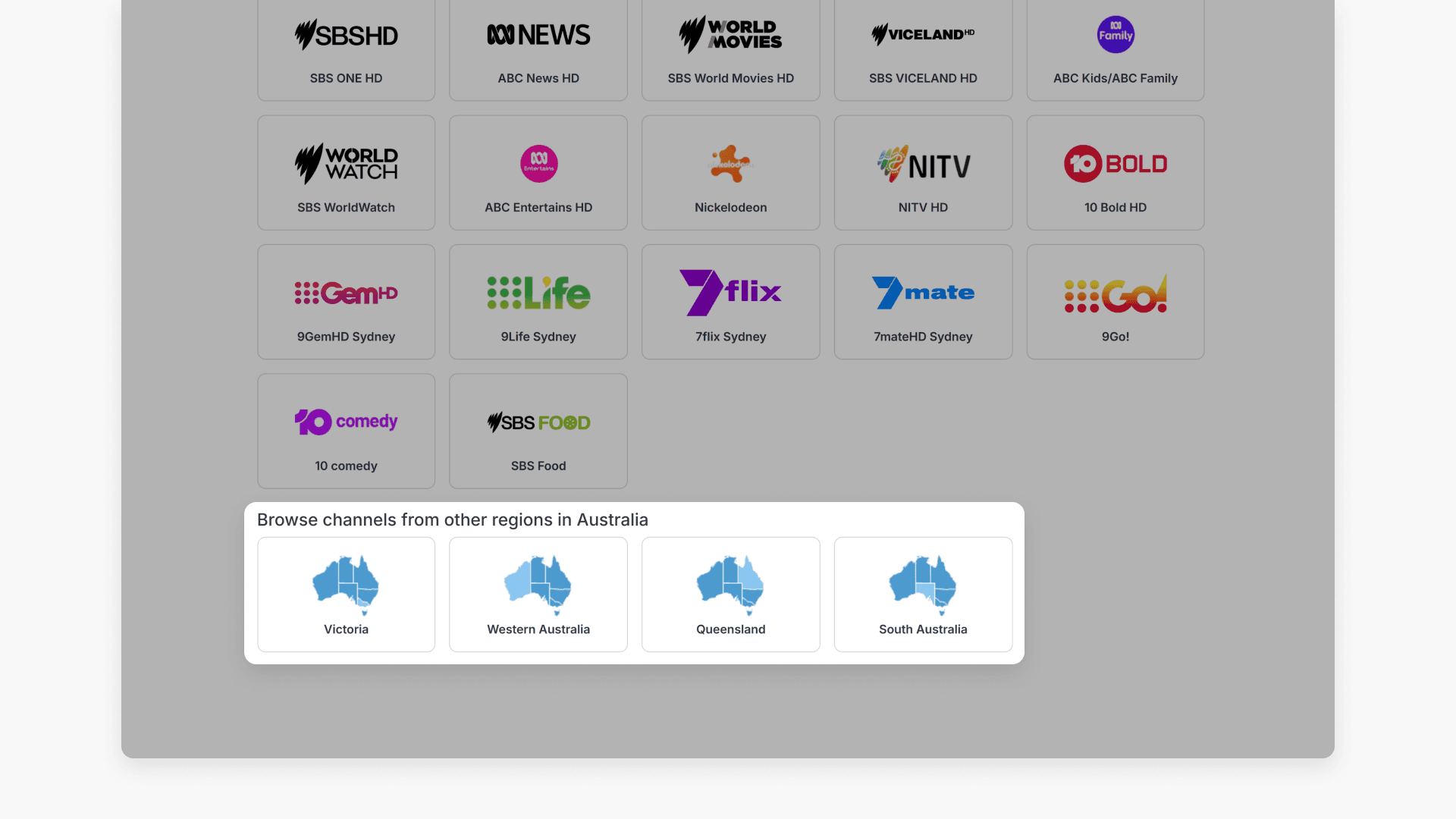
- Or scroll to the bottom of the home page and select a region.
Find TV programs
You can locate TV programs in several ways, depending on what information you have.
Search by channel
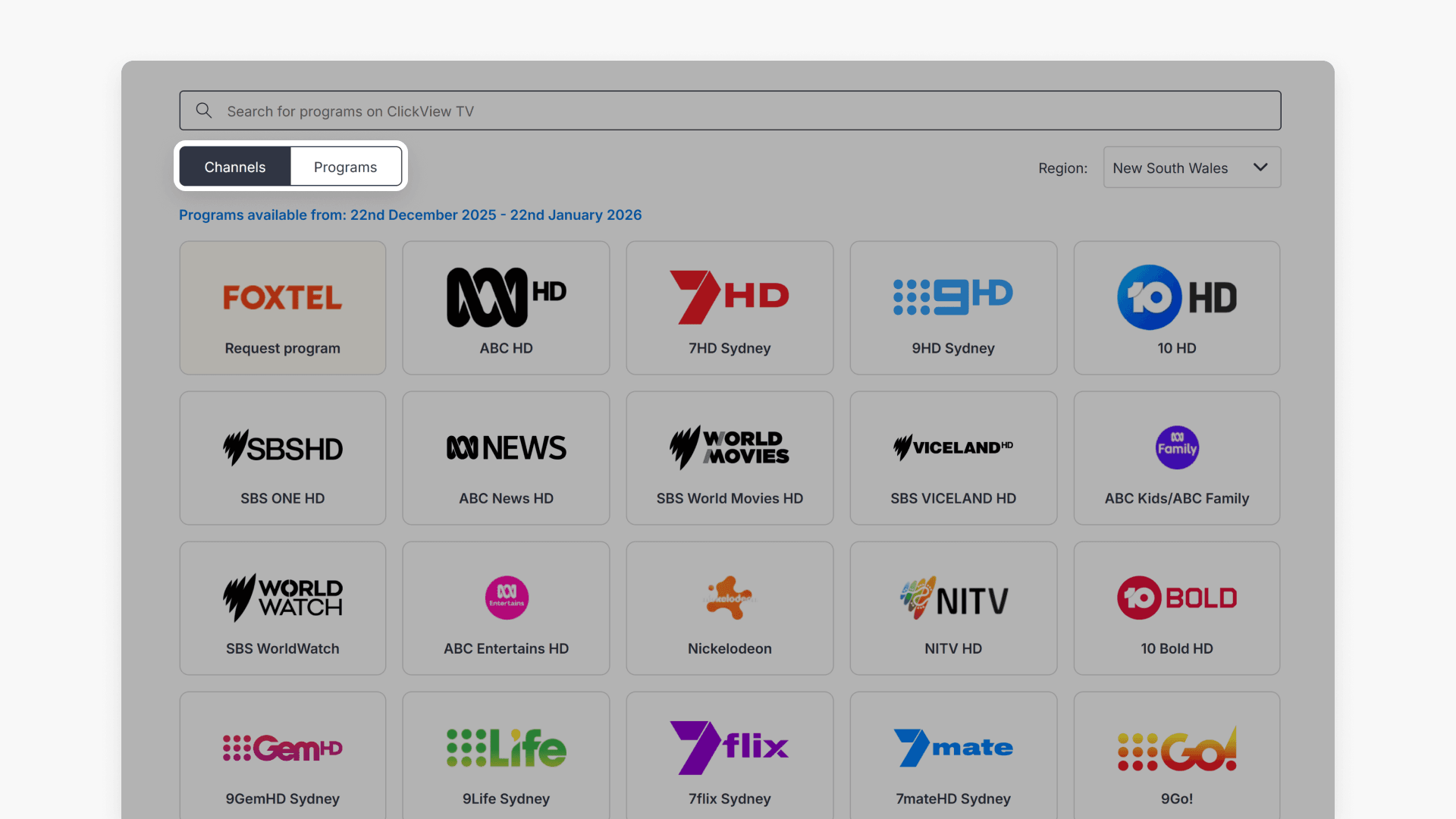
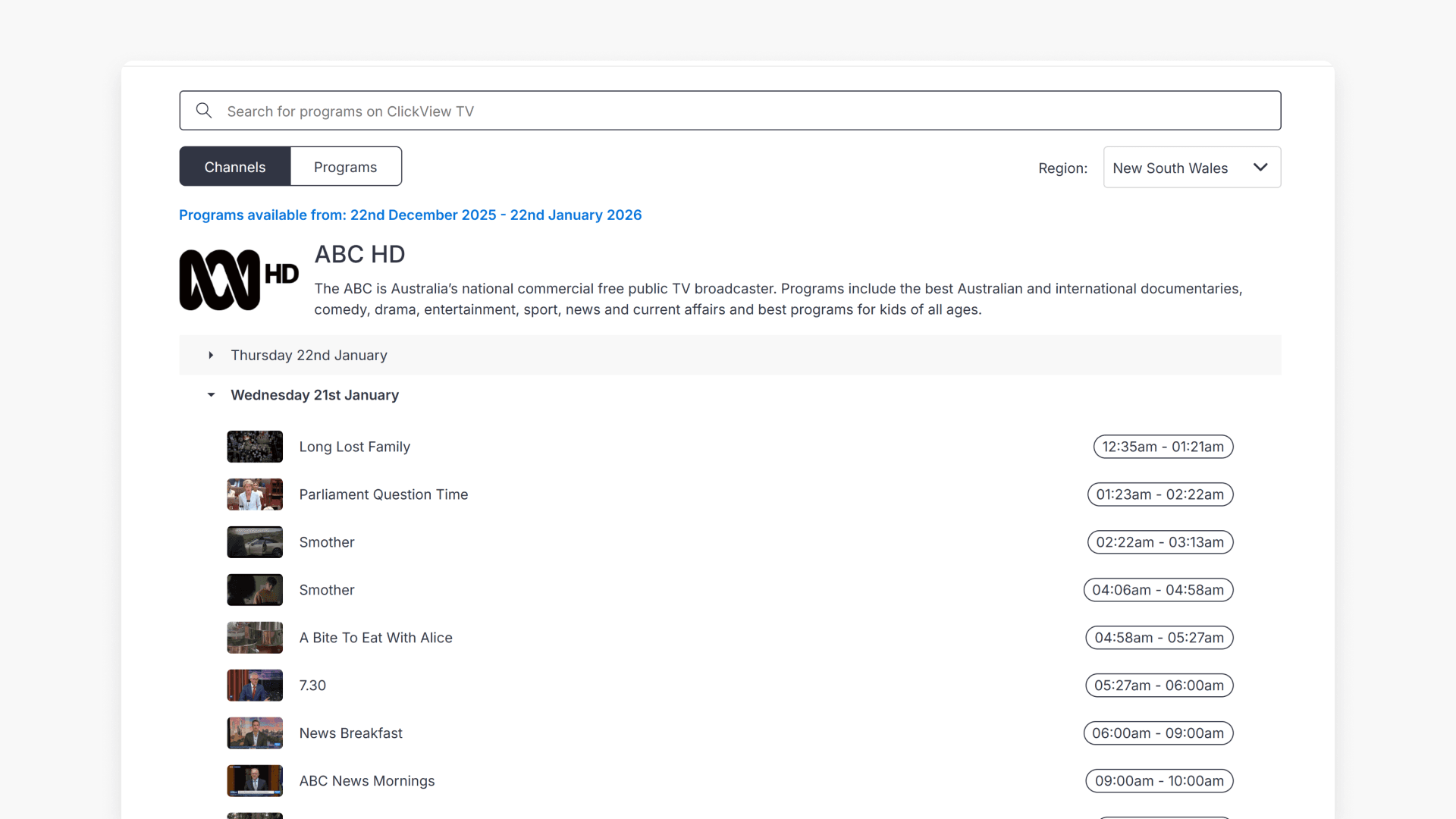
- Select the Channels tab.
- Select the channel of your choice.
- Review the list of days showing TV recordings for the past few weeks.
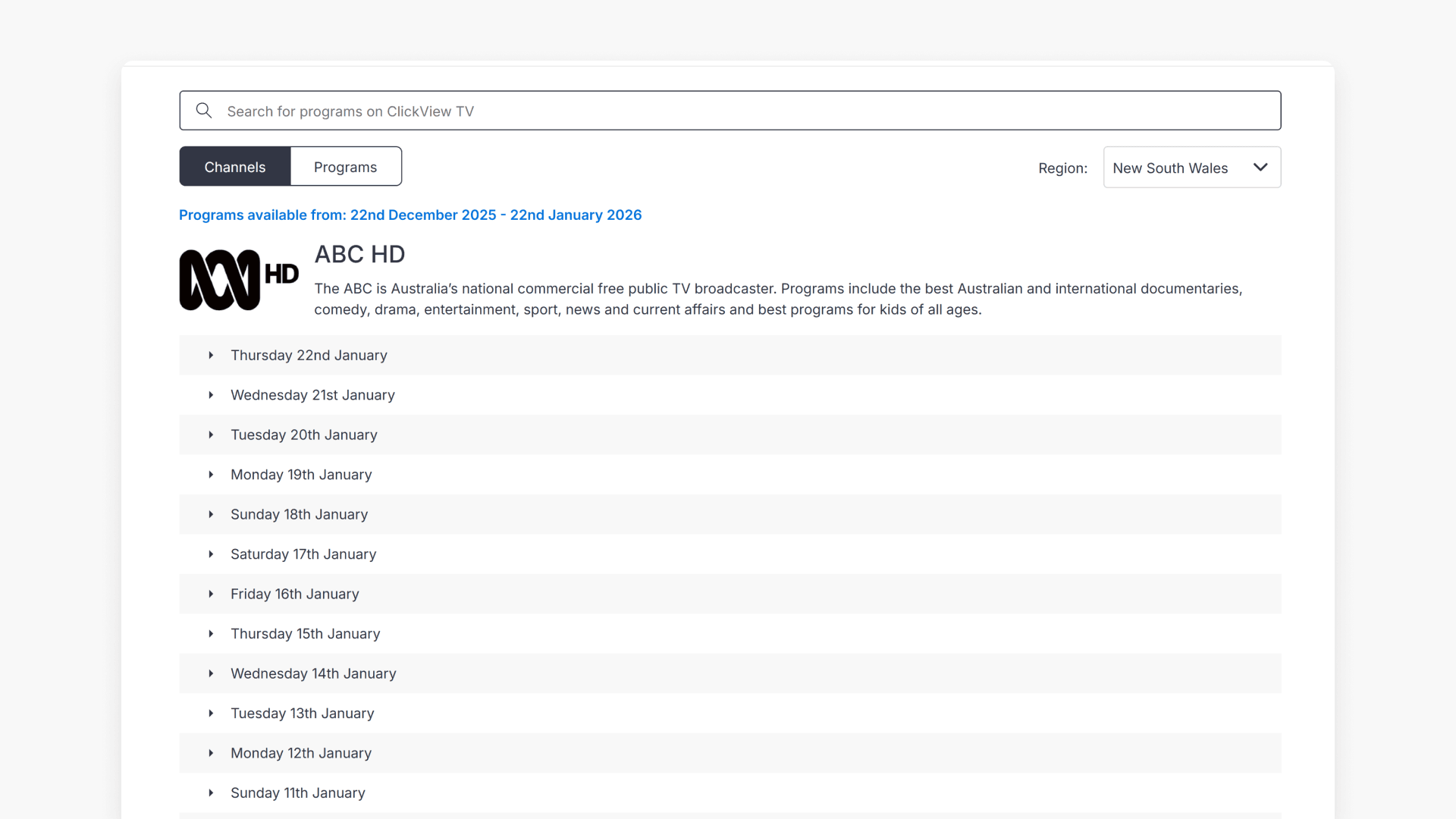
- Select a day to expand it and view all recordings listed by time.
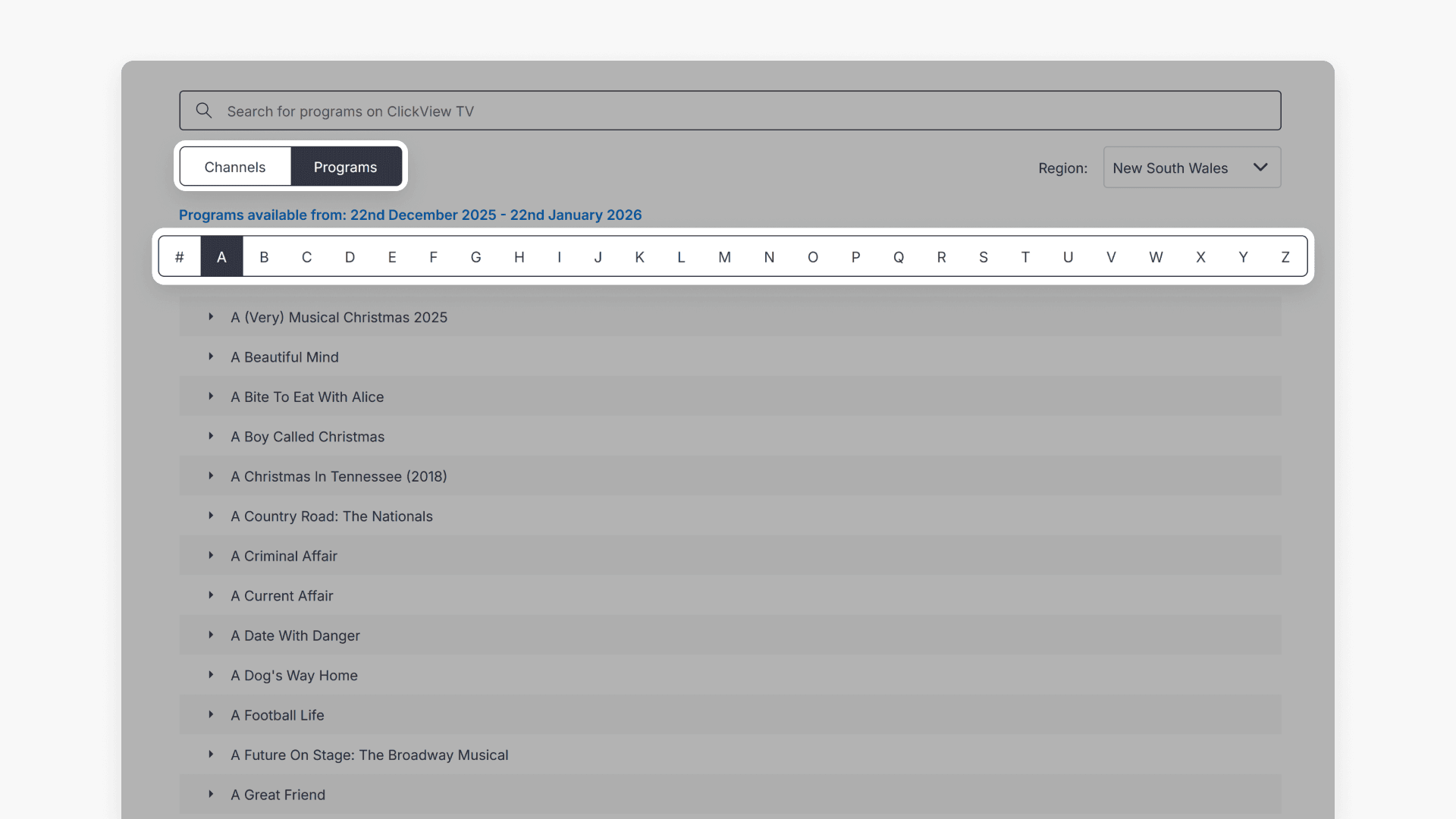
Search by program name
- Choose the first letter of the program name to view available programs.
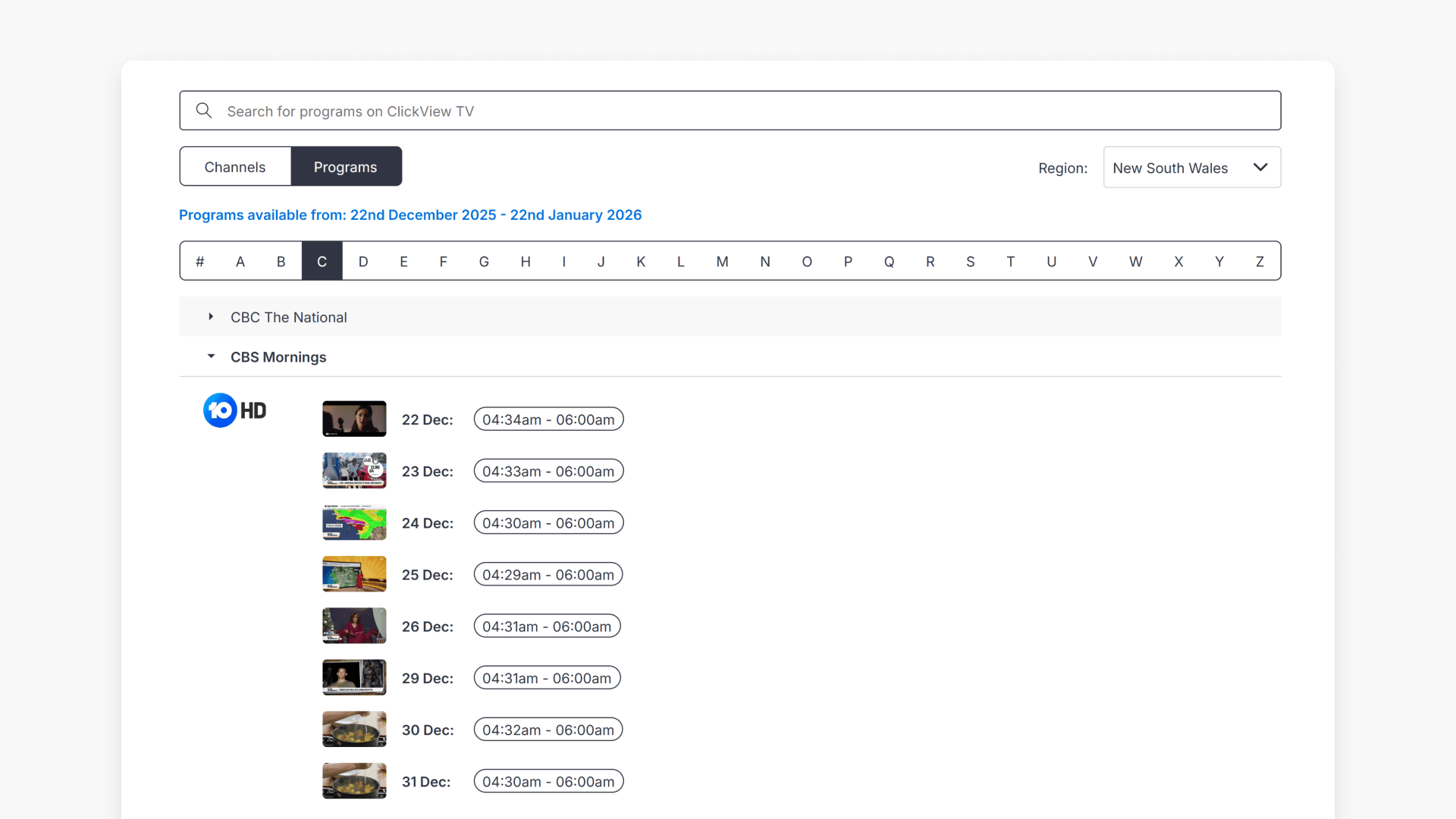
- Select a program to view recordings from the last four weeks.
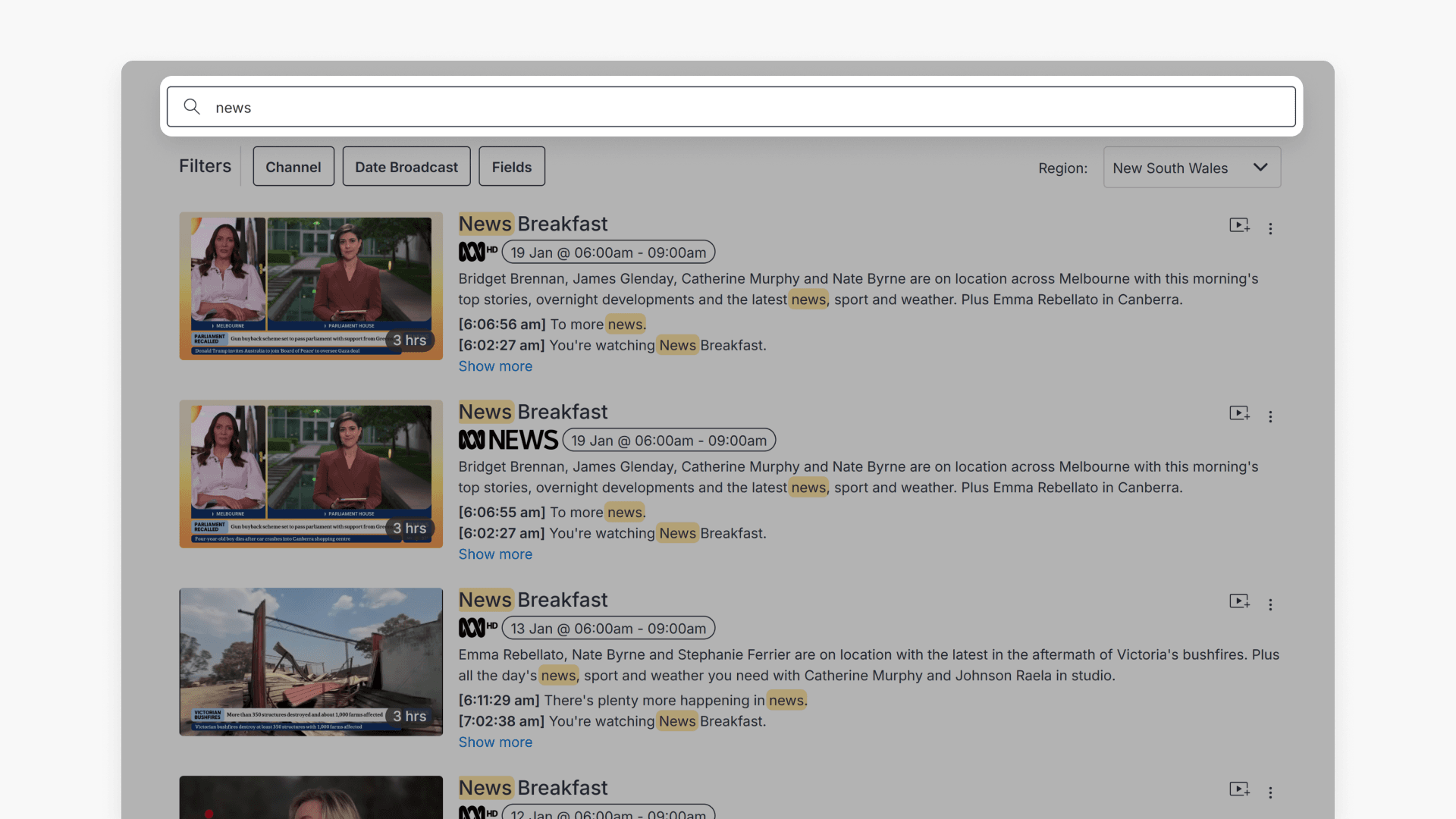
Use the search bar
If you cannot find your program by channel or by name, enter keywords in the search bar at the top of the screen. ClickView will show TV content matching your search.
Find Foxtel programs
To request educational content from Foxtel, select “Request program” and review the program guide. For step-by-step instructions, see How to request Foxtel programs.
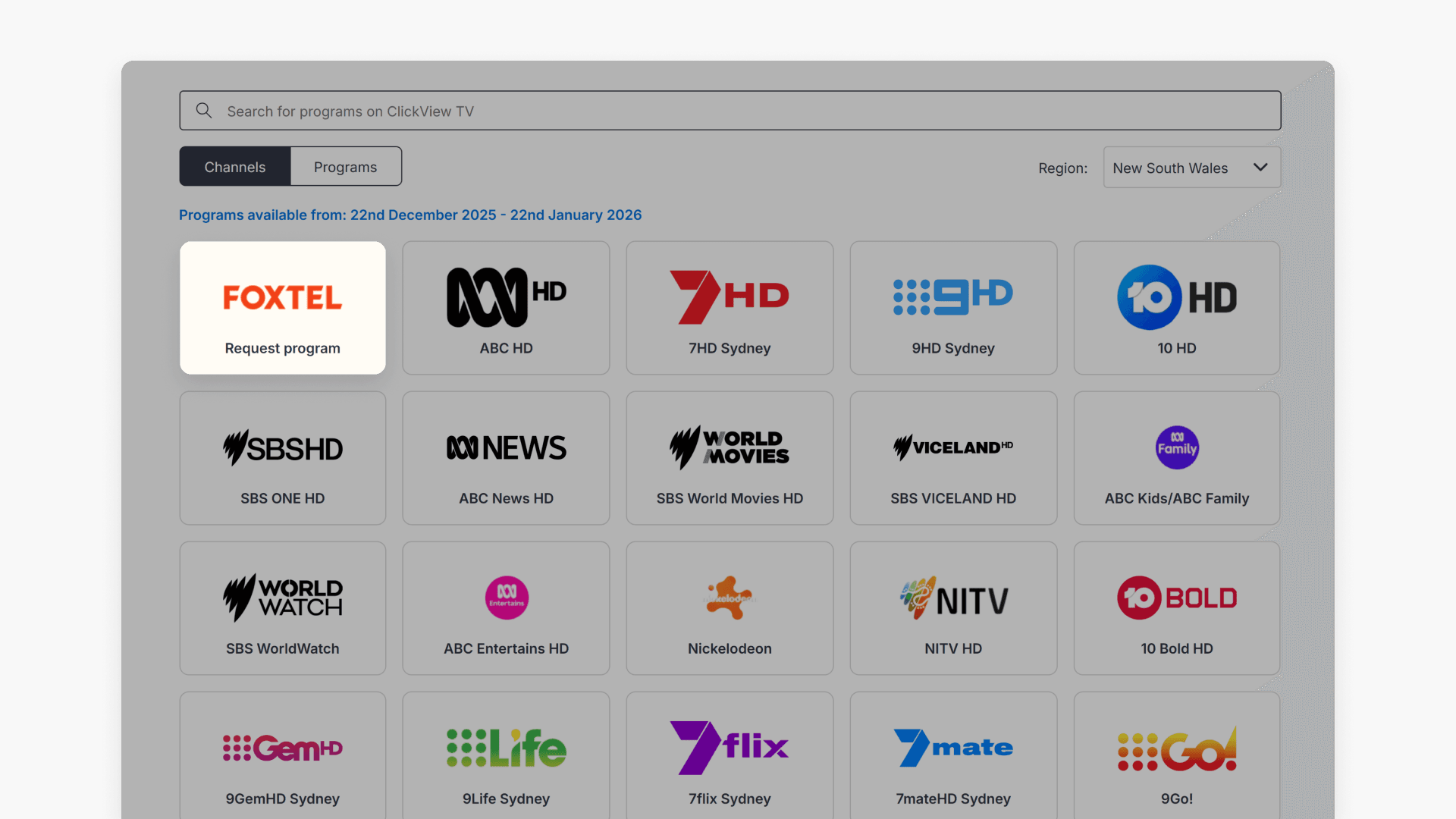
Request a copy
Once you have found your program, follow the guide for requesting a copy. Request options can vary depending on the program.
Next steps
After you request a copy and add a program to My Videos, you can:
- Edit the program
- Update metadata
- Share it with students
- Create interactive lessons
Frequently asked questions
Get in touch
If you’re having trouble finding the right topics or videos, just reach out! Our team - 

 Akhil, Daniel, Jalaj, or any of us at ClickView - will be happy to help you get sorted.
Give feedback
Was this guide helpful?
Up Next
Understanding Featured Channels
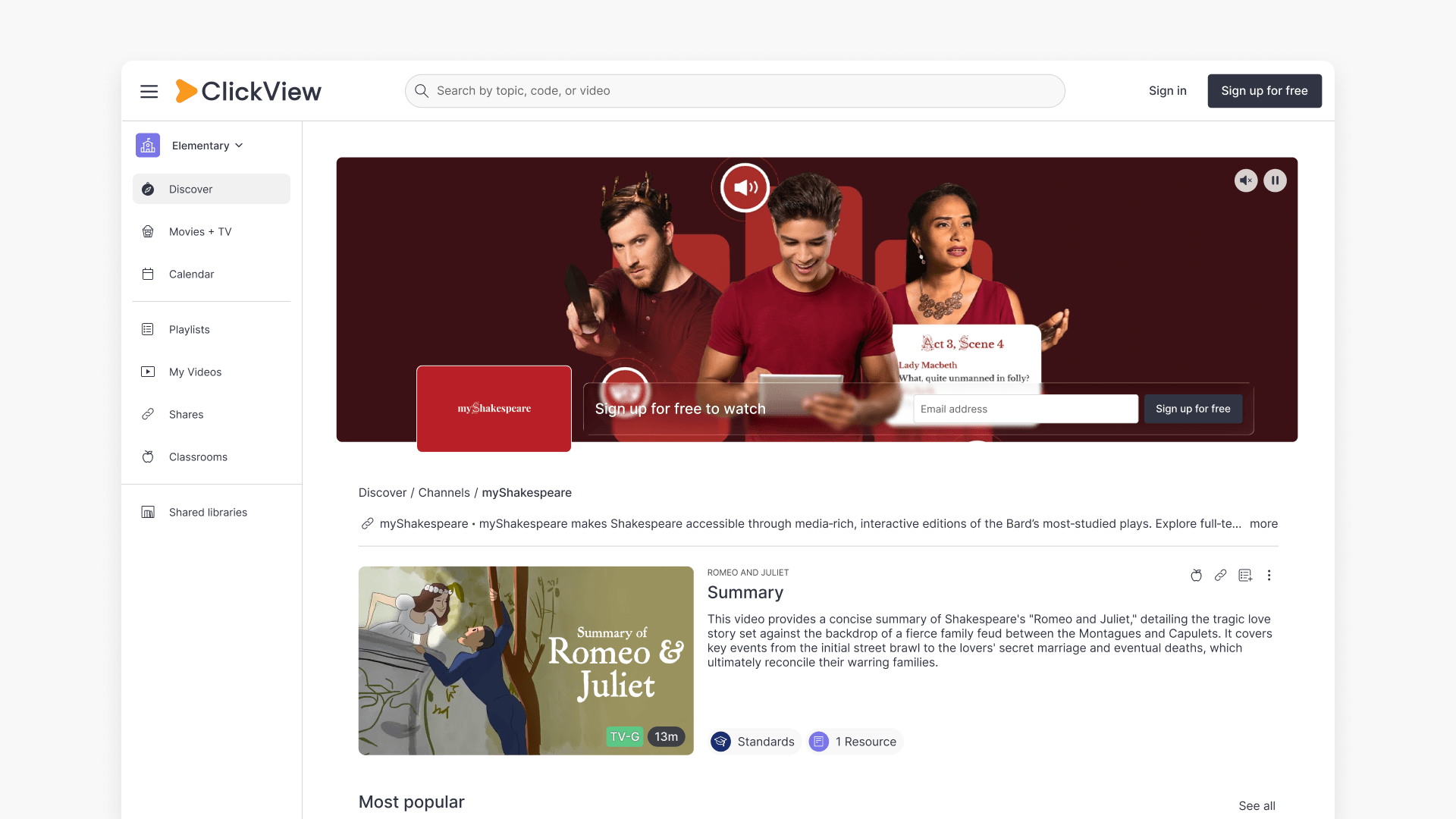
Summary What are Featured Channels in ClickView? Featured Channels bring together every video from one producer in a single place, so you can explore all their videos and resources rather than finding them across topics, series, and search results. Each channel includes a banner introducing the producer, videos organised by recent, popular, and series, and […]