How to request Foxtel programs

Summary
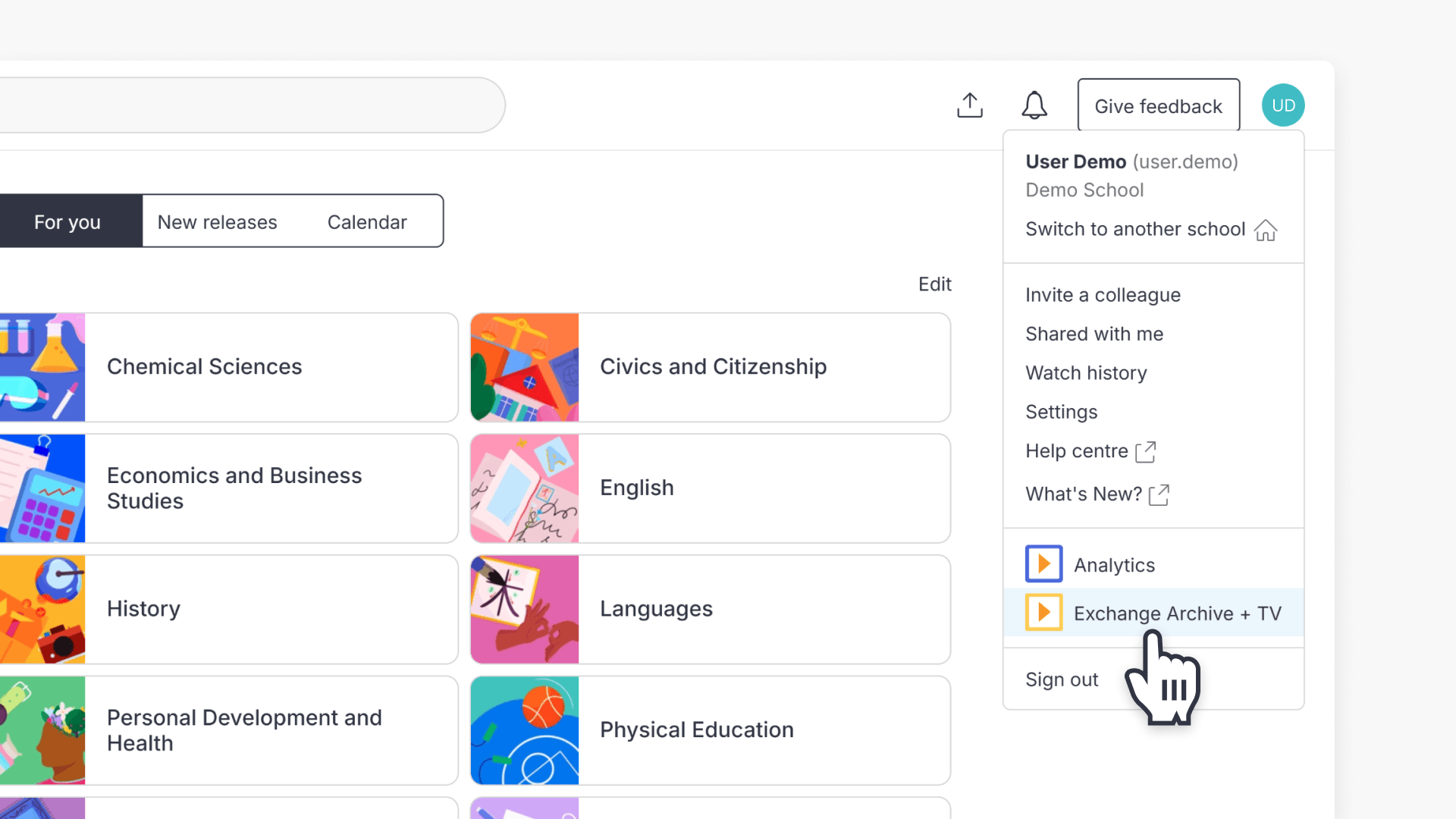
- Access ClickView TV via ‘Exchange + TV’ in the top-right menu.
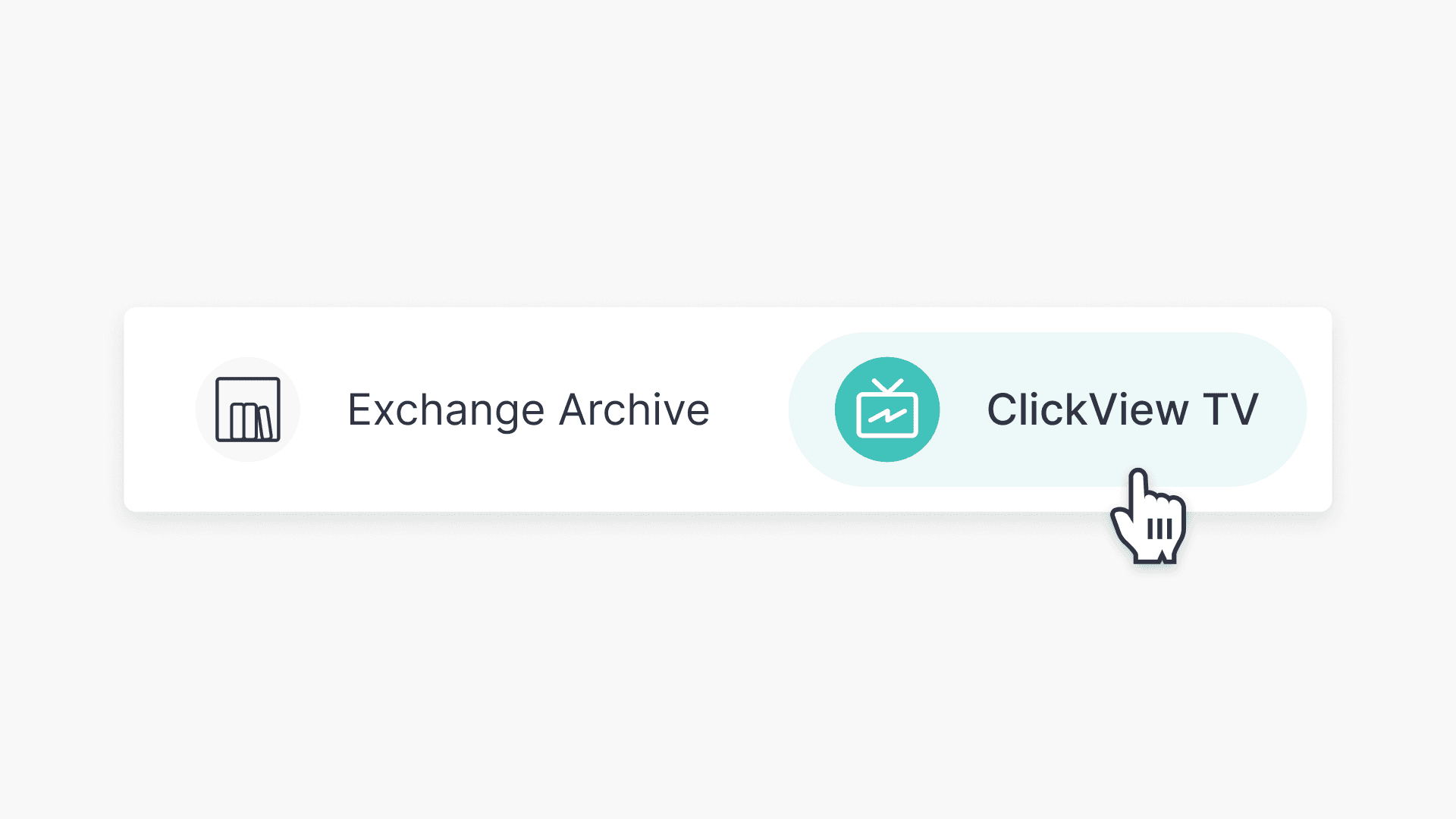
- Select ‘ClickView TV’ .
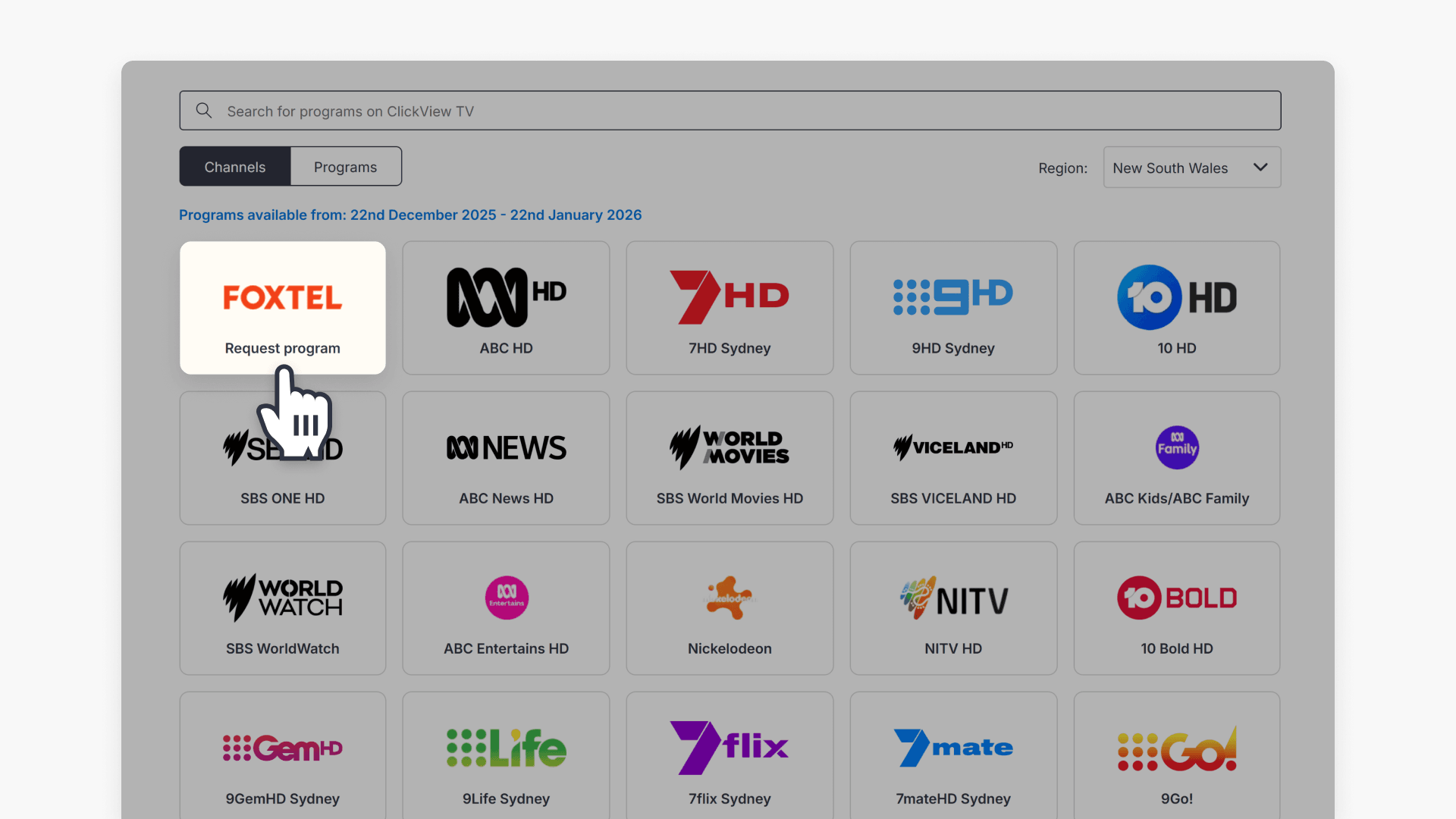
- Click the Foxtel tile to start your request.
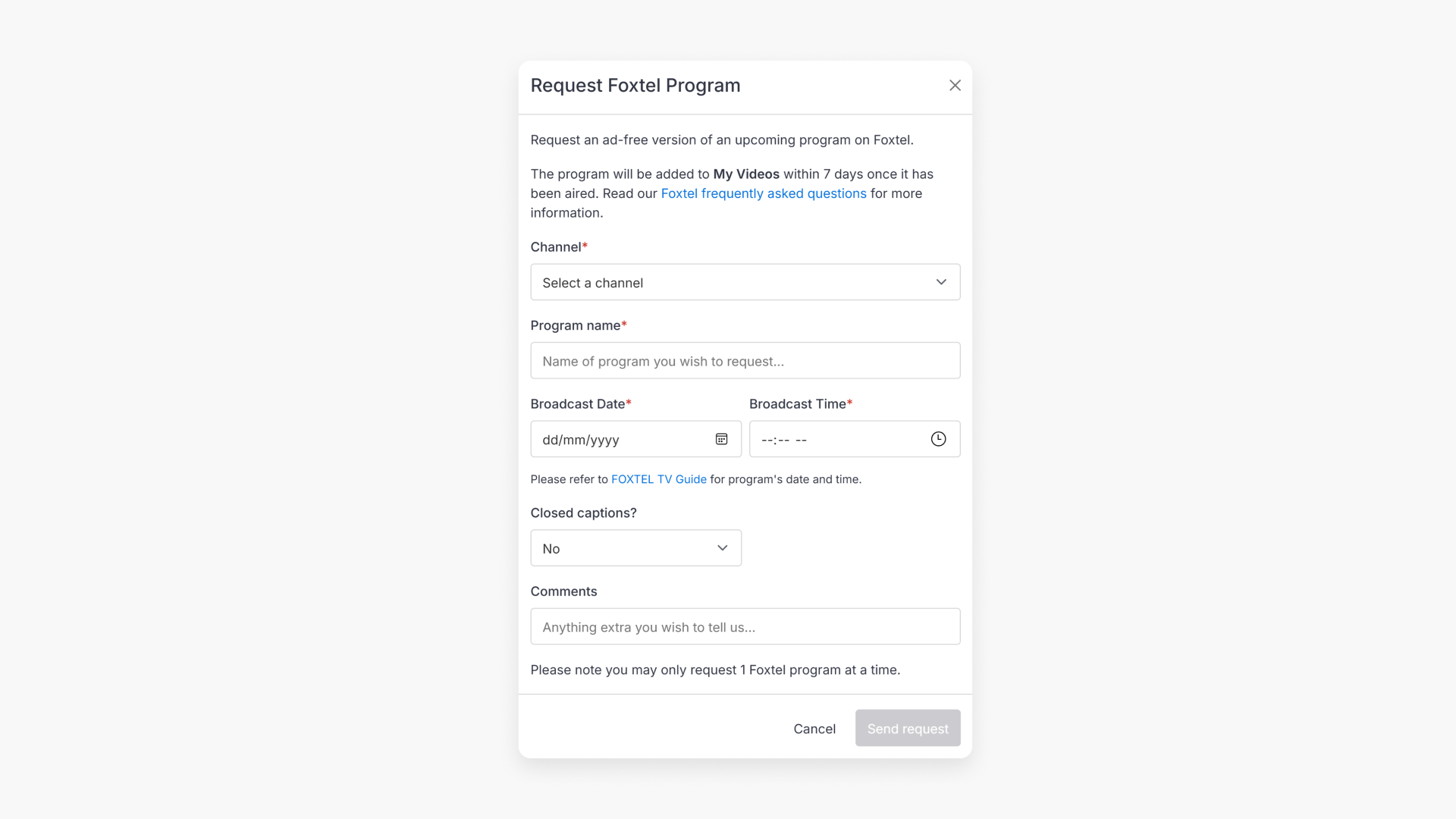
- Complete the Foxtel request form with program details.
- Browse the Foxtel TV guide if you need help finding details.
- Choose ‘Yes’ for closed captions if required (captions will be embedded and cannot be turned off).
- Send your request. You will be notified within 7 days of the broadcast date.
- After processing, find your program in My Videos.
Requesting Foxtel programs in ClickView TV
ClickView TV automatically records free-to-air channels across Australia. You can also request ad-free content from Foxtel.
Before you start
- Foxtel requests are a free service for ClickView subscribers.
- Submit Foxtel requests at least 3 working days before the program airs.
- Foxtel requests count towards your daily request limit.
- Requests must be educationally relevant. If you are unsure, explain the educational value in the comments field on the request form.
Access ClickView TV
- Sign in to ClickView.
- Click your avatar in the top right.
- Select Exchange + TV.
- On the Exchange + TV screen, select ClickView TV at the top.
Open the Foxtel request form
- Click on the Foxtel tile.
- In the Foxtel request form, enter the program, channel, date, and time of the broadcast.
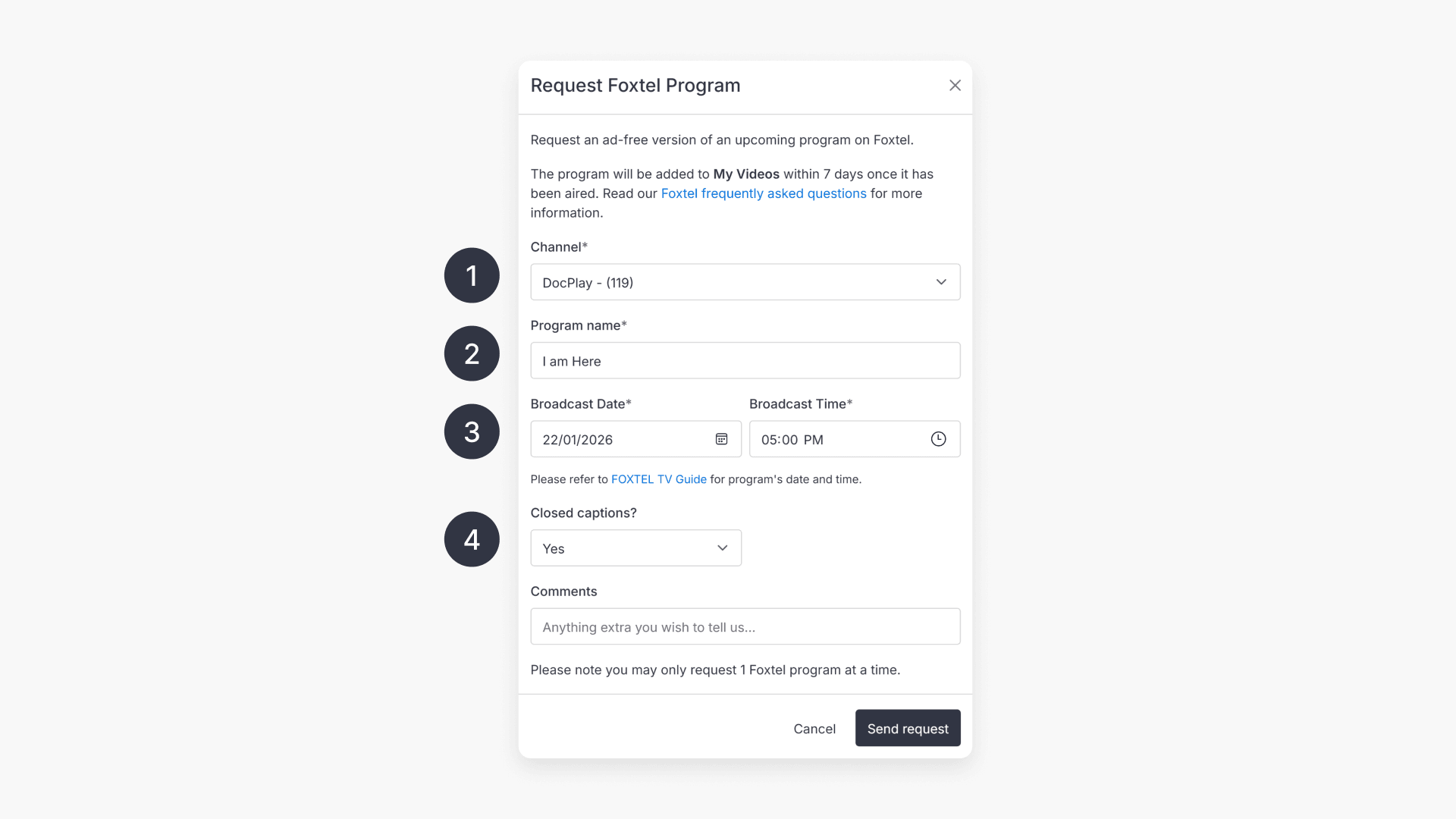
- If you are unsure of any details, click the Foxtel TV guide to browse available content.
- If you require closed captions, select “Yes” on the form.
- Click “Send request”.
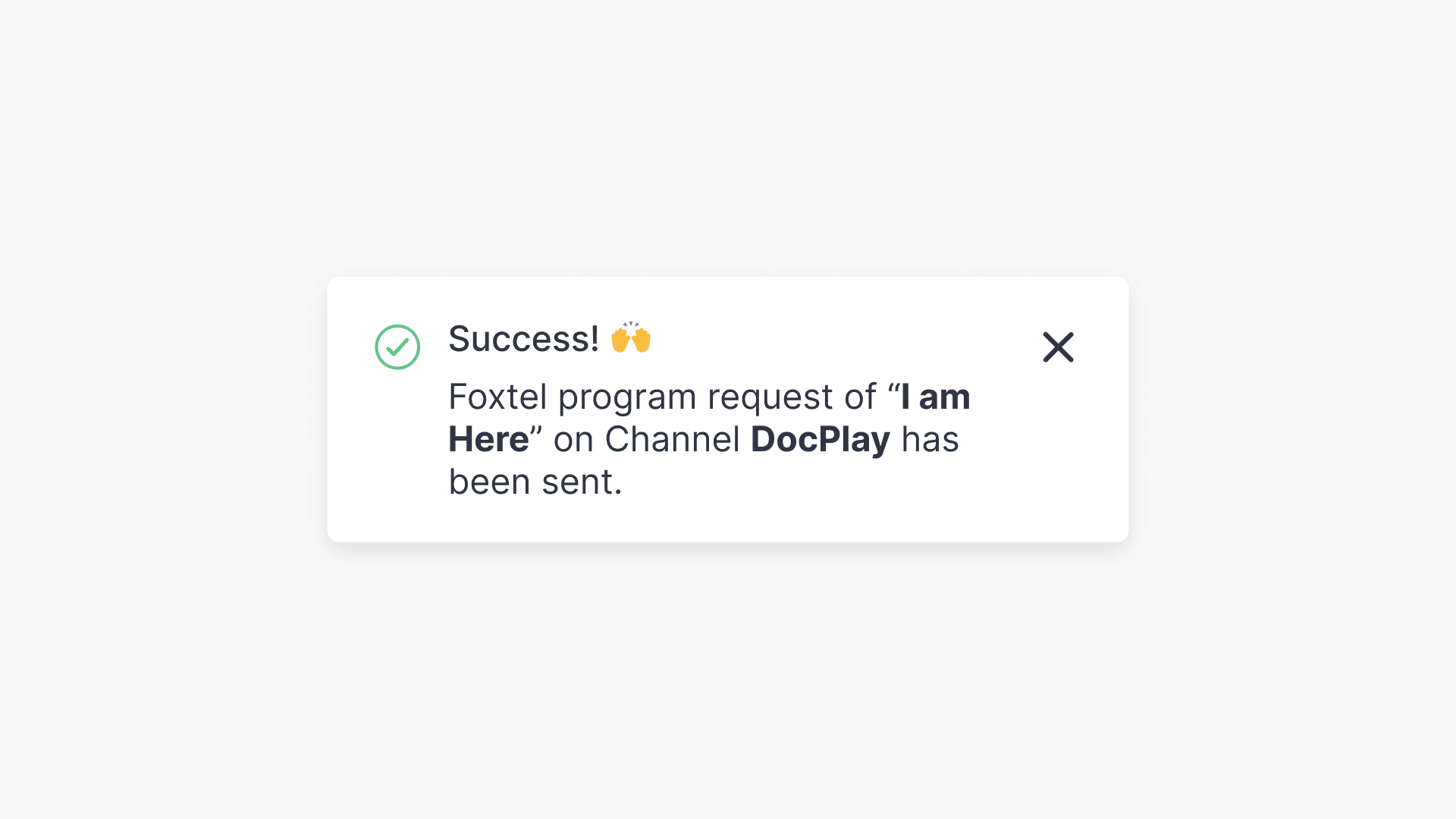
What happens after you send a request
- Each requested program is recorded via Foxtel set top boxes. ClickView Content Curators edit recordings to remove adverts and other unwanted content, creating student-ready videos.
- Once the requested program has aired, it may take up to 7 days for the recording to appear in My Videos, depending on request volume.
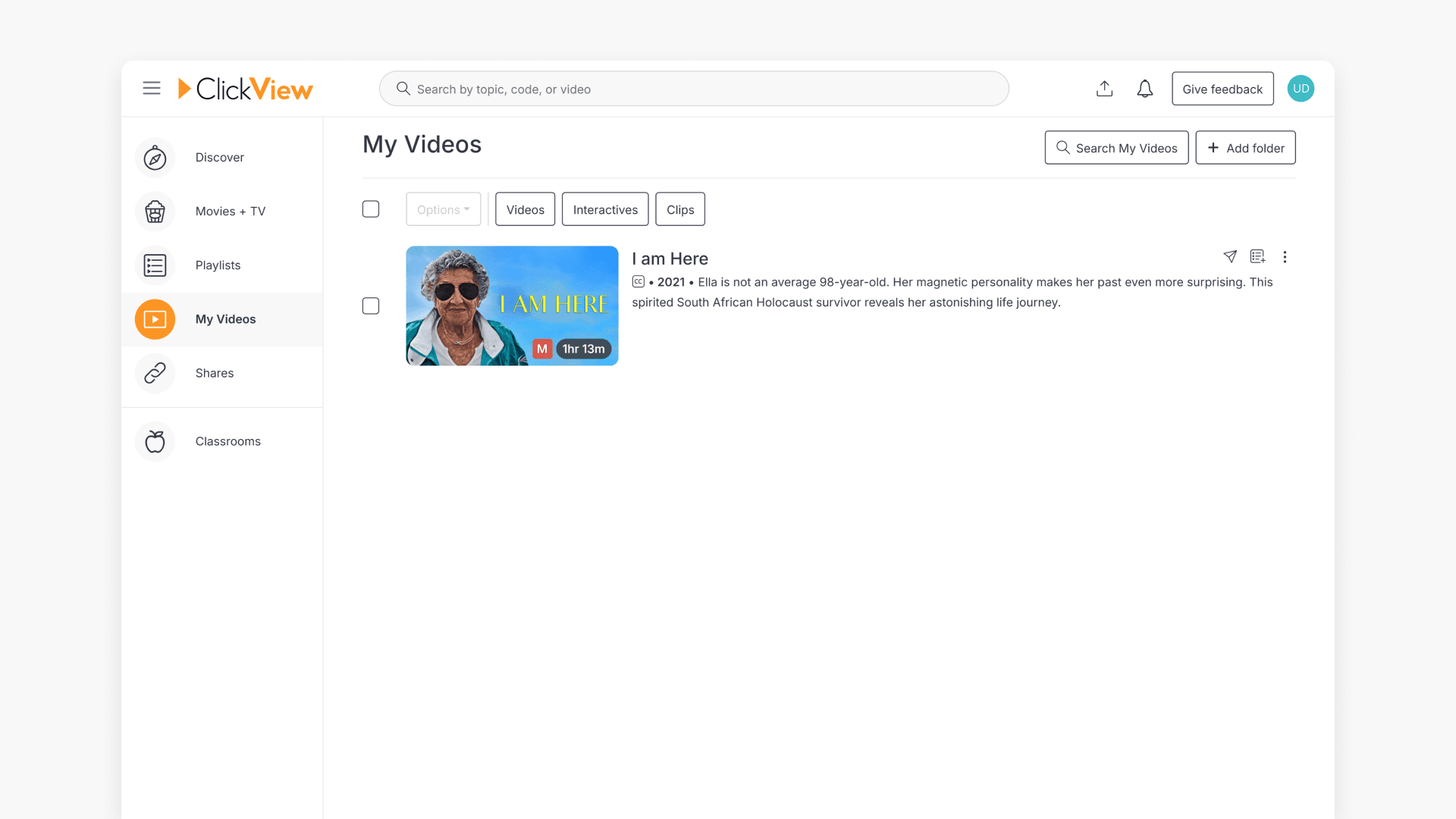
- You will be notified within 7 days of the broadcast date when the program is available.
Closed captions on Foxtel requests
If you select closed captions on the request form, captions are embedded within a black box in the video and cannot be switched off during playback. This is a limitation of the way Foxtel provides captions for recording.
Frequently asked questions
Get in touch
If you’re having trouble finding the right topics or videos, just reach out! Our team - 


 Andrew, Nisch, Janice, Pfreya, or any of us at ClickView - will be happy to help you get sorted.
Give feedback
Was this guide helpful?
Up Next
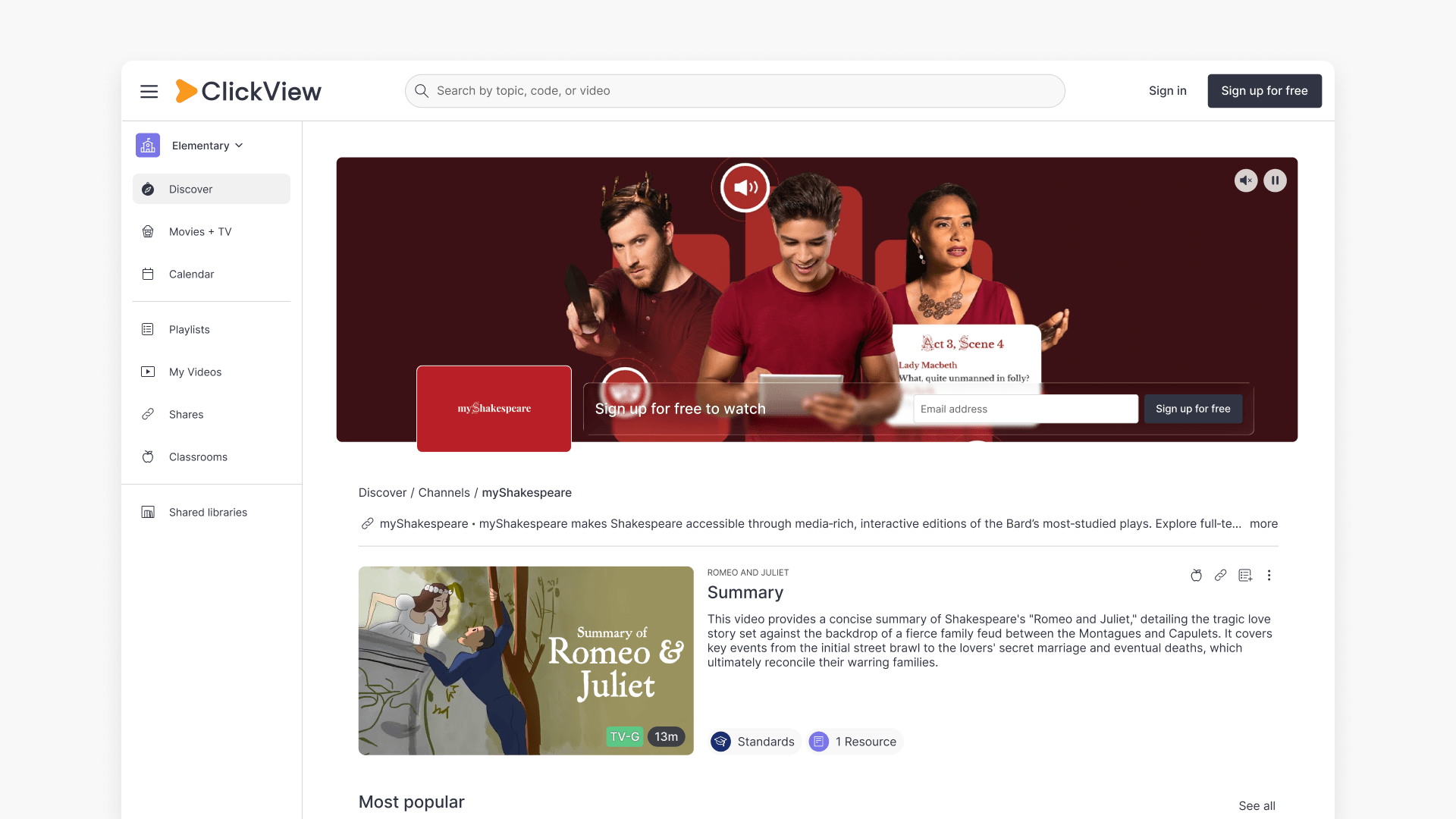
Understanding Featured Channels
Summary What are Featured Channels in ClickView? Featured Channels bring together every video from one producer in a single place, so you can explore all their videos and resources rather than finding them across topics, series, and search results. Each channel includes a banner introducing the producer, videos organised by recent, popular, and series, and […]