Introduction to video series

Summary
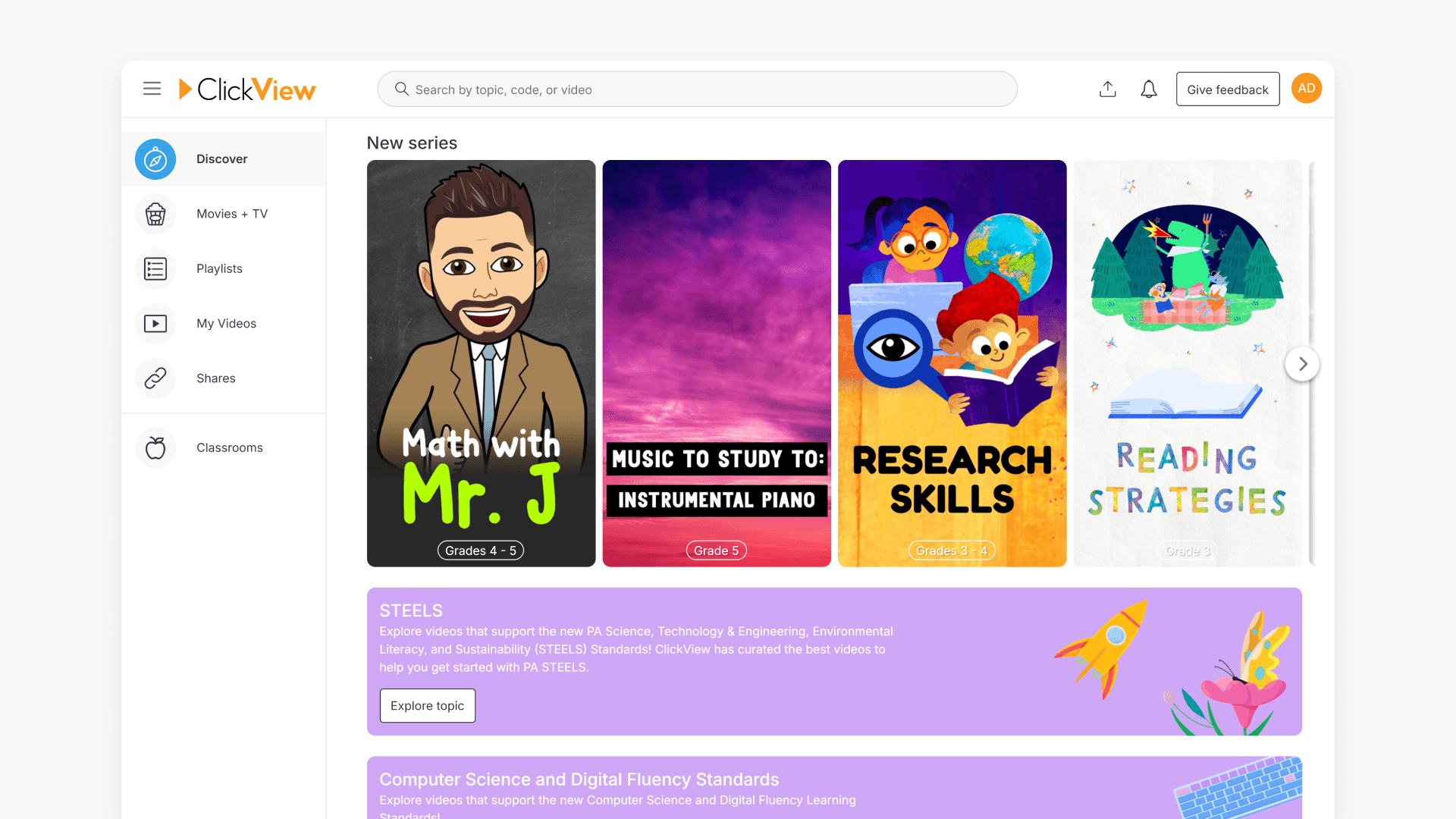
- The Discover page features a Popular Series section.
- Each series includes curated videos and learning resources.
- Year level recommendations appear with each series.
- Hovering over year level recommendations shows a brief introduction.
- Clicking a series tile opens the videos within that series.
Exploring popular series on Discover
ClickView curates video series to support classroom learning, crafting each series with high-quality videos and learning resources. These series are curated by the ClickView Content Team to align with year levels and educational needs.
Where to find the video series
Navigate to the Discover page. The Popular Series section highlights new and featured series for educators.

Year level recommendations and introductions
Each series tile lists year level recommendations, making it easy to choose resources appropriate for your students. Hovering over the year level recommendation reveals a brief introduction to the series, offering a quick overview of its focus and contents.

Accessing videos in a series
To view all the videos contained in a series, click the relevant series tile. This action opens the collection of videos and resources linked to that series.

Frequently asked questions
Get in touch
If you’re having trouble finding the right topics or videos, just reach out! Our team - 


 Andrew, Nisch, Janice, Pfreya, or any of us at ClickView - will be happy to help you get sorted.
Give feedback
Was this guide helpful?
Up Next
Understanding Featured Channels
Summary What are Featured Channels in ClickView? Featured Channels bring together every video from one producer in a single place, so you can explore all their videos and resources rather than finding them across topics, series, and search results. Each channel includes a banner introducing the producer, videos organised by recent, popular, and series, and […]