Exchange Archive: Request video metadata changes

Summary
- Users cannot directly change Exchange Archive video metadata.
- To suggest an edit, use the ‘Suggest an edit’ option via the three dots menu.
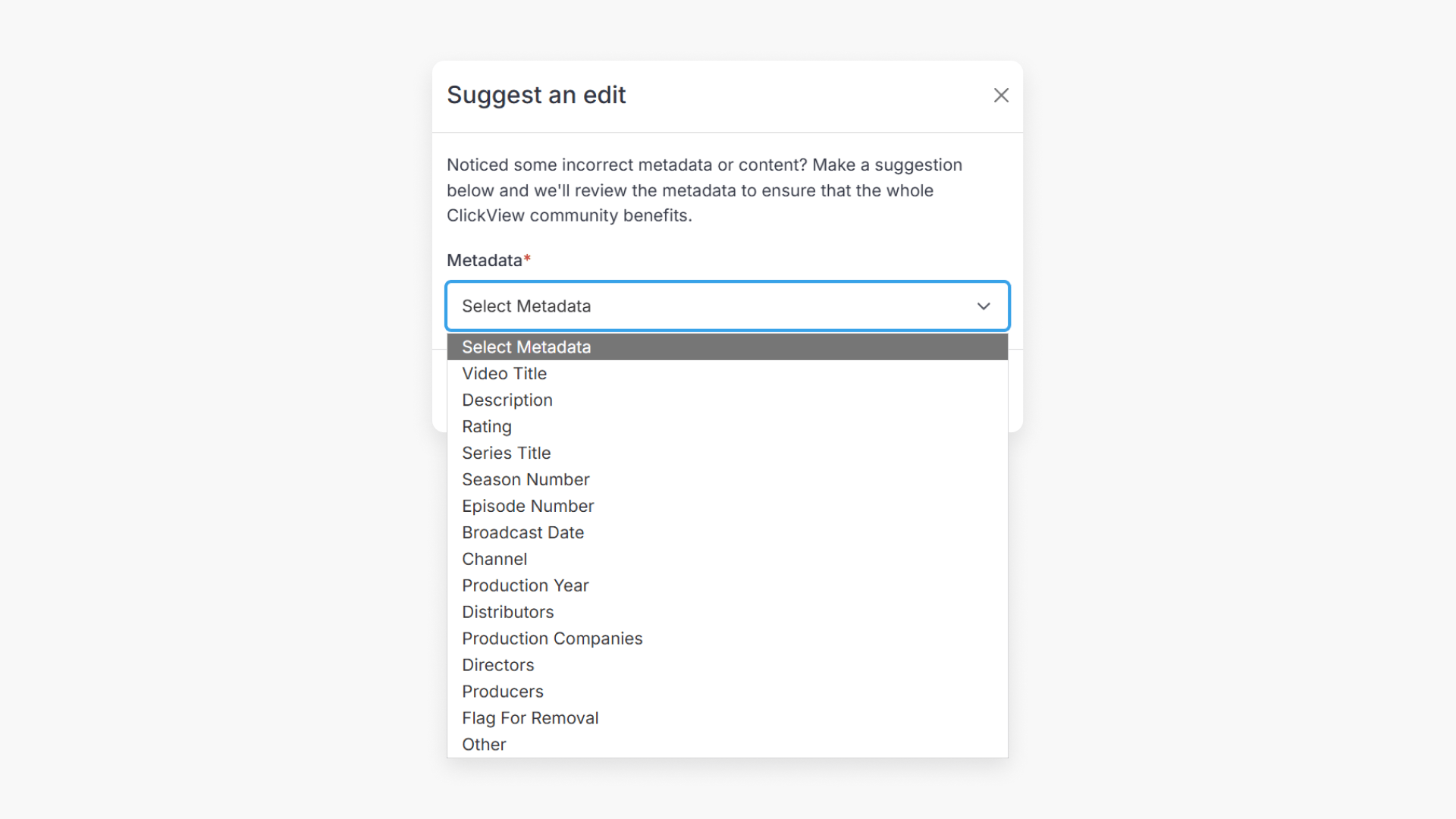
- Submit each metadata edit individually in the popup window.
- Flag a video for removal using the popup window’s ‘Flag for Removal’ option.
- Supply a reason for edits or removal before clicking ‘Submit’.
- Requests are reviewed and outcomes sent by email.
How to suggest edits to video metadata
Exchange Archive videos on ClickView are managed by ClickView and users cannot change metadata directly. However, users can submit requests to edit metadata or flag a video for removal using the ‘Suggest an edit’ feature:
- Via the search results page

- Below the video player

Suggesting a metadata edit
- Identify the video to edit using search results or the video preview screen.
- Click the three dots to view more options, then choose ‘Suggest an edit’.
- In the ‘Suggest an edit’ popup window, select the metadata you wish to edit. Submit separate requests for multiple edits.

- List your suggested change and the reason in the appropriate fields, then click ‘Submit’.

Flagging a video for removal
- In the same ‘Suggest an edit’ popup window, select ‘Flag for Removal’.

- Choose a predefined reason for removal or enter your own, then click ‘Submit’.

What happens next?
All suggestions are reviewed by the Content team. Submitters are notified by email about whether their request for an edit or removal was accepted or declined.
Frequently asked questions
Get in touch
If you’re having trouble finding the right topics or videos, just reach out! Our team - 

 Akhil, Daniel, Jalaj, or any of us at ClickView - will be happy to help you get sorted.
Give feedback
Was this guide helpful?
Up Next
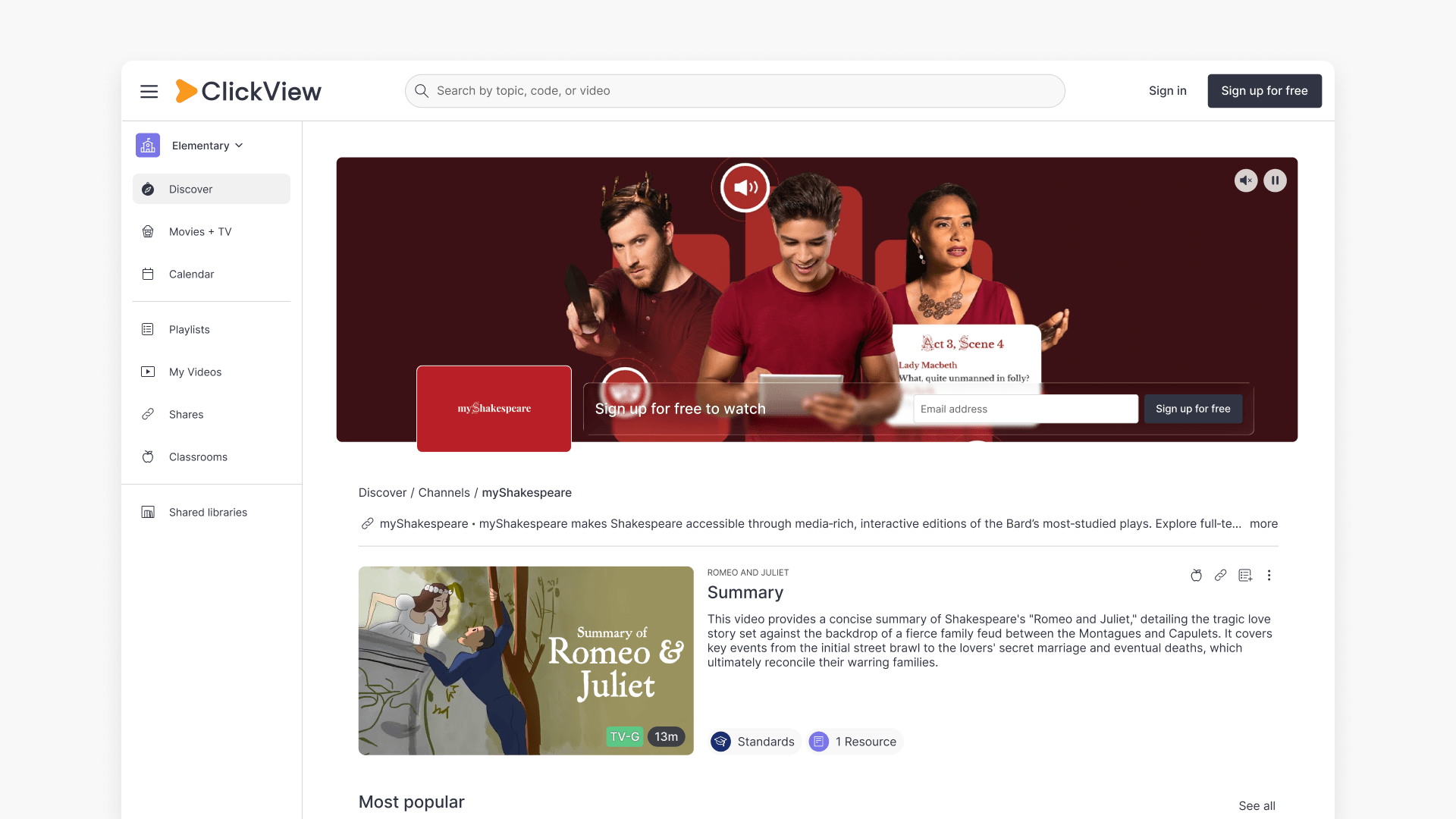
Understanding Featured Channels
Summary What are Featured Channels in ClickView? Featured Channels bring together every video from one producer in a single place, so you can explore all their videos and resources rather than finding them across topics, series, and search results. Each channel includes a banner introducing the producer, videos organised by recent, popular, and series, and […]