



Administration
Library Editor
Keep your library relevant and safe for your staff and students. Learn uploads, reviews, and how to curate content for different regions and ages.
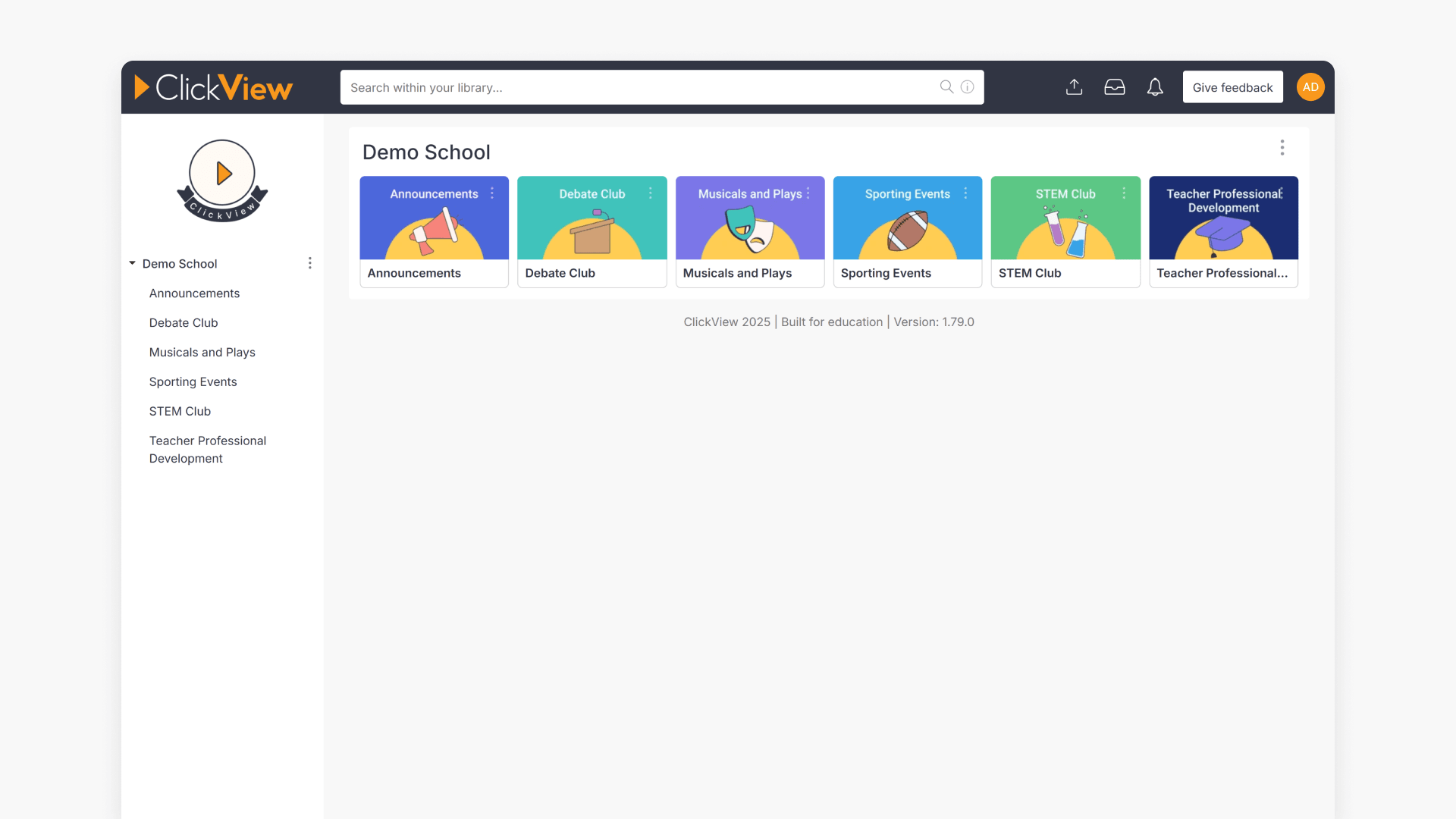
Introduction to Library Editor
Library Editor allows school administrators to curate and manage video content directly from any web browser. This article explains how to access key features, requirements, and support options.
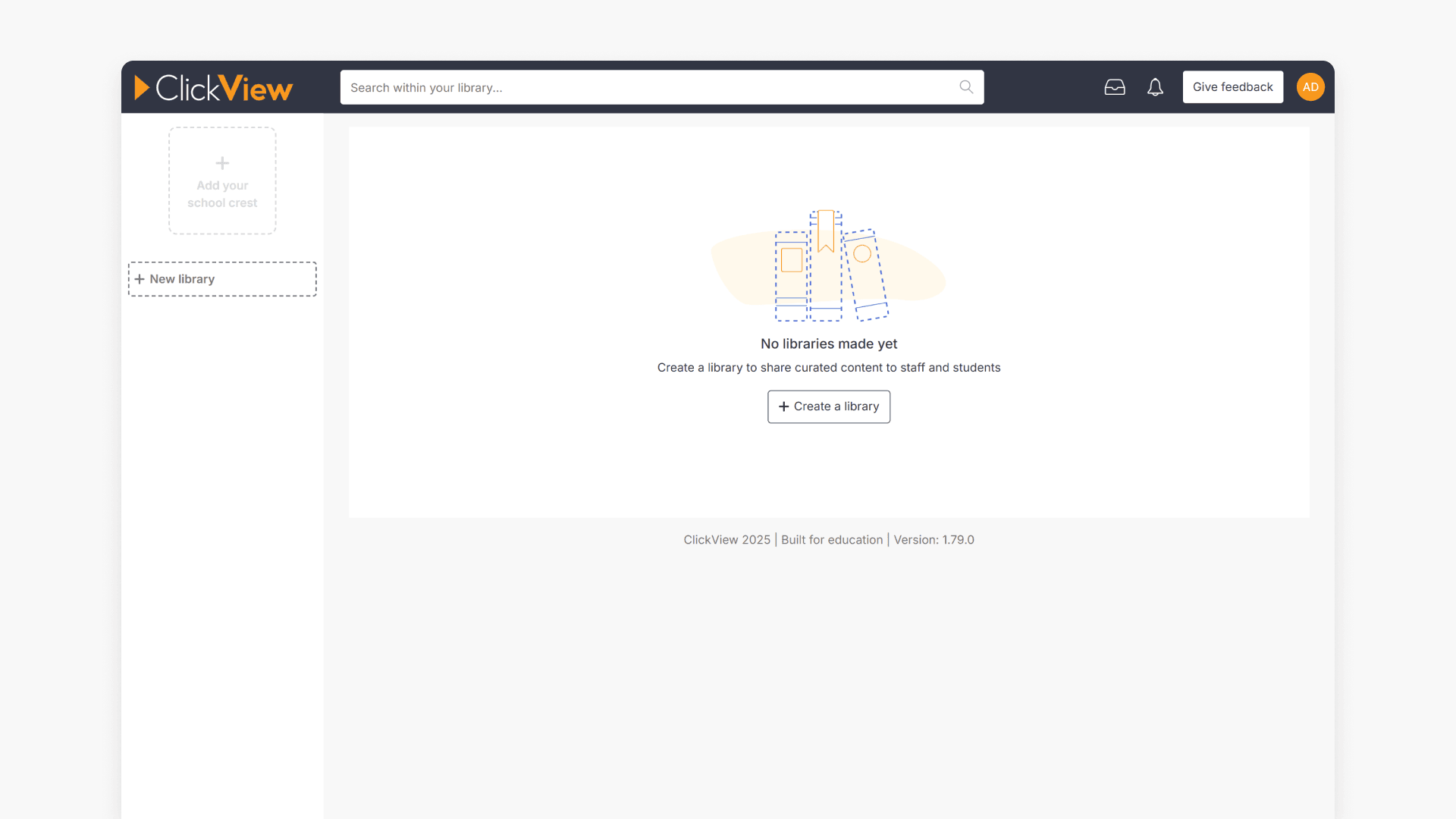
How to create and manage your school library
This guide shows administrators how to create and manage a school library in ClickView, including folder setup, uploading a crest, configuring visibility, and moving/removing folders.
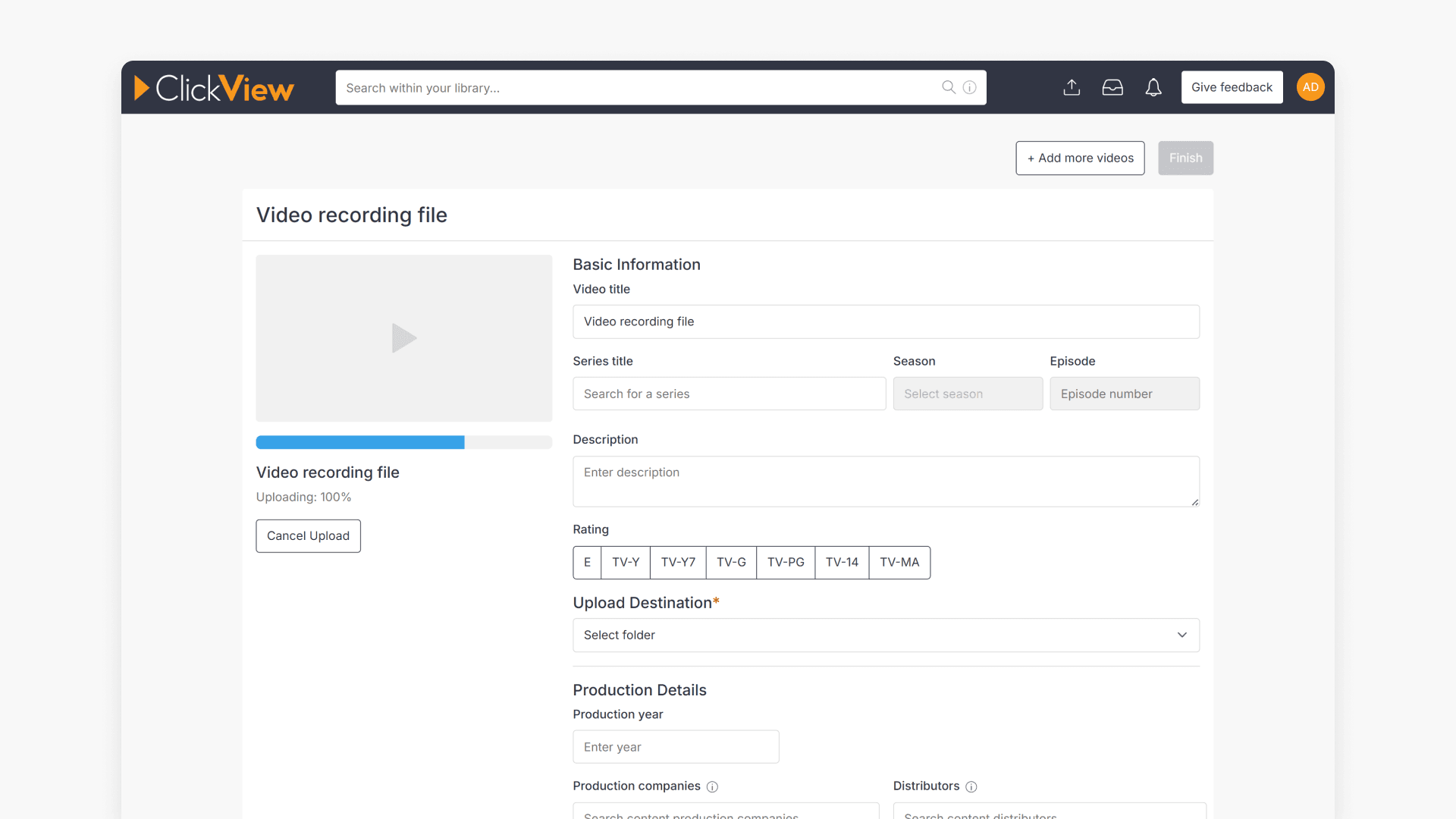
How to upload videos to your library
This article explains how to upload videos to your library using Library Editor in ClickView. It covers supported formats, upload steps, advanced metadata, and maximum file size.
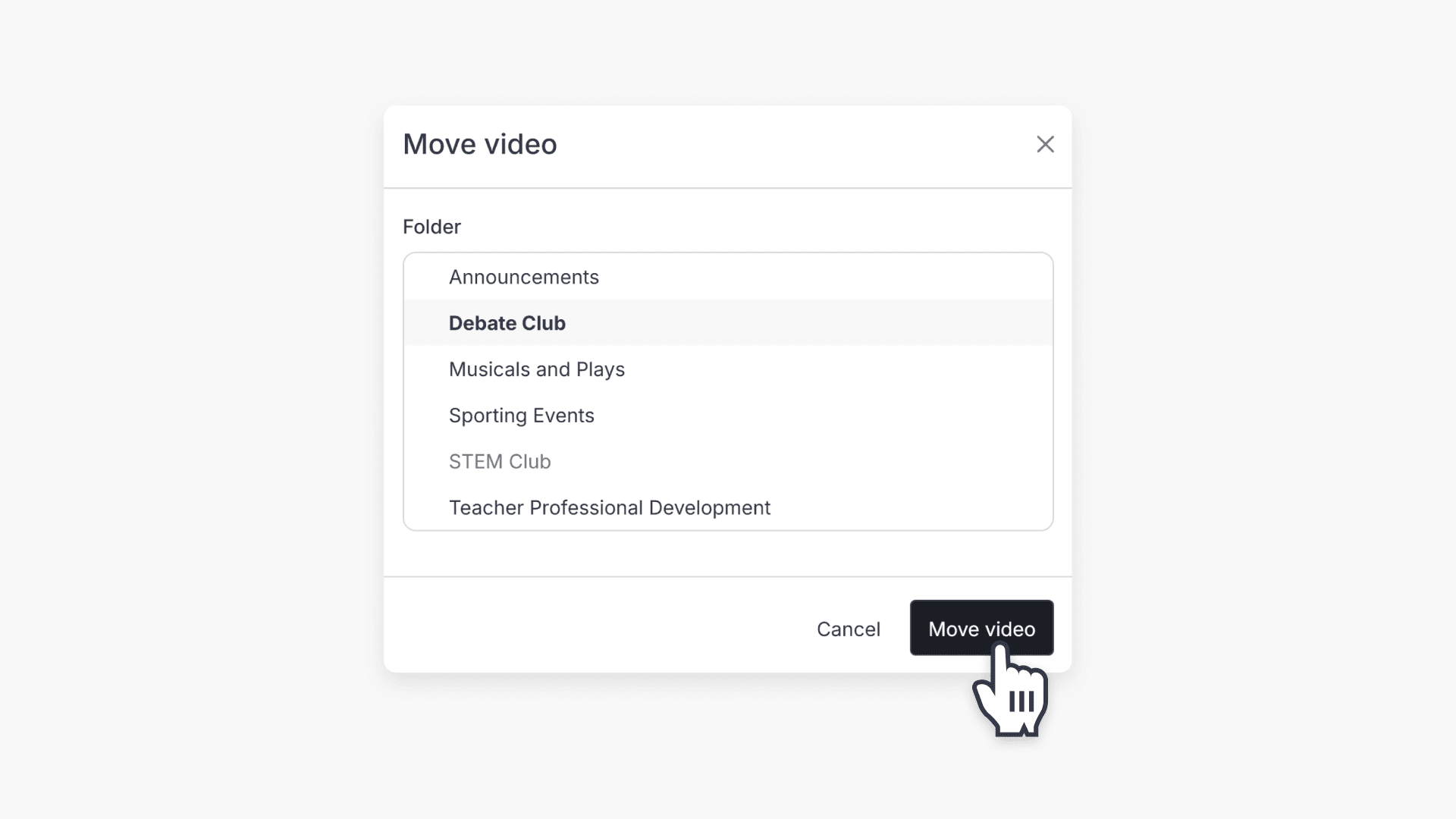
How to move a video to a different folder
This article explains how ClickView administrators can move videos between folders using Library Editor, with easy step-by-step instructions.
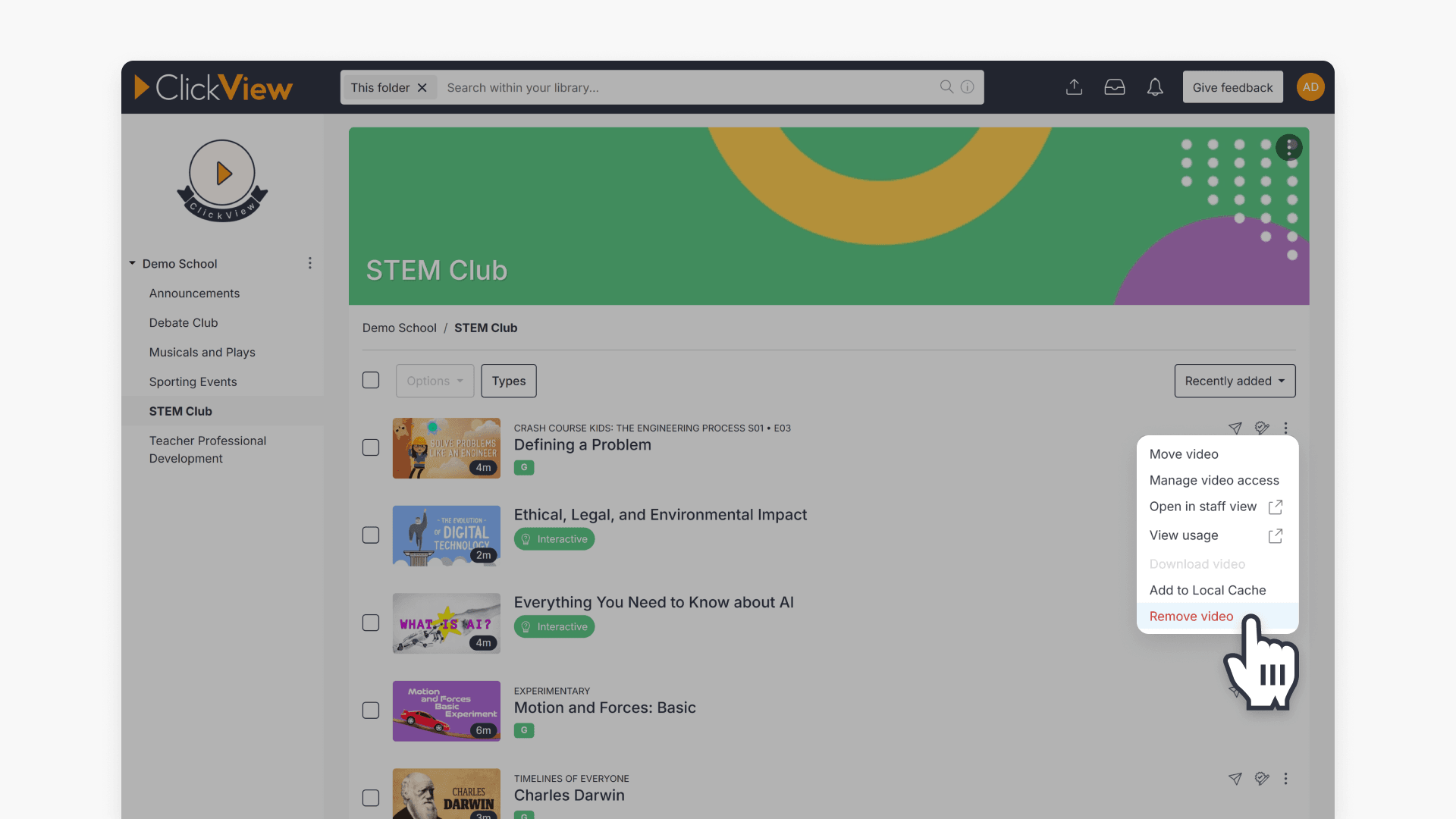
How to remove a video from your school library
This article explains how administrators can remove a video from their School Library in ClickView using Library Editor. Step-by-step instructions guide you through locating and deleting videos efficiently.
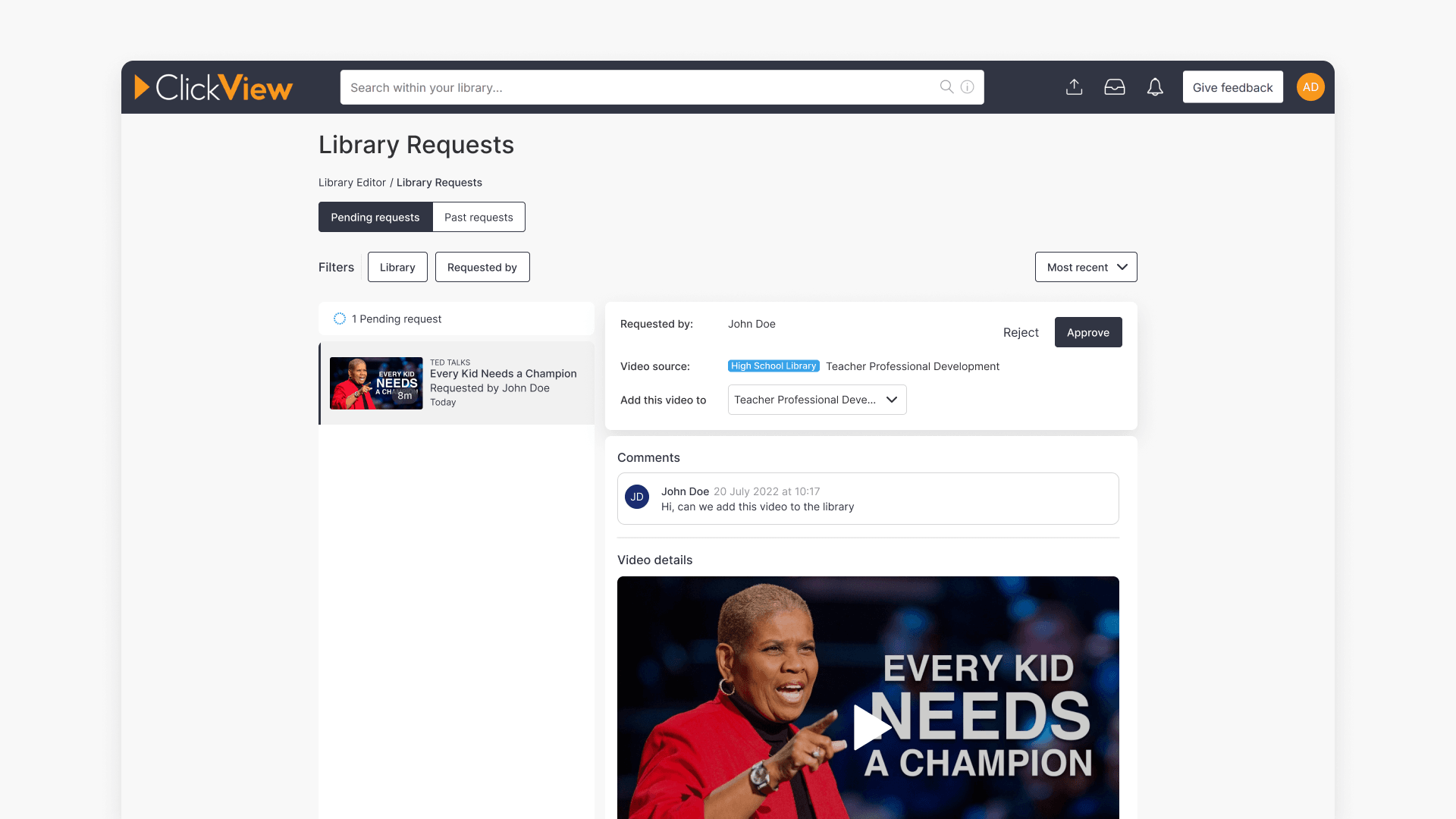
Manage staff requests to add videos to your library
This article explains how school administrators can enable, review, approve, or reject staff requests to add content to their ClickView library, including notification and request management steps.

Edit folder thumbnail and banner images
This guide provides step-by-step instructions to change folder thumbnail and banner images in Library Editor, including image size requirements.
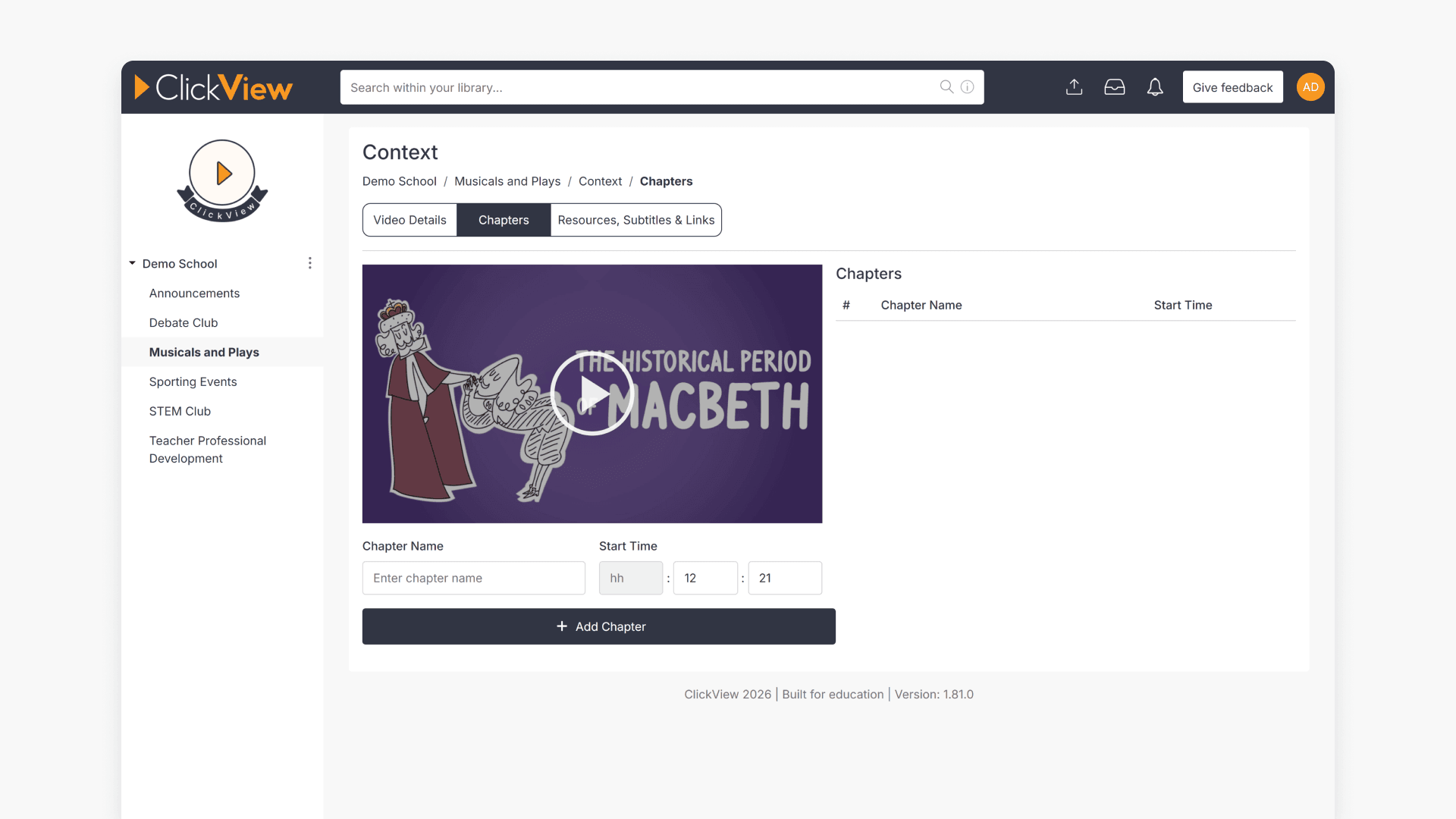
How to add, delete, and merge video chapters
This article explains how to add new chapters, delete chapters, and merge chapters in videos using Library Editor in ClickView. Follow detailed steps and see image examples for each action.
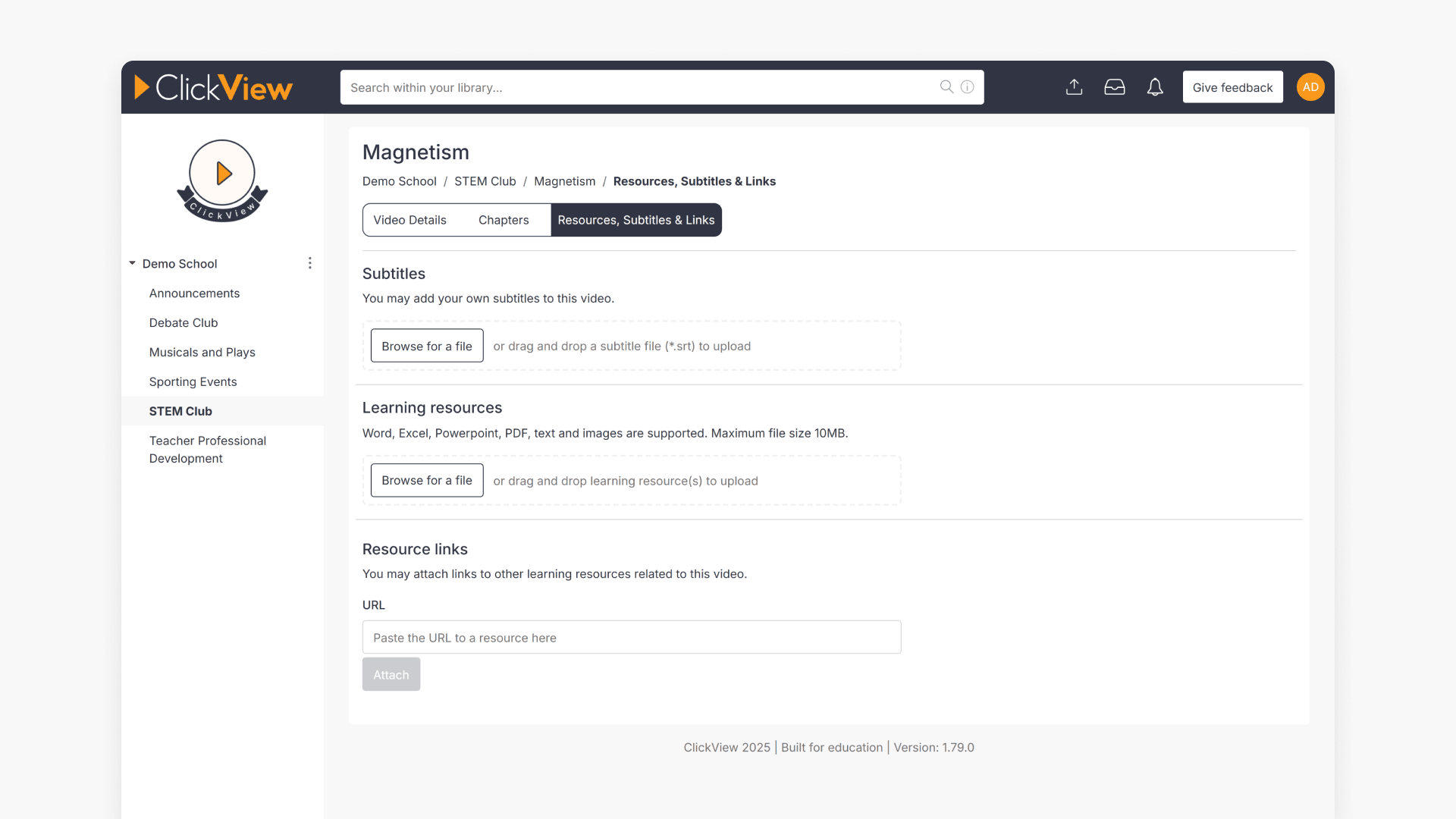
Add resources, subtitles, and links to a video with Library Editor
Learn to add supporting resources, subtitles, or links to any video in ClickView using Library Editor. This guide provides clear steps for making resources available to students.
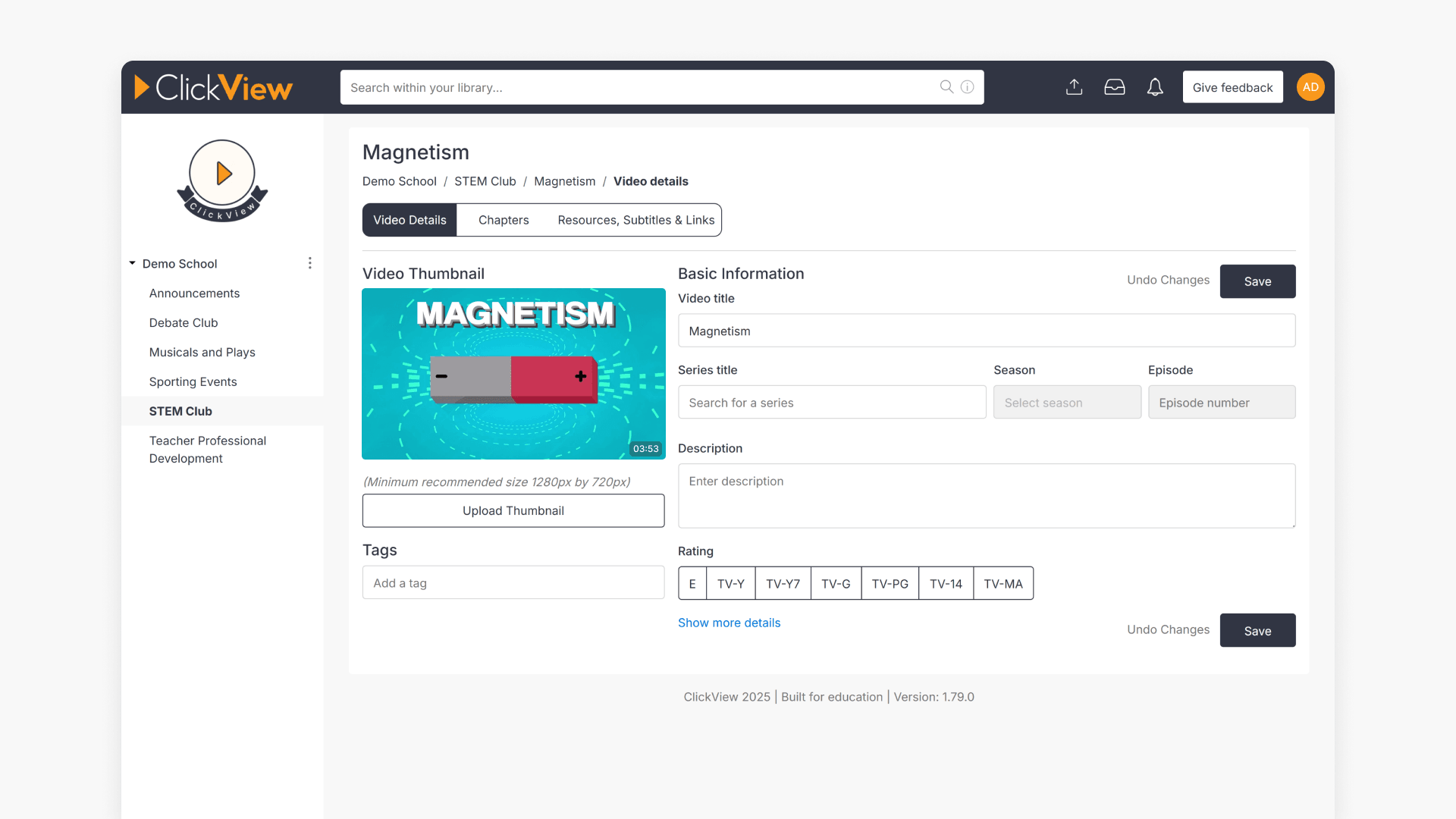
How to edit video metadata
This guide explains how to edit video metadata in ClickView’s Library Editor, covering program titles, advanced fields, and saving changes.
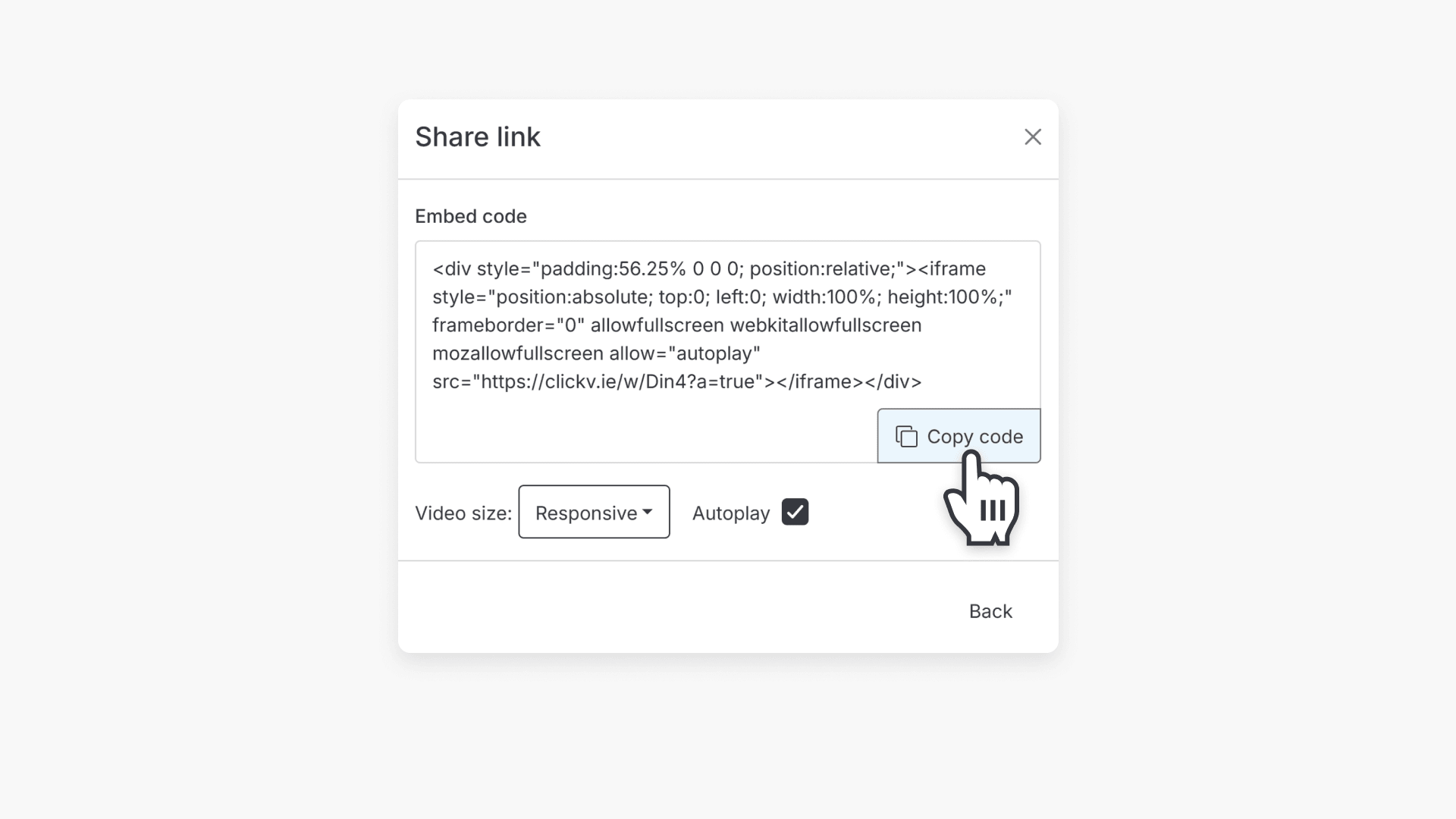
How to embed a video from your school library
This article explains how to embed a video from Library Editor into an online document, including step-by-step instructions for selecting your video, configuring embed options, and copying the embed URL.
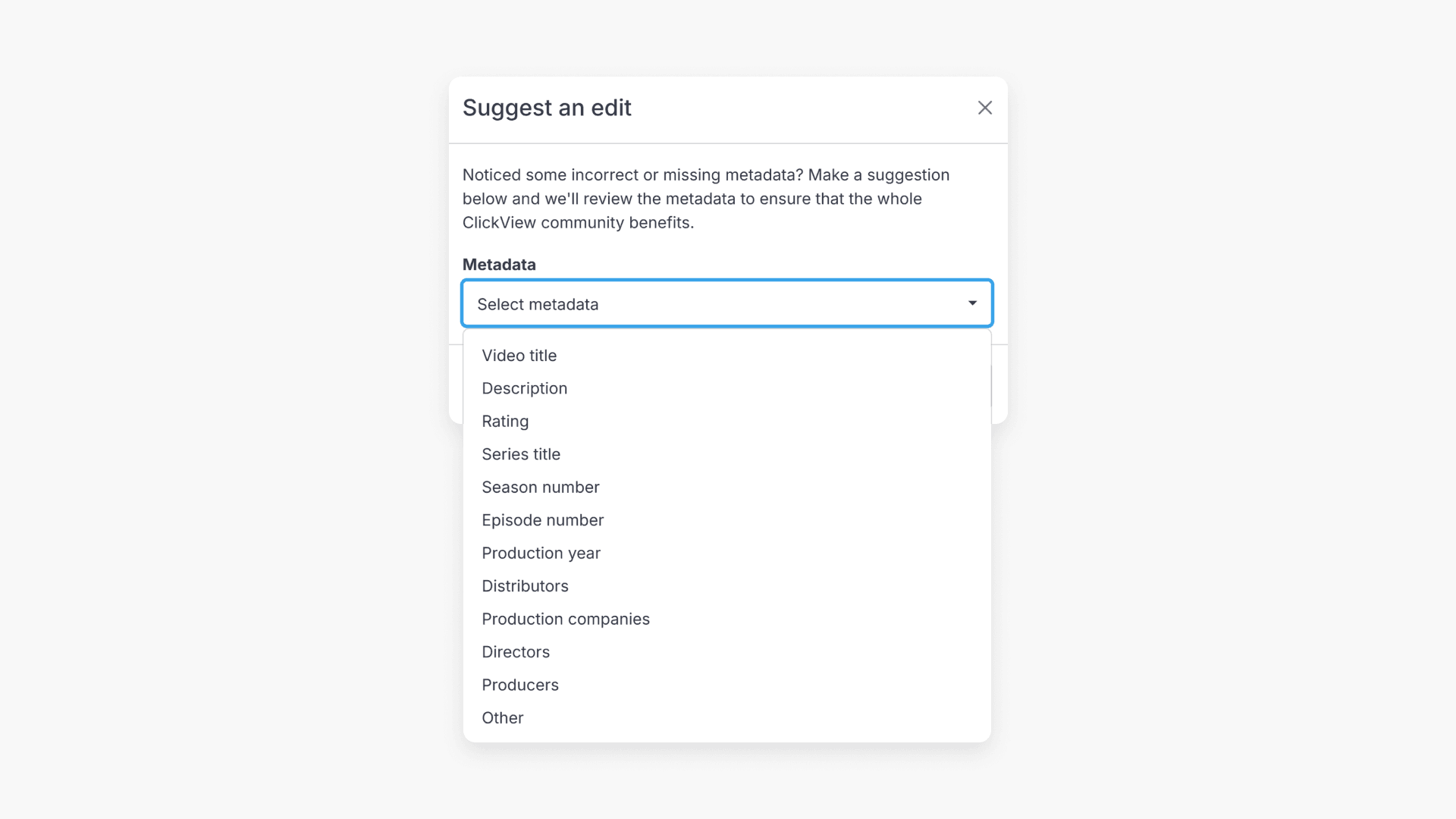
How to suggest an edit for video metadata
This guide explains how to suggest edits to ClickView video metadata, ensuring information remains accurate for educators and students. Admin users cannot make direct changes but can submit suggestions through Library Editor.