

ClickView Help
Sign inRequest pricingGet started FREEGet started FREE
Sign in
  1. Helpchevron right icon
  2. Administrationchevron right icon
  3. Rostering
    • Single Sign-On
    • Rostering
    • Users & permissions
    • Content Permissions
    • Library Editor
    • District Libraries
Administration

Administration

Rostering

Rostering connects directly with your existing systems, reducing manual work, errors and stale data. Sync students, teachers and classes automatically.
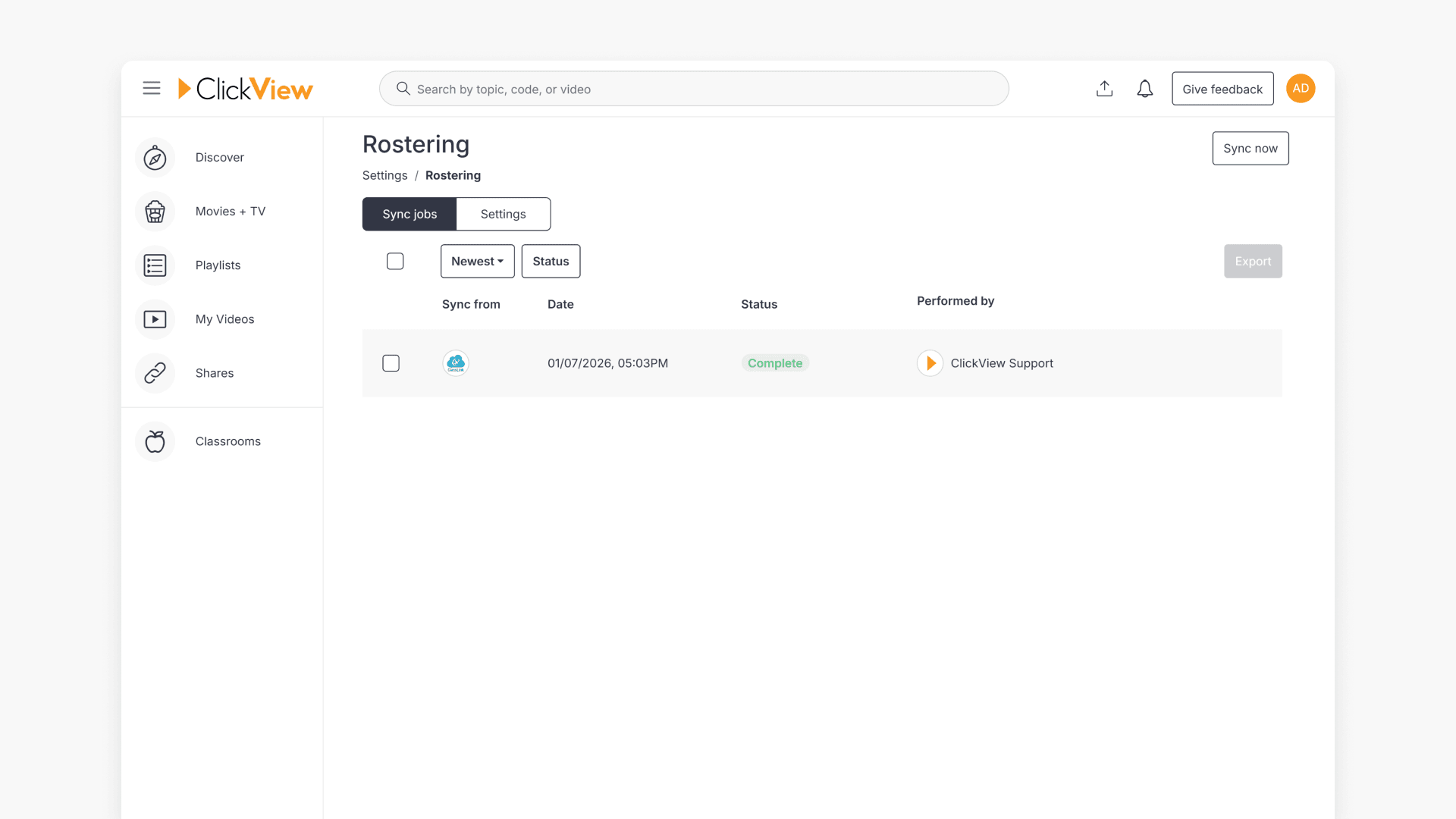
Rostering hero

How does rostering work with ClickView?

This article explains how rostering automates user and classroom setup in ClickView, outlines integration with Edlink, and details steps for enabling rostering for U.S. schools and districts.
Rostering

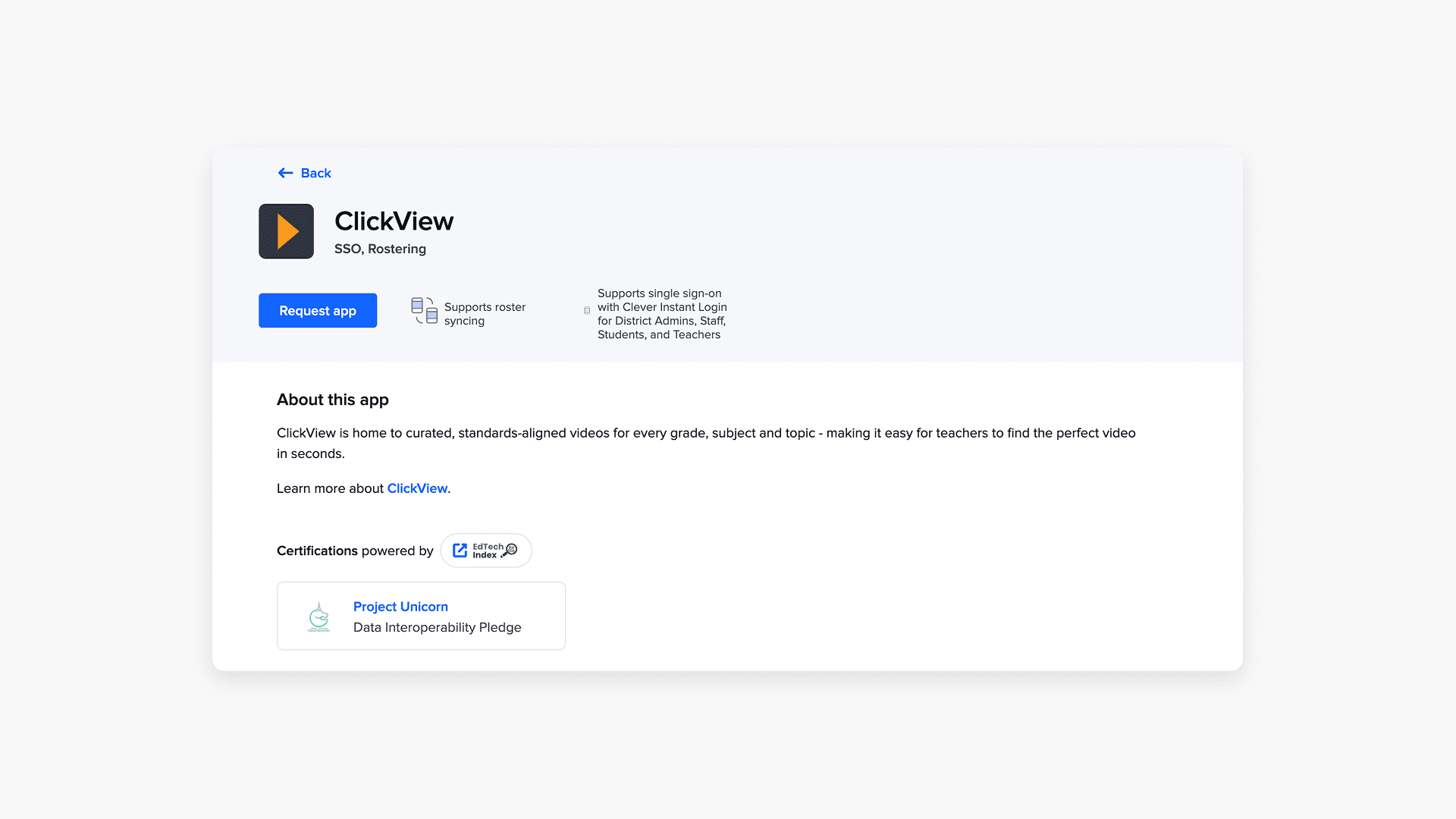
How to integrate ClassLink with ClickView

Learn how to connect ClassLink with ClickView in your school, enabling seamless access for teachers and students through secure roster setup and application assignment.

Clickview request app

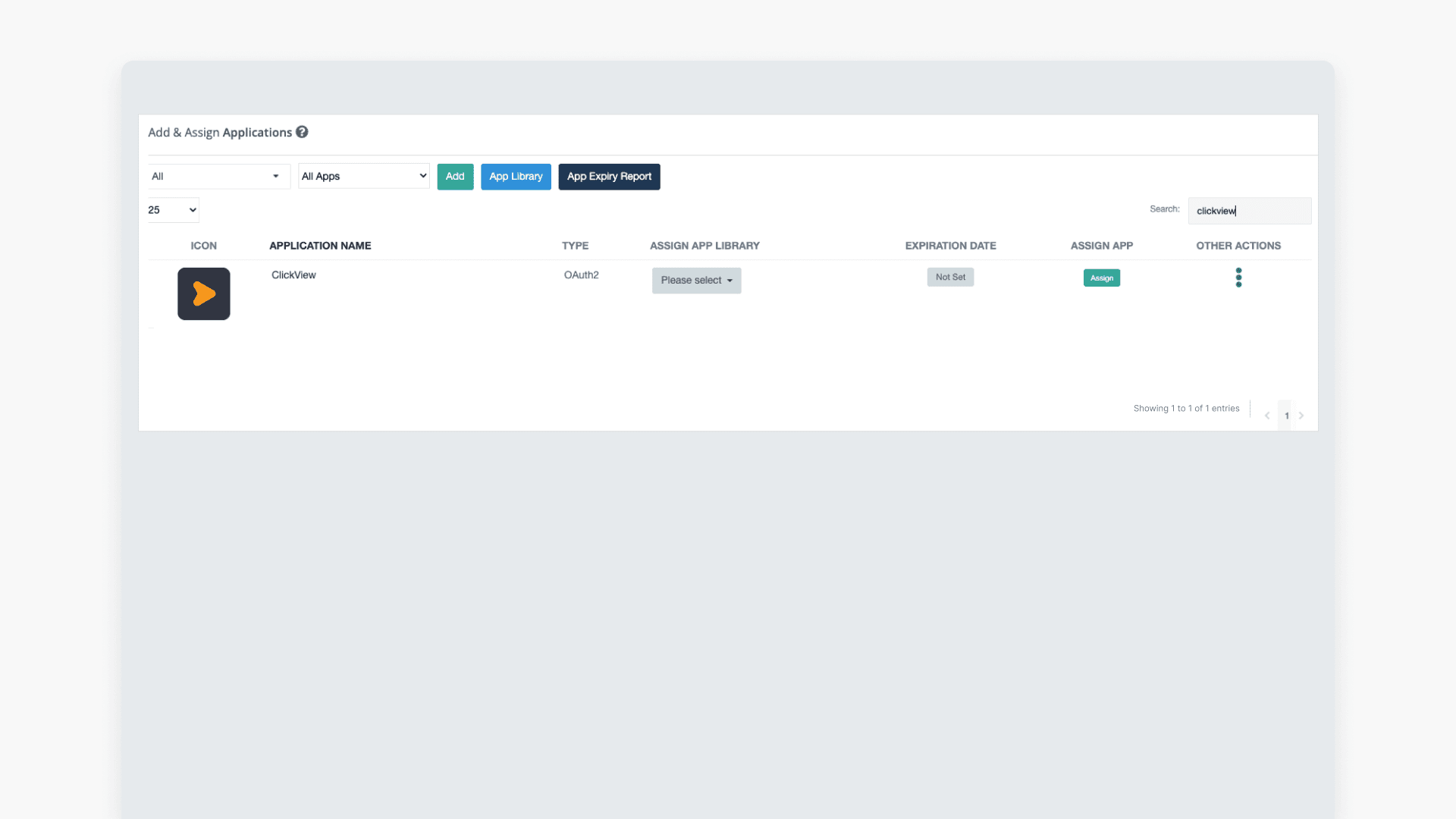
How to integrate Clever with ClickView

This article explains how to integrate ClickView with Clever, including adding the application and configuring sharing permissions for district data access.
Still have questions?

Email Support

Email us

support@clickvieweducation.com

Phone Support

Phone

+1 (312) 763-9491

Ticket Support

Send us a ticket

Fill out support formarrow right icon

Company
AboutContact usSupportSign up free
Resources
Get startedBlogBrandCompare ClickView
Elementary
OverviewElementary school teachersElementary school leaders
Middle schools
OverviewMiddle school teachersMiddle school leaders
High schools
OverviewHigh school teachersHigh school leaders
Districts
OverviewSolutions by stateDistrict AnalyticsDistrict LibrariesDistrict Restrictions
Product
OverviewDiscoverEngageUnderstand
Features
Upload videosInteractive videosShare videosIntegrationsAccessibilityClassroom analyticsSchool analyticsMovies + TVRostering
Sign up for new release videos, trending topics, and more.Letter with heart
By subscribing you agree to our Privacy Policy.
AUS
AUS
UK
UK
CAN
CAN
NZL
NZL
Privacy Policy
Terms and ConditionsOnline Terms