



Administration
Users & permissions
Add, update, or remove users from your school or district. Learn imports, roles, and best practices for maintaining accurate records.
Managing user accounts in your school
This article guides ClickView Administrators through the creation, management, and bulk updating of staff and student accounts, including manual, bulk, and Single Sign On methods.
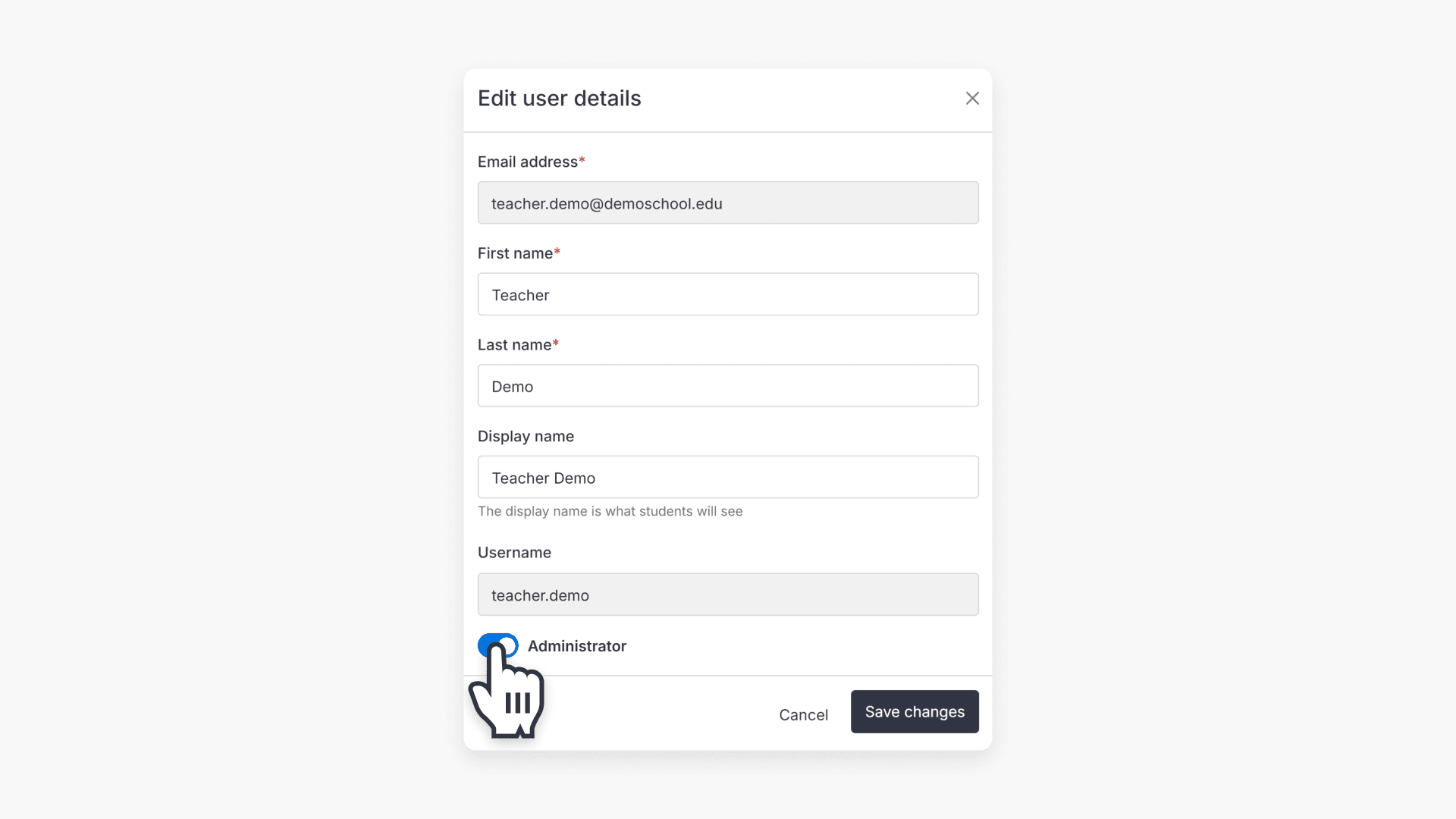
How to create ClickView Administrator users
This article explains the Administrator role in ClickView and provides step-by-step instructions for granting administrator access to staff accounts.
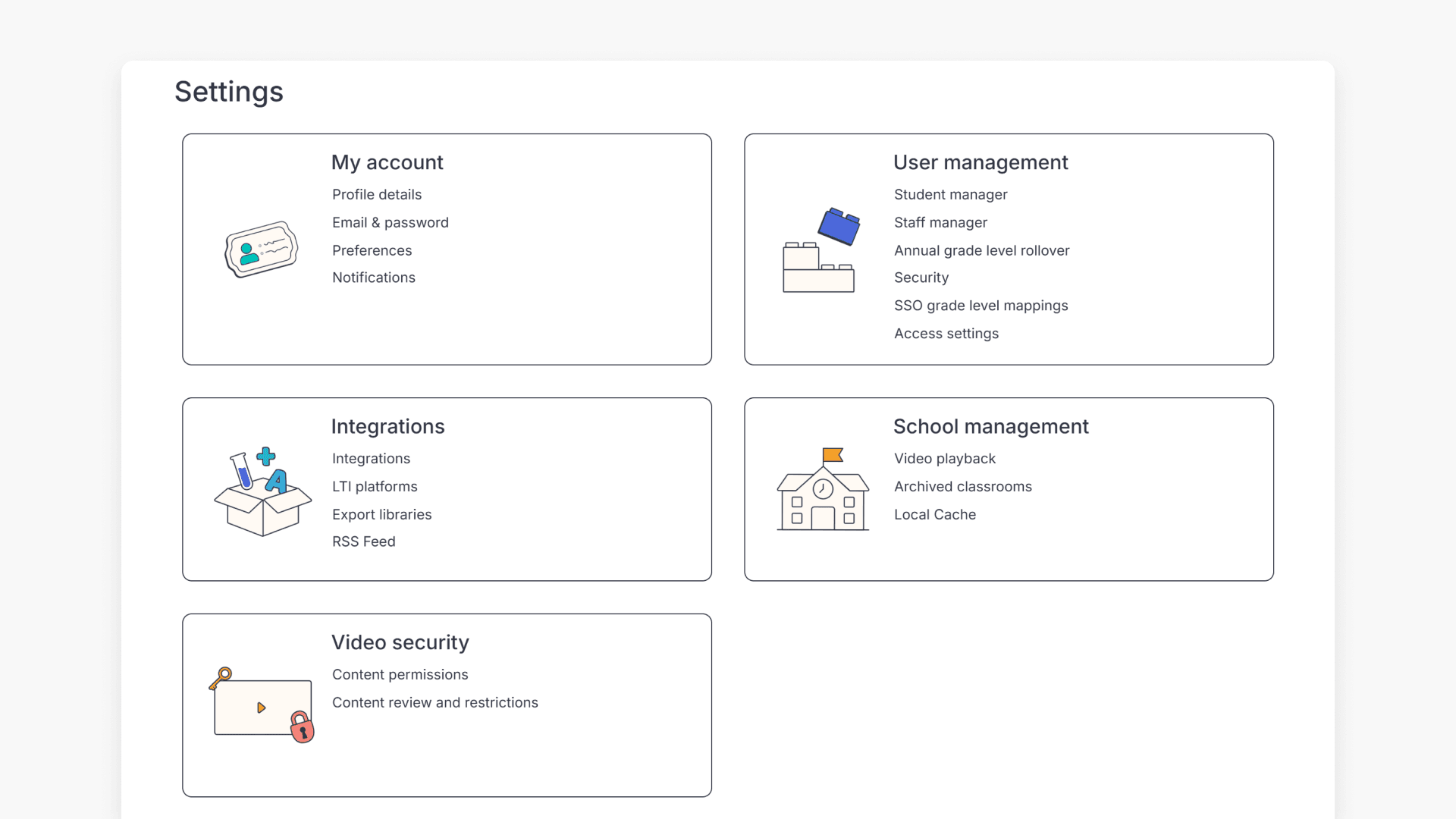
ClickView Administrator permissions
This article explains how to access administrator options in ClickView, including user management, default settings, video security, and integrations. It provides guidance for school and district leaders on key administrative controls.
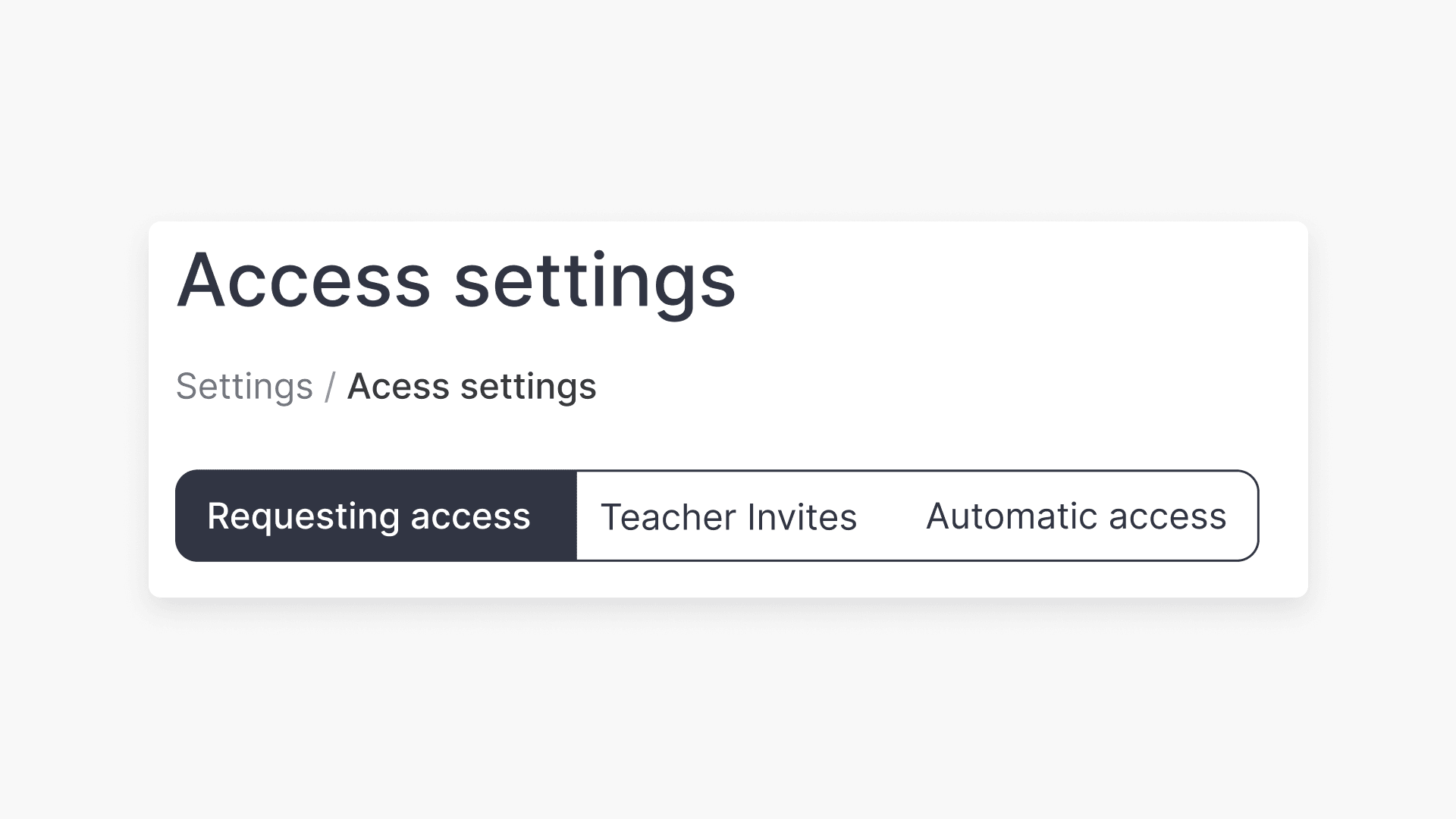
How teachers can request access to your ClickView school
This article explains how ClickView administrators configure teacher access options, approve requests, use teacher invites, and enable automatic access for staff.
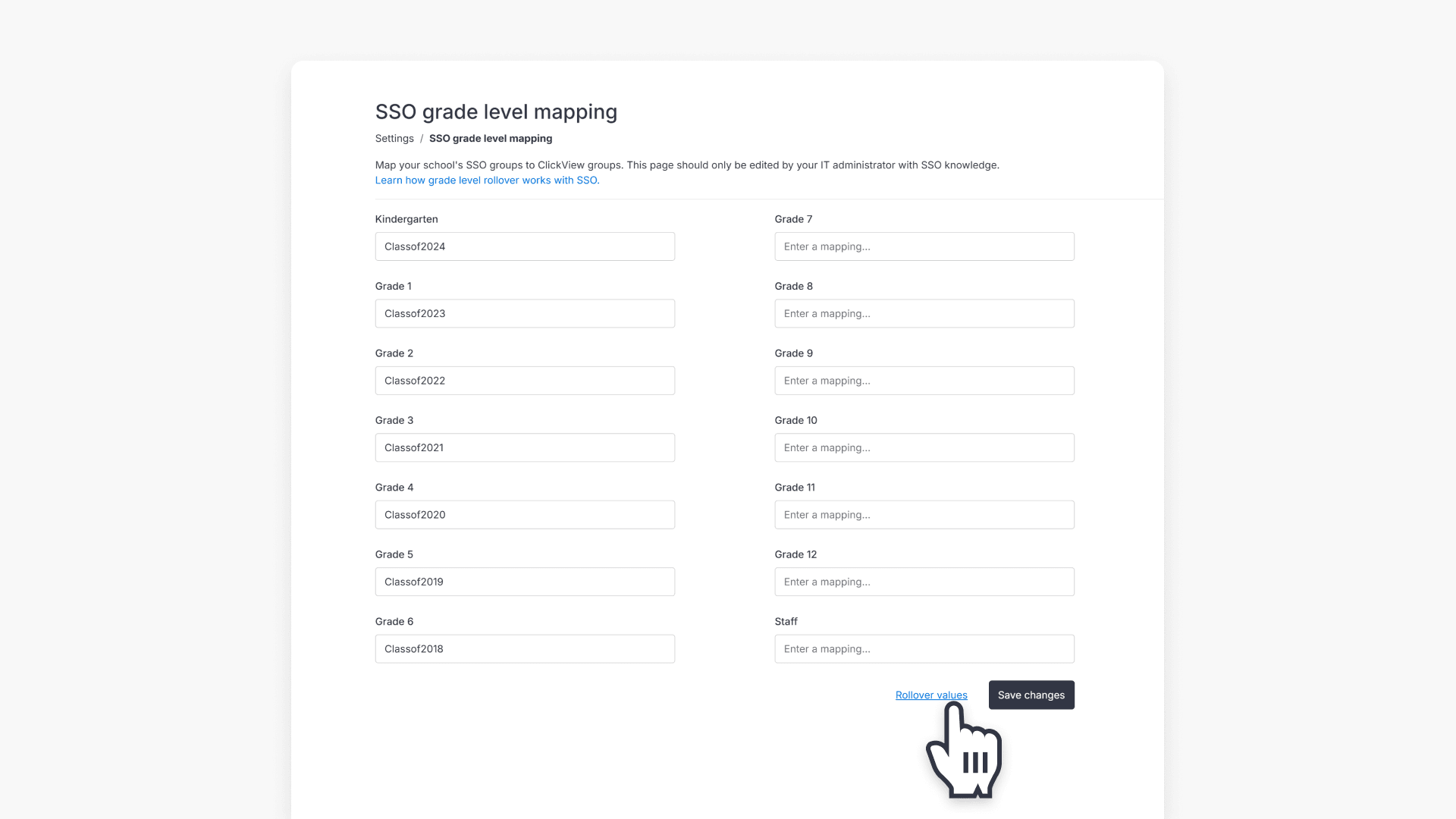
How to manage grade level rollover with SSO
This article explains how administrators can perform annual grade level rollovers for SSO groups in ClickView, choose the correct rollover method, and follow step-by-step instructions.
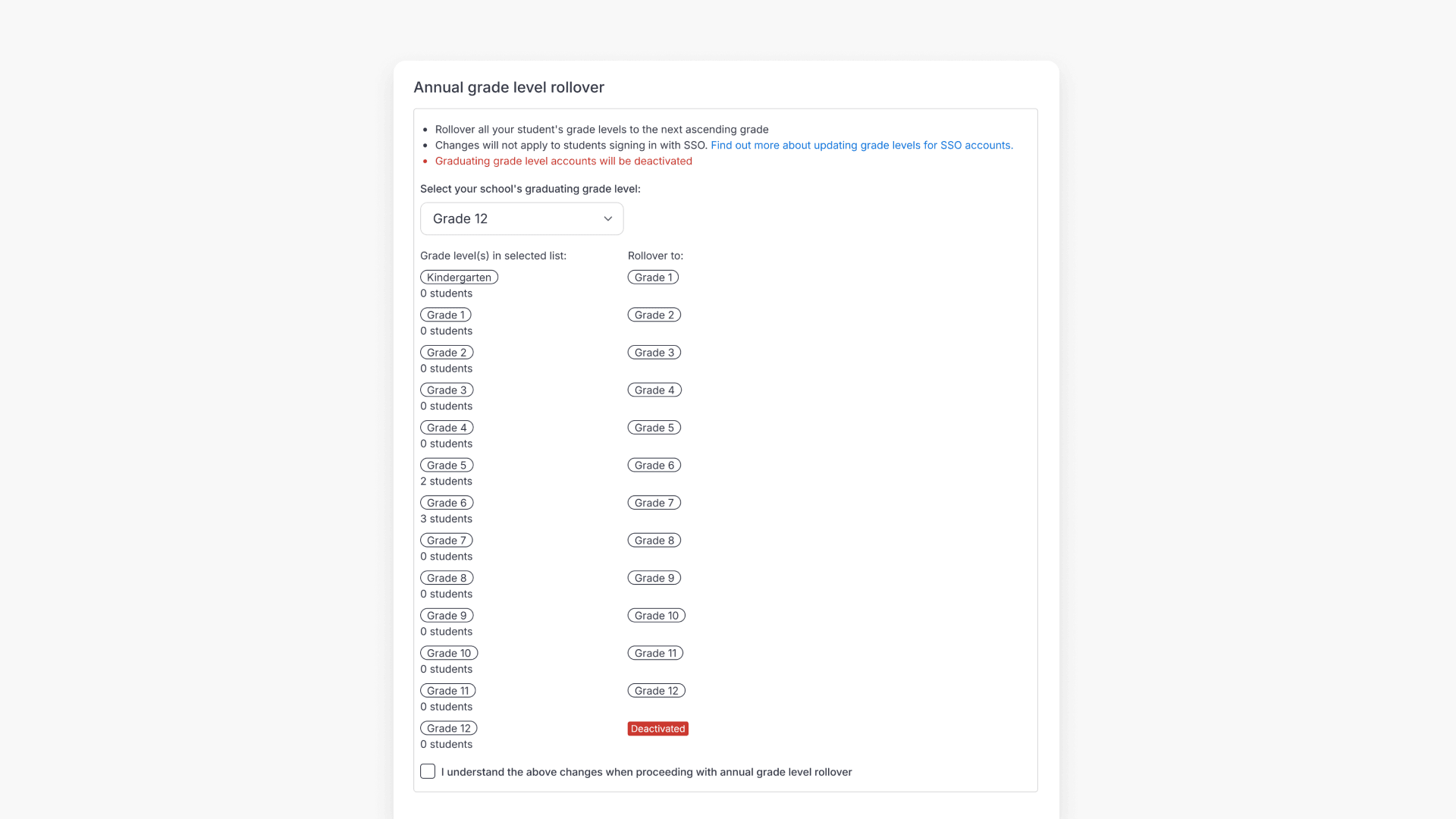
How to perform an annual grade rollover for students
This article explains how administrators can use ClickView’s annual grade rollover feature to update all student accounts to the next grade level, including best practices for backing up data before making changes.

How to allow domains for ClickView services
This article lists the essential domains your IT team must allowlist on your network firewall or proxy to ensure full access to ClickView and related services. Includes U.S., Canadian, Australian, New Zealand, and UK domain details.