



Integrations
Local Cache
Improve video streaming on school networks. Learn how Local Cache works, setup steps, store video content locally, monitoring, and common troubleshooting.
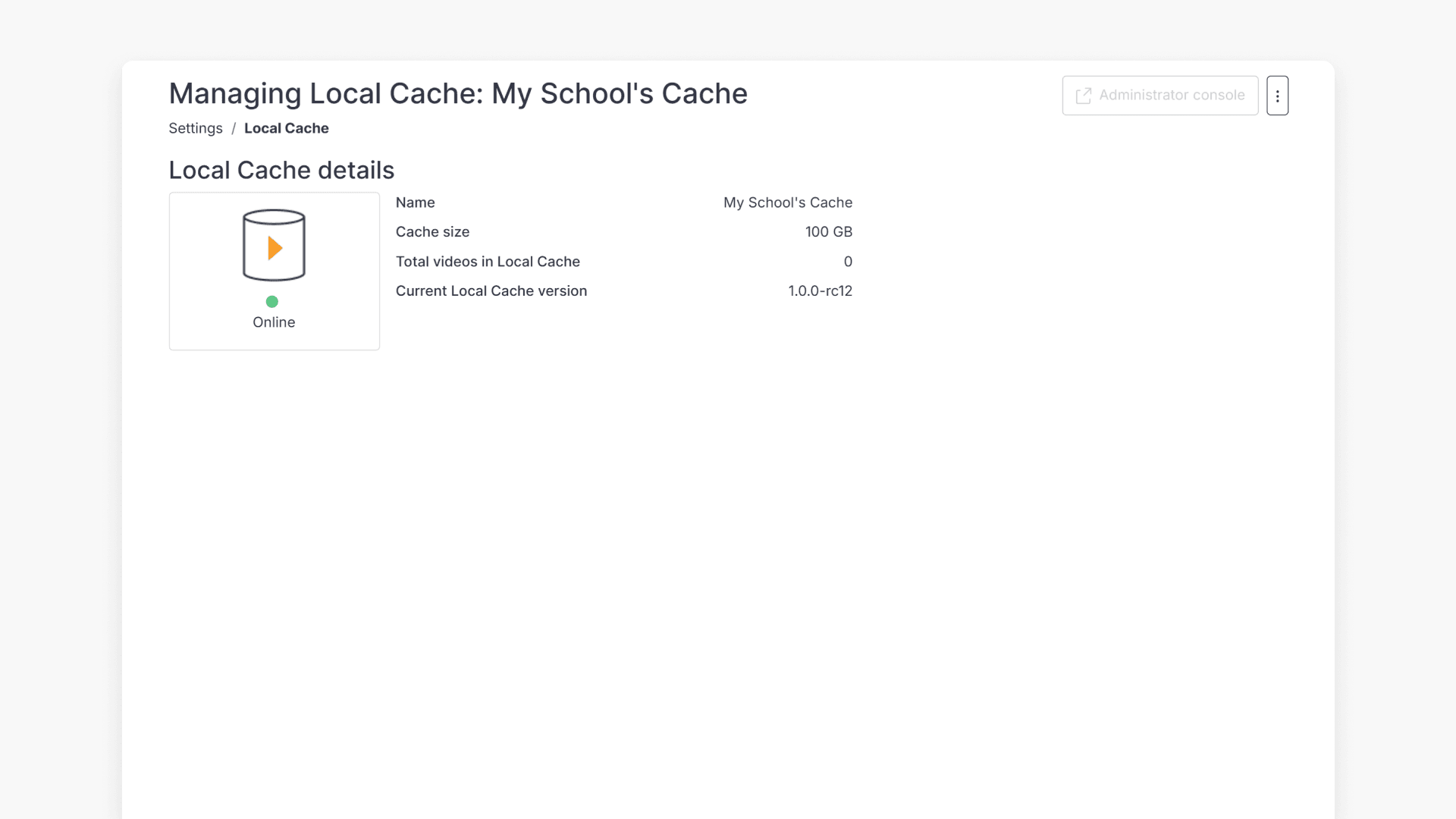
Introduction to Local Cache for schools
Local Cache enables high-quality ClickView video delivery in schools by storing content on a local server. Discover its benefits and whether it’s needed in your school.
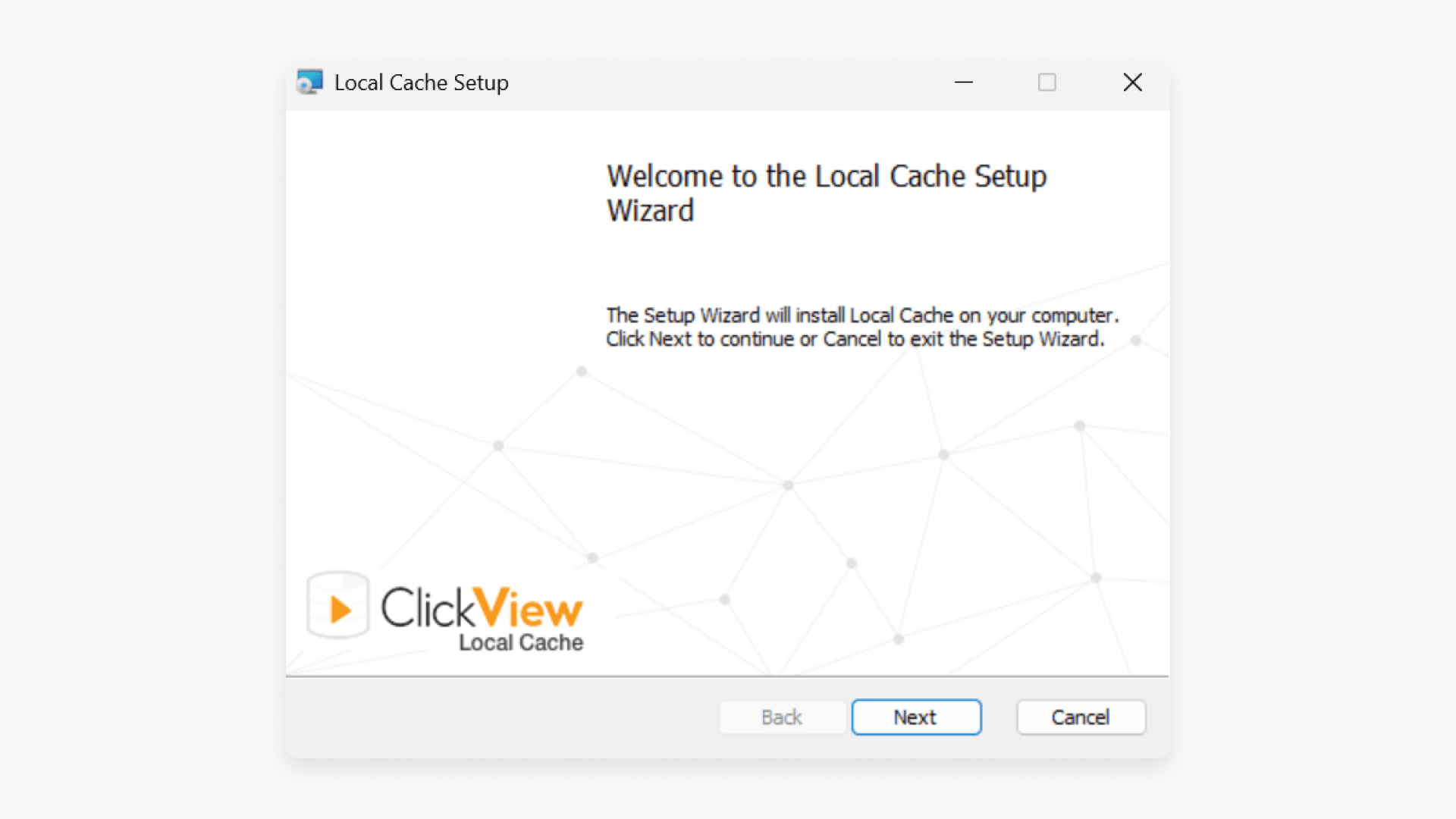
Install and set up ClickView Local Cache
This guide explains how to install, configure, and manage Local Cache for secure, local streaming of ClickView videos, including minimum requirements and step-by-step setup instructions.
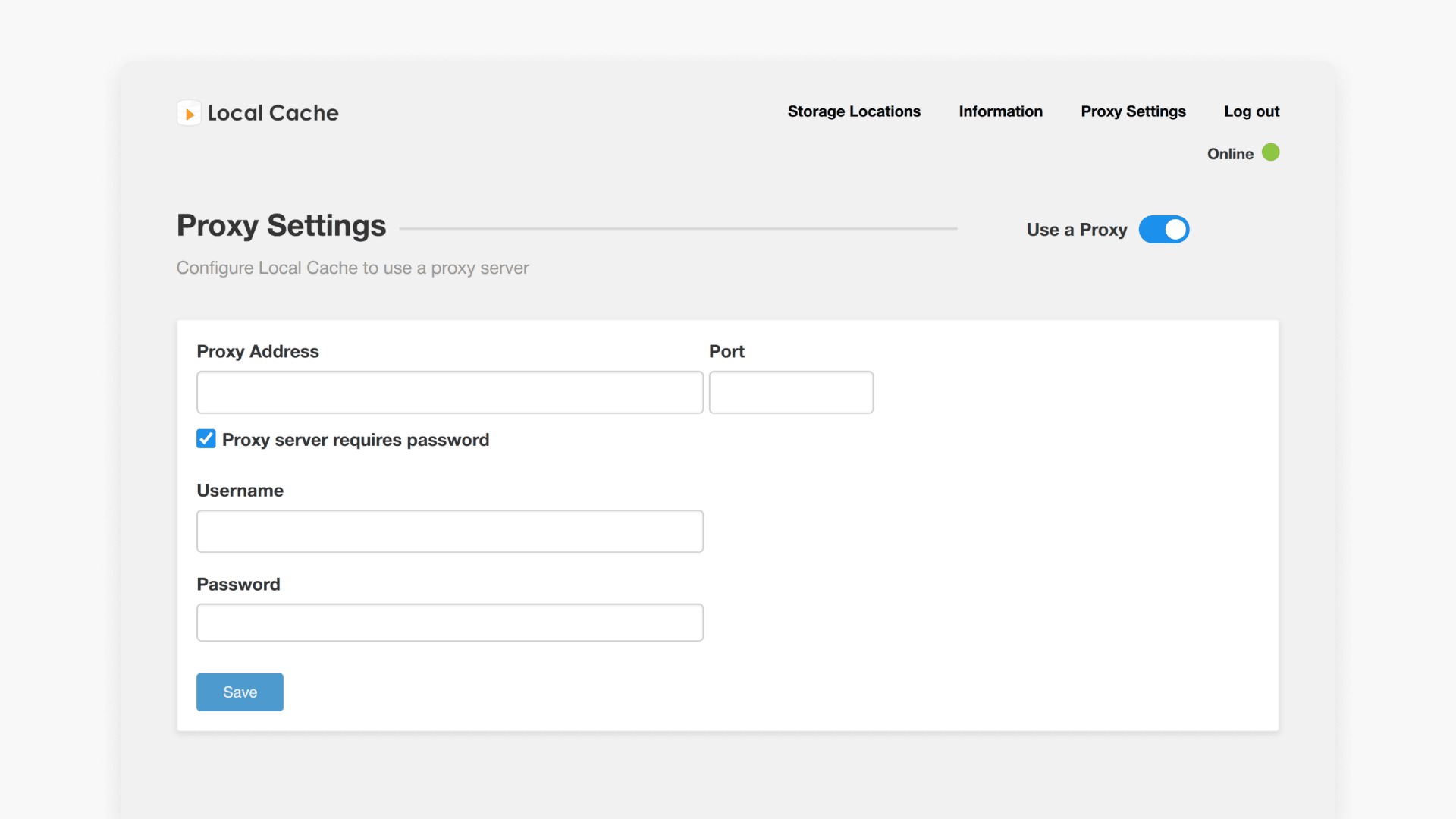
Configure proxy settings for Local Cache
This article explains how to access, configure, and test proxy settings in the Local Cache Admin Console for ClickView, including understanding online and offline status icons.
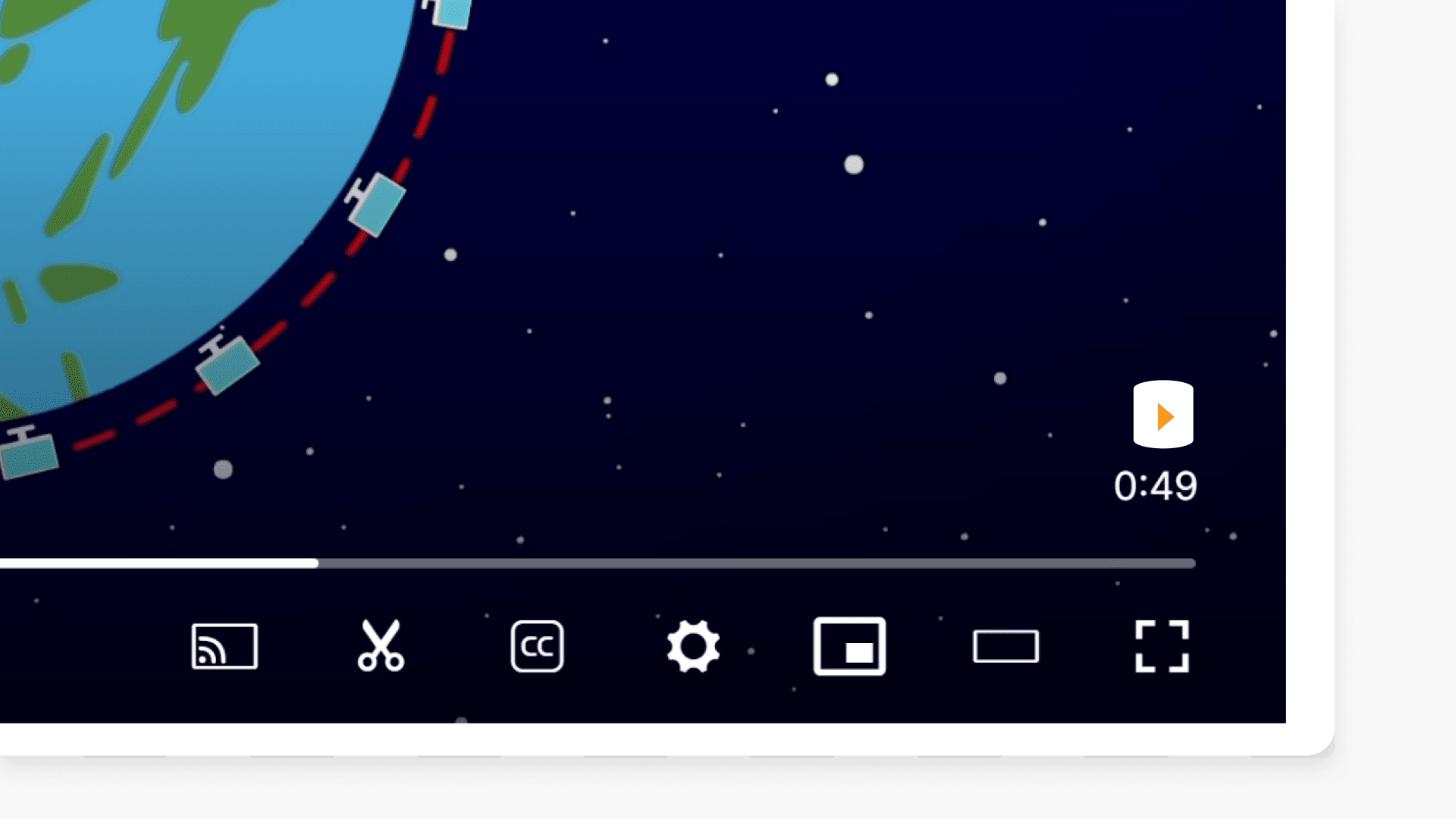
How to tell if a video streams from Local Cache
Discover how to quickly determine if your ClickView video is streaming from Local Cache or from the Cloud by looking for the icon in the ClickView Player.
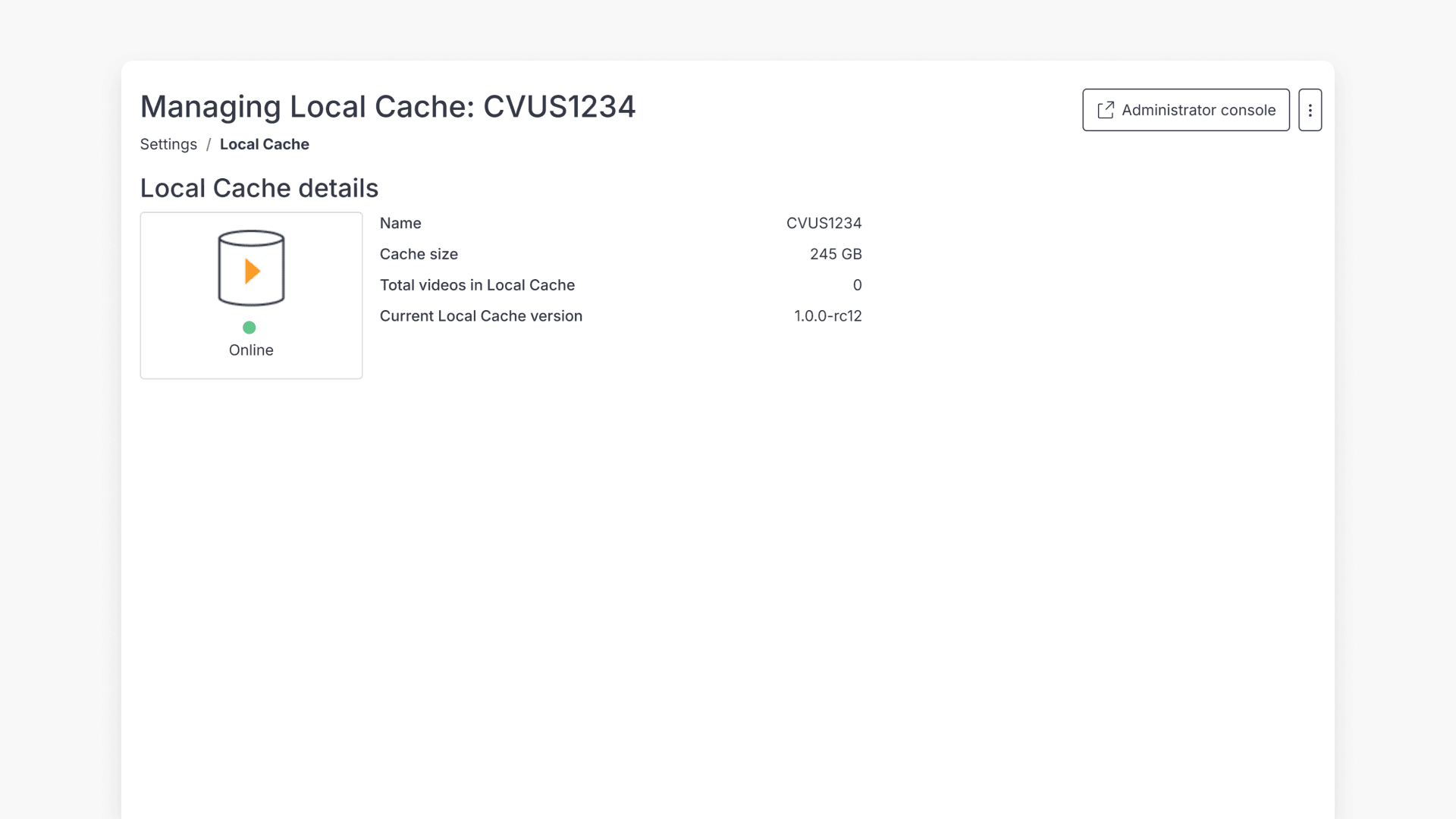
How to manage Local Cache settings
Discover how to access and manage Local Cache settings in ClickView, including storage details, software updates, and video playback settings.
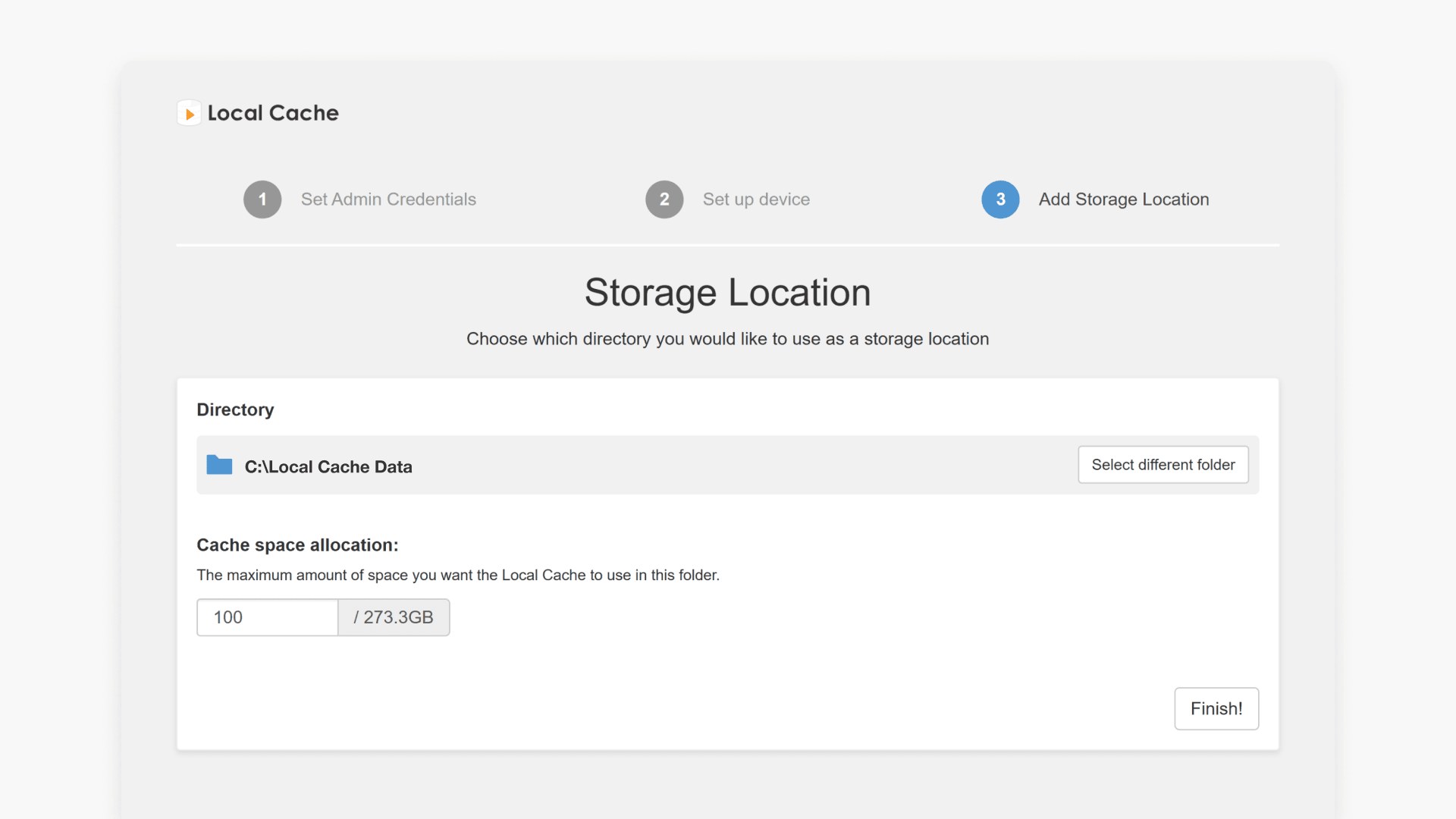
Manage Local Cache storage locations
This article explains how to access the Local Cache Admin Console, add or remove storage locations, and increase storage limits for video caching.
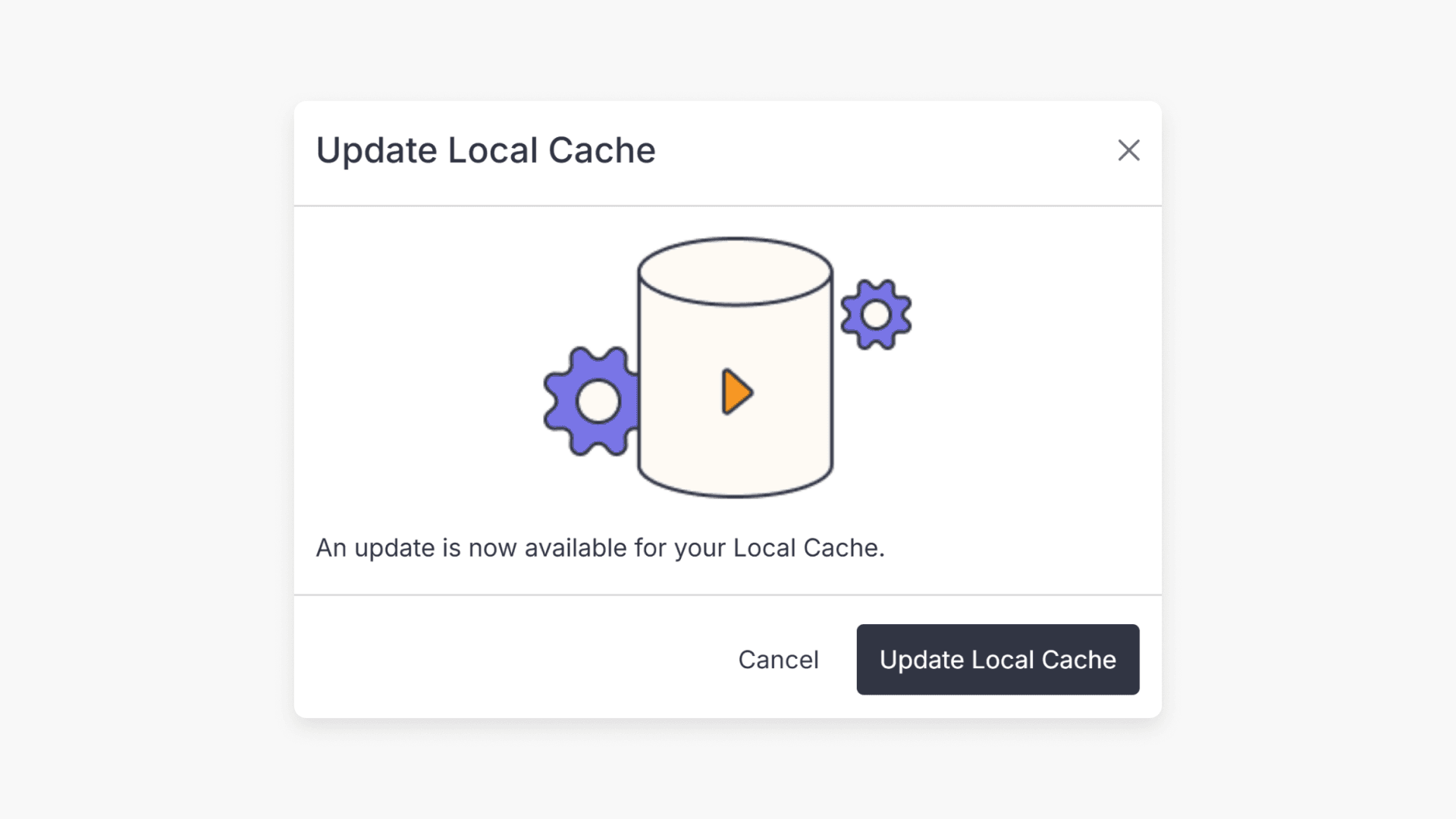
How to update ClickView Local Cache
This guide explains the step-by-step process to check and update Local Cache to the newest version in ClickView for schools.
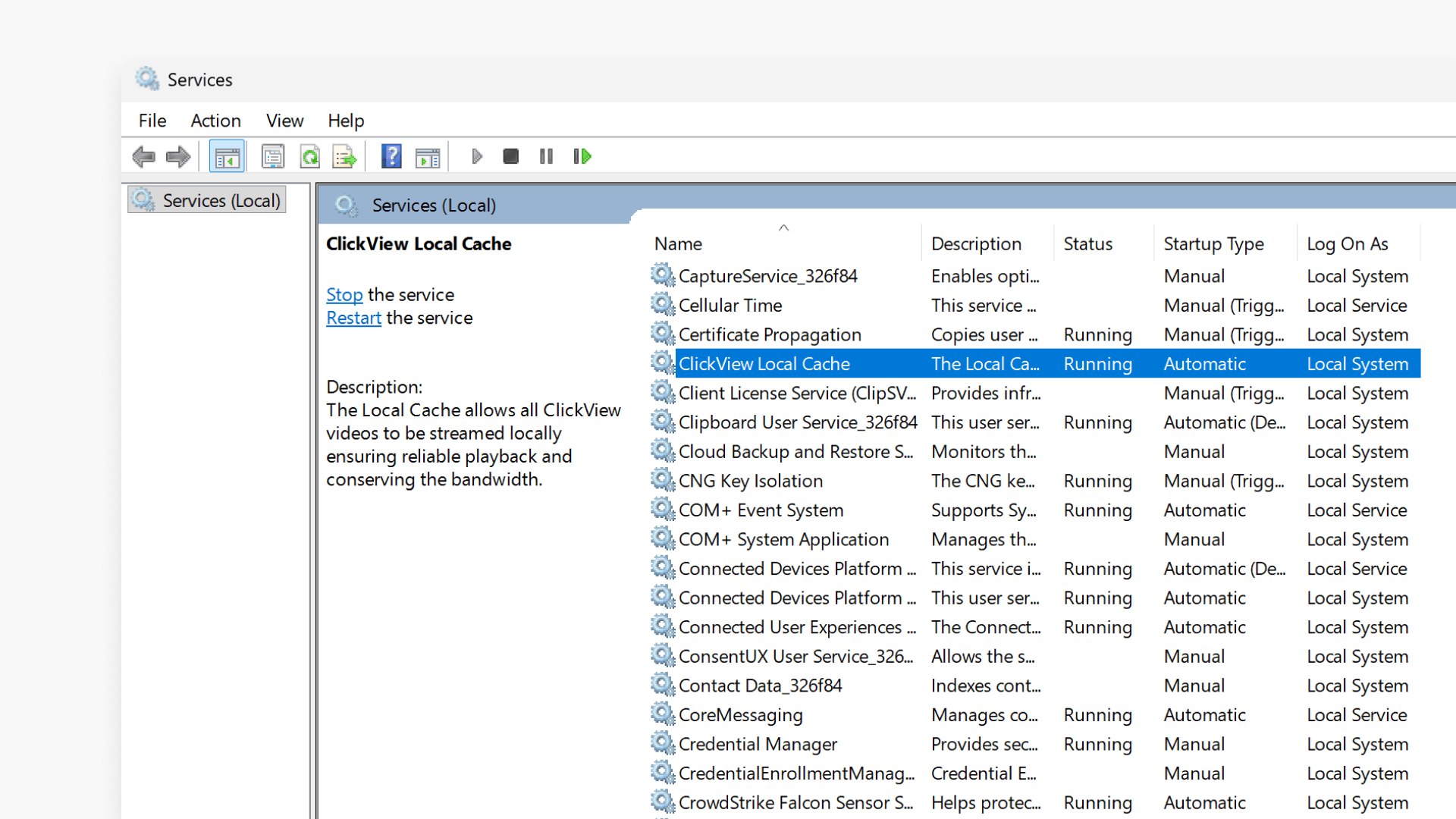
Troubleshooting Local Cache playback issues
This article explains how to troubleshoot video playback issues with Local Cache in ClickView by checking configuration, service status, port assignments, and proxy settings.