How to manage Local Cache settings
In this article
Last updated by
2 min readClickView30th January, 2026
Summary
- Use Manage Local Cache to review cached videos and disk usage.
- Check Software updates to see your installed version and available updates.
- Select Update Now to install an available update.
- Set default download timing and quality in Add to Local Cache settings.
star icon
Quick tip
What does changing Default Local Cache video quality affect?
Default Local Cache video quality controls the playback quality used when a video is served through Local Cache but has not been downloaded in advance. Choosing a lower quality can reduce bandwidth use, while a higher quality can improve clarity for classroom viewing.
Accessing Local Cache settings
- Sign in to ClickView
- Select your name in the top right-hand corner, then select Settings.

- Under School management, select Local Cache.
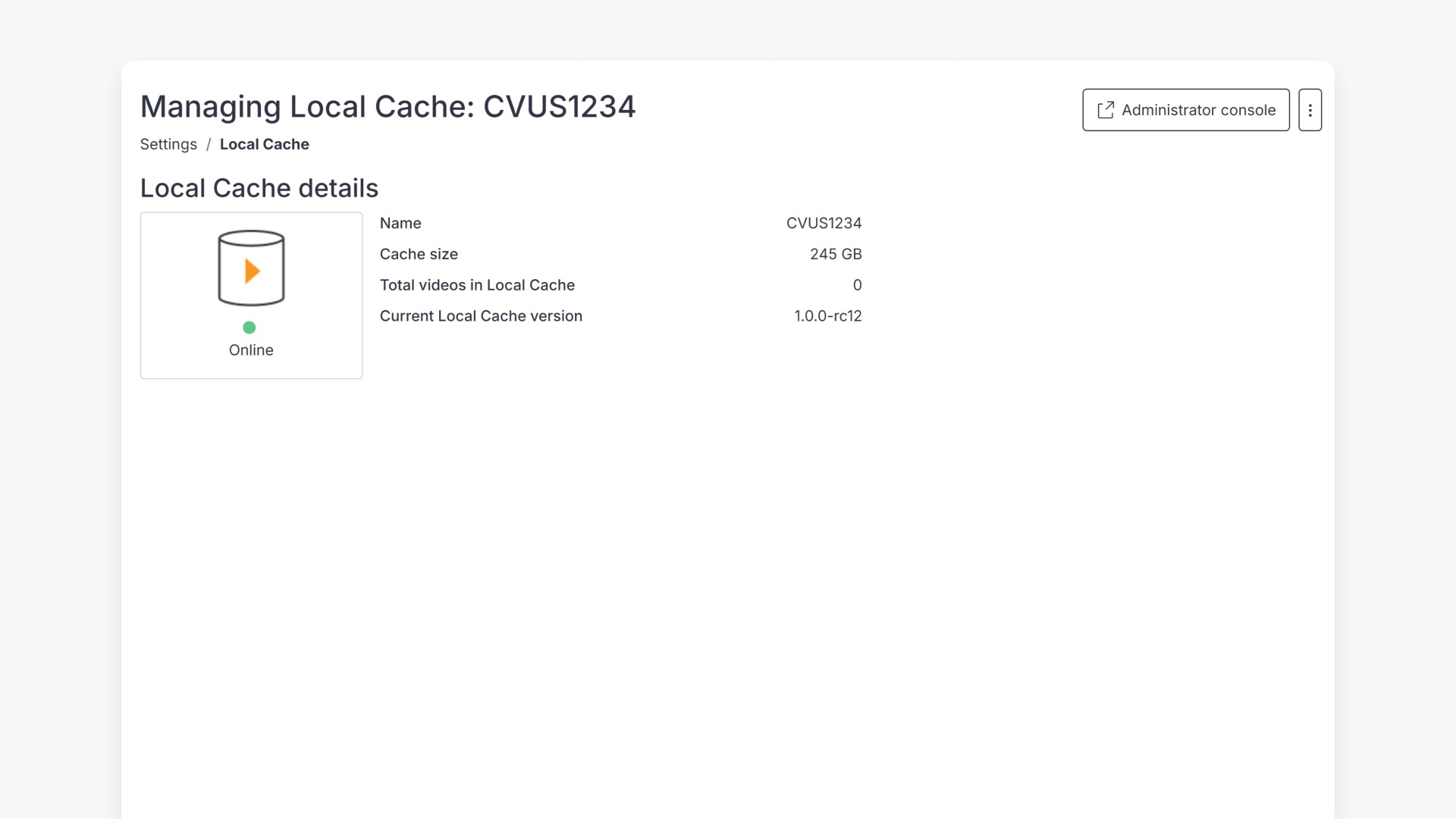
Viewing cached videos
- In Local Cache settings, find the cache you want to review.
- Select Manage Local Cache.
- Review which videos are cached and how much disk space they use.

Updating Local Cache software
- In Local Cache settings, find the Software updates section.
- Review your installed Local Cache version and whether a newer version is available.
- If an update is available, select Update Now.
Customise video playback quality
Use this setting to control the default playback quality when a video is played through Local Cache and has not already been downloaded.
- Select your name in the top right-hand corner, then select Settings.

- Under School management, select Video playback.

- Scroll to Default Local Cache video quality.
- Select the default quality you want your school to use.

Frequently asked questions
You can review which videos are stored in the cache and the total disk space used.
In the Software updates section, select Update Now if a newer version is available.
Get in touch
If you’re having trouble finding the right topics or videos, just reach out! Our team - 

 Akhil, Daniel, Jalaj, or any of us at ClickView - will be happy to help you get sorted.
Give feedback
Was this guide helpful?
Up Next
Troubleshooting Local Cache playback issues
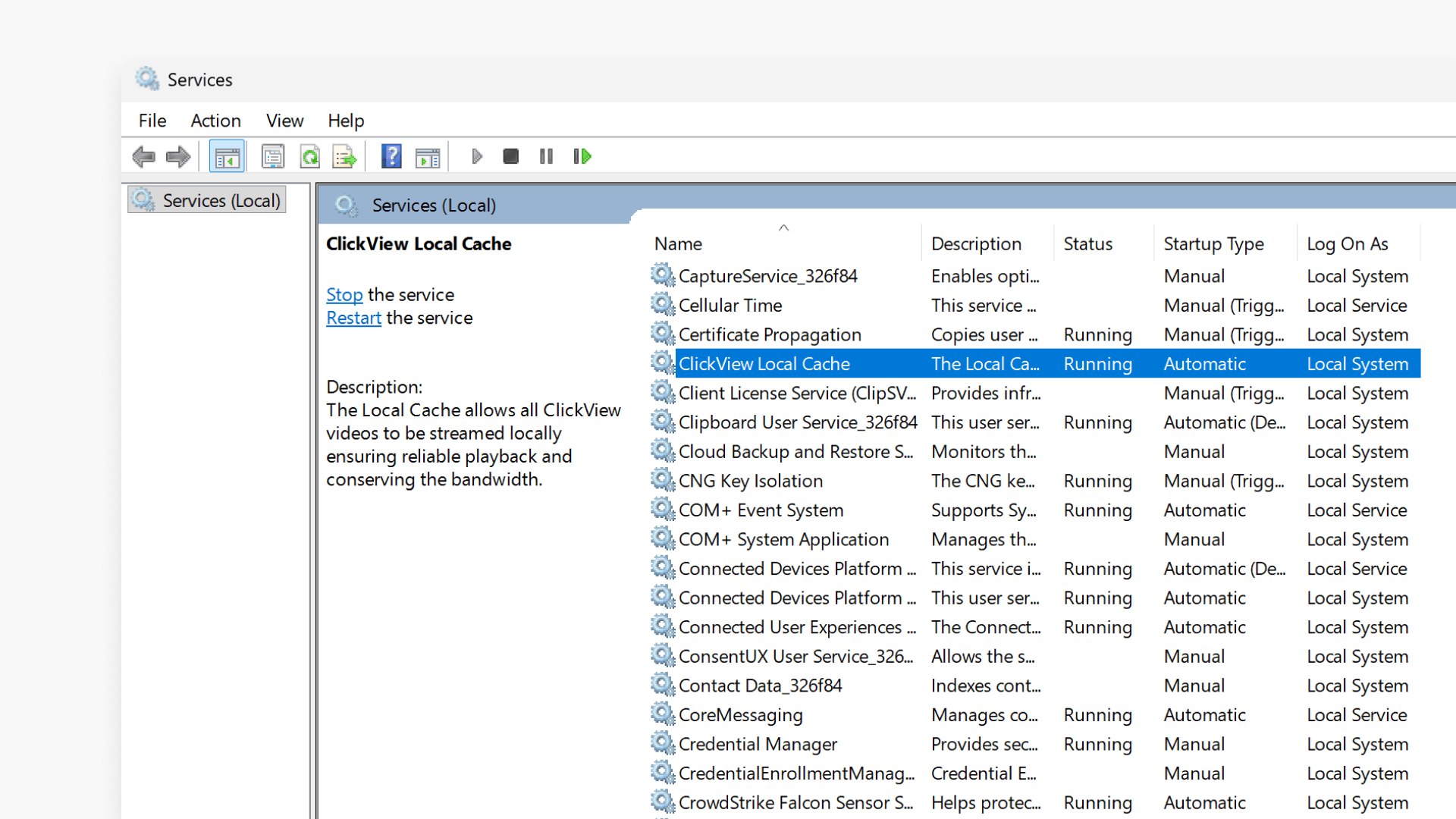
This article explains how to troubleshoot video playback issues with Local Cache in ClickView by checking configuration, service status, port assignments, and proxy settings.