How to tell if a video streams from Local Cache
In this article
Last updated by
2 min readClickView30th January, 2026
Summary
- Local Cache streaming is shown by an icon in ClickView Player.
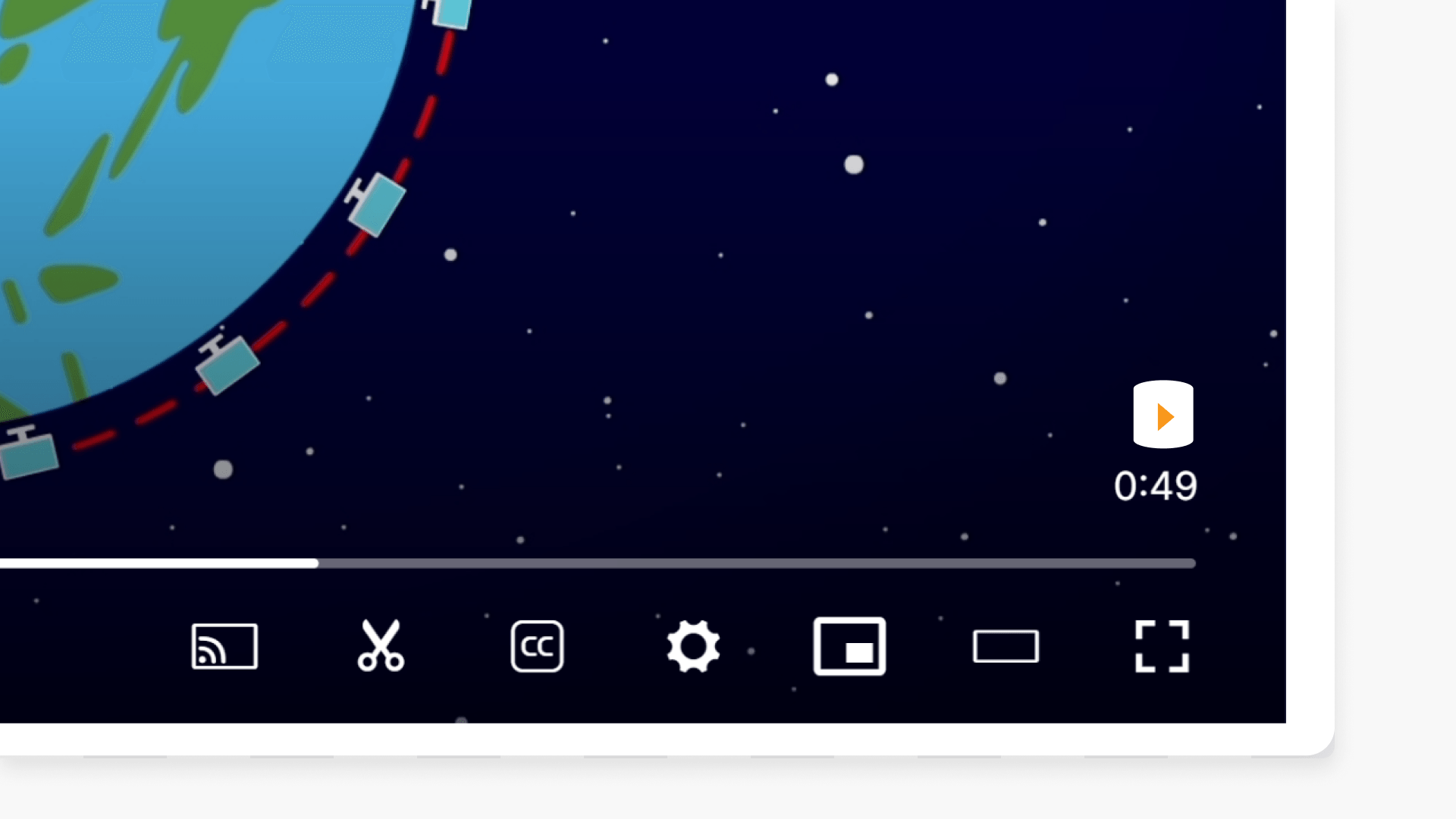
- The icon appears in the bottom right-hand corner during playback.
- When the icon is visible, no internet is used for streaming.
- If the icon is absent, the video streams from the ClickView Cloud with internet.
- Local Cache is supported in ClickView Apps, but the icon won’t appear on apps.
star icon
Quick tip
Why is Local Cache useful even if I have a reliable internet connection?
Local Cache reduces network traffic within your school by streaming videos locally instead of repeatedly downloading them from the internet. This helps maintain smooth playback during peak usage times, such as when multiple classes are watching videos at the same time.
Identifying Local Cache playback
Knowing whether your ClickView video is streaming from Local Cache or the Cloud is simple. Follow these guidelines to check streaming sources:
How to recognise Local Cache streaming
- While playing a video in the ClickView Player, look at the bottom right-hand corner.
- If you see the ClickView icon, the video is streaming from Local Cache without using the internet.
- If the icon is missing during initial playback, the video is streaming from the ClickView Cloud, and internet is required.

Local Cache and ClickView Apps
Local Cache is fully supported when using ClickView Apps. However, the Local Cache icon does not appear when watching videos through these apps, even though Local Cache functionality is active.
Frequently asked questions
Yes, Local Cache is fully supported on ClickView Apps, but the Local Cache icon will not be shown during video playback in the app.
Get in touch
If you’re having trouble finding the right topics or videos, just reach out! Our team - 

 Akhil, Daniel, Jalaj, or any of us at ClickView - will be happy to help you get sorted.
Give feedback
Was this guide helpful?
Up Next
How to manage Local Cache settings
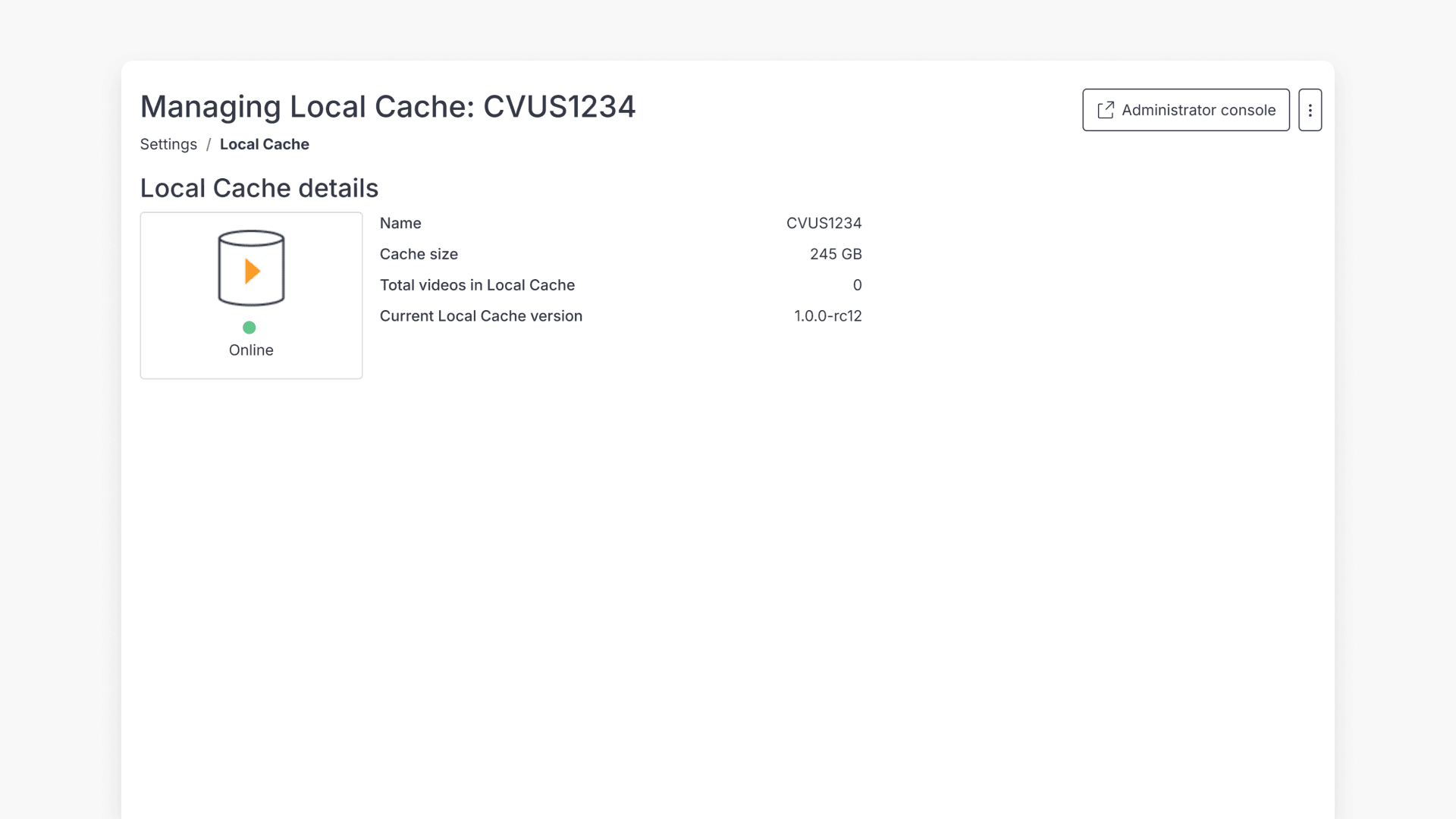
Discover how to access and manage Local Cache settings in ClickView, including storage details, software updates, and video playback settings.