
Back-to-School in 2026
Published on 4 min read
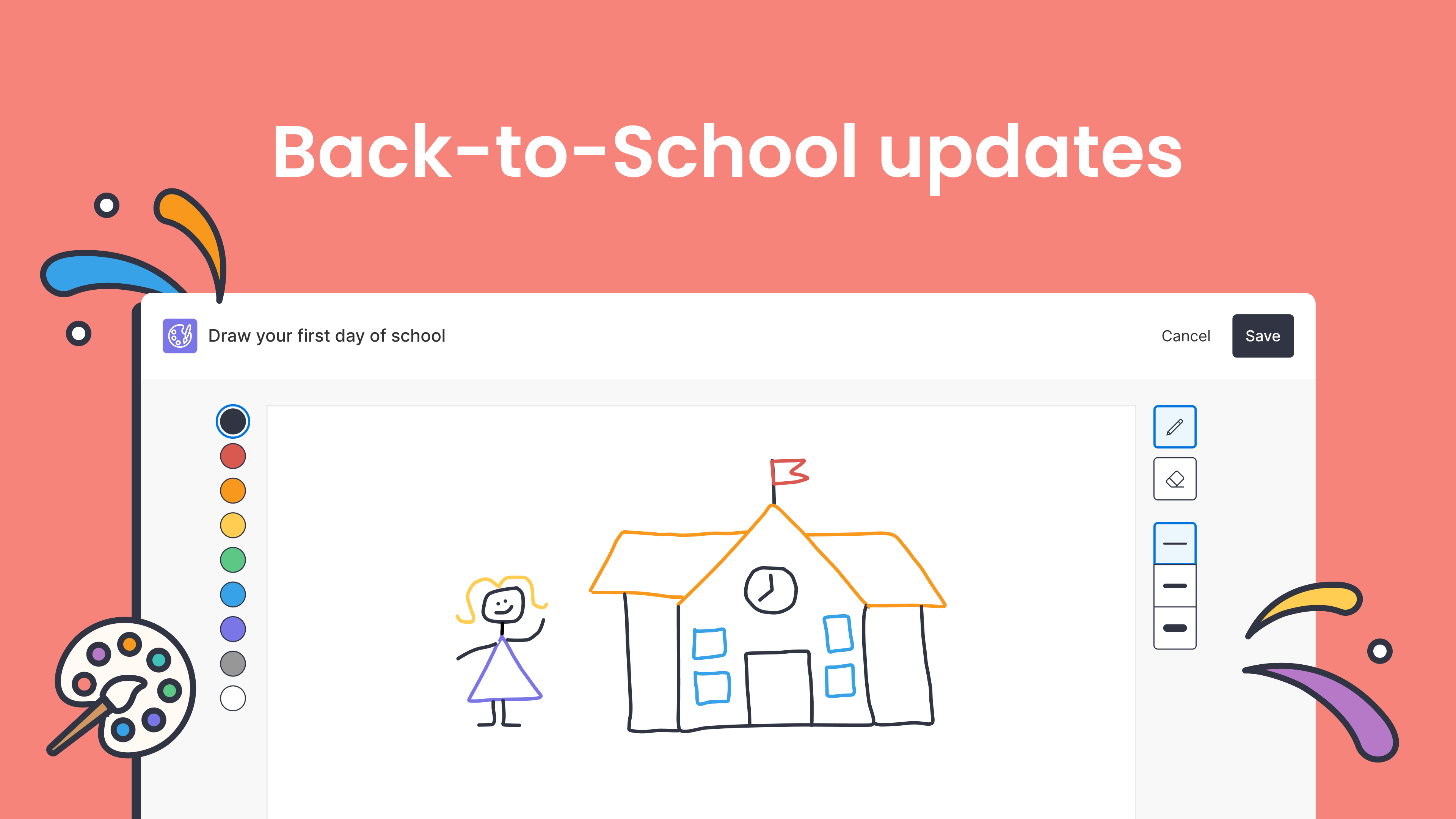
The start of the school year is a busy time. To help, we’ve pulled together the latest ClickView updates and teaching ideas to support you from day one.
Below you’ll find:
- Easier ways to get started
- Clearer visibility into engagement
- Quality-of-life improvements
- What’s popular and trending
- ClickView Topics to support early lessons, classroom discussions, and key events
- Lesson ideas and activities
Easier ways to get started
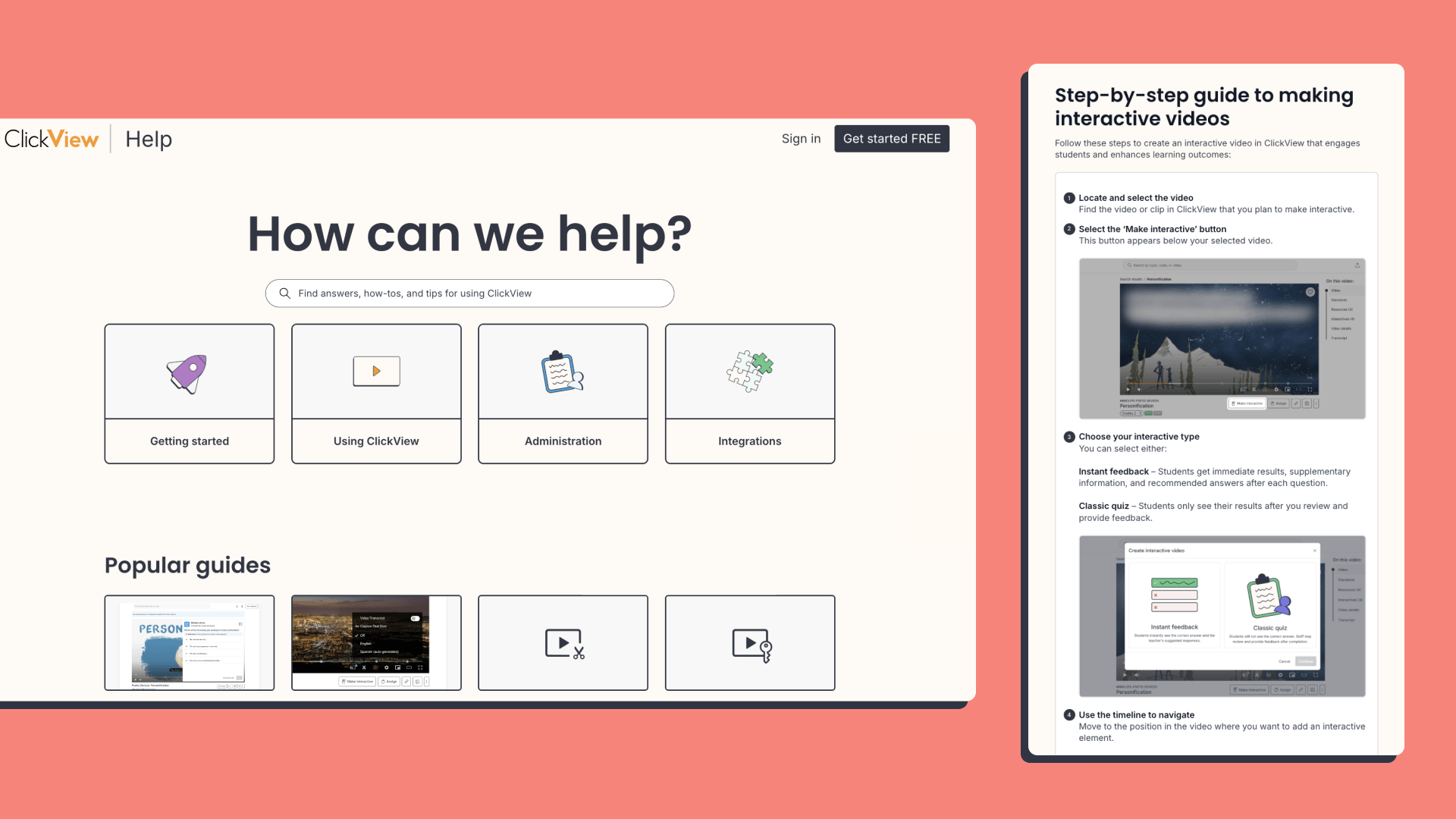
We’ve made it easier to find help in ClickView with our new Help Centre and Welcome Page.
Welcome Page
Our new Welcome Page makes it easy to get started in ClickView, with key links, helpful resources and videos, all in one place.
New Help Centre
Our refreshed Help Centre includes a modern, intuitive layout and a smarter structure so you can find the right answers faster. Find the help articles you need and learn how to get the most from ClickView.
Clearer visibility into engagement
We’ve made it easier to share videos with students and see how they’re engaging, with new sharing options and more accessible insights in ClickView.
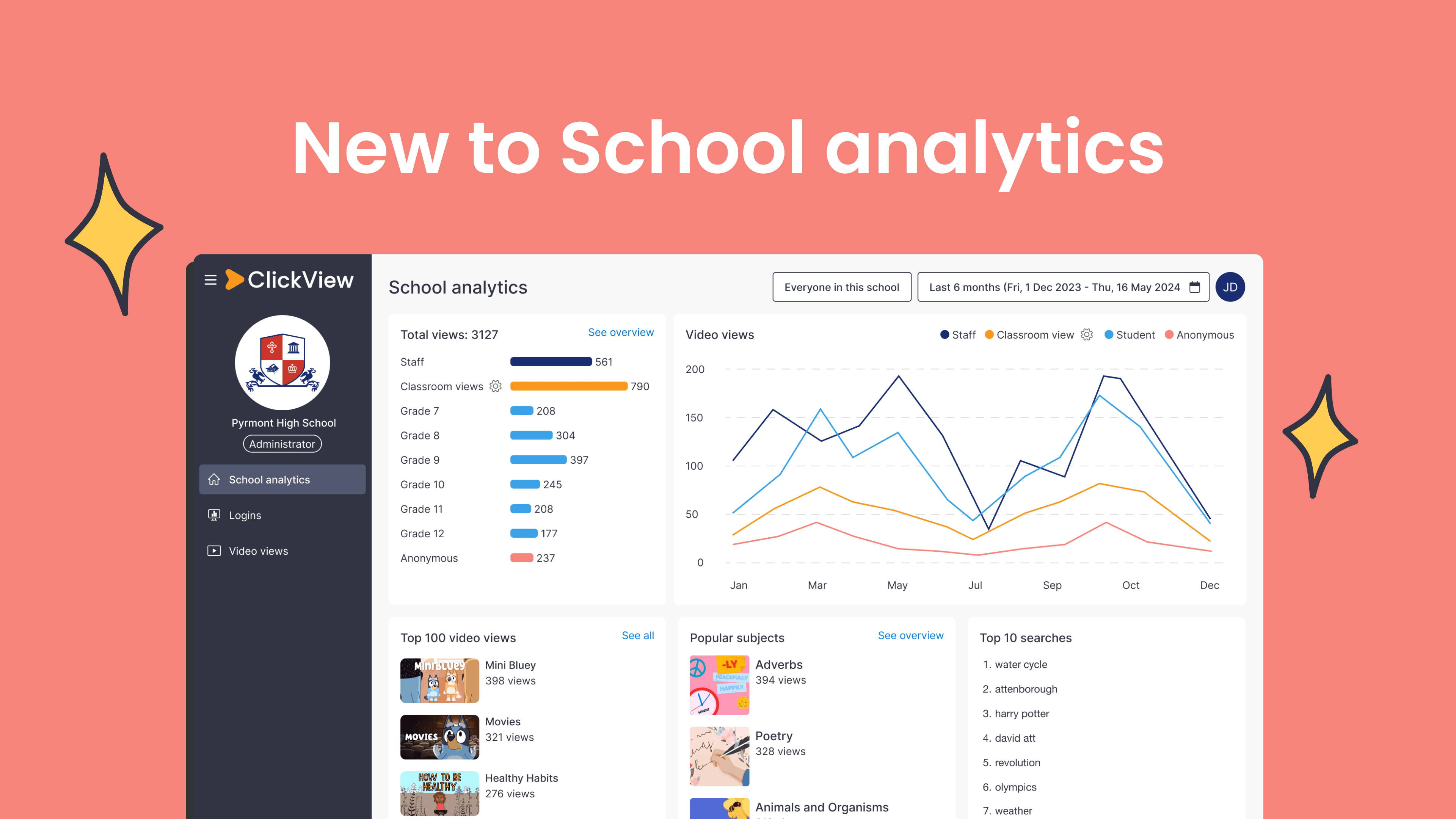
Improved insights and analytics
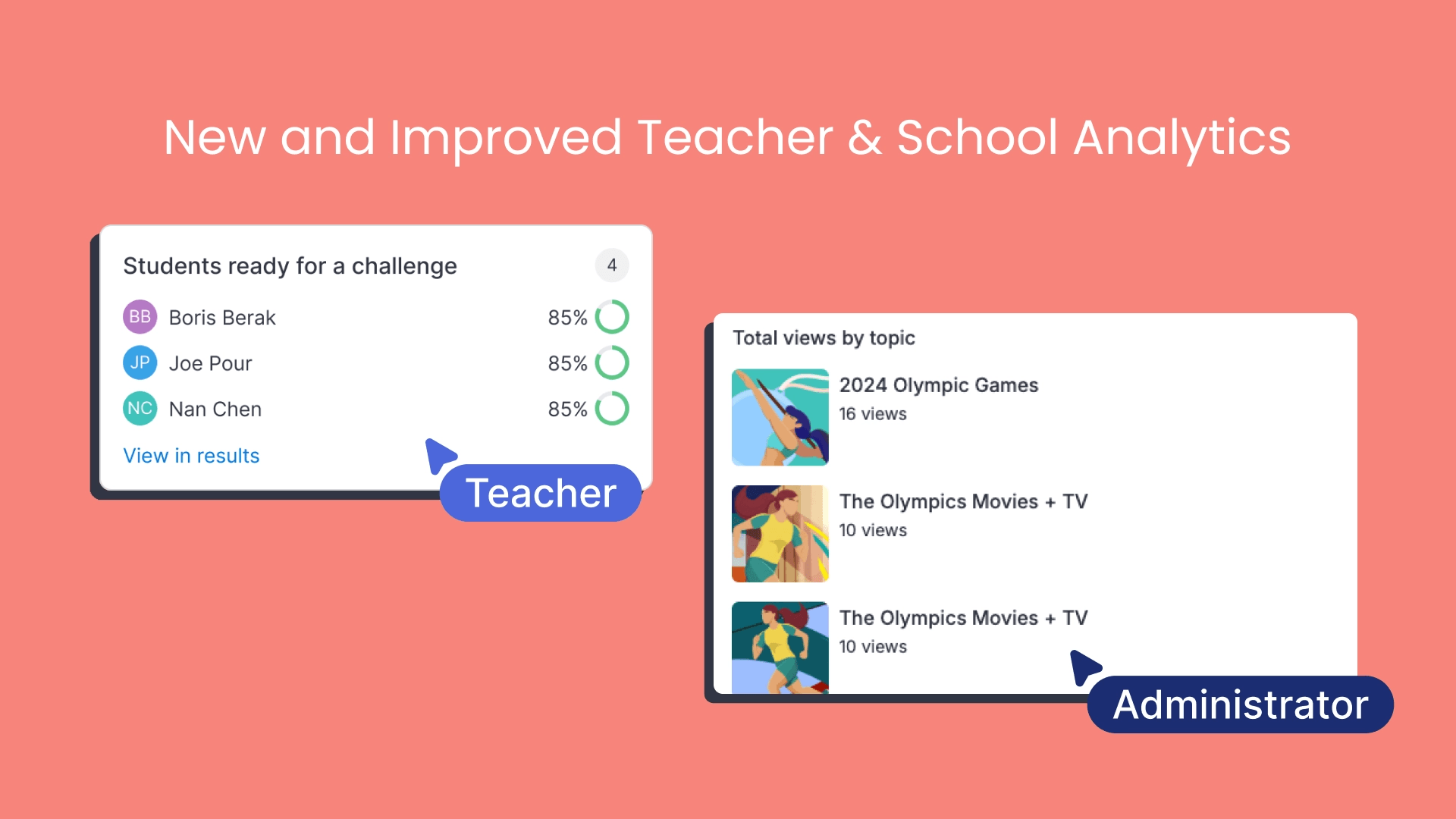
Seeing student engagement in ClickView is now simpler for teachers and administrators. Here’s what’s changed:
- Teacher analytics: View student activity and interactive quiz results directly in ClickView. No need to open a new tab.
- School analytics: Cleaner visuals and simplified layouts designed for school-level reporting.
Learn more about these updates
Open Classrooms and simpler sharing
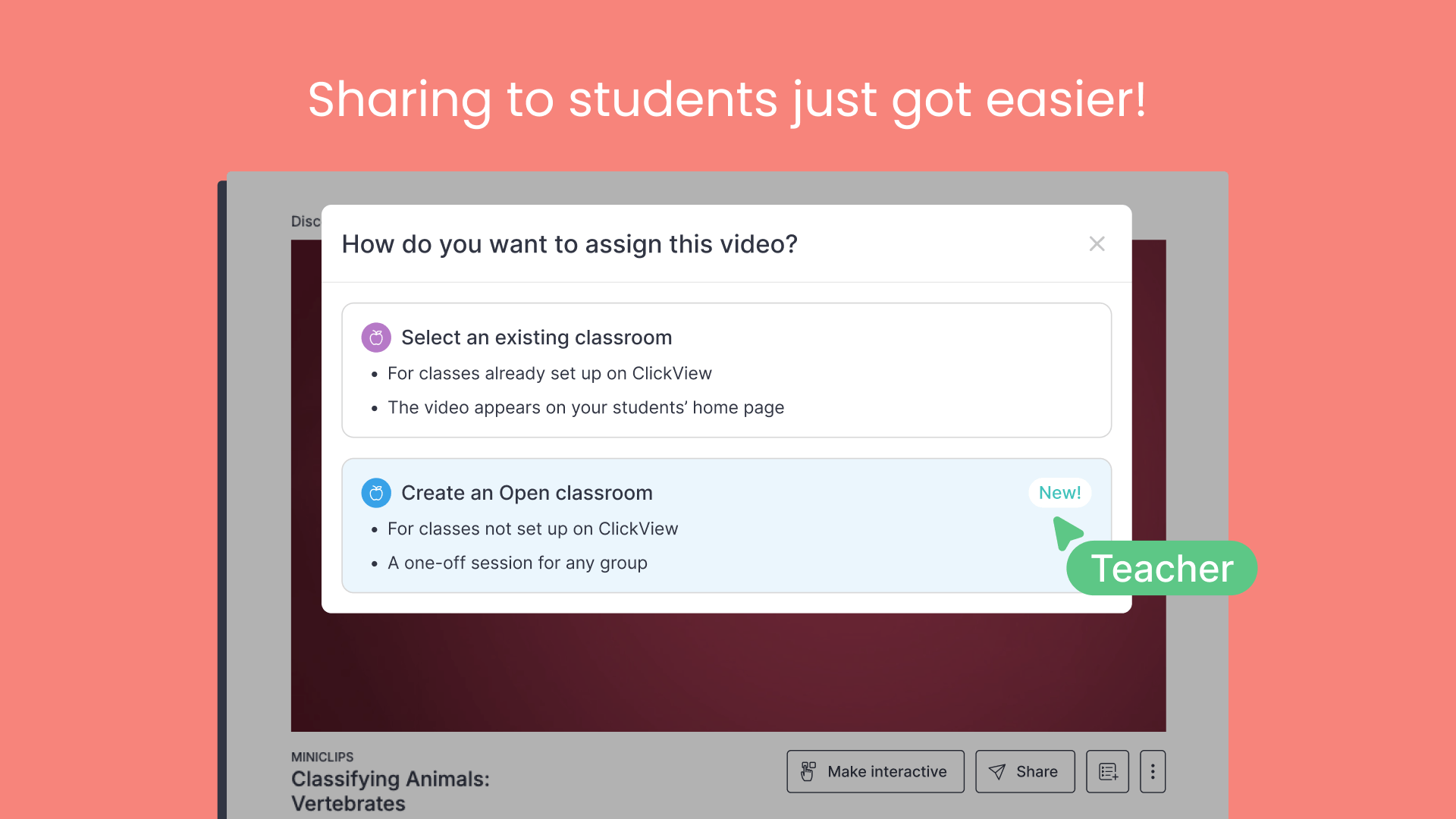
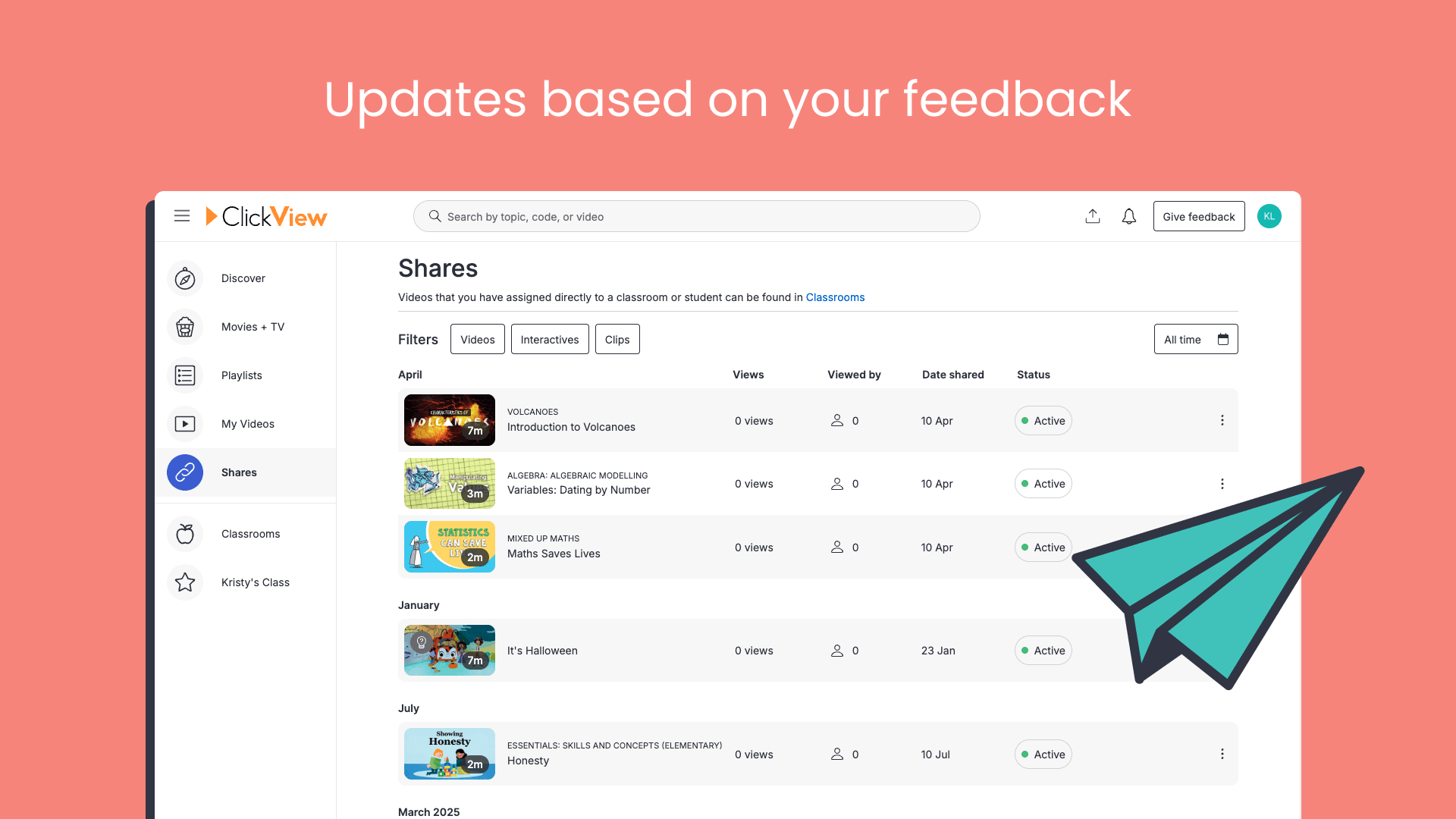
We’ve made changes to how teachers share videos in ClickView, making it easier for students to access what they need.
- Open Classrooms: Share videos without student logins while still tracking views and engagement.
- Sharing options: Share videos using links, assignments, join codes, or QR codes.
Find out more about these updates
Quality-of-life improvements
We’ve made it easier to find, use, and teach with ClickView, through updates that support faster discovery, interactive quizzes and improved classroom viewing.
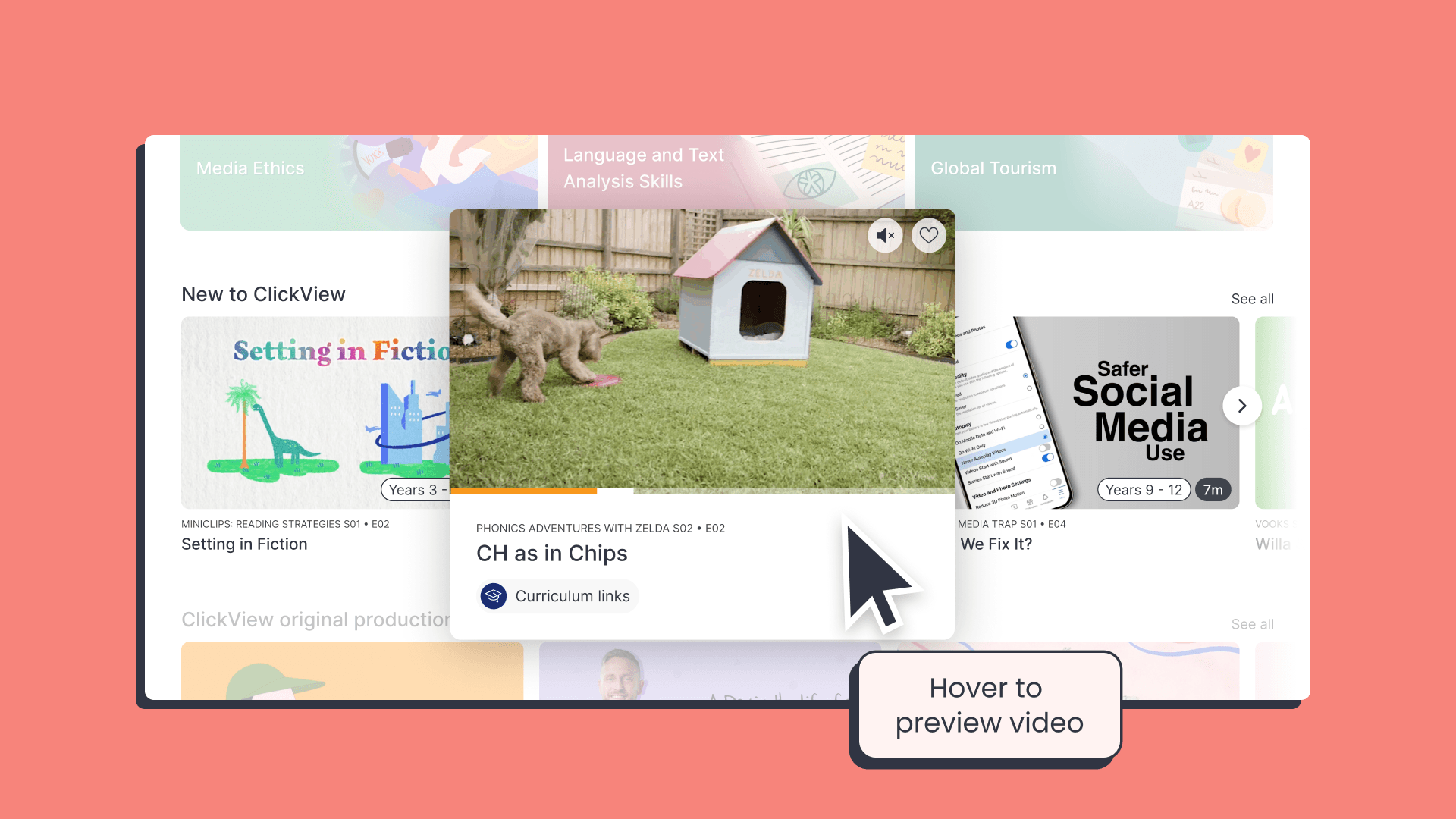
Hover to preview
Finding the right video quickly matters, especially when planning lessons or teaching on the fly. This update lets you preview videos directly by hovering your cursor over them, so you can check suitability before selecting one. Try it out on your next search.
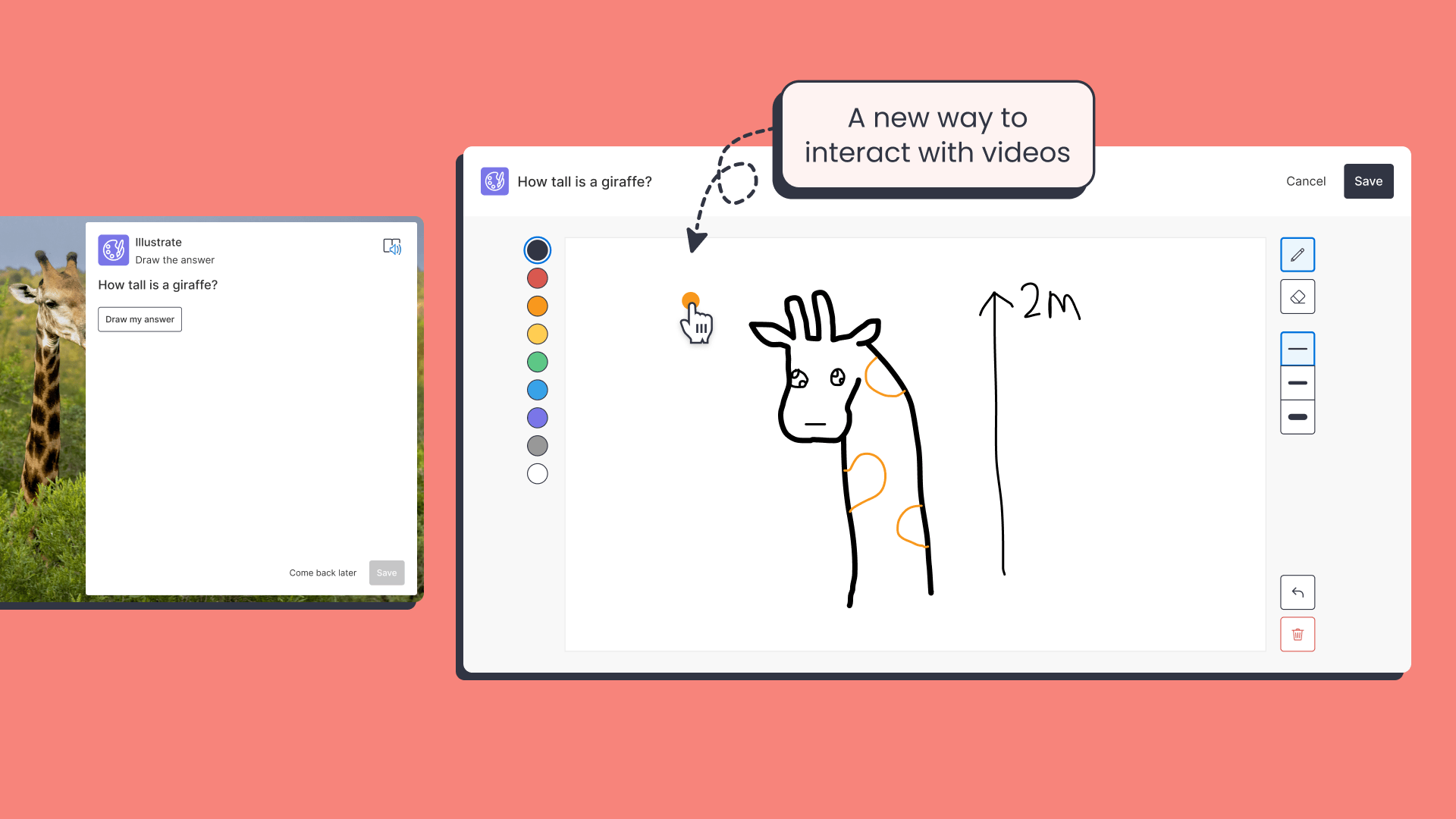
New ‘Illustrate’ interactive question type
We’ve introduced a brand new ‘illustrate’ question type for interactive quizzes, allowing students to draw their responses instead of typing.
This is especially helpful for younger students, while still encouraging active participation and engagement.
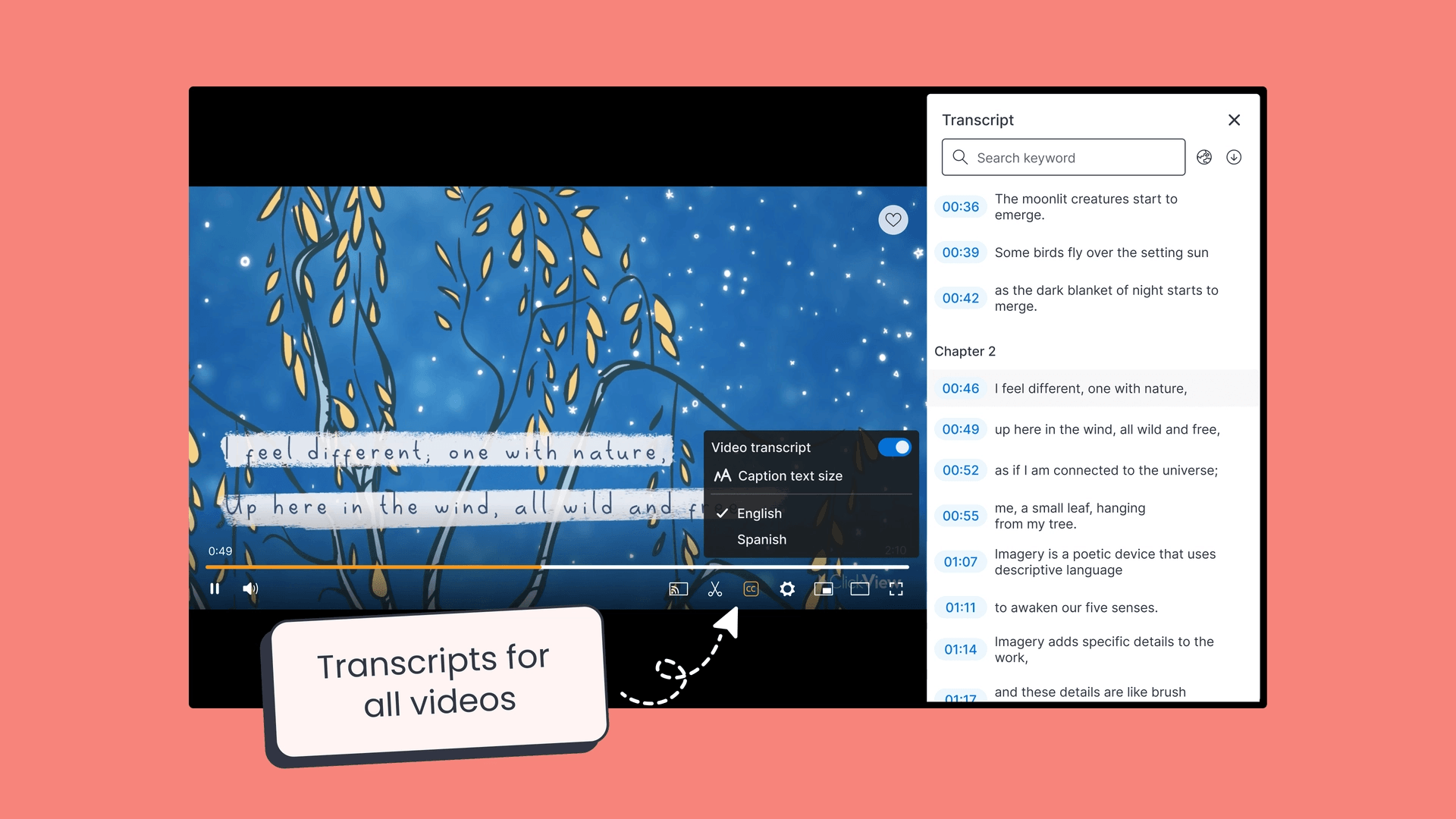
Transcripts
Transcripts make it easier to search and use videos in lessons. Where available, teachers and students can follow along with the highlighted text. You can also jump to key moments and download transcripts to support lesson planning.
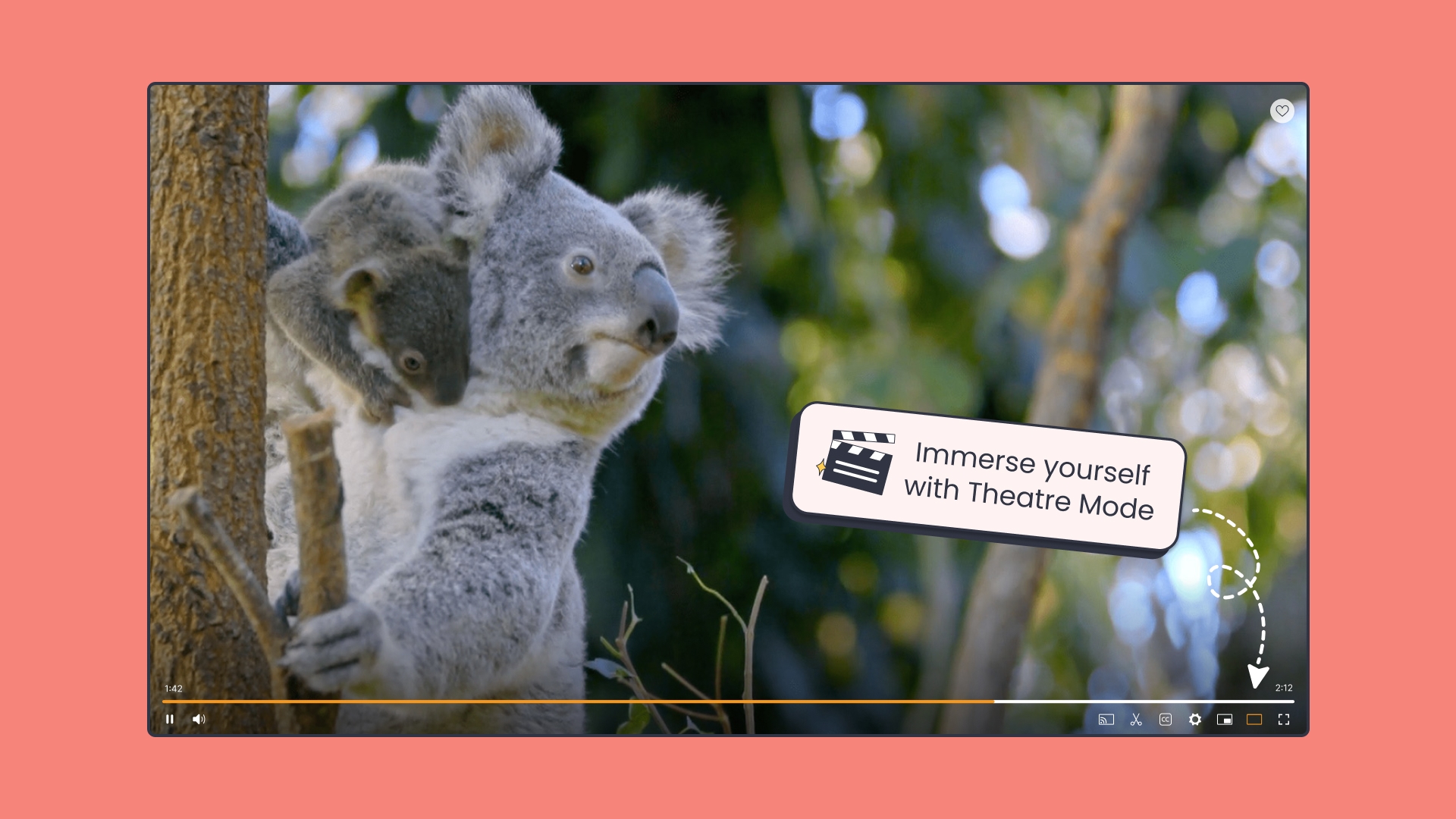
Theatre mode
Theatre Mode provides a wider, cleaner viewing experience in ClickView, reducing distractions and supporting whole-class viewing across different screen sizes.
Discover videos faster
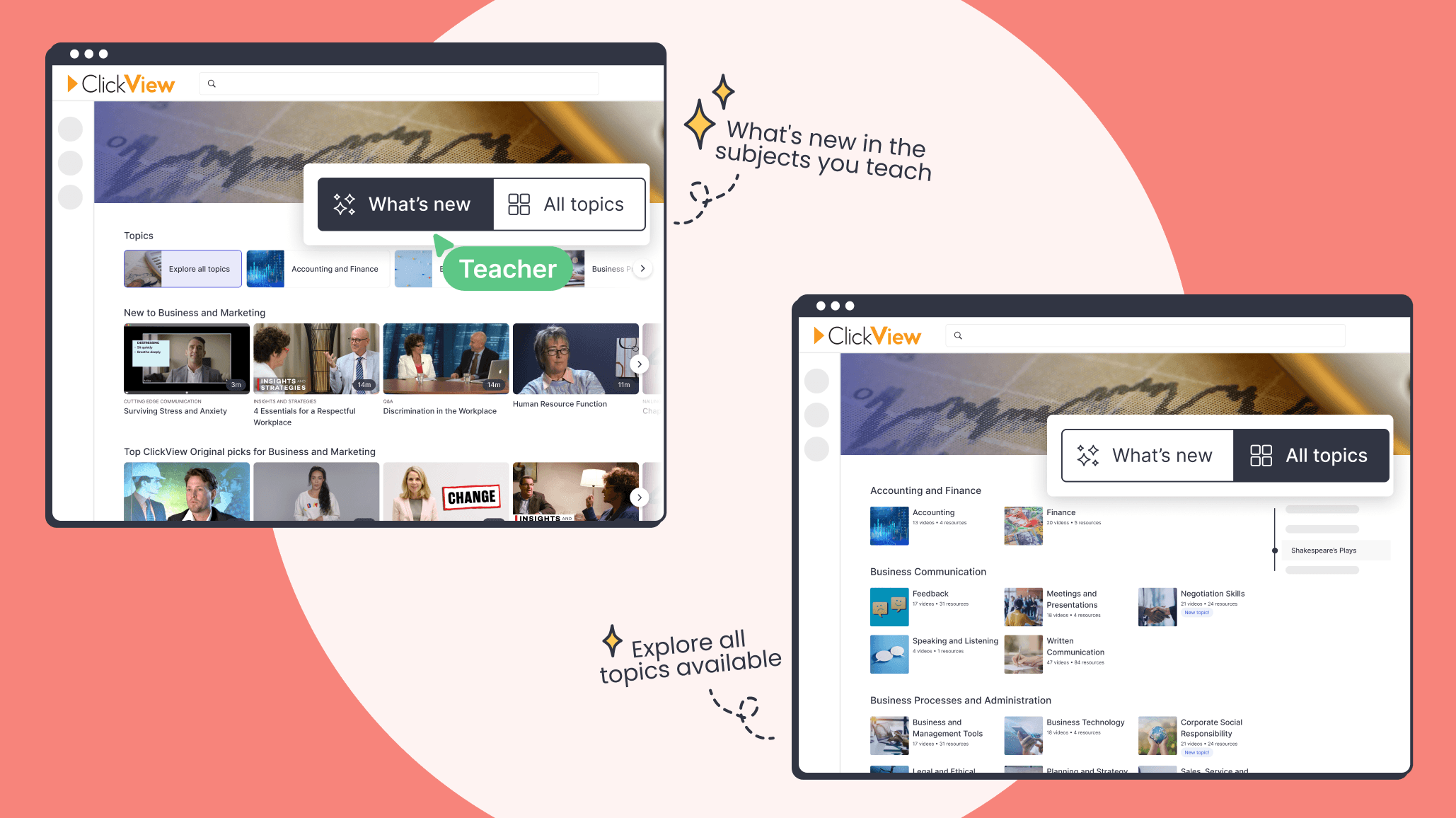
We’ve improved how teachers discover videos in ClickView, with clearer ways to see what’s new and the ability to browse by subject.
- Customise your Discover page: Tailor your Discover page to the subjects you teach, with clearer highlights of new videos, trending topics, and timely recommendations.
- ‘What’s new‘ for every subject: Each subject now has its own ‘What’s new’ view, bringing the latest videos and topics together in one place.
- Topic directories: Browse topics organised by subject and curriculum focus, with a clear view of what’s available.
Find out more about this update
What’s popular and trending
To support teaching at the start of the year, we’ve selected ClickView Topics that work well for early lessons and classroom discussions.
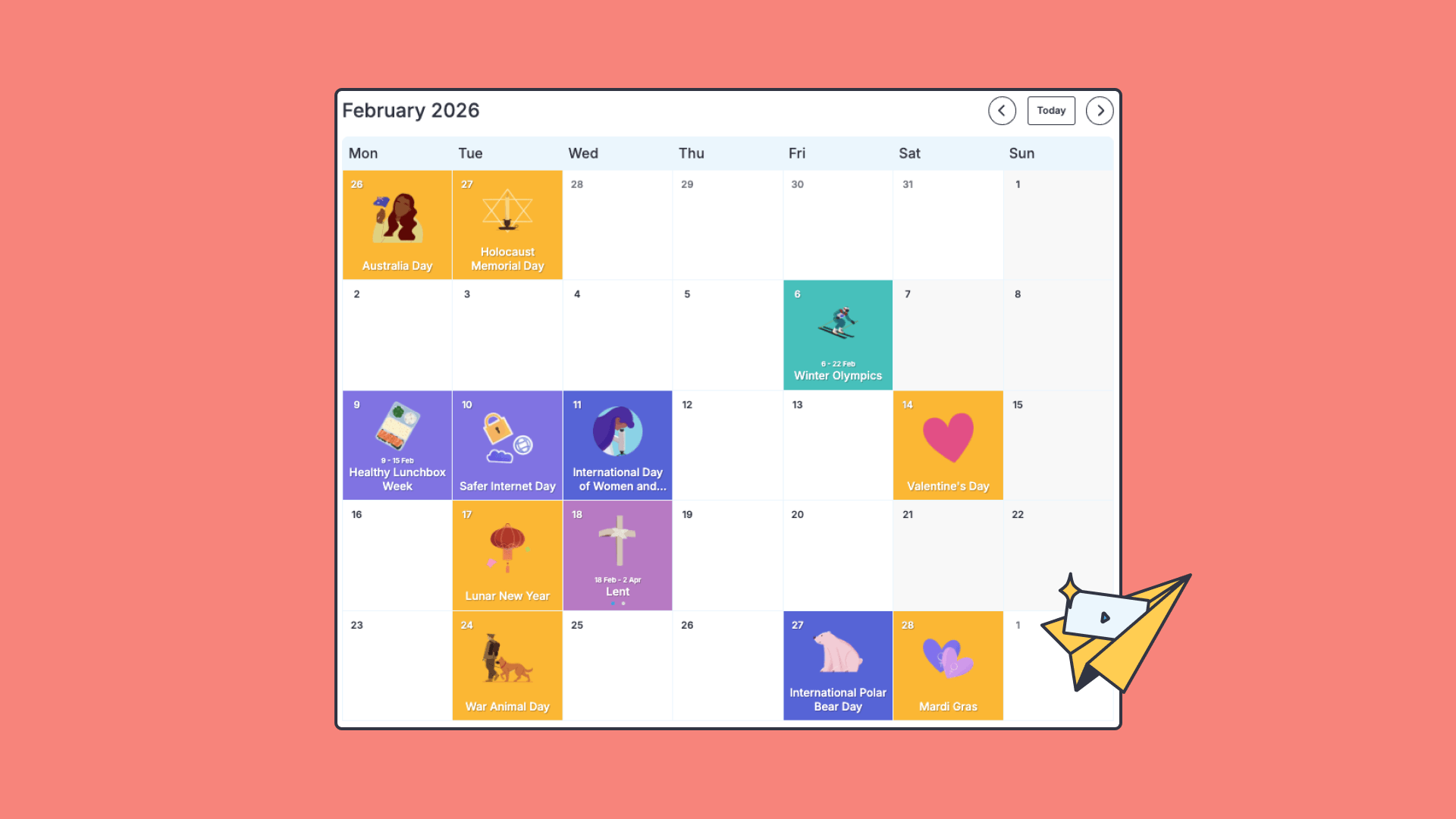
Upcoming Special Events
- Valentine’s Day (14 February)
- Winter Olympics (6 – 22 February)
Trending Topics for Primary in Australia
Trending Topics for Secondary in Australia
- Mental and Emotional Health Collection
- Shakespeare Collection
- Ancient and Mesoamerican World Collection
- Languages Collection
Trending Topics for Primary in New Zealand
Trending Topics for Secondary in New Zealand
- Mental Wellbeing and Growth Mindset
- Shakespeare Collection
- Ancient and Mesoamerican World Collection
- Learning Languages Collection
Lesson ideas and activities
To support your teaching, we’ve pulled together a selection of lesson ideas and class activities you can use throughout the term.
Back-to-School activities for different year levels
Ideas to welcome students back and build positive classroom connections, including team-building activities, icebreakers, and lesson starters.
Cross-curricular Winter Olympics lesson ideas
Use the Milano Cortina 2026 Winter Olympics to support learning across English, Maths, Science, HASS, The Arts, and HPE, with Australian Curriculum–aligned activities and videos that bring global sport into your lessons.
Ideas for celebrating International Women’s Day
Explore these classroom-ready ideas to support lessons around International Women’s Day on 8 March, with activities, discussion prompts, and stories of influential women from across history.
Teach online safety skills on Safer Internet Day
Ideas to support lessons for Safer Internet Day, held in February, helping students build safe and responsible online habits. Topics include cyberbullying, privacy, digital footprints, and critical thinking.
Valentine’s Day kindness activities
Lesson ideas and activities to support Valentine’s Day on 14 February, focusing on kindness, empathy, and social and emotional learning in the classroom.
Share to

Joe Pour
briefcase iconChief Product Officer
Experienced product leader with a strong background in engineering and building innovative products at scale.
Other posts
Want more content like this?
Subscribe for blog updates, monthly video releases, trending topics, and exclusive content delivered straight to your inbox.