



Using ClickView
Discover
Learn smart ways to search, browse, and filter to find the perfect educational videos. Tips for subjects, grade levels, and keywords.
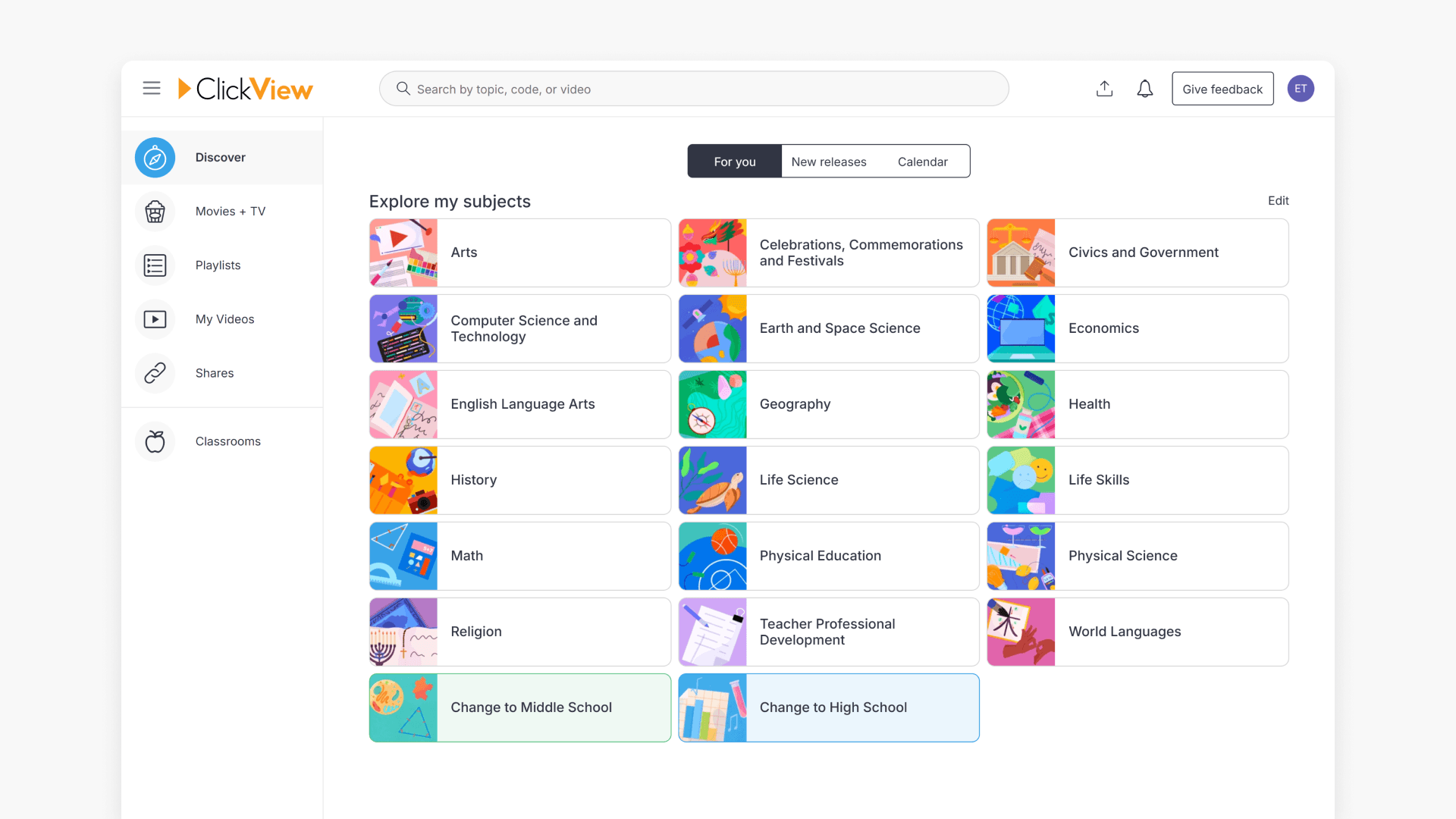
Introduction to ClickView Discover
Explore how the Discover home screen in ClickView gives educators personalized access to new releases, Playlists, Favorites, Watch History, and uploading options for your own videos.
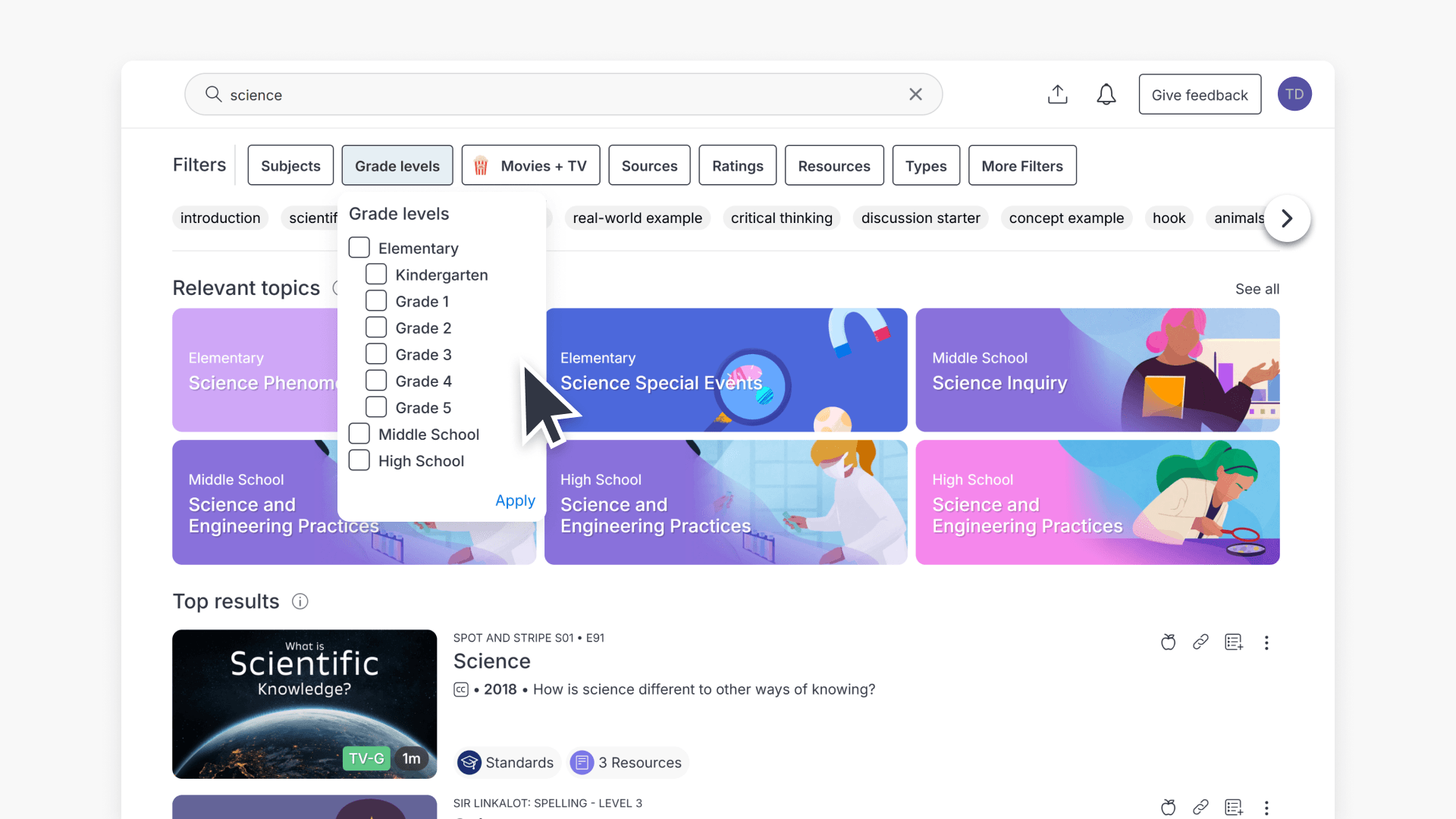
How to use ClickView search
Discover how to efficiently search for curriculum-aligned videos and resources in ClickView using standards codes and powerful filters. Find exactly what you need for classroom planning and instruction with step-by-step guidance.
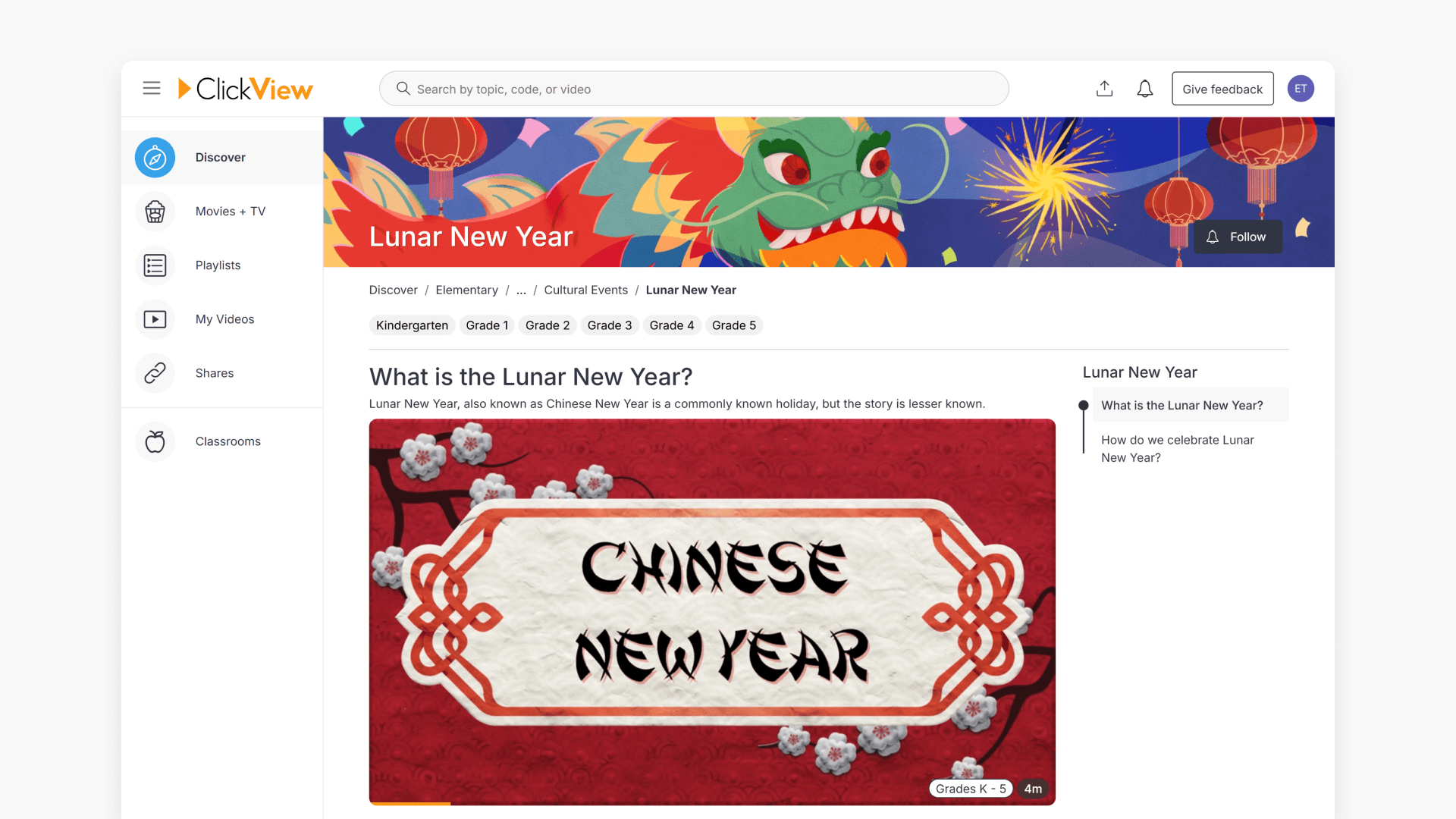
What are ClickView Topics?
ClickView Topics are collections of videos and resources selected by our content team and span multiple subject areas. They are featured in trending sections and special event calendars to support varied educational needs.
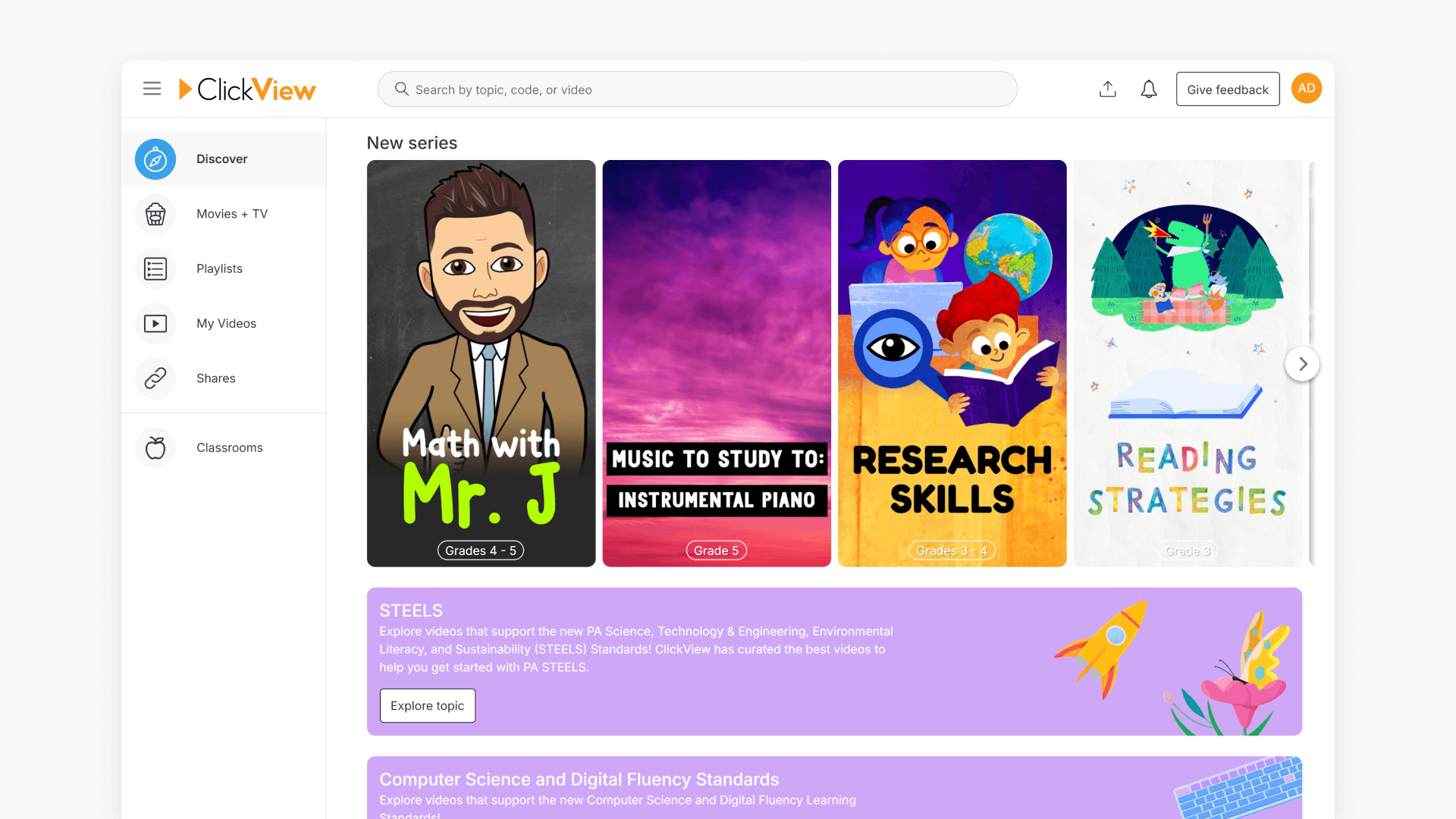
Introduction to video series
Learn how to find curated video series and view grade level recommendations in the Popular Series section of ClickView’s Discover page.
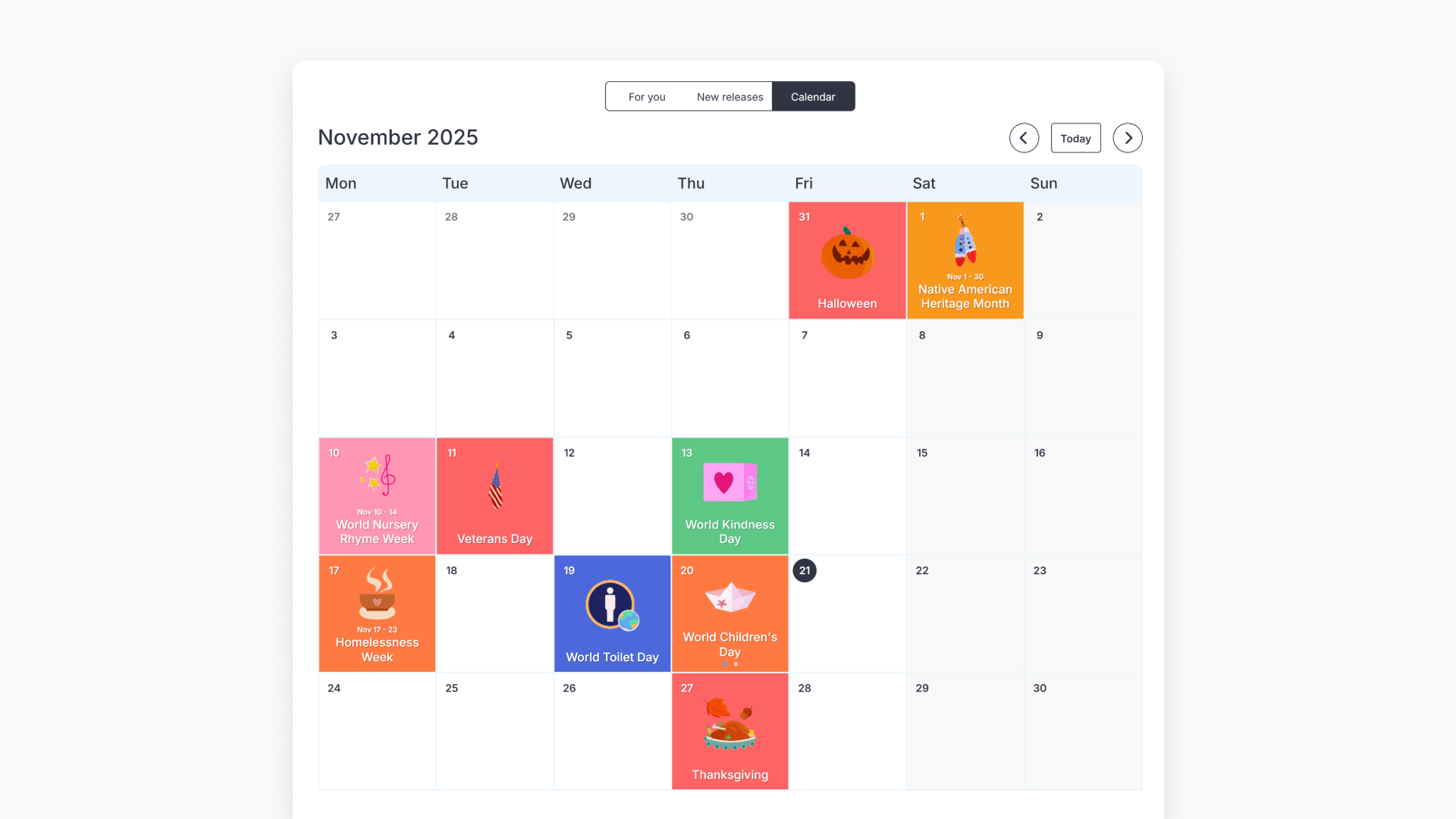
How to use the Special Events Calendar
Discover how to efficiently plan lessons around global and national events with the Special Events Calendar. Find standards-aligned videos and resources for important dates throughout the school year.
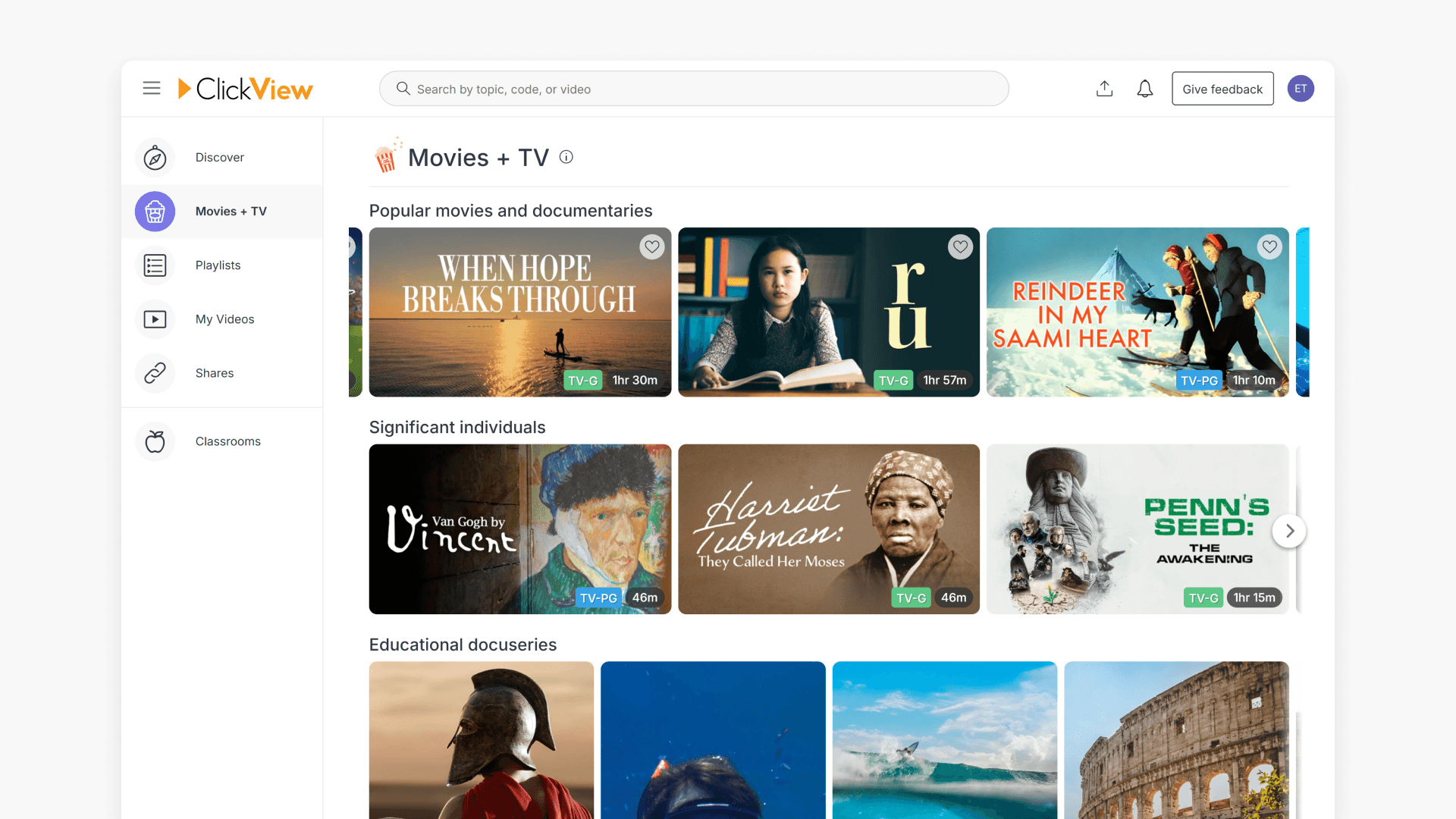
What is ClickView Movies + TV?
Discover how to access and filter Movies + TV on ClickView, featuring documentaries, theater, and films curated for K-12 educational use.
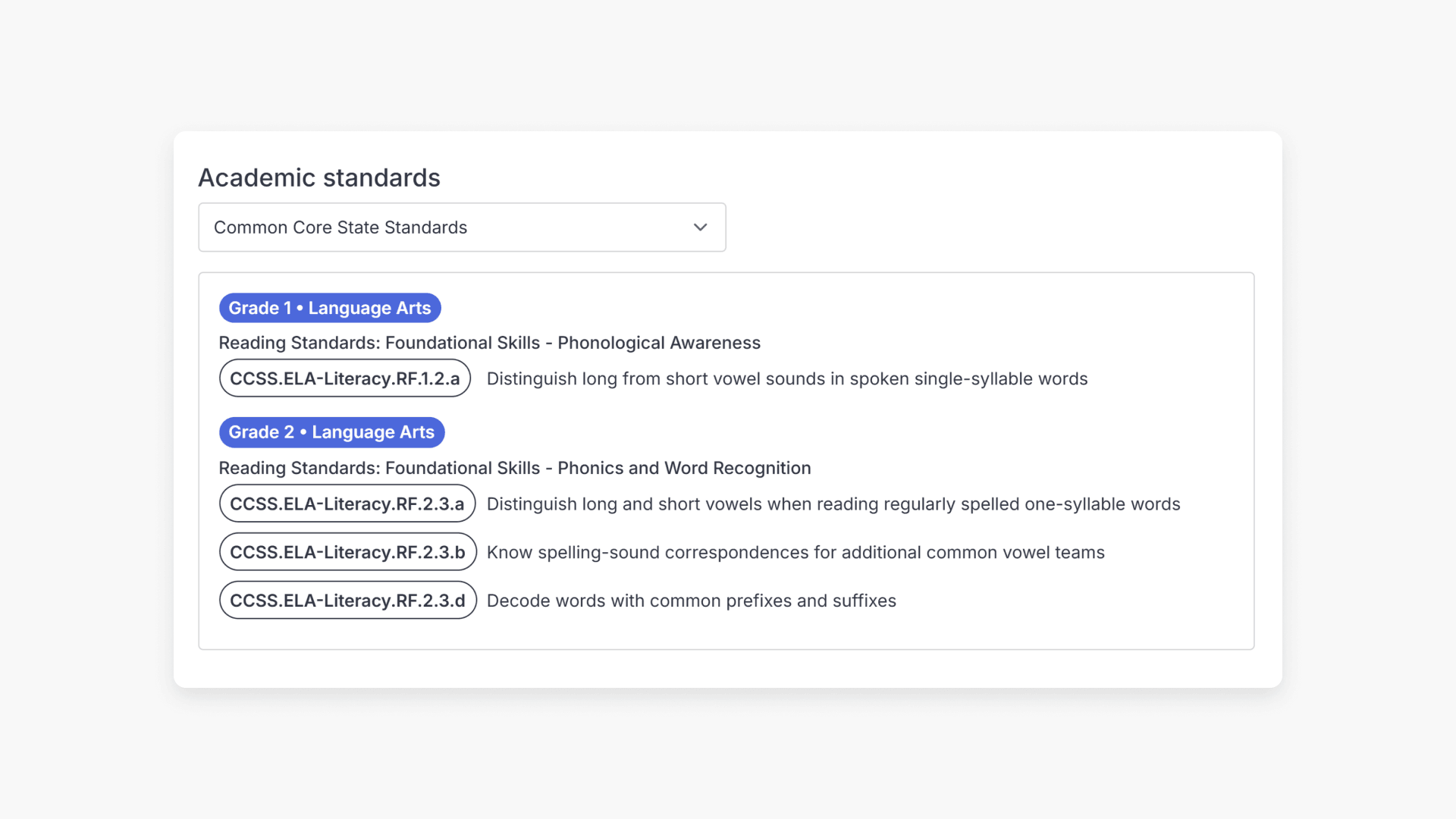
Understanding US Standards Alignment in ClickView
Summary Which US states does ClickView have standards-aligned content for? ClickView has aligned its content to standards from 29 US states and frameworks, including Common Core State Standards, Texas Essential Knowledge and Skills (TEKS), and Next Generation Science Standards. Standards for each video are displayed on the video page, where you can browse by state […]
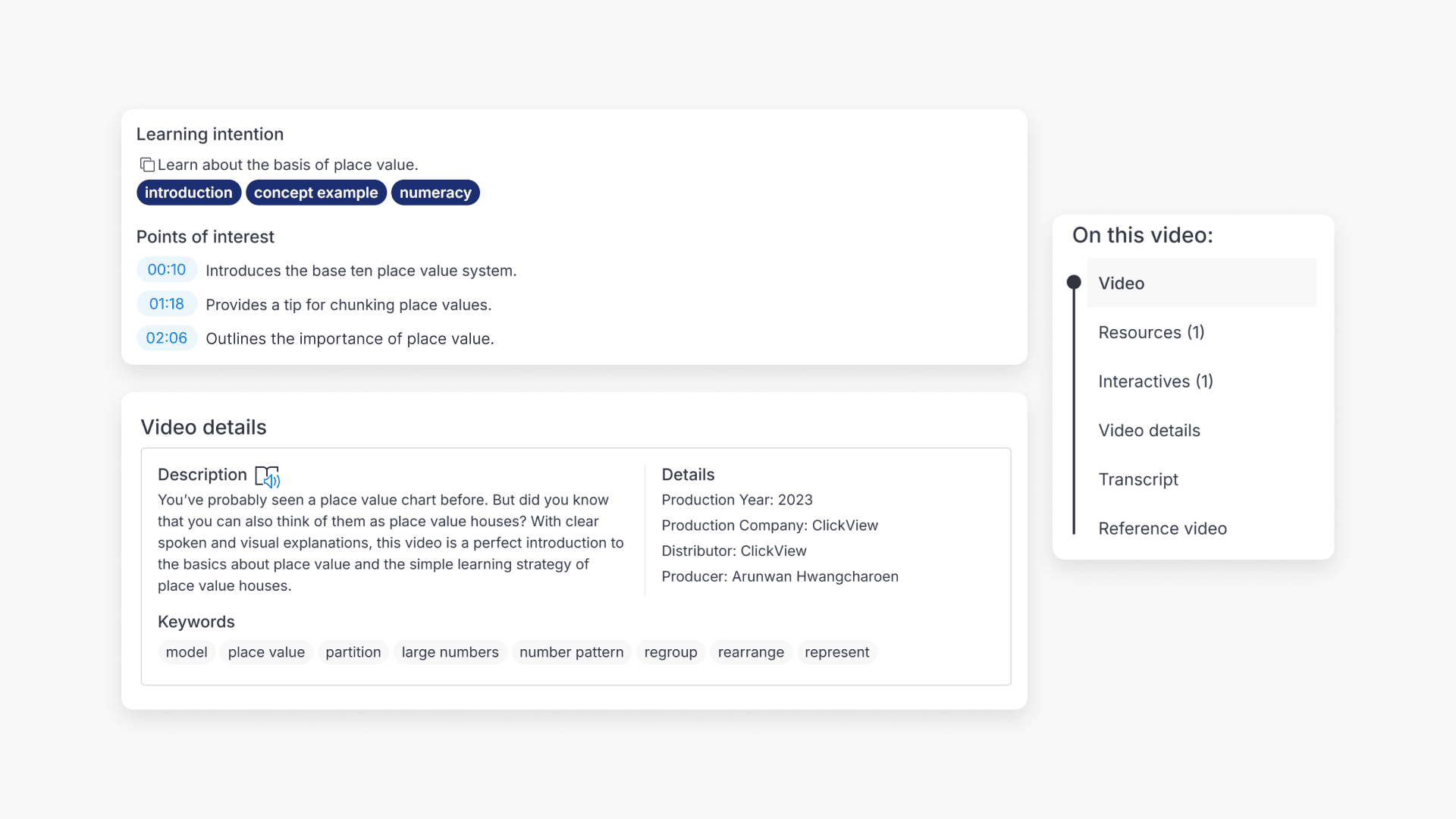
How to review a video using Points of Interest, tags, and Video at a Glance
Summary How do I know if a ClickView video is suitable for my class? On any video page in ClickView, scroll down below the video to find Points of interest, Keywords, and the On this video panel. These show you timestamps and descriptions of key moments, related search terms, and a summary of what resources […]
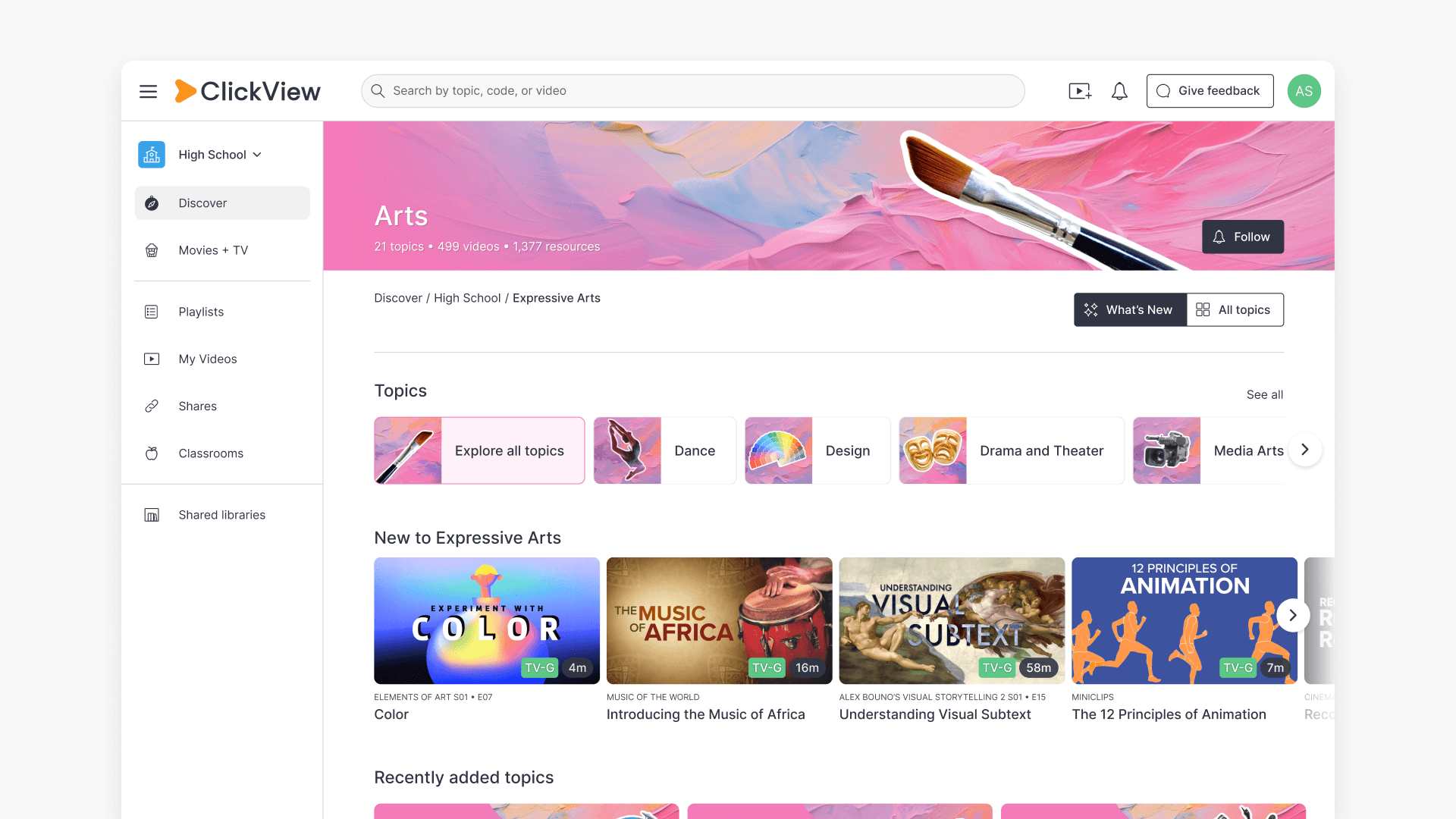
How to find videos using subject dashboards and topic directories
Summary How do I find videos by subject or topic in ClickView? In ClickView, click Discover on the left-hand side to browse videos organised by subject and topic. Select a subject to see its topics, then choose a topic to view all related videos. ClickView’s video library is organised into subjects and topics, so you […]
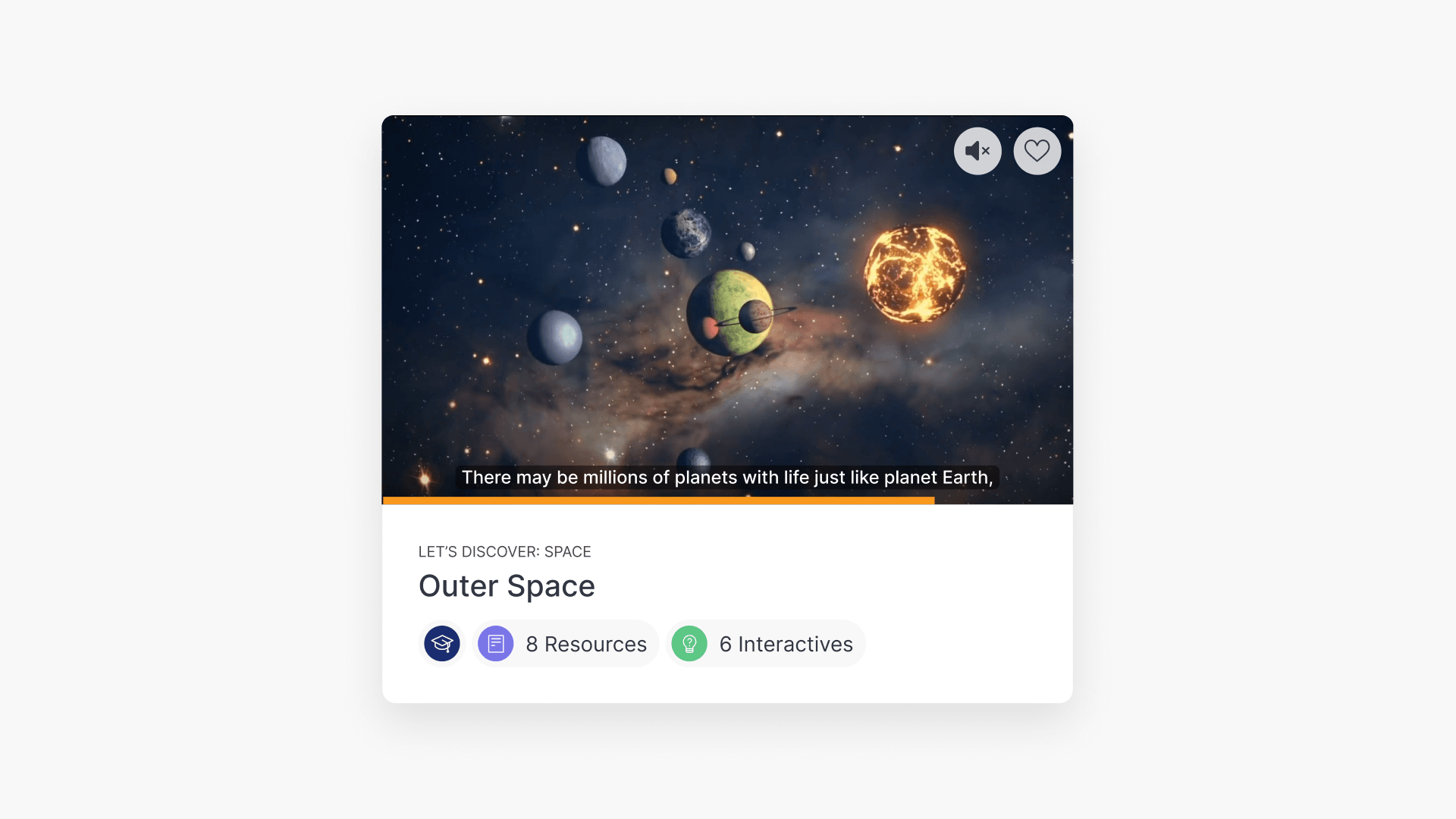
How to preview videos by hovering
Summary How do I preview a video in ClickView without opening it? It is possible to preview a video without having to click the video title. Hover your cursor over any video tile and a preview screen will appear. The preview screen includes a small video player, captions, a seekable progress bar, a mute/unmute button, […]
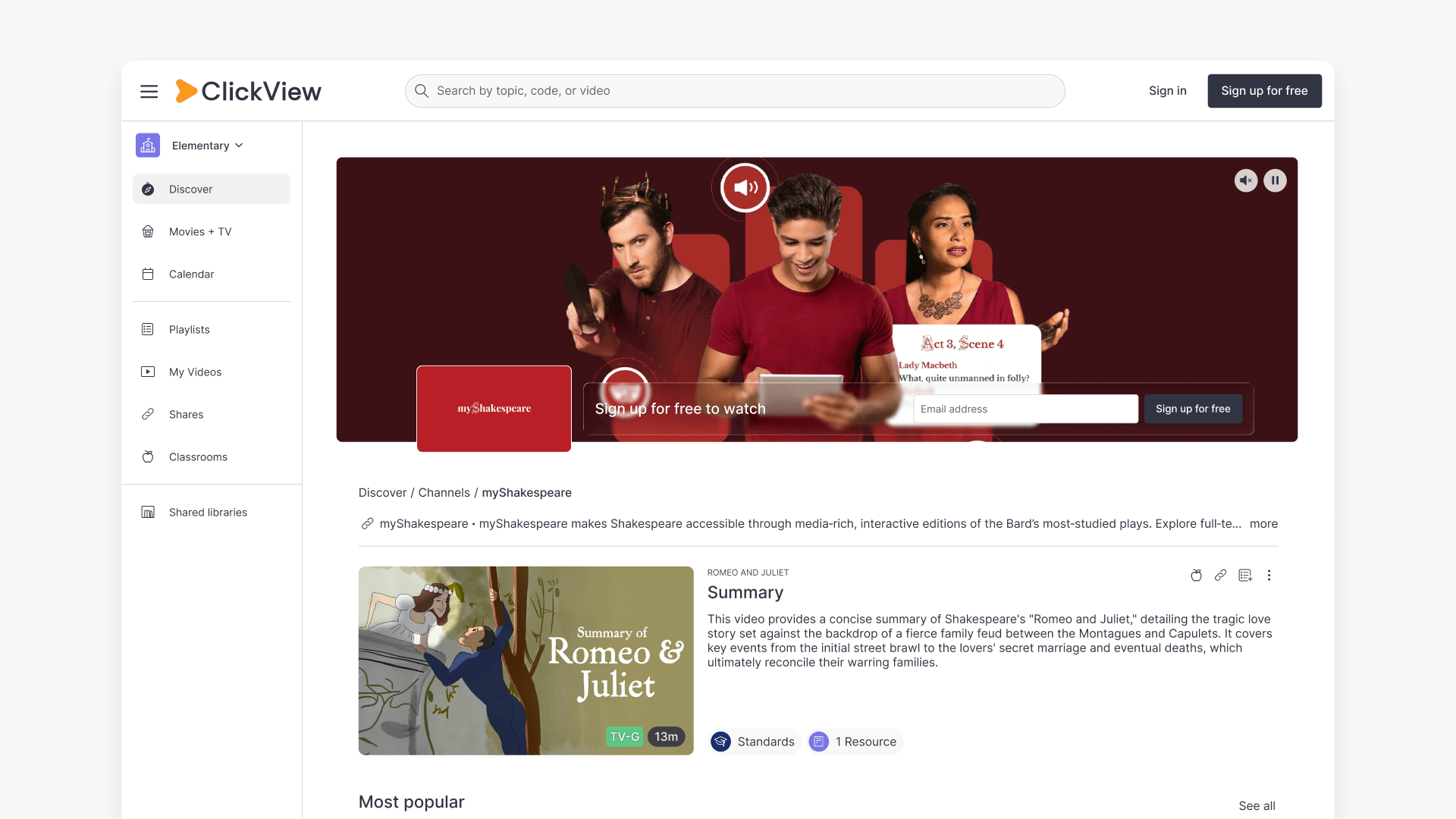
Understanding Featured Channels
Summary What are Featured Channels in ClickView? Featured Channels bring together every video from one producer in a single place, so you can explore all their videos and resources rather than finding them across topics, series, and search results. Each channel includes a banner introducing the producer, videos organized by recent, popular, and series, and […]