Understanding US Standards Alignment in ClickView

Summary
- ClickView content is aligned to standards from 29 US states and national frameworks.
- Standards alignment makes it easier to find curriculum-relevant videos and support lesson planning.
- Aligned standards are displayed on each video page, organised by state framework.
- Use the dropdown on the video page to switch between different state standards.
- Standards codes are clickable — selecting one runs a search for other videos aligned to that code.
- If your state isn’t listed, you can request it via the Give feedback button in the product.
What is US Standards Alignment?
Videos on ClickView are aligned to US state standards. A dedicated ClickView team handles content alignment. The purpose is to help teachers with lesson and curriculum planning. Most videos are aligned to standards. Those that aren’t are in the process of being aligned.
Important notes:
- Not all videos are currently aligned — alignment is ongoing.
Where it’s available and how to find it
Video page: Academic standards section
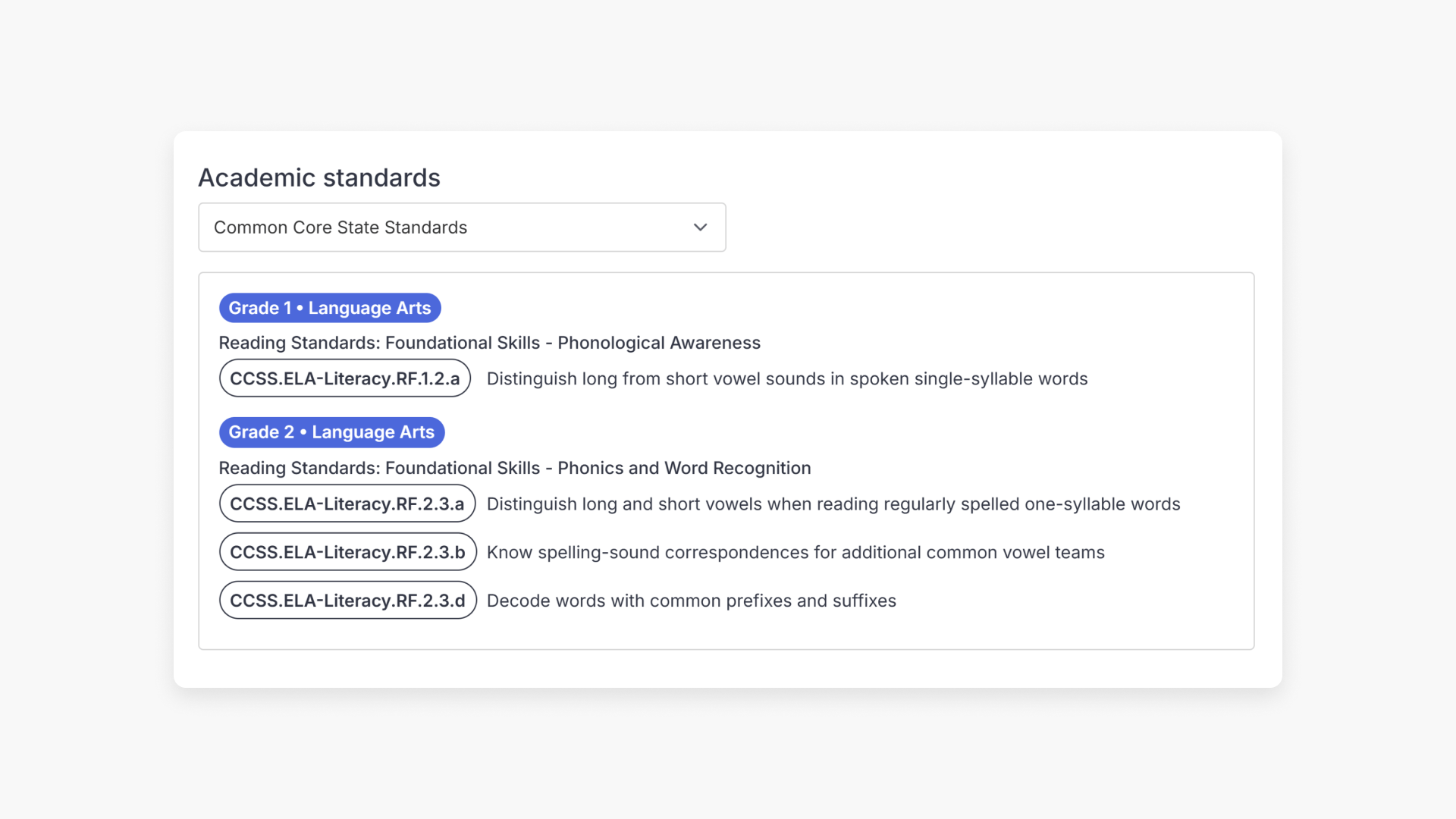
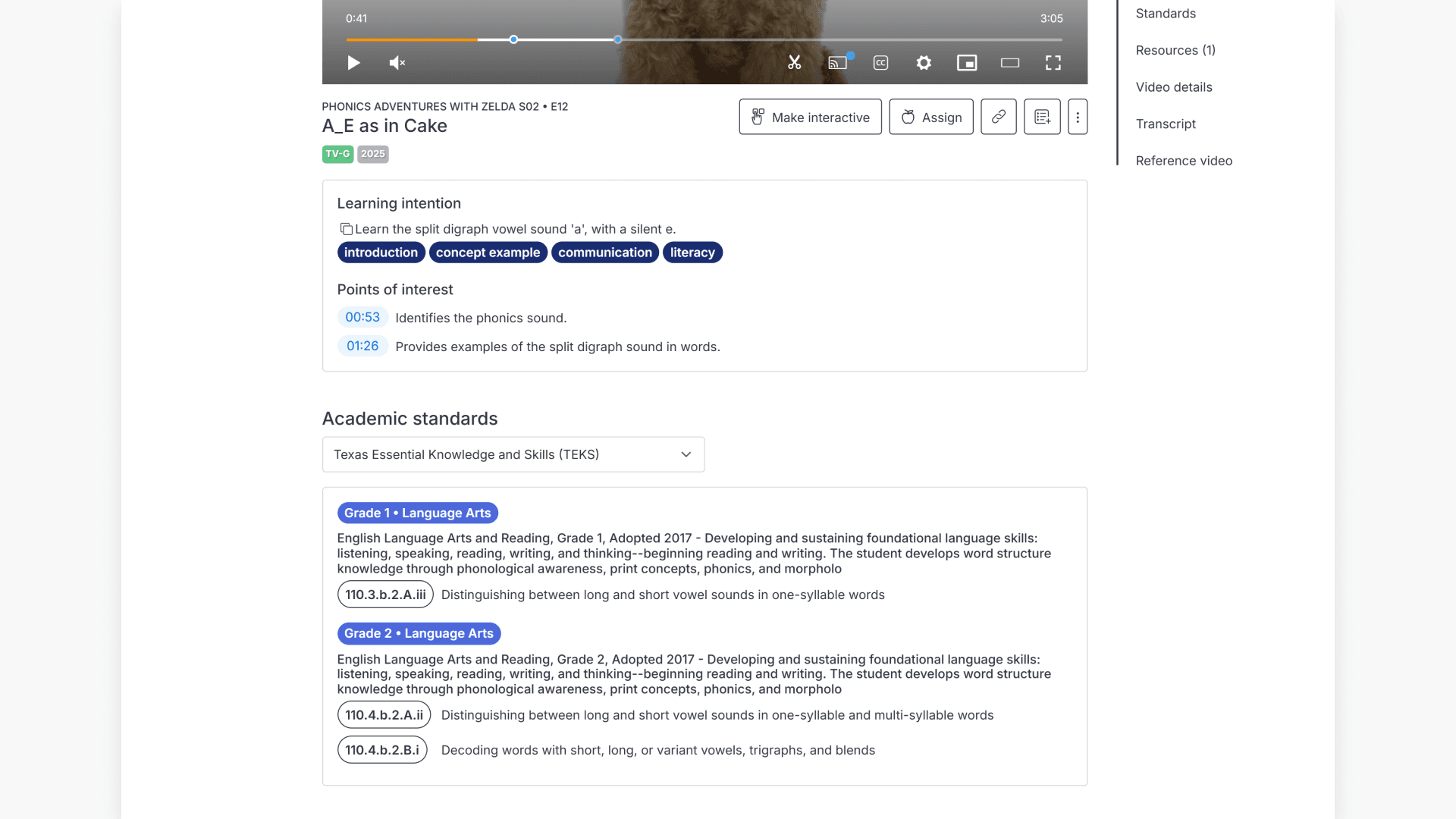
Below the video player on each video page, there is an Academic standards section. This shows a dropdown listing all supported state standards frameworks. The reader can select their state from the dropdown to see which standards the video is aligned to.
Each standard is displayed with:
- The grade level and subject area (e.g. “Grade 1 • Language Arts”)
- A description of the standard
- The standards code as a clickable chip (e.g. 110.3.b.2.A.iii) — clicking the code runs a search for other ClickView videos aligned to that code
Switching between state frameworks
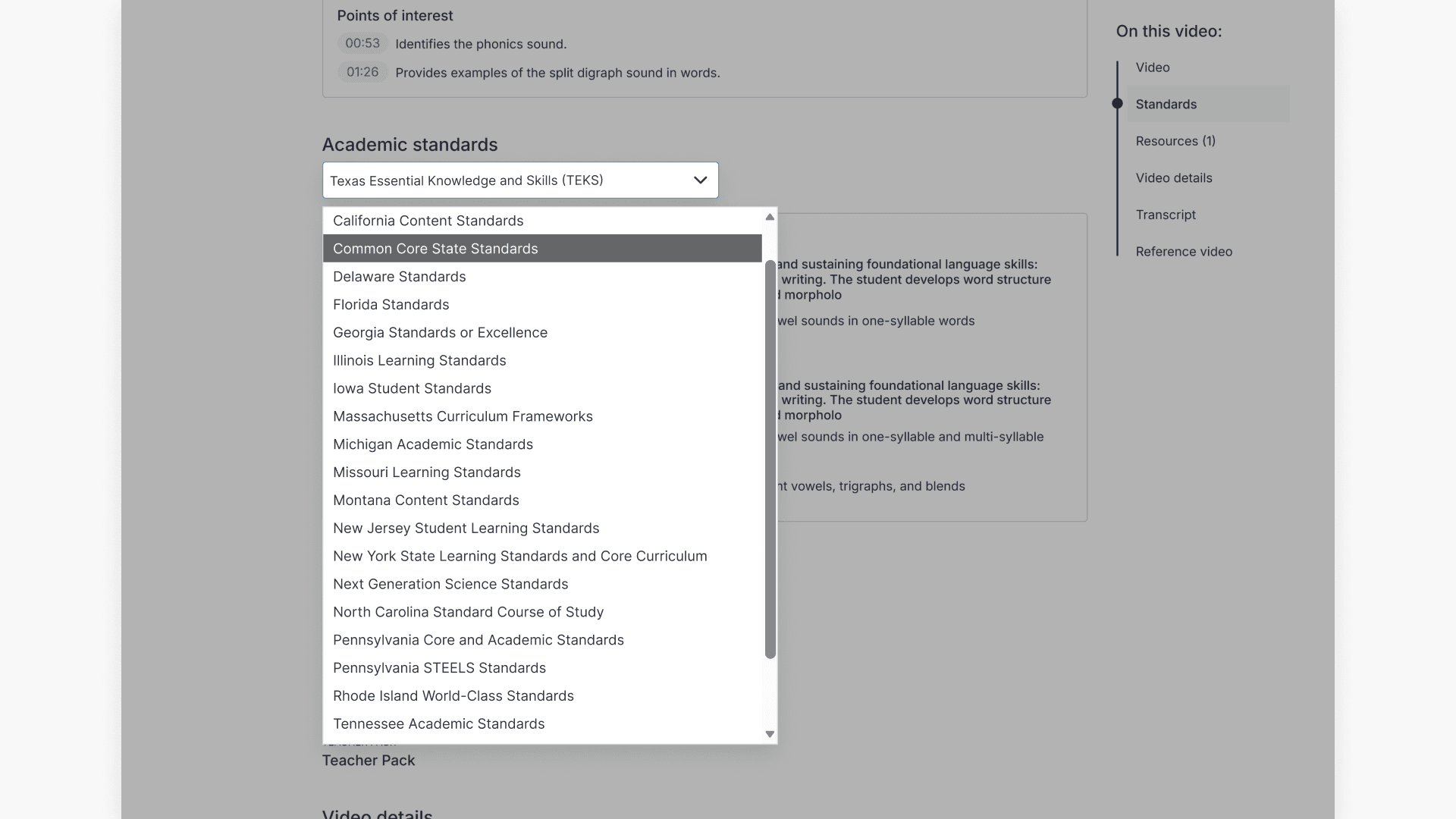
Use the dropdown in the Academic standards section to select a state framework. The section updates to show the standards for that state that the video is aligned to.
Each aligned standard is displayed with:
- The grade level and subject area (e.g., Grade 1 • Language Arts)
- A description of the standard
- The standards code as a clickable chip (e.g., 110.3.b.2.A.iii)
Video page: Standards tab
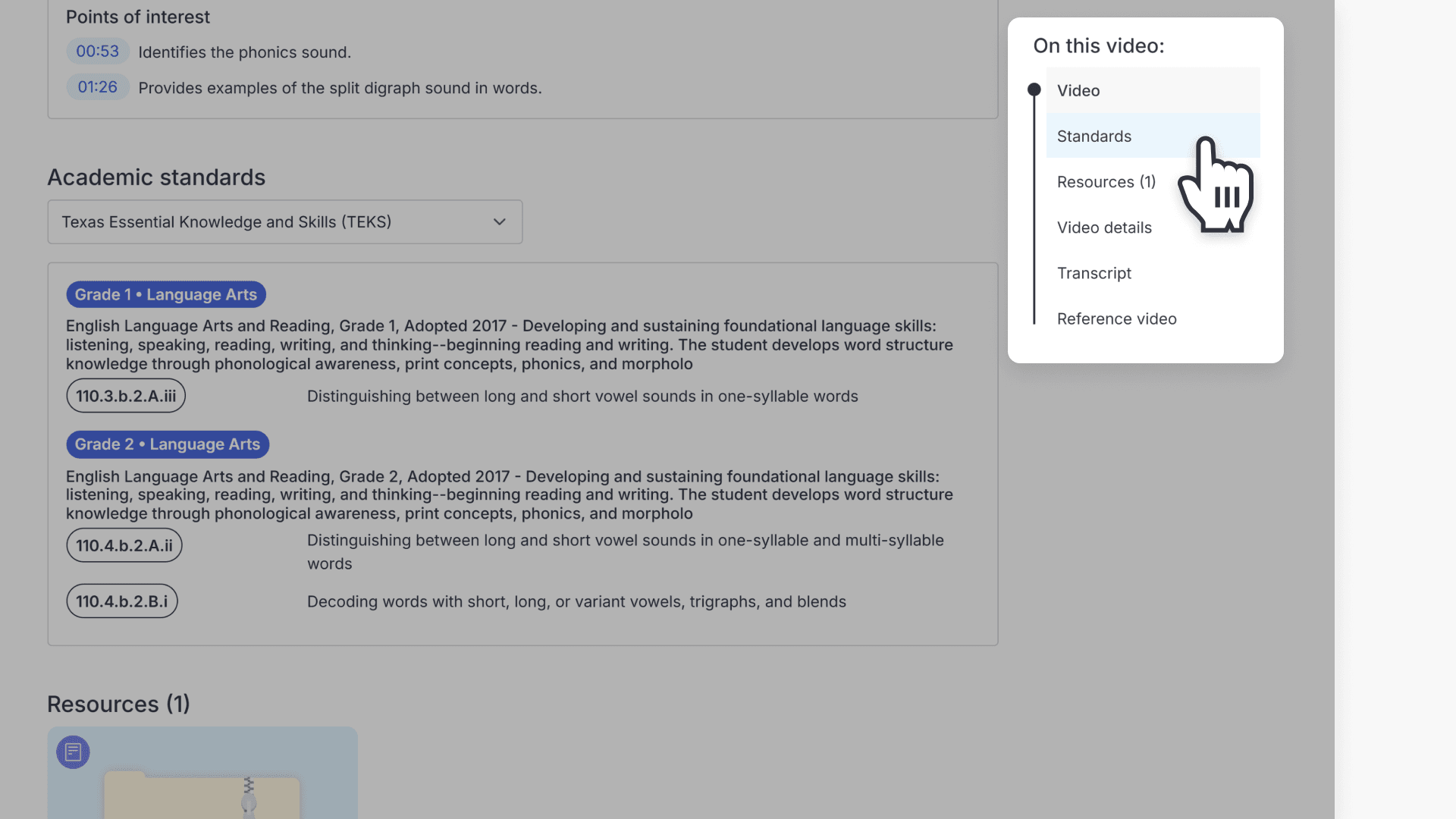
There is also a Standards tab in the “On this video” sidebar on the right-hand side of the video page, which navigates to the same Academic standards content.
Searching by standards code
Standards codes displayed on a video page are clickable. Select a code to run a search in ClickView and see other videos aligned to that standard.
Understanding US Standards Alignment in ClickView
ClickView content is aligned to US state standards to help teachers and administrators find curriculum-relevant videos and plan lessons with confidence. This article explains which standards frameworks ClickView supports and where to find standards information in the product.
- ClickView content is aligned to standards from 29 US states and national frameworks.
- Standards alignment makes it easier to find curriculum-relevant videos and support lesson planning.
- Aligned standards are displayed on each video page, organised by state framework.
- Use the dropdown on the video page to switch between different state standards.
- Standards codes are clickable: selecting one runs a search for other videos aligned to that code.
- If your state isn’t listed, you can request it via the Give feedback button in the product.
Supported standards frameworks
ClickView content is aligned to the following US state and national standards frameworks:
- Alabama Courses of Study
- Arizona’s College and Career Ready Standards
- California Content Standards
- Common Core State Standards
- Delaware Standards
- Florida Standards (B.E.S.T.)
- Georgia Standards of Excellence
- Illinois Learning Standards
- Indiana Academic Standards
- Iowa Student Standards
- Maryland College and Career Ready Standards
- Massachusetts Curriculum Frameworks
- Michigan Academic Standards
- Missouri Learning Standards
- Montana Content Standards
- New Jersey Student Learning Standards
- New York State P-12 Learning Standards
- Next Generation Science Standards
- North Carolina Standard Course of Study
- Pennsylvania Core and Academic Standards
- Pennsylvania STEELS
- Rhode Island World-Class Standards
- South Carolina Standards & Learning
- South Dakota Content Standards
- Tennessee Academic Standards
- Texas Essential Knowledge and Skills (TEKS)
- Texas Essential Knowledge and Skills 2.0 (TEKS)
- Virginia Standards of Learning
- Wisconsin Academic Standards
A dedicated ClickView team aligns video content to these frameworks. Most videos are already aligned, and alignment is ongoing for the remainder.
Frequently asked questions
Get in touch
If you’re having trouble finding the right topics or videos, just reach out! Our team - 


 Andrew, Nisch, Janice, Pfreya, or any of us at ClickView - will be happy to help you get sorted.
Give feedback
Was this guide helpful?
Up Next
Understanding Featured Channels
Summary What are Featured Channels in ClickView? Featured Channels bring together every video from one producer in a single place, so you can explore all their videos and resources rather than finding them across topics, series, and search results. Each channel includes a banner introducing the producer, videos organized by recent, popular, and series, and […]