ClickView Help
Sign inRequest pricingGet started FREEGet started FREE
Sign in
  1. Helpchevron right icon
  2. Using ClickViewchevron right icon
  3. Profile & preferences
    • Discover
    • Watch videos
    • Create & manage
    • Interactive videos
    • Share
    • Classrooms
    • Analytics
    • Student View
    • Profile & preferences
    • Apps
    • Accessibility & equity
    • Feedback
Using ClickView

Using ClickView

Profile & preferences

Personalize your experience. Learn how to update profile details, notifications, and viewing preferences to suit your needs.
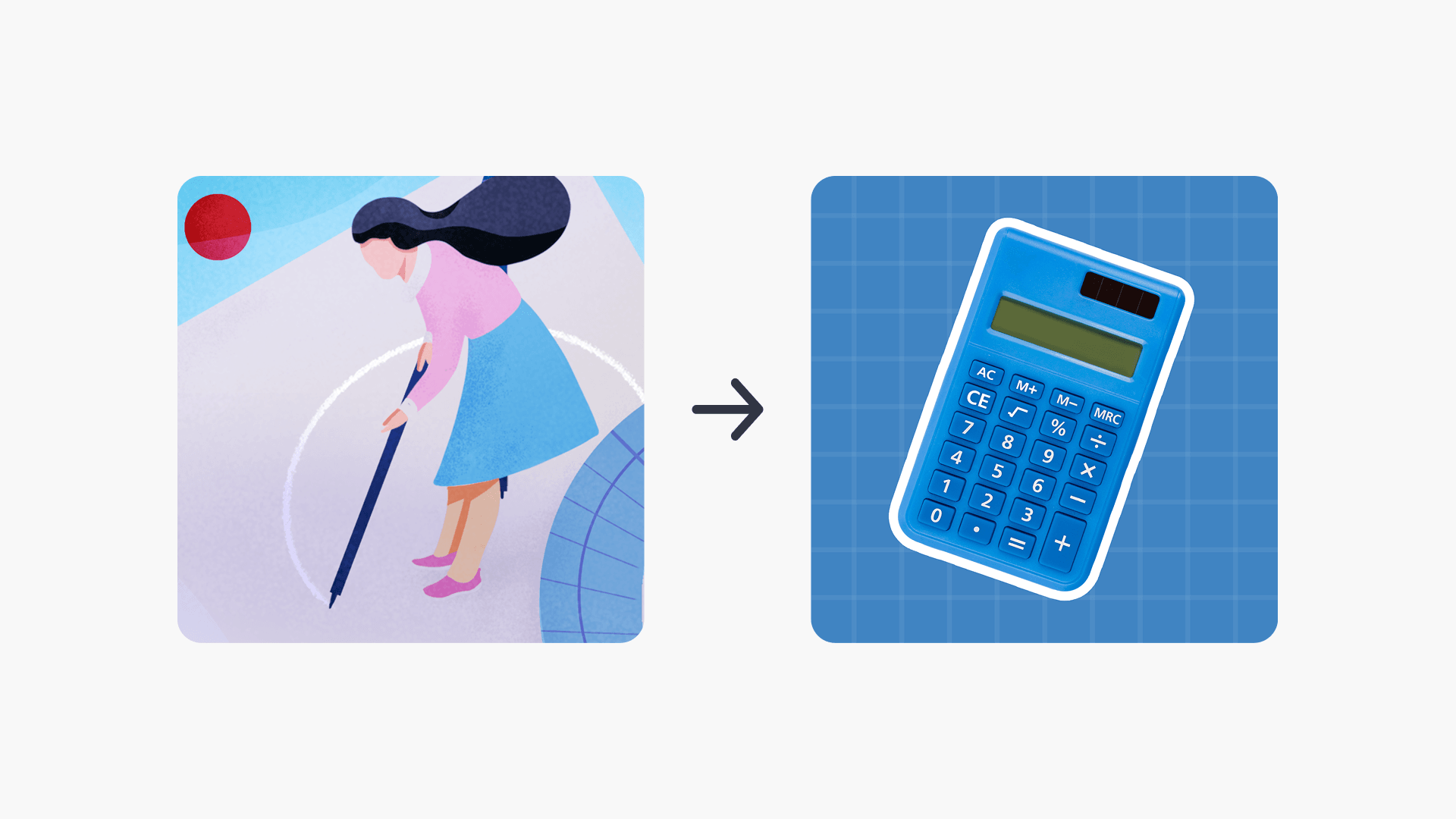
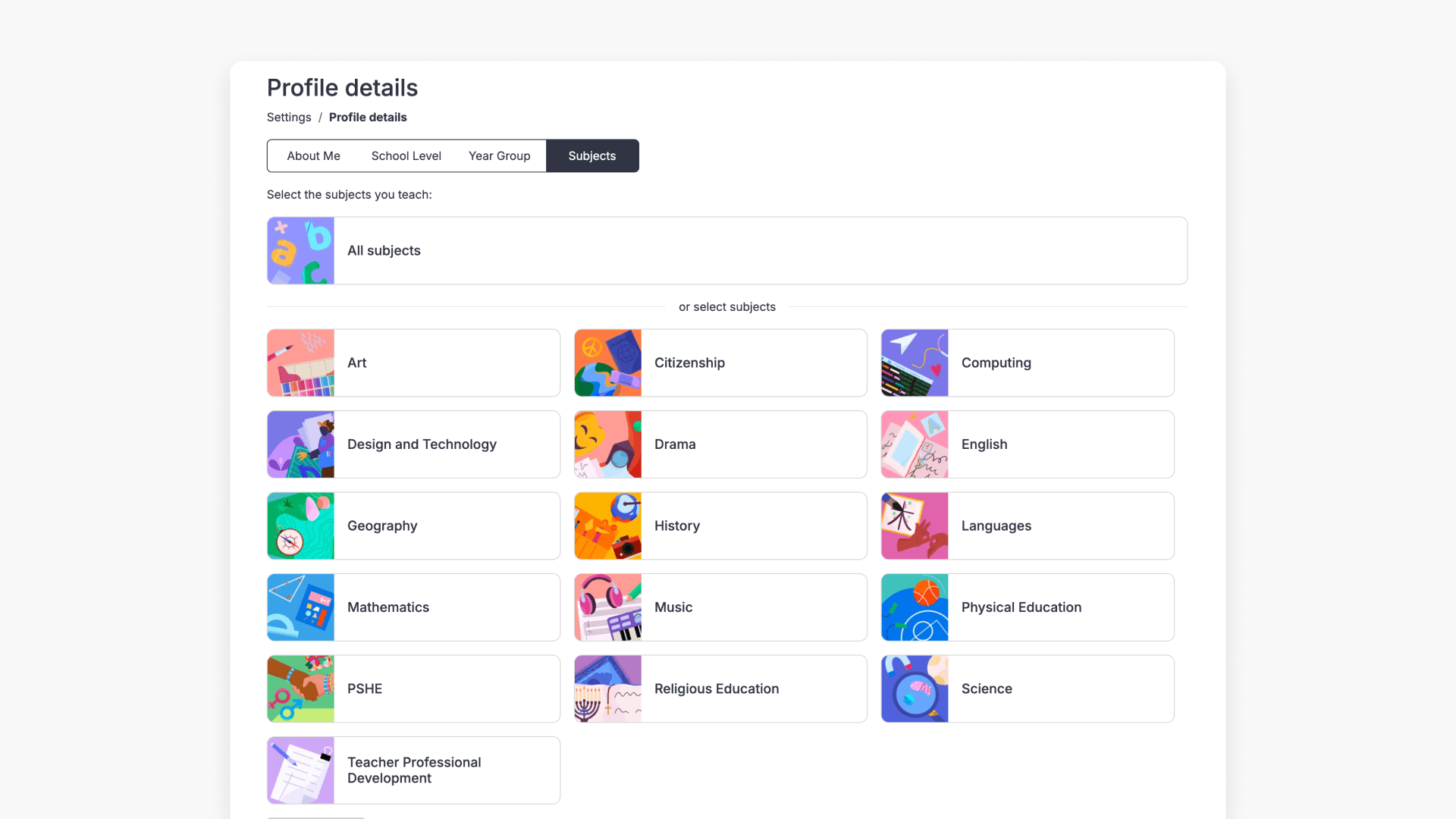
Topics being selected in the Preferences page of ClickView Settings

How to set your preferences

This article explains how to set up and update your preferences in ClickView, including grade levels, topics, and academic standards.
How to manage your notifications

Find out how to access and review notifications in your ClickView account, including recent updates, activity alerts, and important changes related to your videos and account.

Still have questions?

Email Support

Email us

support@clickvieweducation.com

Phone Support

Phone

+1 (312) 763-9491

Ticket Support

Send us a ticket

Fill out support formarrow right icon

Elementary schools
OverviewElementary teachersElementary school leaders
Middle schools
OverviewMiddle school teachersMiddle school leaders
High schools
OverviewHigh school teachersHigh school leaders
Districts
OverviewSolutions by stateDistrict AnalyticsDistrict LibrariesDistrict Restrictions
Product
OverviewDiscoverEngageUnderstand
Features
Upload videosInteractive videosShare videosIntegrationsAccessibility and equityClassroom analyticsSchool analyticsMovies and TVRostering
Company
AboutBlogBrandContact usSupportGet started FREE
Compare
OverviewBrainPOPDiscovery EducationEdpuzzleLearn360SAFARI MontageYouTube
Sign up for new release videos, trending topics, and more.
By subscribing you agree to our Privacy Policy.
Letter with heart
AUSAUS
UKUK
CANCAN
NZLNZL
Privacy PolicyTerms and ConditionsOnline Terms