How to choose a visual theme for subjects
In this article
Last updated by
2 min readClickViewApril 29, 2026
Summary
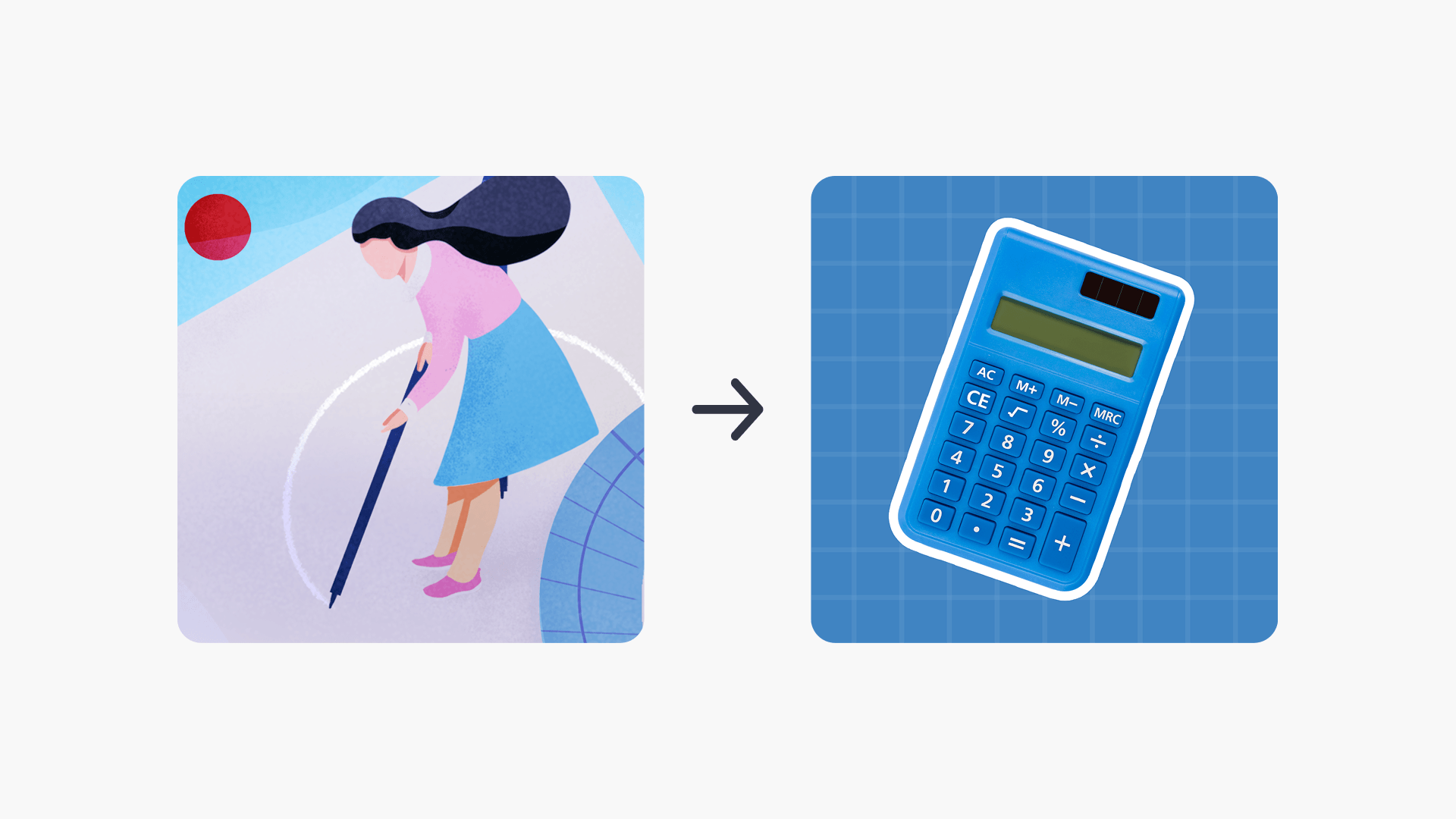
- High school subject graphics can display in one of two visual themes: Illustration or Photography.
- Switch between themes in Settings ➡ Appearance.
- Changing the theme updates the subject and topic graphics across the platform for all school users.
- Administrators can select whichever theme best suits their school’s audience.
- This feature is currently only available for high school subjects.
star icon
Quick tip
How do I change the visual theme for subjects in ClickView?
Sign in to ClickView with an Administrator account, then select your profile avatar and choose Settings. Under the School management section, select Appearance and choose either the Illustration or Photography theme, then click Save changes.
What is the subject theme switcher?
The subject theme switcher allows Administrators to change the visual theme of high school subjects. There is a choice between Photography and Illustration style graphics. It gives the option of choosing the most relevant theme based on the school’s audience.
Important notes:
- The change applies shortly after saving and affects all school users within the admin’s reach. It is not adjustable on a per-individual-user basis.
- This feature only currently exists for high school subjects.
Steps
Prerequisites: Administrator account
- Select your profile avatar in the top-right corner of the screen.
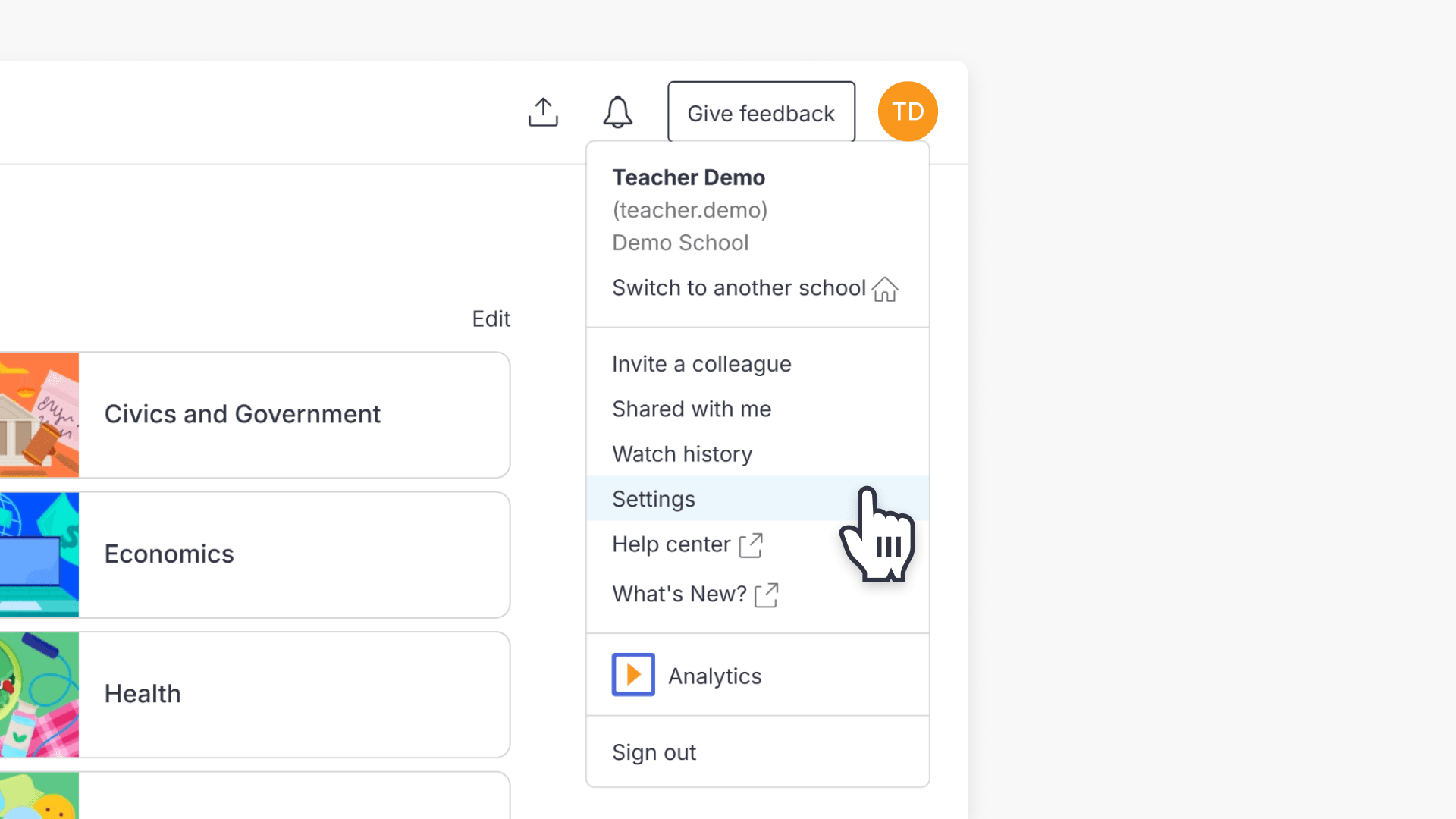
- Select Settings from the dropdown menu.
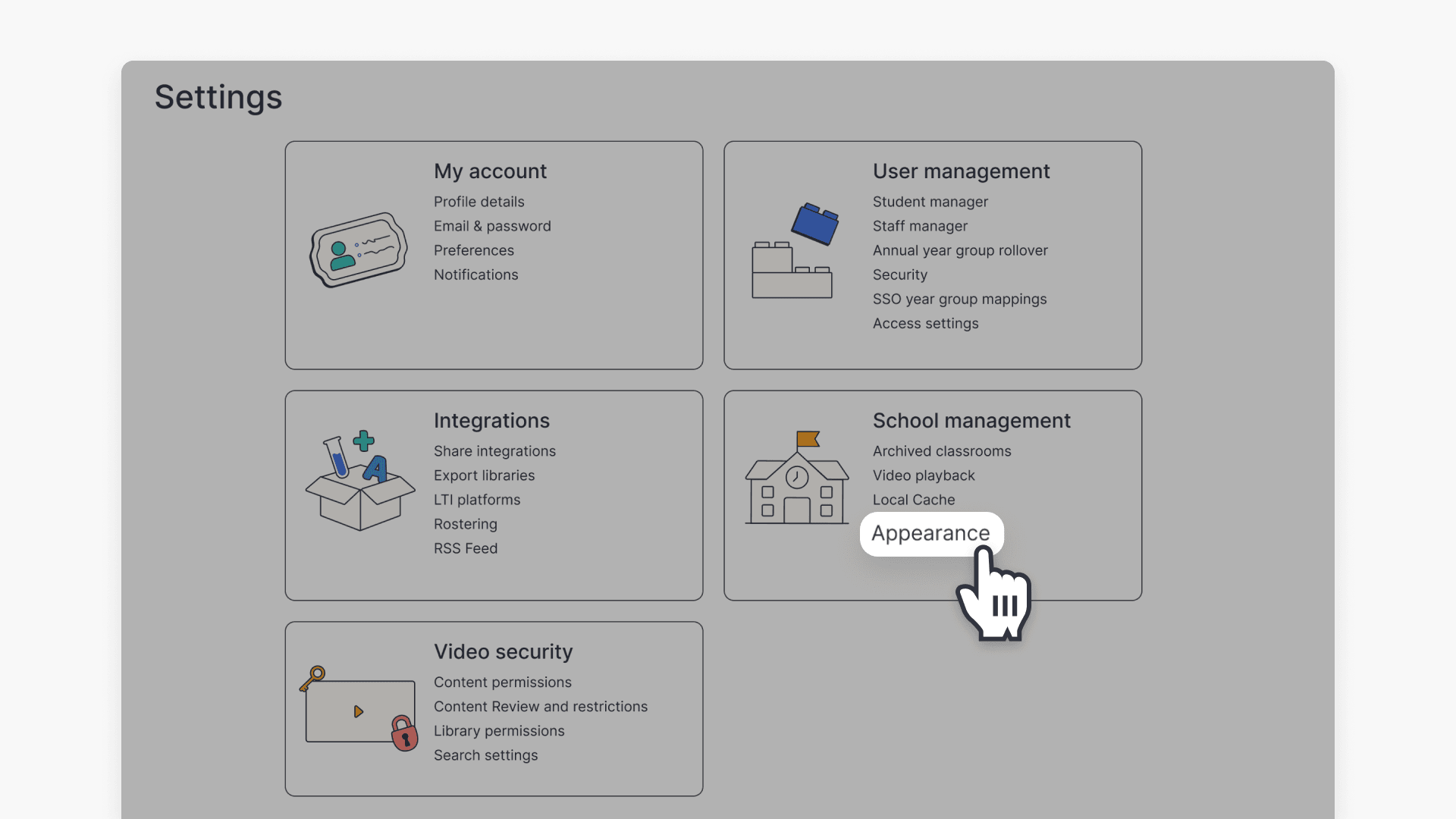
- Under the School management section, select Appearance.
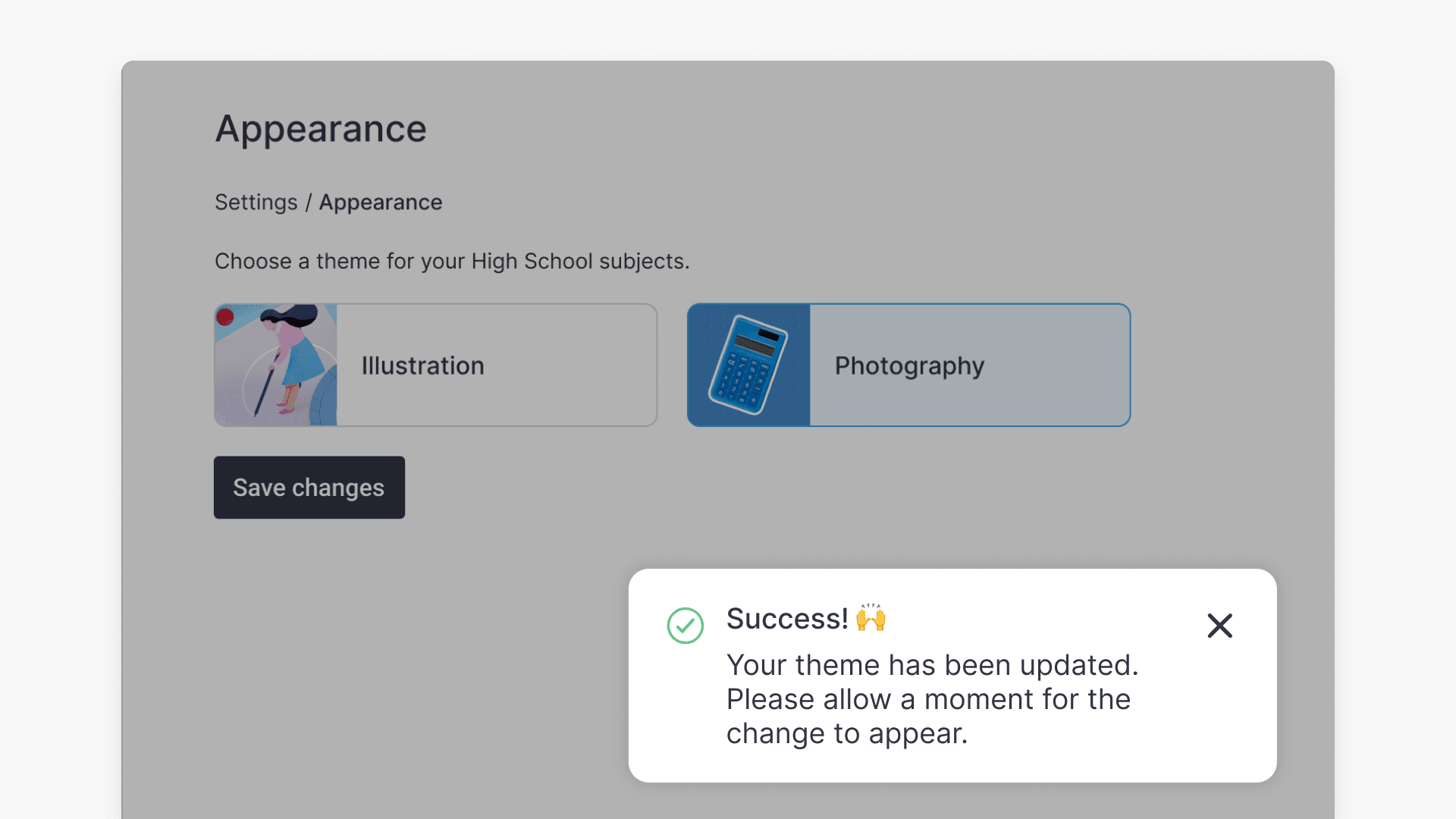
- On the Appearance page, select either Illustration or Photography.
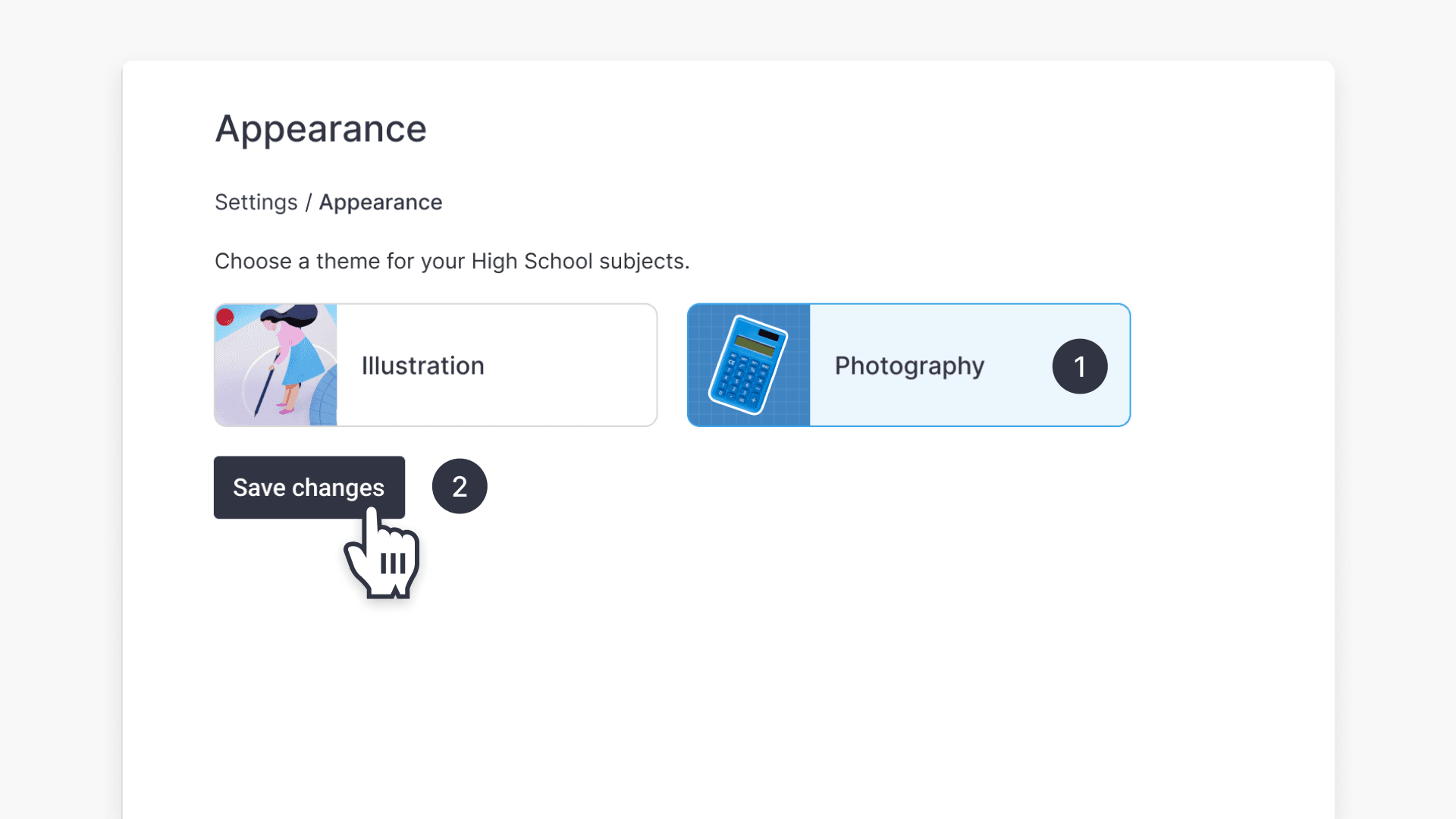
- Click Save changes.
- A success message appears in the bottom-right corner of the screen to confirm the changes.
Frequently asked questions
The graphics should update soon after you save. If they haven’t changed yet, wait a few minutes and check again.
No. The theme applies to the whole school and cannot be set on a per-user basis.
At the moment, this theme switcher is only available for high school subjects.
Get in touch
If you’re having trouble finding the right topics or videos, just reach out! Our team - 

 Akhil, Daniel, Jalaj, or any of us at ClickView - will be happy to help you get sorted.
Give feedback
Was this guide helpful?
Up Next

How to manage your notifications
Find out how to access and review notifications in your ClickView account, including recent updates, activity alerts, and important changes related to your videos and account.