



Using ClickView
Interactive videos
Turn any video into an active lesson. Find interactive videos, create your own, add questions, and review responses to boost pupil engagement and learning.
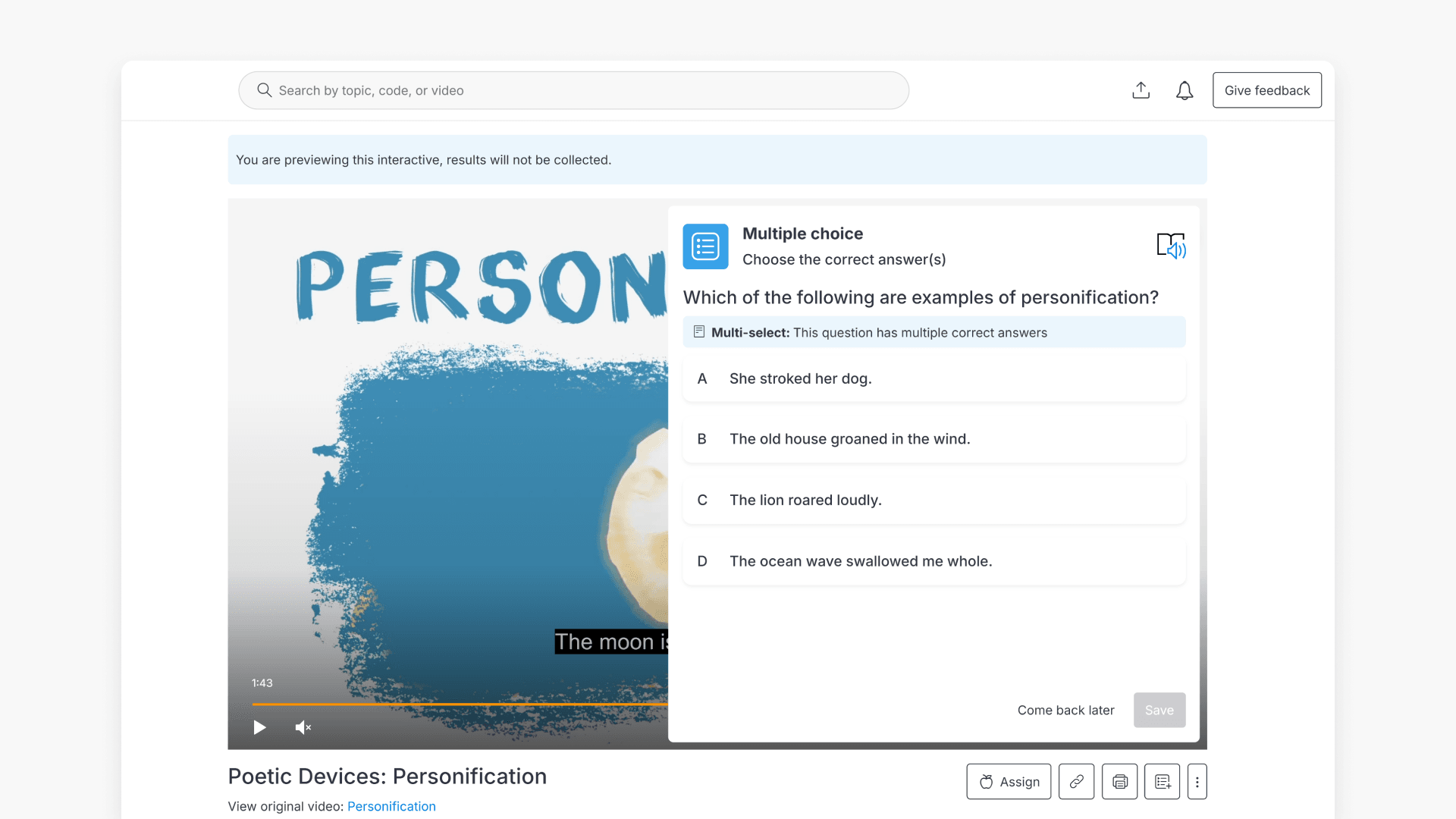
How to create interactive videos
This guide shows educators how to create interactive videos with questions, images, captions, and annotations in ClickView. Follow step-by-step instructions for adding, adjusting, and publishing interactive elements to enhance classroom engagement.
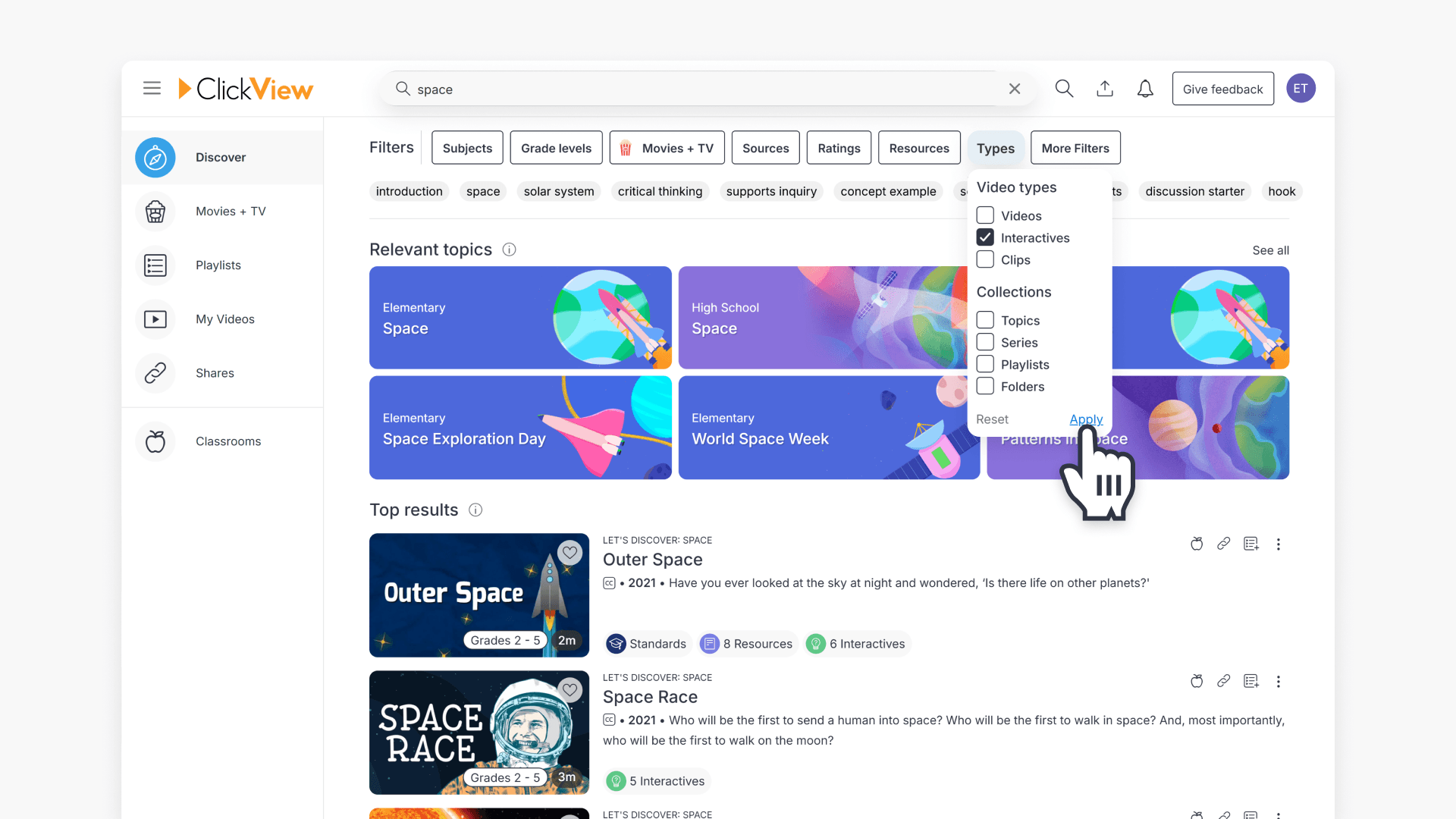
How to find interactive videos
Learn how to find interactive videos in ClickView using the Search bar and Filters. This article outlines both browsing and direct search methods to quickly locate the content you need.
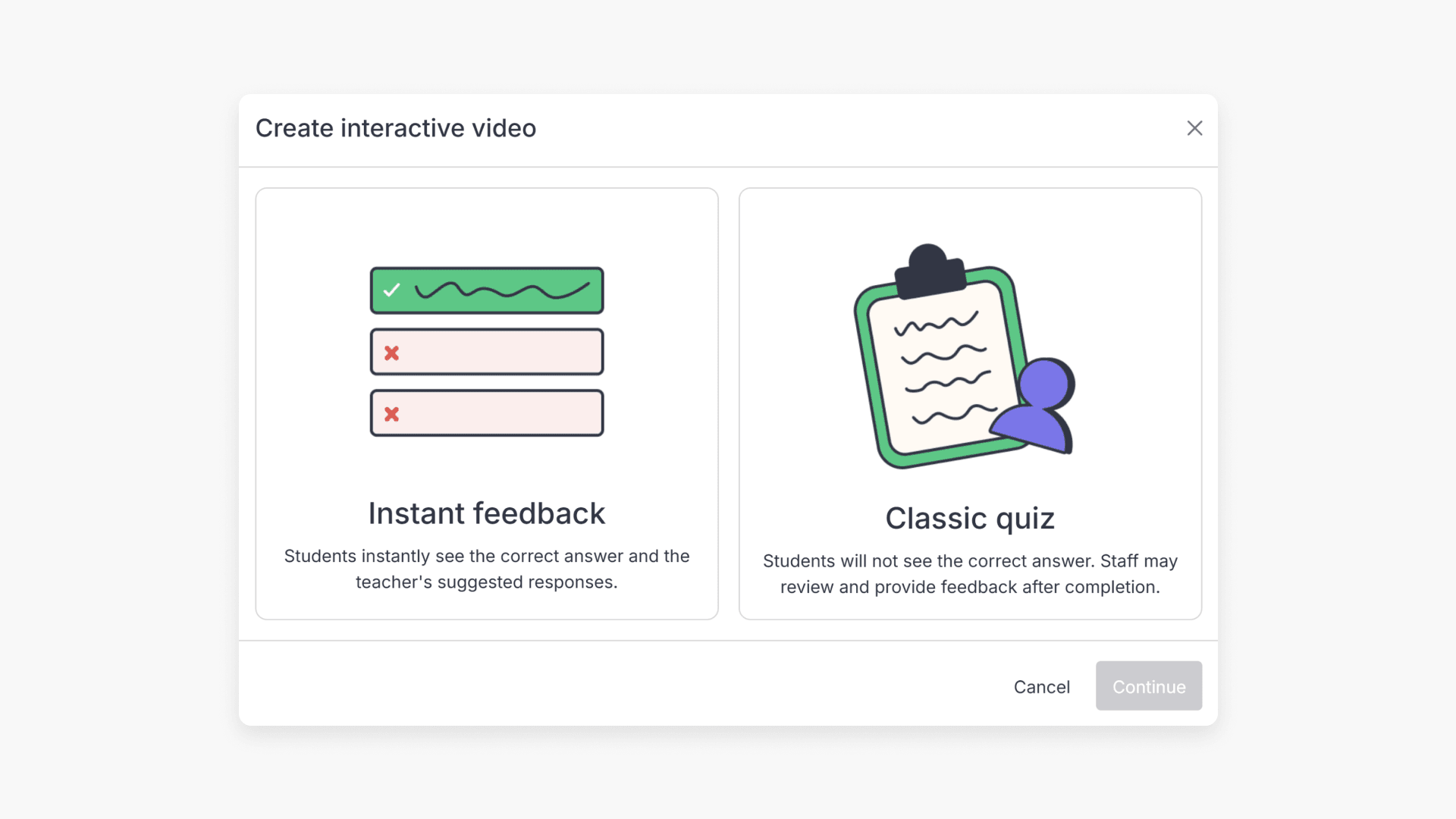
Interactive videos: Instant Feedback vs. Classic Quiz
Explore how Instant Feedback and Classic Quiz work for interactive videos in ClickView. Learn when students see answers and feedback, plus key differences between the two options.
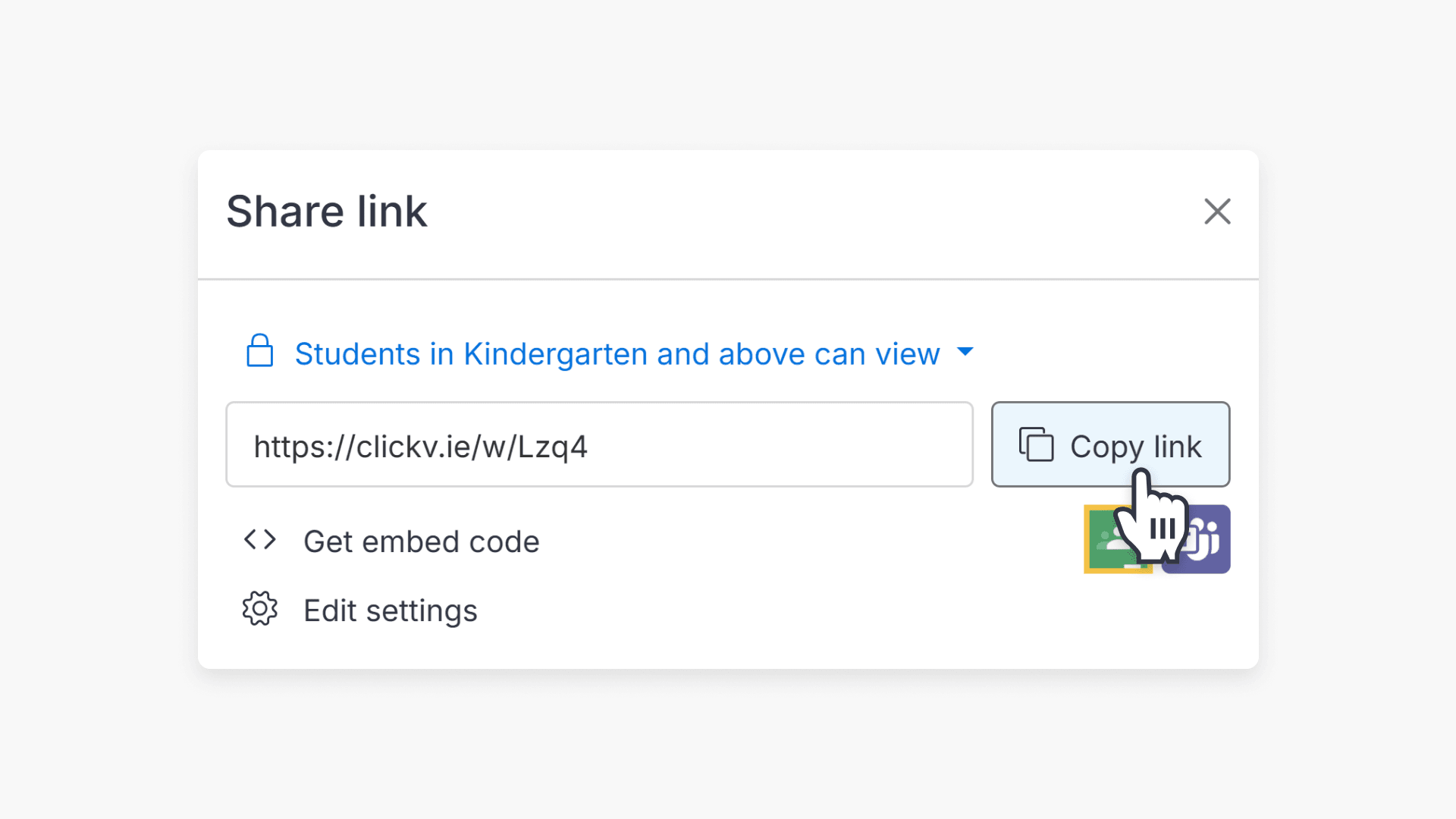
How to share interactive videos
Discover the simple steps to share interactive videos with students and staff in ClickView. Use the Share icon in My Videos to copy and distribute your interactive video link.
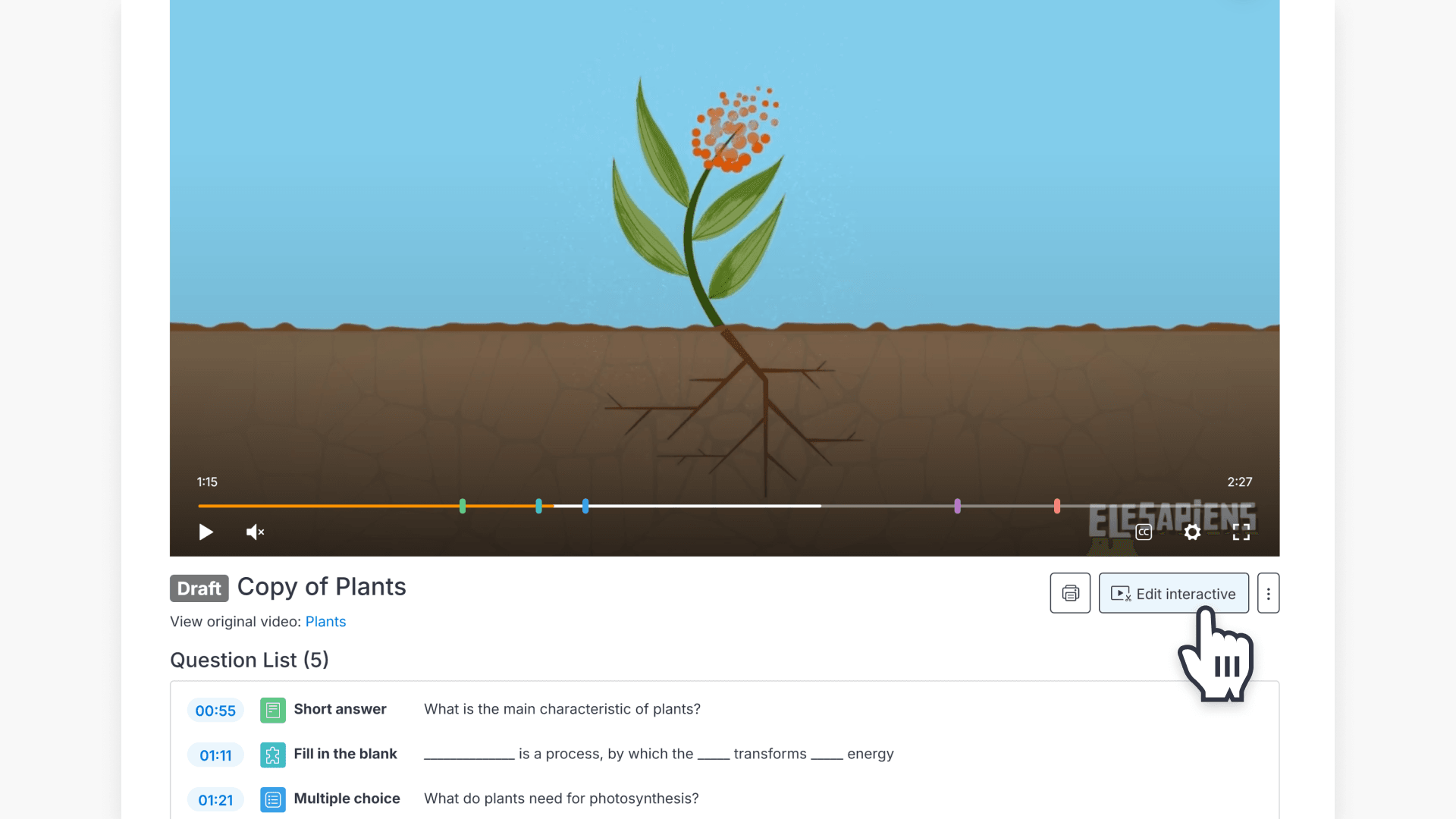
How to edit an interactive video
This article provides step-by-step instructions for educators on editing, copying, and republishing interactive videos in ClickView, including handling student attempts and feedback options.
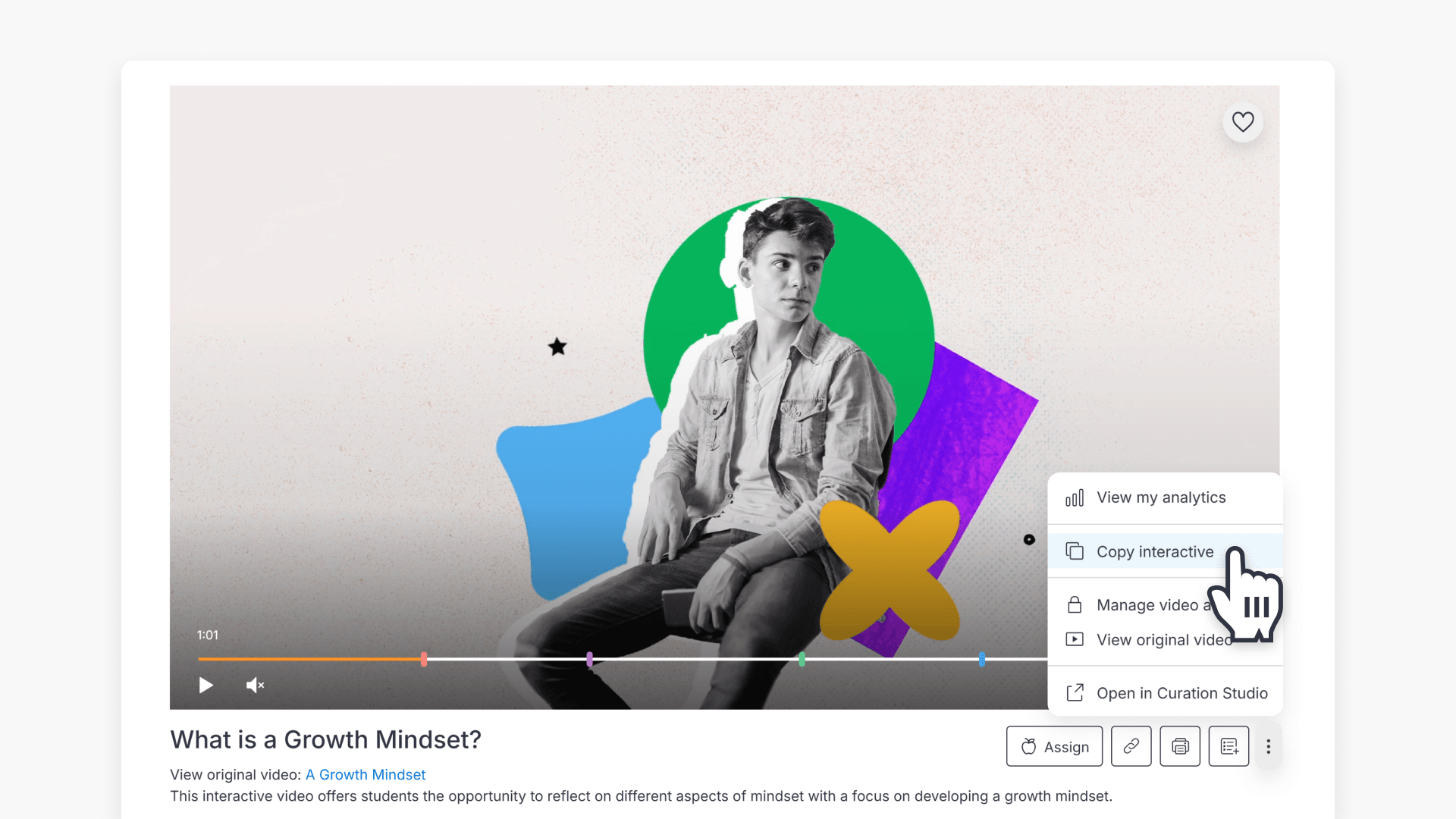
How to copy an interactive video
Discover how to create, edit, and share a copy of any interactive video for use in your ClickView My Videos.
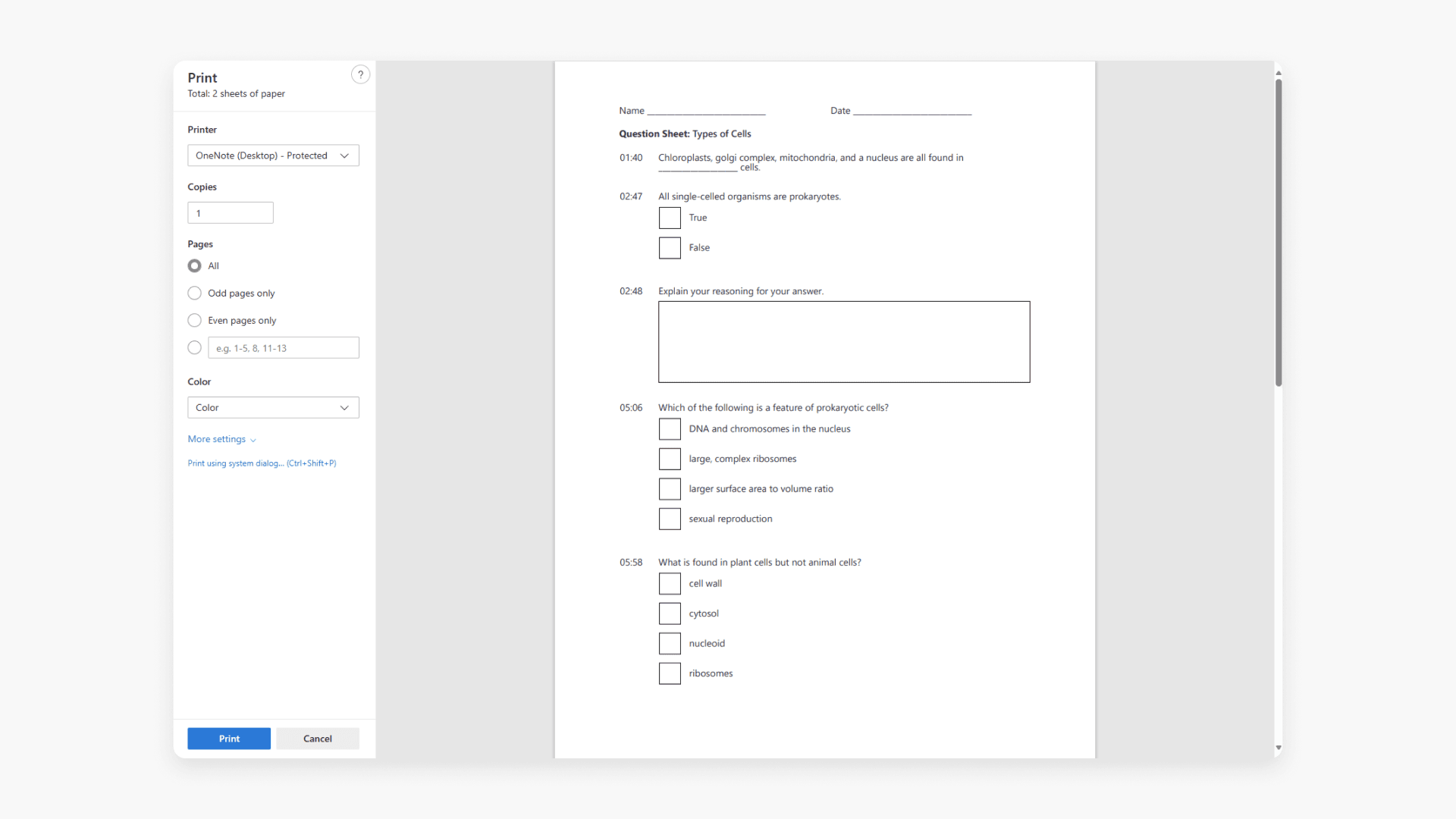
How to print an interactive video worksheet
Discover how to print a worksheet in ClickView. A worksheet lists every interactive video question and when it appears for students.
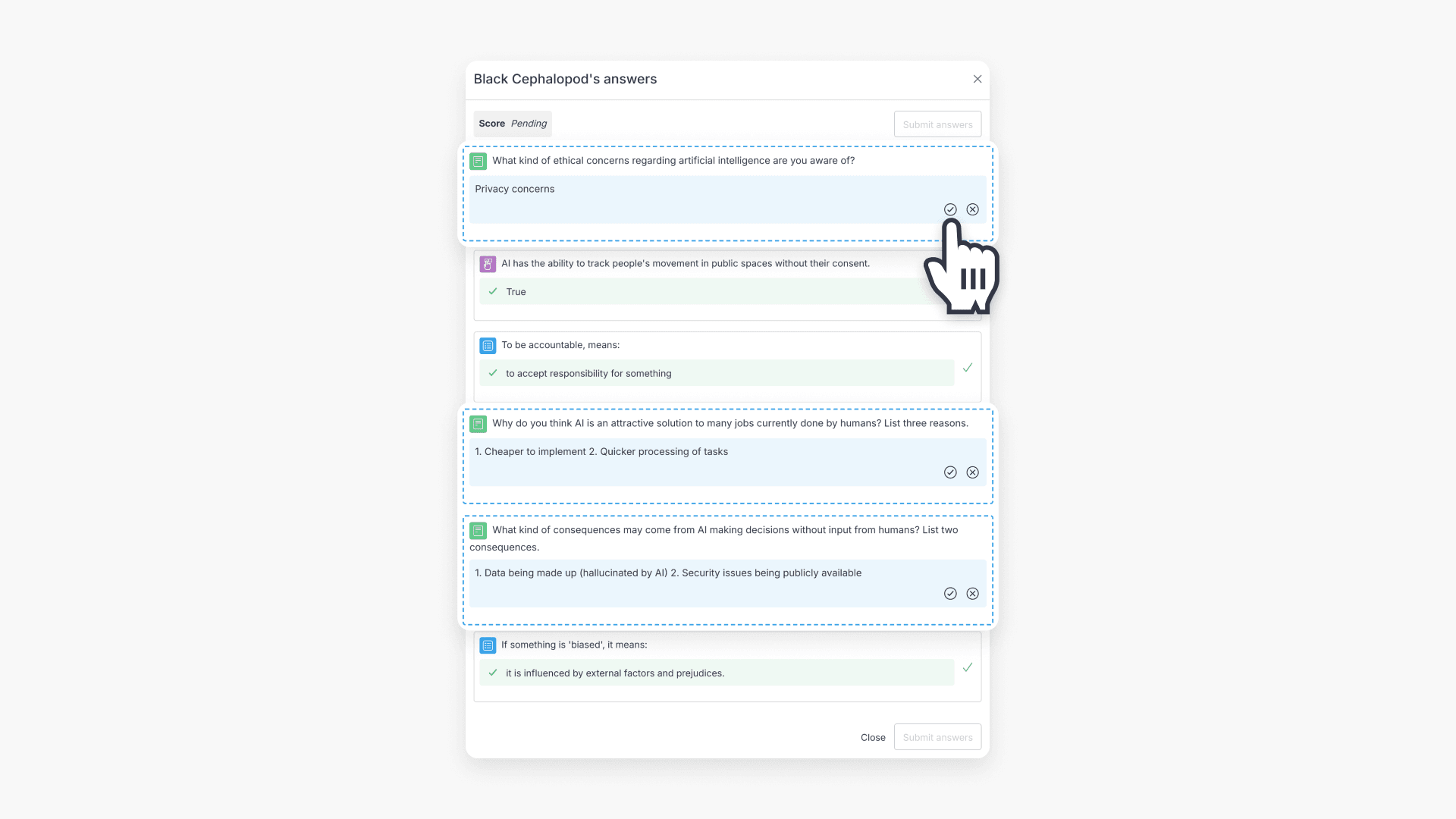
How to mark interactive video student responses
This guide walks educators through the process of reviewing and marking student responses to interactive videos in ClickView using the Shares dashboard.