



Using ClickView
Share
Share videos safely with students and colleagues. Learn link options and privacy settings for controlled content sharing.
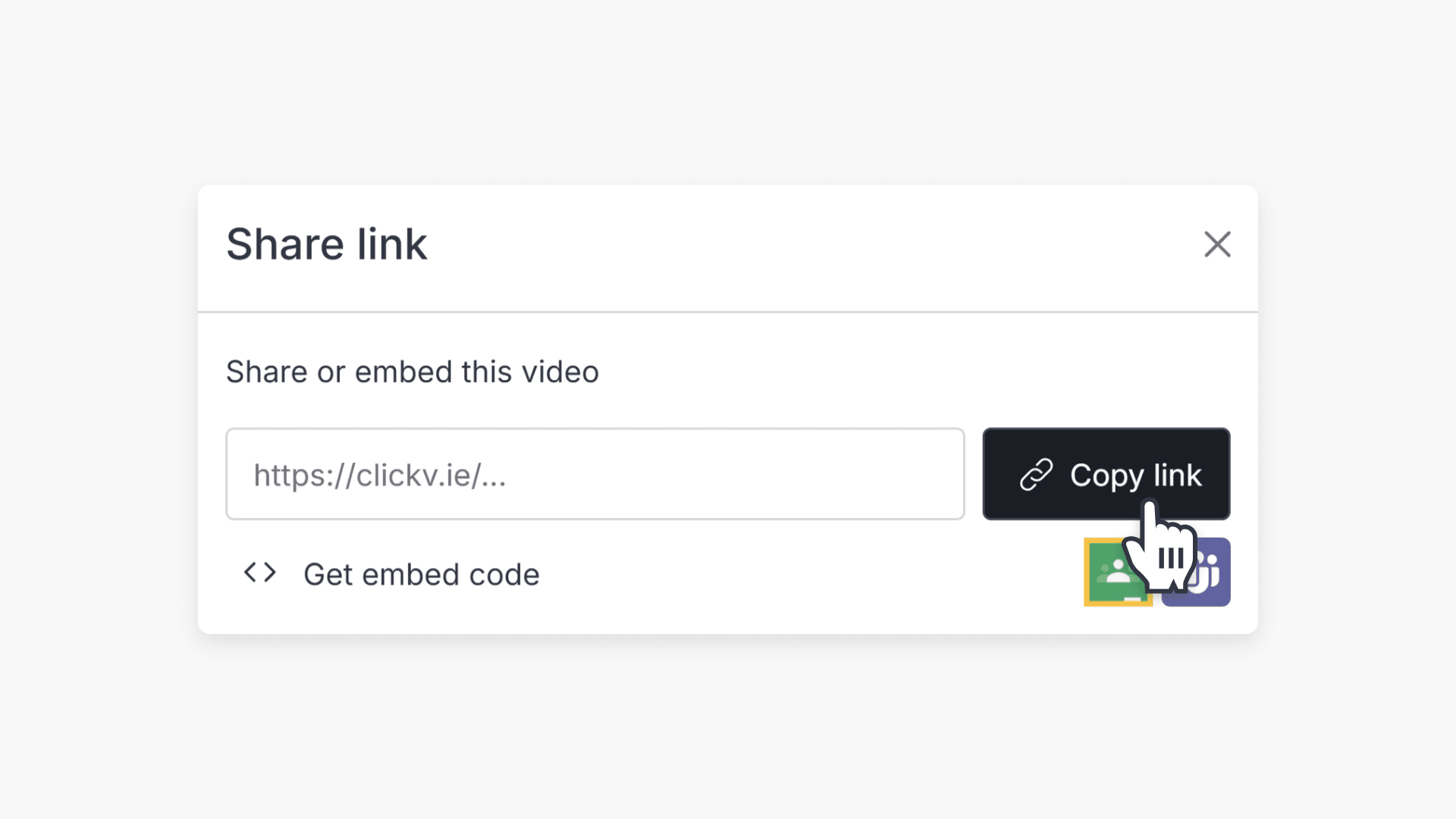
How to share videos
This article explains step-by-step how educators can share ClickView videos with students and staff using links, embed codes, or by assigning directly to classrooms.
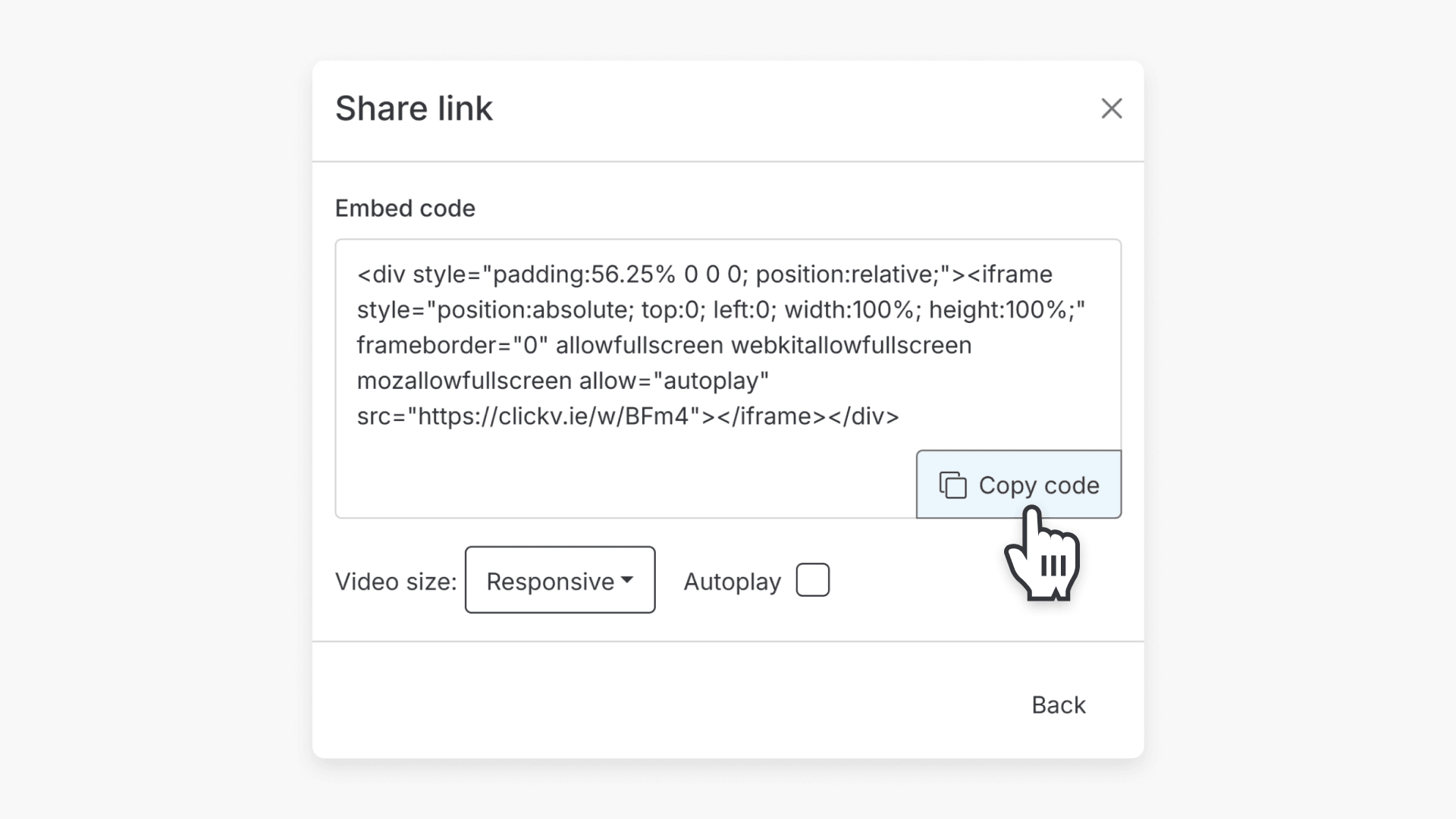
How to embed videos
This article explains how to embed ClickView videos in external platforms by using the Share and Embed functions. Follow step-by-step instructions to copy the code and optionally adjust video size.

How to assign a video
Summary How do I assign a video to a classroom in ClickView? Depending on how your school is set up, you can assign a video to an existing classroom or create an Open Classroom. If your school has rostering or classrooms already set up, select an existing classroom, and students sign in and see the […]
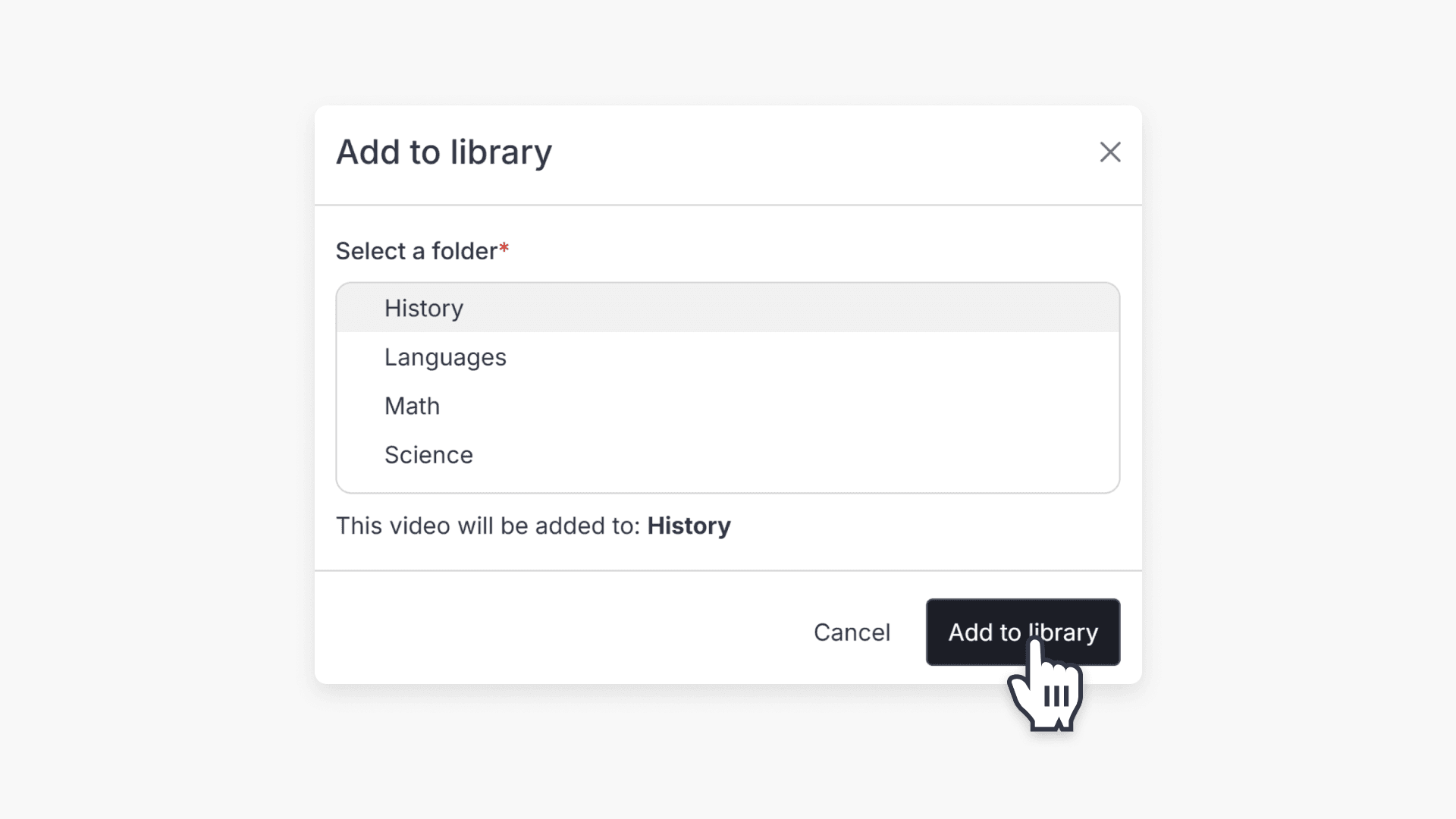
How to add videos to your school library
Teachers can request approval to add videos from ClickView Libraries to the school library. Admins review each request before adding videos.
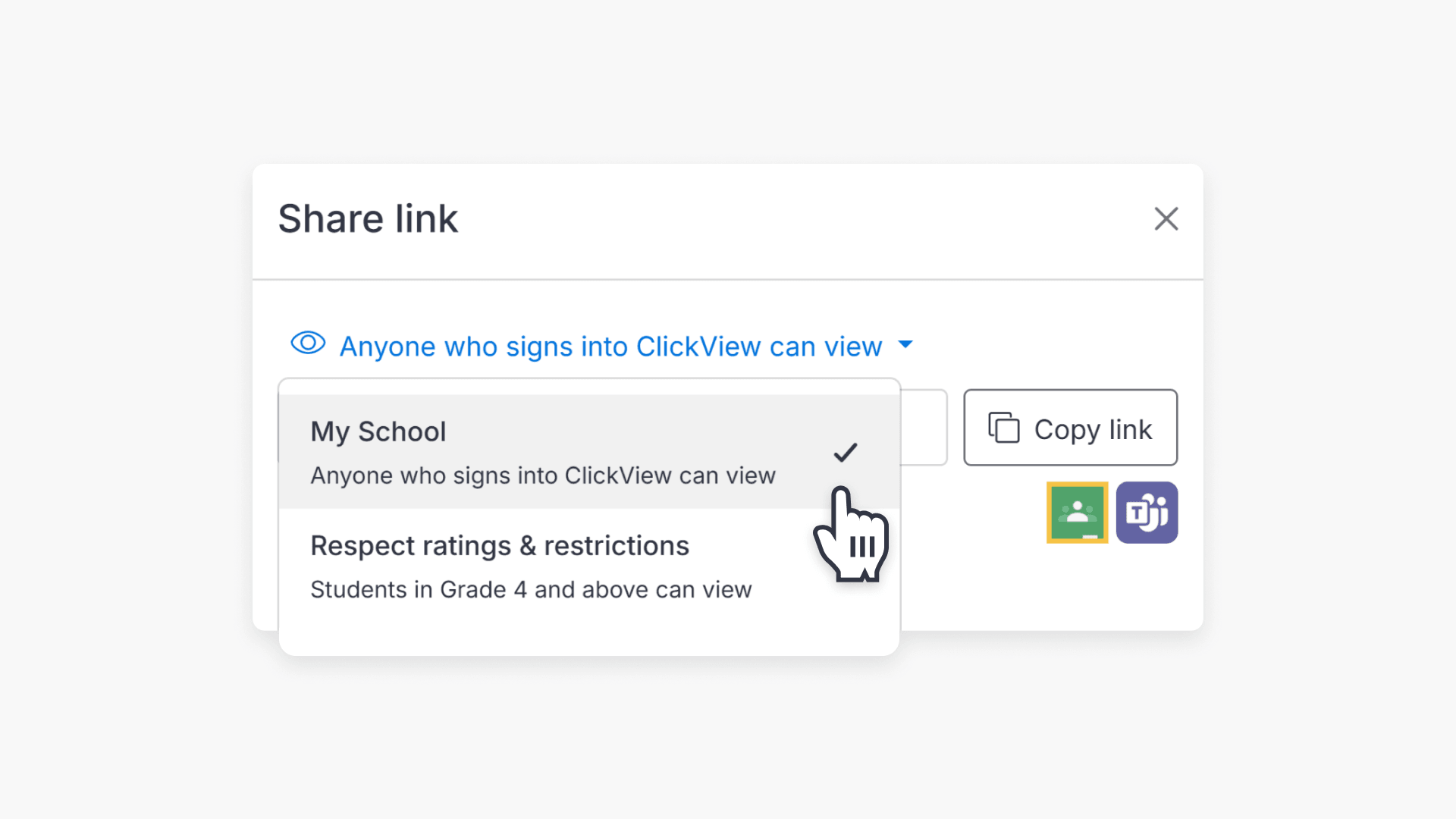
How to share restricted videos
This article explains how video restrictions work in ClickView and how educators can adjust privacy settings when sharing content with students. Learn how ratings, manual overrides, and privacy settings impact access.
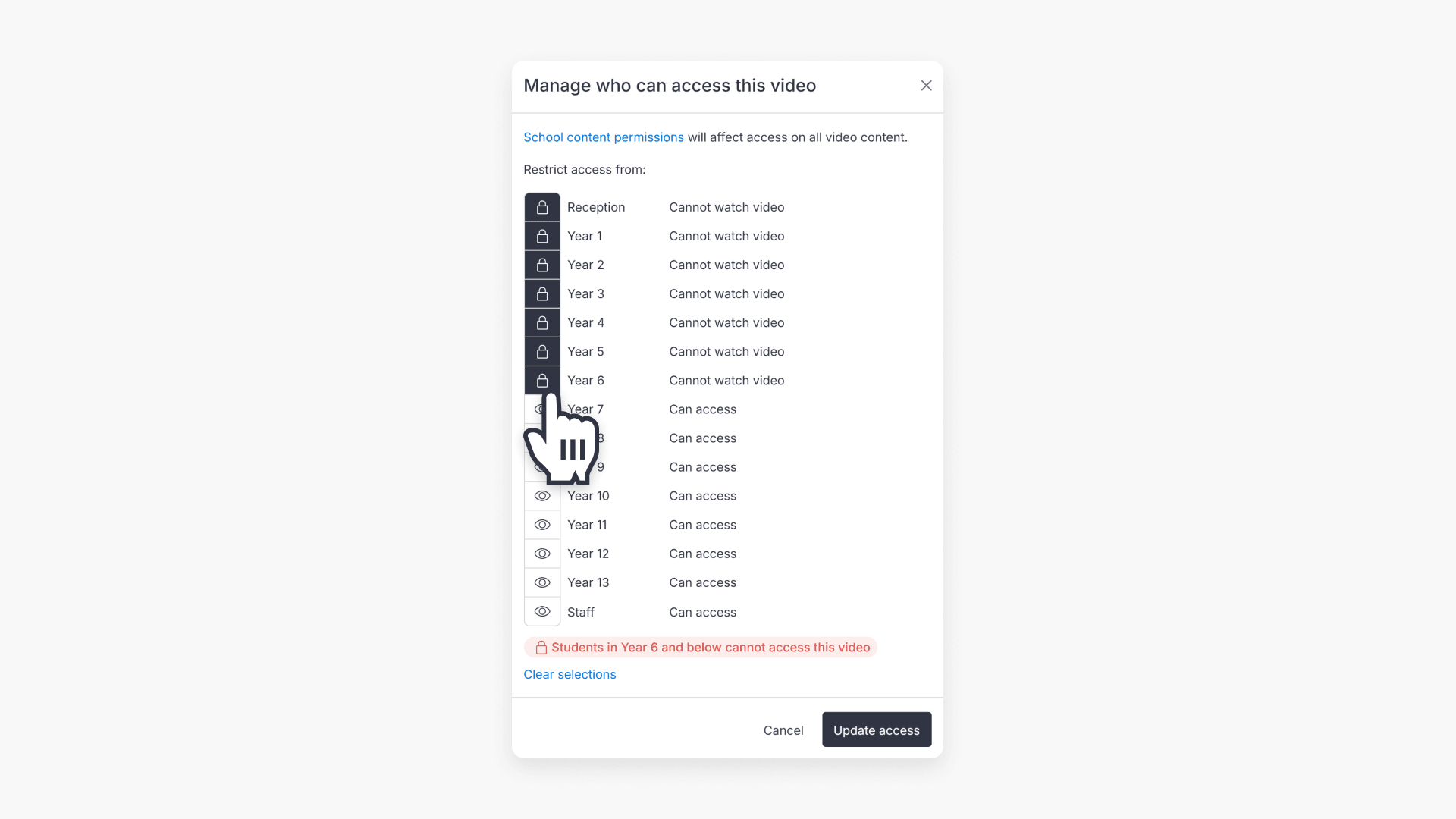
How teachers can manage video access
ClickView allows staff and administrators to restrict access to specific videos, ensuring that students and staff only see content appropriate for their year groups or roles.