



Using ClickView
Accessibility & equity
Make videos inclusive for all learners. Learn about captions, screen-reader compatibility, and accessibility settings.

Using the Immersive Reader for video text
Learn how to access and use the Immersive Reader in ClickView to read video descriptions and interactive questions aloud, adjust text settings, and support all learners.
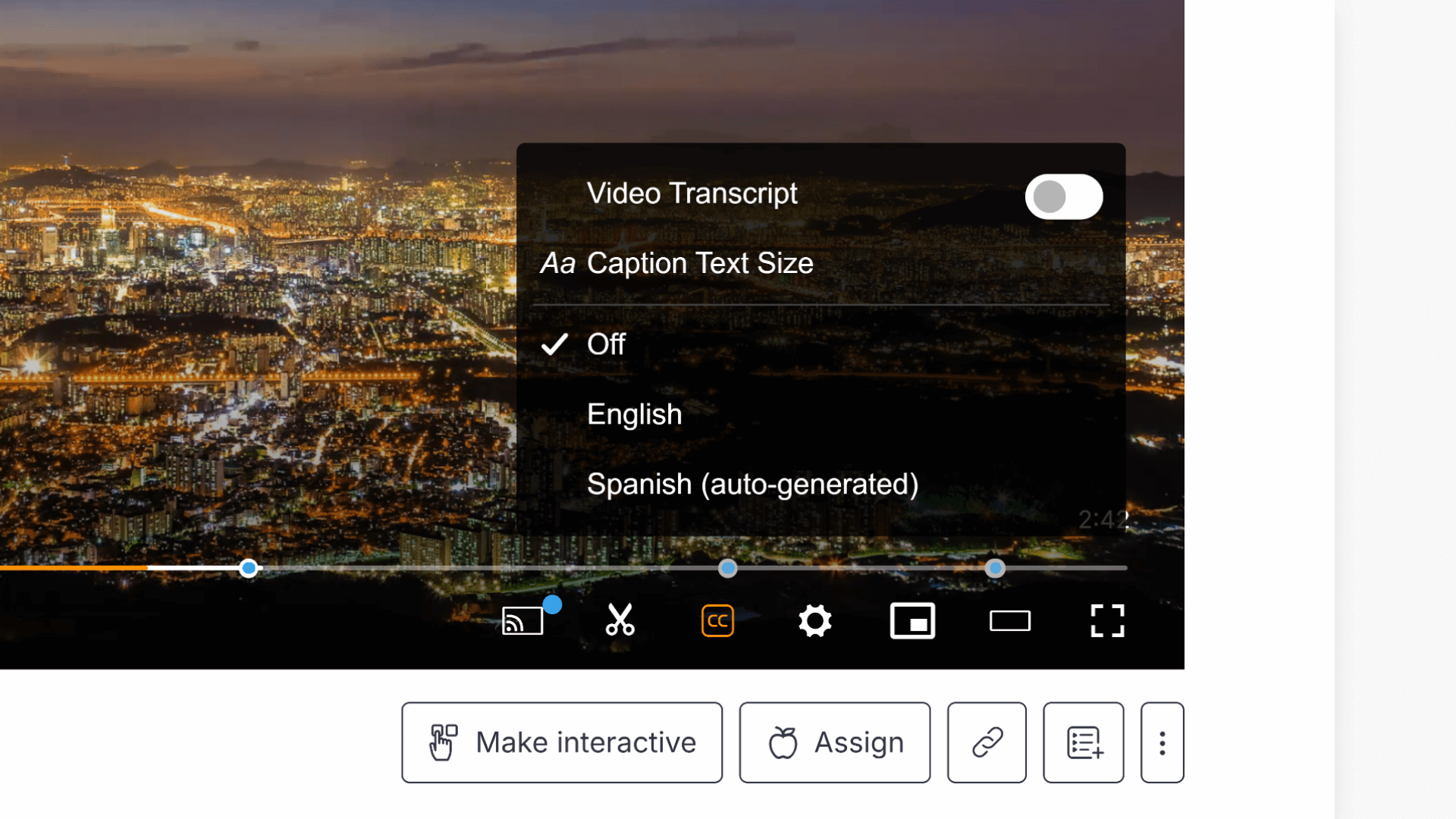
How to use subtitles and closed captions
This article explains how to enable subtitles and closed captions in ClickView videos, adjust caption text size, use the subtitle search feature, and set default subtitle preferences as an administrator.