

ClickView Help
Sign inRequest pricingGet started FREEGet started FREE
Sign in
  1. Helpchevron right icon
  2. Using ClickViewchevron right icon
  3. Feedback
    • Discover
    • Watch videos
    • Create & manage
    • Interactive videos
    • Share
    • Classrooms
    • Analytics
    • Student View
    • Profile & preferences
    • Apps
    • Accessibility & equity
    • Feedback
Using ClickView

Using ClickView

Feedback

Send product feedback and request features. Learn how to report issues, suggest improvements, and help shape the ClickView roadmap.
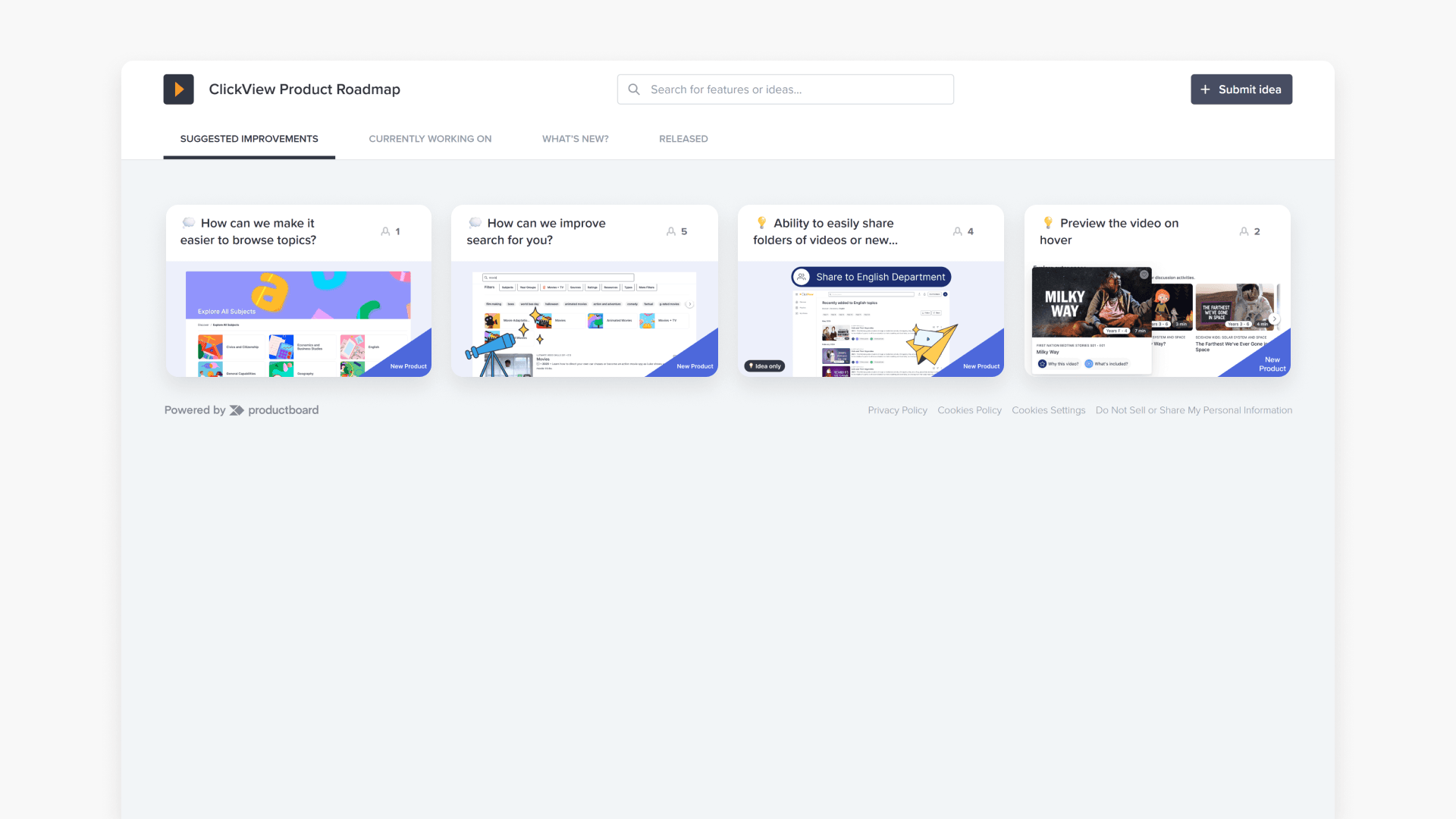
Clickview product roadmap interface

How to vote on feature requests

This article explains how educators and administrators can submit new feature requests or provide feedback on existing requests using ClickView’s Product Board or email. It outlines step-by-step instructions and requirements for each method.
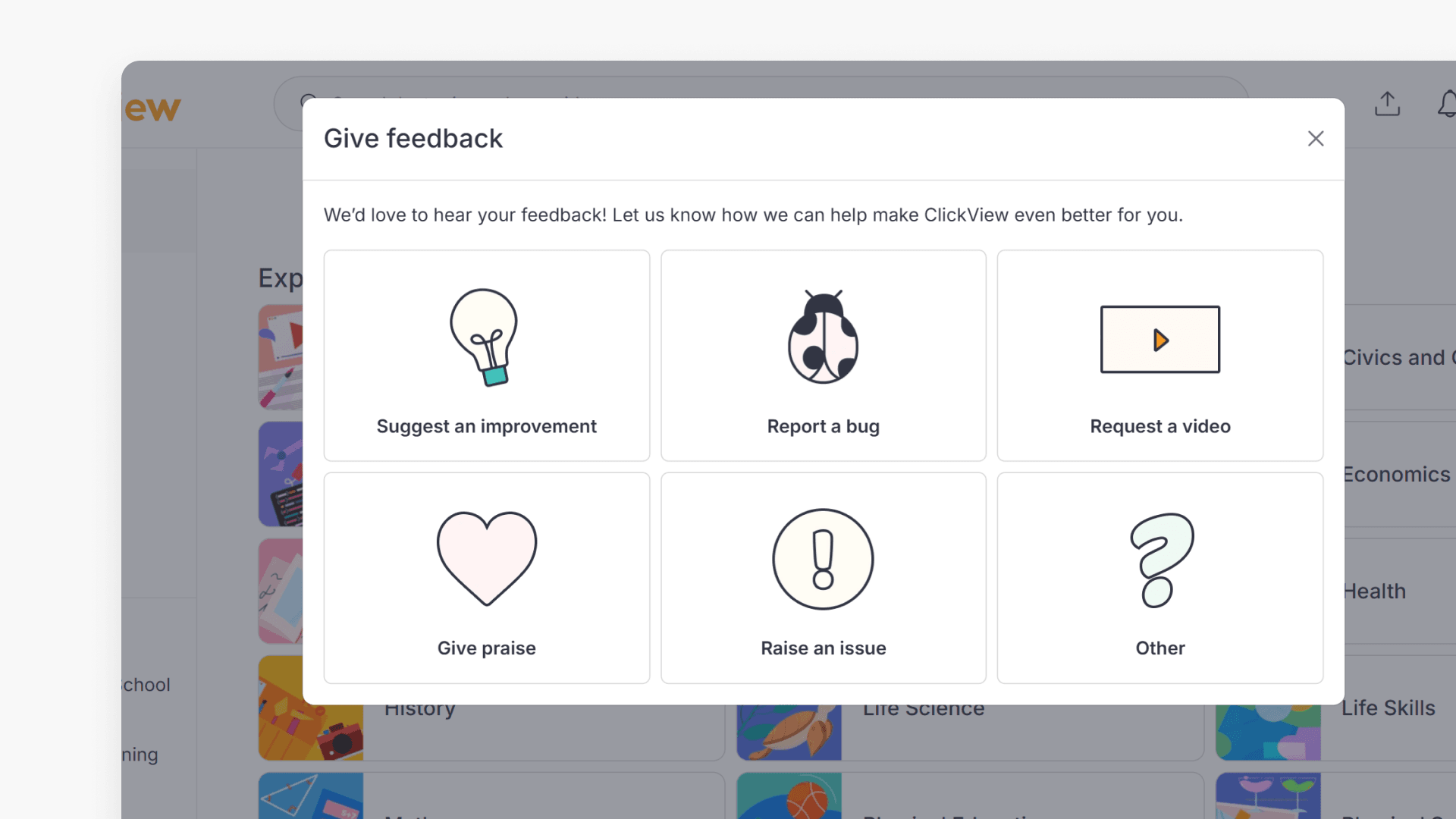
Window showing the "Give Feedback" pop-up

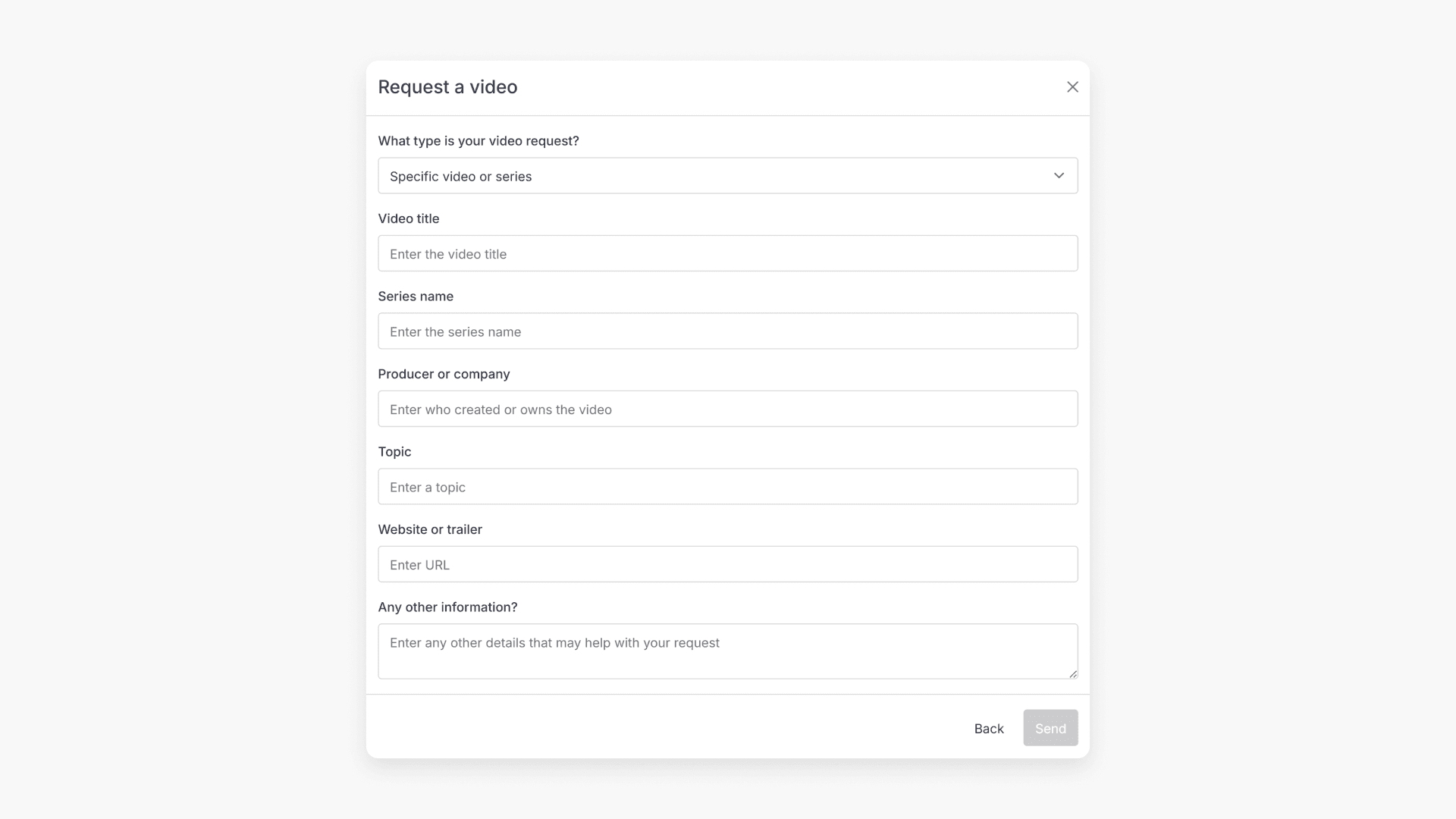
How to submit feedback in ClickView

Discover three methods to provide feedback within ClickView, including detailed options for suggestions, bugs, ideas, and general comments. This guide outlines each in-product feedback path with step-by-step visuals.
Still have questions?

Email Support

Email us

support@clickvieweducation.com

Phone Support

Phone

+44 (0)333 207 6595

Ticket Support

Send us a ticket

Fill out support formarrow right icon

Primary schools
OverviewPrimary teachersPrimary school leaders
Secondary
OverviewSecondary teachersSecondary leaders
All-through
OverviewAll-through leaders
MATs
OverviewMATs analyticsShared Libraries
Product
OverviewDiscoverEngageUnderstand
Features
Upload videosInteractive videosShare videosIntegrationsAccessibility and equityClassroom analyticsSchool analyticsMovies and TVClickView TV
Company
AboutBlogBrandContact usSupportGet started FREE
Sign up for new release videos, trending topics, and more.
By subscribing you agree to our Privacy Policy.
Letter with heart
USAUSA
AUSAUS
CANCAN
NZLNZL
GDPR CompliancePrivacy PolicyTerms and ConditionsOnline Terms