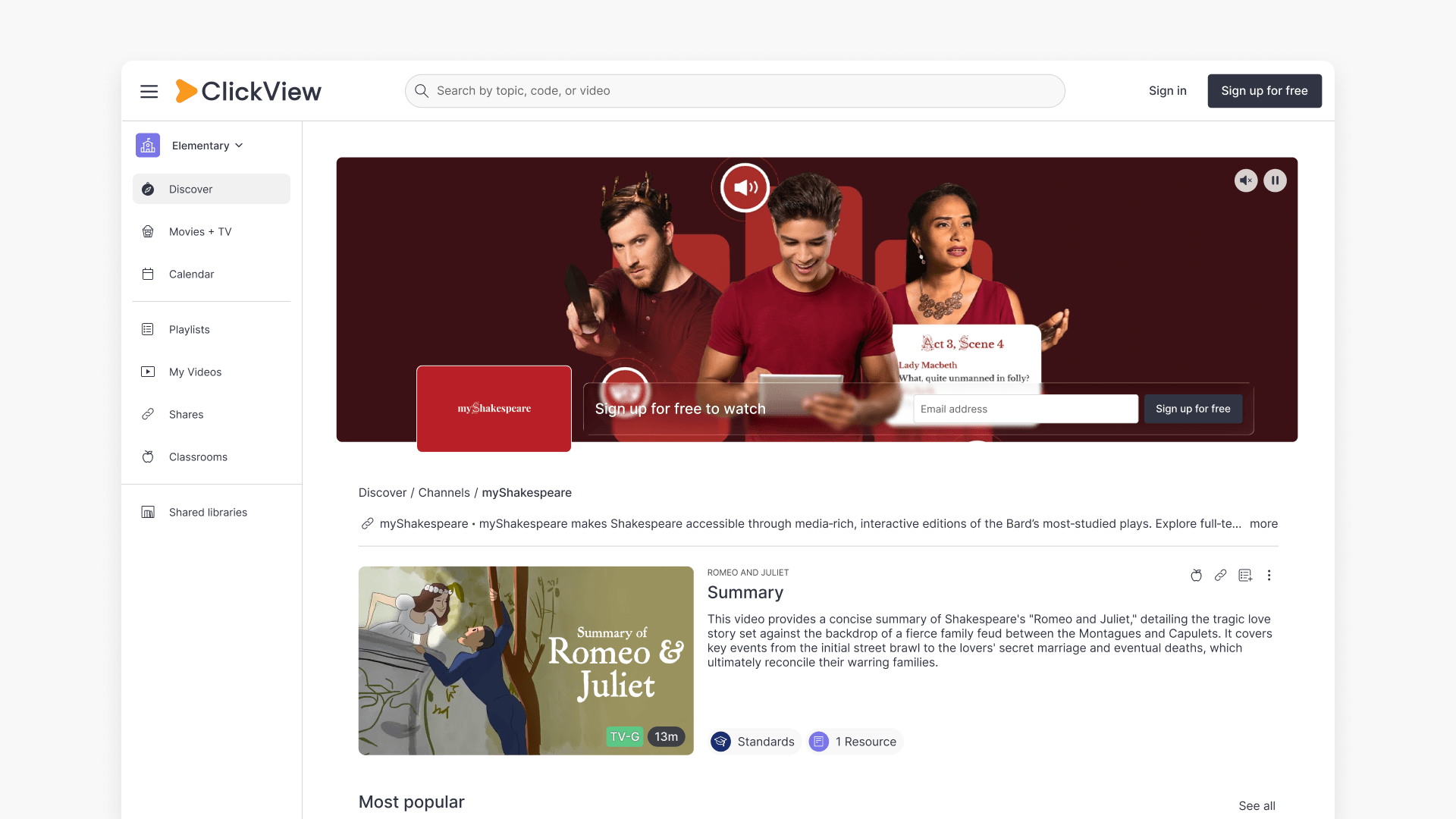
Summary What are Featured Channels in ClickView? Featured Channels bring together every video from one producer in a single place, so you can explore all their videos and resources rather than finding them across topics, series, and search results. Each channel includes a banner introducing the producer, videos organised by recent, popular, and series, and […]
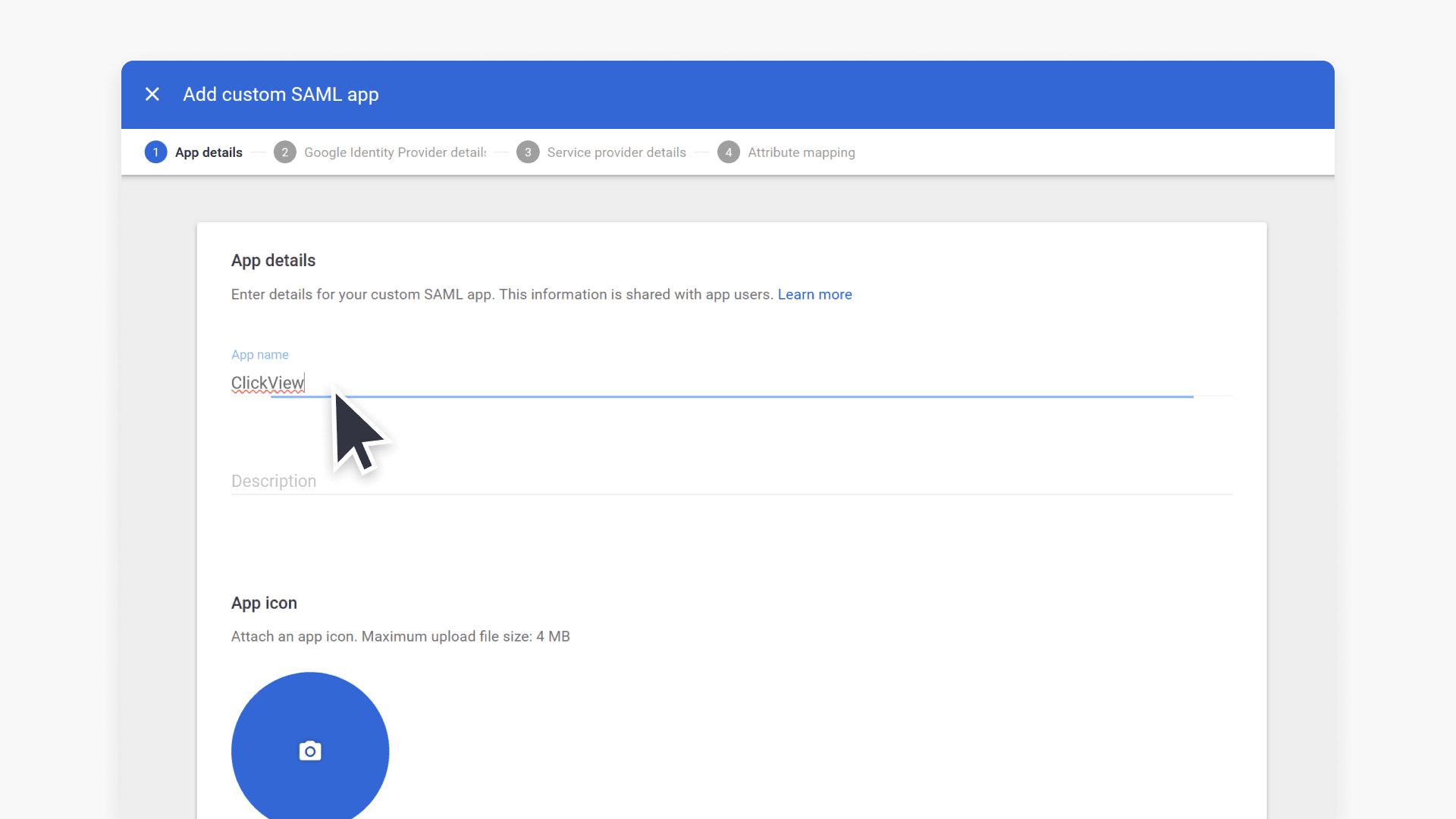
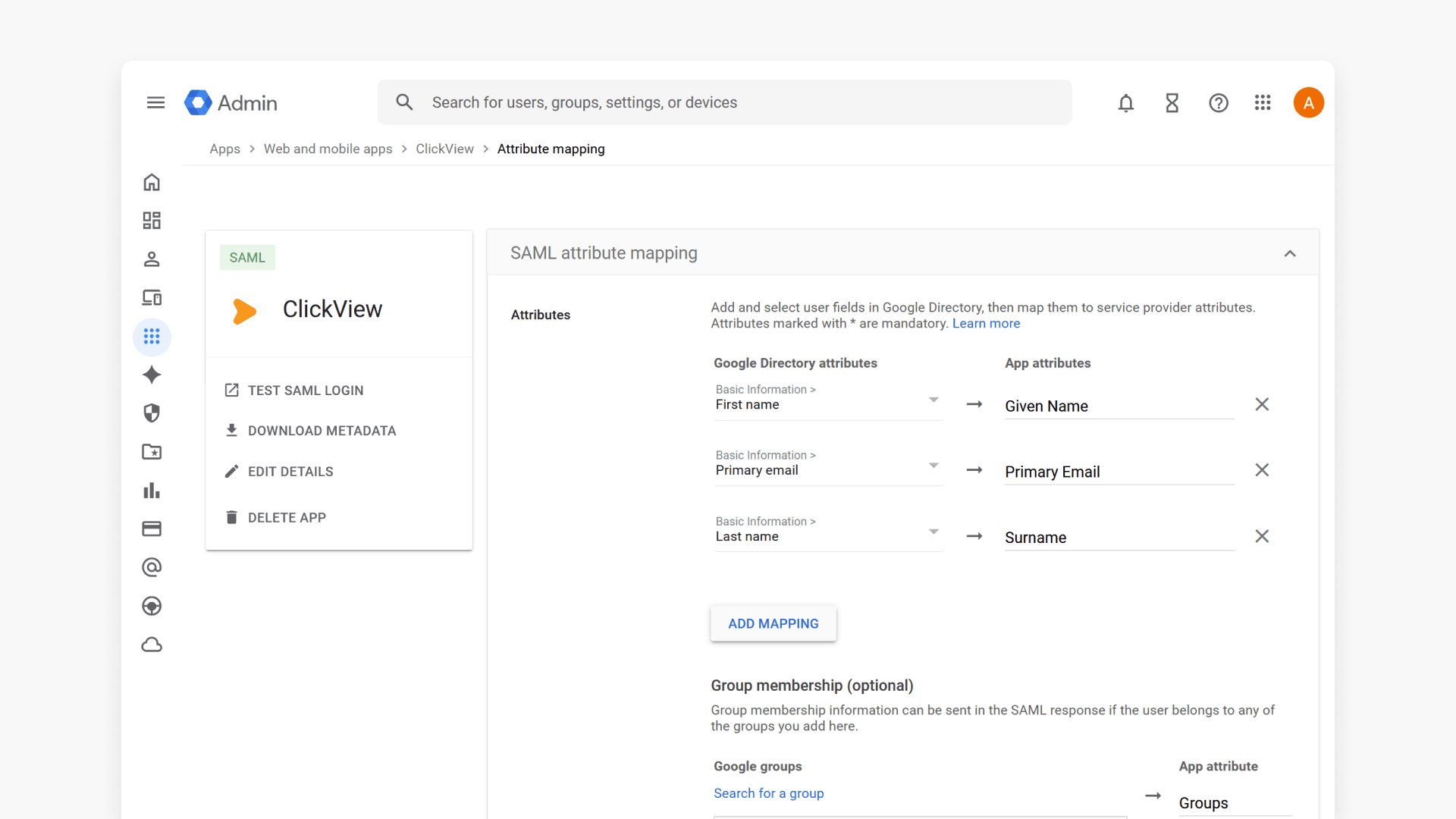
Summary How do I set up Google Workspace SAML SSO for ClickView at my school? To set up SAML SSO for ClickView, create a custom SAML app in your Google Workspace Admin console and send your SSO URL, Entity ID, and certificate to ClickView Support, who will reply with your school-specific ACS URL and Entity […]
Summary In ClickView, how do I set up Google Workspace SSO using SAML? Set up SAML SSO in three phases: create a custom SAML app for ClickView in your Google Workspace Admin console, exchange your IdP details with ClickView Support to receive your ACS URL and Entity ID, then map your user attributes (including role […]
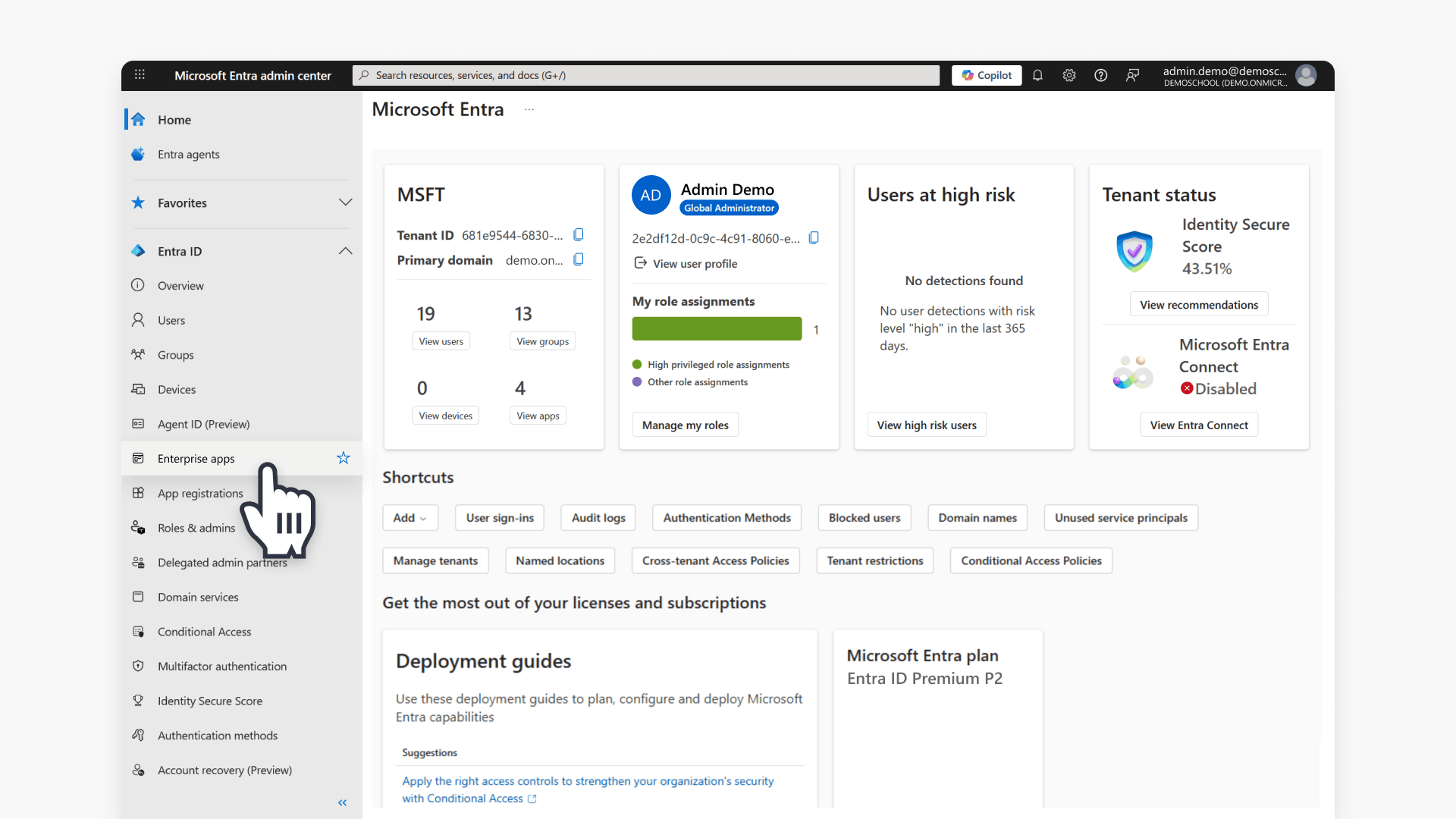
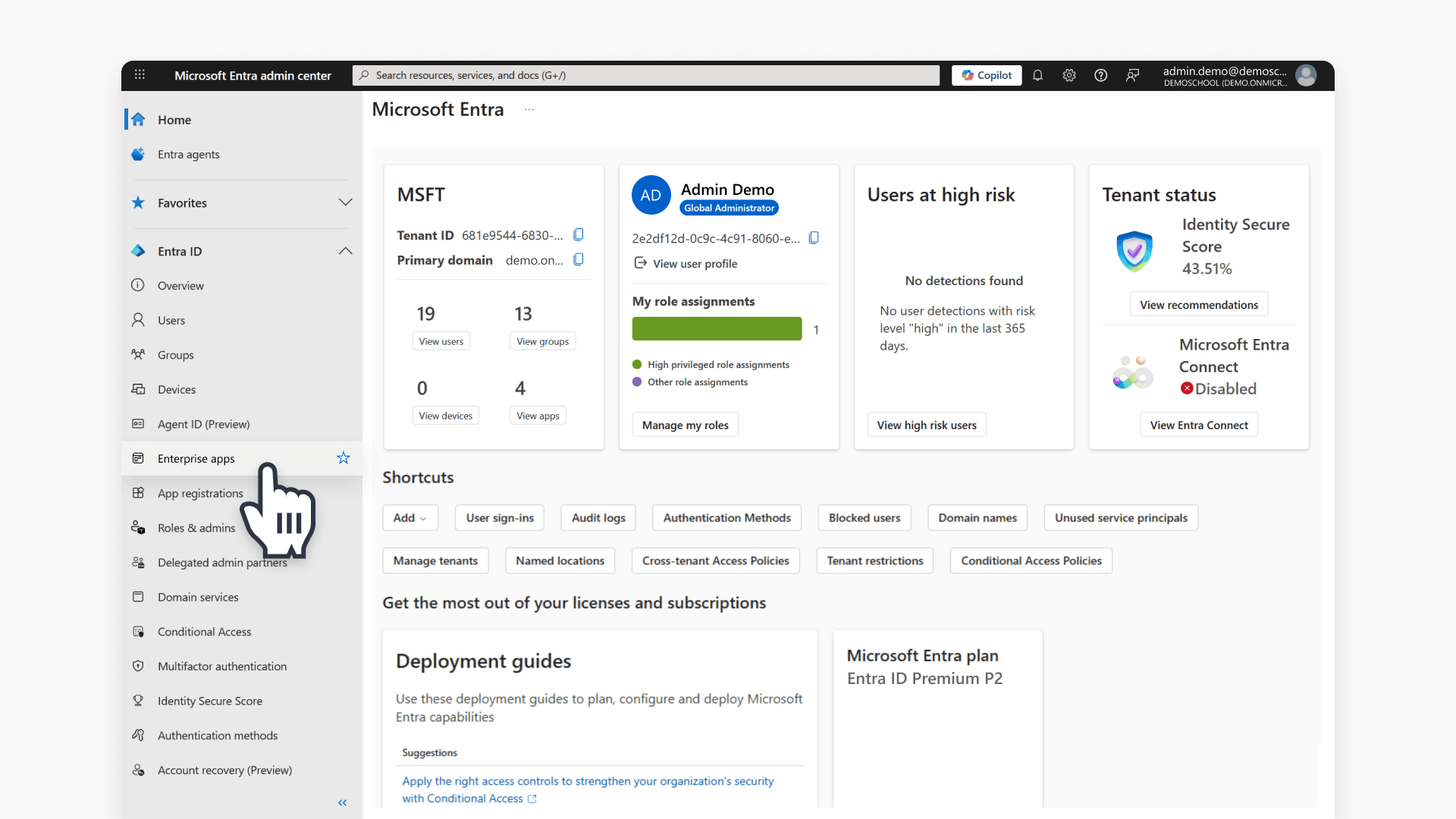
Summary How do I set up Microsoft Entra SAML SSO for ClickView at my school? To set up SAML SSO for ClickView, create a custom Enterprise Application in the Microsoft Entra portal, assign your staff and student groups, and send your group Object IDs to ClickView Support to receive your school-specific Identifier and Reply URL. […]
Summary How do I set up Microsoft Entra SAML SSO for ClickView in my peak body? To set up SAML SSO for ClickView, create a custom Enterprise Application in the Microsoft Entra portal, assign your staff and student groups, then work through a two-email exchange with ClickView Support to configure your Identifier, Reply URL, and […]
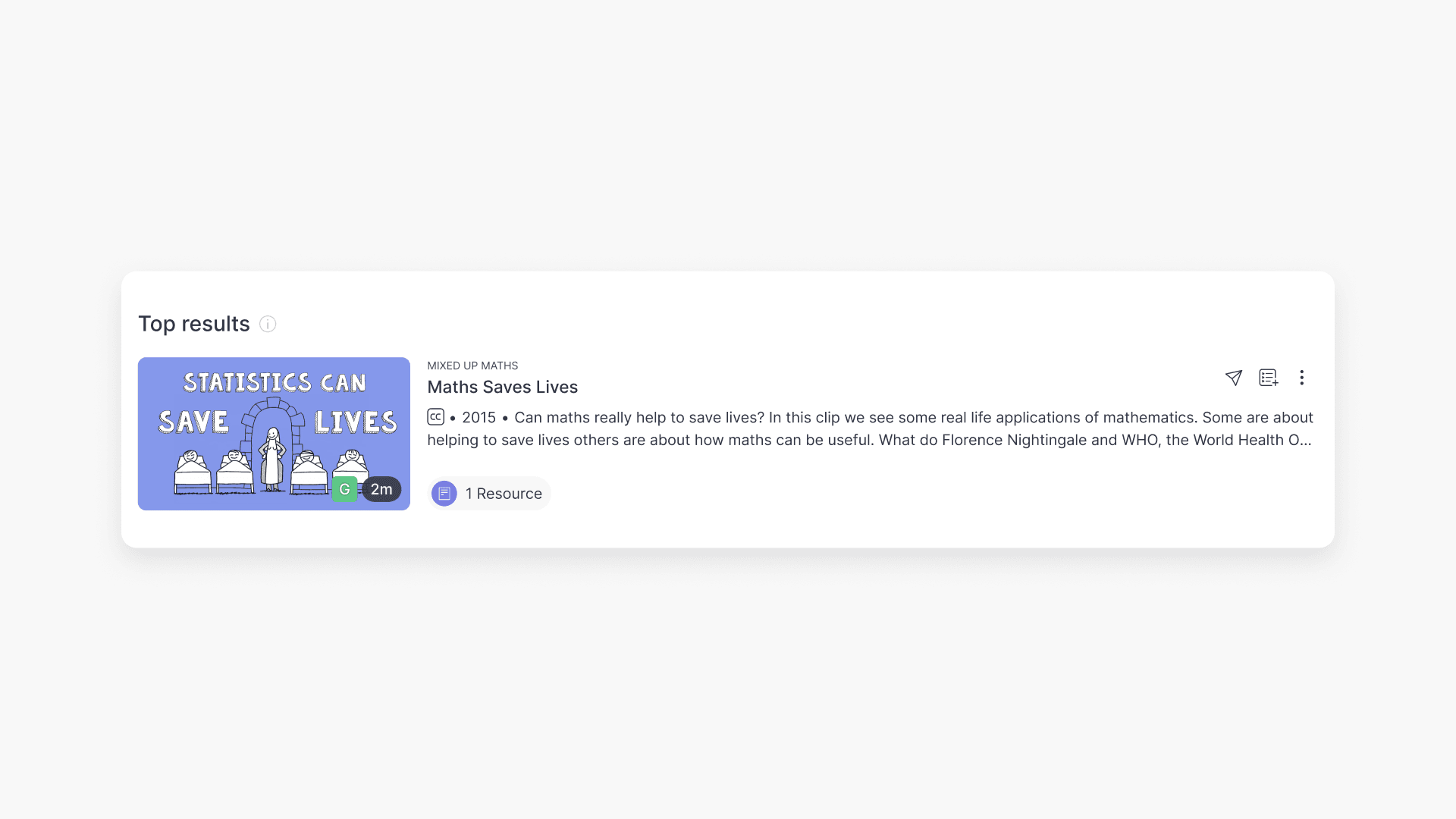
Summary What classification ratings does ClickView use for videos? ClickView follows the classifications supplied by Australian broadcasters (such as Channel 7, ABC, and SBS), in line with the ‘classify once’ principle. Ratings include E (Exempt), G (General), PG (Parental Guidance), M (Mature), MA15+ (Mature Accompanied), and R18+ (Restricted). What is video classification? Video classification shows […]
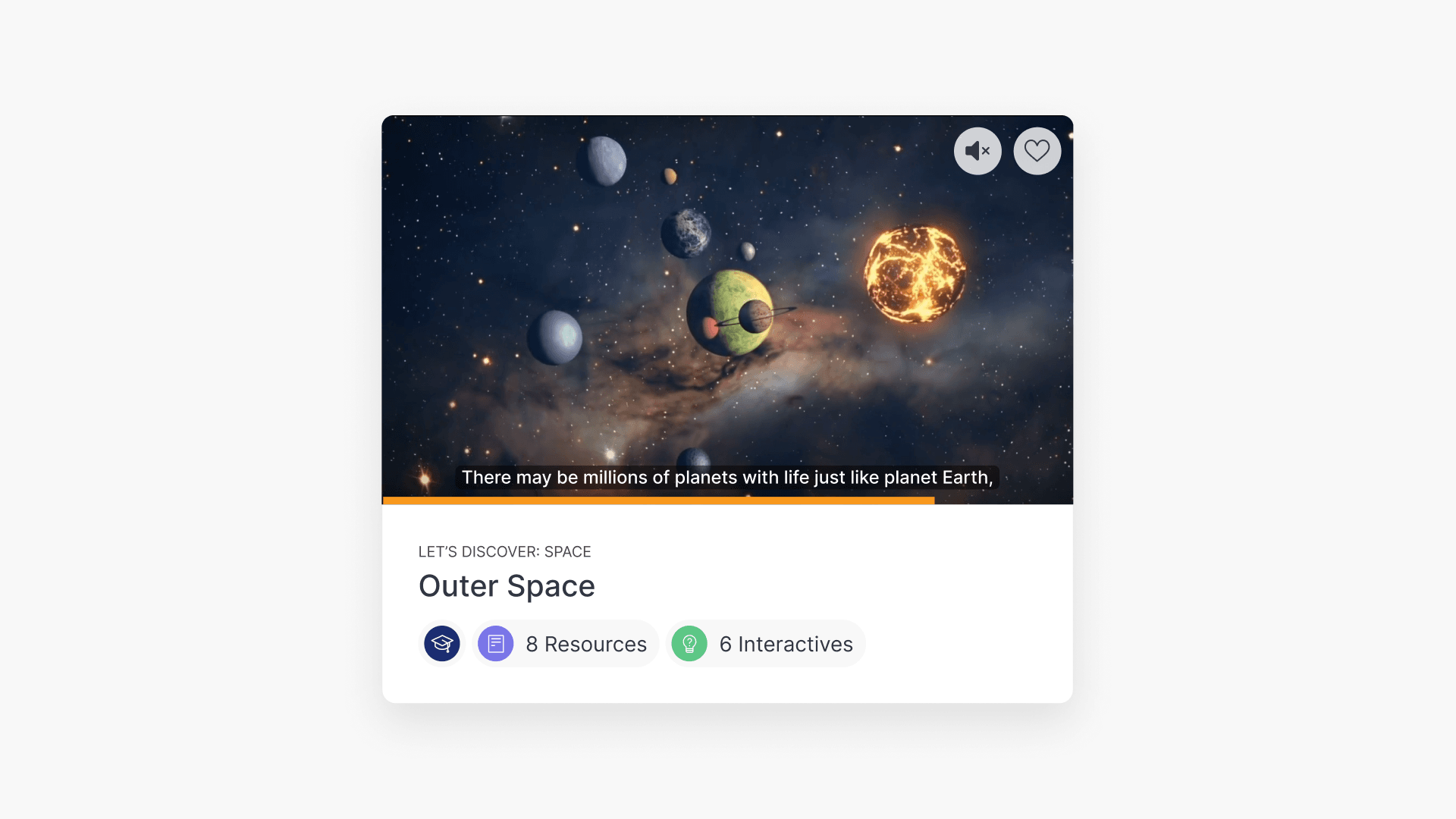
Summary How do I preview a video in ClickView without opening it? It is possible to preview a video without having to click the video title. Hover your cursor over any video tile and a preview screen will appear. The preview screen includes a small video player, captions, a seekable progress bar, a mute/unmute button, […]
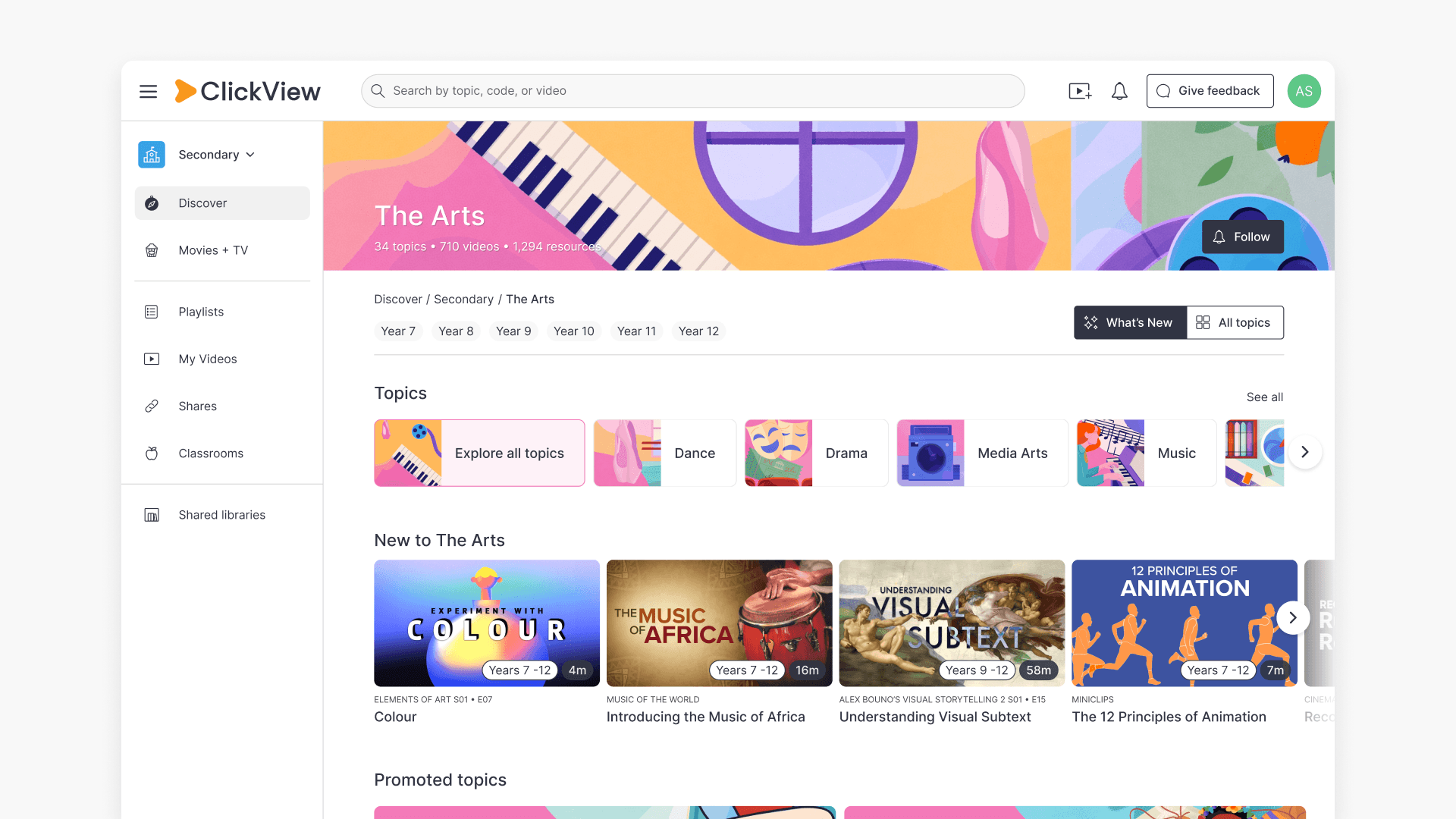
Summary How do I find videos by subject or topic in ClickView? In ClickView, click Discover on the left-hand side to browse videos organised by subject and topic. Select a subject to see its topics, then choose a topic to view all related videos. ClickView’s video library is organised into subjects and topics, so you […]
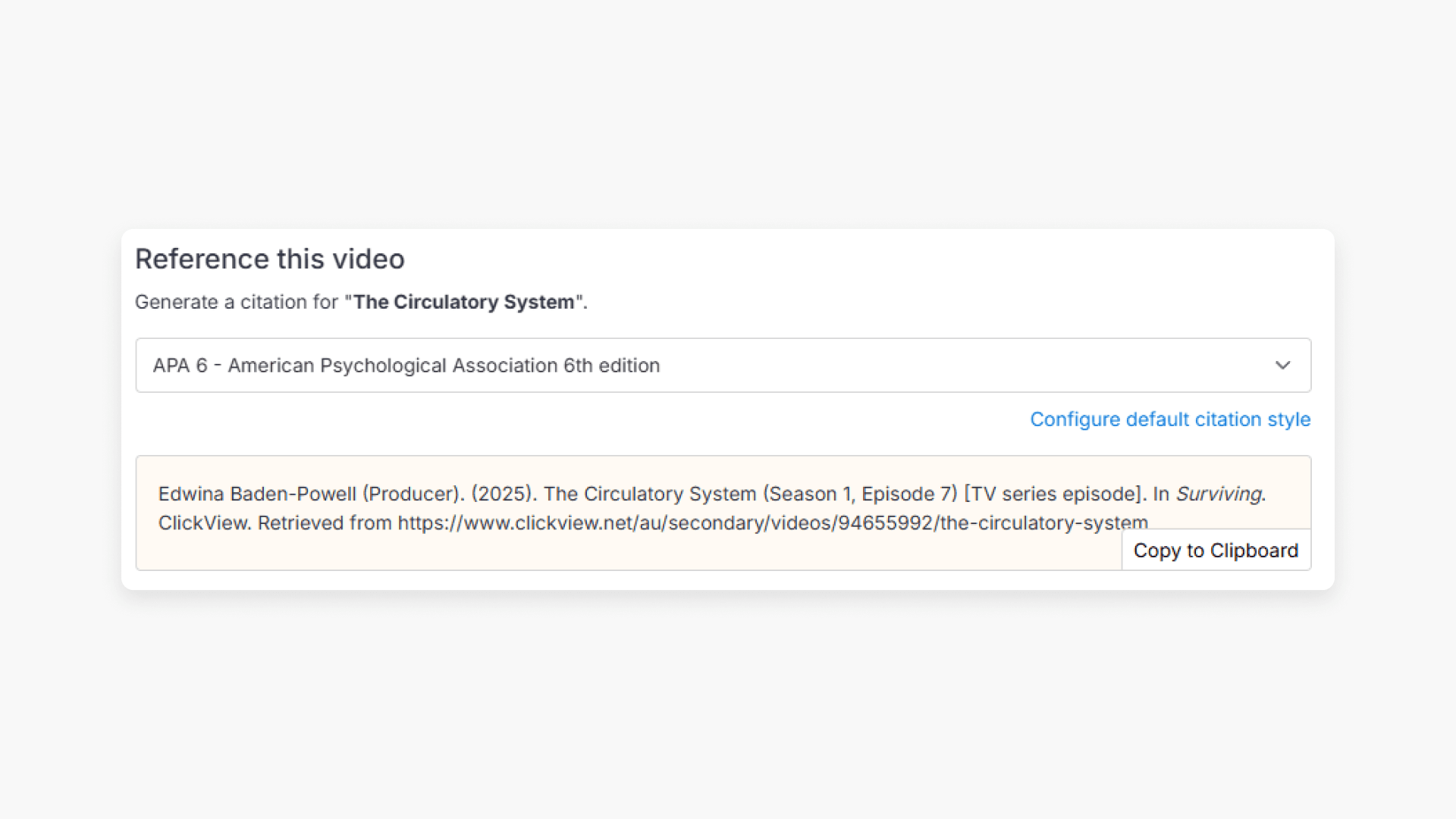
Summary How do I find citations for videos in ClickView? Every video in ClickView includes a citation. Open a video, scroll below the player, and find the Reference this video section. Select a citation style from the dropdown, and ClickView will generate the citation automatically, copy it to your clipboard, and use it anywhere. Every […]
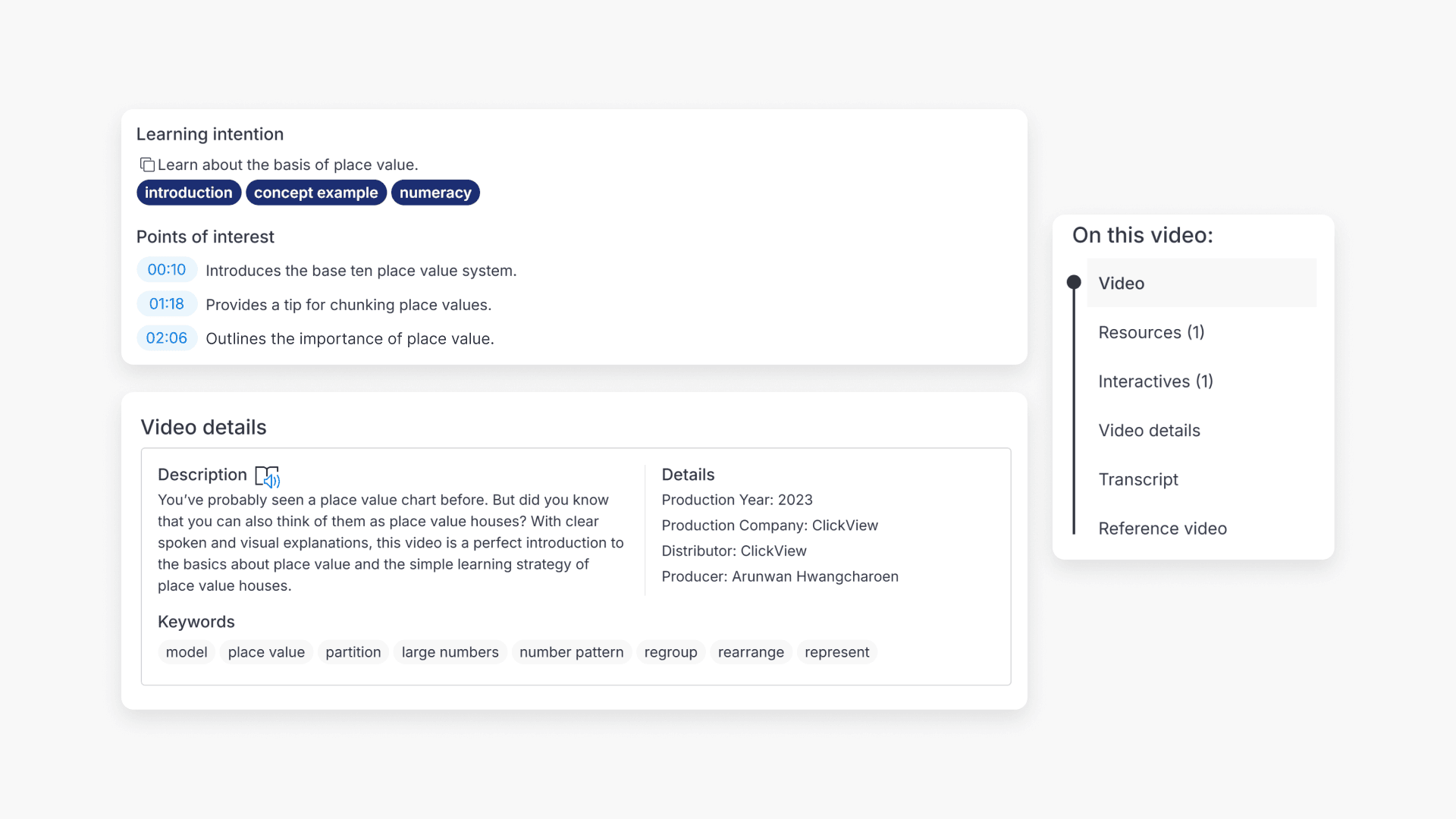
Summary How do I know if a ClickView video is suitable for my class? On any video page in ClickView, scroll down below the video to find Points of interest, Keywords, and the On this video panel. These show you timestamps and descriptions of key moments, related search terms, and a summary of what resources […]