



Getting started
Account setup
Create your ClickView account, verify your email, and sign in securely. Learn how to get started quickly and access your resources.
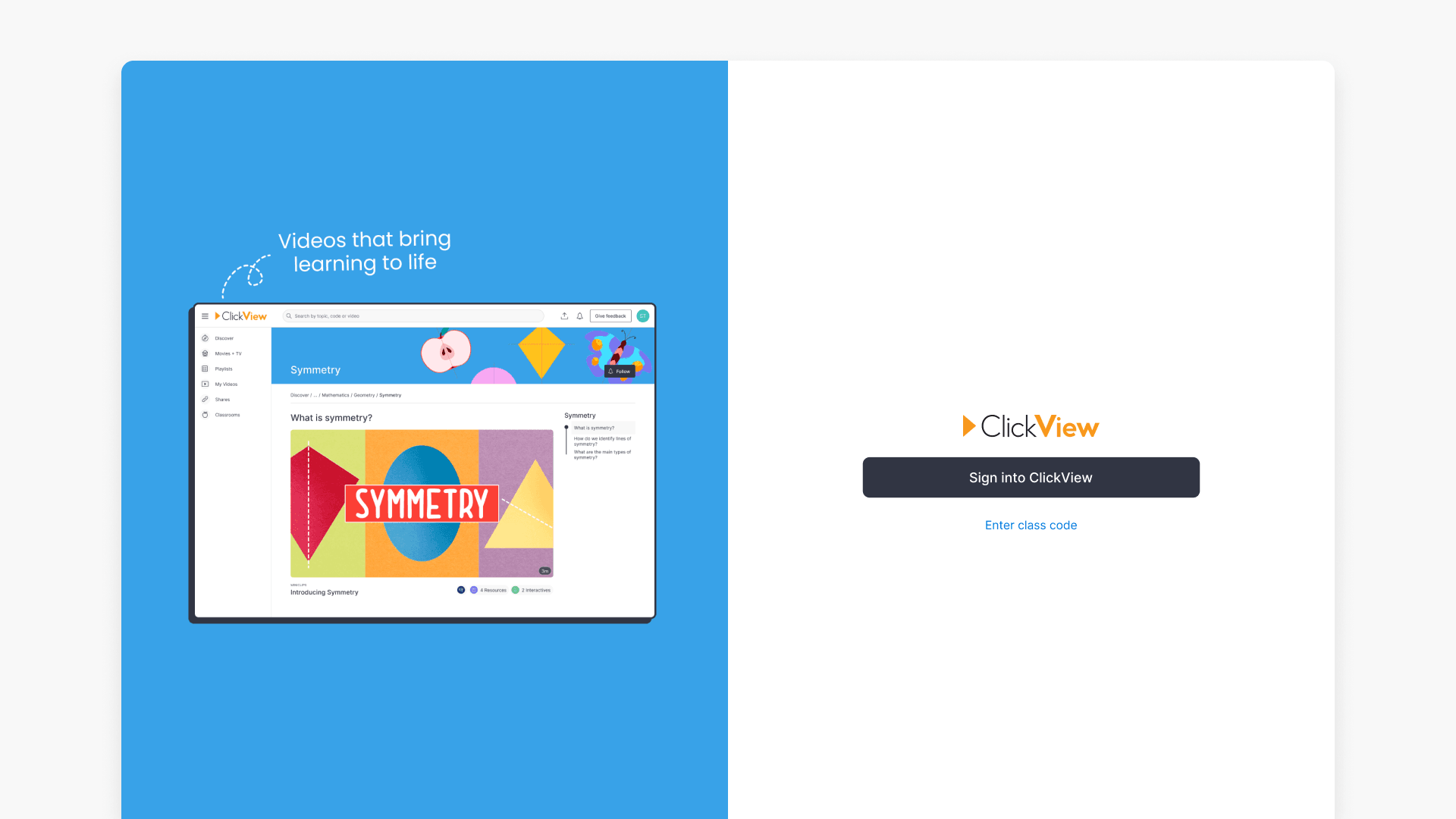
How to sign in to ClickView
This article explains all available methods for signing into ClickView, including school account, class code, and Single Sign On. Step-by-step instructions help both educators and students access ClickView securely.
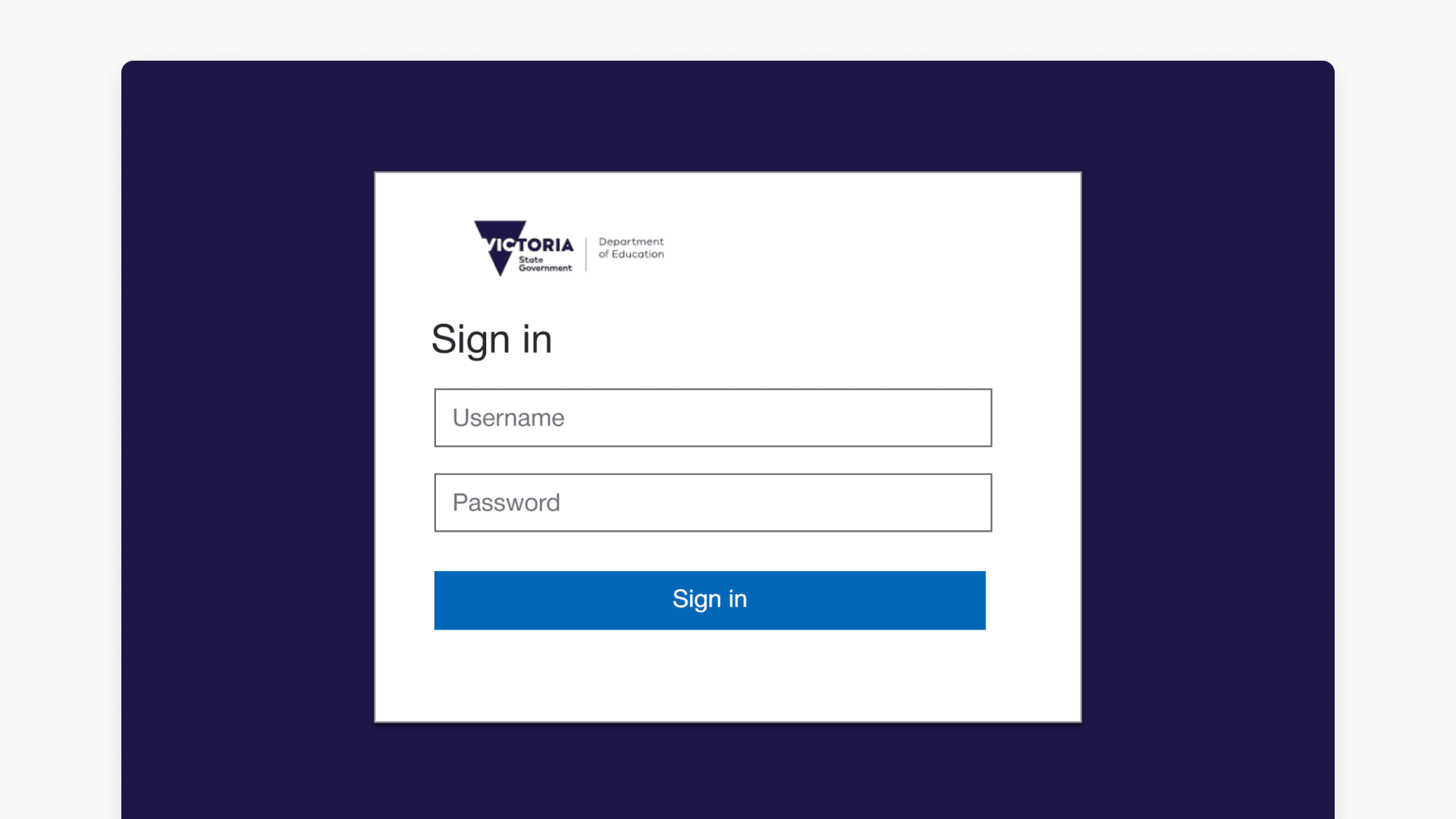
How to sign in with eduPass
This guide explains how Victorian Department of Education staff can access ClickView using their eduPass credentials. Follow these steps for secure sign in and to get started with ClickView’s educational video resources.
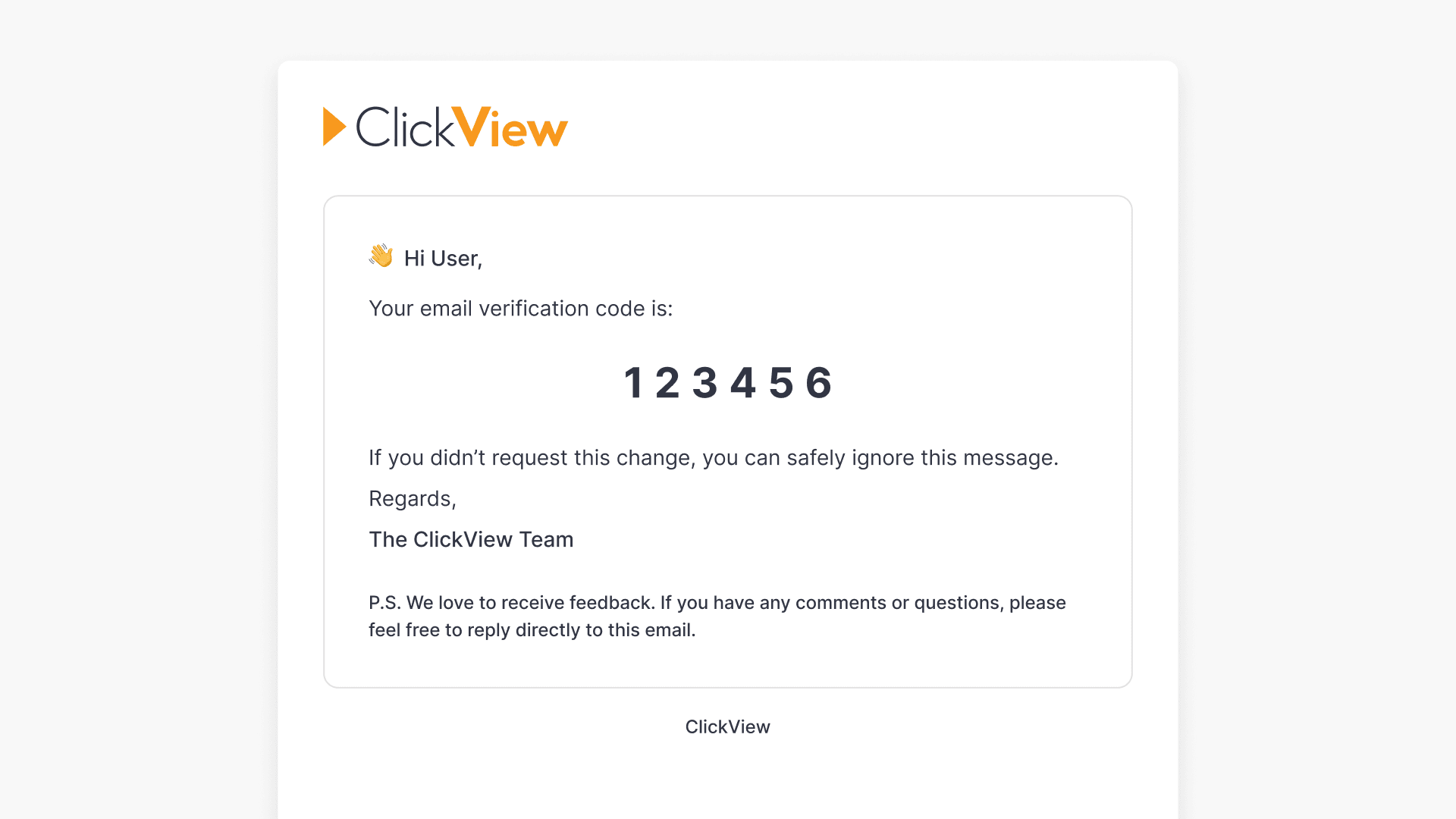
How to verify your email address
This article explains the step-by-step process for verifying your email address in ClickView, which is required for teachers and administrators and recommended for students.
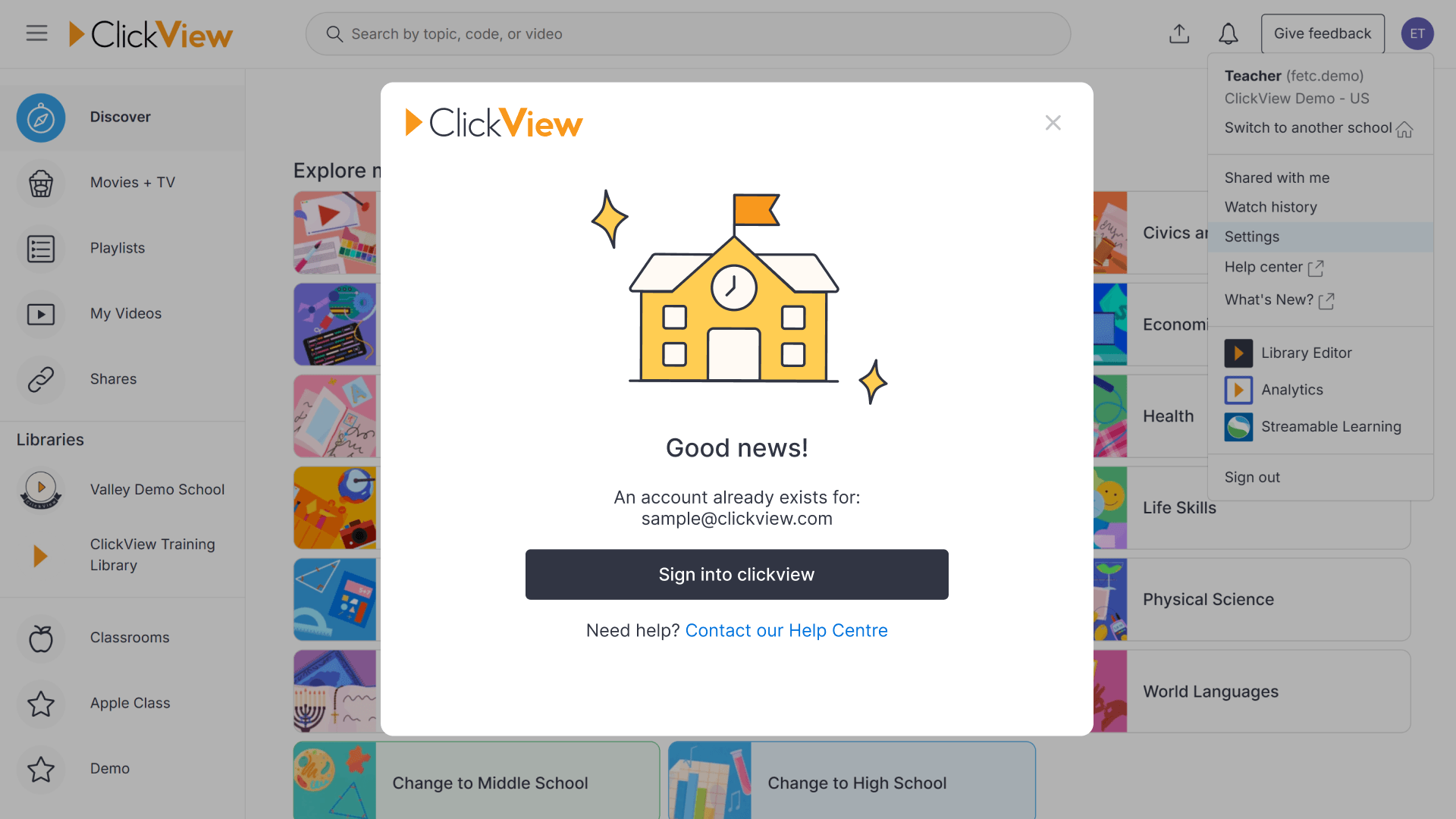
How to fix an email verification error
This article explains why email verification is necessary in ClickView, what happens when you try verifying a duplicate email, and clear steps for resolving related issues for both users and administrators.
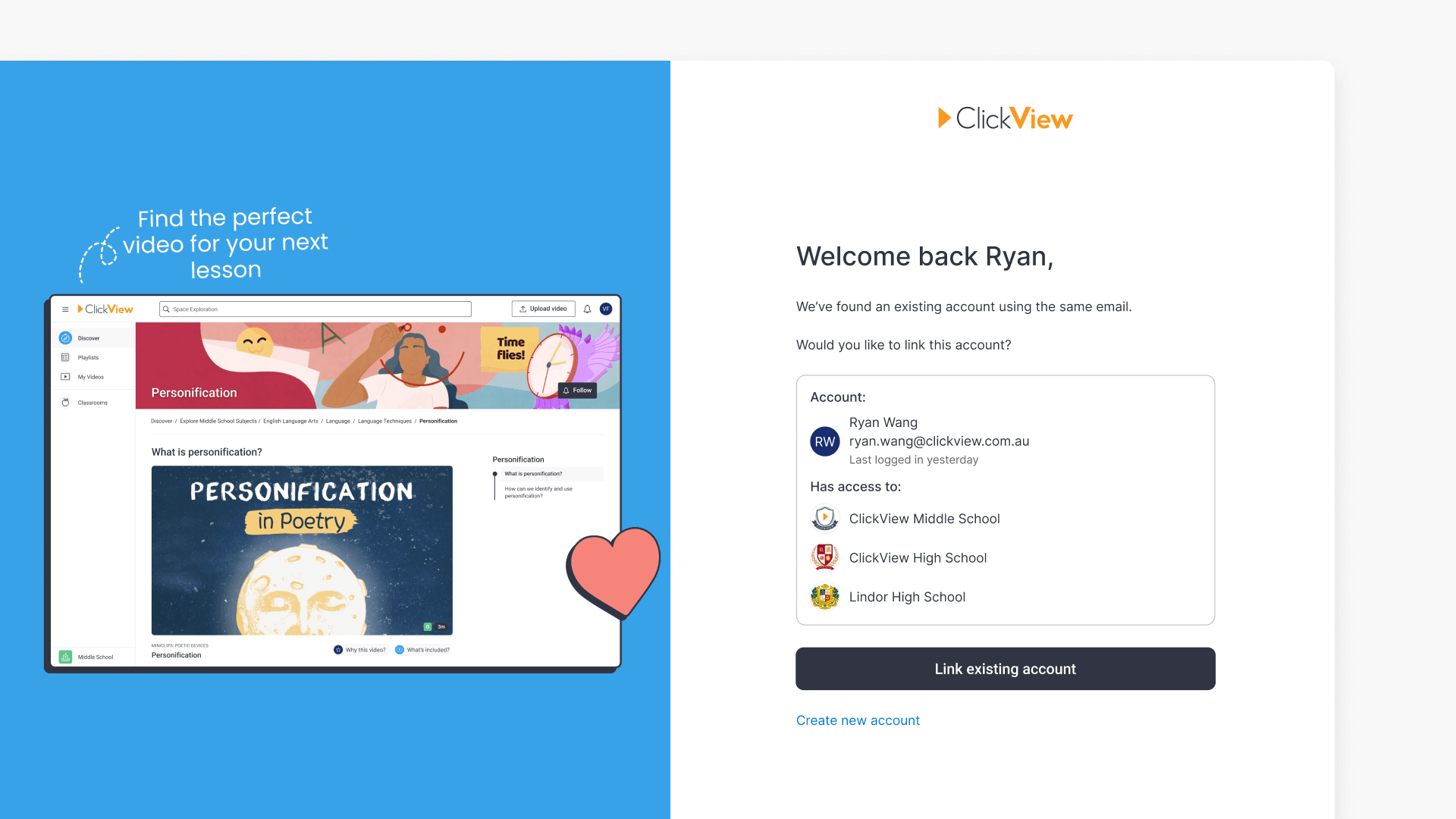
How to log in using Single Sign-On (SSO)
This article explains how to link a new SSO account to an existing ClickView account when using the same email address. Follow the steps for secure access and data continuity.
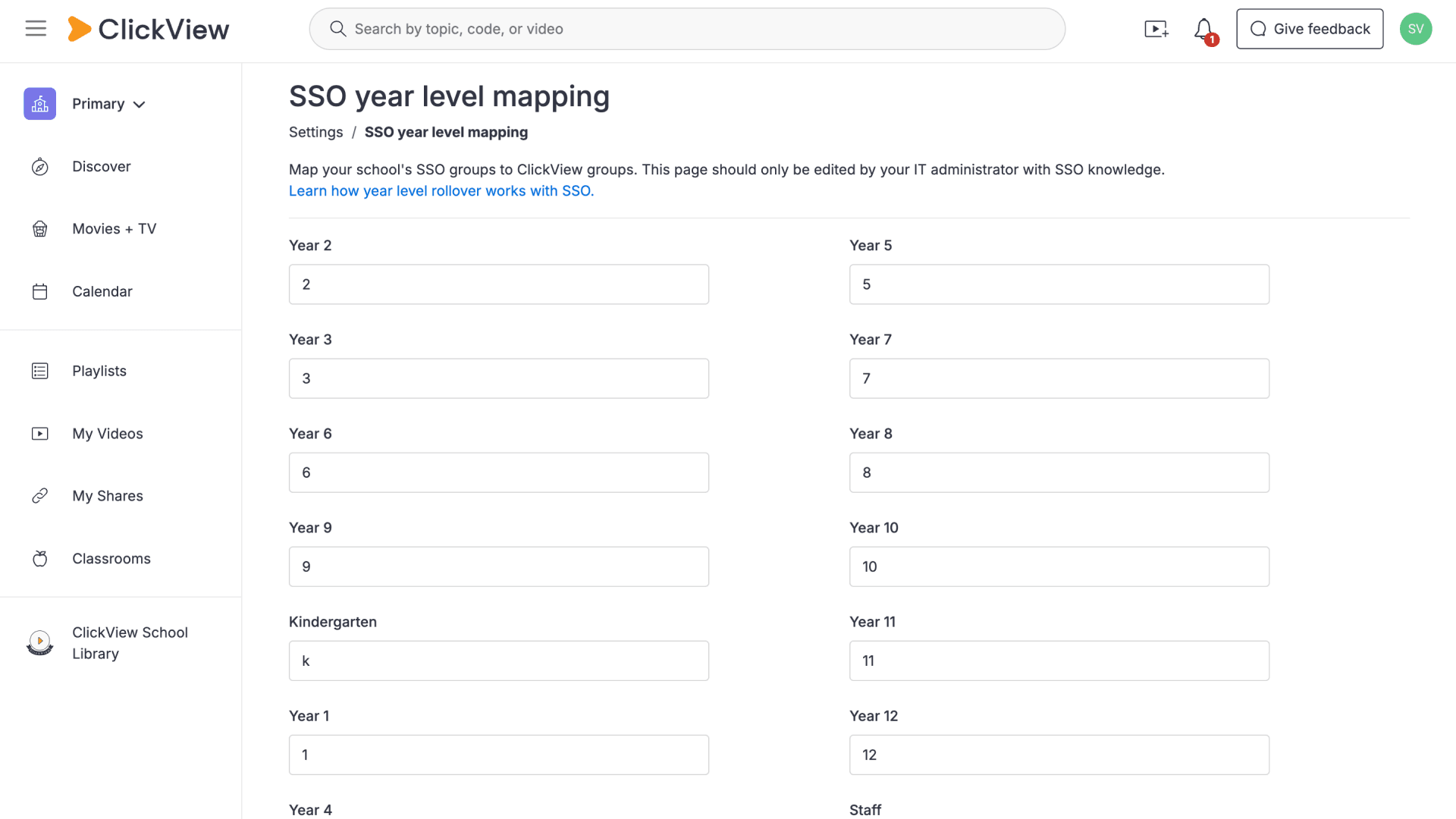
How to check if Single Sign-On is enabled
Learn how to verify Single Sign-On status in ClickView using either the sign-in process or the Settings menu. Both methods help you confirm whether your account uses SSO for streamlined access.