How to sign in with eduPass
Last updated by
1 min readClickView30th January, 2026
Summary
- Enter your @education or @schools email address
- Select “Continue”
- Select “Sign in with eduPass”
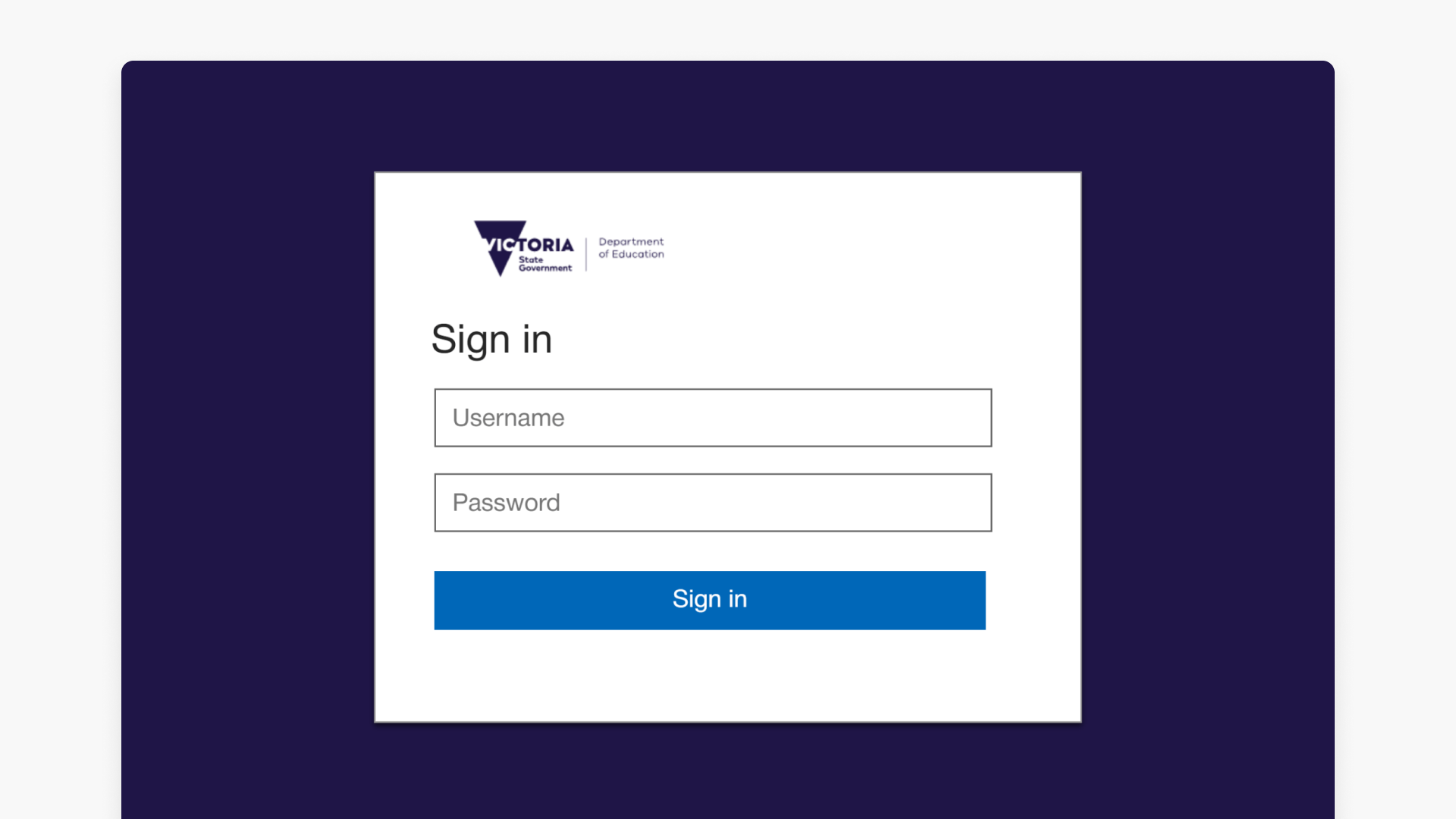
- Enter your User ID and password on eduPass
- Select “Sign in” to access your ClickView account
- If already signed in to eduPass, access is immediate
star icon
Quick tip
What happens if you’re already signed in to eduPass?
If you are already signed in to eduPass, you will be taken straight into your ClickView account without needing to re-enter your credentials.
How to access ClickView with eduPass
Victorian Department of Education staff and students can securely access ClickView using their eduPass credentials. Follow these steps to sign in:
- Go to launch.clickview.net
- Enter your @education.vic.gov.au (Staff) or @schools.vic.edu.au (Student) email address and select “Continue”
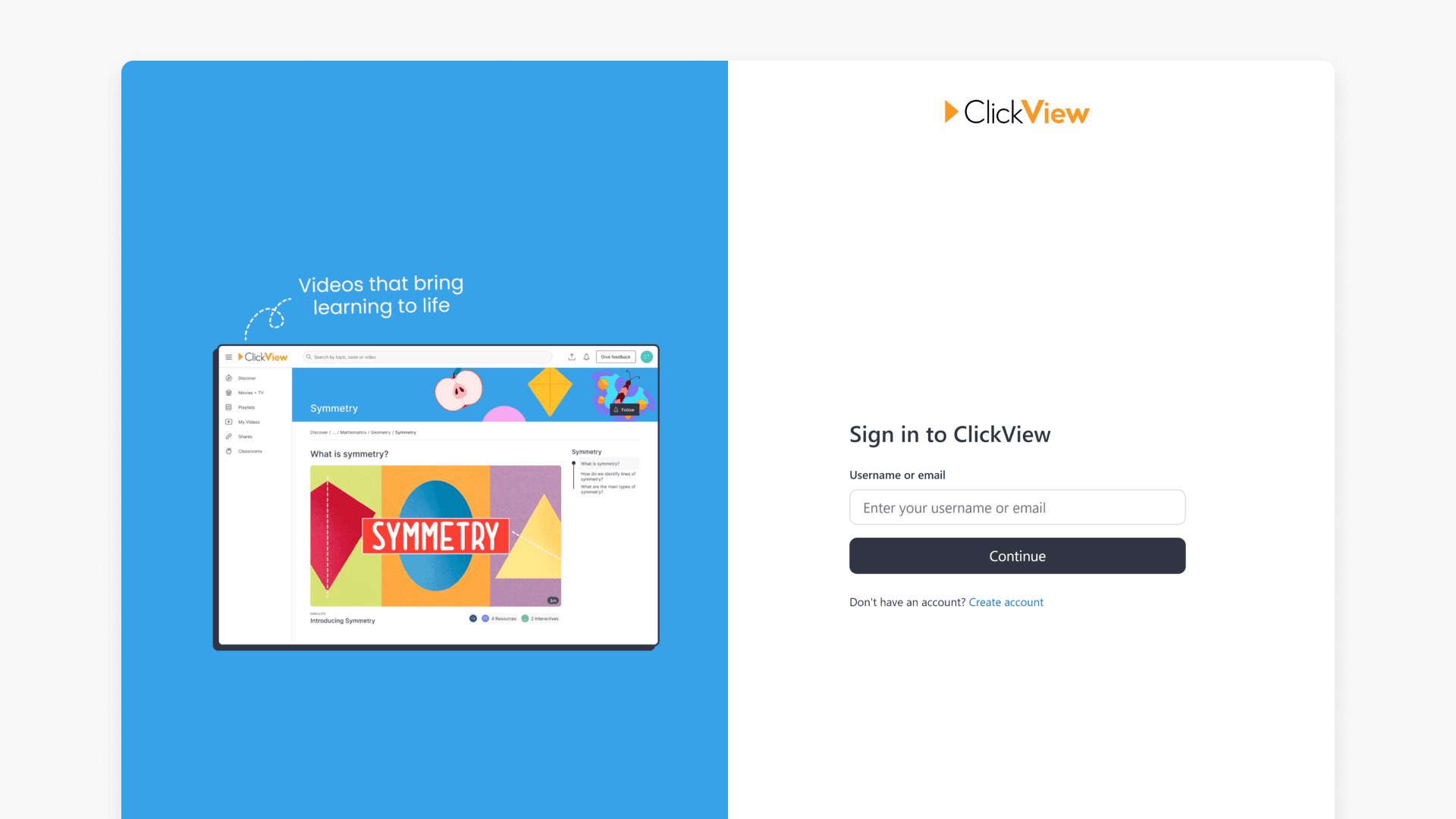
- Select “Sign in with eduPass”
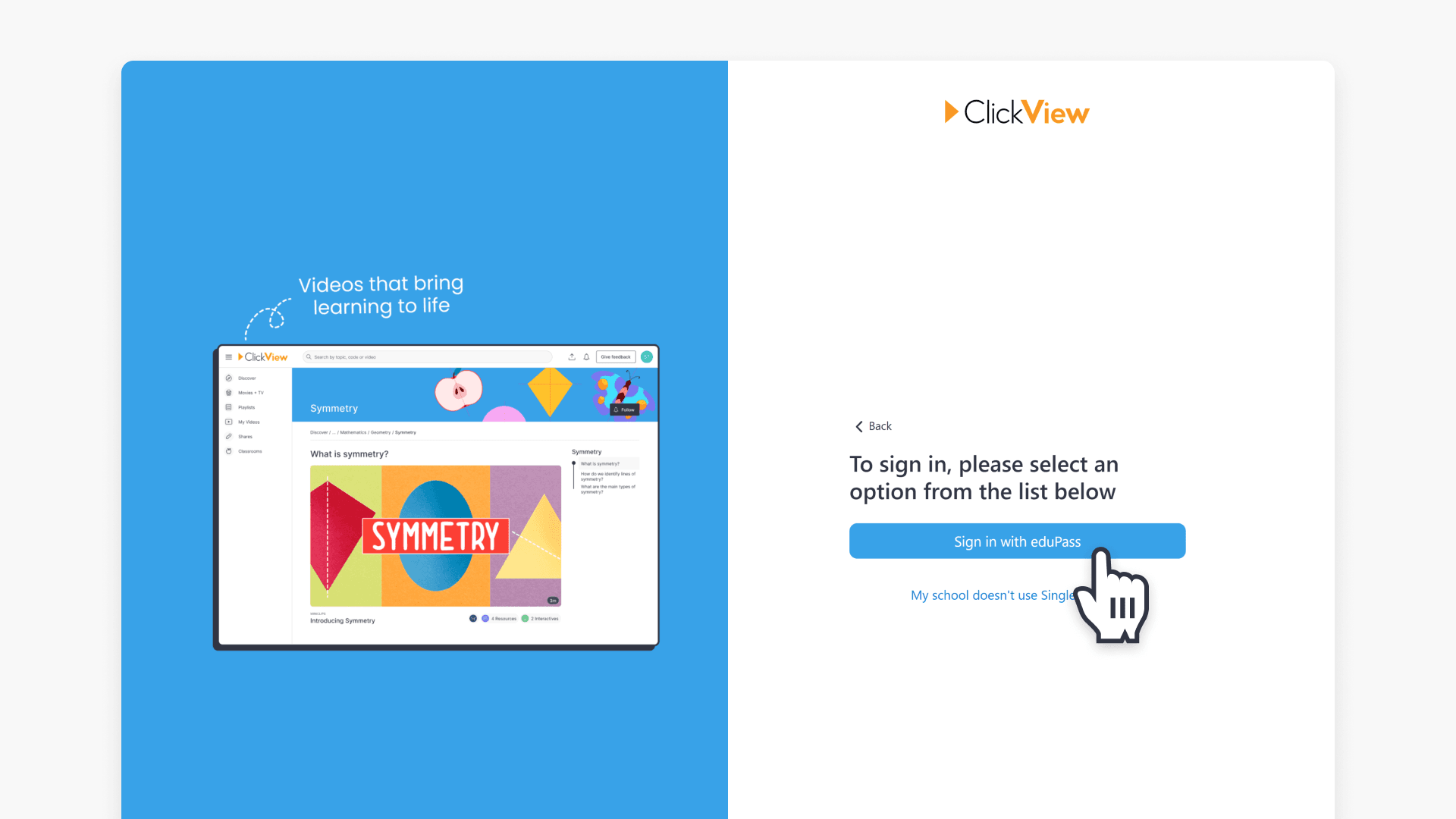
- You will be redirected to the eduPass sign in page. Enter your User ID and password, then select “Sign in”
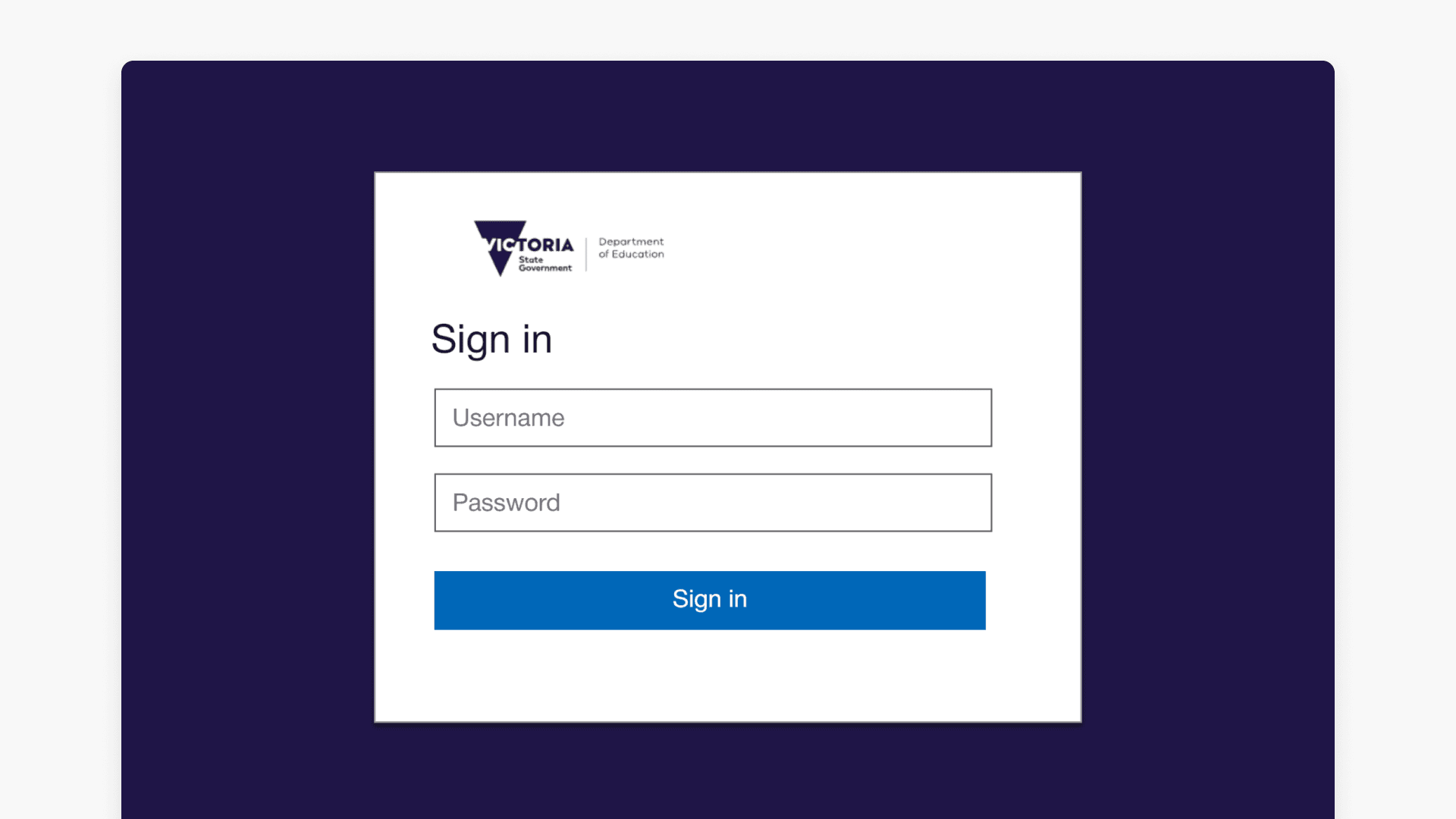
Note: If you are already signed in to eduPass, you will be taken straight into your ClickView account without further steps.
Frequently asked questions
You must use a Victorian Department of Education @education or @schools email address linked to eduPass.
If you encounter issues, contact Product Support by sending an email to support@clickview.com.au.
Get in touch
If you’re having trouble finding the right topics or videos, just reach out! Our team - 

 Akhil, Daniel, Jalaj, or any of us at ClickView - will be happy to help you get sorted.
Give feedback
Was this guide helpful?
Up Next
How to log in using Single Sign-On (SSO)
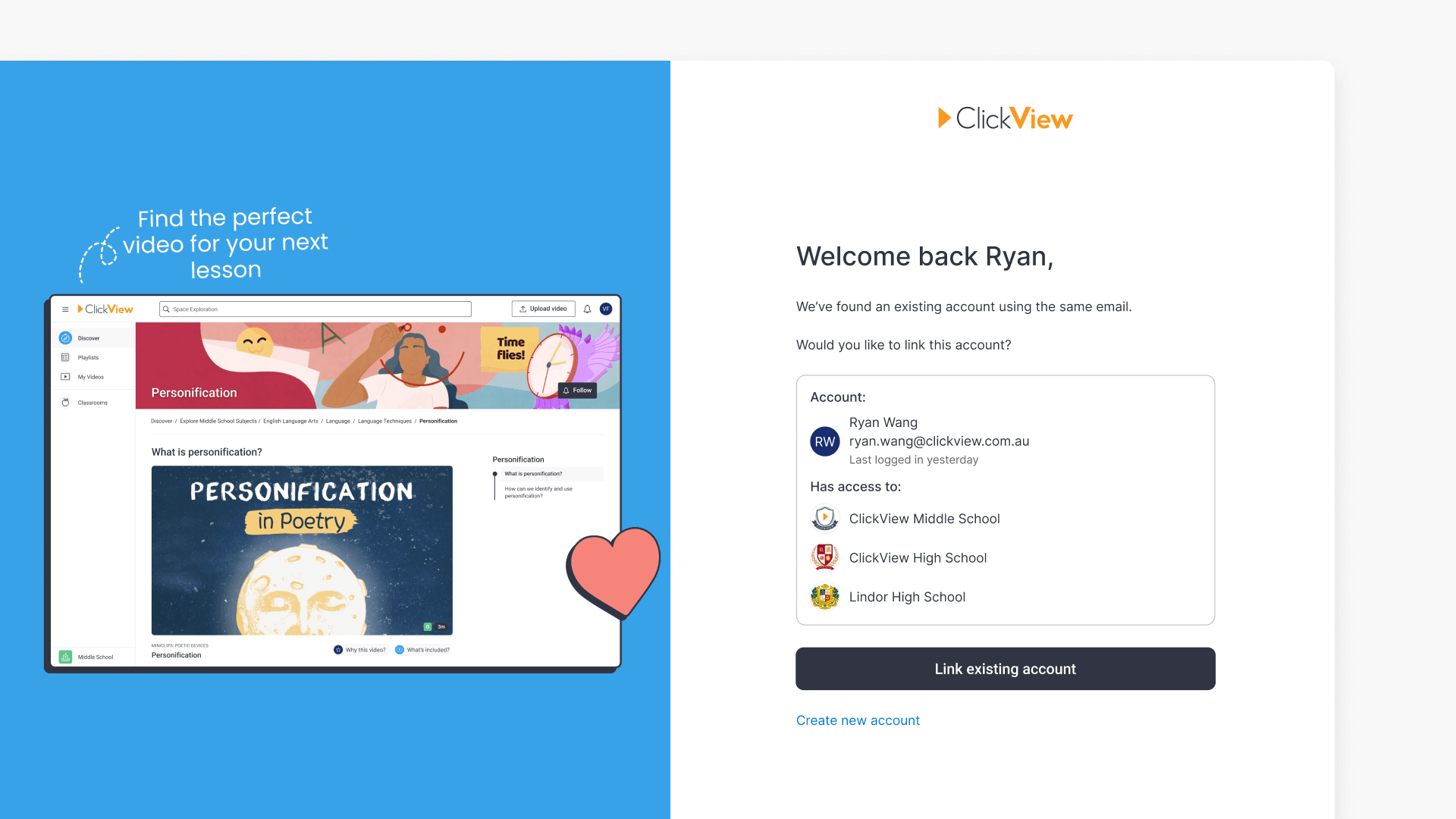
This article explains how to link a new SSO account to an existing ClickView account when using the same email address. Follow the steps for secure access and data continuity.