
Top 5 strategies for using video in the secondary classroom
Published on 4 min read

Written byTravis Edwards
In this guide
After the rollercoaster year that was 2020, we’ve learned a few things about using video as a tool for teaching and learning in the secondary classroom.
Let’s explores the top 5 ways you can use video in your classroom.
1) Hook Activity
Use video as a ‘hook’ for your lessons to:
- Grab students’ attention
- Generate interest around the topic
- Provide students with introductory information and context for the topic
You can do this by:
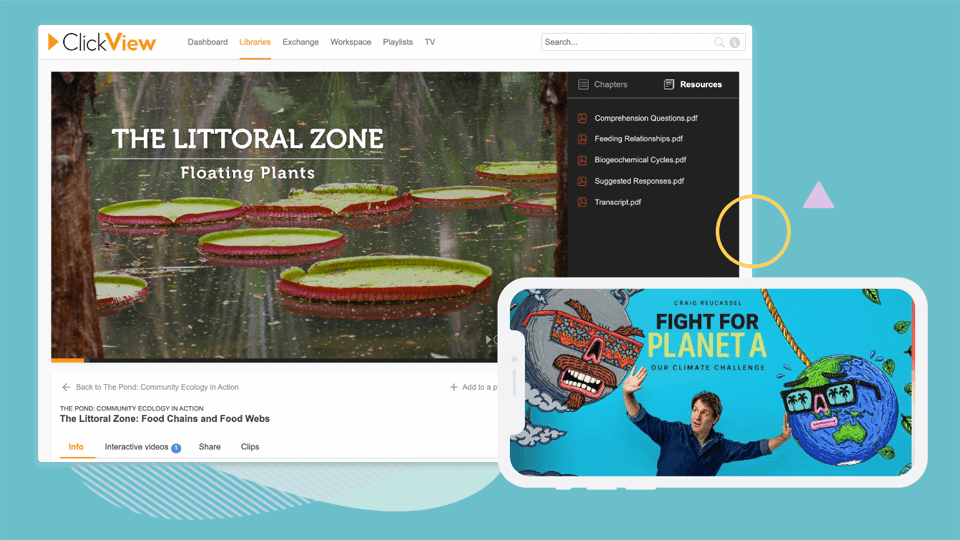
- Using one of ClickView’s thousands of curriculum-aligned videos covering all subject areas in the Secondary Library
- Finding a relevant video in ClickView TV or Exchange
- Creating your own video and share with students to explain, consolidate or assess their understanding in a lesson.
2) Leverage Pop Culture
Find and request current content from ClickView TV. We record all free-to-air TV on a rolling two weeks. This means you can use the documentary, film or TV show that you were watching over the weekend, that is directly related to your topic, in your next lesson.
- Create specific clips from popular TV shows to ignite debate and conversation in the classroom
- Show a newly-aired documentary to inform and enlighten students on an important issue
- Share a film with students that they need to analyse and critique
To find relevant TV in ClickView:
- Go to ClickView TV
- Search for a topic or keyword
- View all TV aired in the last 2 weeks that mentioned the topic you searched.
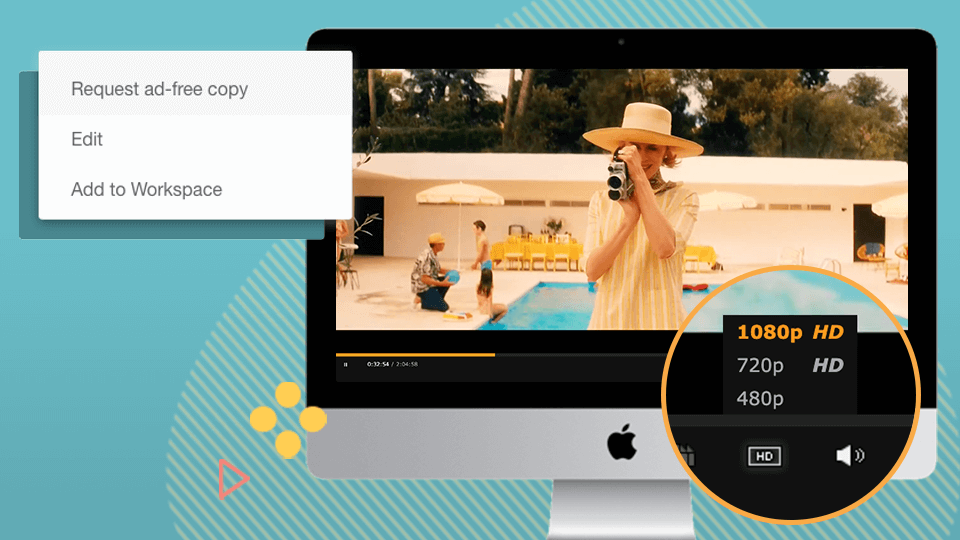
Tip: If the TV show is lengthy you can use the clip feature in ClickView to clip out the section that is relevant for your students. Here’s how you can create a clip of a video in ClickView.
3) Differentiation
Video can be used as a learning task to maximise understanding for students who are visual learners, have hearing impairments or are learning English as an additional language. Sharing a relevant, engaging video with these students enables them to watch on their own device, and at their own speed.
As all teachers know, asking one key question or sharing one particular video will not match all your student’s learning needs and strengths. We have a range of product features to enable you to differentiate your lessons even further and provide opportunities for individuals or groups of students to be supported and challenged.
- Differentiate interactive videos with questions tailored to different groups of students
- Create and share Playlists in line with your ability groups
- Use Immersive Reader and Picture Dictionary
- Upload your own content
Tip: Have students use headphones to ensure other students in the class are not distracted by the sound of the videos.
4) Student-driven learning
Ensure your students have access to ClickView so it can be used as a student-driven learning tool. For example, when students have accounts in ClickView they can:
- Record and upload their own content for peer or self-assessment (see below for more info on this)
- Search for video content relevant to the topic you are teaching and conduct their own research
- Record and upload oral presentations, dance performances, and science experiments
- Create interactive videos to add in their own questions, comments and analysis
Peer & Self-Assessment:
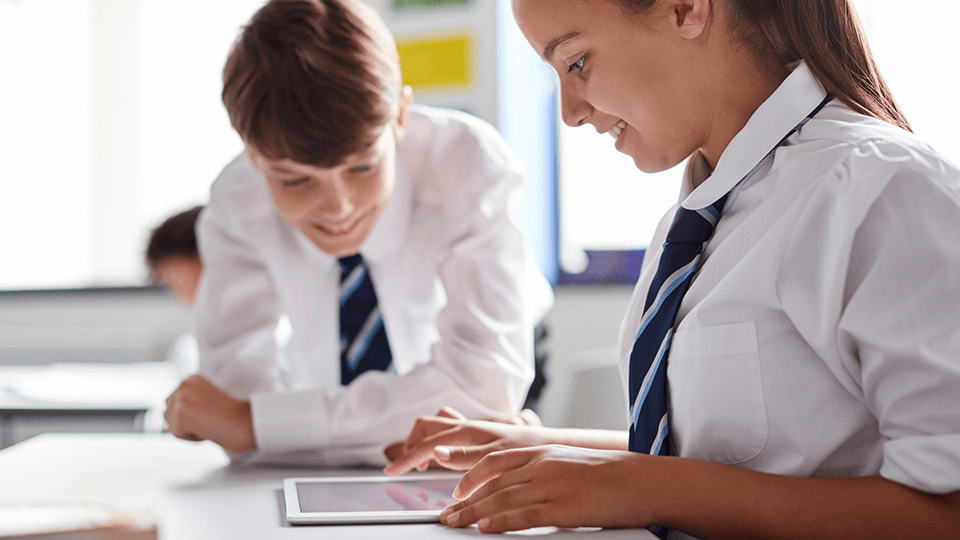
Use a video recording of each student for peer or self-assessment. Upload to ClickView and have students assess themselves or share the video with their peers to assess. They could even turn their own video into an interactive and use the annotations to add their feedback.
Examples of lessons where recording a video for peer and self-assessment can be used:
- Students public speaking
- Sports skill or technique
- Drama performance
5) Exit Ticket
At the end of a lesson, how do you know what the students have taken away? How can you assess if the students understood the learning outcomes, or if any misconceptions arose throughout the lesson?
You could do the following:
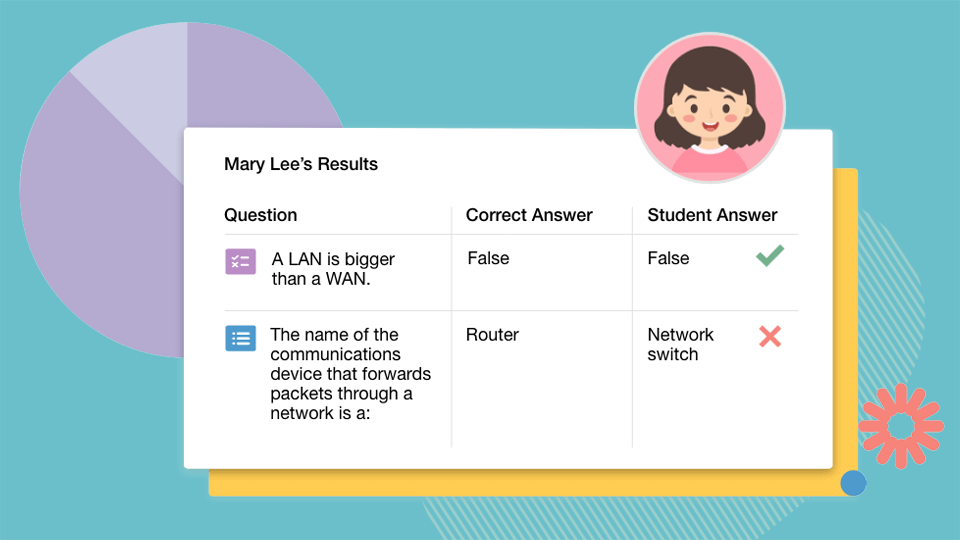
- Create a short interactive video for students to complete at the end of your lesson to ascertain their level of understanding.
- Pose a key question for students to answer at the end of the lesson. You can have students record their answer and share the video with you on ClickView. Use these videos to assess if there are any common takeaways or gaps in their learning to address in the next lesson.
Video is a teaching and learning tool, just like pens, notebooks, textbooks, and your interactive whiteboard. Whether it is an effective tool comes down to how you utilise it.
If you want to book some training for you and your colleagues, please reach out to your school’s ClickView Advisor or email info@clickview.com.au and they will be able to book something in on your behalf.
Join over 4,900 schools using ClickView to enhance teaching and learning
Get a free school evaluation today. Find out how the ClickView team can help support your school to use video for deeper engagement and subject understanding.
Share to
Other posts


Want more content like this?
Subscribe for blog updates, monthly video releases, trending topics, and exclusive content delivered straight to your inbox.