
Introducing a more personalized ClickView
Published on 3 min read
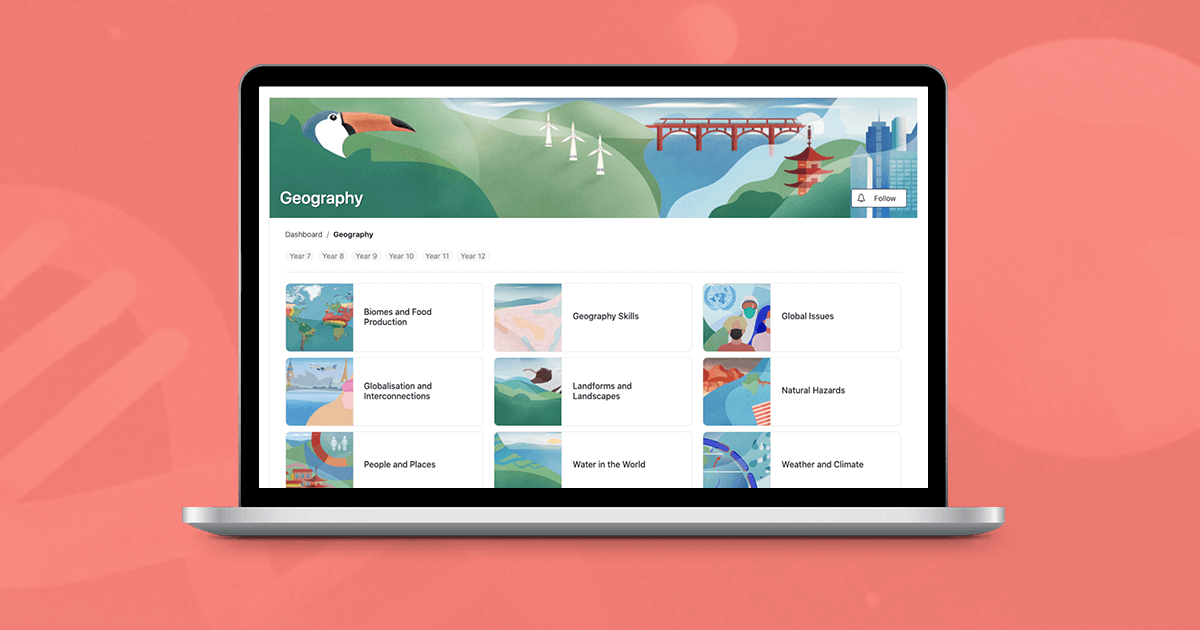
Before we dive into what’s included in the latest release of ClickView, let’s take a minute to reflect on our overarching goal for the ClickView product.
Our goal has always been:
- To save teachers time when it comes to finding relevant educational resources
- To support teachers in the classroom by empowering them to seamlessly incorporate video into their day-to-day teaching.
In this new release for schools, we take some significant steps forward and move one step closer to this goal.
Introducing Subject Areas and Topics
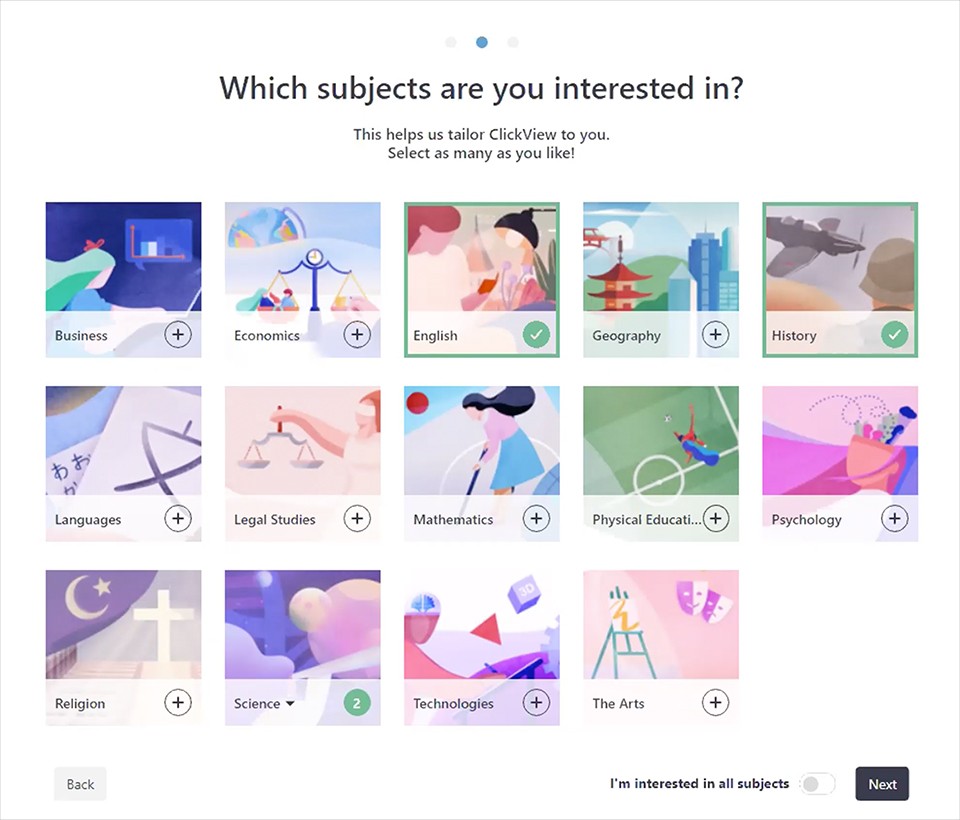
ClickView now offers a more tailored and personalized experience for each individual teacher. This is based on which subjects and topics you’re interested in and which age groups you teach.
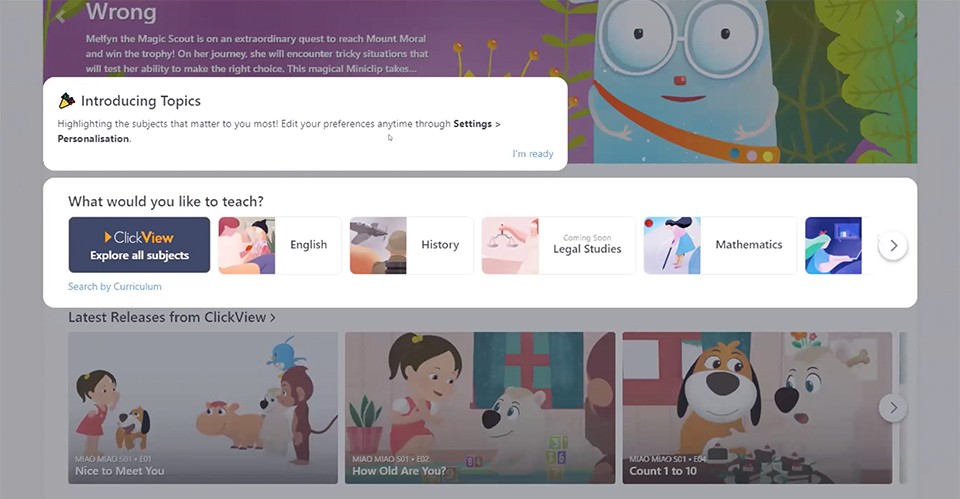
By letting ClickView know which subjects you’re interested in, the most relevant content is pushed to the top and readily available, while less relevant content is still available below if you need it.
Of course, we haven’t forgotten about our wonderful librarians and ClickView administrators. We know you do a great service of finding content for your teachers. If this is the case for you, there’s no need to choose and you can continue to see content from all subject areas.
Introducing Topics – a new way to discover content
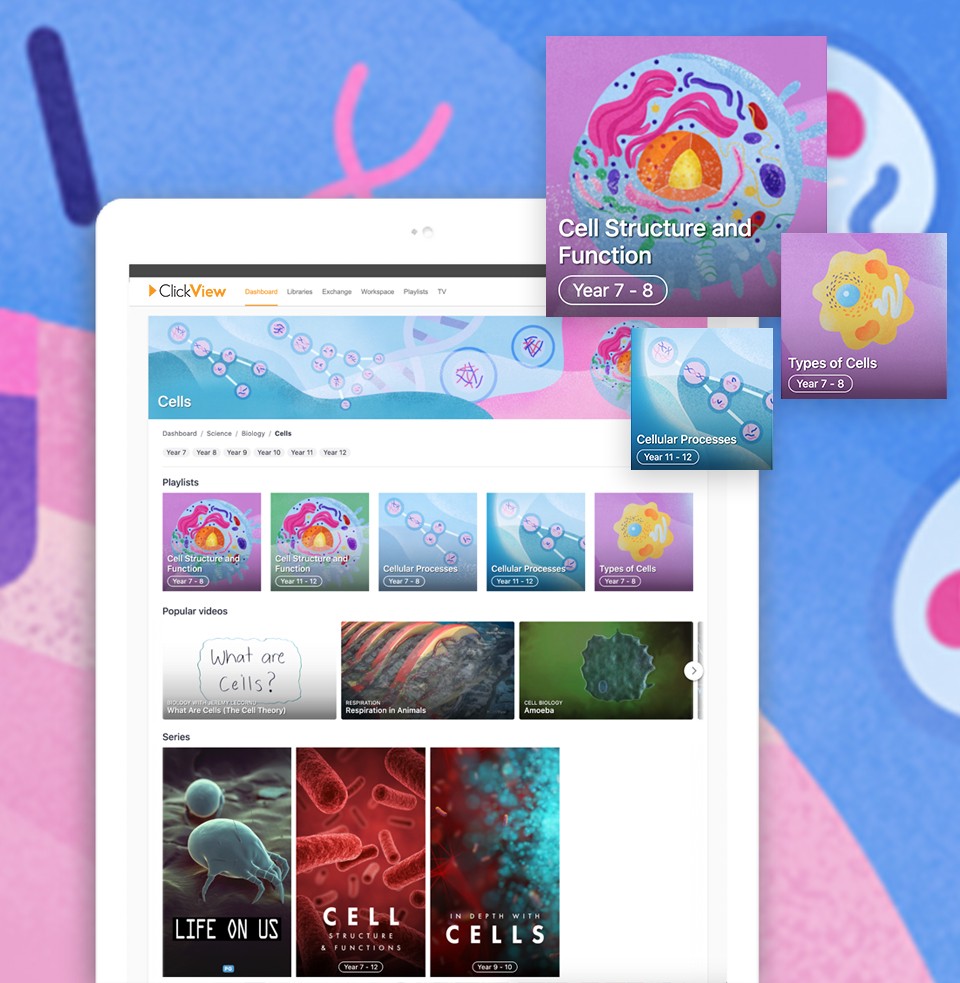
So, what is a topic? ClickView has curated and grouped related playlists, series and videos together into topics. This makes it easier to find great content to support your lessons. You can even filter a topic by year level.
We’ll be rolling out this update to all ClickView users slowly. Once enabled, you’ll notice that ClickView looks a little different.
We’ve been working hard with some very talented artists and designers to bring you a more beautiful and visually appealing ClickView.
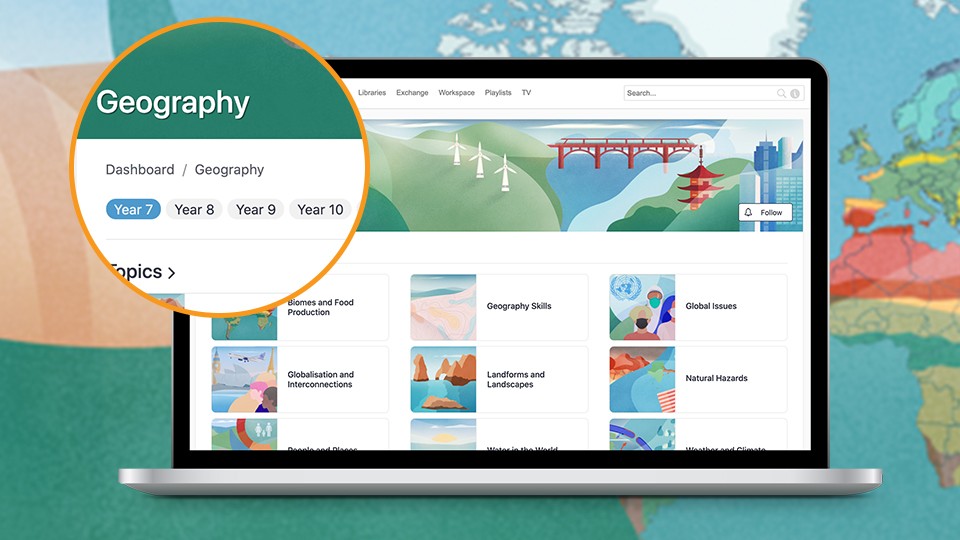
You’ll notice that each topic has its own custom art, specifically designed for the topic.
Playlists
We’ve also curated many playlists for you on hundreds of different topics.
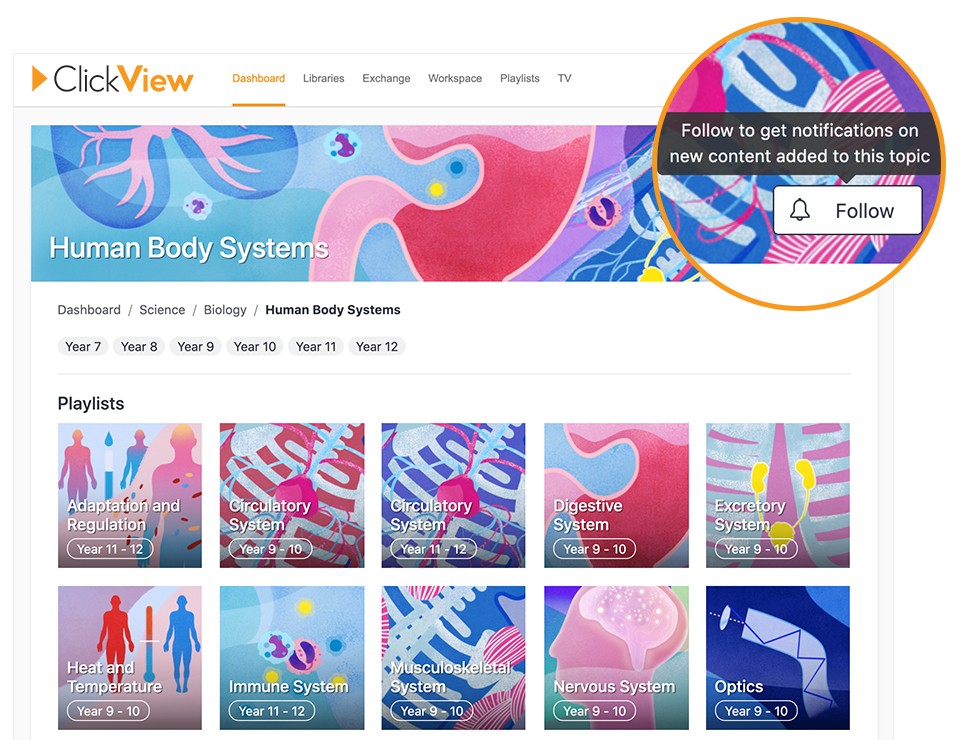
Playlists can be filtered by grade level to help you find the right content for your class. To use any of ClickView’s newly created playlists, just click “Follow”.
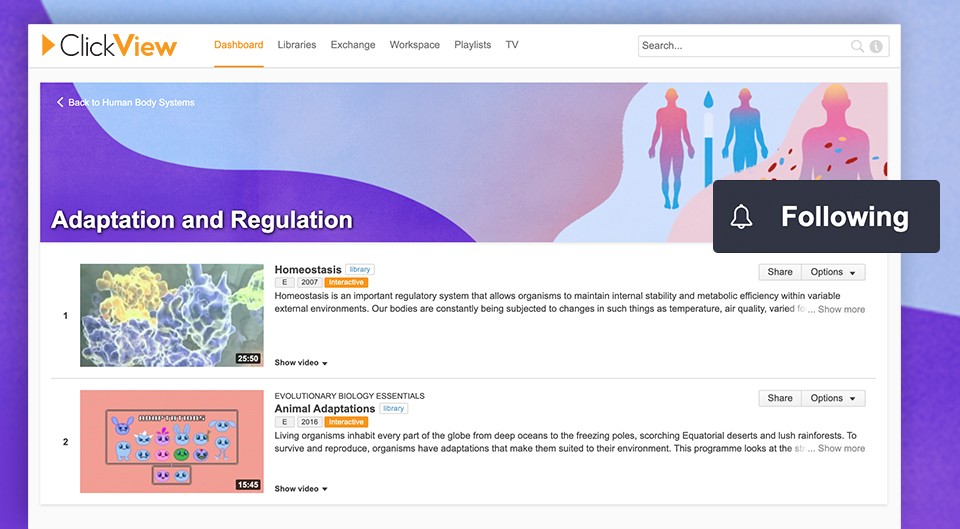
When you follow a playlist, it will be added to your own ClickView playlists ready for you to use at any time.
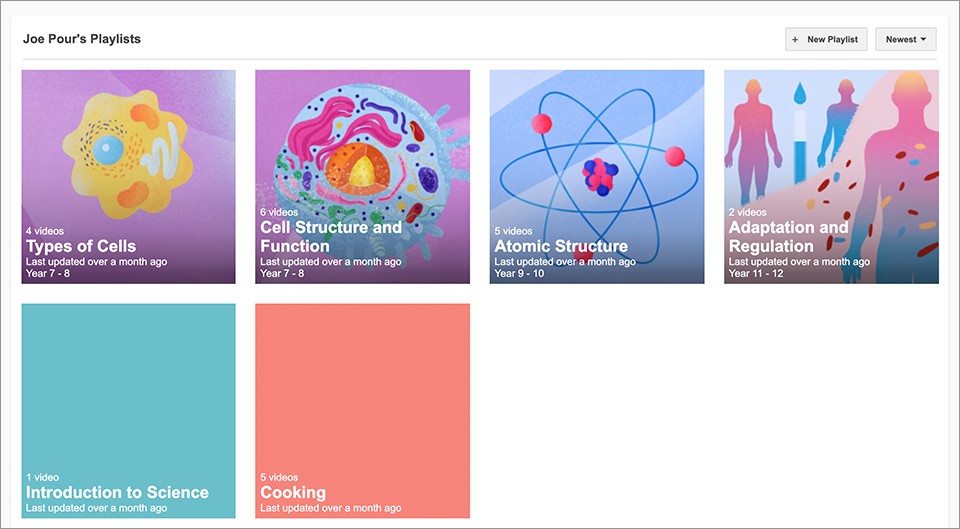
The best part? When we release new content, the playlist will automatically update, keeping you up to date with any new ClickView content.
Create a Following
We’ve noticed many librarians and ClickView administrators have been curating playlists for teachers and students to use in their schools. We’re proud to announce that any playlist you share can now be followed by the recipient.
When a student or teacher follows your playlist, it will be added to their own playlists. They can easily return to the playlist and they’ll benefit from all the new content you add.
Restoring some order
We’ve heard from many of you who have a lot of playlists that you’d like a better way to manage them.
With this release, we’ve added sorting to your playlists. You can now sort playlists by:
- Alphabetical
- Newest
- Oldest
- Most recently updated (my favorite).
Let us know
We’re so excited to share this release with you and we’d love to hear your feedback. What do you love? What else would you like to see? We welcome all your thoughts. Let us know via a comment below or contact us here.
Share to

Joe Pour
briefcase iconChief Product Officer
Experienced product leader with a strong background in engineering and building innovative products at scale.
Other posts

Want more content like this?
Subscribe for blog updates, monthly video releases, trending topics, and exclusive content delivered straight to your inbox.