
Immersive playback that fits your screen
Published on 2 min read
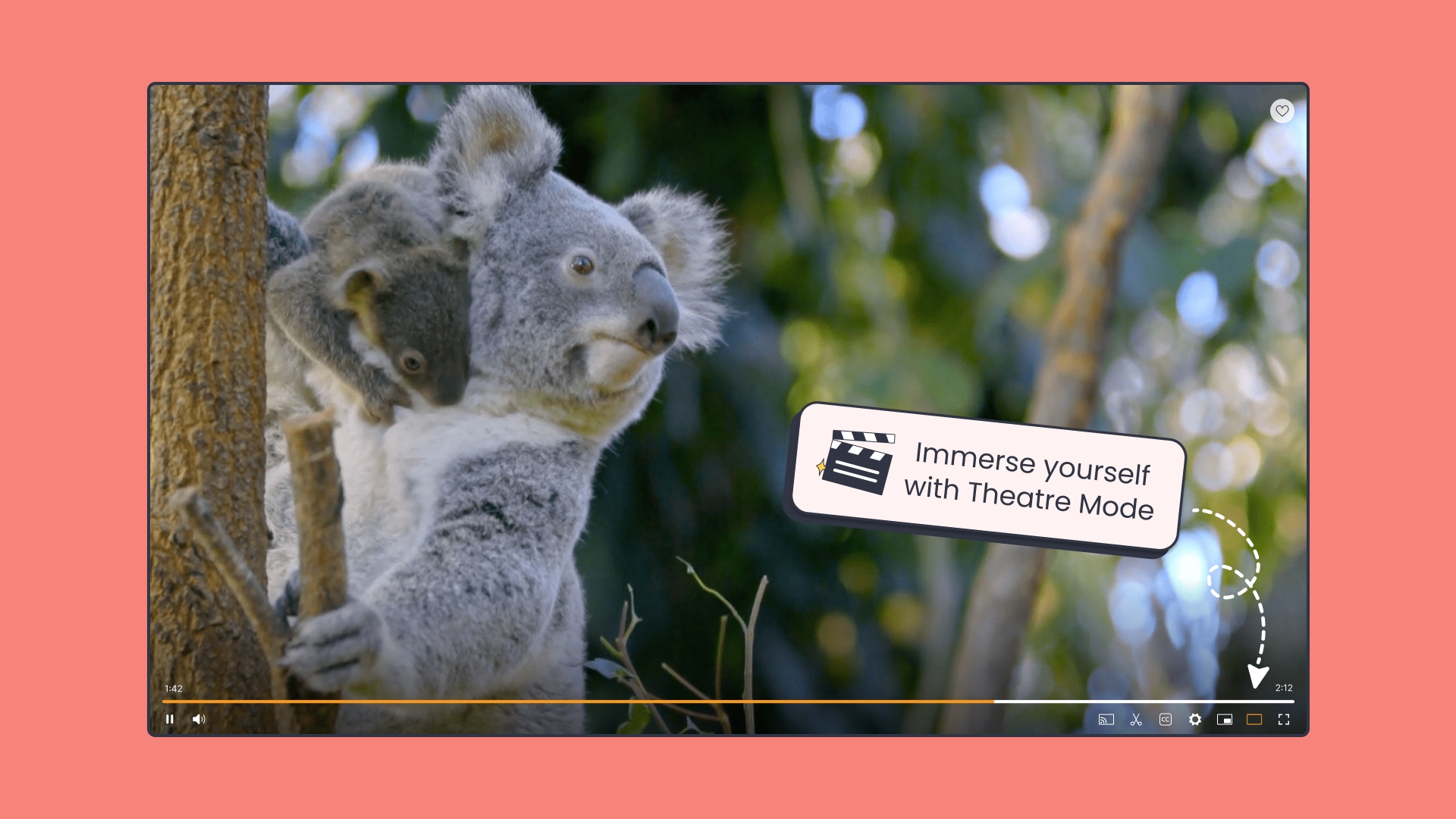
We’ve made a small but impactful change to how videos are viewed on ClickView — putting the spotlight exactly where it should be!
What’s new
- All ClickView videos can now be viewed in “Theatre Mode”
- A wider, cleaner layout offers a more immersive experience for both teachers and students
- “Theatre Mode” has been designed with different screen sizes in mind
Research & user feedback
Usage data shows that the most common screen resolution among teachers and students accessing ClickView is 1200 by 800 pixels, which is considered a relatively small screen.
We heard from many teachers using ClickView on smaller screens that the interface could feel cramped, particularly when trying to focus on the video itself. On the flip side, those with larger screens often found the video player too small, with no ideal option between standard view and full-screen mode.
So, Theatre Mode is how we’re addressing this feedback.
What’s changed
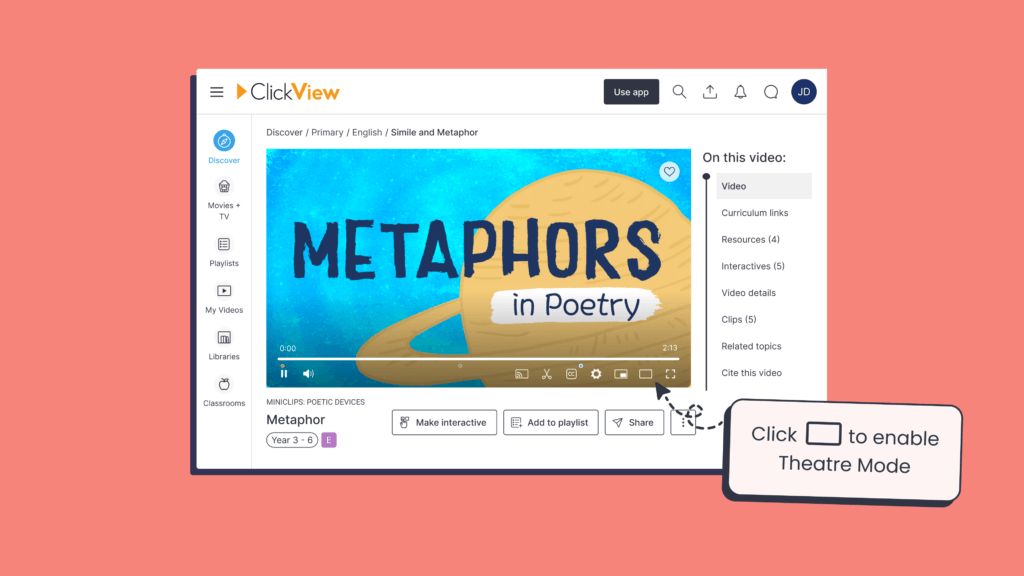
The new Theatre Mode can be enabled via ClickView’s player and offers a more immersive viewing experience for those on larger screens while still feeling great on smaller screen sizes.
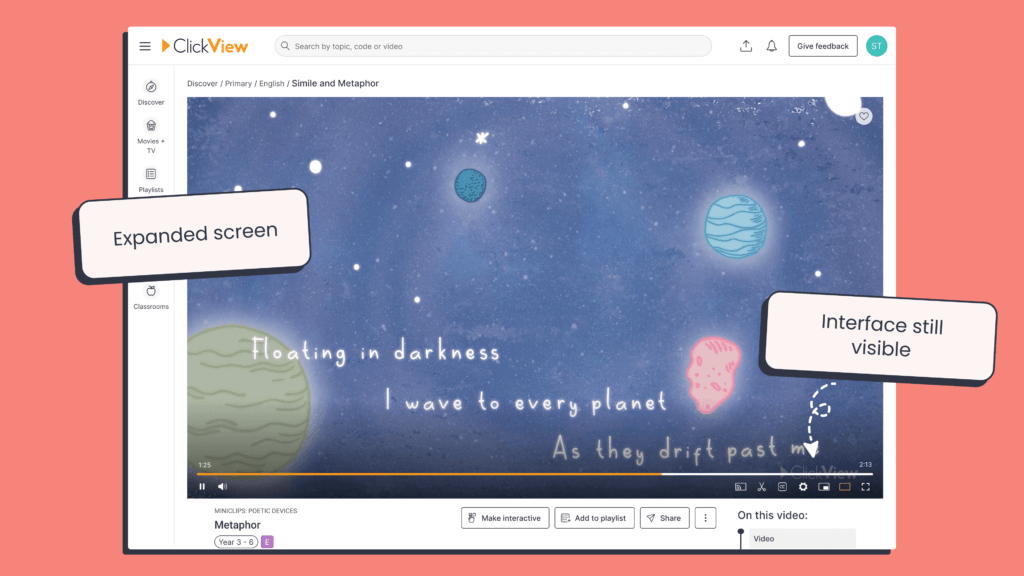
A Theatre Mode icon now appears on every video, clip, or interactive quiz, and by simply clicking it, the video player expands. This mode provides an immersive, distraction-reduced experience without hiding the full interface.
Default Mode
Theatre Mode
Tips and tricks
Here are a few ways to make the most of Theatre Mode:
- Quick toggle: Click the Theatre Mode icon in the video player, or press “T” on the keyboard to enable Theatre Mode
- ClickView will remember your preference: Once you’ve enabled theatre mode, it will stay enabled the next time you watch a video
- Compatible with all content: Even older videos in a 4:3 aspect ratio will adapt to theatre mode – no content left behind!
As always, we’d love your feedback – this feature was built in direct response to it. Keep sharing your ideas here so we can keep making ClickView better for everyone.
Share to

Joe Pour
briefcase iconChief Product Officer
Experienced product leader with a strong background in engineering and building innovative products at scale.
Other posts

Want more content like this?
Subscribe for blog updates, monthly video releases, trending topics, and exclusive content delivered straight to your inbox.