
A fresh look for high school
Published on 2 min read
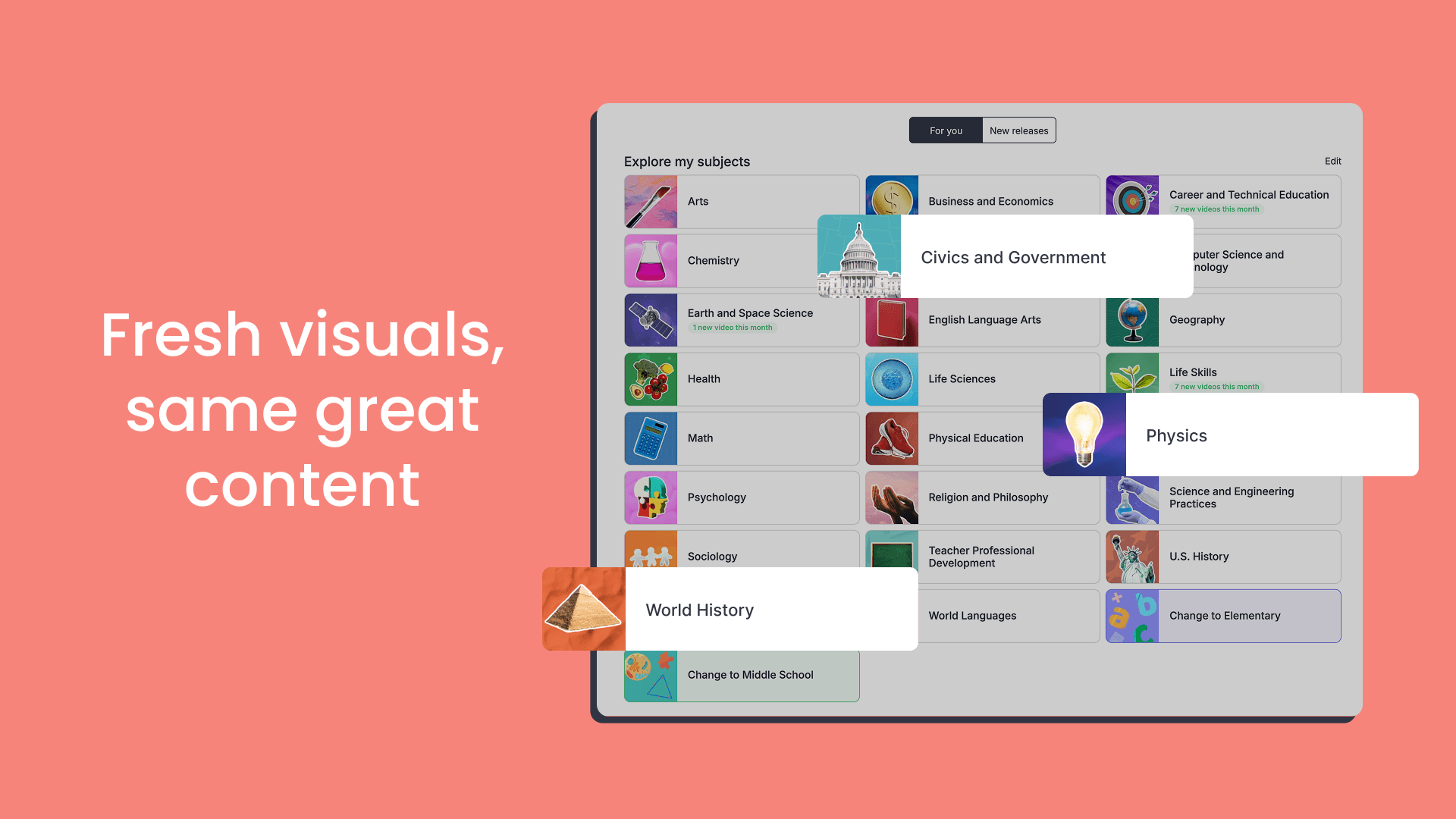
We’ve updated the look of high school subjects with a new photography-led theme, and added a theme switcher so Administrators can choose the visual style that best fits their school.
What’s new
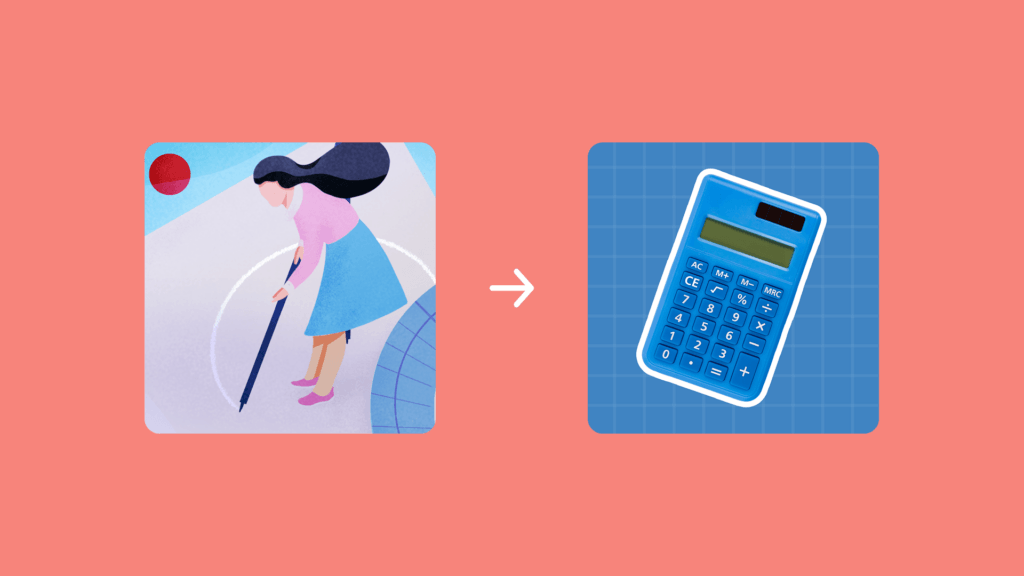
- Photography-led visual theme: Subject graphics now feature real-world photography, replacing the previous illustration style
- Theme switcher for Admins: Administrators can switch between the Photography and Illustration themes in Settings, choosing whichever style suits their school best
Research & user feedback
We spoke with high school educators to understand how the visual design of ClickView could better support their students. The feedback was clear: real-world photography helps high school students identify topics faster and feels more aligned with what they already use.
A visual style that matches the audience
Educators told us that high school students connect more quickly with realistic imagery. Photography makes it easier to recognize subjects at a glance and encourages students to explore and discover videos across ClickView.
A New York BOCES shared that their Middle School and High School educators were looking for real-world imagery that students could quickly connect with when browsing ClickView.
A Superintendent of Schools at a Pennsylvania district shared that the photography style felt more aligned with other platforms high school students already use, making it easier to find the videos they need.
Based on this feedback, we’ve introduced a photography-led theme for the high school experience.
What’s changed
New default theme
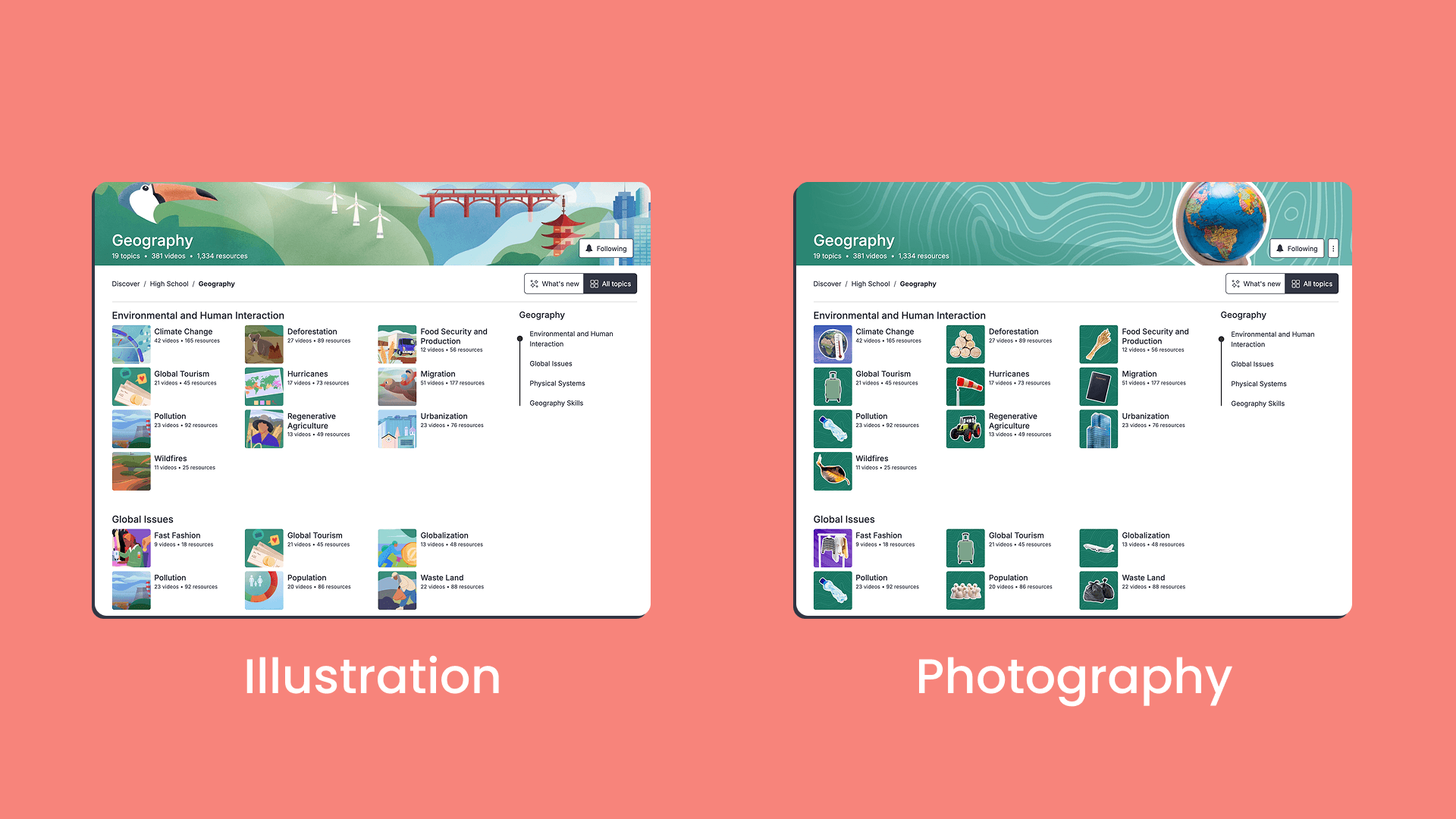
Previously, high school subject pages featured illustrations. Now, they showcase real-world photography designed to help students identify topics faster.
The photography theme is the default for all accounts that are logged in.
Theme switcher in Settings
Administrators now have a theme switcher in Settings to choose between the illustration and photography themes. Here’s how to switch:
- Select your profile avatar in the top-right corner
- Select Settings from the dropdown menu
- Under School management, select Appearance
- Choose either Illustration or Photography
- Select Save changes
The change applies to all users at the school and takes effect shortly after saving. For more details, visit our help center article.
Tips and tricks
- The photography theme helps high school students recognize topics at a glance and discover videos faster
- Use the theme switcher to view both options and decide which best fits your school
- The theme updates subject graphics across Discover and Subject pages, so students see a consistent visual experience as they browse
We’d love your feedback on the new look. Keep sharing your ideas here so we can keep making ClickView better for everyone.
Share to

Joe Pour
briefcase iconChief Product Officer
Experienced product leader with a strong background in engineering and building innovative products at scale.
Other posts
Want more content like this?
Subscribe for blog updates, monthly video releases, trending topics, and exclusive content delivered straight to your inbox.