
Administration
Single Sign-On
Sign in the easy way. Learn SSO setup, supported providers, troubleshooting, and how to keep logins secure for staff and students.
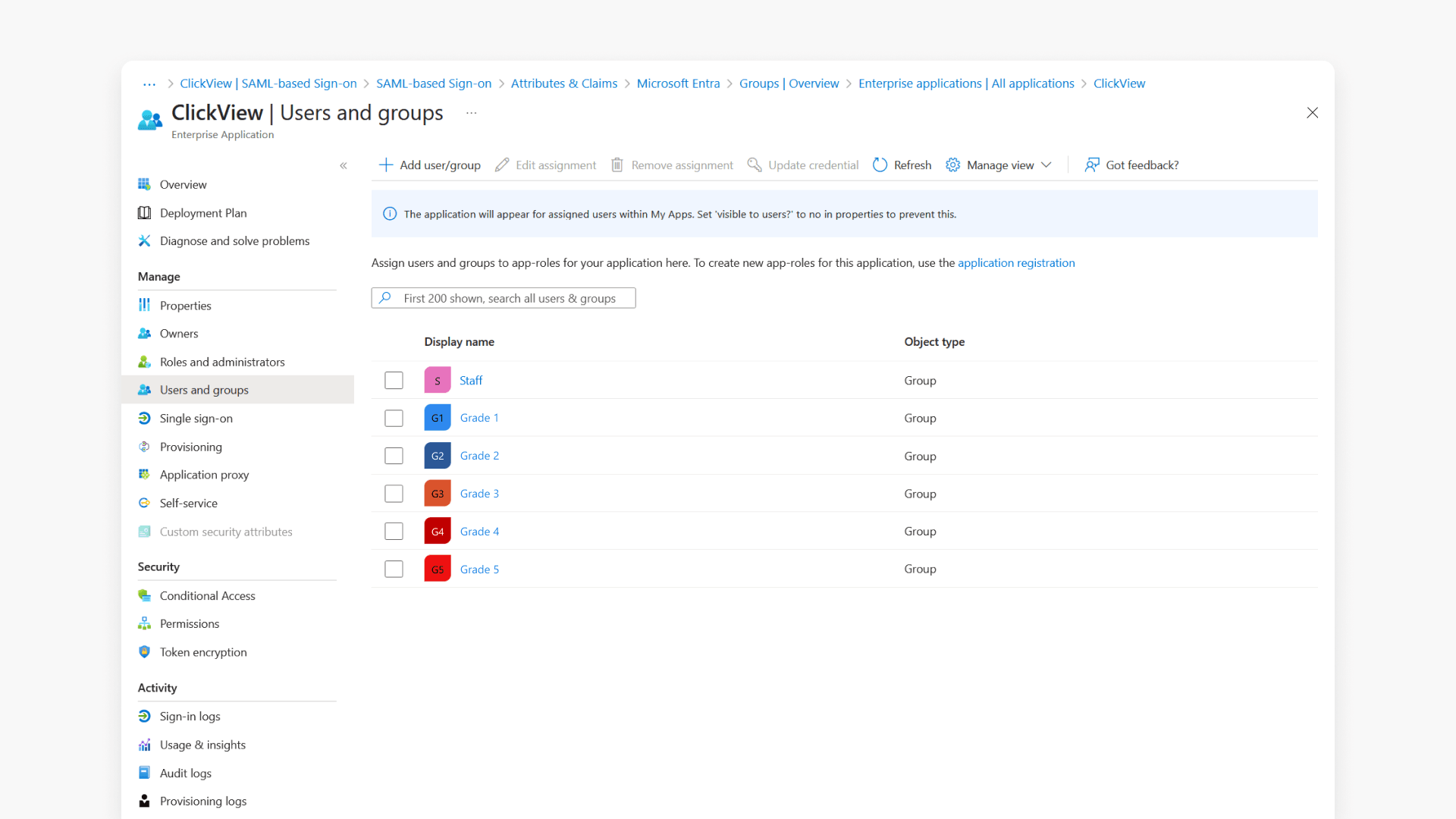
How to set up Microsoft Entra SSO for your school
This guide walks schools through configuring SAML Single Sign-On for ClickView using Microsoft Entra, including setup, group assignments, and onboarding submission.
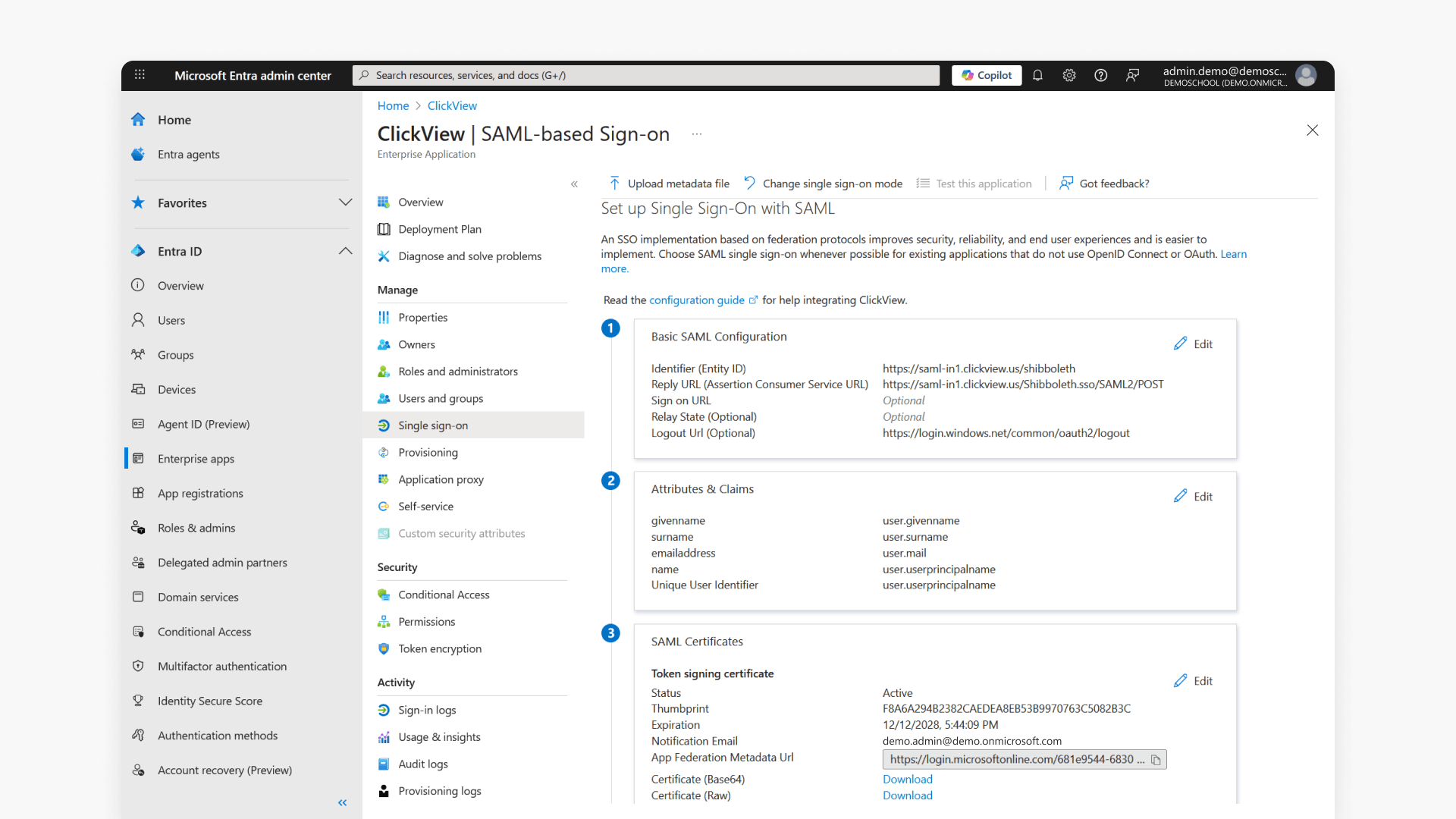
How to set up Microsoft Entra SSO for MATs
This article guides MAT administrators through setting up Microsoft Entra Single Sign-On for ClickView. It covers app configuration, SAML setup, user claims, security groups, and onboarding submission.

How to set up Google Workspace SSO
This guide explains how to integrate Google Workspace with ClickView for Single Sign-On, including attribute mapping options and configuration values.
How to set up Google Workspace SSO for MATs
This guide explains step-by-step how MATs can integrate Google Workspace Single Sign-On with ClickView. Administrators will find clear instructions for setup, required attributes, and onboarding for secure access across your institution.
How to update Department for Google SSO
Discover step-by-step instructions for updating the Department field in Google user accounts. Choose Google Cloud Directory Sync, bulk spreadsheet upload, or edit individual users using the Admin Console.
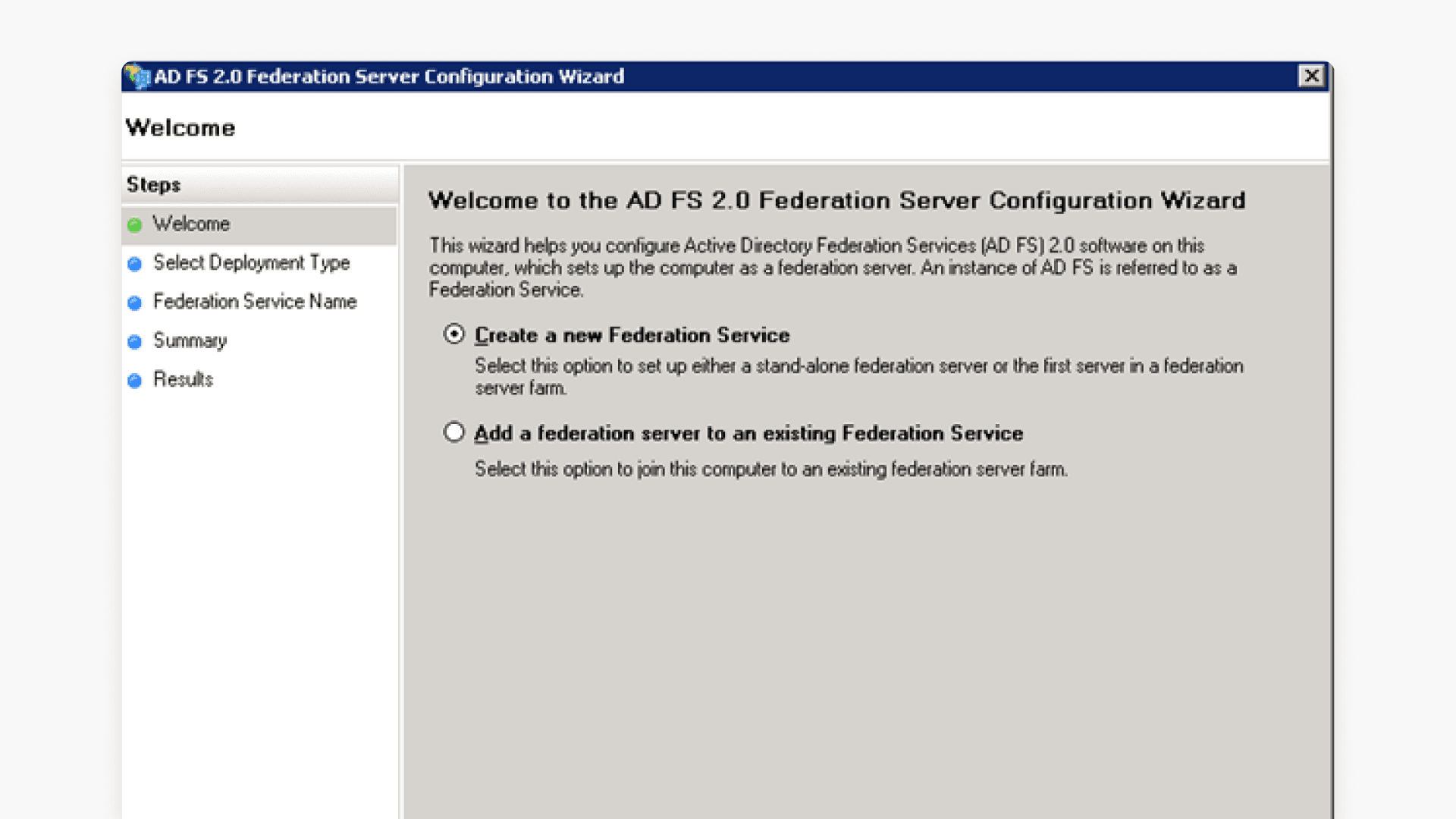
How to set up ADFS SSO for your school
This guide walks you through setting up Single Sign-On integration between ClickView and Microsoft Active Directory Federation Services (ADFS) using the SAML protocol. Includes the required claim rules, endpoint URLs, and onboarding steps.
How to set up ADFS SSO for MATs
This article provides step-by-step instructions for MAT administrators integrating ClickView with Microsoft ADFS using the SAML protocol. It covers certificate requirements, federation metadata setup, relying party trust configuration, claim rule creation, endpoint settings, and submitting onboarding information.
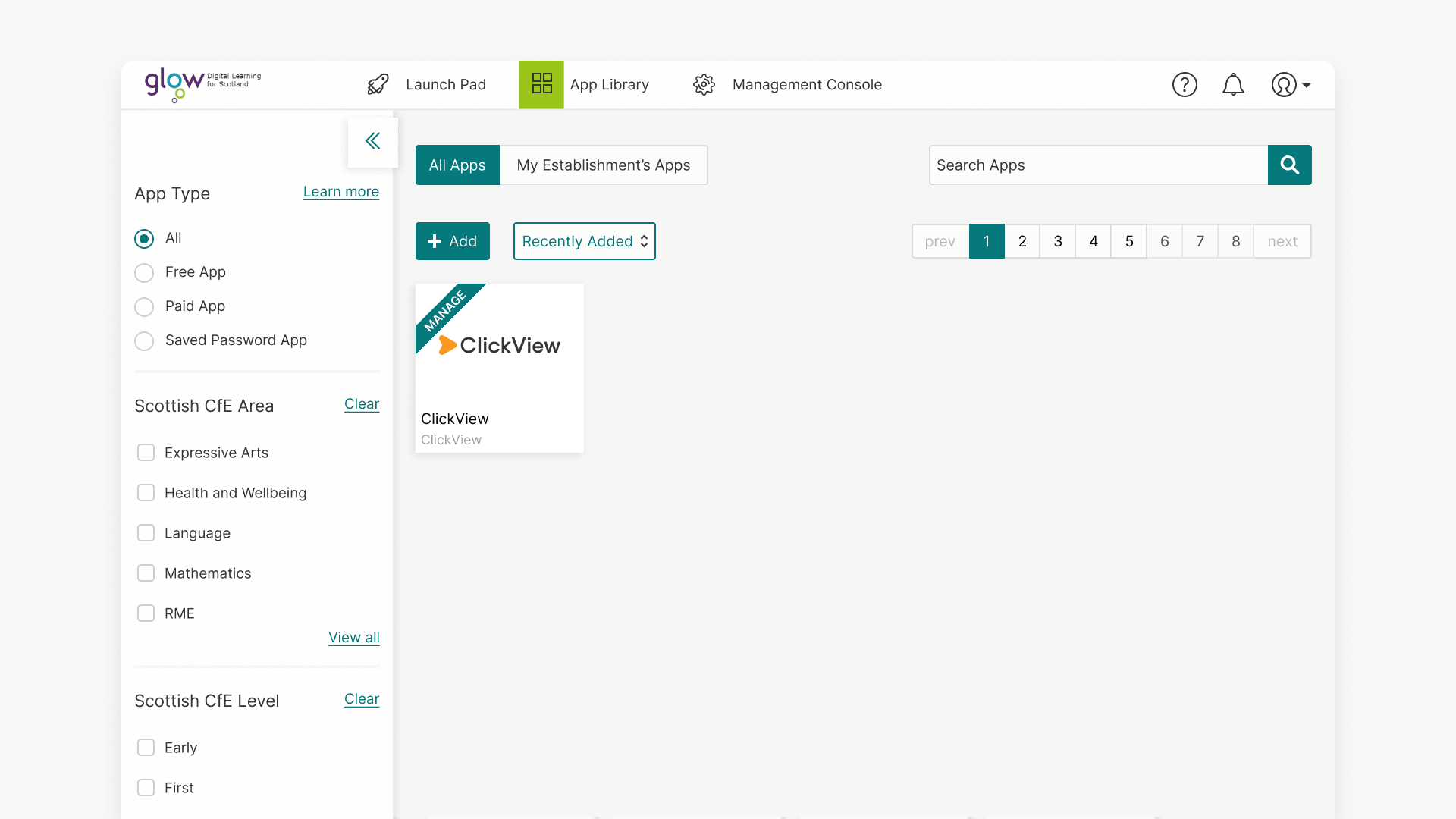
Set up RM Unify or Glow Single Sign-On
This guide explains how to provision Single Sign-On for ClickView via RM Unify or Glow, including initial setup and year mappings rollover for administrators.
How to set up Okta SAML SSO with ClickView
This article explains how to configure a SAML 2.0 application in Okta for use with ClickView and submit the required metadata so the SSO instance can be set up.

Set up Firefly Single Sign-On
This article explains how to set up Single Sign-On between Firefly and ClickView, allowing seamless access and embedding of ClickView videos within Firefly for your school.
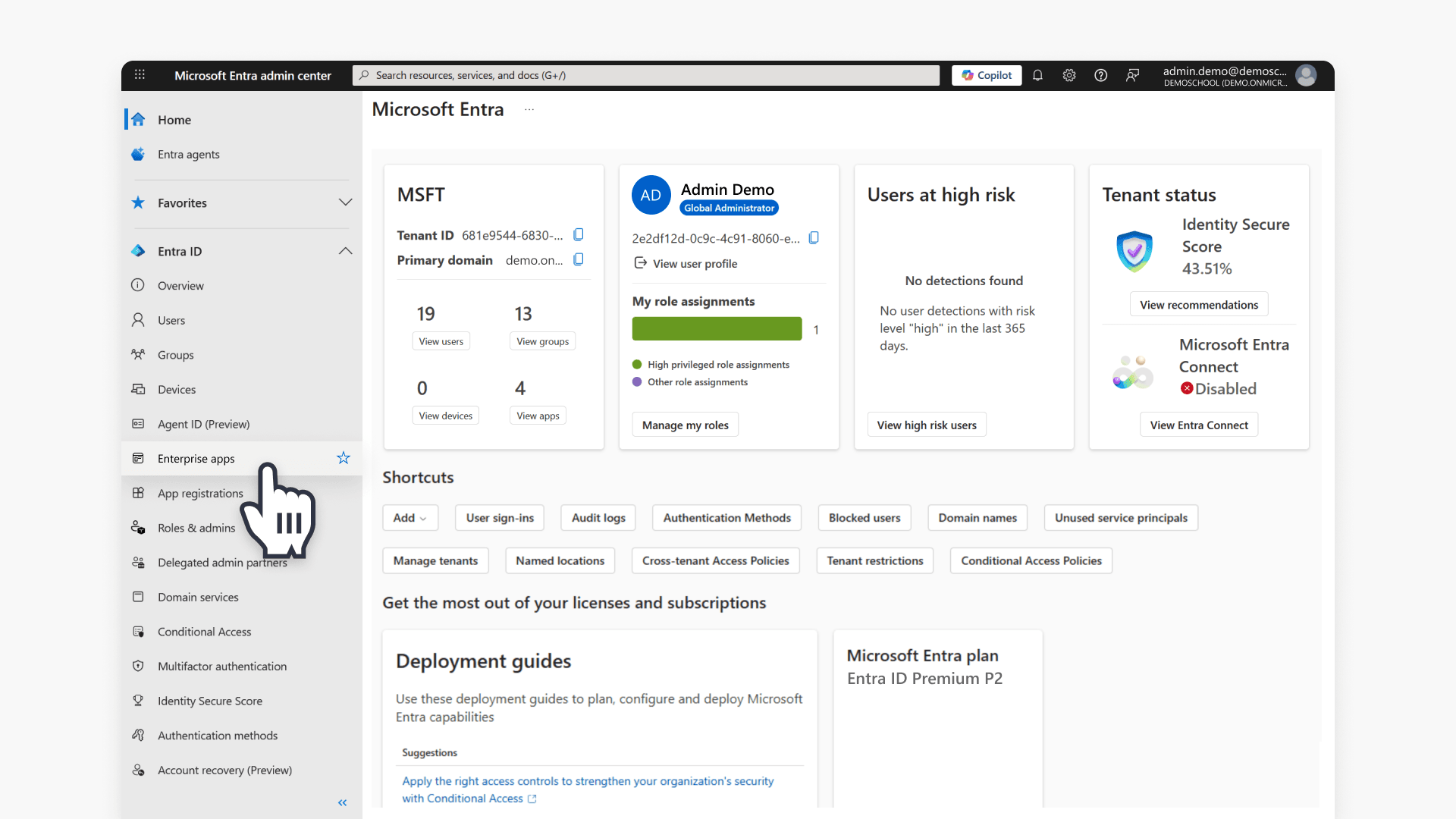
How to set up Microsoft Entra SSO for your Multi Academy Trust using the new SAML process
Summary How do I set up Microsoft Entra SAML SSO for ClickView in my Multi Academy Trust? To set up SAML SSO for ClickView, create a custom Enterprise Application in the Microsoft Entra portal, assign your staff and student groups, then work through a two-email exchange with ClickView Support to configure your Identifier, Reply URL, […]
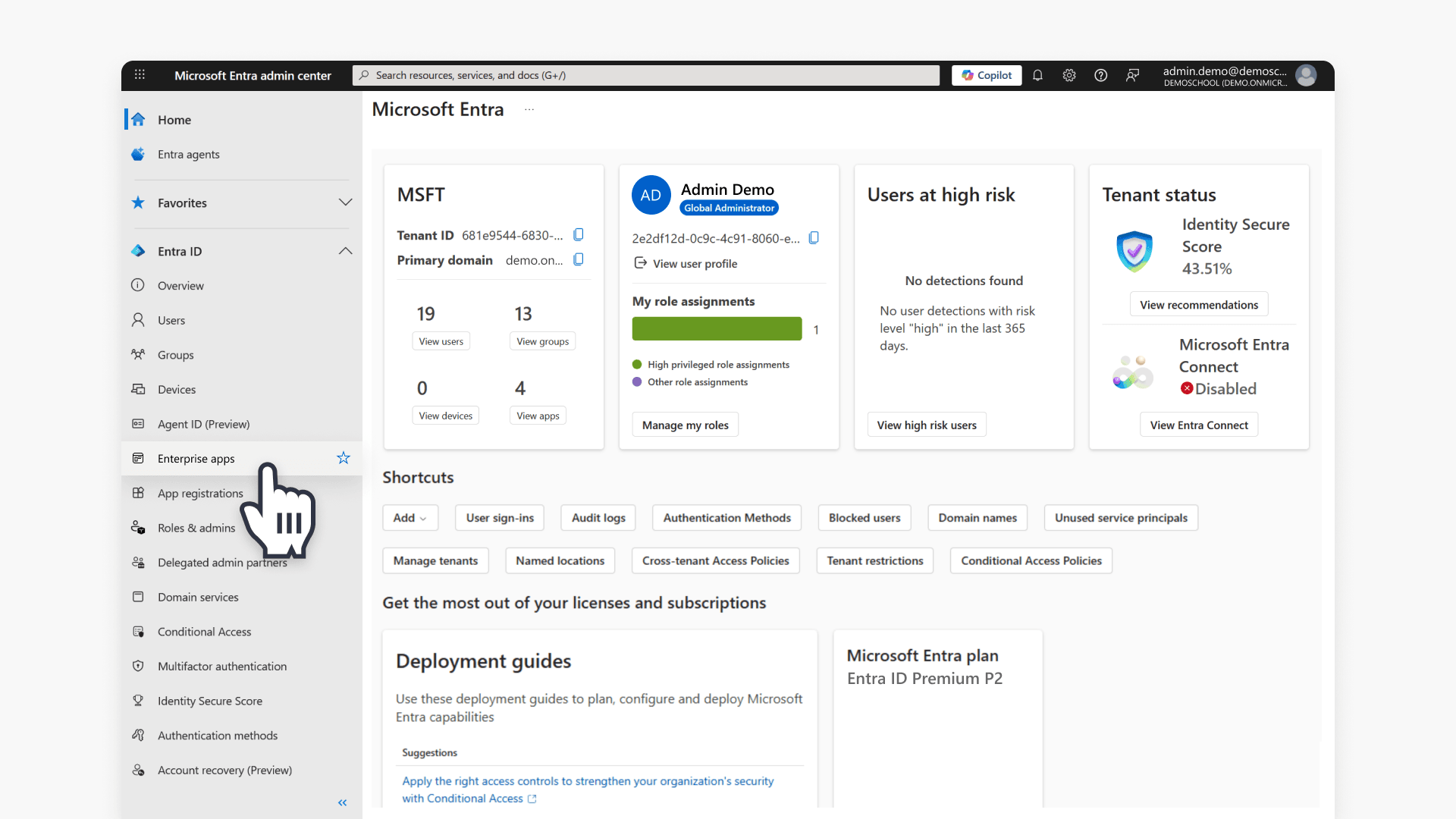
How to set up Microsoft Entra SSO for your School using the new SAML process
Summary How do I set up Microsoft Entra SAML SSO for ClickView at my school? To set up SAML SSO for ClickView, create a custom Enterprise Application in the Microsoft Entra portal, assign your staff and student groups, and send your group Object IDs to ClickView Support to receive your school-specific Identifier and Reply URL. […]
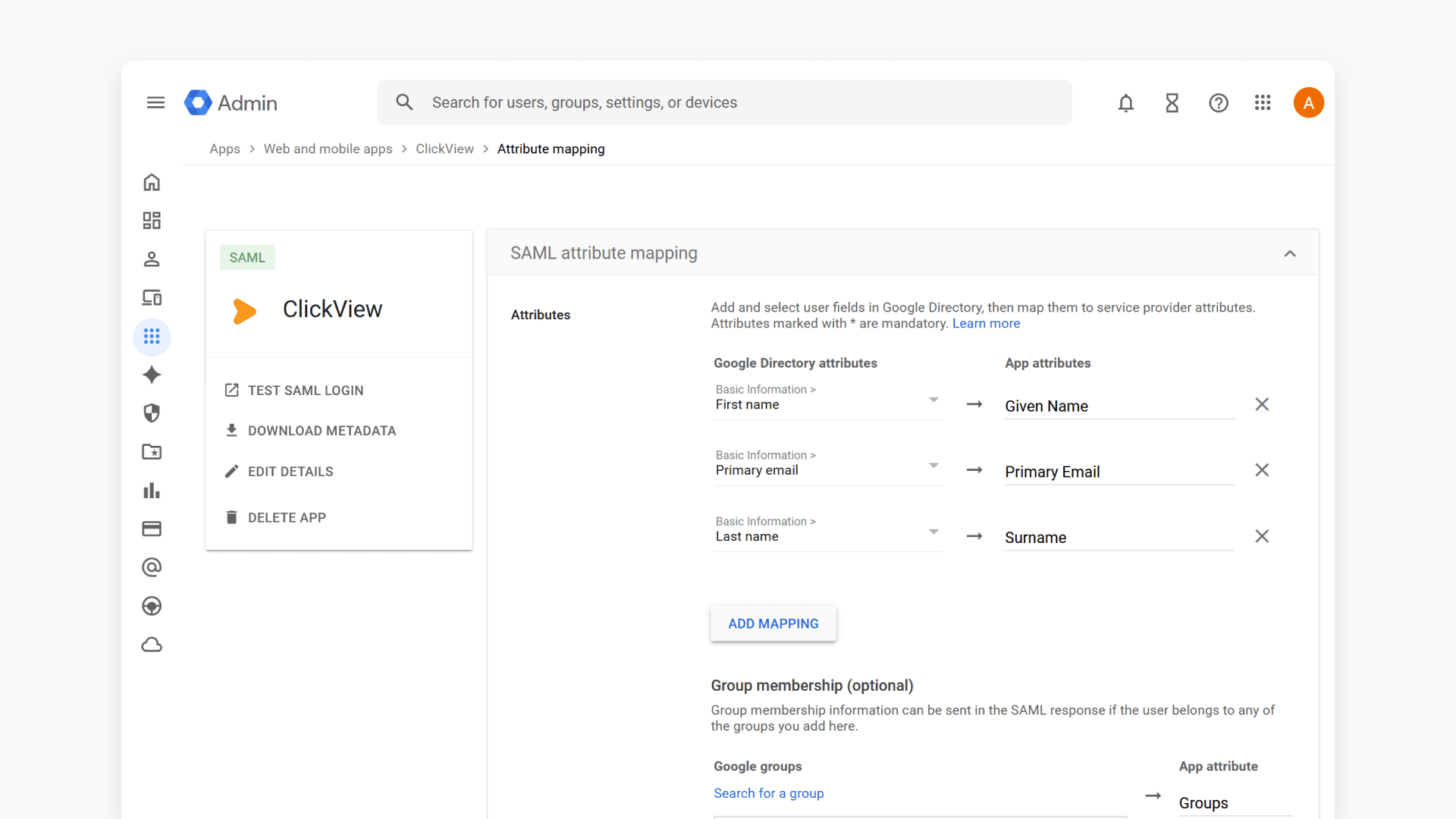
How to set up Google Workspace SSO for your Multi Academy Trust using the new SAML process
Summary In ClickView, how do I set up Google Workspace SSO using SAML? Set up SAML SSO in three phases: create a custom SAML app for ClickView in your Google Workspace Admin console, exchange your IdP details with ClickView Support to receive your ACS URL and Entity ID, then map your user attributes (including role […]
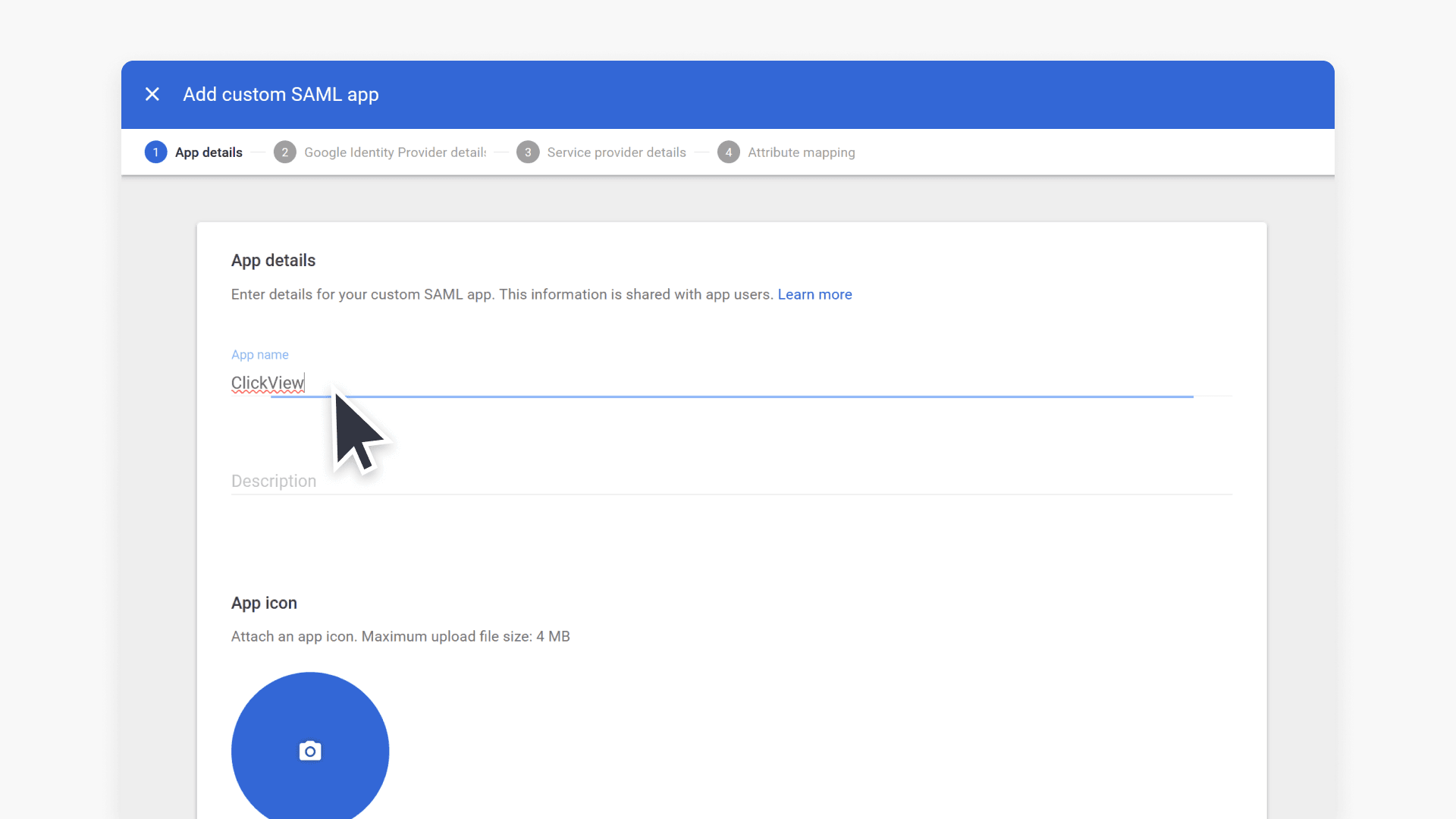
How to set up Google Workspace SSO for your School using the new SAML process
Summary How do I set up Google Workspace SAML SSO for ClickView at my school? To set up SAML SSO for ClickView, create a custom SAML app in your Google Workspace Admin console and send your SSO URL, Entity ID, and certificate to ClickView Support, who will reply with your school-specific ACS URL and Entity […]