



Administration
Content Permissions
Maintain control over video access. Learn roles, groups, and access rules so the right students and staff get the right videos at the right time.
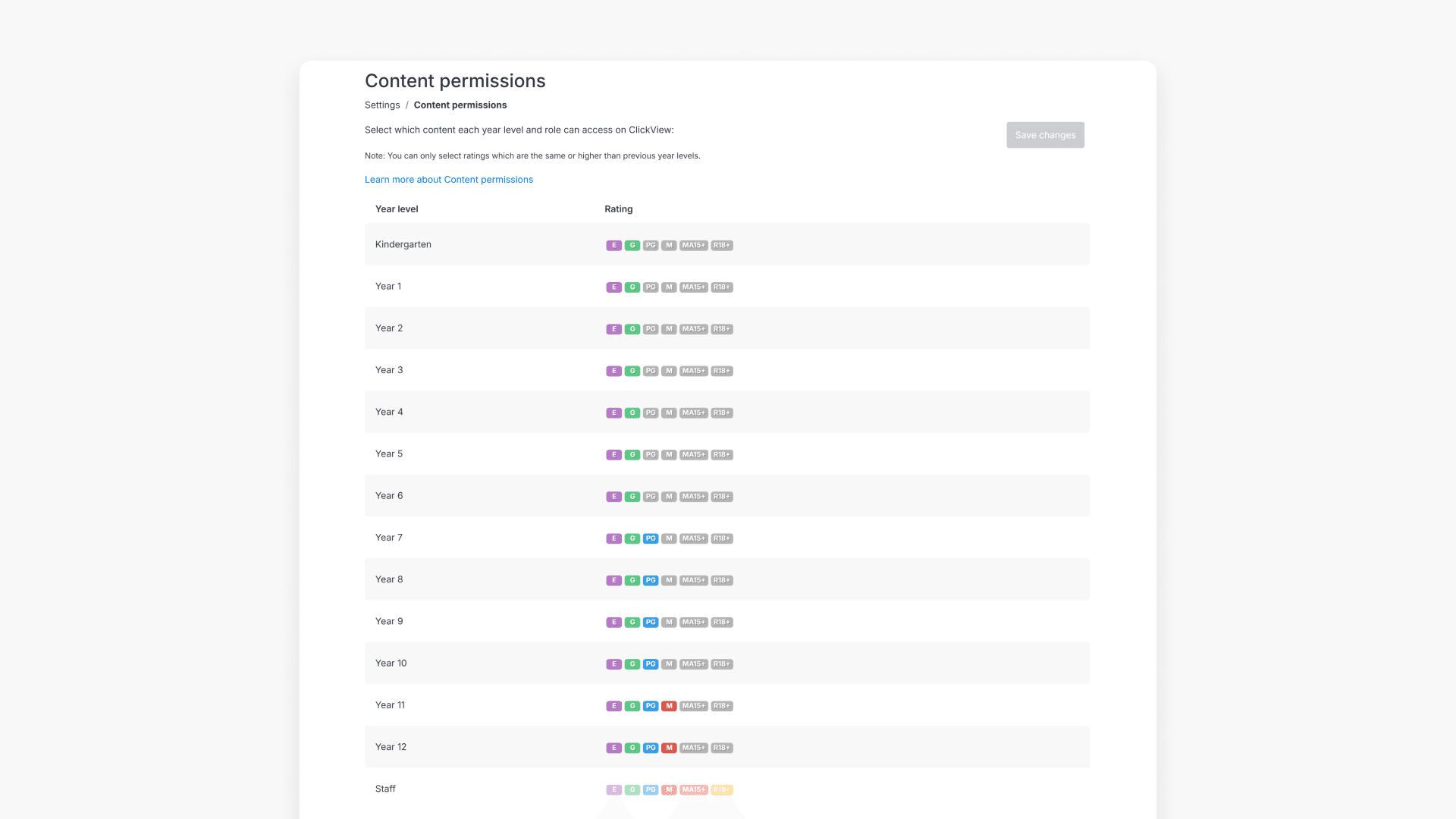
How to set video rating permissions by year group
Administrators can set maximum video ratings for each year group in ClickView to ensure students view only age-appropriate content. This article explains how to access and manage these permissions for your entire institution.
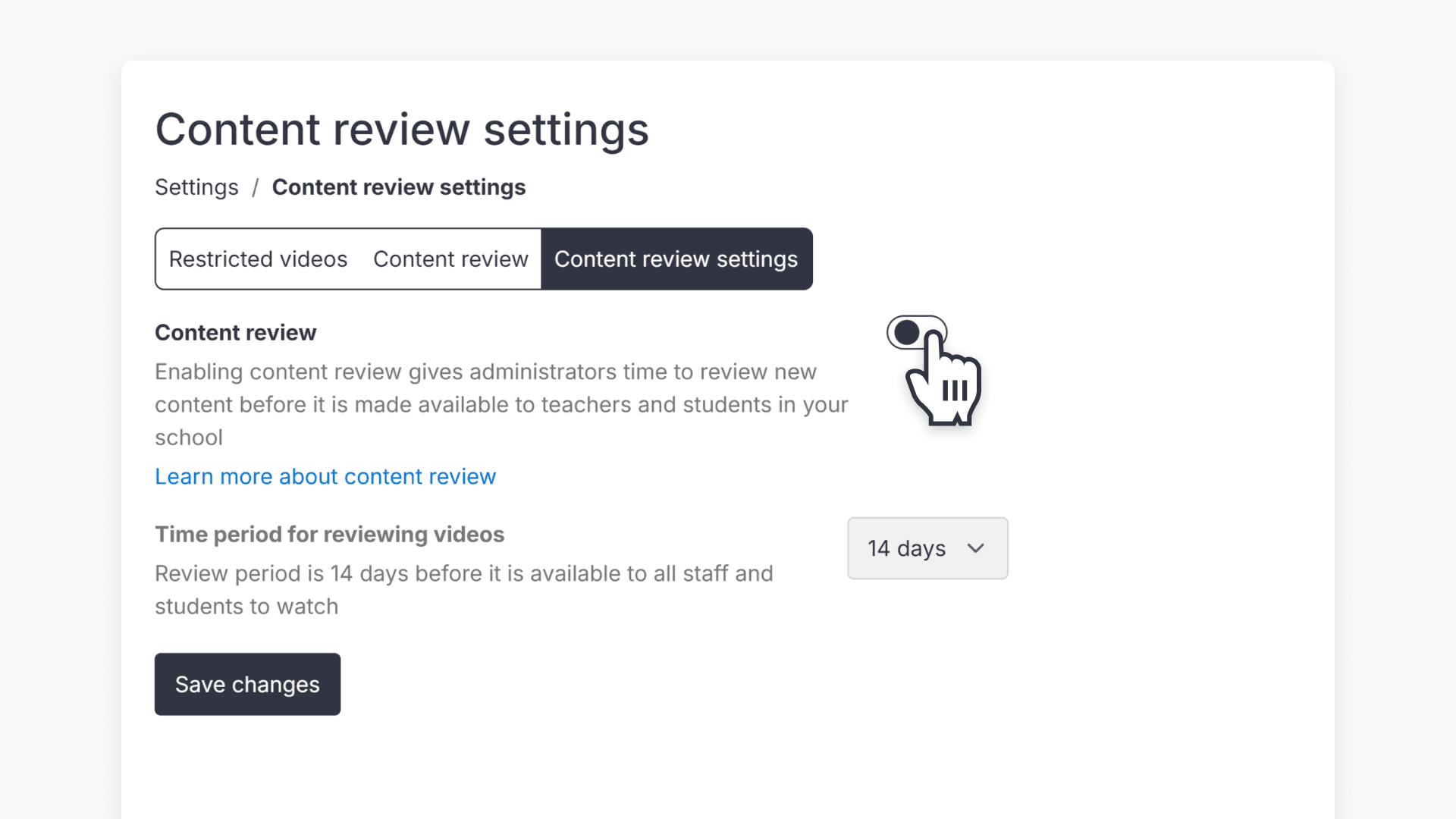
How to enable Content Review
This article explains the steps to enable or disable Content Review in ClickView. Learn how admins can review new videos before they become available in your libraries and understand the default review period.
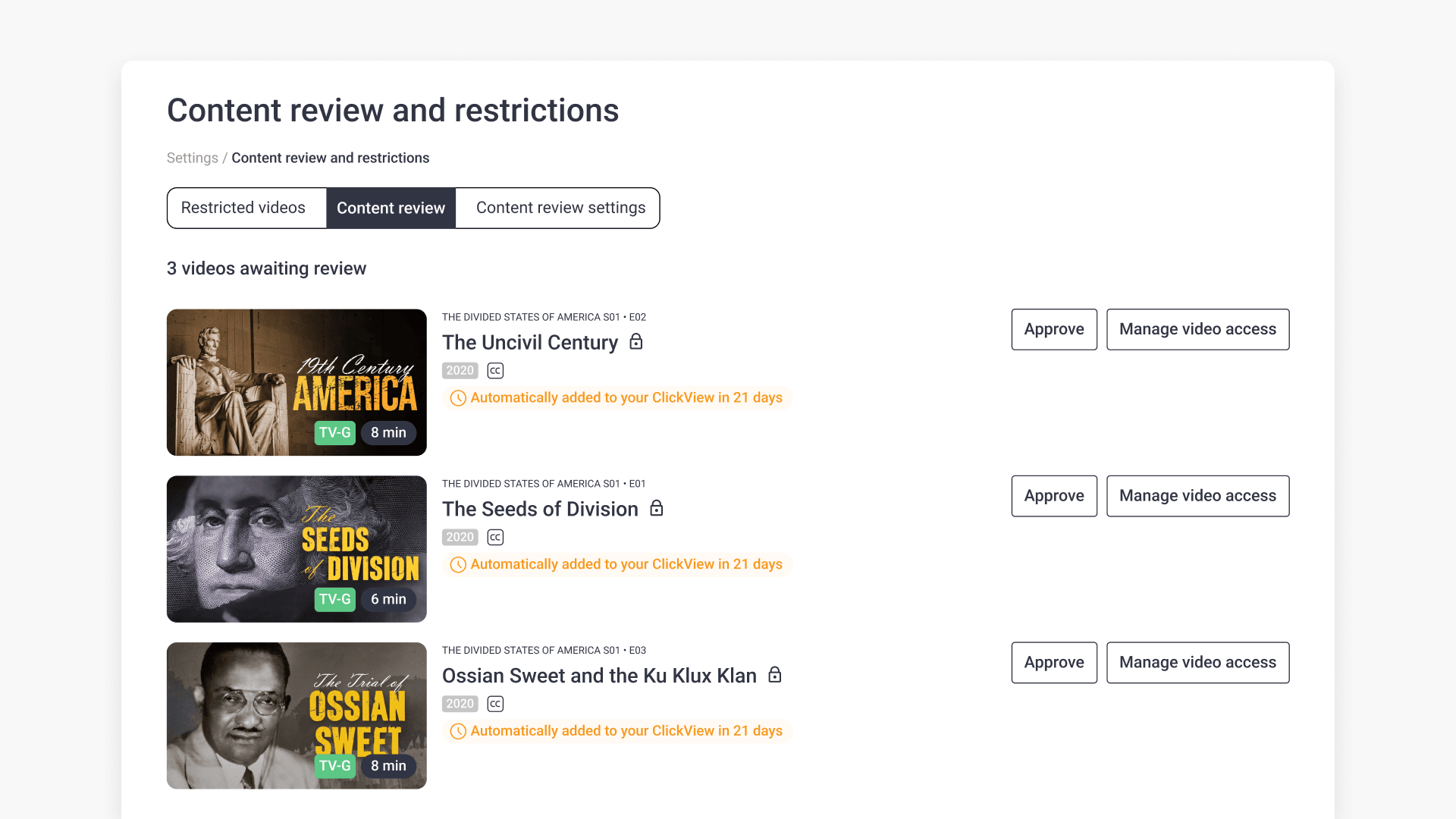
Manage video access and restrictions with Content Review
This guide explains how school administrators can use Content Review in ClickView to manage, approve, or restrict access to new educational videos before they become available in school libraries.
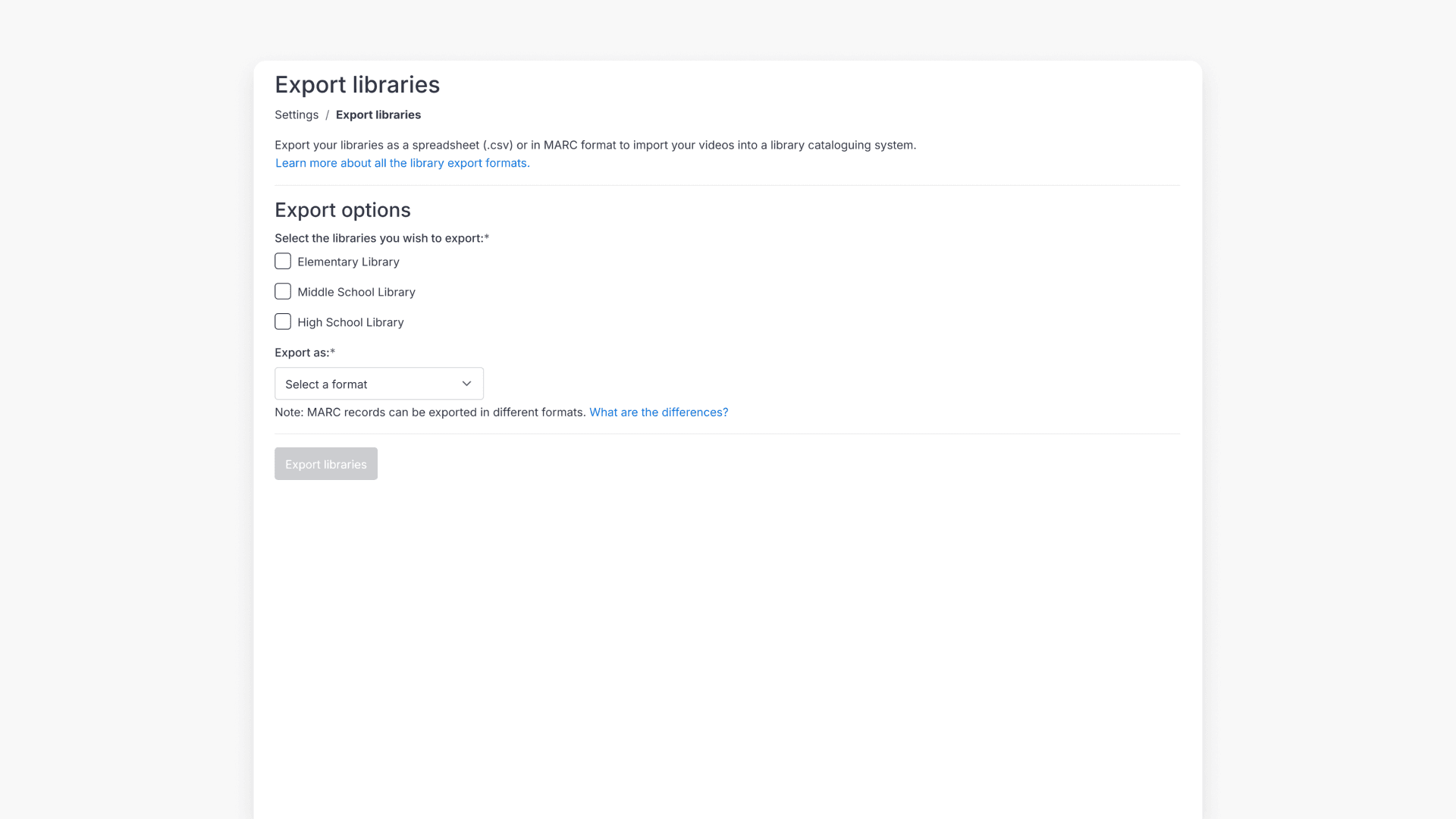
How to export your library records
This article explains how administrators can export ClickView library records in formats like MARC, XML, CSV, and more for integration with an existing library system.
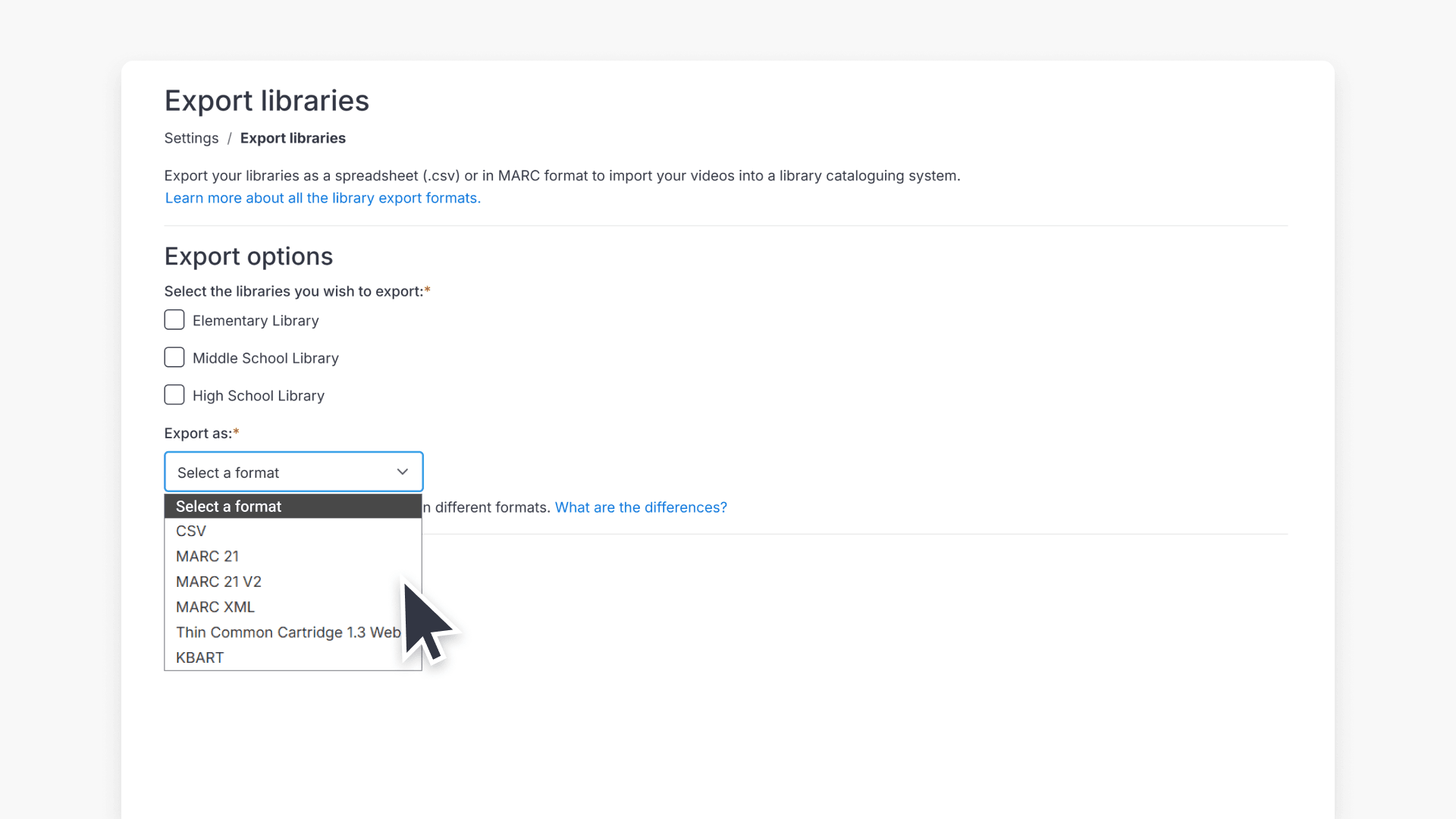
How to download MARC records
This article explains where administrators can find and download MARC records for their ClickView library, including available formats and download options.
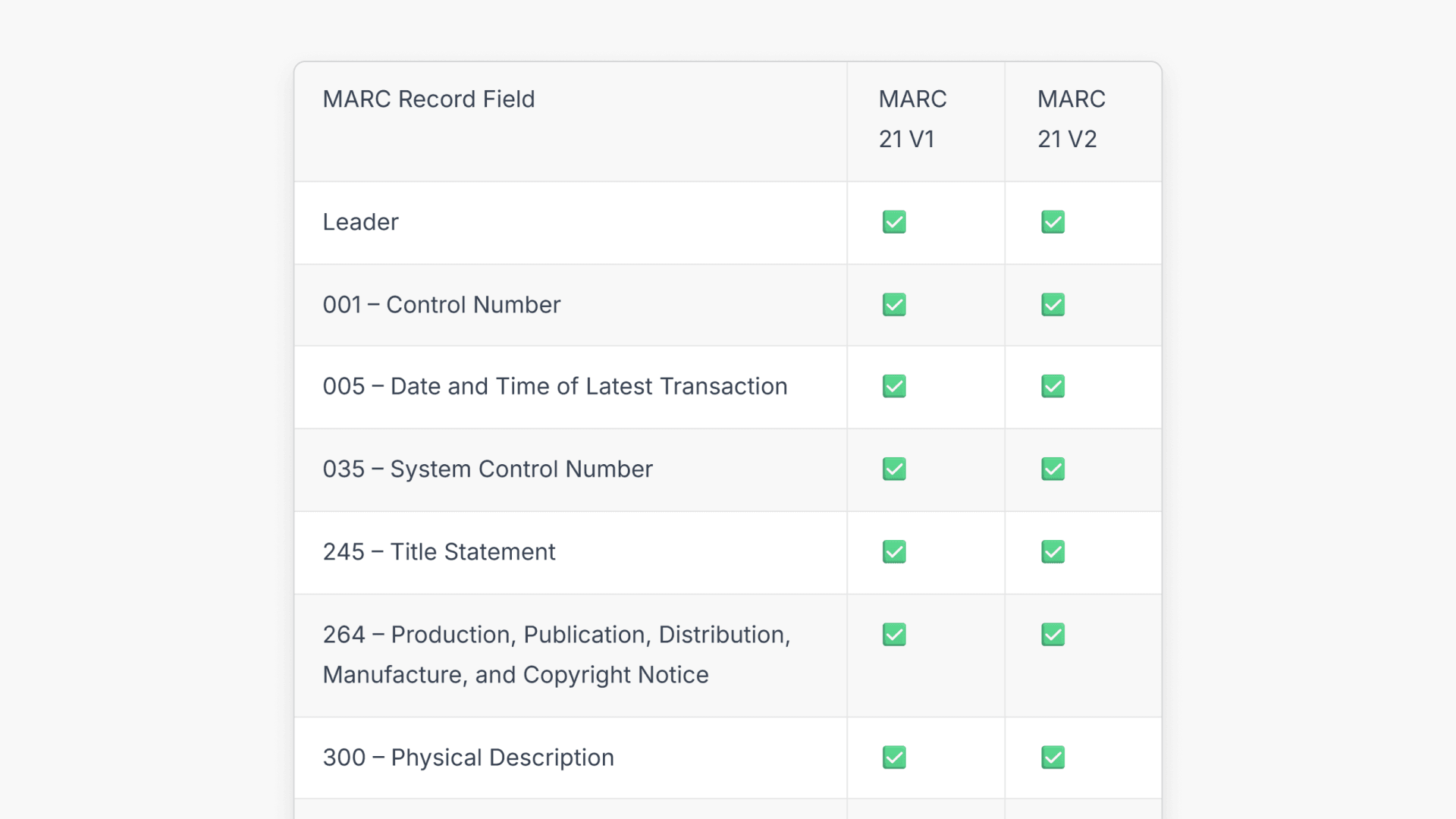
Comparing MARC export record formats
This article explains how administrators can export MARC 21 library records from ClickView, compare V1 and V2 formats, and integrate them into digital cataloging systems.

What are automated MARC records for ClickView libraries?
With automated MARC records, ClickView video metadata is updated automatically and reflected in supported library cataloguing and discovery services.