What are automated MARC records for ClickView libraries?

Summary
- Automated MARC records provide bibliographic data for ClickView video titles.
- Records are supplied automatically to supported library and discovery services.
- ClickView videos can appear alongside other library resources in search results.
- Supported services include Alma Community Zone, OCLC WorldCat, and EBSCO Discovery Service (EDS).
- Automated updates reduce the need for ongoing manual MARC maintenance.
What are automated MARC records?
MARC records contain bibliographic information about ClickView video titles, including the title, description, subject information, and access details. When these records are present in a library system, ClickView videos can be discovered alongside other library resources.
With automated MARC records, ClickView video metadata is updated automatically and reflected in supported library cataloguing and discovery services.
How automated MARC records support library and discovery services
ClickView MARC records are available through the following services:
- Alma Community Zone (Ex Libris by Clarivate)
- OCLC WorldCat
- EBSCO Discovery Service (EDS)
These services allow students and educators to find ClickView videos within the systems they already use.
Ex Libris (Alma)
ClickView video titles are available through the Alma Community Zone. This enables ClickView titles to be discovered directly in Alma while keeping MARC records up to date automatically. This approach reduces the need for manual MARC file uploads.
OCLC WorldCat
OCLC applies its own matching processes to align ClickView records. This supports cleaner and more consistent metadata for ClickView video titles in WorldCat.
EBSCO Discovery Service (EDS)
In EBSCO Discovery Service (EDS), ClickView MARC records appear directly in discovery search results, allowing ClickView videos to be found alongside other library materials.
Quick tips
- Once enabled, ClickView MARC records are supplied automatically to Ex Libris, OCLC, and EBSCO.
- ClickView must be enabled as a source within the relevant discovery service for titles to appear in search results.
- In Alma, the subscribed ClickView collection must be activated in the Alma Community Zone.
- In EBSCO Discovery Service (EDS), the relevant ClickView collections must be enabled.
FAQ
Get in touch
If you’re having trouble finding the right topics or videos, just reach out! Our team - 

 Akhil, Daniel, Jalaj, or any of us at ClickView - will be happy to help you get sorted.
Give feedback
Was this guide helpful?
Up Next
How to set video rating permissions by year group
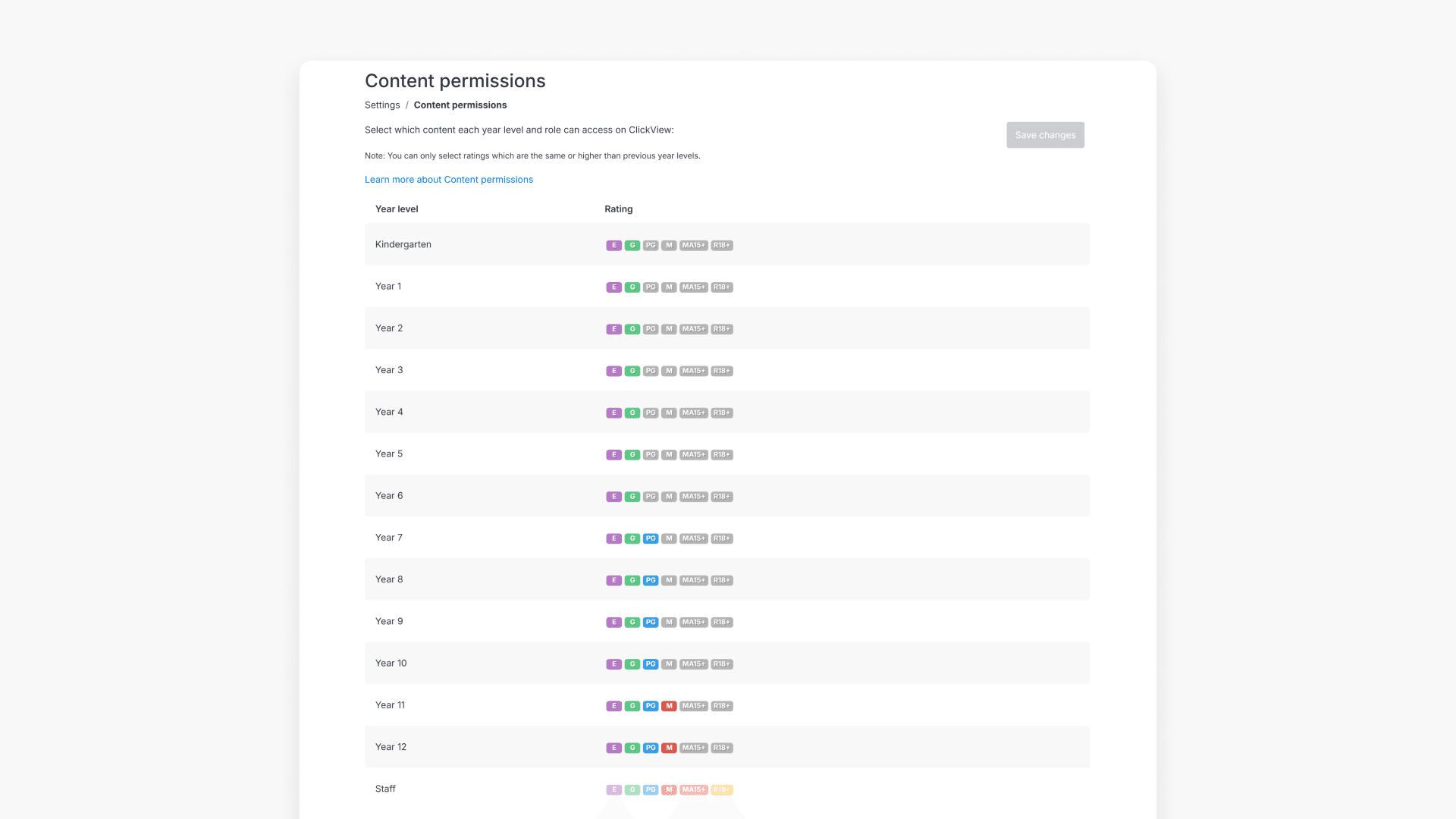
Administrators can set maximum video ratings for each year group in ClickView to ensure students view only age-appropriate content. This article explains how to access and manage these permissions for your entire institution.