Comparing MARC export record formats

Summary
- Administrators can export records in MARC 21 V1 or V2 formats.
- MARC 21 V2 allows full or partial export by date range.
- Both MARC versions are available in XML format.
- MARC formats support integration with digital cataloguing systems.
- The included record fields differ between V1 and V2.
MARC 21 export options in ClickView
Administrators can download MARC records for their library in two different MARC 21 formats using ClickView:
- MARC 21 V1: A simplified version with limited record fields.
- MARC 21 V2: A more comprehensive version with an expanded set of record fields.
Both formats are also available as XML files, making them easy to integrate with most digital library cataloguing systems.
Exporting MARC 21 V2 with date range
Administrators may select a full export of all records or opt for a partial export, choosing records between a specific start and end date when using the MARC 21 V2 format. This flexibility supports custom integration and updated cataloguing workflows.
Comparing MARC 21 V1 and V2 record fields
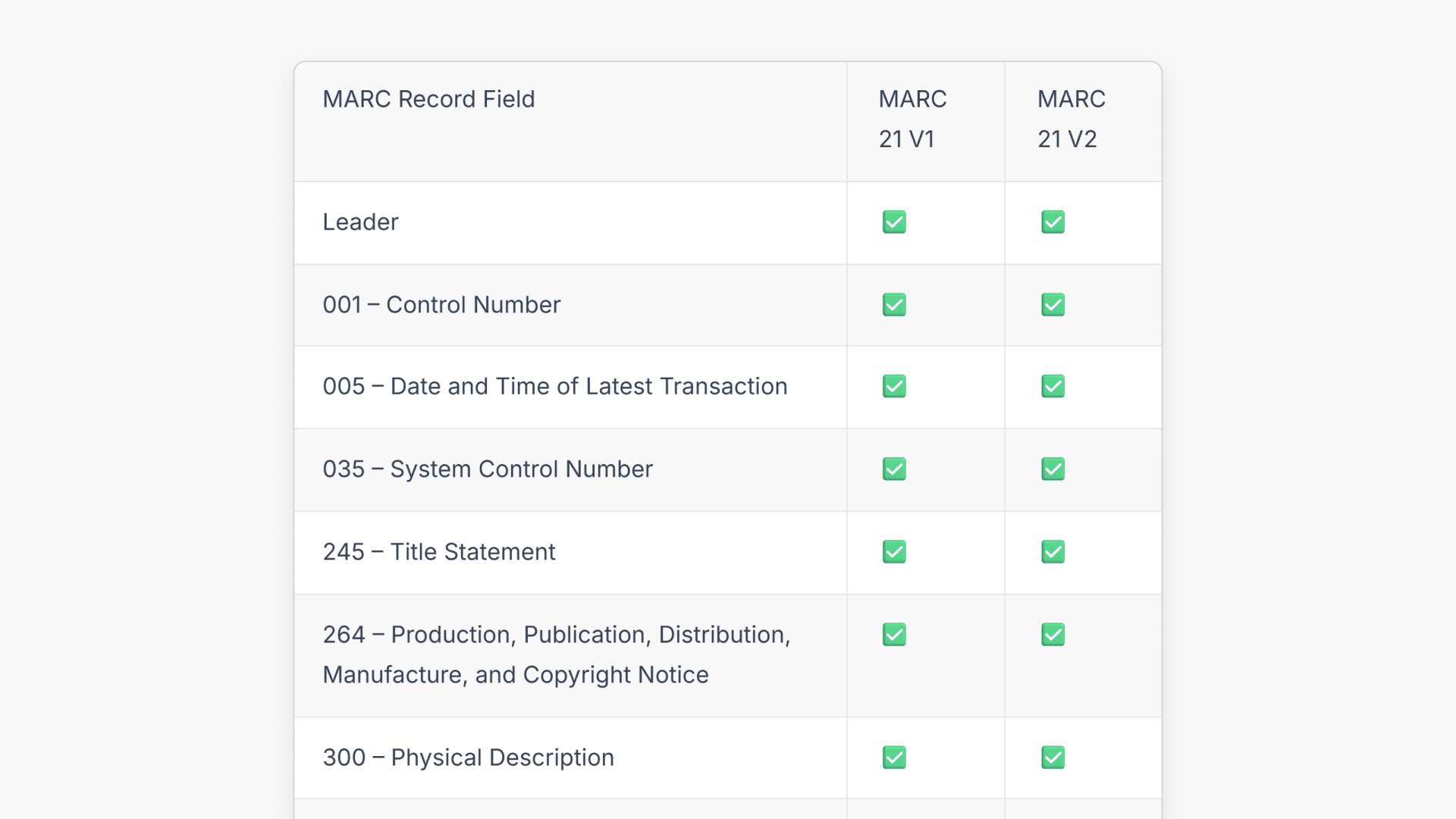
The following table shows which record fields are included in each version:
| MARC Record Field | MARC 21 V1 | MARC 21 V2 |
| Leader | ✅ | ✅ |
| 001 – Control Number | ✅ | ✅ |
| 005 – Date and Time of Latest Transaction | ✅ | ✅ |
| 035 – System Control Number | ✅ | ✅ |
| 245 – Title Statement | ✅ | ✅ |
| 264 – Production, Publication, Distribution, Manufacture, and Copyright Notice | ✅ | ✅ |
| 300 – Physical Description | ✅ | ✅ |
| 490 – Series Statement | ✅ | ✅ |
| 520 – Summary | ✅ | ✅ |
| 521 – Target Audience Note | ✅ | ✅ |
| 710 – Added Entry – Corporate Name | ✅ | ✅ |
| 856 – Electronic Location and Access | ✅ | ✅ |
| 650 – Subject Added Entry – Topical Term | ✅ | ❌ |
| 003 – Control Number Identifier | ❌ | ✅ |
| 007 – Physical Description Fixed Field | ❌ | ✅ |
| 008 – Fixed-Length Data Elements | ❌ | ✅ |
| 040 – Cataloging Source | ❌ | ✅ |
| 246 – Varying Form of Title | ❌ | ✅ |
| 336 – Content Type | ❌ | ✅ |
| 337 – Media Type | ❌ | ✅ |
| 338 – Carrier Type | ❌ | ✅ |
| 500 – General Note | ❌ | ✅ |
| 505 – Formatted Contents Note | ❌ | ✅ |
| 508 – Creation/Production Credits Note | ❌ | ✅ |
| 546 – Language Note | ❌ | ✅ |
| 653 – Index Term – Uncontrolled | ❌ | ✅ |
| 655 – Index Term – Genre/Form | ❌ | ✅ |
| 700 – Added Entry – Personal Name | ❌ | ✅ |
| 830 – Series Added Entry – Uniform Title | ❌ | ✅ |
Frequently asked questions
Get in touch
If you’re having trouble finding the right topics or videos, just reach out! Our team - 

 Akhil, Daniel, Jalaj, or any of us at ClickView - will be happy to help you get sorted.
Give feedback
Was this guide helpful?
Up Next

What are automated MARC records for ClickView libraries?
With automated MARC records, ClickView video metadata is updated automatically and reflected in supported library cataloguing and discovery services.