Interactive videos: Instant Feedback vs. Classic Quiz

Summary
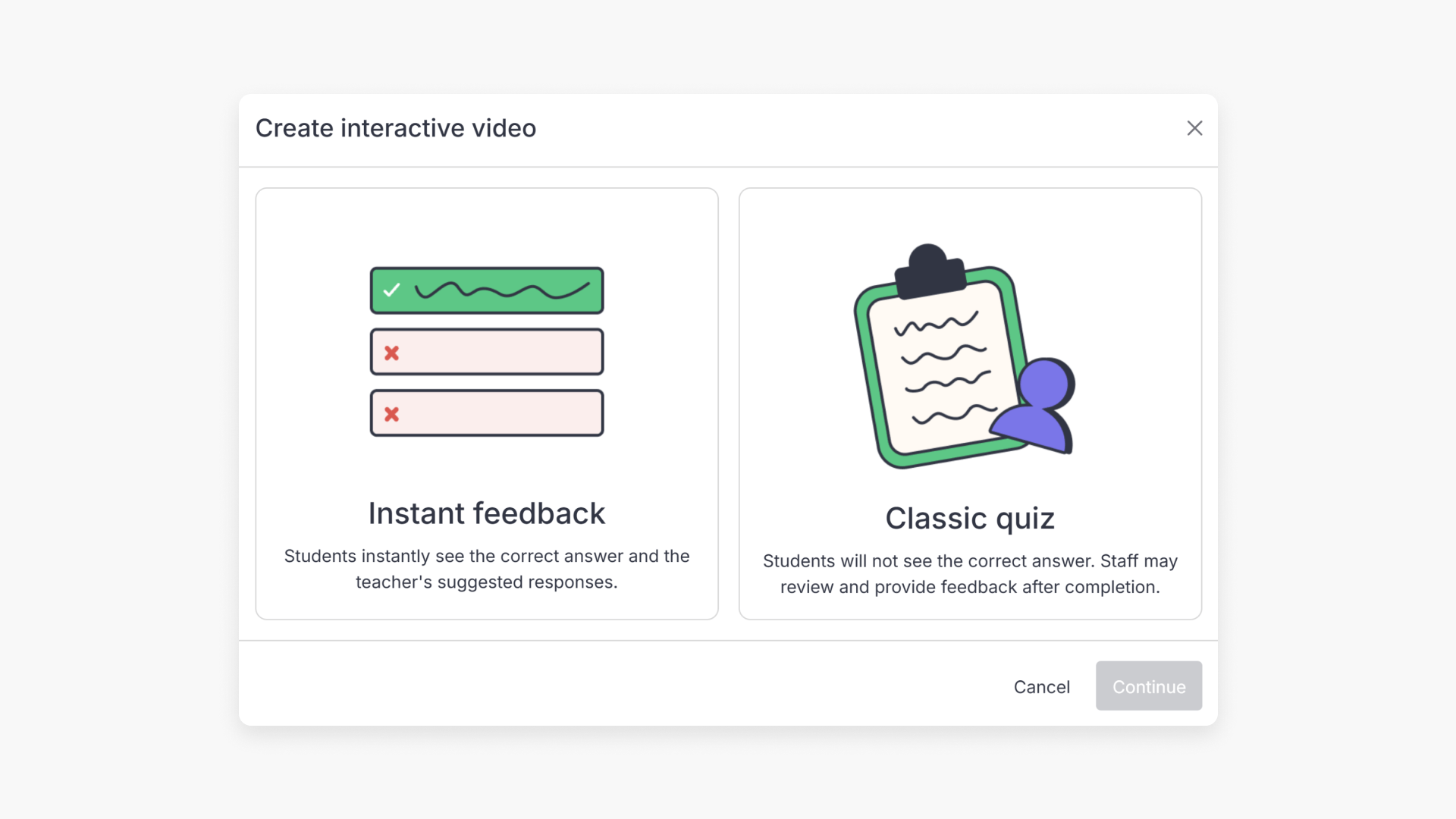
- You can choose Instant Feedback or Classic Quiz for interactives.
- Instant Feedback shows correct/incorrect answers immediately.
- Recommended answers and extra info display with Instant Feedback.
- Not available for teacher-reviewed questions (e.g., Short Answer).
- Classic Quiz reveals answers after you review and give feedback.
- Videos continue playing after answer submission in Classic Quiz.
Types of interactive video quiz in ClickView
When creating an interactive video quiz, you have two options for how students receive feedback:
- Instant feedback
- Classic quiz

What is Instant Feedback?
With Instant Feedback, students receive the answers immediately after submitting their responses, perfect for formative assessment.
- Students receive immediate feedback on their answers, so they can learn at their own pace.
- Students will also see your recommended answers and any additional information you provide.

Note: Instant Feedback is not available for interactive question types that require teacher review, such as Short Answer questions.
What is Classic Quiz?
Classic Quiz delays feedback until after you have reviewed and provided feedback on student answers. This allows teachers to create a more classic summative assessment.
Students receive results only after the teacher has reviewed and marked their answers.
For more details about reviewing interactive questions, see our article on how to mark student responses.
Frequently asked questions
Get in touch
If you’re having trouble finding the right topics or videos, just reach out! Our team - 

 Akhil, Daniel, Jalaj, or any of us at ClickView - will be happy to help you get sorted.
Give feedback
Was this guide helpful?
Up Next
How to mark interactive video student responses
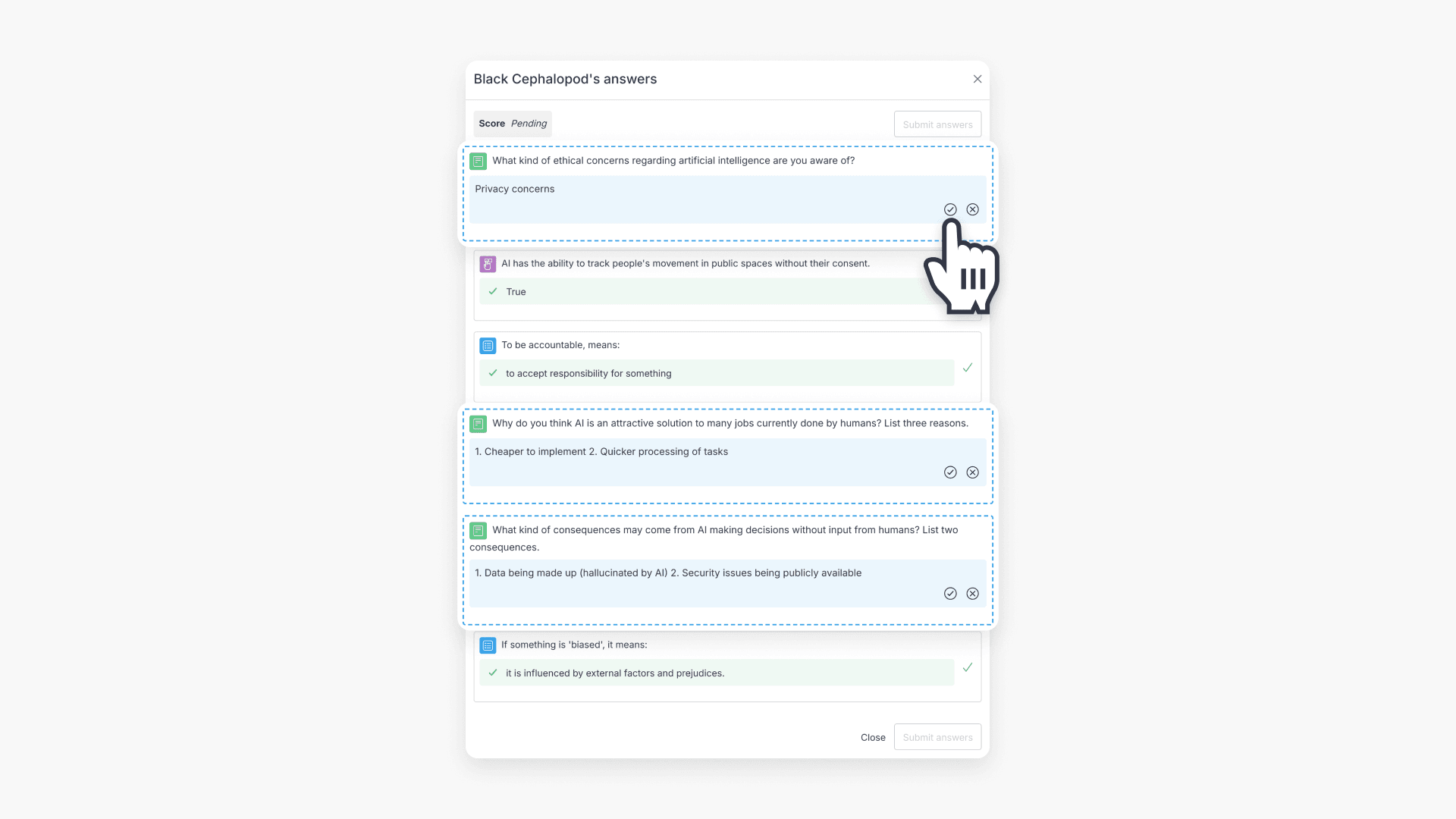
This guide walks educators through the process of reviewing and marking student responses to interactive videos in ClickView using the Shares dashboard.