How to manage subscriber school access to a Shared Library

Summary
- You can only manage access for subscriber schools after your Shared Library has been created and set up for sharing.
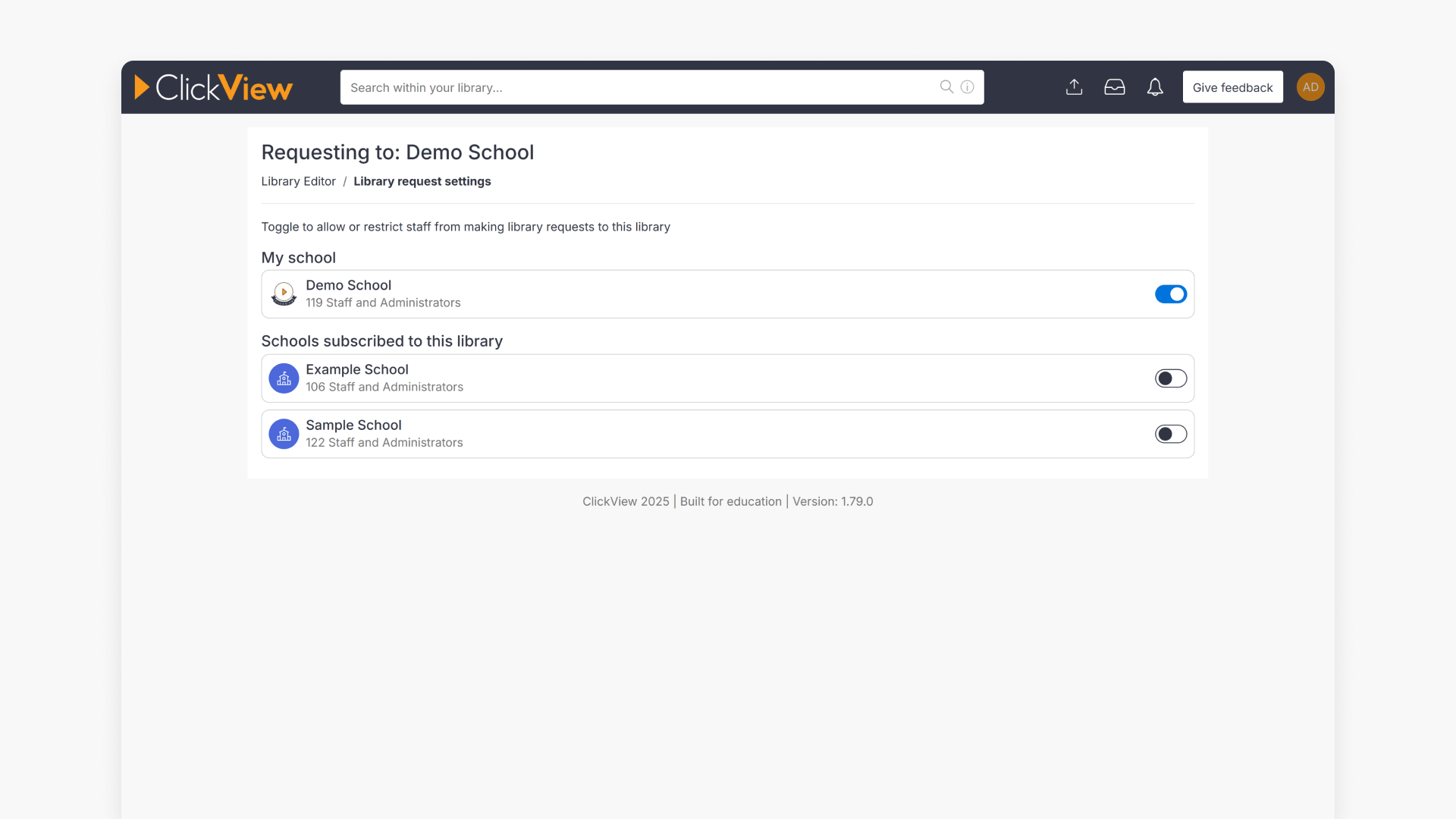
- Shared Library access is managed in Library Editor via Library request settings.
- You can remove access for a subscriber school at any time.
- To add a new school or restore access, contact Product Support.
Before you start: make sure your Shared Library is set up
This article is specifically about managing subscriber school access to an existing Shared Library.
If you haven’t created your Shared Library yet (or you’re not sure if it’s been set up for subscribers), start here: Introduction to Shared Libraries.
Once your Shared Library is created and sharing is enabled, you can manage which schools are subscribed via Library Editor.
How Shared Libraries support multiple schools
If your Shared Library is managed at a central office or main campus, you can extend access to other campuses and affiliated schools so they can subscribe and view the same shared content. This is especially useful for governing bodies and multi-site organisations that want one consistent library across their school community.
Manage subscriber school access in Library Editor
- Sign in as an Administrator.
- Select your initials (top-right), then choose Library Editor.

- In Library Editor, select the 3 dots icon next to your Shared Library name.

- Select Library request settings.

- Review your Shared Library settings and the list of subscribing schools.

Remove access for a subscriber school
- Hover over the subscribing school and select Remove Access.

- Confirm the removal in the pop-up window.

Once removed, that school is unsubscribed from your Shared Library.
Note: To add a new school or restore access for a removed school, please contact Product Support.
Frequently asked questions
Get in touch
If you’re having trouble finding the right topics or videos, just reach out! Our team - 


 Andrew, Nisch, Janice, Pfreya, or any of us at ClickView - will be happy to help you get sorted.
Give feedback
Was this guide helpful?
Up Next
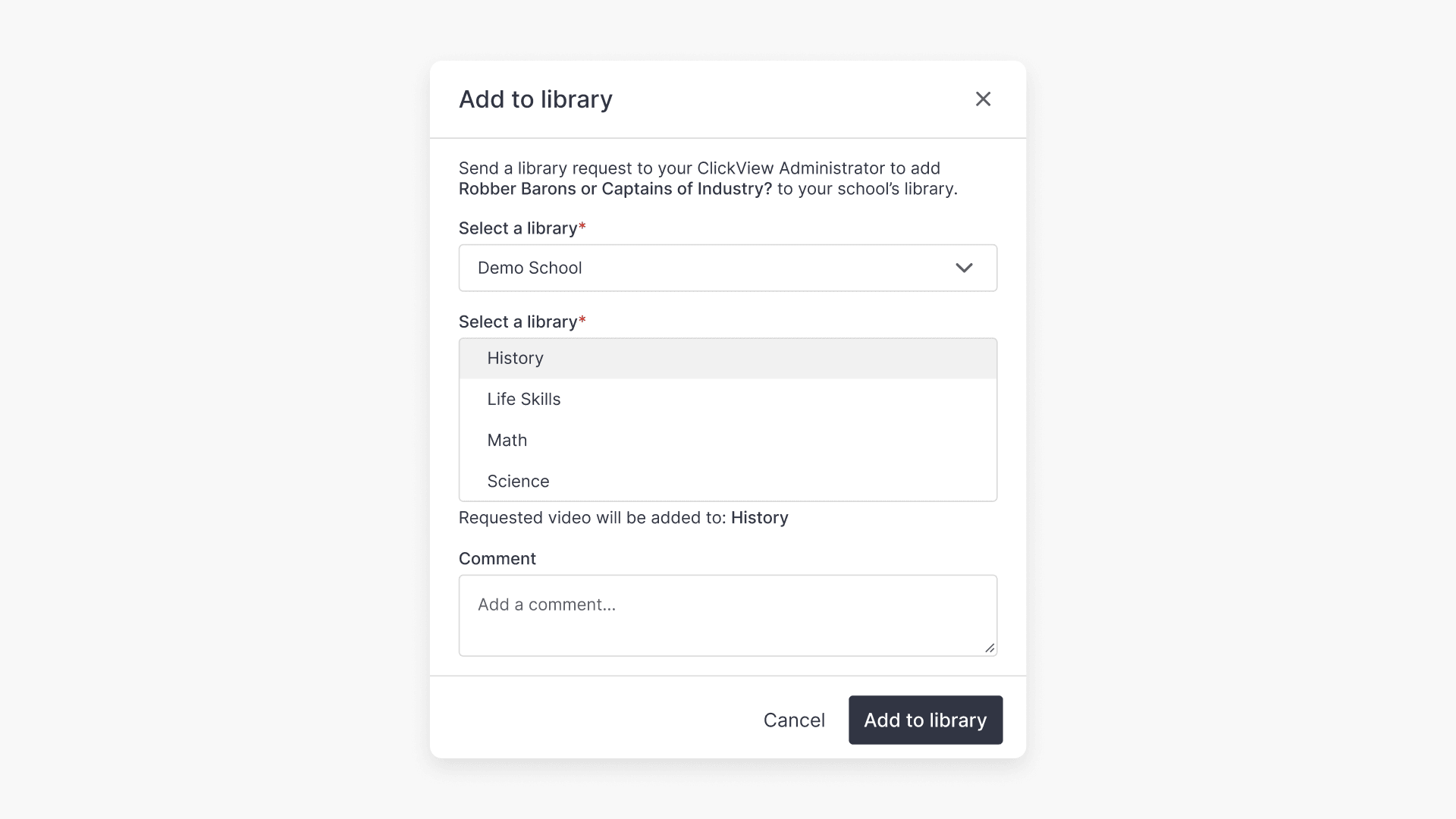
How to send video requests for a Shared Library
Discover how to request videos for another school’s ClickView library, including choosing the shared library, adding details for the administrator, and understanding approval workflow.