
Introducing Faraday – ClickView’s new product release
Published on 3 min read
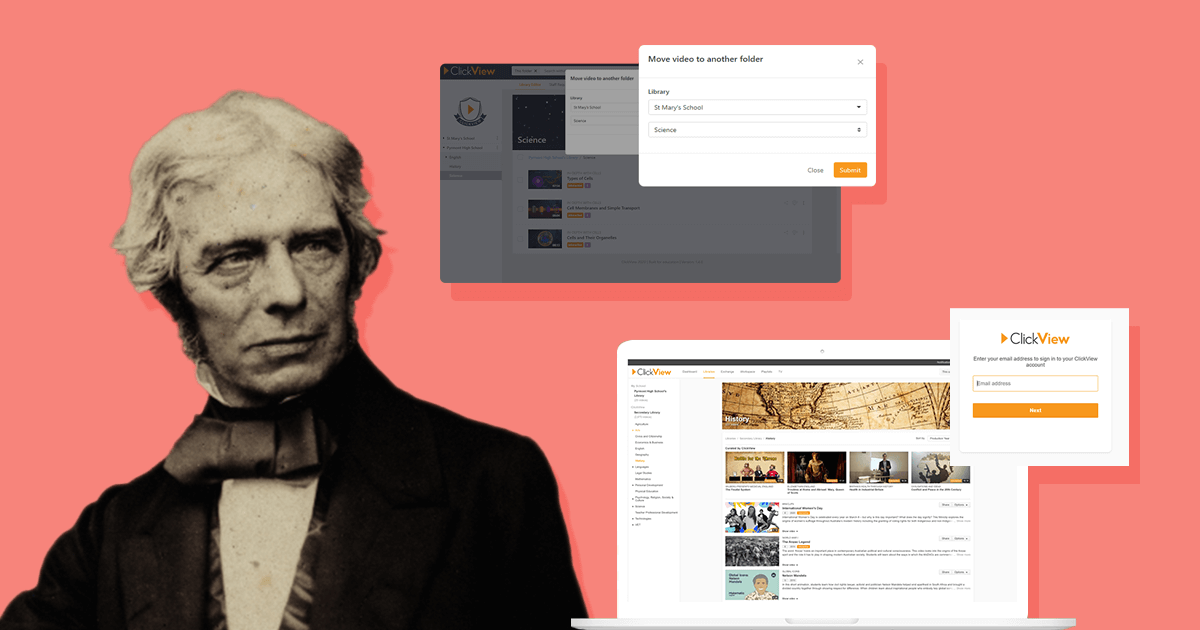
Our Product Team has been busy developing exciting new features and updates for this release. We’re pleased to announce that Faraday, named after English scientist Michael Faraday, is now live.
Release Overview
- ClickView Libraries Refresh
- Video Playback Settings Update
- New Playlists
- Support for Multiple Libraries
- iPhone/iPad App Update
ClickView Libraries Refresh
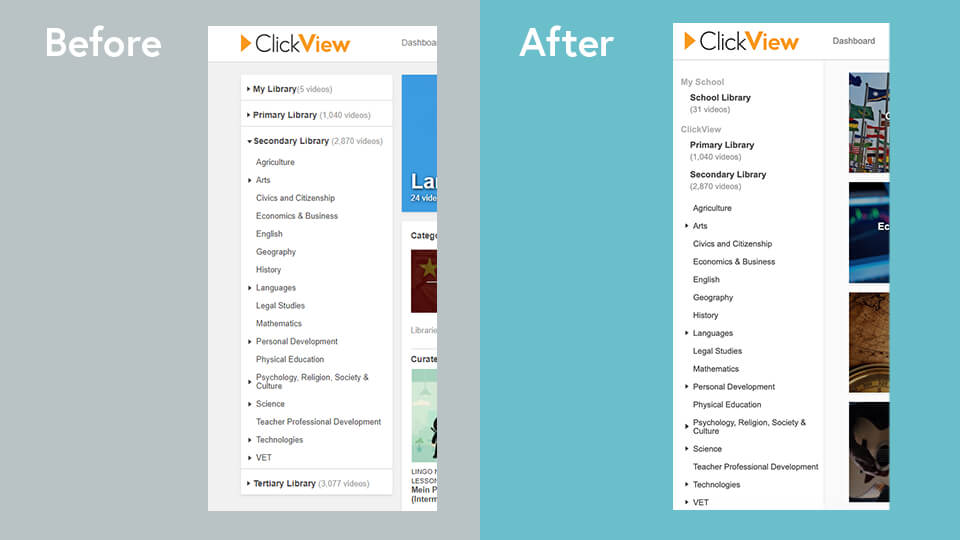
We’ve introduced a new landing page for Libraries to streamline the look of this page and improve the functionality for your staff. All libraries in the left navigation are now collapsed by default, so you can see all your libraries above the fold of the page.
We know this update will make it easier to see your available libraries when you’re signed in to ClickView.
Before:

After:

You’ll now see all libraries as tiles with ClickView libraries easily identifiable by the ClickView logo. There’s also a Recently Added widget for each library (where previously there was just one) to highlight the latest content.
Left Navigation
We’ve updated the look of the left navigation which will now stick to the left of your screen for an improved user experience.
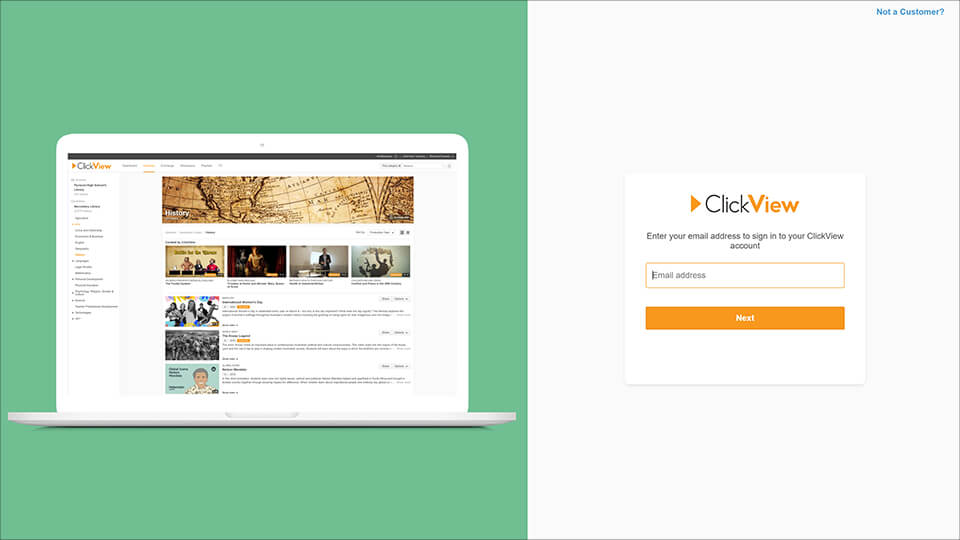
Login Form
We’ve given our login form a little refresh in this release.
Embedded Videos
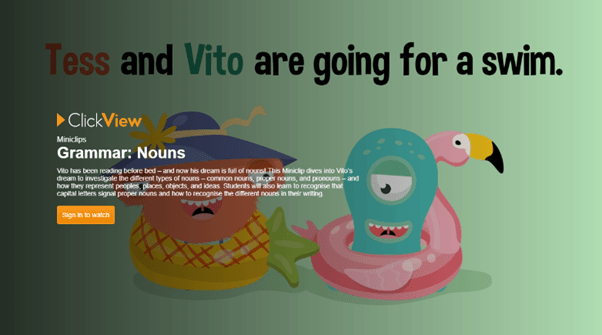
ClickView library and Exchange video thumbnails are now displayed as the background for the login form on embedded videos. You’ll also see the video title, description, series name and episode number displayed on top of the video thumbnail.
Before:

After:
Video Playback Settings Update
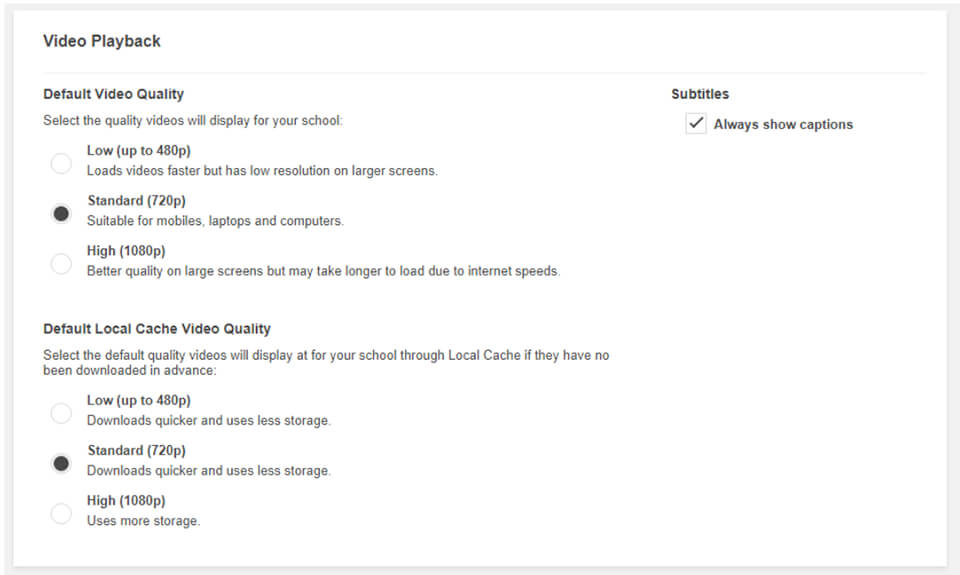
We’ve made some updates to the video playback settings in ClickView. This means Administrators can now change the default settings for their individual school.
- Default Playback Quality: ClickView Administrators can choose the playback quality of the videos streamed from their school’s ClickView.
- Default Local Cache Playback Quality: Administrators can choose the playback quality of the videos streamed from their school’s ClickView when they’re accelerated by Local Cache.
- Subtitles: Administrators can choose whether to display closed captions by default.
New Playlists
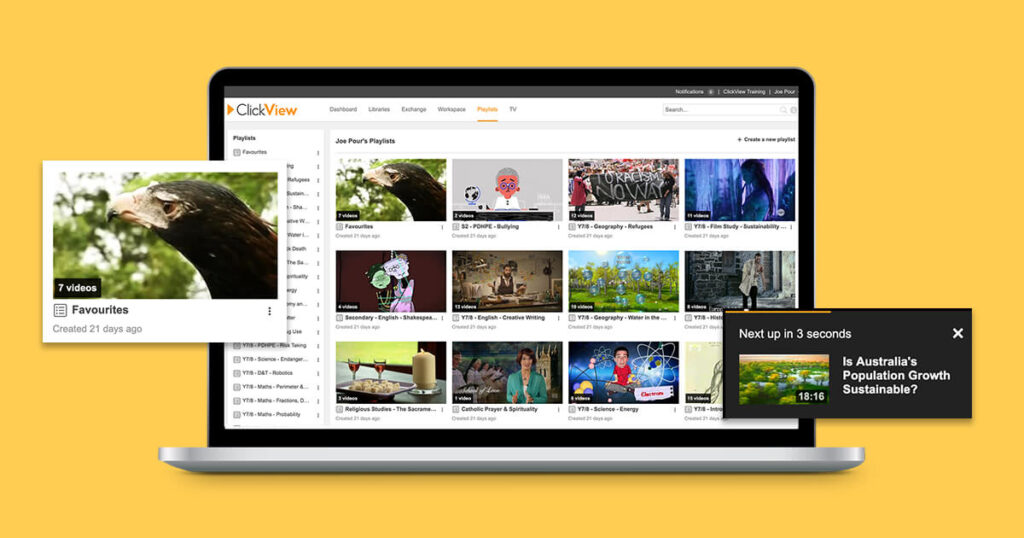
We’ve migrated all eligible ClickView customers to new Playlists. There are three key benefits in the new Playlists:
- You can now reorder videos in a playlist.
- You can now select auto-play, which will play an entire playlist in order.
- Playlists have been given a new and improved user interface (UI), making it easier for you to navigate.
Our new playlists are available for all customers who are either using Library Editor or are no longer using ClickView Publisher. If you’ve already migrated to Library Editor or are Online-Only, you’ve been upgraded and don’t need to do a thing. Read more about the new Playlists.
Support for Multiple Libraries
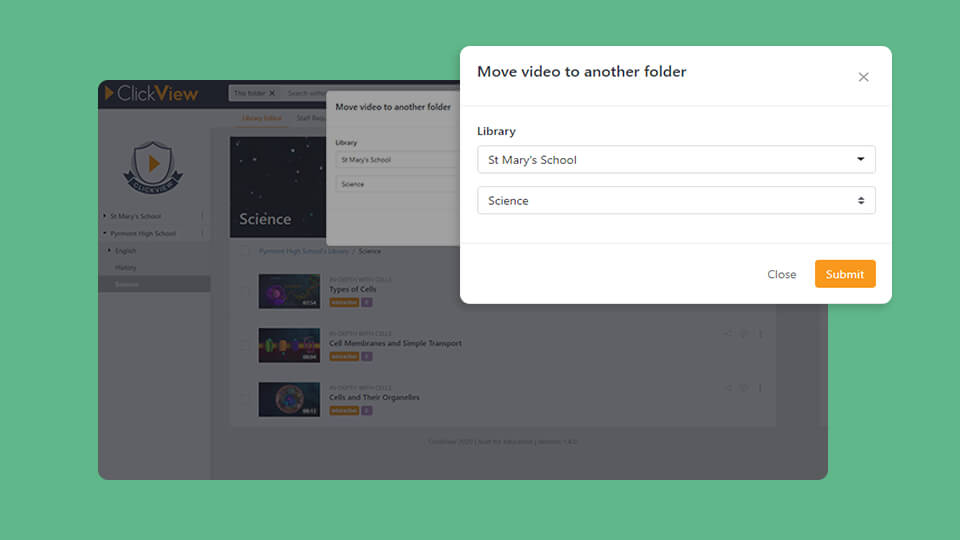
We’ve added support for multiple libraries in Library Editor. This means you can now easily move videos between all libraries you own.
iPhone/iPad App Update
We’ve released a new update for the app so be sure to get the latest version from the App Store. For iPad users, the ClickView app now includes picture-in-picture mode which allows you to continue watching a ClickView video in a small window on your iPad even after you navigate to another area in the app.
The app also respects the video playback quality set by ClickView Administrators for both iPhone and iPad users – see the Video Playback Settings Update section above for more details.

Thanks for sharing your feedback with us. We’re always looking for ways to improve your ClickView experience. We’re already thinking ahead to our next release with even more new features and improvements.
To give your feedback on this release, or to share an idea for a new feature, please get in touch at research@clickview.com.au. We’d love to hear from you.
Share to

Joe Pour
briefcase iconChief Product Officer
Experienced product leader with a strong background in engineering and building innovative products at scale.
Other posts
Want more content like this?
Subscribe for blog updates, monthly video releases, trending topics, and exclusive content delivered straight to your inbox.