Understanding your monthly streaming limit

Summary
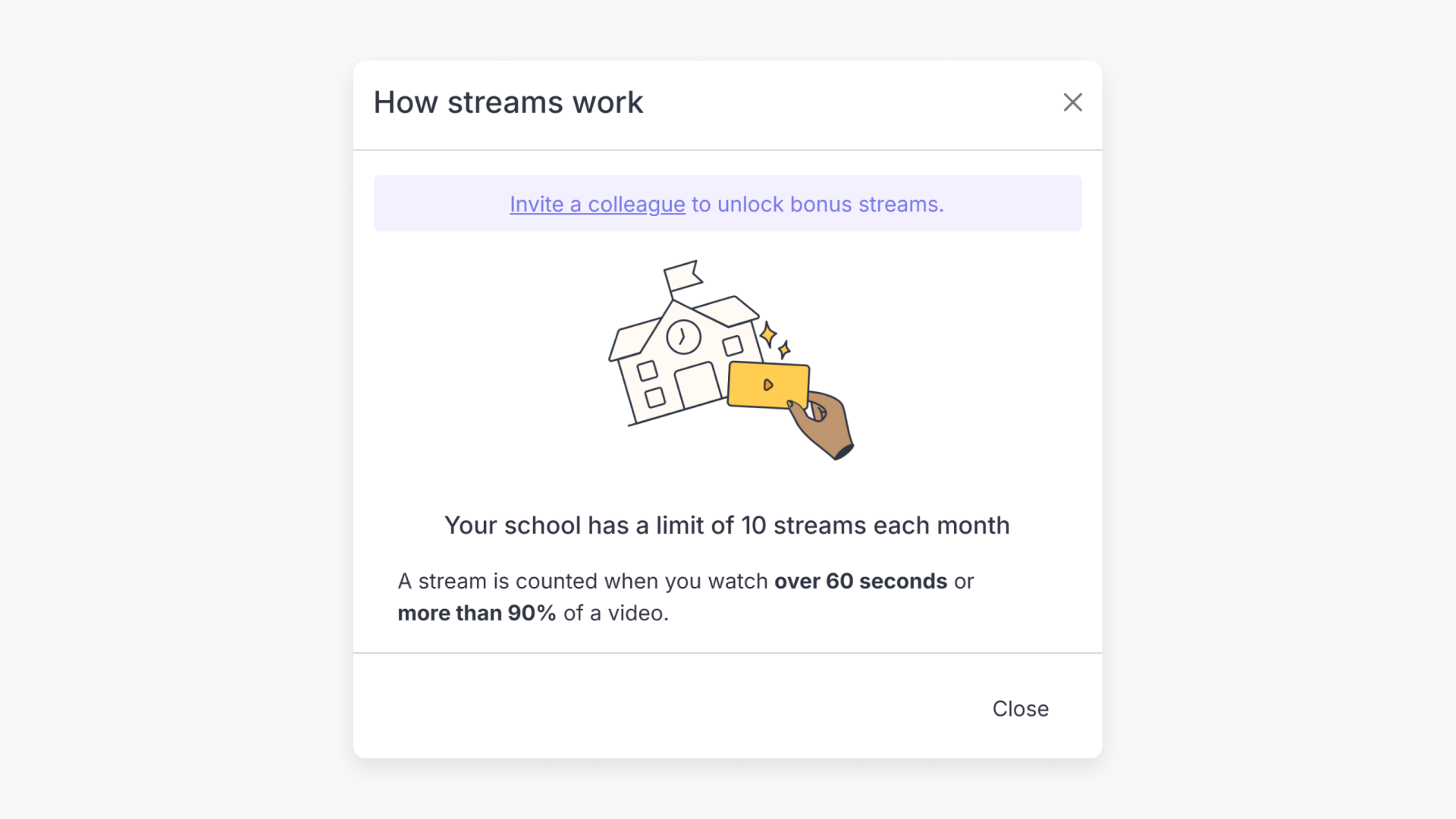
- Each free school gets 10 video streams per month
- A stream counts only after 60 seconds of video playback. Previews and quick clicks are not counted
- Invite colleagues to unlock five extra streams per invite, up to a maximum of 35 streams per month
- Your allocation resets at the start of each month
- When you reach the cap, your account, saved videos, and playlists stay intact, though watching them will require upgrading your plan
- If your school regularly reaches the limit, you can contact our team to explore full institutional access
What is the monthly streaming allocation?
Every school with free ClickView access gets 10 video streams per month. This allocation is shared across all teachers at your school, so each stream counts toward your school’s total regardless of which teacher watches the video.
Your allocation resets at the start of each calendar month.
What counts as a stream?
A stream is counted when someone at your school watches a video for more than 60 seconds. This means you can:
- Browse and search the ClickView library freely
- Preview videos and read descriptions
- Seek through videos for a quick preview
- Watch the first 60 seconds of any video to decide if it’s right for your class
None of these activities uses your streaming allocation. Only sustained viewing beyond 60 seconds counts as a stream.
How to check your school’s streaming usage
You’ll see a usage indicator in ClickView showing how many streams your school has used this month (for example, “0/10 available streams used this month”). This updates in real time, so you always know where your school stands.

How to get more streams by inviting colleagues
You can grow your school’s monthly allocation by inviting colleagues to join ClickView. Each colleague who accepts unlocks five extra streams per month for your whole school, up to a maximum of 35.
To invite a colleague:
- Look for the Invite option within ClickView
- Enter your colleague’s email address
- Once they accept the invitation, your school’s allocation increases automatically

Each invitation adds five streams to your school’s monthly total, regardless of which teacher sent the invite.
What happens when your school reaches the cap?
When your school reaches its monthly streaming limit:
- You’ll see a notice letting you know the allocation has been used for the month
- Your account stays fully active. You can still browse, search, and access your saved videos and playlists, though watching them will require upgrading your plan
- Your allocation resets at the start of the next month
If you haven’t invited colleagues yet, you can still do so. Once they accept, you’ll unlock more streams immediately.

What if my school needs more than 35 streams per month?
If your school is regularly reaching the maximum allocation, that’s a great sign that ClickView is making an impact with your team. A full institutional license gives your school unlimited streaming, plus access to features like Analytics and custom playlists.
To learn more about full access options, email team@clickvieweducation.com.

Frequently asked questions
Get in touch
If you’re having trouble finding the right topics or videos, just reach out! Our team - 


 Andrew, Nisch, Janice, Pfreya, or any of us at ClickView - will be happy to help you get sorted.
Give feedback
Was this guide helpful?
Up Next
How citations work in ClickView
Summary How do I find citations for videos in ClickView? Every video in ClickView includes a citation. Open a video, scroll below the player, and find the Reference this video section. Select a citation style from the dropdown, and ClickView will generate the citation automatically, copy it to your clipboard, and use it anywhere. Every […]