



Integrations
Learning Management Systems
Embed and track ClickView videos in your VLE. Learn setup steps, marking options, and best practises for Canvas, Moodle and more.
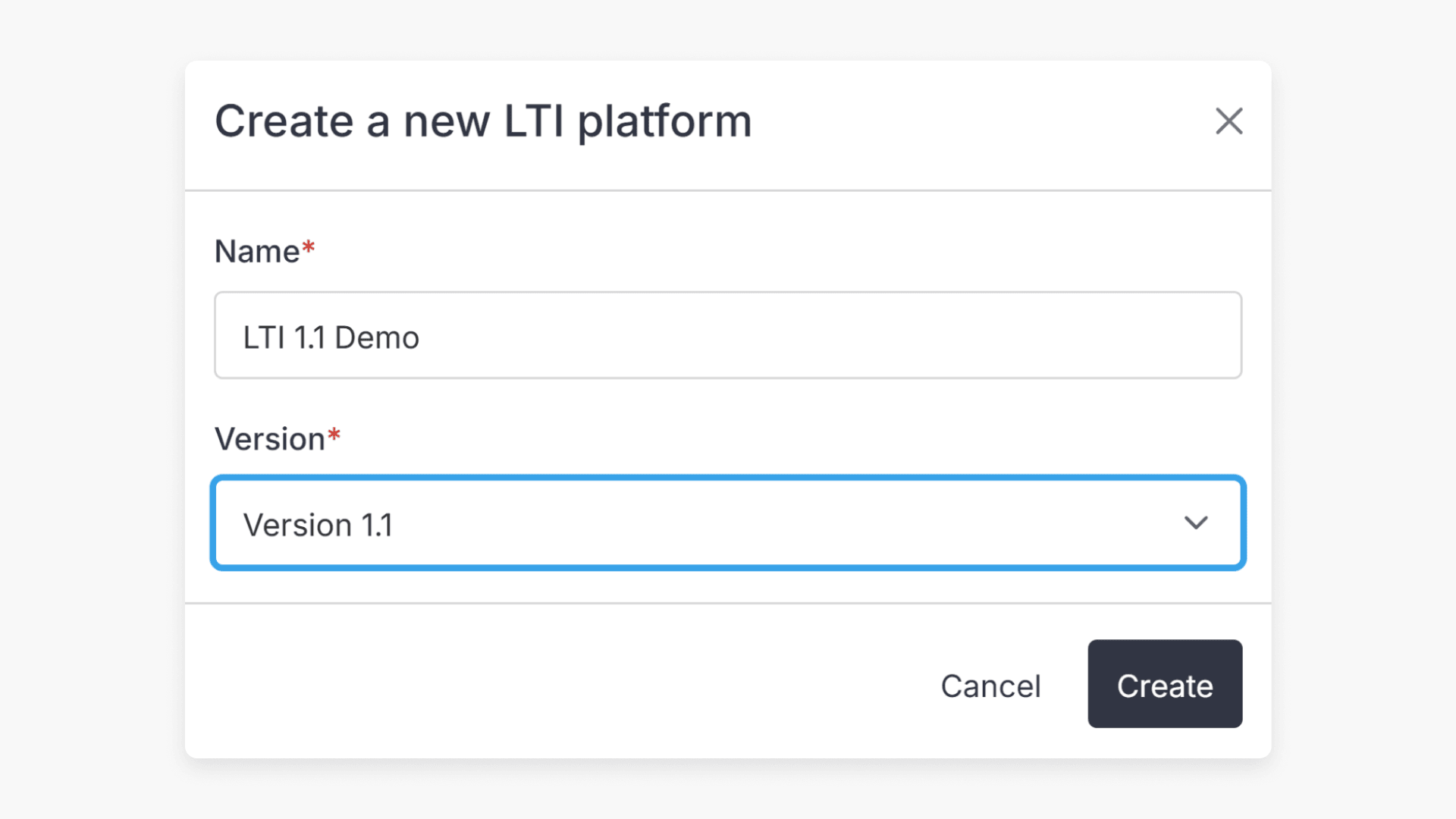
How to set up LTI integration v1.1
This article guides educators and administrators through configuring LTI v1.1 integration in ClickView, making it easy to connect external learning systems to your LMS using secure credentials.
Set up LTI integration v1.1 with Canvas
This guide explains what LTI is and provides step-by-step instructions for integrating ClickView with the Canvas VLE using LTI v1.1.
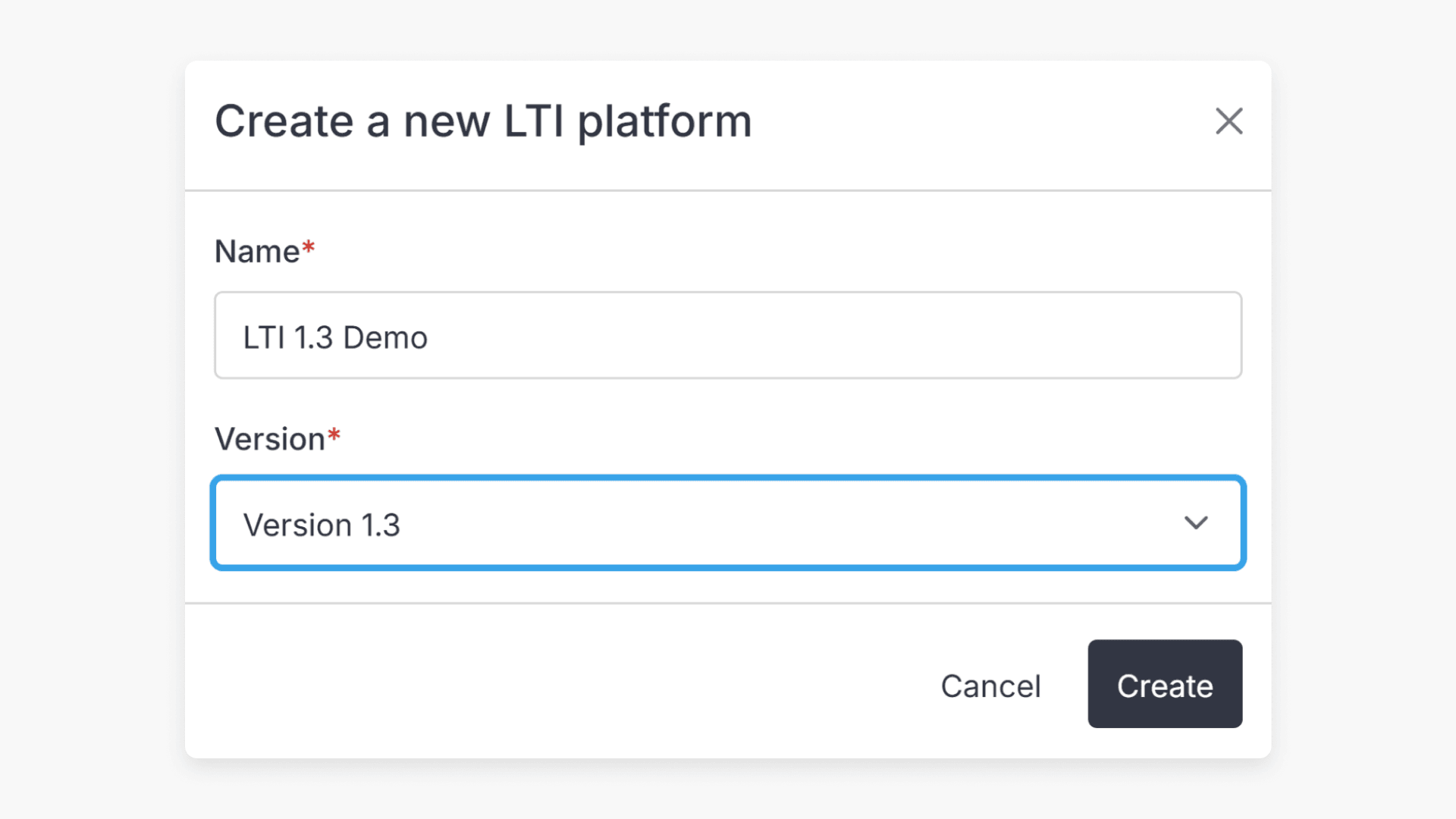
How to set up LTI integration v1.3
This article explains how ClickView administrators can set up LTI 1.3 integration to connect your virtual learning environment (VLE) with ClickView. The setup process allows seamless access to ClickView content without separate sign-in.
Set up LTI integration v1.3 with Canvas
Learn how to connect ClickView to your Canvas VLE using the LTI 1.3 standard. This guide covers each step, including copying integration fields and configuring Canvas so educators can access ClickView video resources within Canvas for lesson planning and assignments.
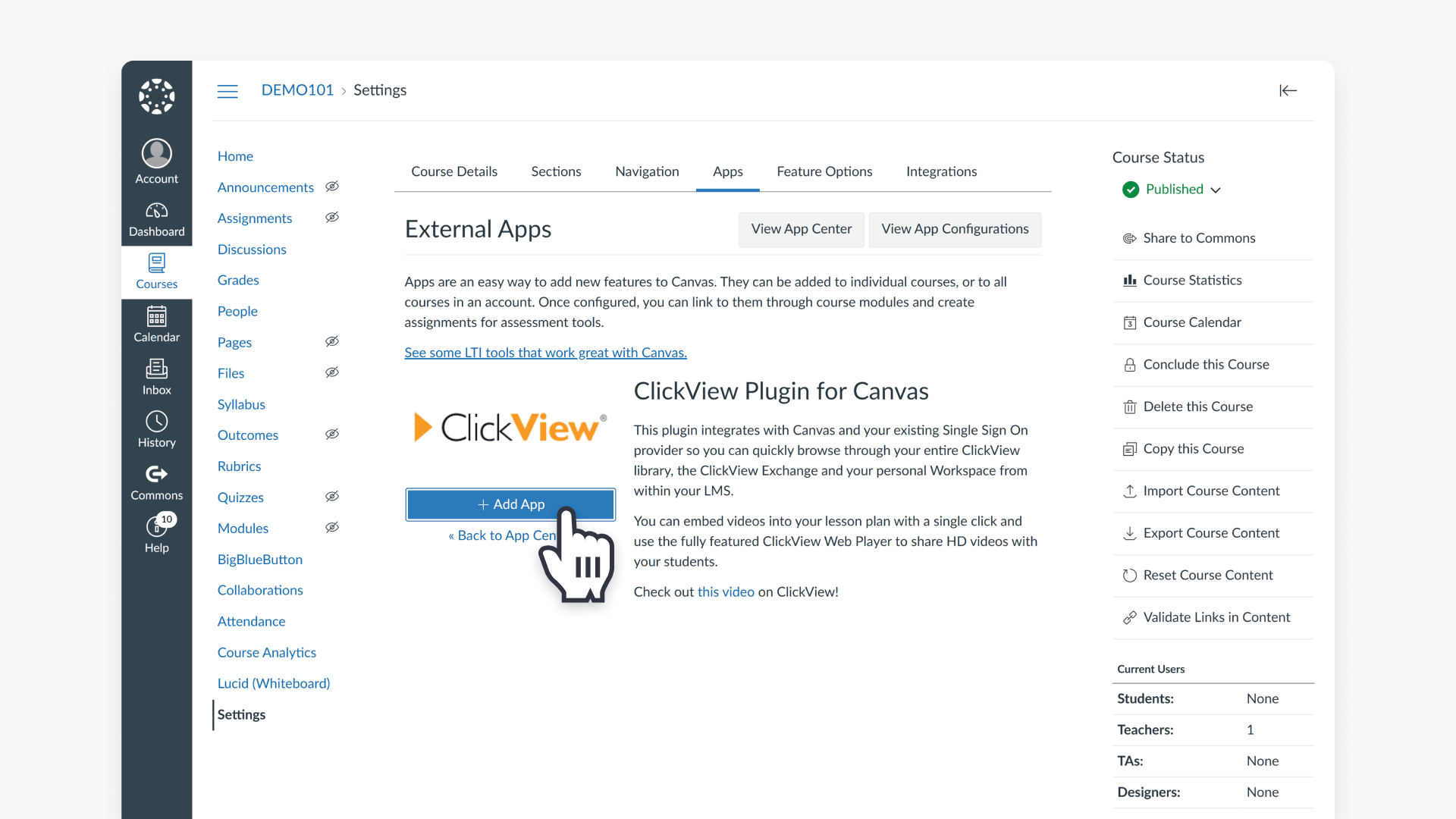
Install the ClickView plugin for Canvas
This article explains how to install and set up the ClickView plugin in Canvas, so educators can browse their ClickView library and embed videos directly into course content.
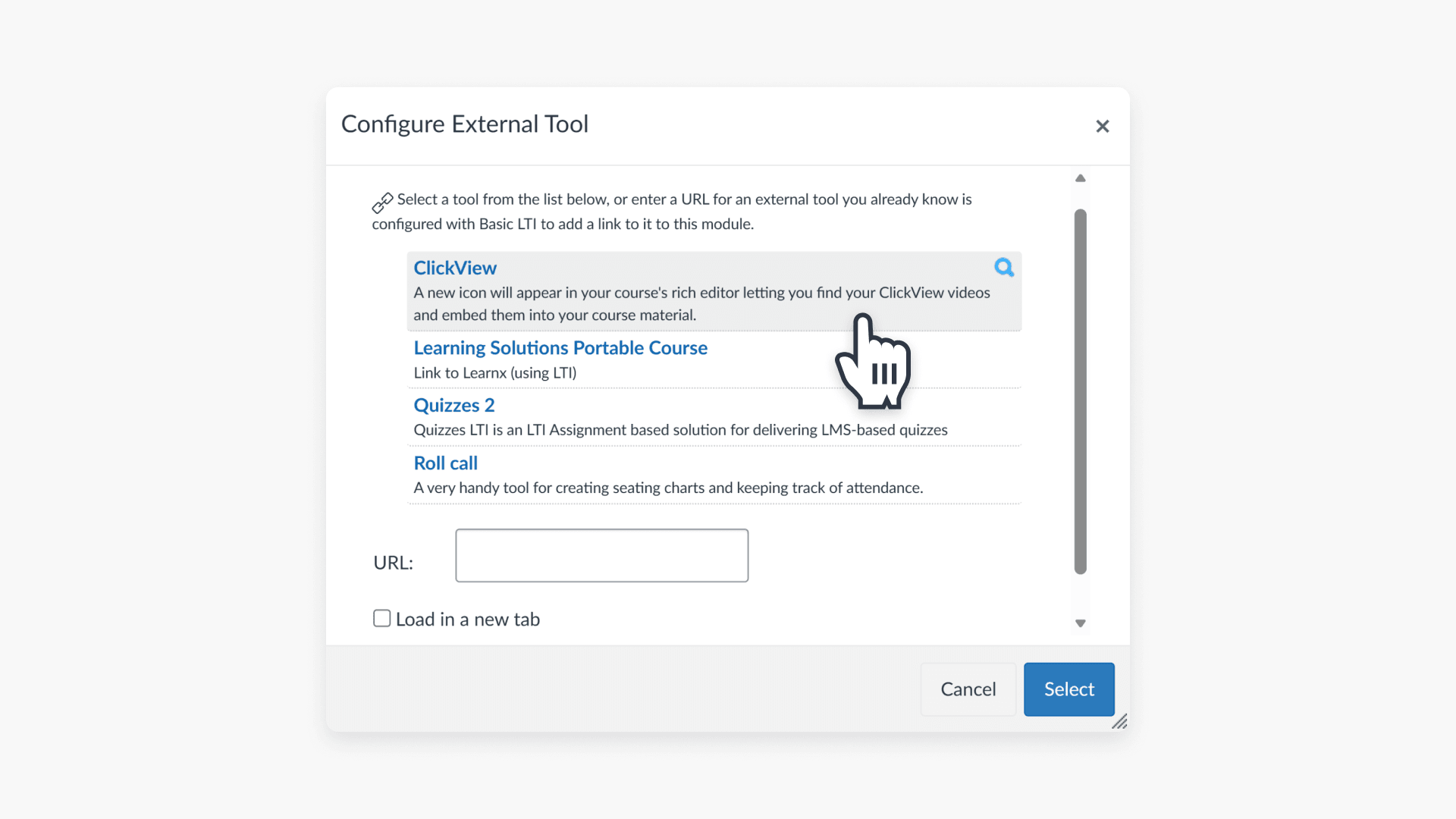
How to enable Grade Passback in Canvas
This article explains how educators can enable the Grade Passback feature with ClickView interactive videos in Canvas, providing automatic student scoring for assignments.
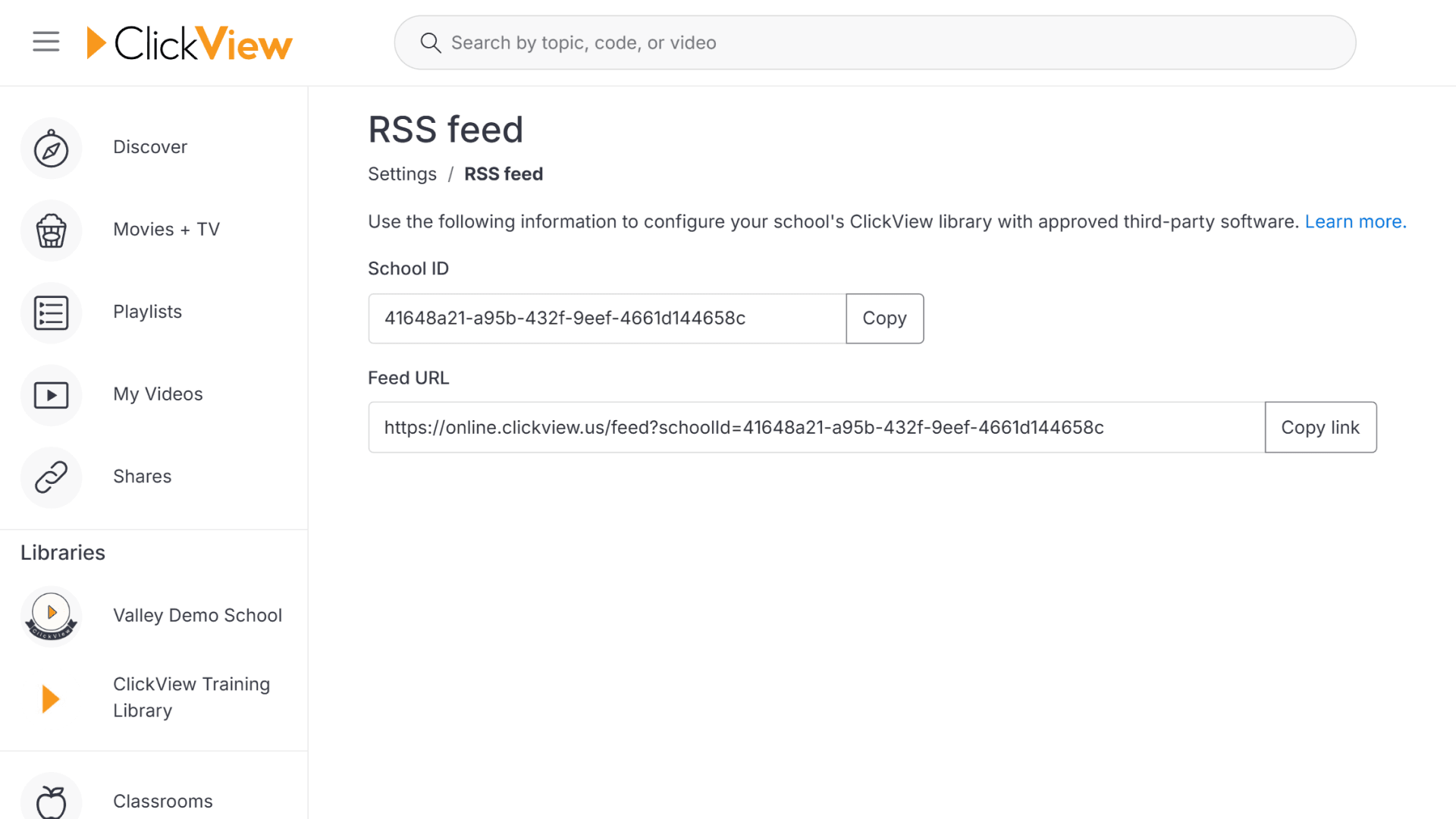
How to find your School ID and RSS URL
This article explains how educators and admins can locate the School ID and RSS URL in ClickView for integrations with library systems and virtual learning environments.