Set up LTI integration v1.1 with Canvas

Summary
- LTI enables ClickView integration with external learning platforms.
- ClickView supports both LTI v1.1 and v1.3 standards.
- Contact Product Support to enable LTI before starting.
- Go to ‘Settings’ > ‘Integrations’ > ‘LTI platforms’ in ClickView.
- Add a new platform, select ‘Version 1.1’, and use the info for Canvas setup.
- Configure Canvas by mapping fields as shown: Key, Secret, XML Url.
What is LTI and how does it work with Canvas?
Learning Tools Interoperability (LTI) is an education technology standard that lets virtual learning environment (VLE) systems, such as Canvas, communicate securely with external platforms like ClickView. With LTI, you can deliver content and resources within Canvas without requiring students to sign in separately to ClickView.
How to set up LTI v1.1 connection to Canvas
Before starting the integration, you must contact Product Support to have LTI enabled on your ClickView account.
- Sign in to ClickView with an administrator account and go to Settings:

- Under Integrations, select LTI platforms:

- Select + Add platform:

- Name your LTI platform and select Version 1.1:

- The next page provides the information needed for Canvas configuration:

Configure Canvas with ClickView LTI credentials
- Open Canvas:

- Go to Admin in the side bar, then Settings, Apps, and View App Configurations:


- Click + App:

- Choose By URL as your configuration type:

- Copy and paste the following fields from ClickView into Canvas:
ClickView FieldCanvas FieldKeyConsumer KeySecretShared SecretXML UrlConfig URL 
- Once complete, ClickView is added to Canvas as an external tool.
Frequently asked questions
Get in touch
If you’re having trouble finding the right topics or videos, just reach out! Our team - 

 Akhil, Daniel, Jalaj, or any of us at ClickView - will be happy to help you get sorted.
Give feedback
Was this guide helpful?
Up Next
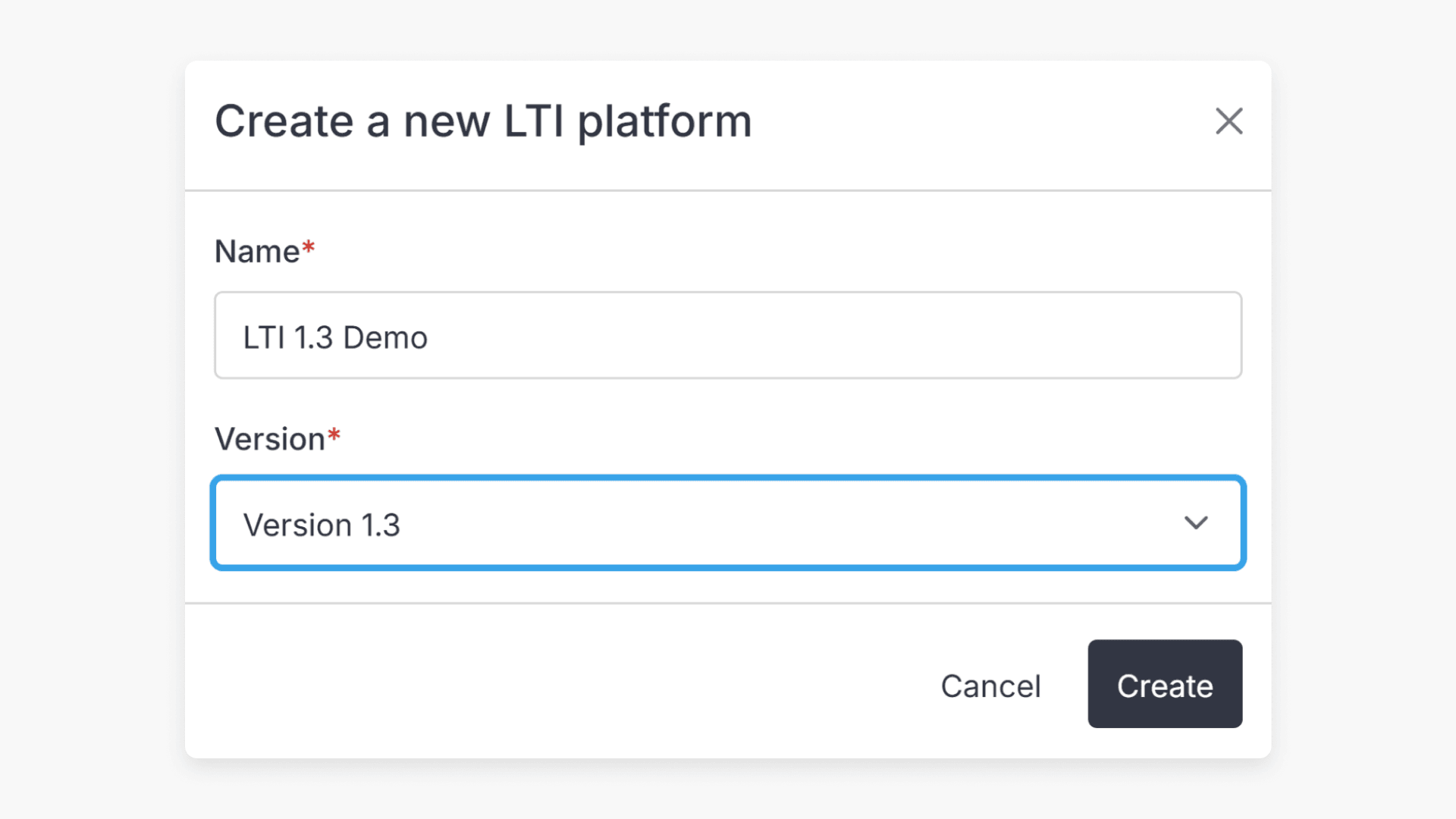
How to set up LTI integration v1.3
This article explains how ClickView administrators can set up LTI 1.3 integration to connect your virtual learning environment (VLE) with ClickView. The setup process allows seamless access to ClickView content without separate sign-in.