
Streamable Learning is now ClickView Live
Published on 5 min read
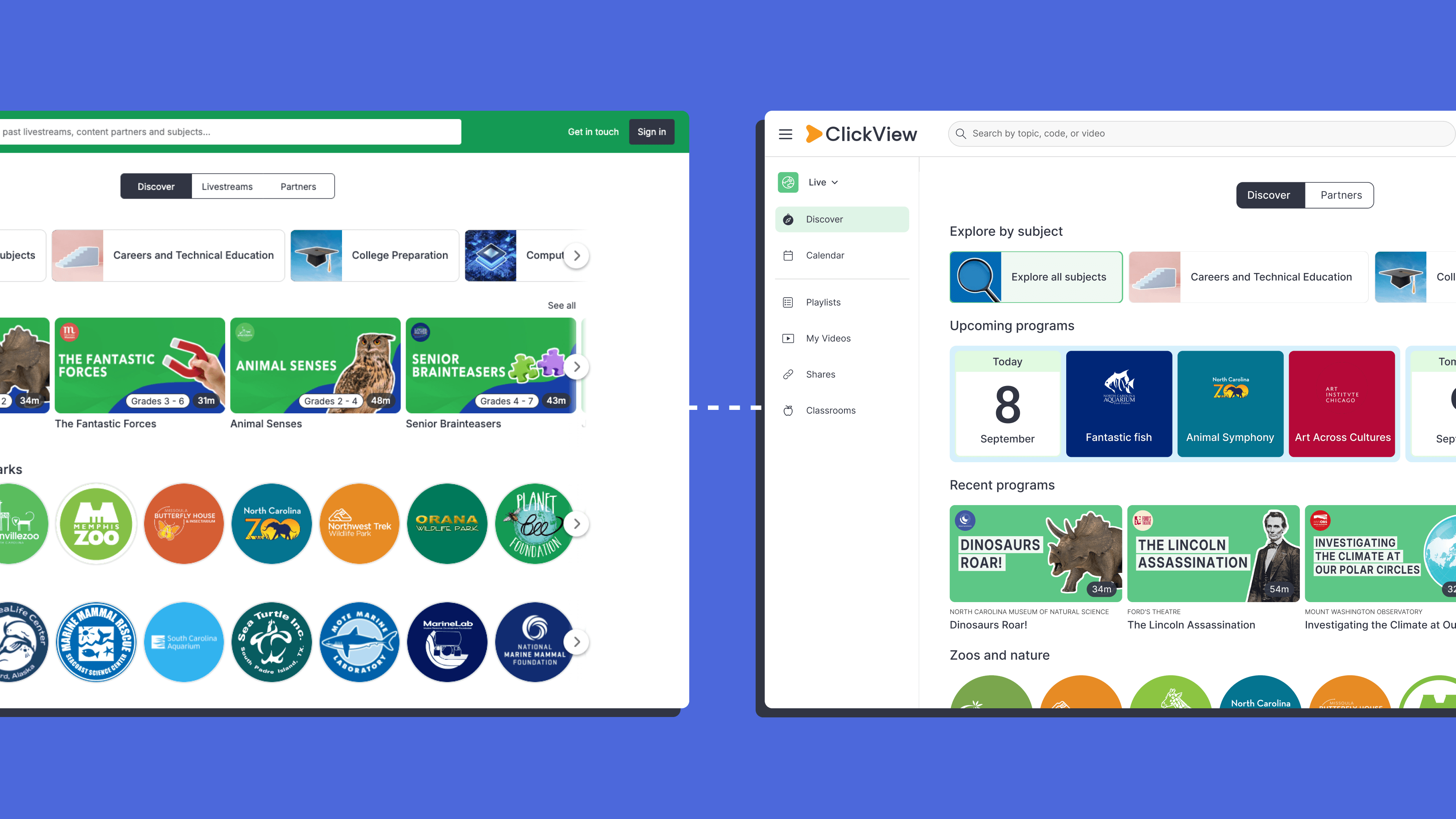
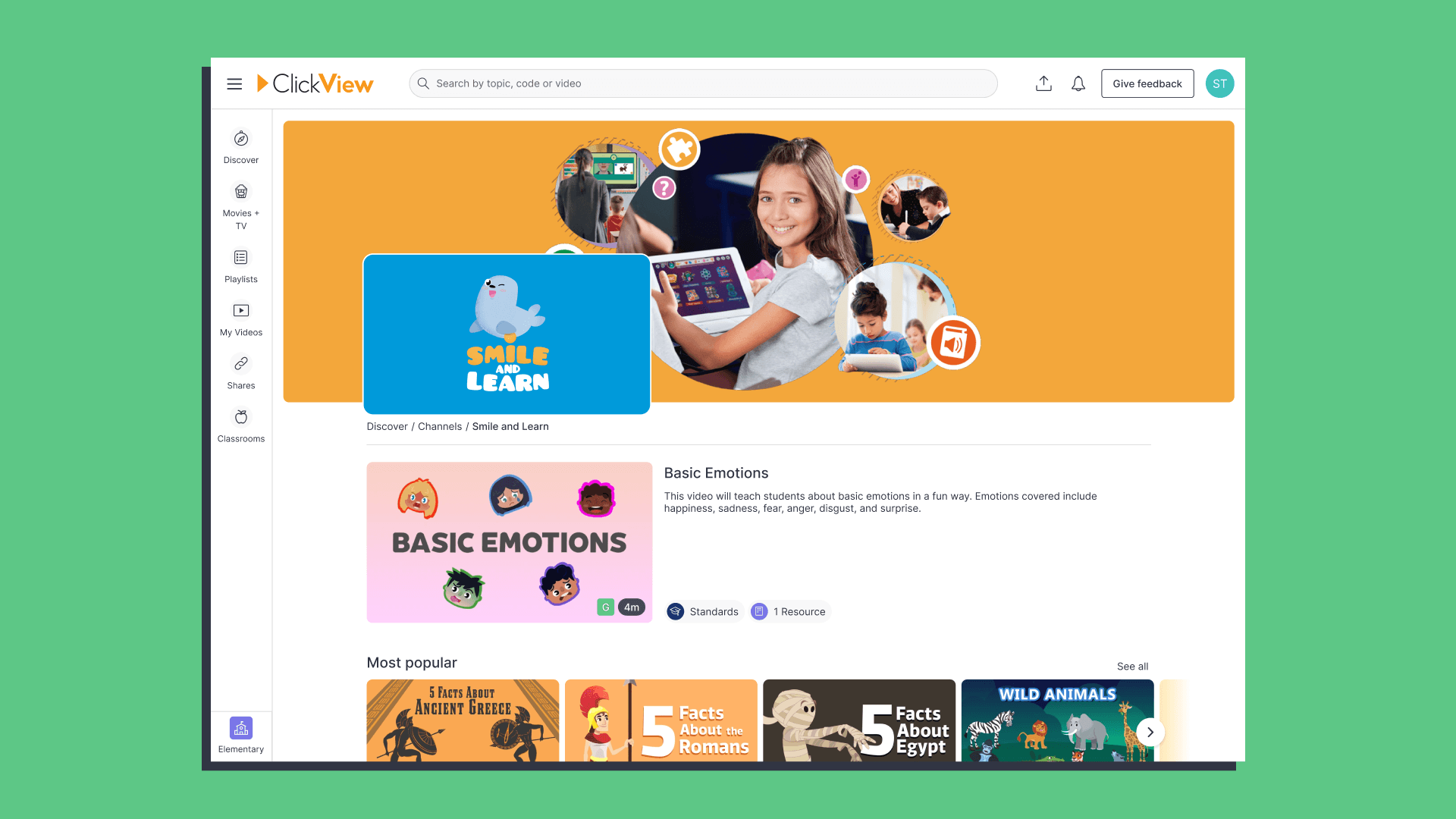
Streamable Learning is getting a new name and a new home. It’s now called ClickView Live, and it lives right inside ClickView, alongside the on-demand videos.
If you’ve used Streamable Learning to book live video field trips or author visits, nothing about that experience is going away. You’ll just find it in a new place, plus a few new features.
What’s new
- A new name: Streamable Learning is now ClickView Live. Same live and recorded programs you know, with a name that reflects exactly where you’ll find them.
- One product: Streamable Learning sits inside ClickView, so there’s no separate site or second login to keep track of.
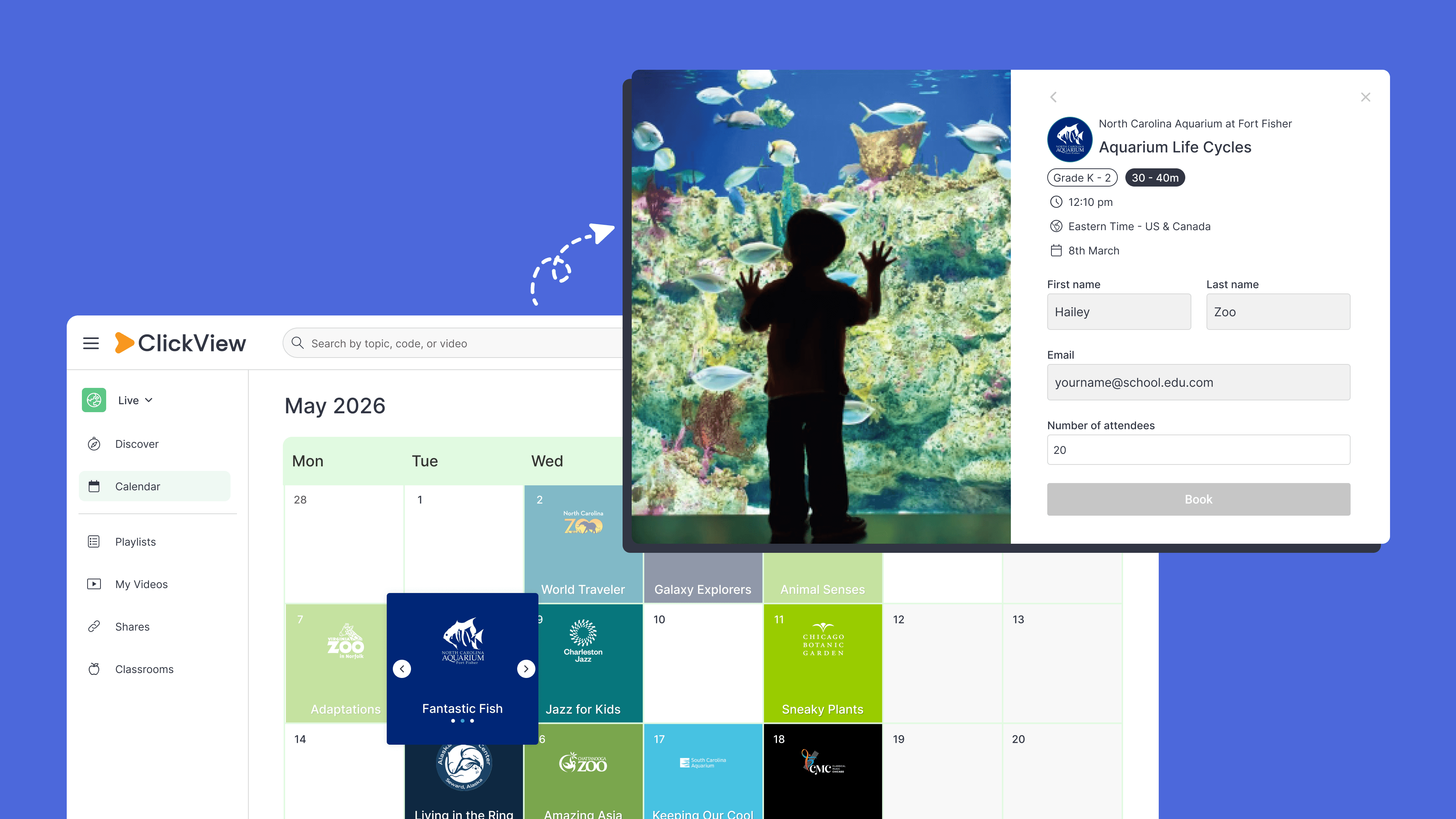
- New features for Streamable Learning schools: If your school previously had only Streamable Learning, you now get access to a set of ClickView features that weren’t available before, from curriculum search to playlists.
- More features if you have both: If your school has ClickView and Streamable Learning, you now get to use ClickView’s sharing, insights, and other features with your ClickView Live programs too.
Why we made this change
We acquired Streamable Learning in February 2024 to bring more ways for students to learn through video, without leaving the classroom. Since then, we’ve heard the same thing from schools using both products: switching between two logins and two interfaces to get to video content is more work than it needs to be.
Bringing Streamable Learning into ClickView means live programs and standards-aligned videos now sit in one place. It’s a simpler experience, and it means Streamable Learning now benefits from the features ClickView customers already rely on every day.
About ClickView
ClickView is a video platform trusted by over 11,000 schools worldwide, home to standards-aligned videos for every grade and subject, plus interactive quizzes and insights that help you track student engagement. If Streamable Learning has been the only ClickView product your school uses, this move puts thousands of additional videos just a click away, in the same place you already log in to.
What’s changed
The name
Streamable Learning is now ClickView Live. You’ll see this new name wherever you used to see Streamable Learning, including in bookings, recordings, and communications from us.
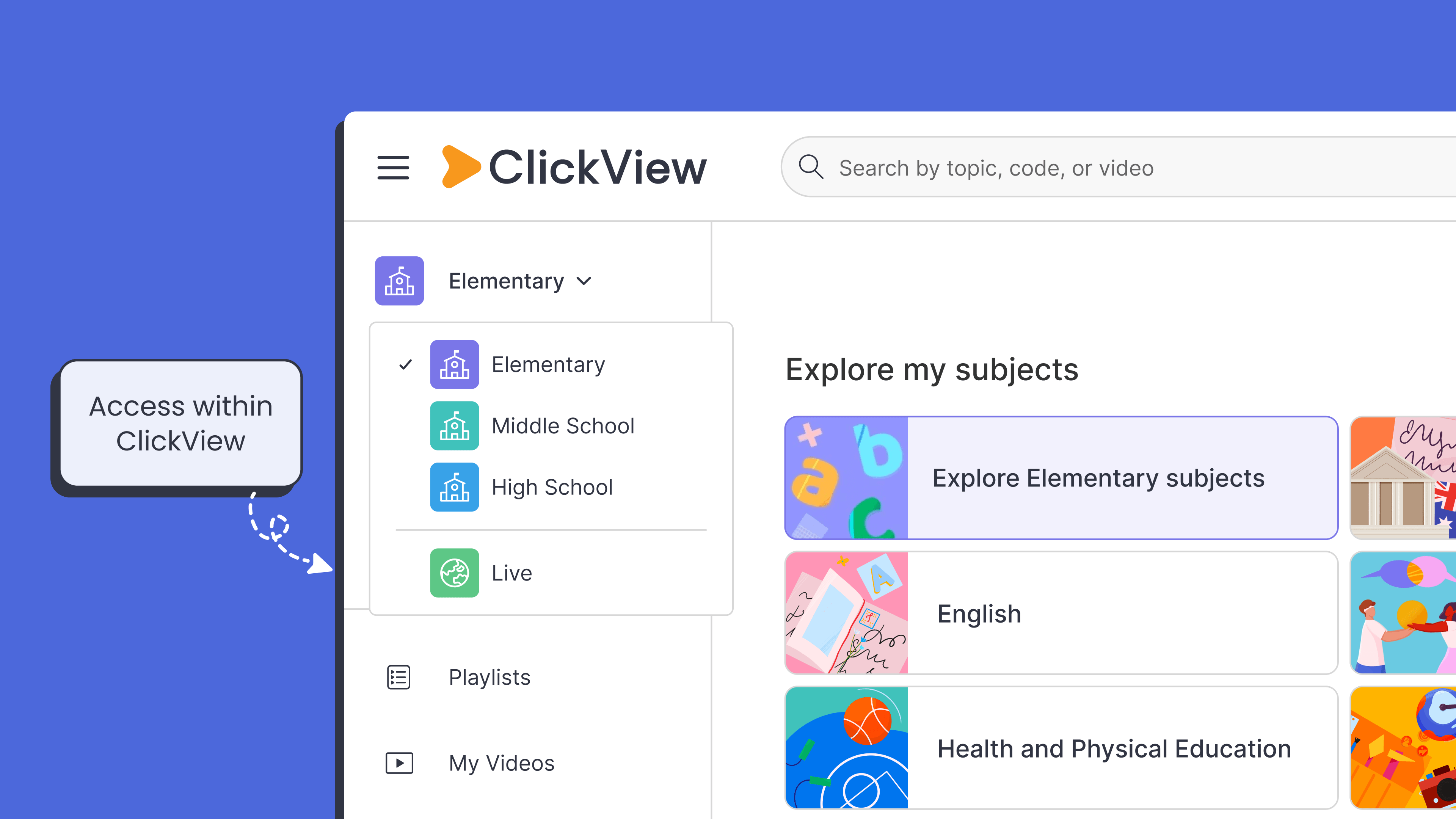
Where you access it
Streamable Learning is now accessed directly within ClickView. There’s no separate site to log in to. Bookings, past recordings, and school setup carry over, so you can pick up right where you left off.
The features you get
If your school has Streamable Learning
Sharing
It’s now easy to share programs with your students:
- Simple sharing: Share programs using links, join codes or QR codes
- Embed: Create embed links to use within your LMS
- Open Classrooms: Quickly share with any group of students without requiring login
- My Shares: Track all of your shared programs in one place
- Integrations: Use programs with Microsoft Teams and Google Classroom
Search and discover
Finding the right program for your next lesson is faster:
- Search by standards: Find all aligned programs by standard code
- Advanced search filters: Find programs by production year, duration, and more
- Follow topics: Follow a topic to be notified when new programs become available
- Hover to preview: Hover over any thumbnail for an instant preview of the video
Upload and organize
You can now upload your own videos, create playlists and clips:
- My Videos: Upload your own videos to share with your students
- Playlists: Create playlists of programs to share with your colleagues or students
- Clips: Create short, bite-sized clips from any program
- Favorites: Quickly save a program for viewing later
Quality-of-life improvements
Programs are easier to use and view in the classroom:
- Transcripts: Jump to key moments and download to support lesson planning
- Citations: Every program comes with a ready-to-copy citation
- Table of contents: Quickly find key sections and supporting materials in any video
- Watch history: Pick up where you left off, with every video you’ve watched
If your school has both ClickView and Streamable Learning
Now that Streamable Learning and ClickView live on one platform, the ClickView features you already use apply to your programs:
- Interactive quizzes: Create interactive quizzes on any program, with instant feedback and progress tracking.
- Unified search: Live programs will now appear in search alongside standard-aligned ClickView videos
- My Shares insights: Track all of your shared programs and see viewer counts, watch time, and interactive quiz results
- Full integration coverage: Use programs with all the same integrations you use today, including Microsoft Teams, Google Classroom, Apple TV and Vivi
- Library Editor: Live programs can now be added directly to your school or district library
What’s not changing
While the name and the way you access it are changing, plenty stays exactly the same:
- Bookings and recordings: Everything already booked or recorded carries over automatically. There’s nothing to move or set up again.
- The programs themselves: The live field trips, museum visits, and author talks are the same programs, with the same partners, just accessed from inside ClickView.
- The layout you already know: Once you’re logged in, programs, author visits, and field trips sit exactly where you left them. You already know your way around ClickView Live. You’re just walking through a new door to get there.
- How you sign in: Nothing changes about how you sign in, including if you use Clever, ClassLink, or Safari Montage. You’ll just see the name and icon update to ClickView Live.
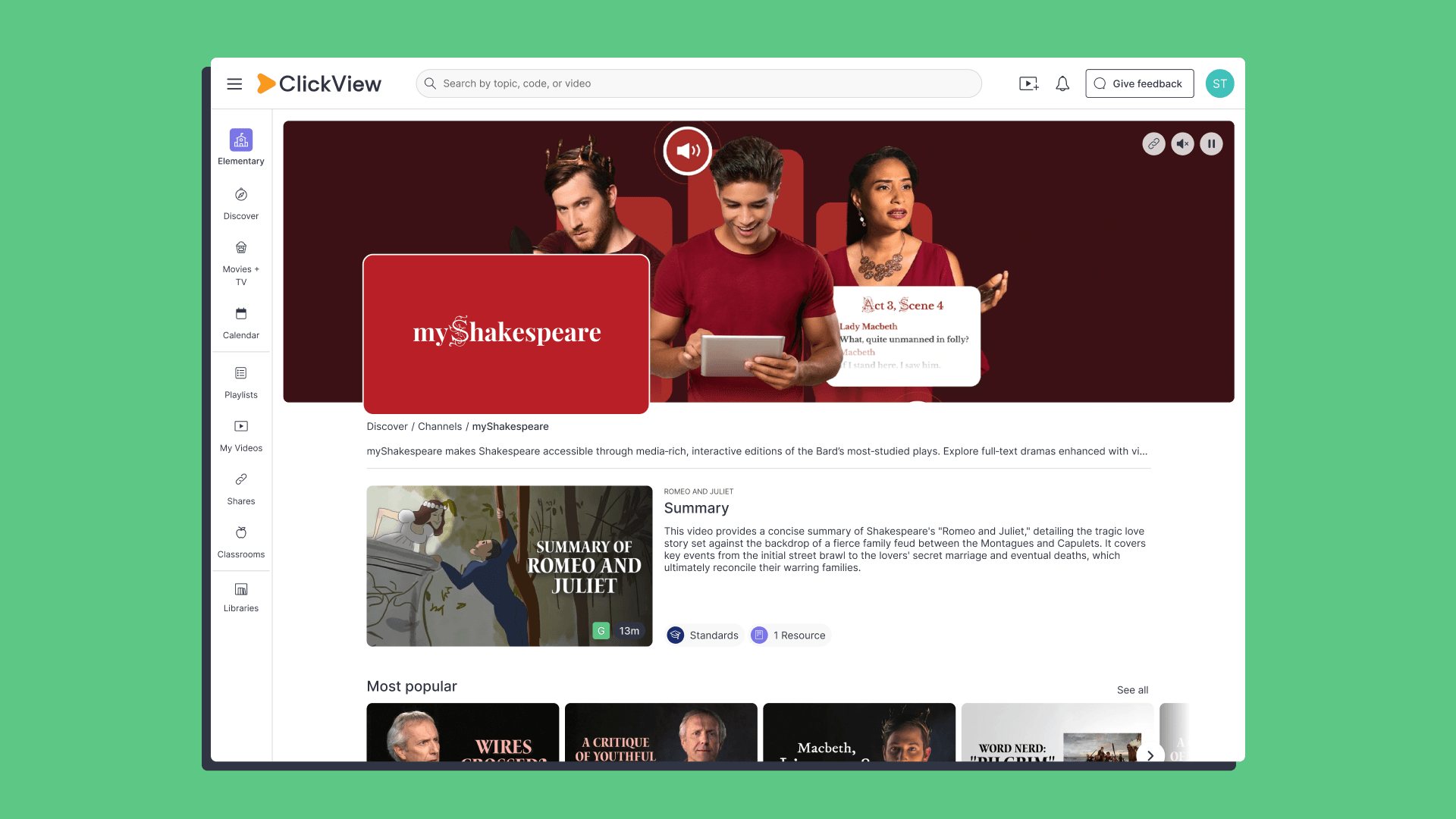
Tips and tricks
- New to curriculum search? Use it to find live programs that align to your standards, right alongside your ClickView search results.
- Save your favorite field trips and author visits to a playlist so you can find them again fast.
- Clip the key moments from a program and share them directly with your students.
- Connect ClickView Live to Google Classroom or Microsoft Teams to assign a program the same way you’d assign any other video.
As always, we’d love your feedback. This change was designed with your workflow in mind, so keep sharing your thoughts here so we can keep making ClickView better for everyone.
Share to

Joe Pour
briefcase iconChief Product Officer
Experienced product leader with a strong background in engineering and building innovative products at scale.
Other posts

Want more content like this?
Subscribe for blog updates, monthly video releases, trending topics, and exclusive content delivered straight to your inbox.