How to find interactive videos
In this article
Last updated by
1 min readClickViewJanuary 30, 2026
Summary
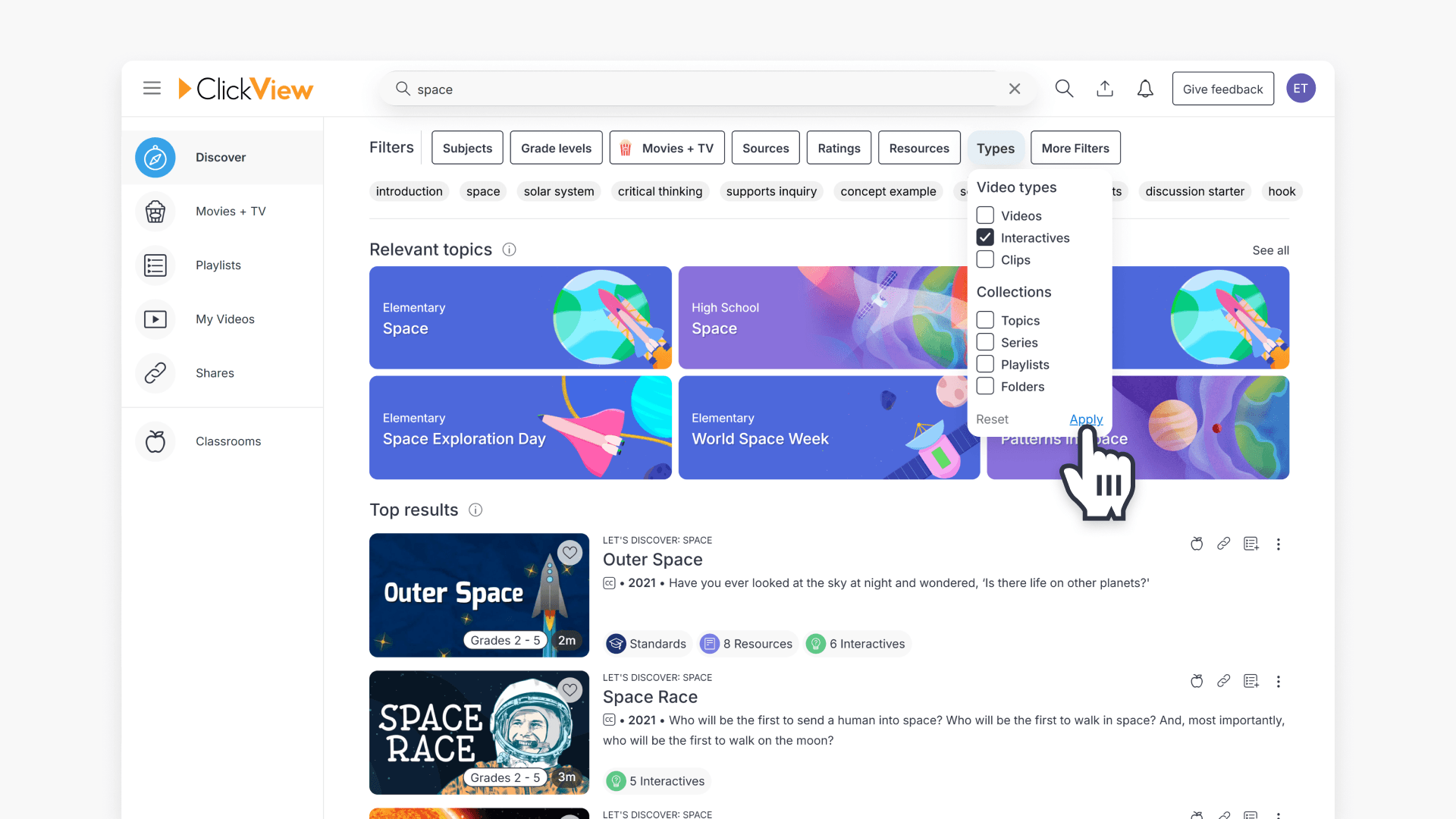
- Use the search bar on the main page or Discover.
- Apply filters to refine your search.
- Select types, then choose “Interactives”.
- Click apply to confirm your filter selections.
- You can search directly by video name if known.
Ways to locate interactive videos
There are two main ways to find interactive videos in ClickView. Following these steps below will help you easily find interactive videos.
1. Search using Filters
- Type any search term into the Search bar on the main page or Discover.
- Once you enter a term, Filters will appear automatically.
- Click Types in the Filters menu.
- Select Interactives from the list.
- Click Apply to confirm your selection before searching.

2. Search by video name
- In Discover, type the name of the video in the Search bar if you already know it.
- Scroll down the search results page, and click on the video with the green ‘Interactive’ icon on the video thumbnail:

Frequently asked questions
Yes, select Types in the Filters menu and choose Interactives, then click Apply.
No, if you know the name of the interactive video, you can search for it directly by name in the Search bar.
Get in touch
If you’re having trouble finding the right topics or videos, just reach out! Our team - 


 Andrew, Nisch, Janice, Pfreya, or any of us at ClickView - will be happy to help you get sorted.
Give feedback
Was this guide helpful?
Up Next
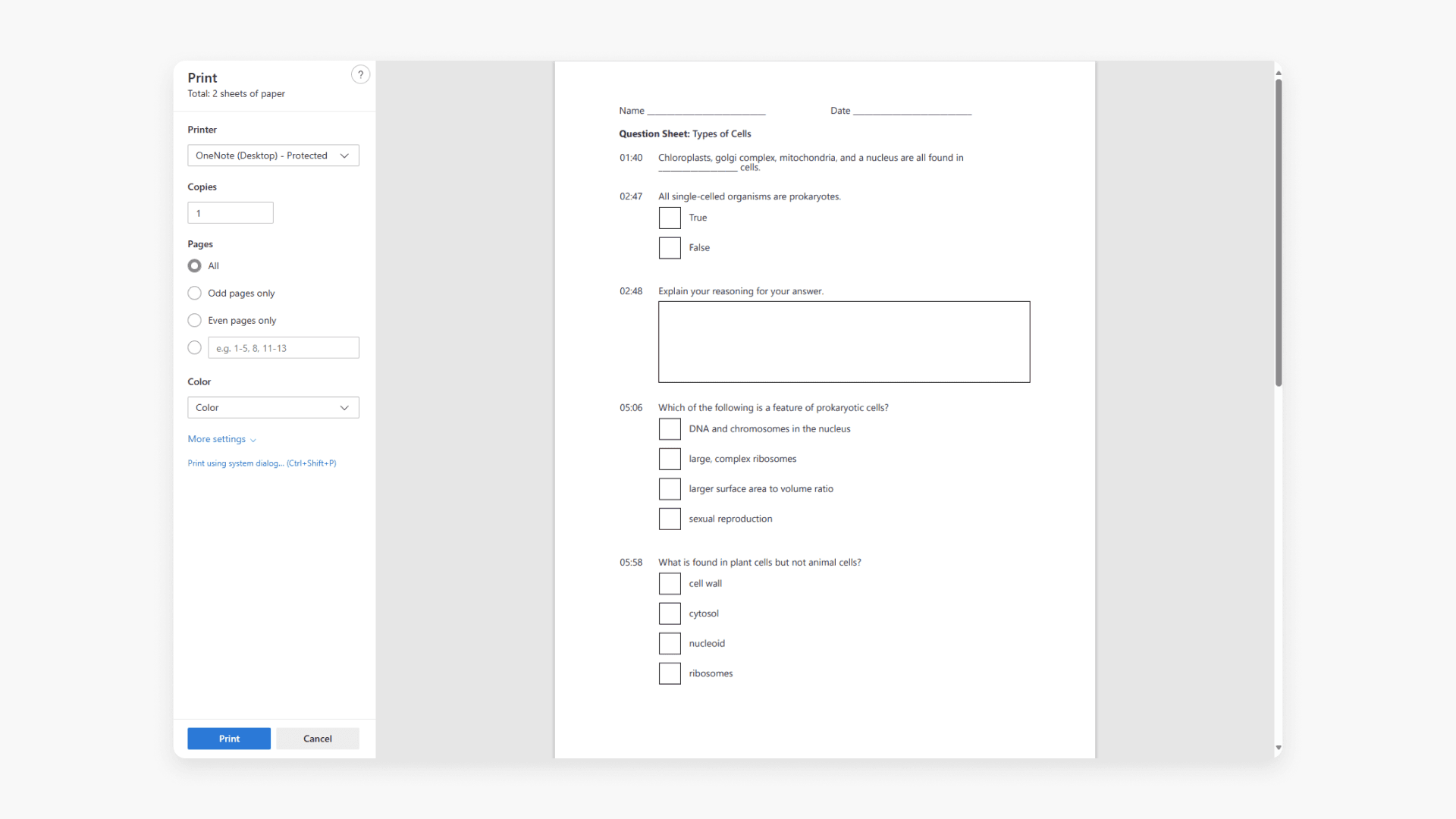
How to print an interactive video worksheet
Discover how to print a worksheet in ClickView. A worksheet lists every interactive video question and when it appears for students.