
The ClickView app for Microsoft Teams is here
Published on 3 min read
In this guide
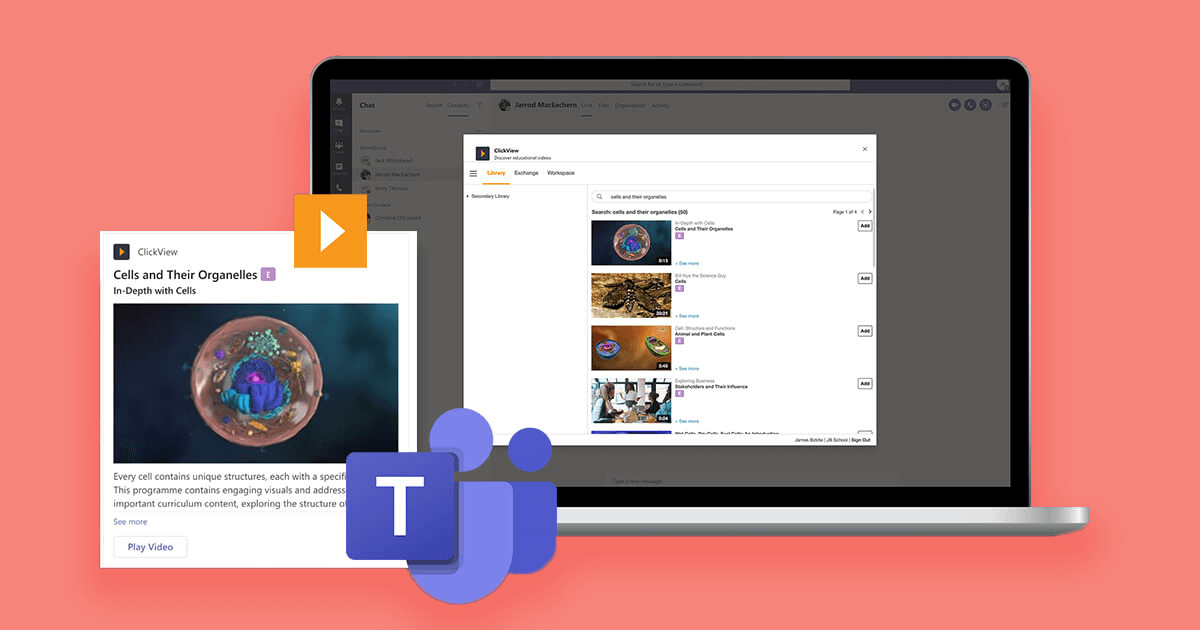
We’re excited to announce a new collaboration that further supports rich learning, particularly in a time of remote education. ClickView now integrates with Microsoft Teams. Designed with teachers in mind, this integration is live and readily available to schools and colleges.
We’ve seen increased demand from schools for a ClickView app for Microsoft Teams. As schools and colleges across the UK have moved to Teams, it is important for ClickView to also work well in this new environment.
DfE Demonstrator ‘Broadclyst School’ in Devon have been showcasing their Microsoft Teams practice to help schools across the UK respond to remote teaching.
ClickView provides us with high-quality video curriculum content with built-in interactive quizzes, saving our teachers planning time, enhances lesson delivery and engages our learners… The ease of use and seamless integration with Microsoft Teams helps make our provision truly world-class.
Broadclyst Executive Headteacher and CEO of Cornerstone MAT, Jonathan Bishop
How to Pair Microsoft Teams and ClickView
Video by Phil Whitehead from Teachblend
Three key benefits of the ClickView Teams integration
- The app makes it so easy to share videos with your class, with no need to leave the Teams app to search the ClickView library.
- You can share videos directly into Teams chat messages.
- While ClickView has been integrated with OneNote for some time, the Teams integration makes it even easier for teachers to embed video content from ClickView and share educational videos.
How to get the app and get started
There are three ways to get the ClickView Teams app. If you need to install the Microsoft Teams app, make sure you do that first via the Microsoft Store.
Once you’ve done that, you can:
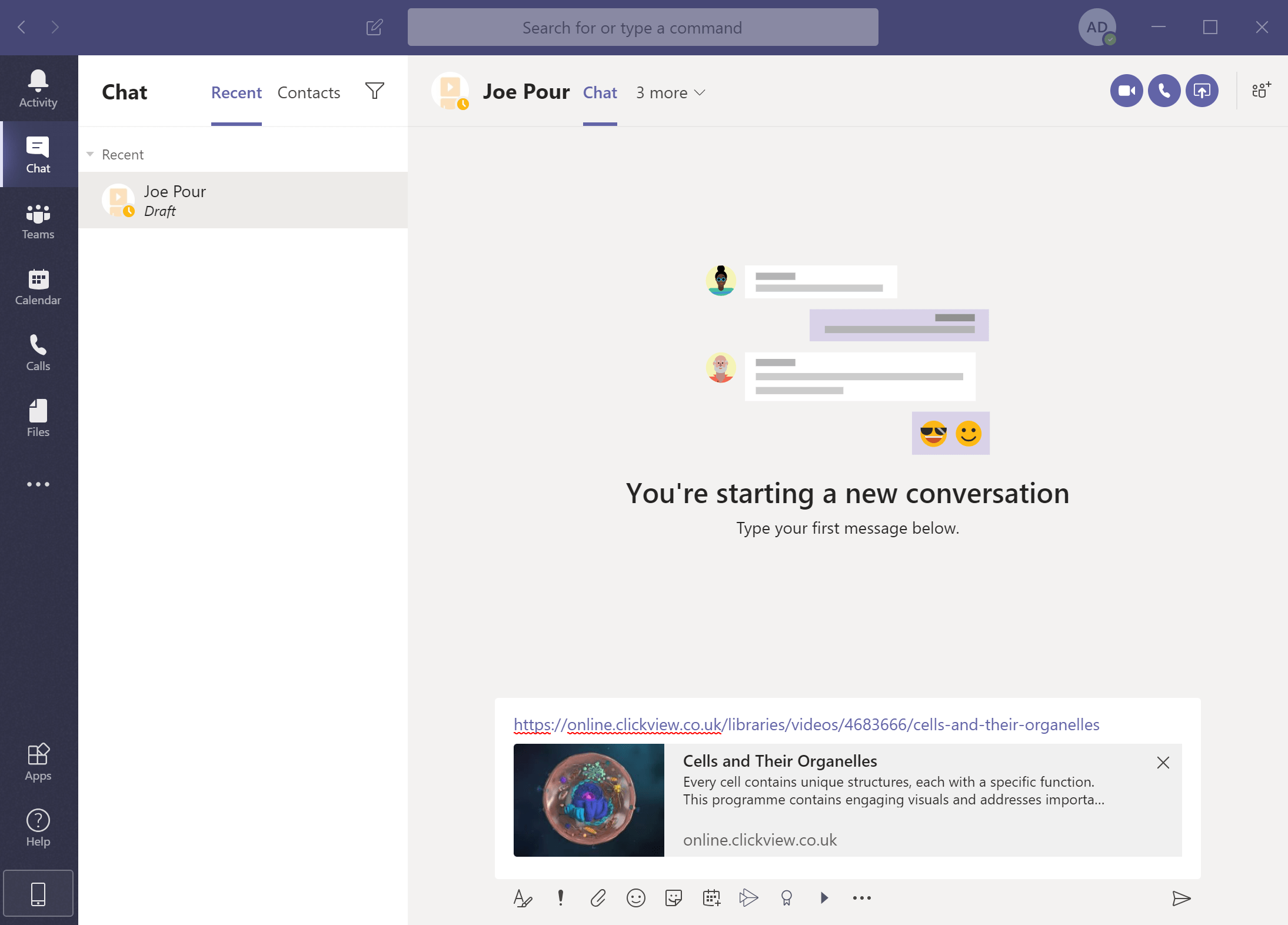
- Cut and paste a ClickView URL into Teams and it will automatically expand. You’ll then be prompted to install the ClickView app.
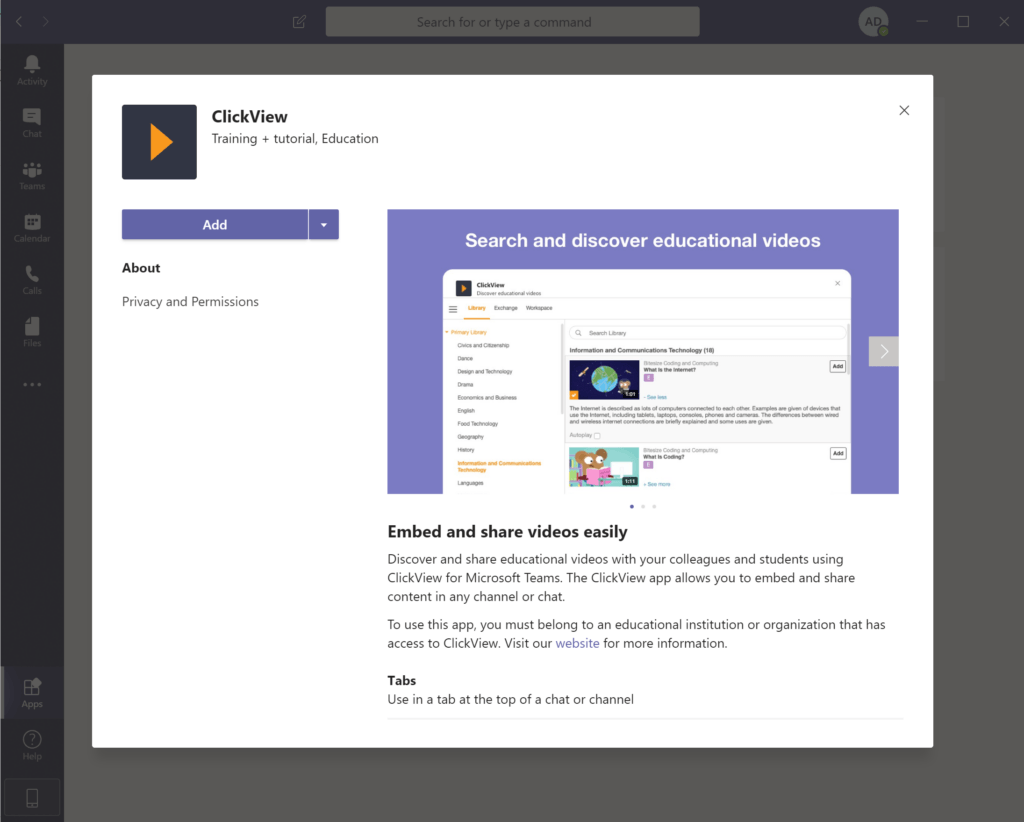
- If you’re already using Teams, go into apps, and search for ClickView. Install it or add it to Teams then sign in when prompted.
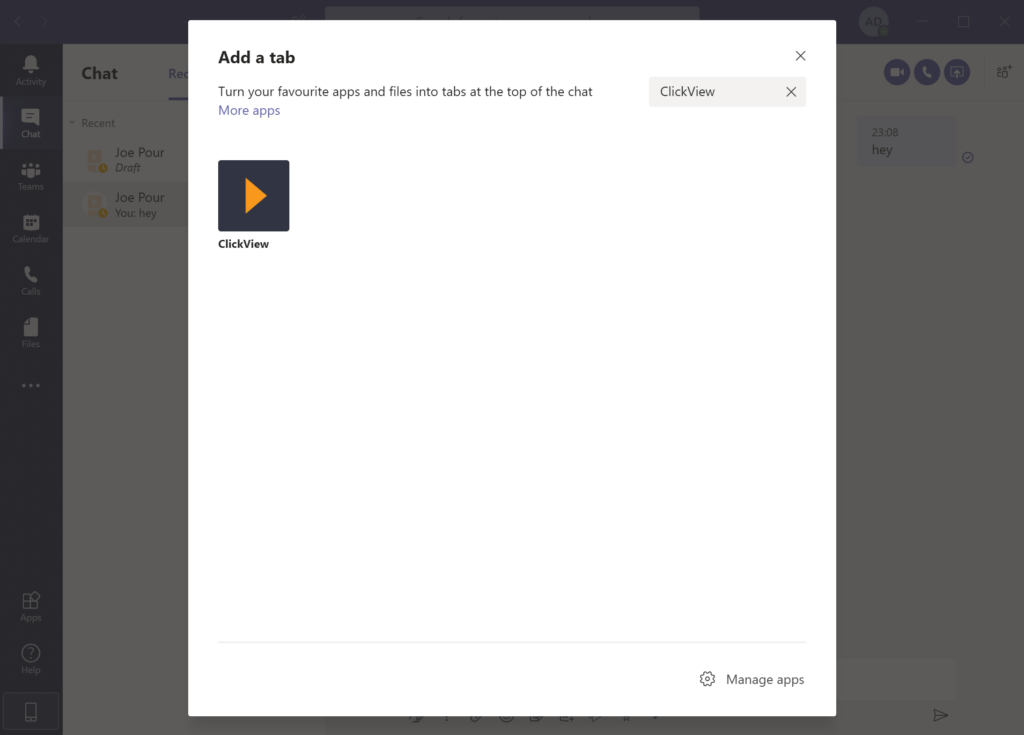
- OR Click on the + (plus) sign at the top of your screen in Teams, click on ClickView, then add a video. This will take you through the installation process.
How to use ClickView with Teams
There are many ways you can use the Microsoft Teams-ClickView integration to enhance teaching and learning for your classes. Here are some suggestions and actions to get you started.
- Once the app is installed, you can add a ClickView video to a chat without having to leave Teams. The full search function lets you search all ClickView videos.
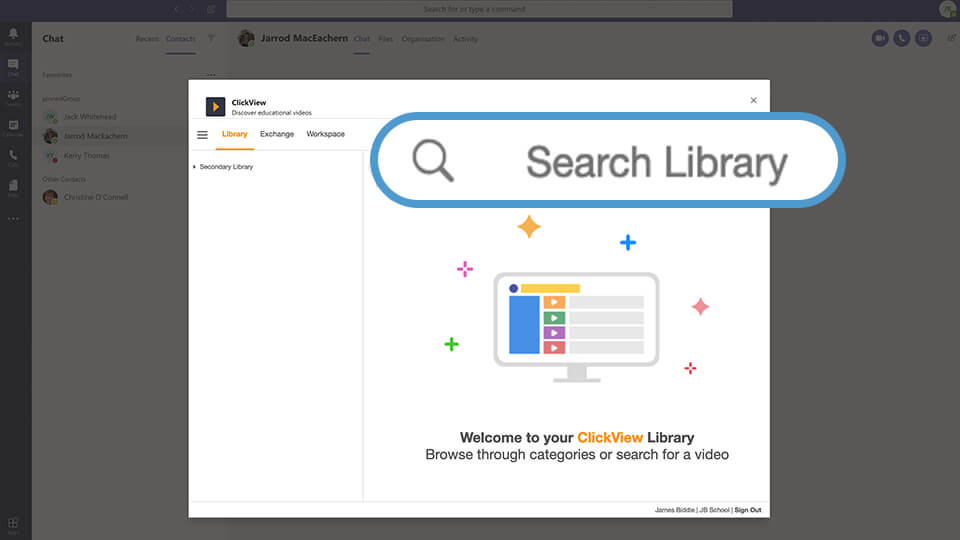
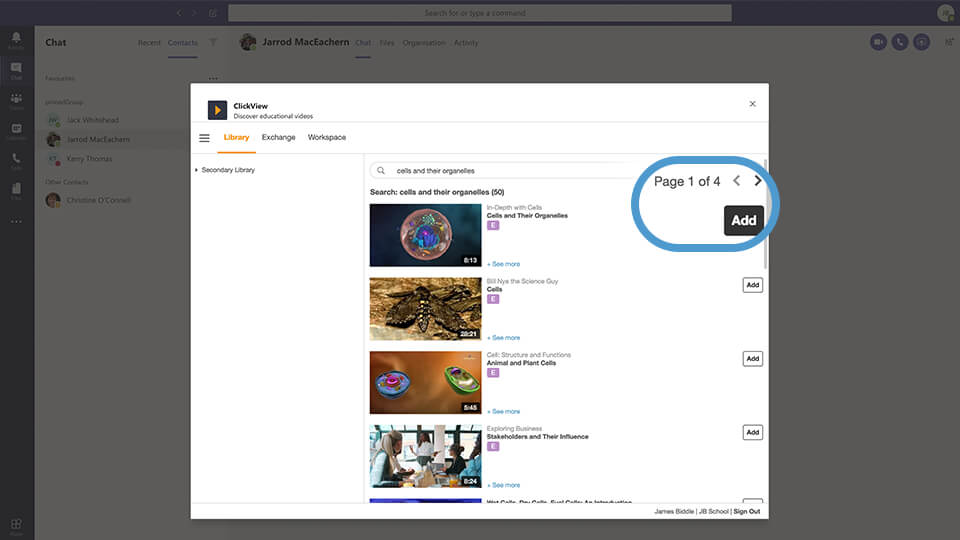
- Choose the video you’re after by clicking Add.
- Embed it into the chat to share with your students and colleagues. There’s no need to switch between platforms or log in multiple times.
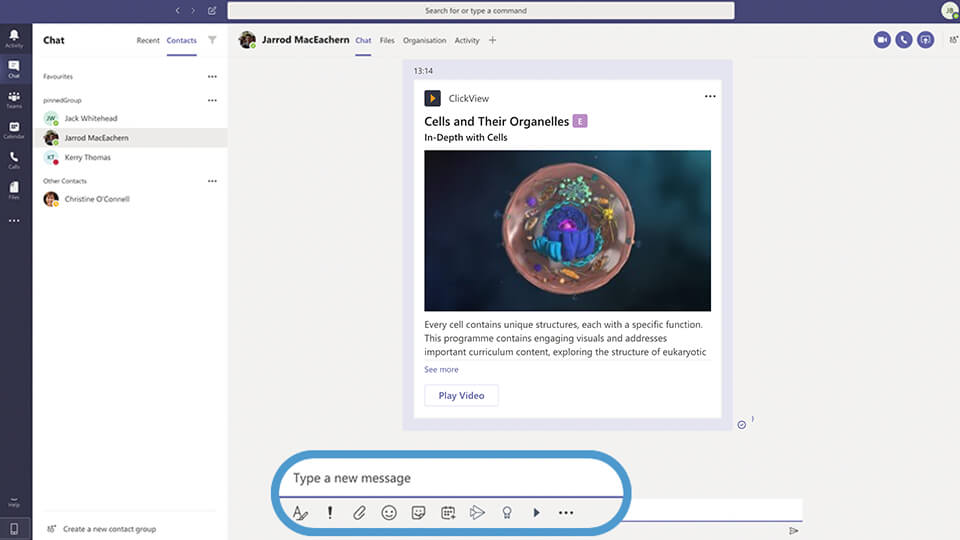
- Use the chat tab at the top to talk to your class, such as having a conversation about video content students have just watched.
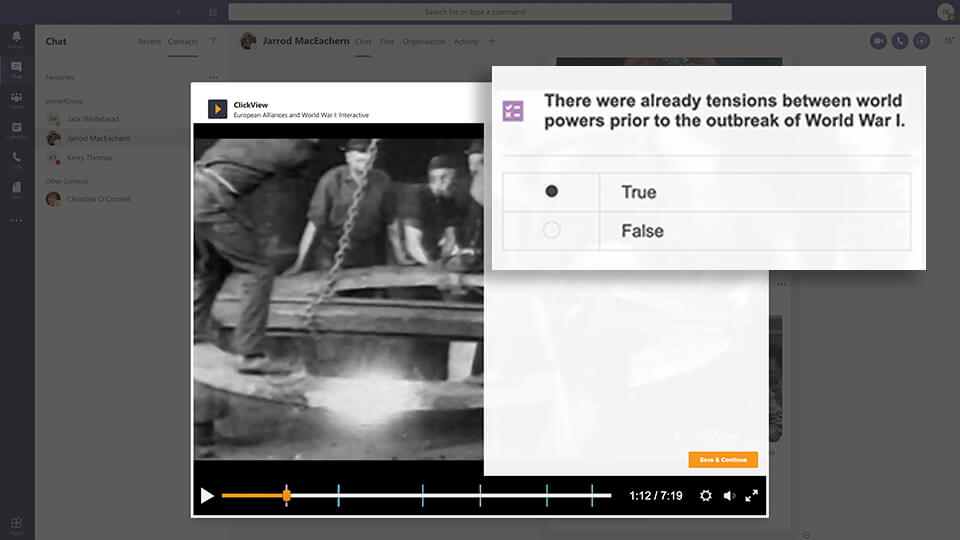
- You can also embed questions about your video in Teams. This feature means you can check on the progress of your students, quickly and accurately assessing their understanding.
We’ve also seen an increase in engagement from students using ClickView. While ClickView has traditionally been seen as a teaching tool, students are now accessing the platform directly in large numbers. This integration will appeal to students, as it mirrors much of the functionality of apps they are already familiar with.
Over to you
We look forward to hearing from you about how your school or college is using the app to enhance your ClickView experience. If you have any questions about how the integration works, our Customer Success Team is always here to help. Get started today by downloading the ClickView App for Microsoft Teams.
Share to

Joe Pour
briefcase iconChief Product Officer
Experienced product leader with a strong background in engineering and building innovative products at scale.
Other posts

Want more content like this?
Subscribe for blog updates, monthly video releases, trending topics, and exclusive content delivered straight to your inbox.