How to use the Special Events Calendar

Summary
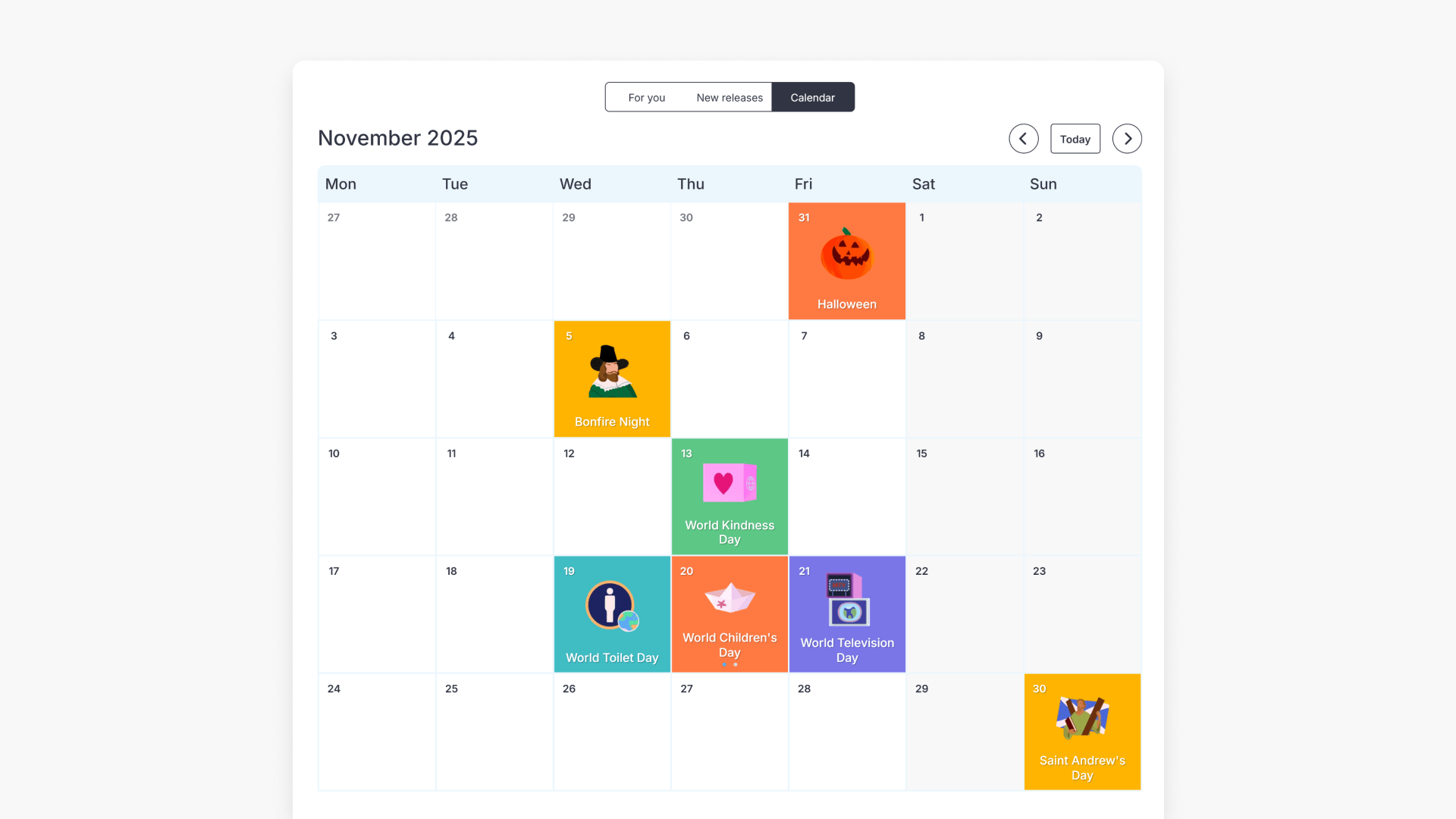
- Select the Calendar button from the Discover home page.
- View upcoming and recent global or national special events.
- Click on any event in the Calendar to access curated resources.
- Resources include age-appropriate videos and lesson materials.
- Content aligns with the National Curriculum.
What is the Special Events Calendar?
The Special Events Calendar helps educators plan lessons around key global and national dates. It displays upcoming and recent events such as holidays, commemorations, and awareness days, including Easter and Remembrance Day. This makes it easier to connect classroom learning to real-world events observed across year groups.
Plan lessons faster around special events
ClickView’s Special Events Calendar saves time when planning lessons about upcoming or recent special events. When you select a date from the Calendar, you gain instant access to topics and relevant, age-appropriate videos and lesson resources for each event.
Always find timely event resources
Upcoming and recent topics are available at your fingertips. When last-minute events arise, you can quickly sign in to ClickView, find engaging, curriculum-aligned videos and activities, and keep students informed about world events.
Diverse and inclusive content
All Special Events Calendar resources in ClickView are factually accurate, culturally responsive, and inclusive. Each event Topic includes subject-focused videos, event introductions, and collections of related educational materials suitable for a wide range of year groups.
For information on additional topics, see the article on ClickView Topics.
Frequently asked questions
Get in touch
If you’re having trouble finding the right topics or videos, just reach out! Our team - 


 Andrew, Nisch, Janice, Pfreya, or any of us at ClickView - will be happy to help you get sorted.
Give feedback
Was this guide helpful?
Up Next
Understanding Featured Channels
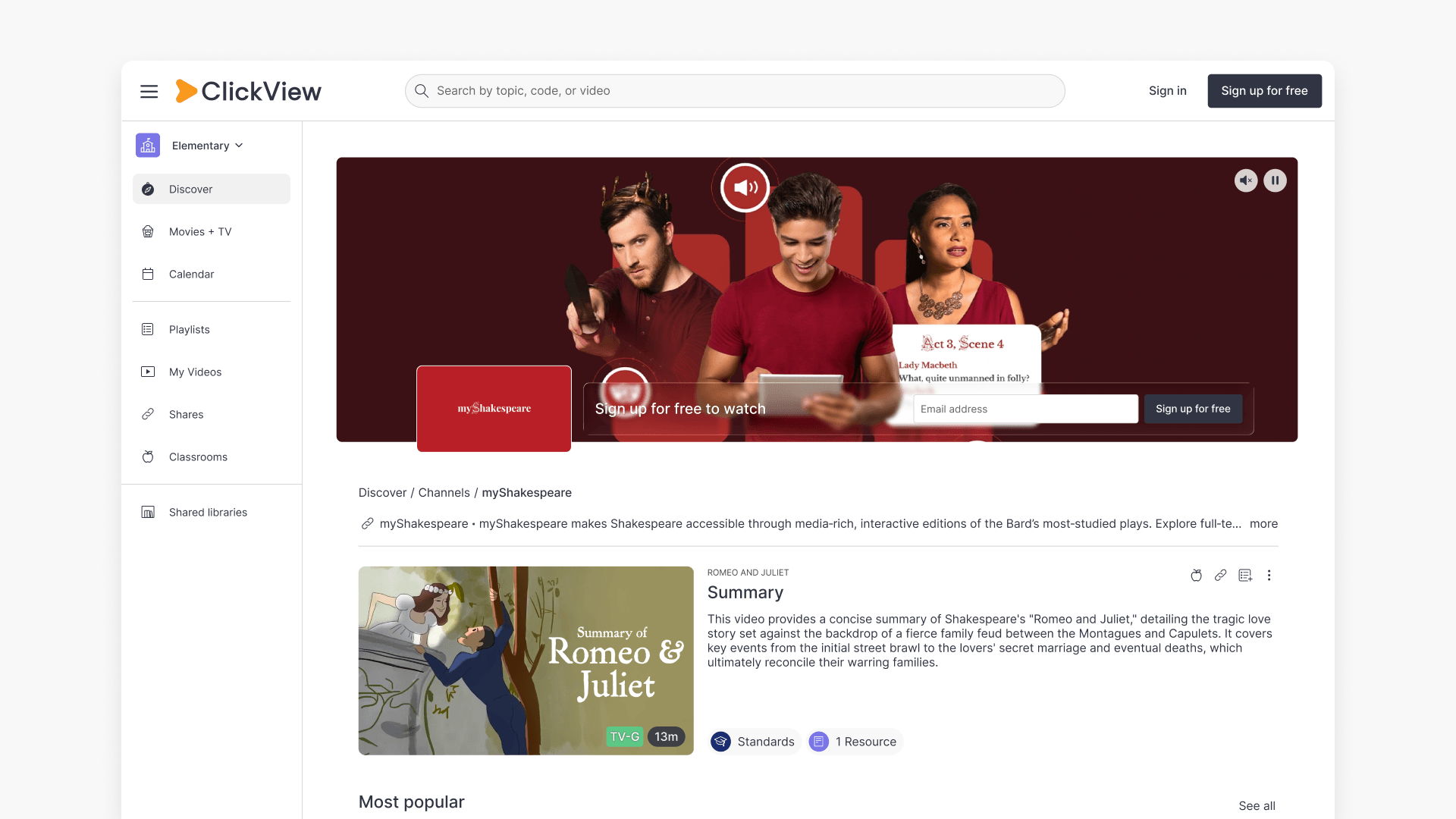
Summary What are Featured Channels in ClickView? Featured Channels bring together every video from one producer in a single place, so you can explore all their videos and resources rather than finding them across topics, series, and search results. Each channel includes a banner introducing the producer, videos organised by recent, popular, and series, and […]