How to allow domains for ClickView services


Summary
- IT staff may need to set firewall or proxy rules for ClickView access.
- General allowlisting can enable all ClickView services.
- Use the provided domain lists for product and email communications.
- Separate address lists exist for US/Canada, Australia/New Zealand, and UK.
- Cloud-based services and updates rely on these domains.
Which domains do I need to allowlist?
To ensure smooth access to all ClickView products and communications, your IT team may need to set firewall or proxy rules to whitelist required domains. This is essential for accessing ClickView’s cloud-based services and receiving important updates. Several firewalls support creating a general rule that allows traffic to an allowlisted domain.
Use the following domain lists to configure your school’s firewall settings. Ensure all addresses for your region are included.
US / Canada
ClickView + Streamable Learning product domains:
https://*.clickview.us
https://static.clickview.com.au
https://static.clickvieweducation.com
https://*.clickviewapp.com
https://*.clickviewlocalcache.com
https://clickview.tv
https://*.clickview.tv
https://clickv.ie
https://clickview.net
https://*.clickview.net

https://*.streamablelearning.com
https://streamablelearning.com
ClickView + Streamable Learning email domains:
# ClickView
n.clickvieweducation.com - critical product updates
m.clickvieweducation.com - newsletter, content updates
learn.clickvieweducation.com - webinars, special events

# Streamable Learning
learn.streamablelearning.com

# Staff
clickvieweducation.com
streamablelearning.com
Australia / New Zealand
ClickView product domains:
https://*.clickview.com.au
https://*.clickviewapp.com
https://*.clickviewlocalcache.com
https://clickview.tv
https://*.clickview.tv
https://clickv.ie
https://clickview.net
https://*.clickview.net
https://integrations.clickviewapp.com
https://static.clickview.com.au
https://static.clickvieweducation.com
ClickView email domains:
# ClickView
n.clickvieweducation.com - critical product updates
m.clickvieweducation.com - newsletter, content updates
learn.clickvieweducation.com - webinars, special events

# Staff
clickvieweducation.com
clickview.com.au
United Kingdom
ClickView product domains:
https://*.clickview.co.uk
https://static.clickview.com.au
https://static.clickvieweducation.com
https://*.clickviewapp.com
https://*.clickviewlocalcache.com
https://clickview.tv
https://*.clickview.tv
https://clickv.ie
https://clickview.net
https://*.clickview.net
ClickView email domains:
# ClickView
n.clickvieweducation.com - critical product updates
eu.clickvieweducation.com - newsletter, content updates
learnuk.clickvieweducation.com - webinars, special events

# Staff
clickvieweducation.com
clickview.co.uk
What’s the best way to configure firewall rules?
Many firewall solutions allow you to create a general rule to allow traffic to all necessary domains in one step. Decide the appropriate method for your network, ensuring every listed domain is covered.
If I need help configuring our firewall
If you have trouble with allowlisting or have questions about firewall settings, contact Product Support.
Frequently asked questions
Get in touch
If you’re having trouble finding the right topics or videos, just reach out! Our team - 


 Andrew, Nisch, Janice, Pfreya, or any of us at ClickView - will be happy to help you get sorted.
Give feedback
Was this guide helpful?
Up Next
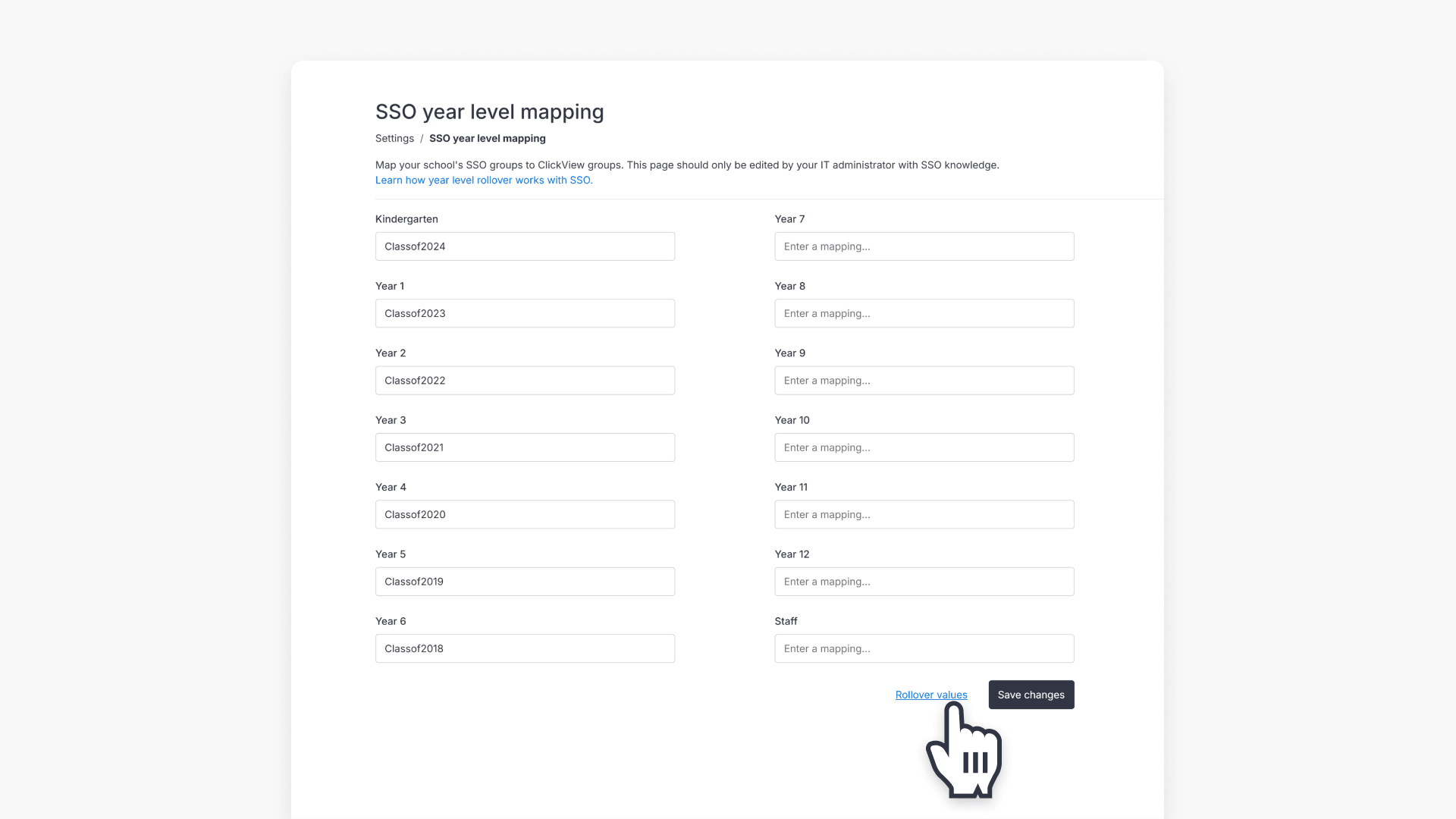
How to manage year group rollover with SSO
This article explains how administrators can perform annual year group rollovers for SSO groups in ClickView, choose the correct rollover method, and follow step-by-step instructions.