How to send video requests for a Shared Library
In this article
Last updated by
2 min readClickView1st February, 2026
Summary
- Sign in to ClickView to get started.
- Open the video you want to request.
- Select the ‘3 dots’ icon and click ‘Add to library’
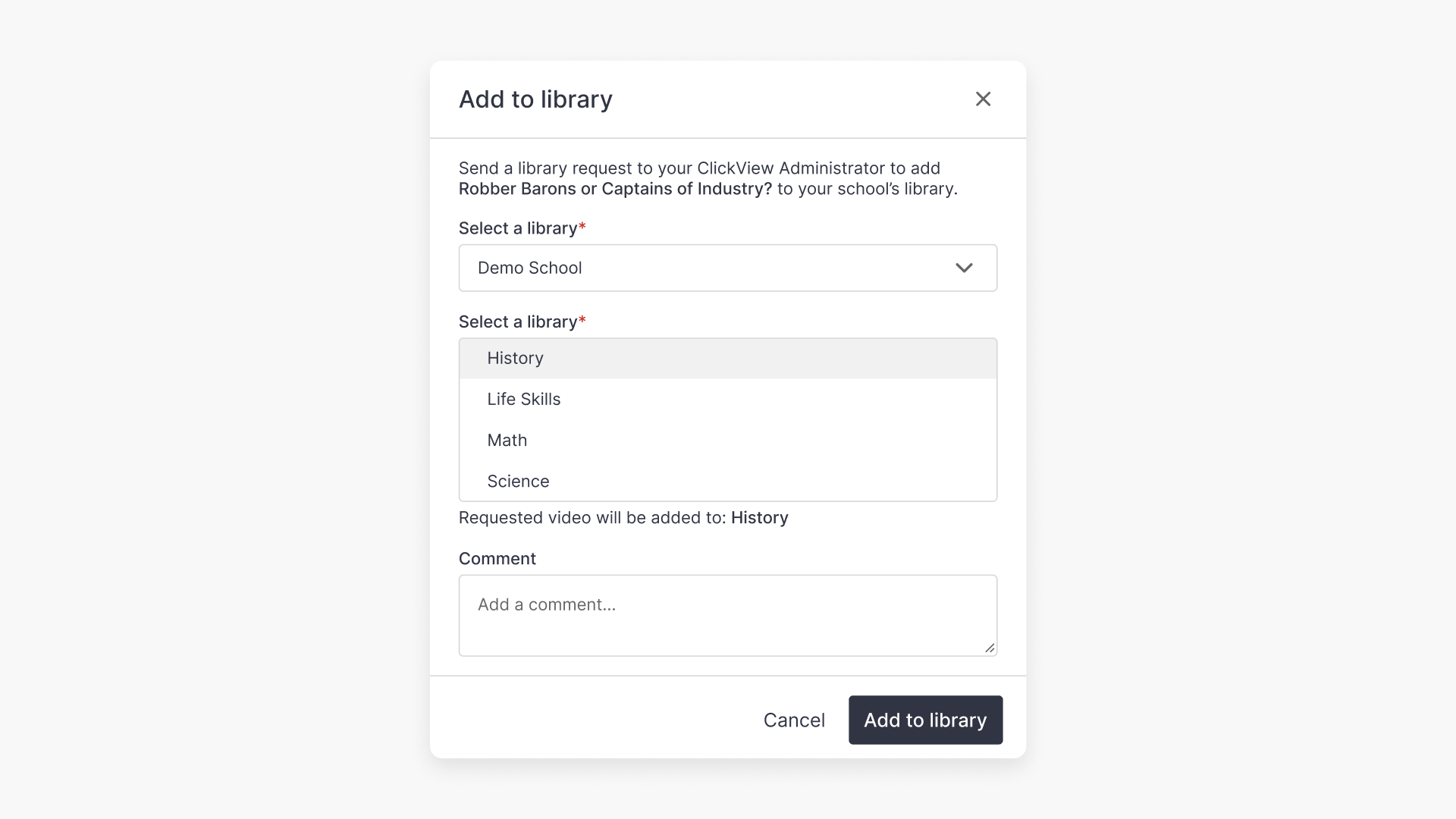
- Choose your Shared Library in the pop-up.
- Select a folder and write a message to the Shared Library Administrator.
- Your Shared Library Administrator will get an email and notification.
- The administrator can add the video or reject your request.
Steps to request a video for your Shared Library
- Sign in to ClickView.
- Find the video you want to add to your Shared Library.
- Select the ‘3 dots’ icon (next to the video or below it) and click Add to library.

- In the pop-up, choose the Shared Library for your multi-academy trust or organisation.

- Select a folder for the video and write a message for the Shared Library Administrator.

What happens next
- The Shared Library Administrator receives your request by email and notification.

- The Administrator reviews the request and either adds the video to the Shared Library or rejects the request.
- For more details about how Administrators manage video requests, refer to the related administrator guide.
Frequently asked questions
The ClickView Administrator of the Shared Library at your multi-academy trust or organisation receives your request by email and notification.
If your request is rejected, the video will not be added to the Shared Library. You may contact Product Support for further assistance.
Yes, you can select a folder for the video when making your request.
Get in touch
If you’re having trouble finding the right topics or videos, just reach out! Our team - 


 Andrew, Nisch, Janice, Pfreya, or any of us at ClickView - will be happy to help you get sorted.
Give feedback
Was this guide helpful?
Up Next
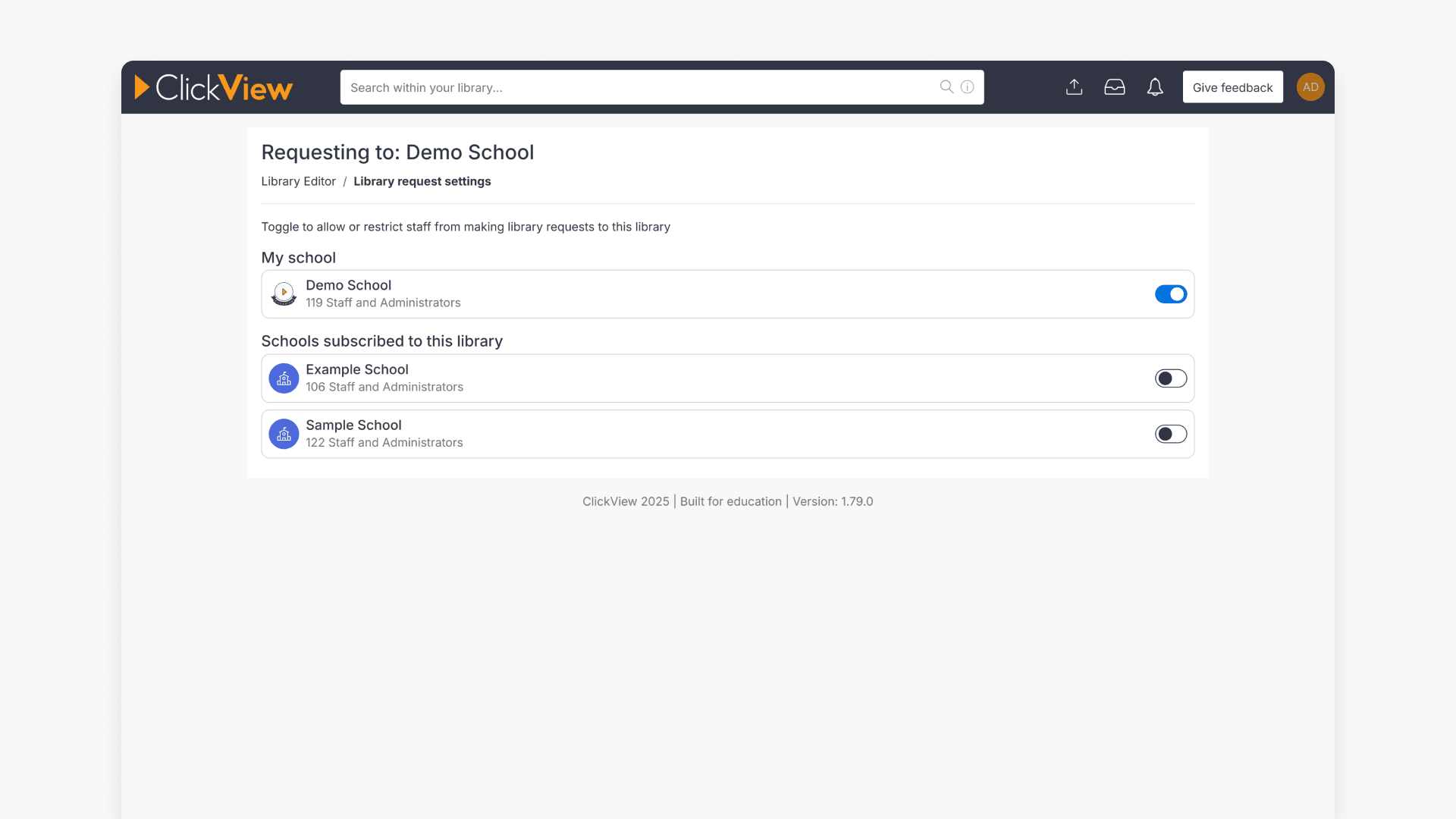
How to manage subscriber school access to a Shared Library
This article explains how administrators can share their school library with other campuses, review subscription settings, and remove or adjust access for subscribing schools.