
IP Authentication
Provide secure, instant on-campus access to ClickView. Teachers and students can use ClickView without having to remember logins.
success tick iconQuick to set up, simple to support
success tick iconNo personally identifiable information (PII) shared
success tick iconSeamless on-campus access for teachers and students

Feel the difference
See how IP Authentication can reduce administrative tasks and make everyday access to ClickView effortless.
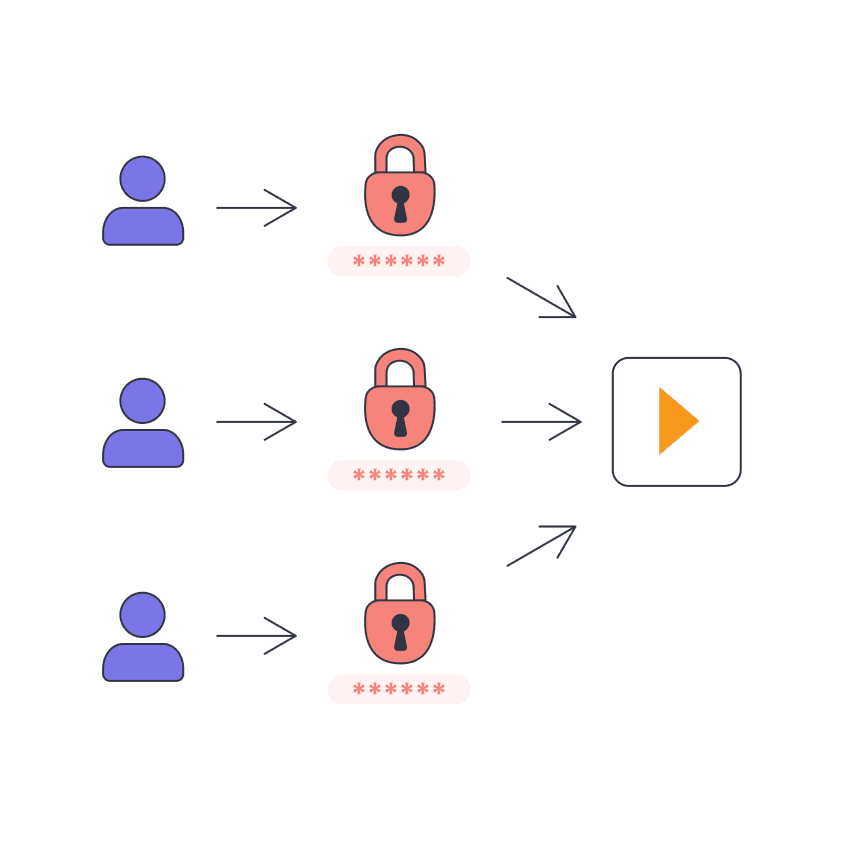
Before set up
cross fill iconManual account setup for every teacher and student
cross fill iconExtra admin with onboarding and password resets
cross fill iconSchools are required to provide student details (names, emails, grades) with ClickView
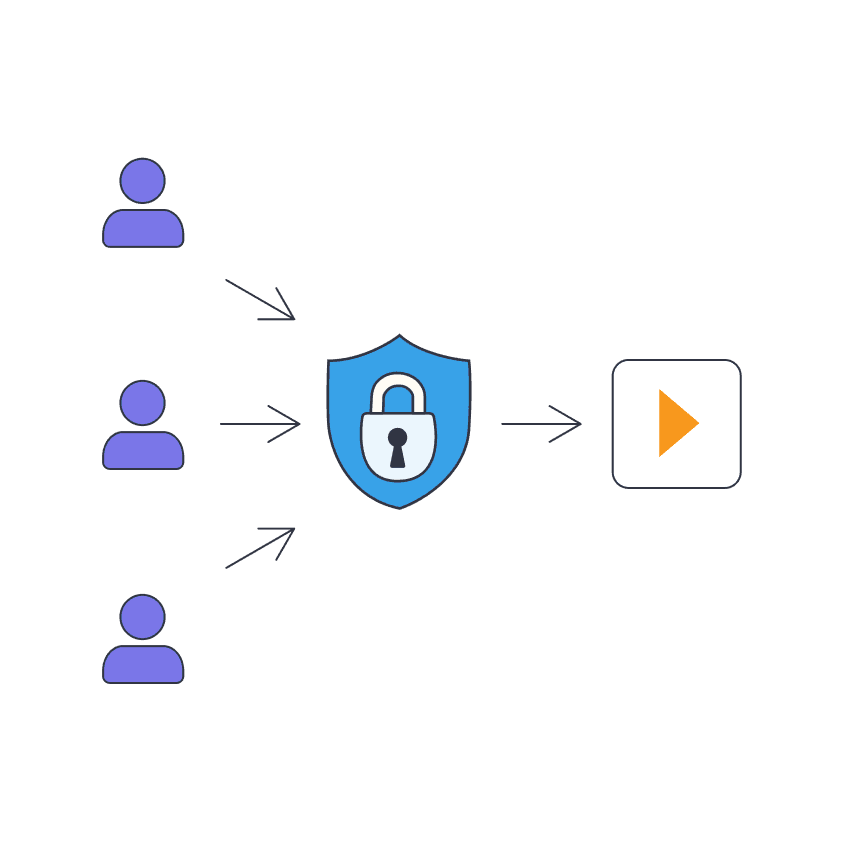
After set up
success tick iconAutomatic access on your school network, no setup needed
success tick iconTeachers and students access instantly without logins
success tick iconPrivacy protected with no personal information exchanged or shared
Why IP Auth works for you
IP Auth makes it easy for students and teachers to access ClickView, right from the moment they connect to the campus network.

Instant access on campus
Teachers and students can use ClickView as soon as they connect to the campus network, without having to sign in.
No passwords to remember
Forget the hassle of resetting emails and lost logins. Access ClickView, password-free.
Privacy protected
With IP Auth, no personally identifiable information (PII) is shared with ClickView, keeping your data safe.
FAQs
When your school’s network is linked to ClickView through its IP address, anyone on that network can access ClickView instantly - no logins required. If you’re already a ClickView customer, contact us to find out how you can set up IP Auth on your network.
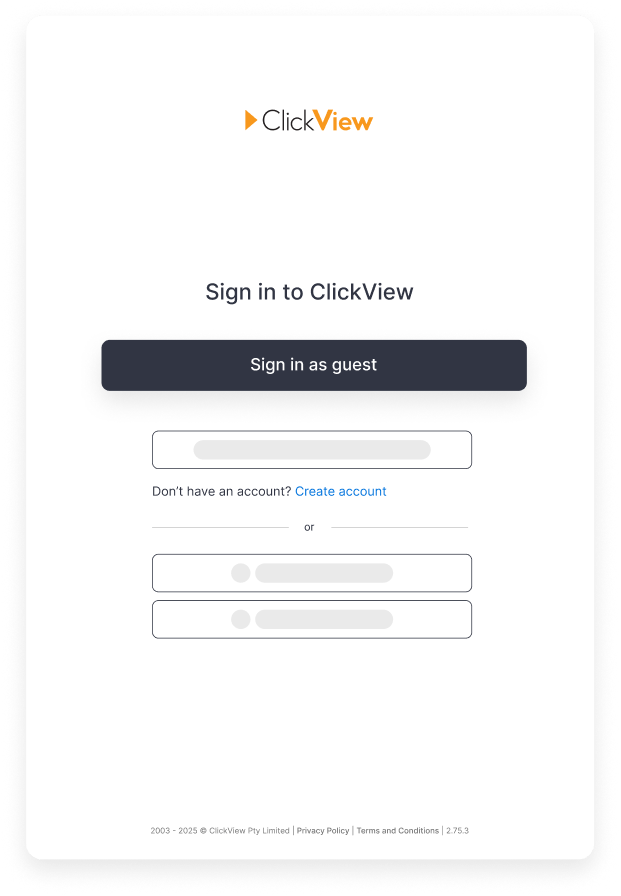
No. With IP Auth, everyone signs in through a shared guest account. There’s no setup, usernames, or passwords to manage.
No. IP Auth only works on the school network. For home access, we recommend setting up full accounts via SSO or rostering.
No. Unlike account-based sign-in, IP Auth doesn’t require names, emails, or year groups.
Guest users can browse dashboards, search, and watch curriculum-aligned videos. Advanced features like playlists, favourites, and sharing are only available with full accounts.
Yes. While IP Authentication allows instant guest access without logins, every teacher and student can also have a full ClickView account. Full accounts provide the best experience, including features like playlists, uploading videos, personalized recommendations, and more. IP Authentication is designed for quick, on-campus access, but dedicated accounts unlock the full set of teaching and learning tools.
Yes. As long as the device is connected to the school network, ClickView will recognise it and allow access.
Yes. Your school’s administrator can work with ClickView to update or adjust IP ranges as needed.
Yes. Even though users sign in as guests, ClickView still records overall usage data at the school level.
IP Auth is designed to make accessing ClickView quick and simple. For the best long-term experience, we recommend moving to SSO or rostering.